" transform="translate(5 2)" width="10px"/></svg>)

•
5 min read
How to Write Clearer Slack Messages: July 2026 Guide
•
5 min read
How to Write Clearer Slack Messages: July 2026 Guide
Slack moves fast, but that speed works against you when your messages are unclear. A vague ask becomes a three-day thread. A missing name means no one responds. Research from the McKinsey Global Institute finds knowledge workers spend nearly 20% of their week just clarifying messages they already received. Knowing how to write better Slack messages is the fix, and it starts before you hit send.
TLDR:
McKinsey research finds knowledge workers spend nearly 20% of their week searching for and gathering information.
Front-load your ask in the first sentence and name the specific person who needs to respond to cut follow-up threads.
Replace "Got it" replies with emoji reactions to save every thread participant a notification that adds no new information.
Send status updates and decisions to public channels, not DMs, so teammates who had the same question don't need to ask it again.
Dedicated voice dictation tools let you speak directly into Slack at near-instant latency, with shared custom dictionaries keeping team-wide terminology consistent.
Why Slack Message Quality Has a Real Business Cost
Slack messages are brief, but their cumulative weight is anything but. Teams send thousands of messages a week, and each one carries the potential to clarify or confuse, to move work forward or stall it.
Research from the McKinsey Global Institute finds that knowledge workers spend nearly 20% of their workweek searching for information or clarifying messages they already received. It is recurring, compounding time lost to poor communication that could have been clear the first time.
Writing better Slack messages is not an etiquette preference. It is a lever that directly affects how much real work a team can move through in a day. See our guide on Slack productivity for more.
Write for Your Audience Before You Write Anything Else
A message to a close collaborator can skip the context. A message to someone two time zones away who joined last month cannot. Slack collapses seniority, familiarity, and urgency into the same text box, so the burden falls on you to calibrate tone before you start typing.
If you're writing to someone you work with daily, brevity reads as confidence. Get to the point without the pleasantries.
If you're writing to someone unfamiliar with your work or your team, a sentence of context up front prevents three rounds of follow-up.
Pinging someone mid-sprint with a vague "hey, got a sec?" is a different interruption than a well-scoped question they can answer asynchronously. That distinction is central to async communication best practices for remote teams.
Send Fewer Messages and Make Each One Count
Ask whether a message needs to exist at all before you hit send. Batching related questions into one well-structured message respects the recipient's time and cuts back-and-forth, a key habit for engineering leads, PMs, and managers looking to improve team communication.
Writing Messages That Get Read Once
When you do send, structure matters more than length. A message with a clear ask, relevant context, and an explicit next step gets resolved faster than a long paragraph that buries the question at the end. The same principle applies when you write internal status updates.
Front-load the action: put the request or decision needed in the first sentence, not after three lines of background.
Separate context from ask: a short line of "why" followed by a distinct "what I need" makes it easy to skim and act.
Name the person if you need a specific response, instead of leaving a thread open for anyone to field.
Format Messages for Skimmability, Not for Reading
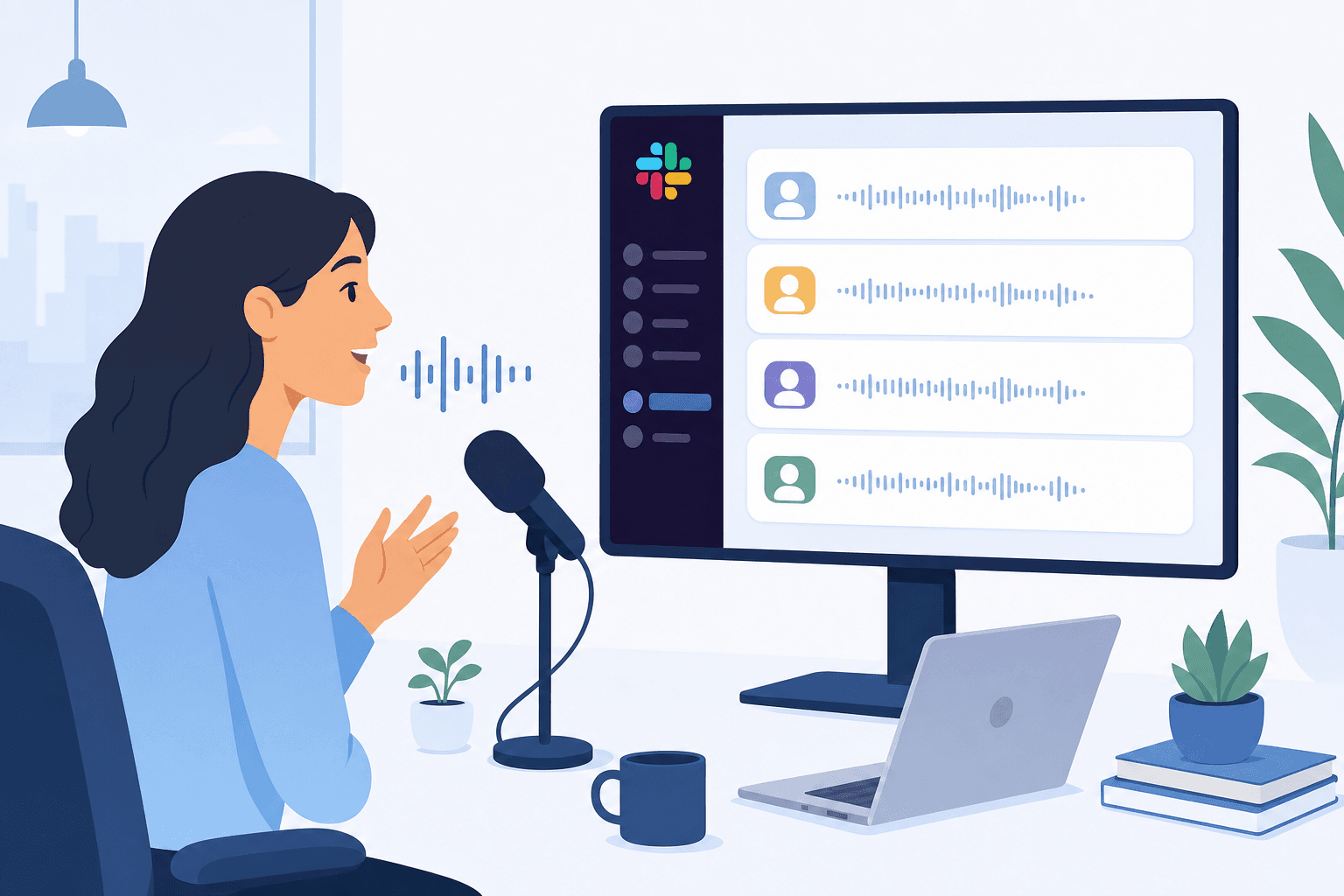
Slack messages get skimmed, not read. Your teammates are moving fast, and a wall of text signals "deal with this later" before they've read a single word.
Structure your messages so the point survives a two-second scan:
Lead with the ask or the bottom line, not the backstory. Bury the context after the request, not before it.
Break anything longer than three sentences into short paragraphs with a blank line between them. White space reads as breathing room, not laziness.
Use bullet points for lists of items, steps, or options so teammates can parse them at a glance without holding a sentence in their head.
Bold only what genuinely requires attention. Bolding everything bolds nothing.
Use Threads to Contain Topics and Reduce Channel Noise
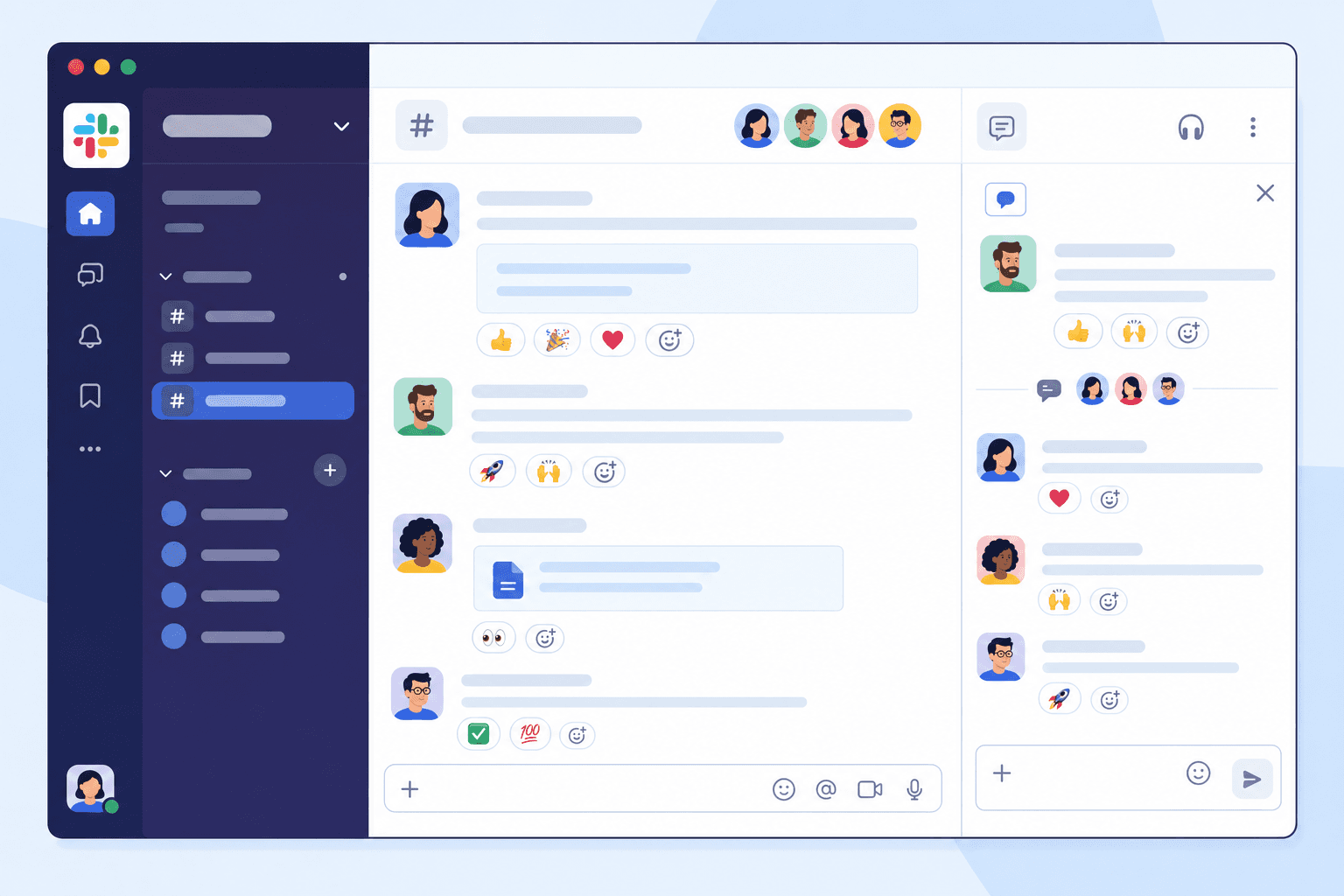
Skipping threads is a reliable way to turn a channel into an unreadable wall of messages. Slack's own etiquette guide ranks threads among the top habits for effective team collaboration. Learning how to close threads faster keeps your team unblocked.
When a conversation belongs inside a thread, keep it there. Reply to the original message instead of posting a new top-level message, so anyone scanning the channel can follow the conversation without losing context. If your response is directed at a specific message and not the whole channel, it goes in a thread.
When to Start a Thread vs. Post to the Channel
Not every message warrants a thread, but these situations usually do:
Detailed follow-up questions on a shared sprint update or project post, where the back-and-forth would interrupt others tracking the main topic.
Feedback on a specific piece of work, such as a design or a draft, where the conversation is only relevant to a few people.
Tangential discussions that spin off from a main topic but belong to that context, not a new channel.
Keeping replies in threads also makes it easier for teammates in different time zones to catch up, a core habit in remote team communication, particularly when paired with voice dictation in Slack to keep responses fast. Instead of scrolling through dozens of disconnected messages, they can read the original post and open only the threads that matter to them.
Replace Short Acknowledgment Replies with Emoji Reactions
Short text replies feel like good manners, but in a busy Slack workspace they cost everyone attention. Each "Got it" or "Sounds good" fires a notification for every thread participant, nudging people out of focus to read something that adds no new information. It is a friction point that executives sending Slack updates work to eliminate.
Emoji reactions in Slack carry the same social signal as a typed reply at a fraction of the cost. A checkmark tells the sender their message landed. A thumbs up signals agreement. For announcements, reactions work as informal read receipts: when several teammates drop a checkmark on a policy update, the poster knows it registered without pulling anyone away from their work.
Save typed replies for moments when you're contributing something new.
Default to Public Channels Over Direct Messages
Slack channels exist for a reason. When you send a question or update in a direct message, only one person sees it. When that same message goes into the right public channel, your whole team benefits from the answer, and you avoid the follow-up messages from teammates who had the same question an hour later.
Before you write anything, ask whether the information belongs to one person or to a group. Status updates, decisions, project progress, and questions others might share all belong in channels. Reserve direct messages for genuinely sensitive topics or conversations that have no value to anyone else.
Situation | Right Format | Why |
|---|---|---|
Quick status update for the whole team | Public channel post | Everyone sees it; no repeat questions later |
Follow-up on a specific message | Thread reply | Keeps the channel clean and context together |
Feedback on one person's work | Thread or DM | Relevant to a few people, not the whole channel |
Acknowledging a message you've read | Emoji reaction | No notification fired; same signal, zero noise |
Sensitive or personal conversation | Direct message | No team value; belongs one-on-one |
Long-form decision or proposal | Doc (Notion, Google Docs) | Slack threads lose context; docs stay findable |
Know When Slack Is the Wrong Tool
Slack moves fast, and that speed is part of the appeal. But the same quality that makes it useful for quick check-ins makes it a poor fit for anything requiring depth, nuance, or a paper trail that actually holds up.
When to Use a Different Channel
Long-form decisions and architecture proposals deserve a document. Write it in Notion, Google Docs, or Confluence so others can comment in context and the thinking stays findable. The same applies if your team uses voice dictation for Microsoft Teams.
Sensitive feedback should never live in Slack. Performance conversations and conflict resolution belong in a meeting or a private, documented channel.
Time-sensitive coordination across time zones rarely works as a Slack thread. A structured update in a project tracker like Linear or Jira gives teammates the full picture without reconstructing it from reactions and replies.
Recognizing these limits makes the messages you do send in Slack sharper. When you reserve the channel for what it actually does well, quick updates, decisions that need fast input, and lightweight coordination, the signal-to-noise ratio across the whole workspace improves.
How Willow Voice Speeds Up Slack Communication without Sacrificing Quality

When you're juggling threads across multiple channels, the bottleneck often has nothing to do with what you want to say and everything to do with how long it takes to type it.
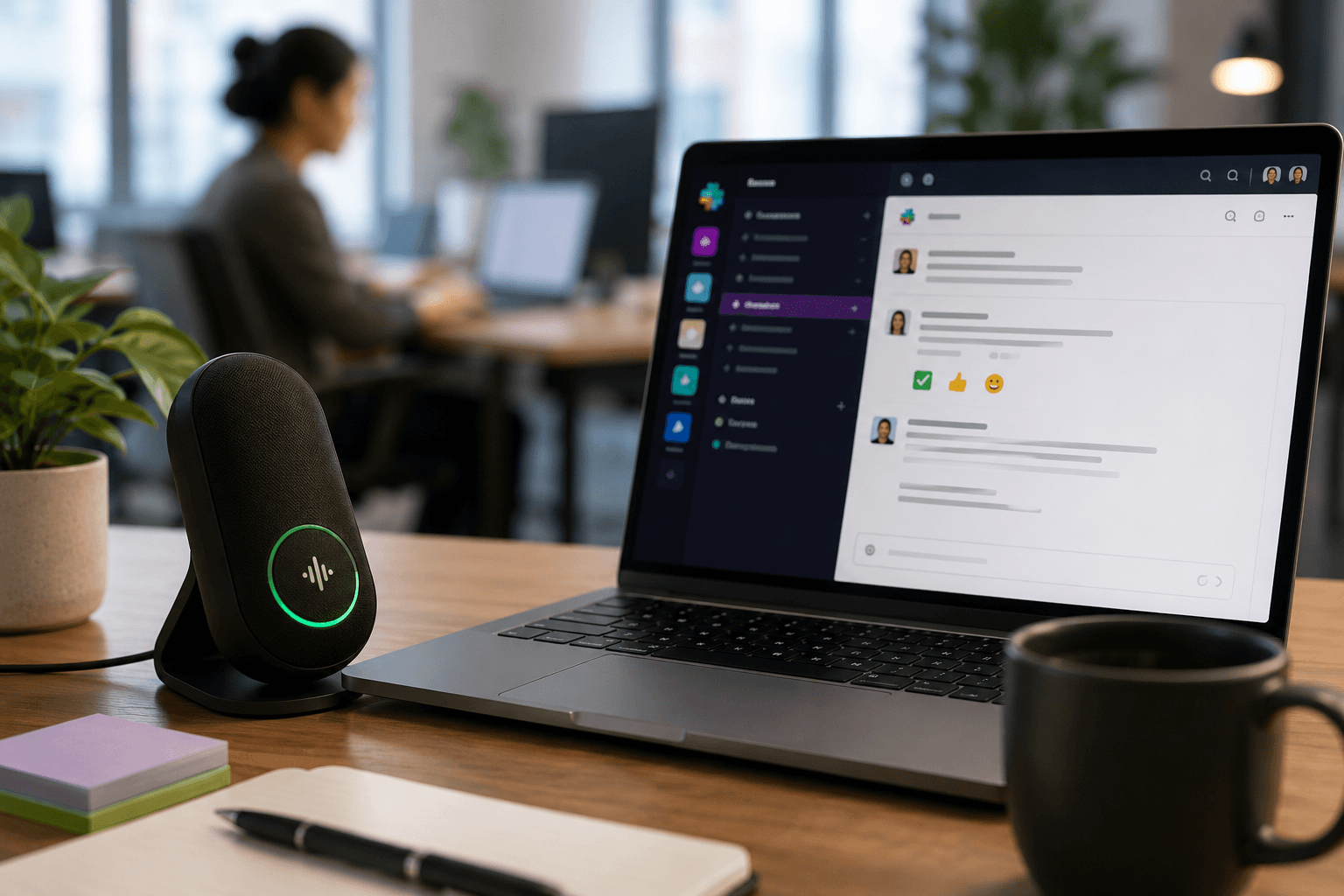
Willow Voice lets you type by voice directly into Slack at ~200ms latency on Mac, Windows, and iOS, so your reply appears almost the instant you finish speaking. Press a hotkey, speak, and the text lands.
Why Speed Matters for Async Teams
For distributed engineering and product teams, slow replies compound across time zones. Willow's ~200ms response keeps async threads moving without the lag that breaks focus mid-thought. Shared custom dictionaries mean team-specific terms, sprint references, project names, and internal shorthand transcribe consistently for every member, including those who didn't set them up. Team leaderboards surface usage and time-saved data across the group, giving team leads visibility into where voice adoption is taking hold, and admin controls let IT configure and deploy Willow org-wide without per-device setup.
Willow is SOC 2 Type II and HIPAA compliant, available natively on Mac, Windows, and iOS. Shared vocabulary and settings carry over across all platforms, so team members moving between a Windows workstation and a Mac or iOS device work from the same configuration without per-device setup.
FAQs
When should I use a thread vs. post a new message to the channel?
Reply in a thread whenever your response is directed at a specific message and not the whole channel. Threads are the right call for detailed follow-ups on shared updates, feedback on a piece of work, or tangential discussions that belong to a topic but not to a broader audience.
Slack DMs vs. public channels: which should I default to?
Default to public channels for anything with shared value, including status updates, decisions, and questions others might ask later. Reserve direct messages for genuinely sensitive or one-on-one conversations where the information has no value to the broader team.
What's the fastest way to reduce unnecessary back-and-forth in Slack threads?
Batch related questions into one well-structured message with a clear ask, brief context, and an explicit next step. Replace short acknowledgment replies like "got it" with emoji reactions, which carry the same social signal without firing a notification for every thread participant.
Final Thoughts on Writing More Effective Slack Messages
Knowing how to write better Slack messages comes down to a few consistent habits: front-load the ask, name the person, keep threads where they belong, and swap acknowledgment replies for emoji reactions. None of that requires a policy change. Start with one habit and the rest follow. For teams that want to move even faster, Willow Voice lets you speak directly into Slack at ~200ms latency, so replies land before the thought fades.
Slack moves fast, but that speed works against you when your messages are unclear. A vague ask becomes a three-day thread. A missing name means no one responds. Research from the McKinsey Global Institute finds knowledge workers spend nearly 20% of their week just clarifying messages they already received. Knowing how to write better Slack messages is the fix, and it starts before you hit send.
TLDR:
McKinsey research finds knowledge workers spend nearly 20% of their week searching for and gathering information.
Front-load your ask in the first sentence and name the specific person who needs to respond to cut follow-up threads.
Replace "Got it" replies with emoji reactions to save every thread participant a notification that adds no new information.
Send status updates and decisions to public channels, not DMs, so teammates who had the same question don't need to ask it again.
Dedicated voice dictation tools let you speak directly into Slack at near-instant latency, with shared custom dictionaries keeping team-wide terminology consistent.
Why Slack Message Quality Has a Real Business Cost
Slack messages are brief, but their cumulative weight is anything but. Teams send thousands of messages a week, and each one carries the potential to clarify or confuse, to move work forward or stall it.
Research from the McKinsey Global Institute finds that knowledge workers spend nearly 20% of their workweek searching for information or clarifying messages they already received. It is recurring, compounding time lost to poor communication that could have been clear the first time.
Writing better Slack messages is not an etiquette preference. It is a lever that directly affects how much real work a team can move through in a day. See our guide on Slack productivity for more.
Write for Your Audience Before You Write Anything Else
A message to a close collaborator can skip the context. A message to someone two time zones away who joined last month cannot. Slack collapses seniority, familiarity, and urgency into the same text box, so the burden falls on you to calibrate tone before you start typing.
If you're writing to someone you work with daily, brevity reads as confidence. Get to the point without the pleasantries.
If you're writing to someone unfamiliar with your work or your team, a sentence of context up front prevents three rounds of follow-up.
Pinging someone mid-sprint with a vague "hey, got a sec?" is a different interruption than a well-scoped question they can answer asynchronously. That distinction is central to async communication best practices for remote teams.
Send Fewer Messages and Make Each One Count
Ask whether a message needs to exist at all before you hit send. Batching related questions into one well-structured message respects the recipient's time and cuts back-and-forth, a key habit for engineering leads, PMs, and managers looking to improve team communication.
Writing Messages That Get Read Once
When you do send, structure matters more than length. A message with a clear ask, relevant context, and an explicit next step gets resolved faster than a long paragraph that buries the question at the end. The same principle applies when you write internal status updates.
Front-load the action: put the request or decision needed in the first sentence, not after three lines of background.
Separate context from ask: a short line of "why" followed by a distinct "what I need" makes it easy to skim and act.
Name the person if you need a specific response, instead of leaving a thread open for anyone to field.
Format Messages for Skimmability, Not for Reading
Slack messages get skimmed, not read. Your teammates are moving fast, and a wall of text signals "deal with this later" before they've read a single word.
Structure your messages so the point survives a two-second scan:
Lead with the ask or the bottom line, not the backstory. Bury the context after the request, not before it.
Break anything longer than three sentences into short paragraphs with a blank line between them. White space reads as breathing room, not laziness.
Use bullet points for lists of items, steps, or options so teammates can parse them at a glance without holding a sentence in their head.
Bold only what genuinely requires attention. Bolding everything bolds nothing.
Use Threads to Contain Topics and Reduce Channel Noise
Skipping threads is a reliable way to turn a channel into an unreadable wall of messages. Slack's own etiquette guide ranks threads among the top habits for effective team collaboration. Learning how to close threads faster keeps your team unblocked.
When a conversation belongs inside a thread, keep it there. Reply to the original message instead of posting a new top-level message, so anyone scanning the channel can follow the conversation without losing context. If your response is directed at a specific message and not the whole channel, it goes in a thread.
When to Start a Thread vs. Post to the Channel
Not every message warrants a thread, but these situations usually do:
Detailed follow-up questions on a shared sprint update or project post, where the back-and-forth would interrupt others tracking the main topic.
Feedback on a specific piece of work, such as a design or a draft, where the conversation is only relevant to a few people.
Tangential discussions that spin off from a main topic but belong to that context, not a new channel.
Keeping replies in threads also makes it easier for teammates in different time zones to catch up, a core habit in remote team communication, particularly when paired with voice dictation in Slack to keep responses fast. Instead of scrolling through dozens of disconnected messages, they can read the original post and open only the threads that matter to them.
Replace Short Acknowledgment Replies with Emoji Reactions
Short text replies feel like good manners, but in a busy Slack workspace they cost everyone attention. Each "Got it" or "Sounds good" fires a notification for every thread participant, nudging people out of focus to read something that adds no new information. It is a friction point that executives sending Slack updates work to eliminate.
Emoji reactions in Slack carry the same social signal as a typed reply at a fraction of the cost. A checkmark tells the sender their message landed. A thumbs up signals agreement. For announcements, reactions work as informal read receipts: when several teammates drop a checkmark on a policy update, the poster knows it registered without pulling anyone away from their work.
Save typed replies for moments when you're contributing something new.
Default to Public Channels Over Direct Messages
Slack channels exist for a reason. When you send a question or update in a direct message, only one person sees it. When that same message goes into the right public channel, your whole team benefits from the answer, and you avoid the follow-up messages from teammates who had the same question an hour later.
Before you write anything, ask whether the information belongs to one person or to a group. Status updates, decisions, project progress, and questions others might share all belong in channels. Reserve direct messages for genuinely sensitive topics or conversations that have no value to anyone else.
Situation | Right Format | Why |
|---|---|---|
Quick status update for the whole team | Public channel post | Everyone sees it; no repeat questions later |
Follow-up on a specific message | Thread reply | Keeps the channel clean and context together |
Feedback on one person's work | Thread or DM | Relevant to a few people, not the whole channel |
Acknowledging a message you've read | Emoji reaction | No notification fired; same signal, zero noise |
Sensitive or personal conversation | Direct message | No team value; belongs one-on-one |
Long-form decision or proposal | Doc (Notion, Google Docs) | Slack threads lose context; docs stay findable |
Know When Slack Is the Wrong Tool
Slack moves fast, and that speed is part of the appeal. But the same quality that makes it useful for quick check-ins makes it a poor fit for anything requiring depth, nuance, or a paper trail that actually holds up.
When to Use a Different Channel
Long-form decisions and architecture proposals deserve a document. Write it in Notion, Google Docs, or Confluence so others can comment in context and the thinking stays findable. The same applies if your team uses voice dictation for Microsoft Teams.
Sensitive feedback should never live in Slack. Performance conversations and conflict resolution belong in a meeting or a private, documented channel.
Time-sensitive coordination across time zones rarely works as a Slack thread. A structured update in a project tracker like Linear or Jira gives teammates the full picture without reconstructing it from reactions and replies.
Recognizing these limits makes the messages you do send in Slack sharper. When you reserve the channel for what it actually does well, quick updates, decisions that need fast input, and lightweight coordination, the signal-to-noise ratio across the whole workspace improves.
How Willow Voice Speeds Up Slack Communication without Sacrificing Quality
When you're juggling threads across multiple channels, the bottleneck often has nothing to do with what you want to say and everything to do with how long it takes to type it.
Willow Voice lets you type by voice directly into Slack at ~200ms latency on Mac, Windows, and iOS, so your reply appears almost the instant you finish speaking. Press a hotkey, speak, and the text lands.
Why Speed Matters for Async Teams
For distributed engineering and product teams, slow replies compound across time zones. Willow's ~200ms response keeps async threads moving without the lag that breaks focus mid-thought. Shared custom dictionaries mean team-specific terms, sprint references, project names, and internal shorthand transcribe consistently for every member, including those who didn't set them up. Team leaderboards surface usage and time-saved data across the group, giving team leads visibility into where voice adoption is taking hold, and admin controls let IT configure and deploy Willow org-wide without per-device setup.
Willow is SOC 2 Type II and HIPAA compliant, available natively on Mac, Windows, and iOS. Shared vocabulary and settings carry over across all platforms, so team members moving between a Windows workstation and a Mac or iOS device work from the same configuration without per-device setup.
FAQs
When should I use a thread vs. post a new message to the channel?
Reply in a thread whenever your response is directed at a specific message and not the whole channel. Threads are the right call for detailed follow-ups on shared updates, feedback on a piece of work, or tangential discussions that belong to a topic but not to a broader audience.
Slack DMs vs. public channels: which should I default to?
Default to public channels for anything with shared value, including status updates, decisions, and questions others might ask later. Reserve direct messages for genuinely sensitive or one-on-one conversations where the information has no value to the broader team.
What's the fastest way to reduce unnecessary back-and-forth in Slack threads?
Batch related questions into one well-structured message with a clear ask, brief context, and an explicit next step. Replace short acknowledgment replies like "got it" with emoji reactions, which carry the same social signal without firing a notification for every thread participant.
Final Thoughts on Writing More Effective Slack Messages
Knowing how to write better Slack messages comes down to a few consistent habits: front-load the ask, name the person, keep threads where they belong, and swap acknowledgment replies for emoji reactions. None of that requires a policy change. Start with one habit and the rest follow. For teams that want to move even faster, Willow Voice lets you speak directly into Slack at ~200ms latency, so replies land before the thought fades.

Try Willow for free
Instant, accurate voice dictation. No card required.
Try Willow for free
Instant, accurate voice dictation. No card required.
Other stories you’ll love
Other stories you’ll love



Your keyboard is optional now
" transform="translate(5 5)" width="9.791000051498413px"/></svg>)

The voice-first interface for modern work.
© Willow Care, Inc. 2026. All rights reserved
Your keyboard is optional now
The voice-first interface for modern work.
© Willow Care, Inc. 2026. All rights reserved
Your keyboard is optional now
The voice-first interface for modern work.
© Willow Care, Inc. 2026. All rights reserved