" transform="translate(5 2)" width="10px"/></svg>)




FUture starts here

01
Click anywhere
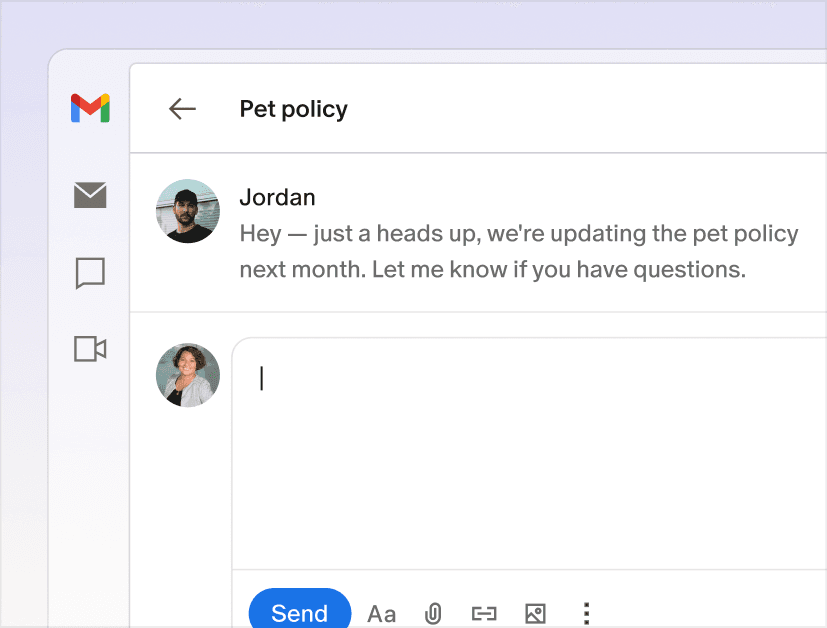
Place your cursor where you want to write. Scribe reads the app and surrounding context.
02
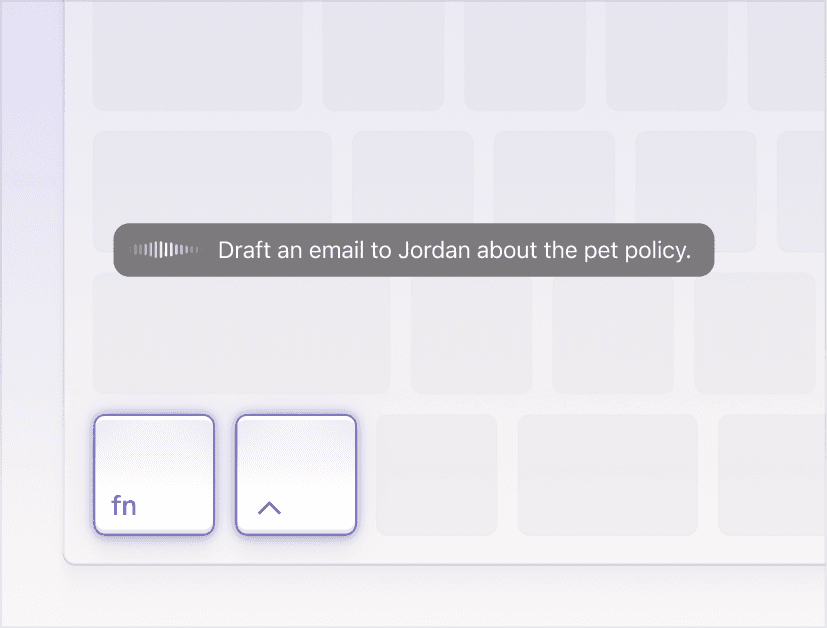
Speak your intent
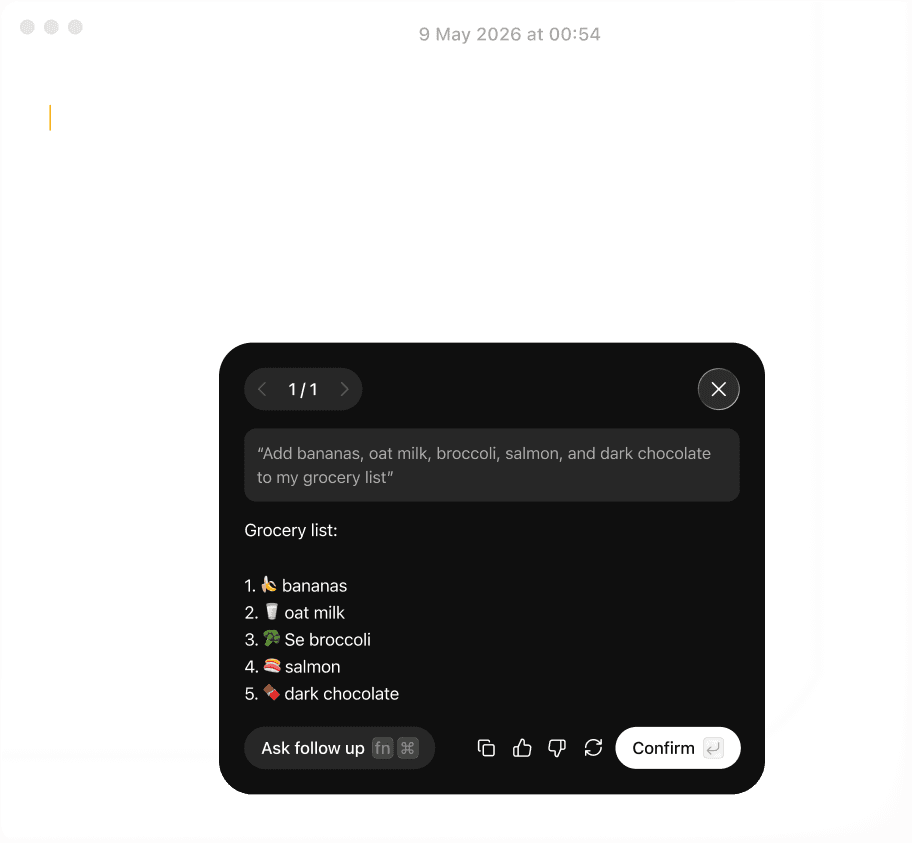
Press the hotkeys and say what you want to write. One sentence, spoken naturally. No prompt engineering.
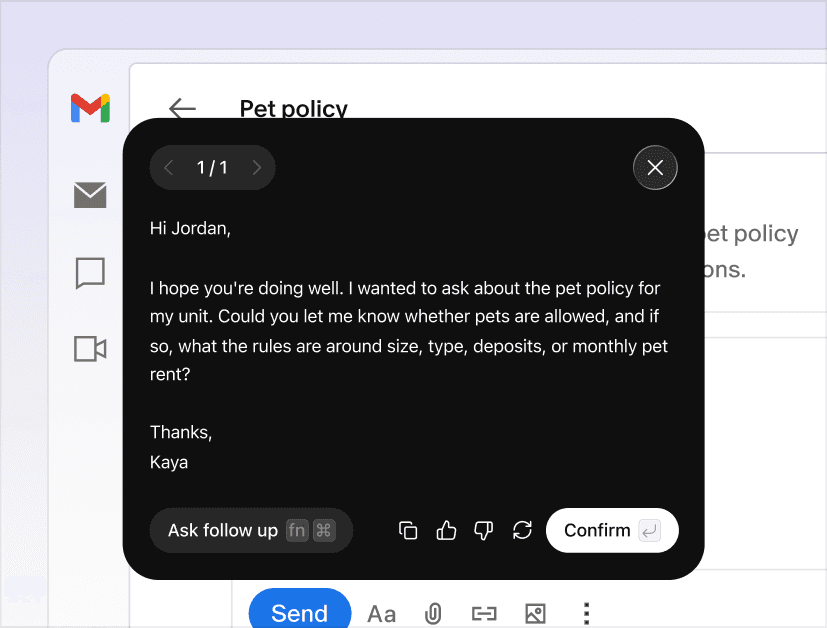
03
Review and send
Scribe drafts the full message in your voice, matched to the app and ready to send.
WRITE
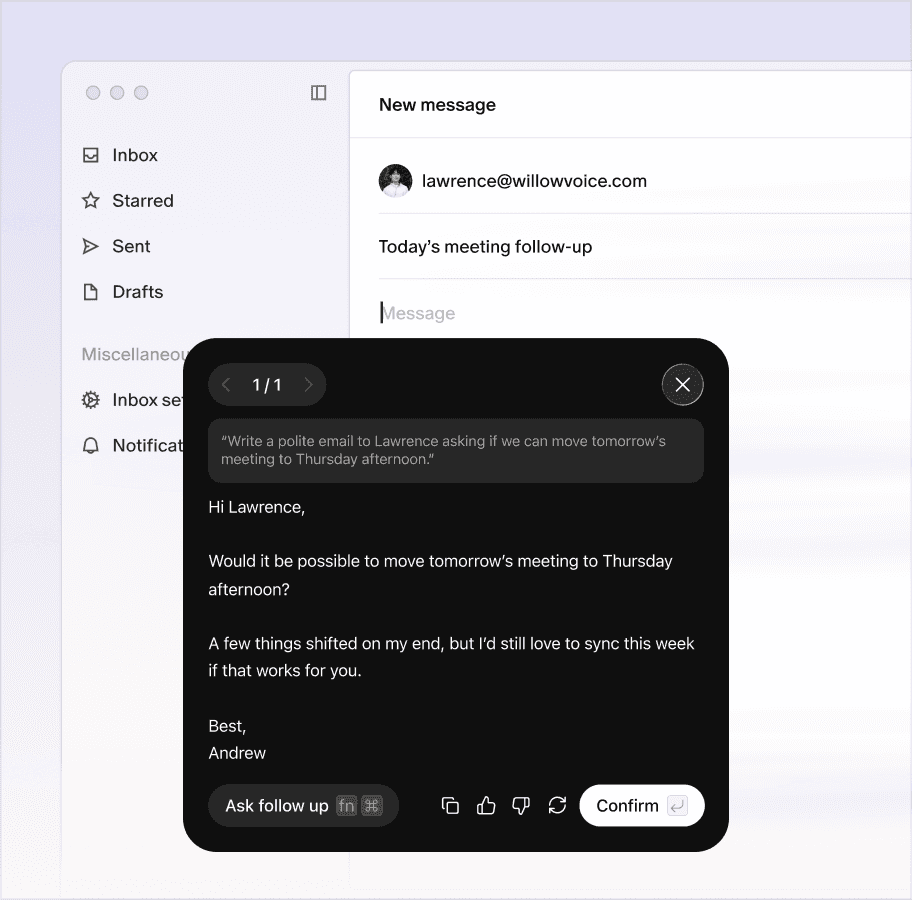
Works in any app or text field
Turns intent into a complete draft
Matches your tone, not generic AI
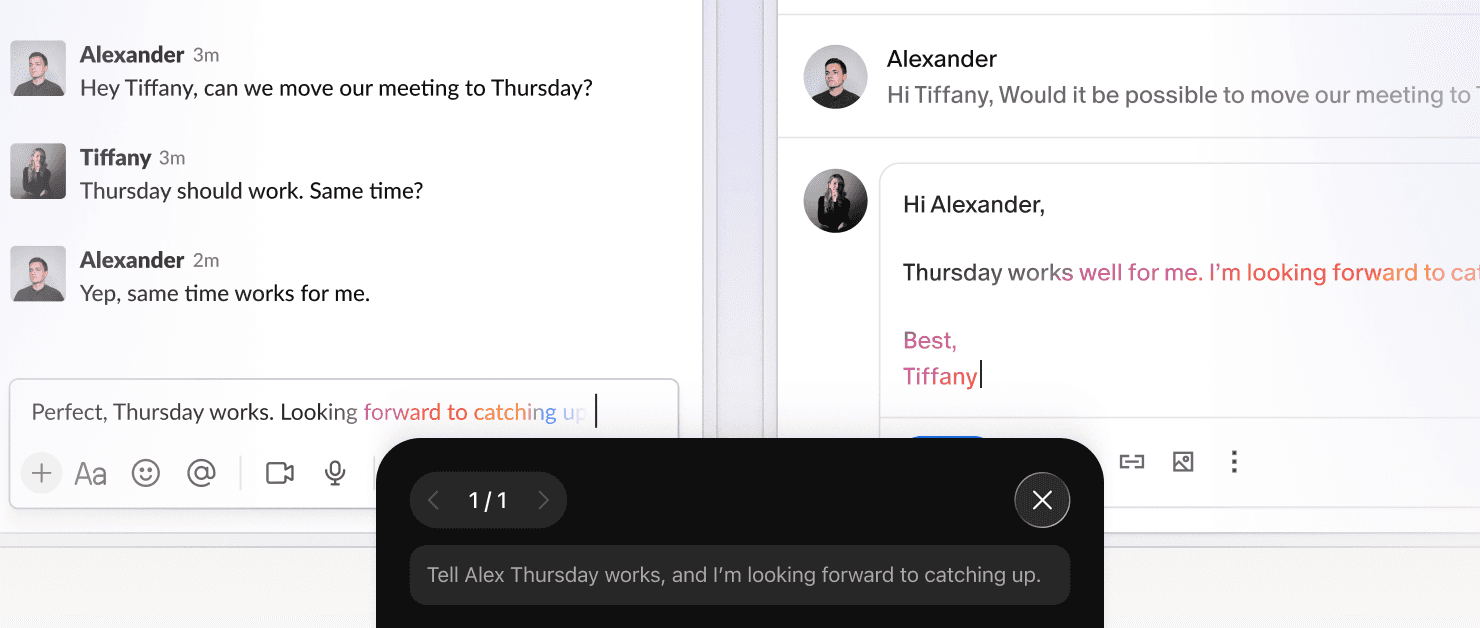
RESPOND
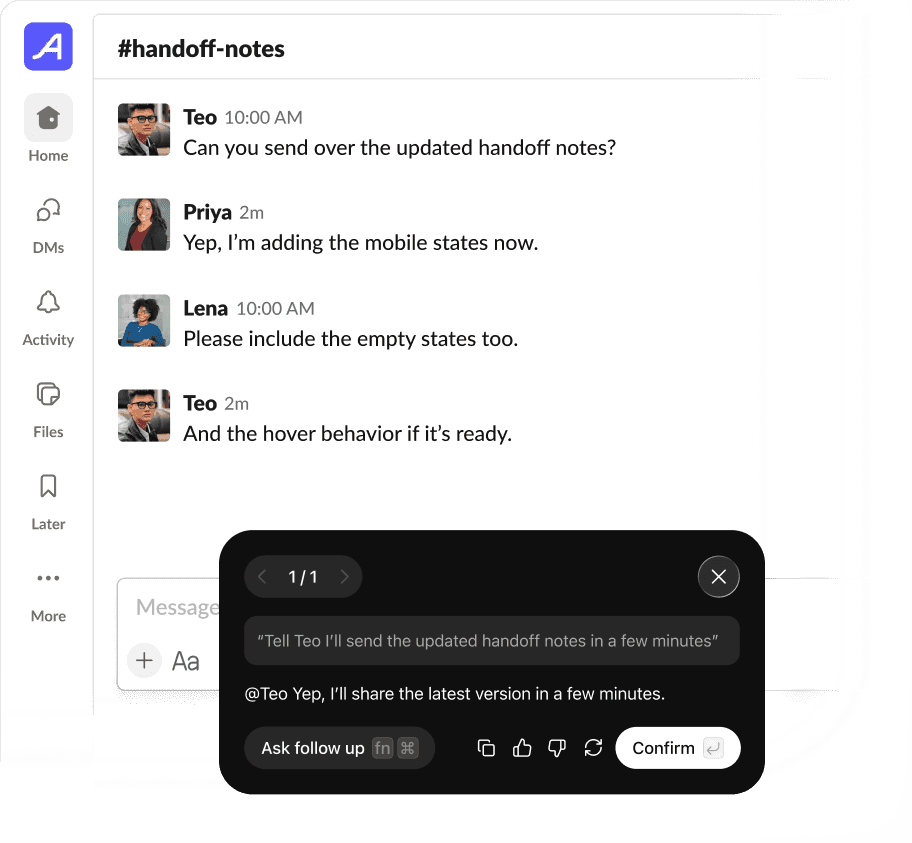
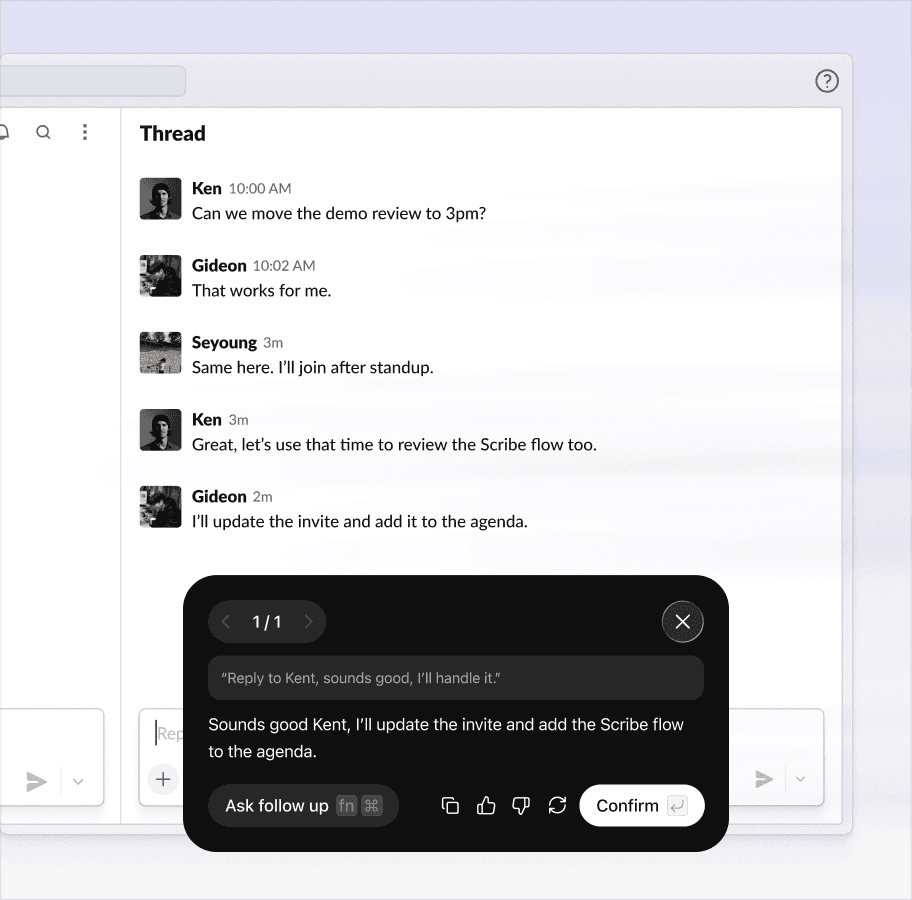
Reads context automatically
No switching or copy-pasting
Reply appears ready to send
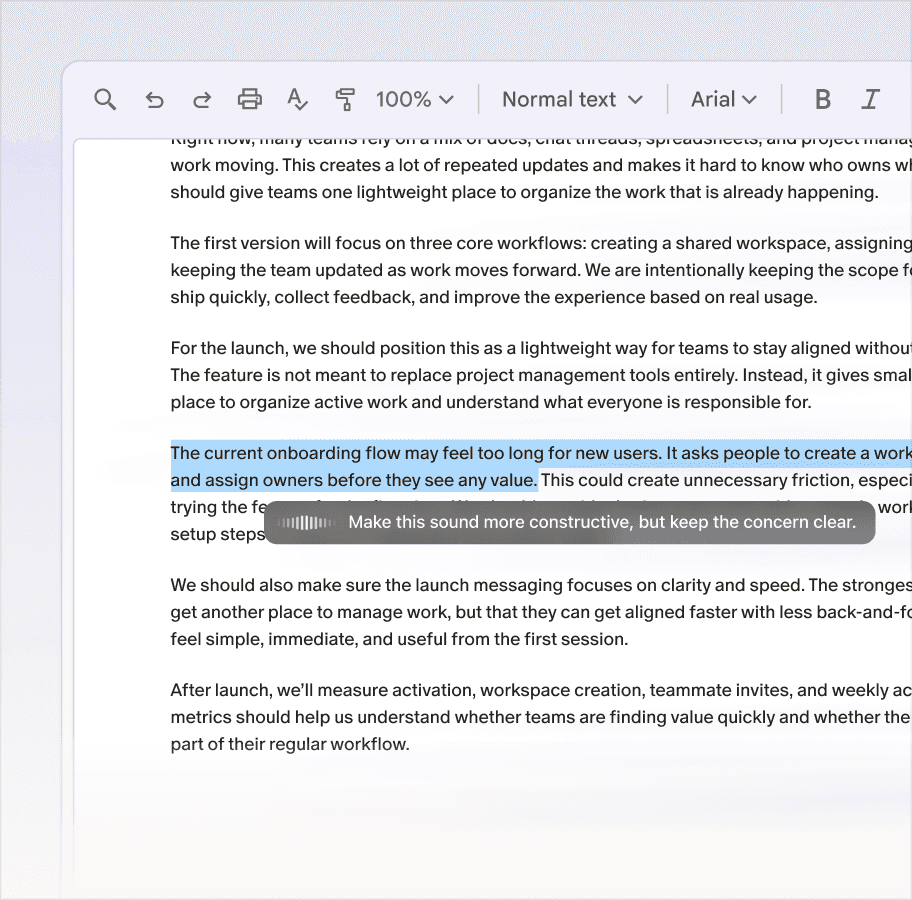
Edit
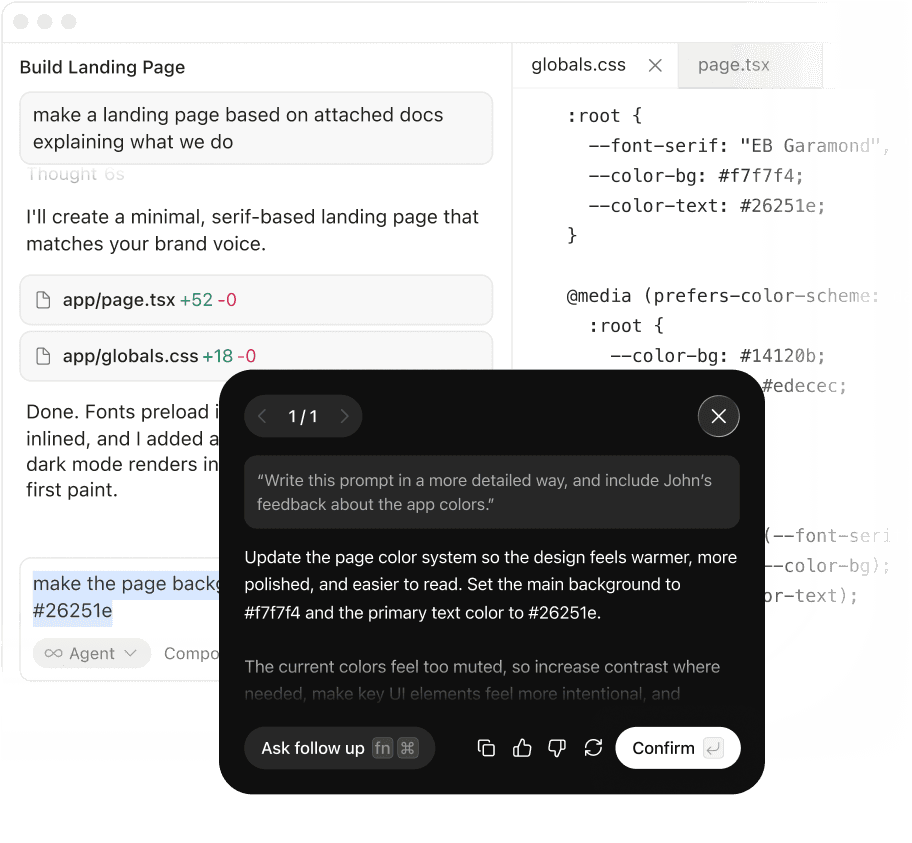
Works on any selected text
Understands natural commands
Rewrites directly in place
Why it sounds like you
Scribe knows how you write.
It learns your voice across every context, so your messages sound like you and your emails do too.
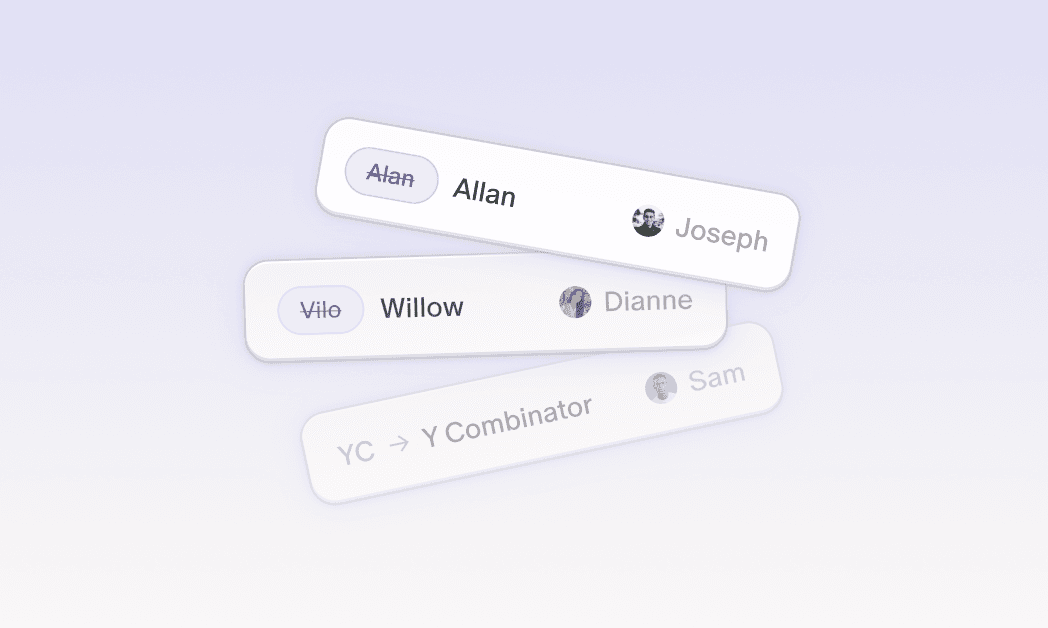
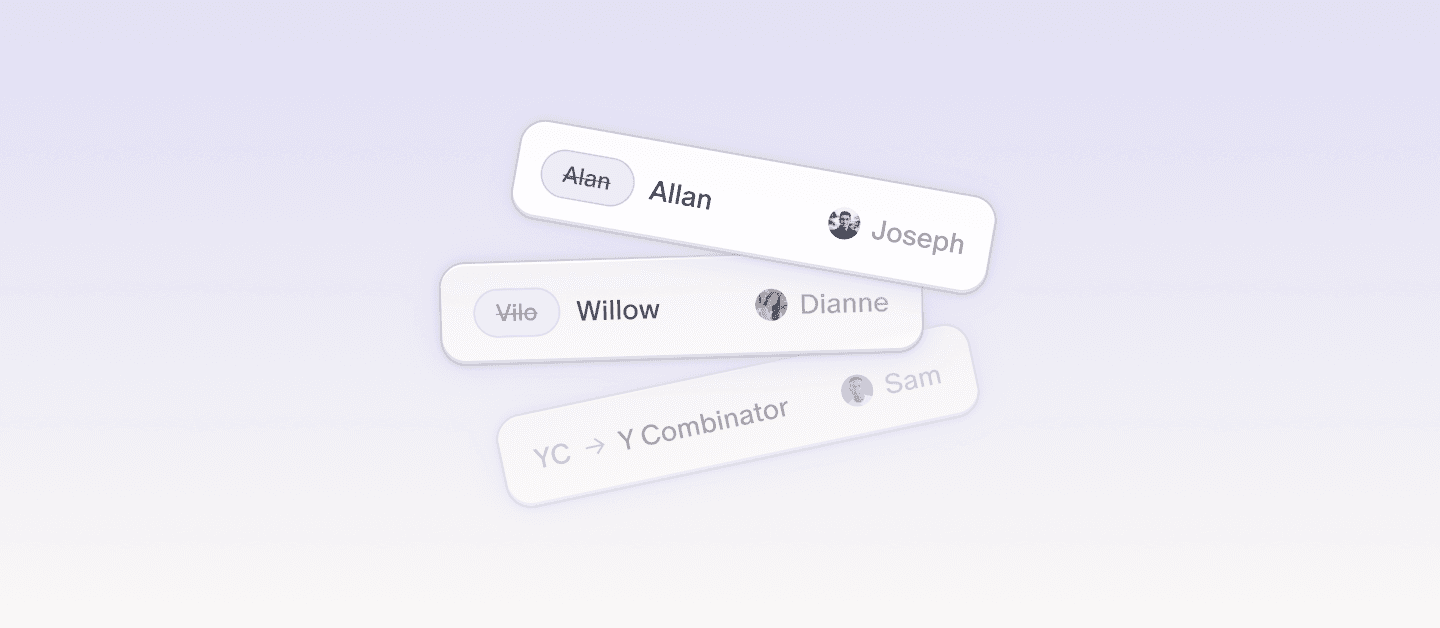
Scribe knows your team's context.
It builds on your profiles, templates, and more as a system of communication for your team.
Leaders who switched







What is the difference between Dictation and Scribe?
Dictation turns your spoken words into polished text anywhere you type. You say the words, and Willow writes them out for you. Scribe is different. Instead of speaking the exact text, you describe what you want written and give Willow the context. Scribe can turn a rough thought into a complete email, message, doc, reply, or follow-up.
How does Scribe work with Willow?
Activate the Scribe hotkey and describe what you want to create in plain language. You can give it a short brief, rough notes, or the context of what you are responding to. Willow then drafts the message for you in the right format and tone. Instead of starting from a blank page, you start with your intent, and Scribe turns it into finished writing.
" transform="translate(5 5)" width="9.791000051498413px"/></svg>)
