" transform="translate(5 2)" width="10px"/></svg>)

Willow for Lawyers
Use cases & capabilities

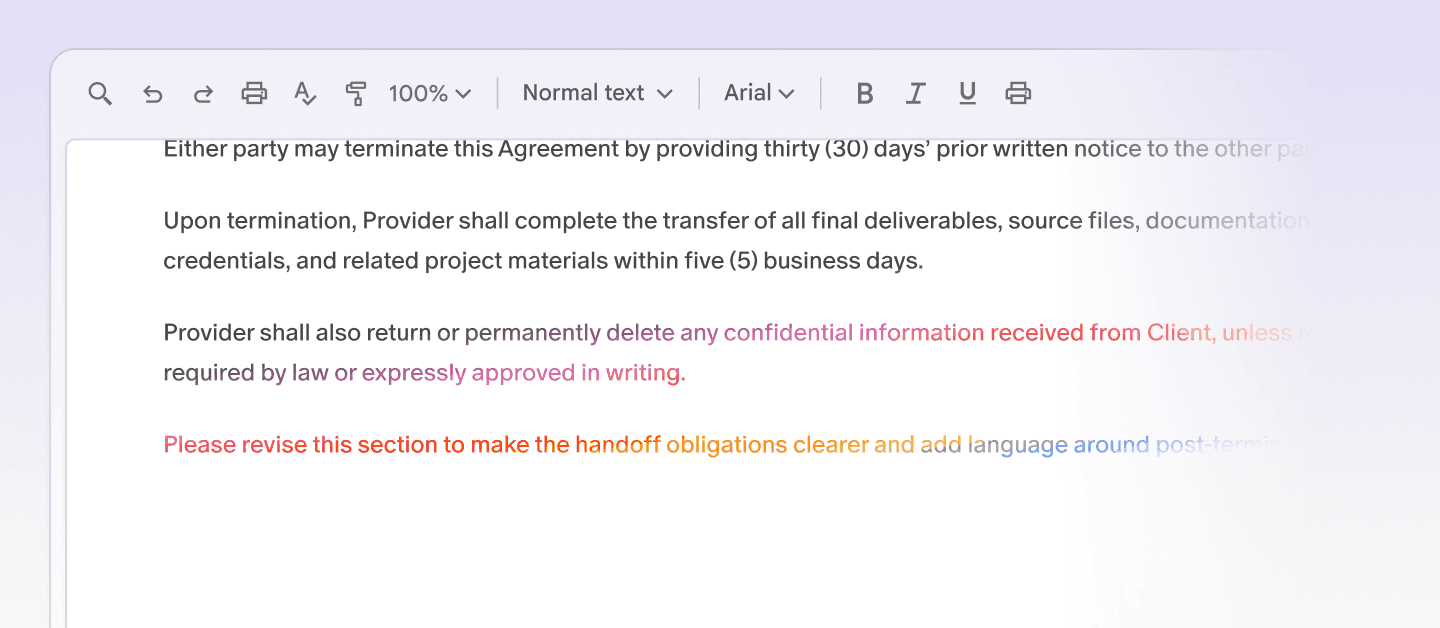
Draft and review documents by voice
Dictate clause changes, refine language, and move through legal drafts without switching tools.
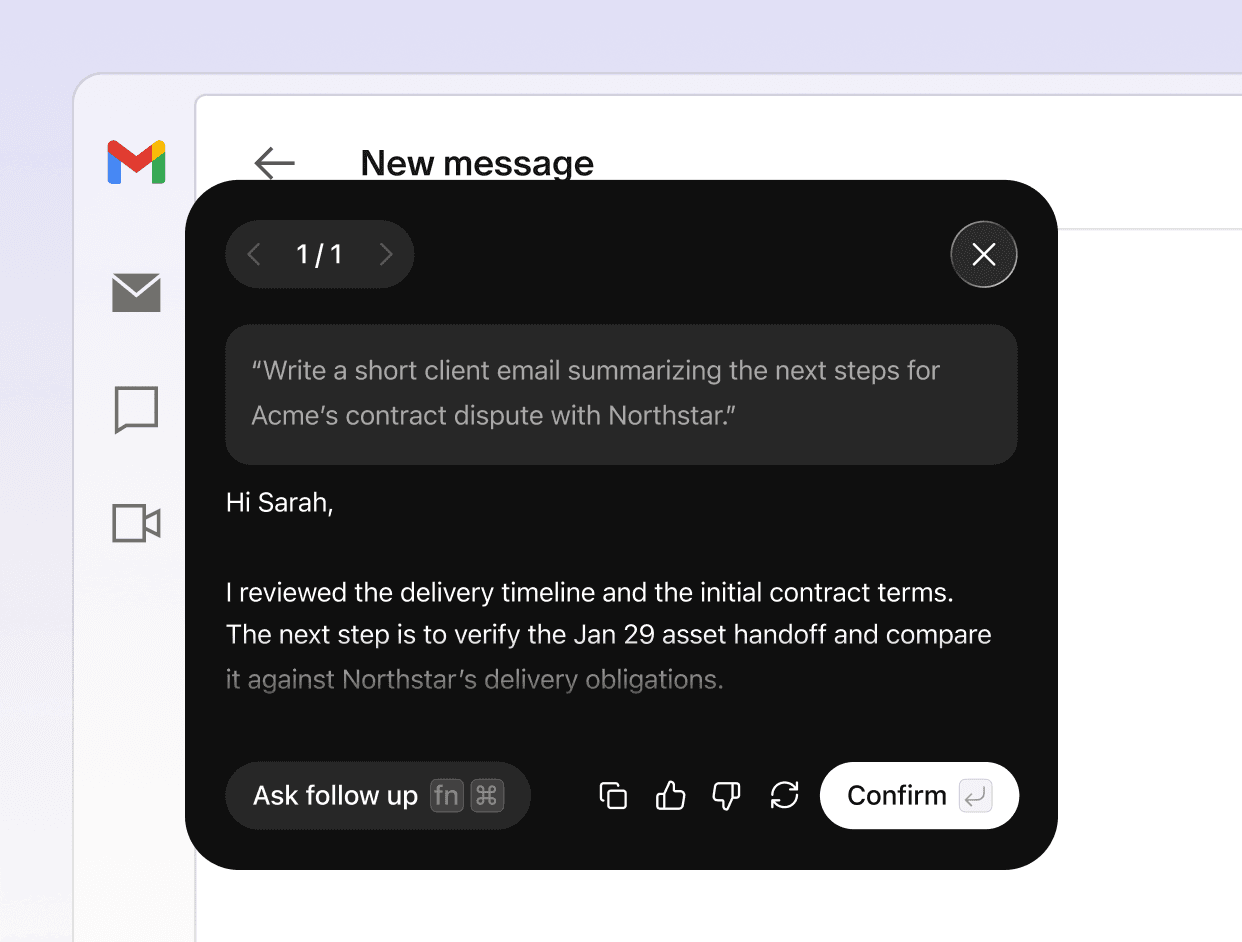
Client communication done in seconds
Tell Scribe what the email or message needs to say. It drafts it in your voice, ready to review.
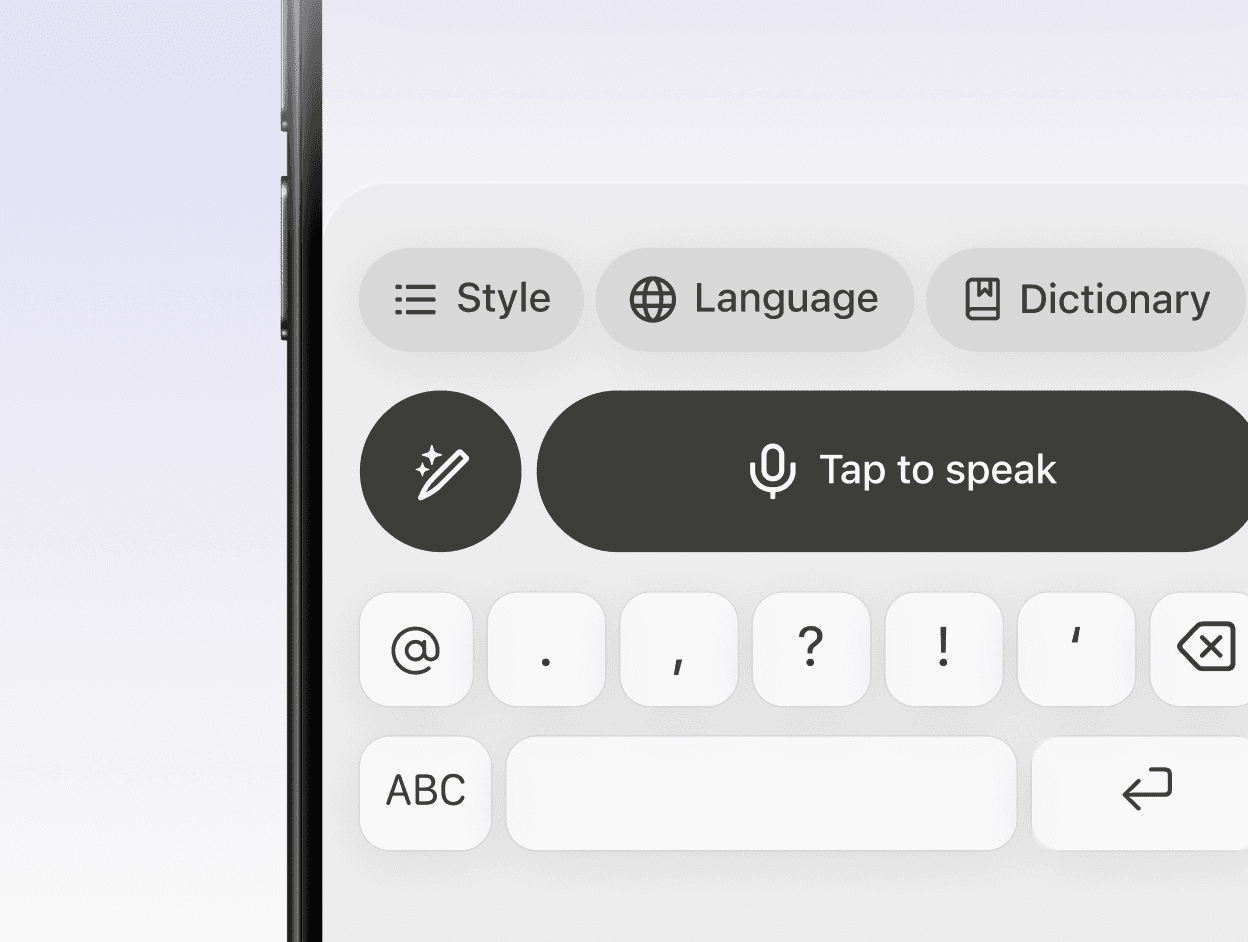
Dictate notes on the go
Captures ideas, notes, and messages on our mobile app while they’re fresh.
Smart formatting
Removes filler words, fixes punctuation, and formats your writing automatically.
Speed & accuracy
Willow is 3x more accurate than built-in dictation, with text appearing in as little as 200ms.
Style-matching
Learns how you write over time and adapts to your tone across email, Slack, docs, and technical tools.
Auto-learning dictionary
Remembers names, product terms, and abbreviations so your words stay accurate.
Shortcuts
Lets you save phrases you use often and insert them instantly with a simple command.
Built for security
SOC 2 Type II certified and HIPAA compliant, with zero data retention and end-to-end encryption.


01
Click anywhere
Place your cursor in any text field. Slack, Gmail, Cursor, Notion, iMessage. Anywhere you would normally type.
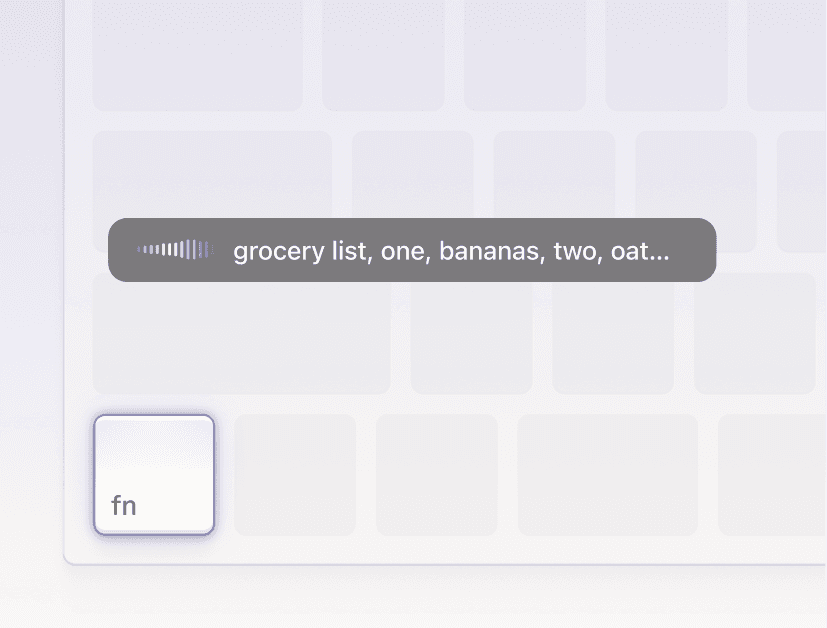
02
Hold and speak
Press your hotkey and speak naturally. No need to think about punctuation, formatting, or filler words.
03
Perfect text appears
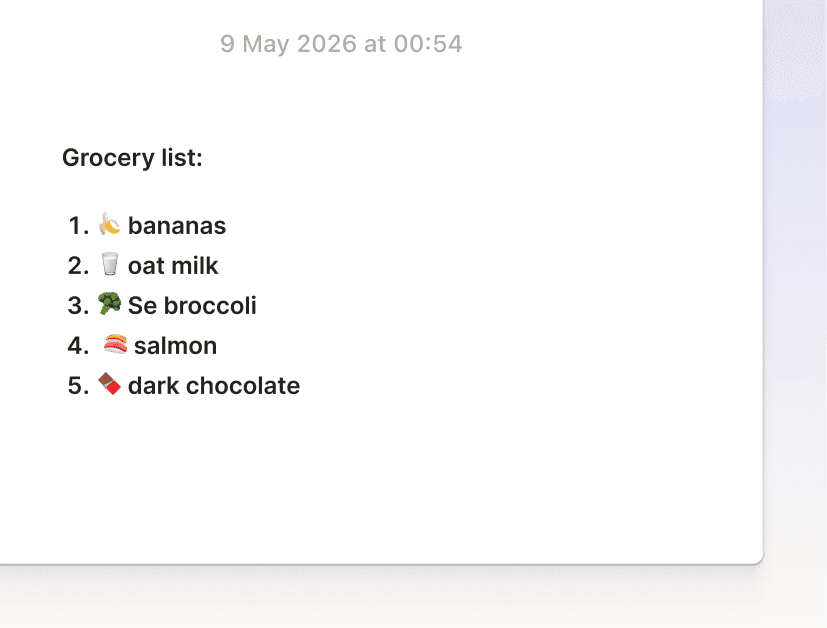
Let go. Perfectly formatted text appears where your cursor is. No switching, copying, or cleanup needed.
lawyers who switched







Is Willow secure enough for legal work?
Yes. Willow includes enterprise-grade security by default across all plans, including Free and Individual Pro. For law firms and legal teams, Willow Enterprise adds more advanced security controls, including enforced Privacy Mode, Zero Data Retention, admin controls, SSO/SAML, and security documentation for review.
What extra controls do law firms get with Enterprise?
Willow Enterprise gives firms more control across their organization. Admins can manage users, enforce privacy settings, control data retention, use SSO/SAML, review security documentation, and support firm-wide deployment requirements. You can also self-onboard to Willow Enterprise. If you're a solo lawyer or a small team, simply go to the Plan & Billing section, select Enterprise seats, and upgrade directly from there. Larger firms or teams that need onboarding support, procurement assistance, or custom deployment requirements can contact our sales team: https://willowvoice.com/contact-sales
" transform="translate(5 5)" width="9.791000051498413px"/></svg>)
