" transform="translate(5 2)" width="10px"/></svg>)

•
5 min read
AI Voice Dictation for DeepSeek: Prompt Faster (August 2026)

•
5 min read
AI Voice Dictation for DeepSeek: Prompt Faster (August 2026)
DeepSeek is a highly capable model, but typing long prompts creates a bottleneck between your thoughts and the AI. When software engineers architect code or technical leaders outline complex workflows, they naturally condense ideas and omit the precise context required for high-quality outputs. Voice dictation removes this friction, allowing you to direct workflows at the speed of thought to get richer, more precise results.
TLDR:
Voice lets you prompt DeepSeek at 150 WPM vs 40 WPM typing: roughly 3x faster for richer context
Willow Voice delivers ~200ms latency to keep you in flow while speaking complex prompts
Willow Voice works natively across Mac, Windows, and iOS, which gives cross-device continuity for mixed-device teams
Shared custom dictionaries in Willow Voice standardize project terminology across your entire team from day one
Enterprise-grade security with SOC 2 Type II and HIPAA compliance means Willow Voice processes your data, then discards it
Willow Voice delivers 98%+ accuracy and 3x fewer errors than built-in tools
Why Voice Dictation Changes How You Work in DeepSeek
DeepSeek is a capable model. But like any AI tool, it returns exactly what you give it. Short, vague prompts get generic answers. The model is not the bottleneck. How much your input method slows you down is a choice.
The average person types around 40 words per minute. Research shows conversational speech averages 150 WPM, which is roughly 3x faster. That gap matters because the effort of typing compresses your thinking. You cut context, skip nuance, and abbreviate intent just to get words on the screen. And context is everything.
Research shows user adaptation matches model upgrades in AI performance. Prompt quality shapes output quality as much as the model you use does, a principle that also applies to AI voice dictation in ChatGPT.
Voice removes that friction. When you speak into DeepSeek, you naturally explain more: the why, the constraints, and the edge cases. The model gets your actual intent, and the output reflects it.
How Willow Voice Works Inside DeepSeek
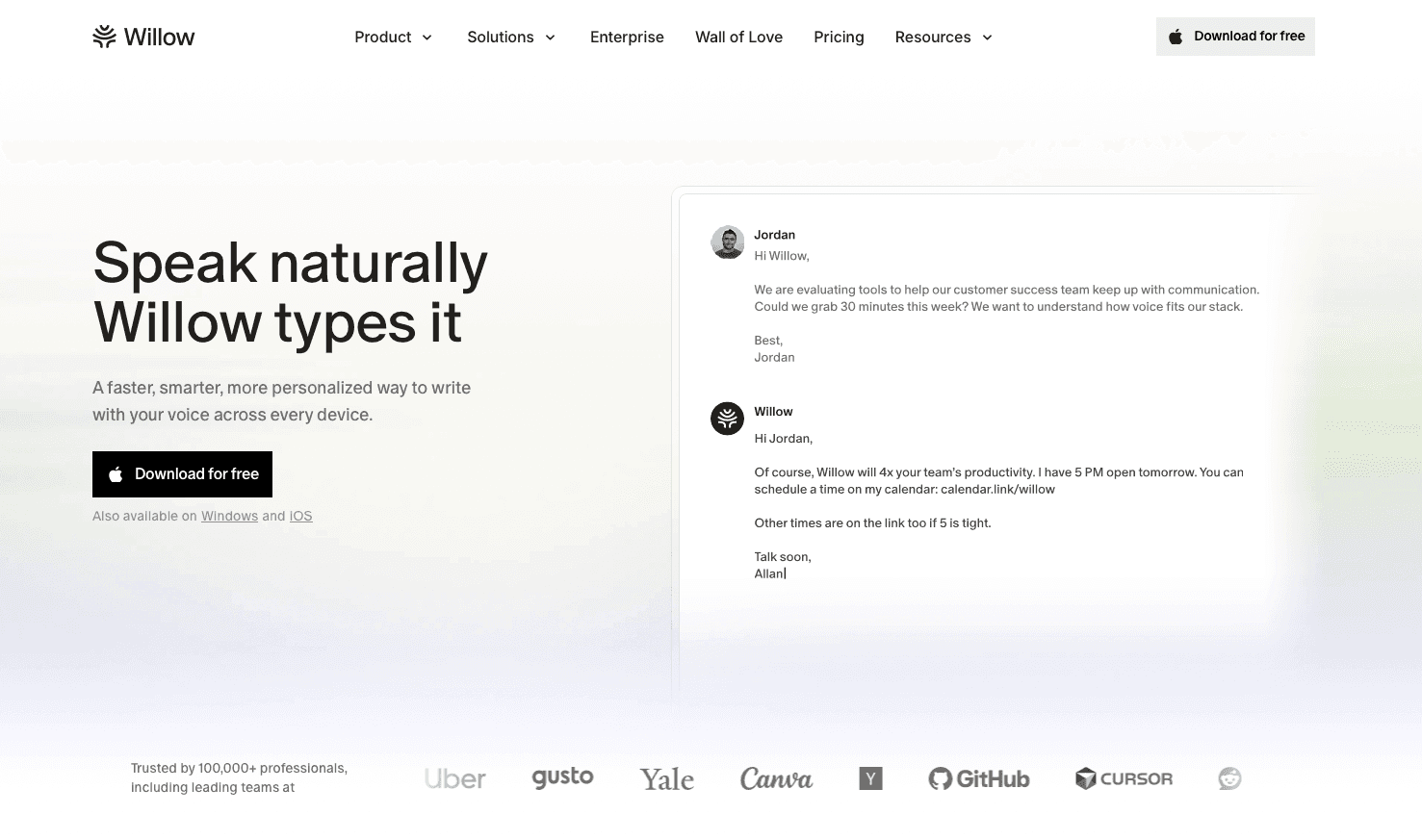
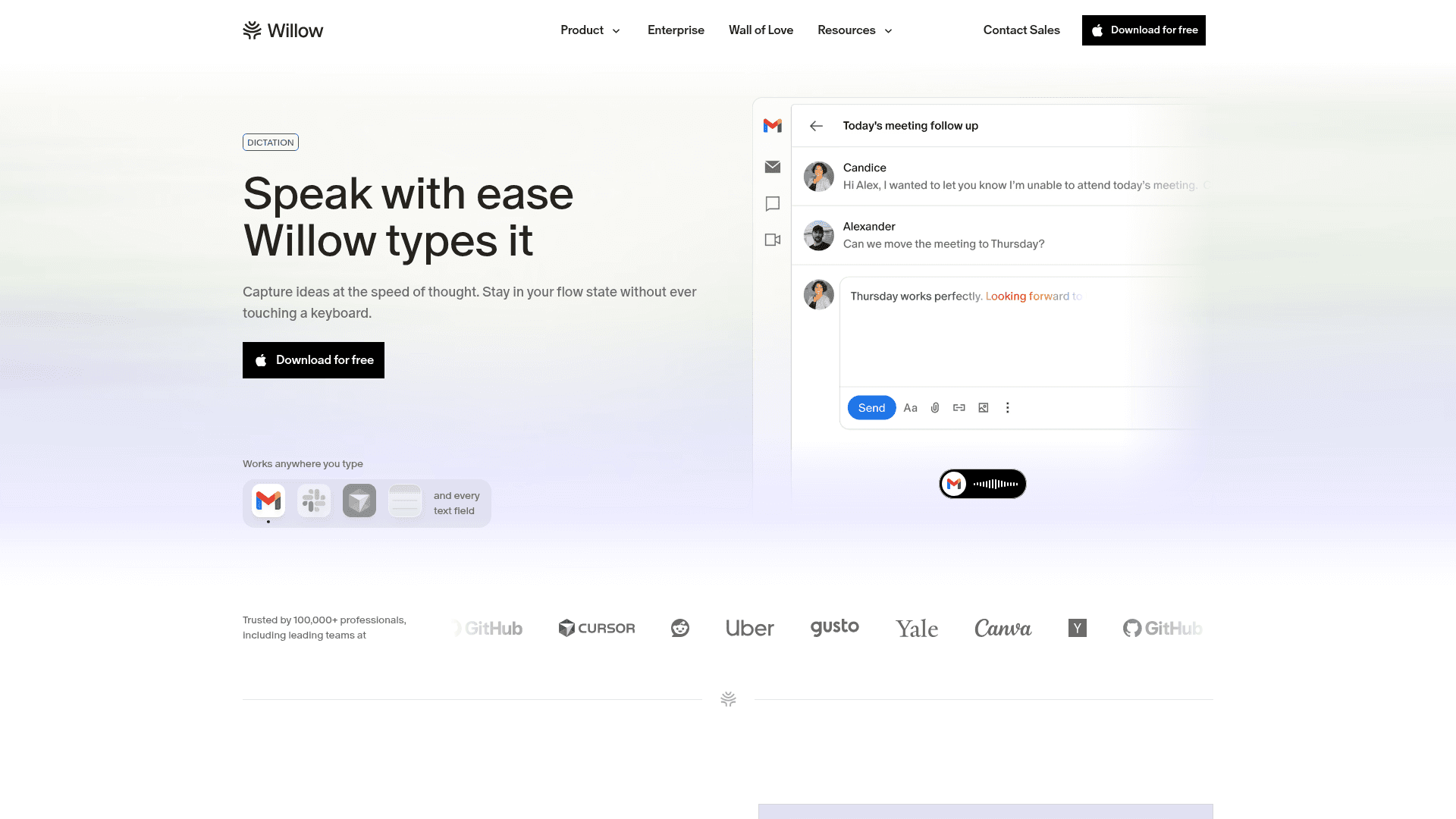
No plugin to install, no DeepSeek-specific setup, no browser extension to manage. Willow Voice works at the system level, injecting transcribed text directly into any input field, including DeepSeek's prompt box, just as it does in Gmail, Slack, or any text editor.
The workflow is straightforward whether you use Mac or Windows:
Download and install the native Willow Voice app.
Press your activation hotkey (fn on Mac, Alt+Space on Windows) for Dictation Mode. Willow Scribe (Fn + Control on Mac, Alt+Shift+Space on Windows) goes further: instead of transcribing word-for-word, it generates complete written content from voice prompts. Windows is a first-class platform with full feature parity alongside Mac, offering the same ~200ms latency.
On mobile, tap to use Willow's custom voice keyboard for iOS, which includes Draft mode and Edit mode for on-the-go prompting.
Speak your prompt naturally.
Release, and the text appears exactly where you need it.
No switching apps, no hunting for a mic button, no copy-pasting between windows.
Why Speed Changes Everything Here
What separates Willow Voice from Wispr Flow and standard built-in tools is its immediate feedback loop. When transcription feels instant, you don't break your train of thought mid-sentence to wait for words to appear on the screen. You speak, and the text is already there.
Over time, Willow Voice also learns how you write, adapting to your vocabulary and style. The company calls this Zero Edit Dictation. The goal is for you to speak your prompt so it reads perfectly on the first pass, with no manual cleanup required. The result is that prompting DeepSeek by voice stops feeling like a workaround and starts feeling like the default way to work.
Getting Better Outputs from DeepSeek by Speaking Your Prompts
Typed prompts get compressed. Spoken prompts get completed. Compare the two inputs:
Typed prompt: "Summarize the risks of this strategy."
Spoken prompt: "Summarize the risks of this go-to-market strategy for a B2B SaaS targeting mid-market fintech. Focus on competitive positioning, not execution. Keep it under 200 words."
Same intent, but the richer context yields a completely different output from DeepSeek.
Research in Information Systems Research confirms that adding contextual information and using iterative prompts improves AI problem-solving outcomes. And according to MIT Sloan, about half of any improvement in AI output quality comes from how users adjust their prompts, with advanced users writing prompts 24% longer on average.
Voice is what gets you there without extra effort. Willow's filler word removal strips the "ums" and restarts, while smart formatting structures your speech into clean, readable input. What reaches DeepSeek is polished. What comes back is better.
Can You Speak Code Into DeepSeek?
Yes. Speaking code requires a tool that understands technical syntax and punctuation. Willow Voice includes a full command vocabulary that functions as a first-class interaction layer. You can speak commands like "open parenthesis," "new line," or "tab" to format your DeepSeek prompt exactly as you want it.
When you are explaining complex architecture or debugging a function, you can smoothly mix natural language and code. For example:
Spoken: "async def handle request open parenthesis close parenthesis colon new line"
Output: "async def handle_request(): "
This level of control means that DeepSeek receives properly formatted code snippets alongside your broader strategic context.
How Willow Voice Learns Your Voice and Your Workflow
Most dictation tools treat every session as a blank slate. Willow Voice builds a profile of how you speak and what you say, then gets sharper with each use.
When you correct a transcription, Willow remembers it. Fix "deep seek" to "DeepSeek" once, and it sticks permanently. The same applies to model names, API terms, company names, or any technical vocabulary you use regularly in your prompts. Because custom dictionaries and shortcuts can be shared across teams and sync across all devices, project-specific jargon is recognized from day one for every member of the organization (whether they are on a Windows workstation, a Mac laptop, or an iPhone) without per-device setup.
Context-aware spelling handles the rest. If your prompts reference specific entities, frameworks, or naming conventions common in AI workflows, Willow identifies them correctly without you having to spell them out each time. Codebase auto-tagging in Cursor and Devin Desktop (formerly Windsurf) reads open files to learn class names, function names, and variable references, so project-specific terms are recognized from the first session without manual dictionary entry.
The compounding effect matters here. Early on, you might fix one or two words per session. A few weeks in, zero-edit dictation stops being an exception and starts being the norm. Tools like Wispr Flow and Apple's built-in voice dictation reset with every session, so that kind of accuracy growth simply never happens.
Speed and Accuracy That Keeps You in Flow
Lag is a silent productivity killer. When you're mid-thought and prompting DeepSeek across multiple iterations, even a half-second delay compounds fast. At ~700ms per transcription for tools like Apple Dictation, five prompts in a session means over three seconds of dead air while you wait for text to appear. That's enough to lose your train of thought entirely.
Willow runs at 200ms latency, which is effectively imperceptible. You speak, the text is there. No hesitation, no context-switching while you wait.
Tool | Latency | Accuracy vs Built-In | Works On |
|---|---|---|---|
Willow Voice | ~200ms | 98%+ (3x fewer errors) | Mac, Windows, iOS |
Wispr Flow | ~700ms | 95%+ | Mac, Windows, iOS, Android |
Apple Dictation | 700ms+ | Baseline | Mac, iOS |
The accuracy gap matters just as much. With Apple's built-in voice dictation, you're proofreading every transcribed prompt before sending, which defeats the purpose. Willow is 3x more accurate than the standard built-in dictation, so you can trust that what you say is what DeepSeek receives. The time you save is in not having to re-read and fix before every submit.
Privacy and Security When Speaking into DeepSeek
When you speak into DeepSeek, you're already sharing information with the model. The last thing you need is the dictation layer adding another point of exposure.
Willow Voice is SOC 2 Type II certified and HIPAA compliant with a zero-data-retention policy. As covered in our voice dictation privacy and security guide, your voice is processed to produce text, then discarded. Nothing is stored; nothing is logged for training without your explicit opt-in. Wispr Flow now holds SOC 2 Type II, ISO 27001, and HIPAA certifications, so formal compliance is covered, but the reliance on third-party AI providers for processing can still raise questions for organizations with strict data residency or on-device privacy requirements.
Unlike consumer-only alternatives that fracture across a company, Willow Voice is built for enterprise adoption and scales from individual use to an org-wide rollout across mixed-device fleets. For teams running DeepSeek in sensitive workflows, team deployment options alongside shared custom dictionaries and shortcuts let everyone align on terminology across Windows, Mac, and iOS without compliance tradeoffs. Enterprise controls include admin visibility, team leaderboards, and SSO integration, keeping management in control of the deployment.
The dictation layer should add speed, not risk. Willow Voice keeps that side of the equation clean.
Current DeepSeek Voice Capabilities
As of August 2026, DeepSeek continues to release highly capable models, including a powerful new coding model released this month, but its native interface still lacks a complete, built-in voice dictation feature. Third-party Chrome extensions and open-source Python scripts offer basic speech-to-text tools, but they lack system-wide support and often struggle to capture technical context accurately. This makes dedicated tools like Willow Voice, which operates natively at the OS level without browser extensions, highly valuable for professionals who want to speak to DeepSeek's models at 150 WPM.
Enterprise Adoption of Voice AI
The market for voice dictation has grown rapidly in 2026. As AI models become more capable, the bottleneck in AI is no longer the model; it is the input speed. Gartner predicted that 40% of enterprise applications would include task-specific AI agents by the end of 2026 (up from fewer than 5% in 2025), and that trend is now playing out.
For organizations deploying voice AI, the impact is measurable. According to Forrester, organizations deploying voice AI report a three-year ROI between 331% and 391%, with payback periods under six months. As agentic dictation grows, using your voice to run multi-step AI workflows is becoming the standard for modern productivity.
Remove the Bottleneck Between Your Thoughts and DeepSeek
Every prompt you type into DeepSeek instead of speaking is a small, compounding loss. When you are forced to type at 40 WPM, you naturally compress your ideas, skip the edge cases, and shorten the context. The result is that you get generic outputs from a highly capable model simply because the input method was too slow to capture your full intent.
For organizations and professionals looking to remove that prompt bottleneck, voice dictation tools like Willow Voice offer a path to speaking prompts at 150 WPM across any AI tool. The setup takes under two minutes: download the native app for Mac or Windows, or install the custom voice keyboard for iOS. Set your activation hotkey (default is fn on Mac, Alt+Space on Windows), and start speaking directly into DeepSeek. There are no browser extensions to manage, and your settings and custom dictionaries sync automatically so you can move from prompting on a Windows desktop to drafting on an iPhone with zero friction.
Willow Voice delivers the peak accuracy and speed required for mission-critical workflows like software development, legal analysis, and clinical documentation. At an organizational level, team-wide dictionary sharing means every employee is aligned on specific project names and technical jargon from day one. For power users, the Pro plan ($12/month, billed annually) provides faster, more accurate dictation plus unlimited Willow Scribe. Willow Voice also offers additional plans to meet your organization's needs, as well as a Free plan for unlimited AI dictation.
FAQ
How does voice dictation make DeepSeek prompts better?
When you speak your prompts, you naturally include more context, constraints, and nuance than you would when typing. DeepSeek captures your full intent instead of a compressed version, producing more relevant and accurate outputs.
Can Willow Voice remember technical terms I use in my DeepSeek prompts?
Yes. When you correct a word once (like "DeepSeek" or API terminology), Willow Voice remembers it permanently. You can also add terms manually through custom dictionaries so project-specific vocabulary is recognized from day one.
How fast is Willow Voice compared to Wispr Flow or Apple's built-in voice dictation?
Willow Voice runs at ~200ms latency, while Wispr Flow runs at ~700ms and Apple's built-in voice dictation takes 700ms+. At ~200ms, transcription feels instant and keeps you in a flow state without breaking your train of thought.
Does using Willow Voice with DeepSeek create additional privacy risks?
No. Willow Voice is SOC 2 Type II certified and HIPAA compliant with zero data retention. Your voice is processed to produce text, then immediately discarded. Nothing is stored or logged without your explicit opt-in.
How long does it take to set up Willow Voice for DeepSeek?
Under two minutes. Download Willow Voice for your device, set your hotkey, open DeepSeek, and speak your first prompt. No browser extensions, plugins, or configuration required.
Does DeepSeek have a built-in voice dictation feature?
No. As of late 2026, DeepSeek does not include a complete, built-in voice dictation feature in its native interface. To speak prompts at 150 WPM, users must rely on system-level tools like Willow Voice that inject transcribed text directly into the DeepSeek prompt box.
Can I speak code into DeepSeek using my voice?
Yes. Willow Voice includes a full command vocabulary for punctuation and formatting, allowing you to smoothly speak brackets, indents, and specific syntax when describing code architecture or debugging steps to DeepSeek.
Does voice dictation work with DeepSeek on mobile devices?
Yes. For mobile workflows, Willow Voice provides a custom voice keyboard for iOS. This allows you to speak prompts directly into the DeepSeek mobile web interface or app without switching keyboards or relying on standard mobile dictation.
Final Thoughts on Removing the Typing Bottleneck From Your DeepSeek Workflow
DeepSeek is only as good as what you put into it, and typing at 40 WPM quietly caps how much context you can give it. Voice dictation closes that gap. For teams relying on AI, standardizing input through voice leads to better documentation, more accurate prompts, and faster output across the whole group. Your prompts get longer, more specific, and more complete. The outputs reflect that. Stop letting your keyboard throttle your ideas. Download Willow Voice, speak your next prompt at 150 WPM, and see exactly what DeepSeek can do with your full context.
DeepSeek is a highly capable model, but typing long prompts creates a bottleneck between your thoughts and the AI. When software engineers architect code or technical leaders outline complex workflows, they naturally condense ideas and omit the precise context required for high-quality outputs. Voice dictation removes this friction, allowing you to direct workflows at the speed of thought to get richer, more precise results.
TLDR:
Voice lets you prompt DeepSeek at 150 WPM vs 40 WPM typing: roughly 3x faster for richer context
Willow Voice delivers ~200ms latency to keep you in flow while speaking complex prompts
Willow Voice works natively across Mac, Windows, and iOS, which gives cross-device continuity for mixed-device teams
Shared custom dictionaries in Willow Voice standardize project terminology across your entire team from day one
Enterprise-grade security with SOC 2 Type II and HIPAA compliance means Willow Voice processes your data, then discards it
Willow Voice delivers 98%+ accuracy and 3x fewer errors than built-in tools
Why Voice Dictation Changes How You Work in DeepSeek
DeepSeek is a capable model. But like any AI tool, it returns exactly what you give it. Short, vague prompts get generic answers. The model is not the bottleneck. How much your input method slows you down is a choice.
The average person types around 40 words per minute. Research shows conversational speech averages 150 WPM, which is roughly 3x faster. That gap matters because the effort of typing compresses your thinking. You cut context, skip nuance, and abbreviate intent just to get words on the screen. And context is everything.
Research shows user adaptation matches model upgrades in AI performance. Prompt quality shapes output quality as much as the model you use does, a principle that also applies to AI voice dictation in ChatGPT.
Voice removes that friction. When you speak into DeepSeek, you naturally explain more: the why, the constraints, and the edge cases. The model gets your actual intent, and the output reflects it.
How Willow Voice Works Inside DeepSeek
No plugin to install, no DeepSeek-specific setup, no browser extension to manage. Willow Voice works at the system level, injecting transcribed text directly into any input field, including DeepSeek's prompt box, just as it does in Gmail, Slack, or any text editor.
The workflow is straightforward whether you use Mac or Windows:
Download and install the native Willow Voice app.
Press your activation hotkey (fn on Mac, Alt+Space on Windows) for Dictation Mode. Willow Scribe (Fn + Control on Mac, Alt+Shift+Space on Windows) goes further: instead of transcribing word-for-word, it generates complete written content from voice prompts. Windows is a first-class platform with full feature parity alongside Mac, offering the same ~200ms latency.
On mobile, tap to use Willow's custom voice keyboard for iOS, which includes Draft mode and Edit mode for on-the-go prompting.
Speak your prompt naturally.
Release, and the text appears exactly where you need it.
No switching apps, no hunting for a mic button, no copy-pasting between windows.
Why Speed Changes Everything Here
What separates Willow Voice from Wispr Flow and standard built-in tools is its immediate feedback loop. When transcription feels instant, you don't break your train of thought mid-sentence to wait for words to appear on the screen. You speak, and the text is already there.
Over time, Willow Voice also learns how you write, adapting to your vocabulary and style. The company calls this Zero Edit Dictation. The goal is for you to speak your prompt so it reads perfectly on the first pass, with no manual cleanup required. The result is that prompting DeepSeek by voice stops feeling like a workaround and starts feeling like the default way to work.
Getting Better Outputs from DeepSeek by Speaking Your Prompts
Typed prompts get compressed. Spoken prompts get completed. Compare the two inputs:
Typed prompt: "Summarize the risks of this strategy."
Spoken prompt: "Summarize the risks of this go-to-market strategy for a B2B SaaS targeting mid-market fintech. Focus on competitive positioning, not execution. Keep it under 200 words."
Same intent, but the richer context yields a completely different output from DeepSeek.
Research in Information Systems Research confirms that adding contextual information and using iterative prompts improves AI problem-solving outcomes. And according to MIT Sloan, about half of any improvement in AI output quality comes from how users adjust their prompts, with advanced users writing prompts 24% longer on average.
Voice is what gets you there without extra effort. Willow's filler word removal strips the "ums" and restarts, while smart formatting structures your speech into clean, readable input. What reaches DeepSeek is polished. What comes back is better.
Can You Speak Code Into DeepSeek?
Yes. Speaking code requires a tool that understands technical syntax and punctuation. Willow Voice includes a full command vocabulary that functions as a first-class interaction layer. You can speak commands like "open parenthesis," "new line," or "tab" to format your DeepSeek prompt exactly as you want it.
When you are explaining complex architecture or debugging a function, you can smoothly mix natural language and code. For example:
Spoken: "async def handle request open parenthesis close parenthesis colon new line"
Output: "async def handle_request(): "
This level of control means that DeepSeek receives properly formatted code snippets alongside your broader strategic context.
How Willow Voice Learns Your Voice and Your Workflow
Most dictation tools treat every session as a blank slate. Willow Voice builds a profile of how you speak and what you say, then gets sharper with each use.
When you correct a transcription, Willow remembers it. Fix "deep seek" to "DeepSeek" once, and it sticks permanently. The same applies to model names, API terms, company names, or any technical vocabulary you use regularly in your prompts. Because custom dictionaries and shortcuts can be shared across teams and sync across all devices, project-specific jargon is recognized from day one for every member of the organization (whether they are on a Windows workstation, a Mac laptop, or an iPhone) without per-device setup.
Context-aware spelling handles the rest. If your prompts reference specific entities, frameworks, or naming conventions common in AI workflows, Willow identifies them correctly without you having to spell them out each time. Codebase auto-tagging in Cursor and Devin Desktop (formerly Windsurf) reads open files to learn class names, function names, and variable references, so project-specific terms are recognized from the first session without manual dictionary entry.
The compounding effect matters here. Early on, you might fix one or two words per session. A few weeks in, zero-edit dictation stops being an exception and starts being the norm. Tools like Wispr Flow and Apple's built-in voice dictation reset with every session, so that kind of accuracy growth simply never happens.
Speed and Accuracy That Keeps You in Flow
Lag is a silent productivity killer. When you're mid-thought and prompting DeepSeek across multiple iterations, even a half-second delay compounds fast. At ~700ms per transcription for tools like Apple Dictation, five prompts in a session means over three seconds of dead air while you wait for text to appear. That's enough to lose your train of thought entirely.
Willow runs at 200ms latency, which is effectively imperceptible. You speak, the text is there. No hesitation, no context-switching while you wait.
Tool | Latency | Accuracy vs Built-In | Works On |
|---|---|---|---|
Willow Voice | ~200ms | 98%+ (3x fewer errors) | Mac, Windows, iOS |
Wispr Flow | ~700ms | 95%+ | Mac, Windows, iOS, Android |
Apple Dictation | 700ms+ | Baseline | Mac, iOS |
The accuracy gap matters just as much. With Apple's built-in voice dictation, you're proofreading every transcribed prompt before sending, which defeats the purpose. Willow is 3x more accurate than the standard built-in dictation, so you can trust that what you say is what DeepSeek receives. The time you save is in not having to re-read and fix before every submit.
Privacy and Security When Speaking into DeepSeek
When you speak into DeepSeek, you're already sharing information with the model. The last thing you need is the dictation layer adding another point of exposure.
Willow Voice is SOC 2 Type II certified and HIPAA compliant with a zero-data-retention policy. As covered in our voice dictation privacy and security guide, your voice is processed to produce text, then discarded. Nothing is stored; nothing is logged for training without your explicit opt-in. Wispr Flow now holds SOC 2 Type II, ISO 27001, and HIPAA certifications, so formal compliance is covered, but the reliance on third-party AI providers for processing can still raise questions for organizations with strict data residency or on-device privacy requirements.
Unlike consumer-only alternatives that fracture across a company, Willow Voice is built for enterprise adoption and scales from individual use to an org-wide rollout across mixed-device fleets. For teams running DeepSeek in sensitive workflows, team deployment options alongside shared custom dictionaries and shortcuts let everyone align on terminology across Windows, Mac, and iOS without compliance tradeoffs. Enterprise controls include admin visibility, team leaderboards, and SSO integration, keeping management in control of the deployment.
The dictation layer should add speed, not risk. Willow Voice keeps that side of the equation clean.
Current DeepSeek Voice Capabilities
As of August 2026, DeepSeek continues to release highly capable models, including a powerful new coding model released this month, but its native interface still lacks a complete, built-in voice dictation feature. Third-party Chrome extensions and open-source Python scripts offer basic speech-to-text tools, but they lack system-wide support and often struggle to capture technical context accurately. This makes dedicated tools like Willow Voice, which operates natively at the OS level without browser extensions, highly valuable for professionals who want to speak to DeepSeek's models at 150 WPM.
Enterprise Adoption of Voice AI
The market for voice dictation has grown rapidly in 2026. As AI models become more capable, the bottleneck in AI is no longer the model; it is the input speed. Gartner predicted that 40% of enterprise applications would include task-specific AI agents by the end of 2026 (up from fewer than 5% in 2025), and that trend is now playing out.
For organizations deploying voice AI, the impact is measurable. According to Forrester, organizations deploying voice AI report a three-year ROI between 331% and 391%, with payback periods under six months. As agentic dictation grows, using your voice to run multi-step AI workflows is becoming the standard for modern productivity.
Remove the Bottleneck Between Your Thoughts and DeepSeek
Every prompt you type into DeepSeek instead of speaking is a small, compounding loss. When you are forced to type at 40 WPM, you naturally compress your ideas, skip the edge cases, and shorten the context. The result is that you get generic outputs from a highly capable model simply because the input method was too slow to capture your full intent.
For organizations and professionals looking to remove that prompt bottleneck, voice dictation tools like Willow Voice offer a path to speaking prompts at 150 WPM across any AI tool. The setup takes under two minutes: download the native app for Mac or Windows, or install the custom voice keyboard for iOS. Set your activation hotkey (default is fn on Mac, Alt+Space on Windows), and start speaking directly into DeepSeek. There are no browser extensions to manage, and your settings and custom dictionaries sync automatically so you can move from prompting on a Windows desktop to drafting on an iPhone with zero friction.
Willow Voice delivers the peak accuracy and speed required for mission-critical workflows like software development, legal analysis, and clinical documentation. At an organizational level, team-wide dictionary sharing means every employee is aligned on specific project names and technical jargon from day one. For power users, the Pro plan ($12/month, billed annually) provides faster, more accurate dictation plus unlimited Willow Scribe. Willow Voice also offers additional plans to meet your organization's needs, as well as a Free plan for unlimited AI dictation.
FAQ
How does voice dictation make DeepSeek prompts better?
When you speak your prompts, you naturally include more context, constraints, and nuance than you would when typing. DeepSeek captures your full intent instead of a compressed version, producing more relevant and accurate outputs.
Can Willow Voice remember technical terms I use in my DeepSeek prompts?
Yes. When you correct a word once (like "DeepSeek" or API terminology), Willow Voice remembers it permanently. You can also add terms manually through custom dictionaries so project-specific vocabulary is recognized from day one.
How fast is Willow Voice compared to Wispr Flow or Apple's built-in voice dictation?
Willow Voice runs at ~200ms latency, while Wispr Flow runs at ~700ms and Apple's built-in voice dictation takes 700ms+. At ~200ms, transcription feels instant and keeps you in a flow state without breaking your train of thought.
Does using Willow Voice with DeepSeek create additional privacy risks?
No. Willow Voice is SOC 2 Type II certified and HIPAA compliant with zero data retention. Your voice is processed to produce text, then immediately discarded. Nothing is stored or logged without your explicit opt-in.
How long does it take to set up Willow Voice for DeepSeek?
Under two minutes. Download Willow Voice for your device, set your hotkey, open DeepSeek, and speak your first prompt. No browser extensions, plugins, or configuration required.
Does DeepSeek have a built-in voice dictation feature?
No. As of late 2026, DeepSeek does not include a complete, built-in voice dictation feature in its native interface. To speak prompts at 150 WPM, users must rely on system-level tools like Willow Voice that inject transcribed text directly into the DeepSeek prompt box.
Can I speak code into DeepSeek using my voice?
Yes. Willow Voice includes a full command vocabulary for punctuation and formatting, allowing you to smoothly speak brackets, indents, and specific syntax when describing code architecture or debugging steps to DeepSeek.
Does voice dictation work with DeepSeek on mobile devices?
Yes. For mobile workflows, Willow Voice provides a custom voice keyboard for iOS. This allows you to speak prompts directly into the DeepSeek mobile web interface or app without switching keyboards or relying on standard mobile dictation.
Final Thoughts on Removing the Typing Bottleneck From Your DeepSeek Workflow
DeepSeek is only as good as what you put into it, and typing at 40 WPM quietly caps how much context you can give it. Voice dictation closes that gap. For teams relying on AI, standardizing input through voice leads to better documentation, more accurate prompts, and faster output across the whole group. Your prompts get longer, more specific, and more complete. The outputs reflect that. Stop letting your keyboard throttle your ideas. Download Willow Voice, speak your next prompt at 150 WPM, and see exactly what DeepSeek can do with your full context.

Try Willow for free
Instant, accurate voice dictation. No card required.
Try Willow for free
Instant, accurate voice dictation. No card required.
Other stories you’ll love
Other stories you’ll love



Your keyboard is optional now
" transform="translate(5 5)" width="9.791000051498413px"/></svg>)

The voice-first interface for modern work.
© Willow Care, Inc. 2026. All rights reserved
Your keyboard is optional now
The voice-first interface for modern work.
© Willow Care, Inc. 2026. All rights reserved
Your keyboard is optional now
The voice-first interface for modern work.
© Willow Care, Inc. 2026. All rights reserved