" transform="translate(5 2)" width="10px"/></svg>)

•
5 min read
Best Voice Dictation Tools for ChatGPT and AI Prompting (January 2026)

•
5 min read
Best Voice Dictation Tools for ChatGPT and AI Prompting (January 2026)
Your brain moves faster than your fingers, especially when you’re trying to explain a detailed prompt to ChatGPT. Most people speak nearly four times faster than they type, which makes voice input an obvious upgrade for anyone working with AI. The problem is that traditional voice dictation tools were never built for technical language, so framework names, API references, and code terms get mangled, forcing you to stop and fix errors instead of staying in flow.
TLDR:
Voice dictation lets you speak at 150 WPM vs typing at 40 WPM for 4x faster AI prompting
Context-aware tools fix technical terms like "React hooks" that basic dictation mishears
ChatGPT's voice mode creates spoken conversations without editable text output
A modern third-party voice engine transcribes in under one second with far higher accuracy than built-in dictation tools
Developer-focused voice models reduce errors on code terms, API names, and CLI commands
Why Voice Dictation Matters for AI Prompting
Voice dictation solves a real bottleneck in AI workflows. The average person types around 40 words per minute but speaks at roughly 150 words per minute, making voice input 3-4x faster than typing. When you're crafting detailed prompts that explain context, constraints, and desired output format, this speed difference matters.
What Makes a Voice Dictation Tool Good for AI Work
AI prompting demands different capabilities than standard dictation. The right voice tool needs these features:
Accuracy with technical language. AI prompts frequently contain framework names, code references, or specialized terminology that basic voice tools mishear. Context-aware transcription distinguishes "React hooks" from "react hooks" or "Python class" from casual language based on your workflow.
Real-time transcription speed. When building complex prompts or refining instructions, instant text conversion maintains your thought process. Even brief delays interrupt creative flow and slow iteration.
Voice-controlled formatting. Commands for punctuation, line breaks, and structure let you format prompts while speaking. Without this, every dictation session requires manual cleanup of formatting and punctuation.
Willow Voice
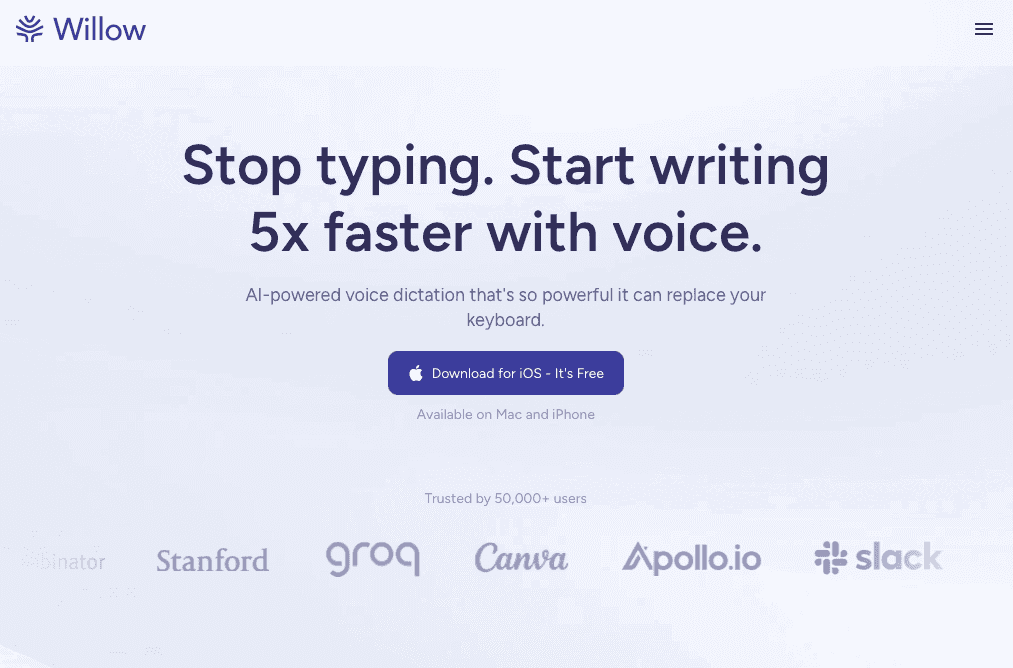
Press the Function key in any app and start speaking. Your words appear as accurate text in under 200 milliseconds, whether you're in ChatGPT, Cursor, Claude, Google Docs, or Slack.
Willow removes filler words and smooths out phrasing for more natural-sounding text. The tool learns your writing style so dictated prompts sound natural. Custom dictionaries keep technical terms, framework names, and company-specific language accurate. It works across 100+ languages for multilingual AI work.
For users requiring complete privacy, Willow offers an offline mode that runs a local model on Mac and iOS, providing fully private dictation without an internet connection while maintaining quality that rivals competitors' primary local tools.
Apple Built-in Dictation
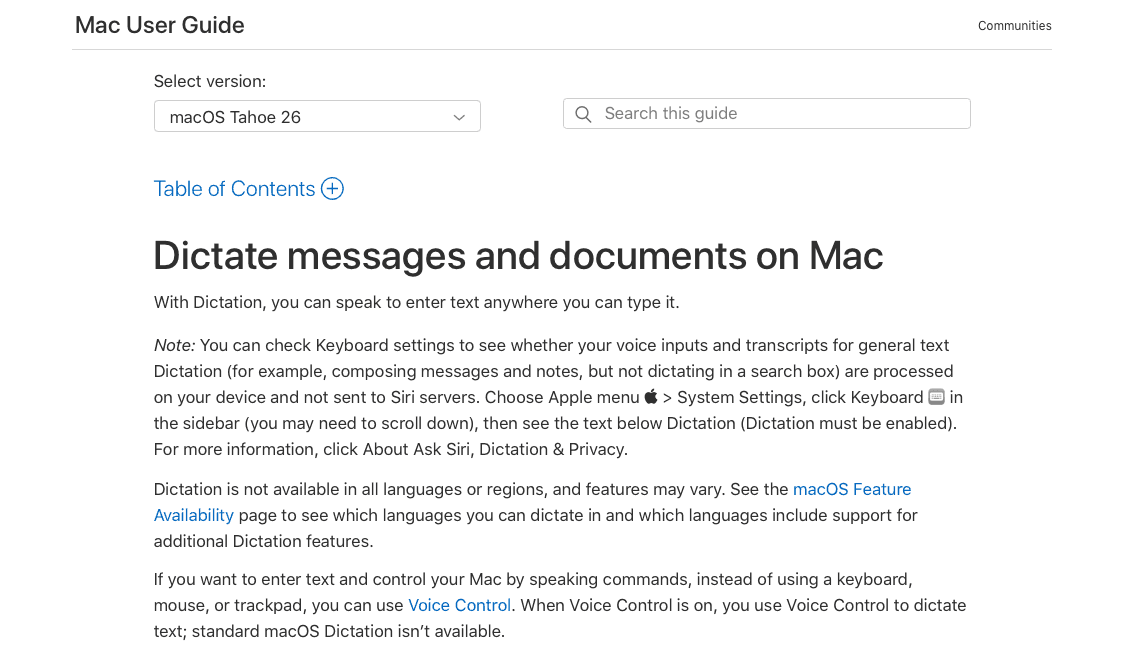
Apple's native dictation comes free on every Mac, iPhone, and iPad. Press the Function key twice and start speaking to convert speech to text across Apple apps without downloads or setup.
The tool struggles with technical vocabulary, framework names, and specialized AI terminology. It can't learn your writing patterns or adapt to context. You can say basic commands like "period" or "comma," but there's no automatic paragraph structuring or tone adjustment. For quick notes, it works. For detailed AI prompts with technical language, expect frequent corrections.
Google Docs Voice Typing
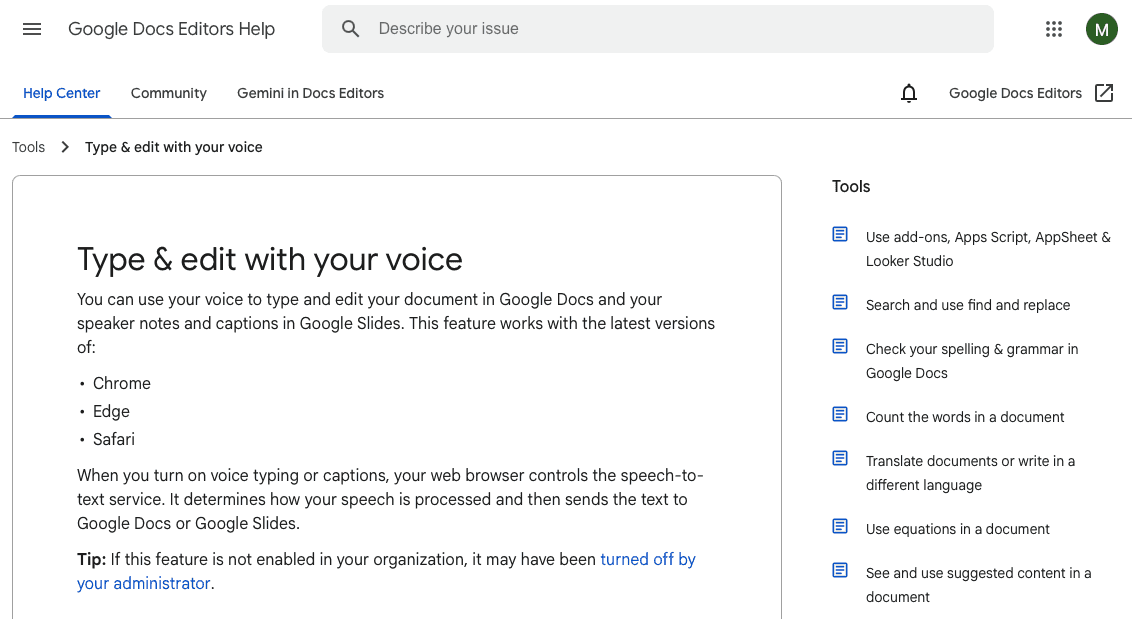
Access Google Docs voice typing through the Tools menu. Click the microphone icon to transcribe speech. Voice commands handle basic punctuation like "comma" or "question mark."
The tool only works inside Google Docs. If you're prompting ChatGPT in a browser tab, using Cursor for code, or working in Slack, you need to copy text from a separate Google Doc first. This adds extra steps to your workflow.
The Chrome browser is required. The tool can't learn technical vocabulary or adapt to your writing style. Framework names and specialized terms need manual correction after each dictation session.
Superwhisper
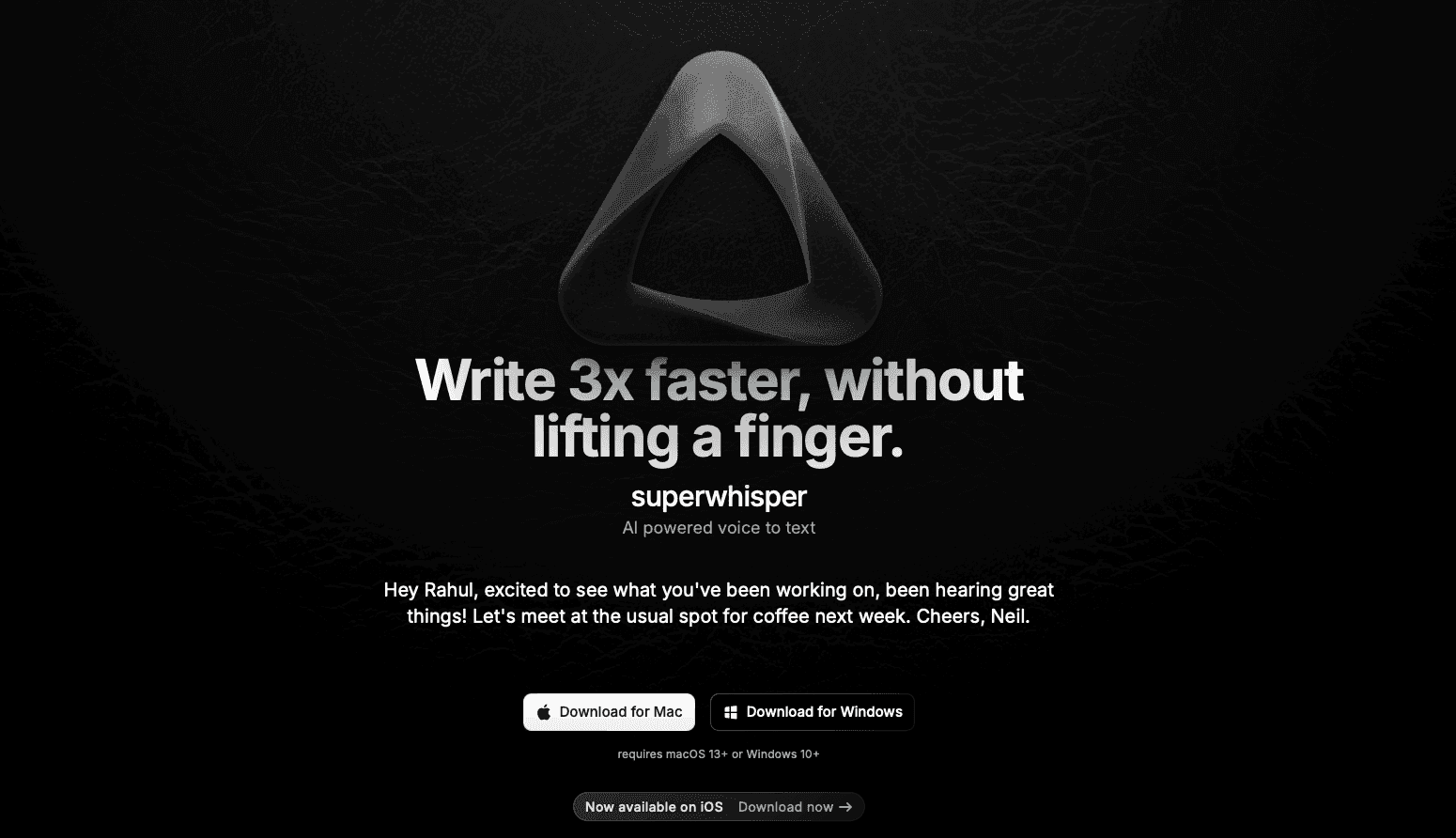
Superwhisper is a Mac app that transcribes speech across any application where you type. It activates with a hotkey and converts voice to text in ChatGPT, Cursor, Slack, and other apps.
The tool handles everyday language without major issues, but it won't learn technical vocabulary specific to AI workflows. Framework names, API references, and specialized terms need manual fixing after transcription. There's no context-aware correction that adapts to whether you're writing code prompts or casual messages.
Voice In (Browser Extension)
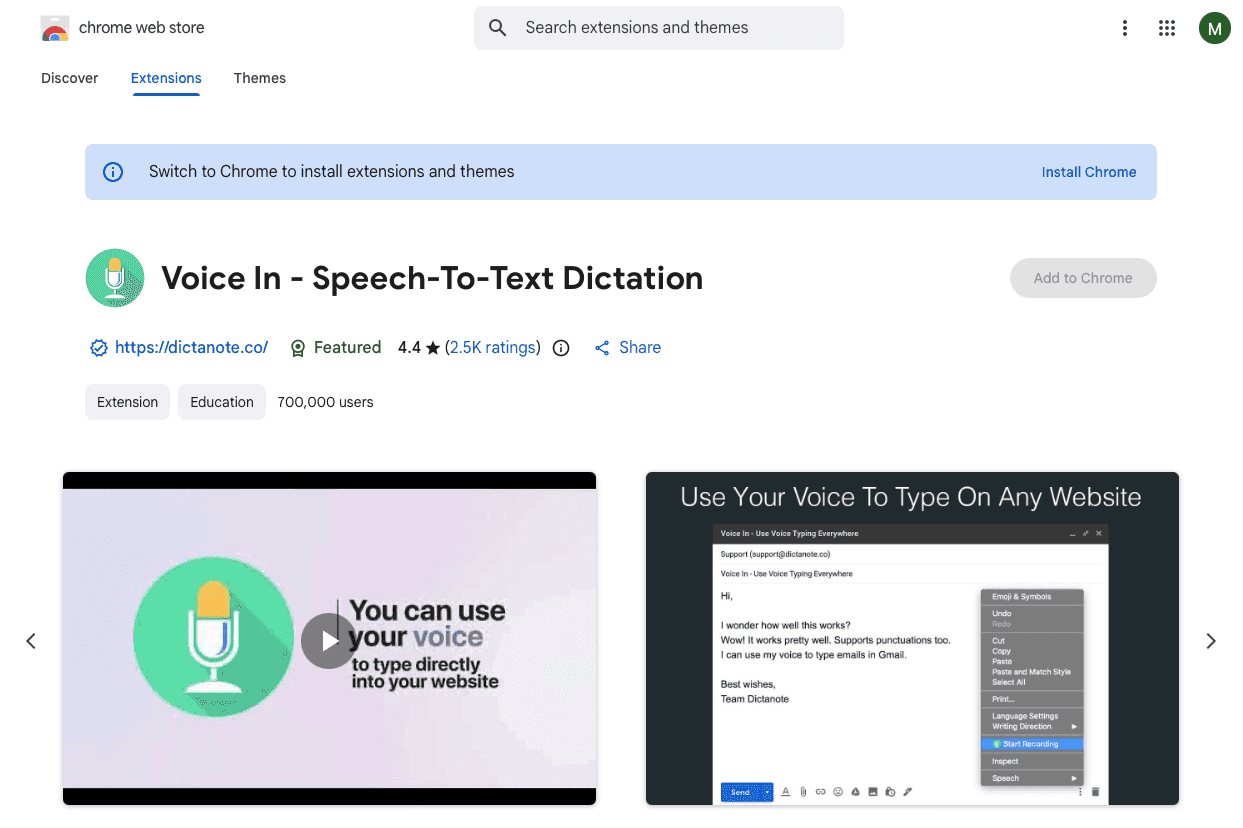
Voice In is a Chrome extension that adds voice transcription to web text fields. Activate it with a keyboard shortcut to speak directly into ChatGPT's web interface, Google Docs, or other browser apps.
The extension runs only in Chrome. Desktop apps like Cursor, Slack, or native text editors won't support it, creating friction when switching between web and desktop tools during AI work.
Voice In transcribes speech without context awareness or technical vocabulary support. Framework names and specialized AI terminology transcribe phonetically without correction, and there's no automatic formatting for different prompt types.
Accuracy Considerations for AI Prompting
A single mistranscribed word can derail an AI prompt. When you dictate "React hooks" but your tool transcribes "react hooks," ChatGPT might treat it as casual conversation instead of a technical framework query.
Context-aware tools analyze your working environment to improve accuracy. When you're in Cursor, the system focuses on code-related terms. In ChatGPT, it recognizes prompt patterns. Custom dictionaries let you add project-specific vocabulary so "pytest" never becomes "pie test" again.
Speed and Latency in Voice Dictation
The gap between speaking and seeing text determines whether voice dictation helps or hinders your workflow. When you're building a detailed AI prompt that requires multiple constraints and examples, your brain works several thoughts ahead. A two or three-second delay forces you to pause, wait, verify what appeared, then remember where you were going next.
Sub-1 second processing preserves the flow state that makes voice dictation worthwhile. You speak a paragraph explaining your AI task, constraints, desired format, and example output without stopping to check if each sentence transcribed correctly. Your attention stays on crafting the prompt instead of monitoring the transcription process.
Privacy and Security for AI Workflows
Voice dictation for AI prompting can expose sensitive information.
Cloud-based voice tools process audio on remote servers for faster transcription and higher accuracy through powerful AI models. The privacy question is what happens to that data afterward.
Review whether a tool stores voice data, how long it retains recordings, and whether you can opt out of data collection. The trade-off is real: cloud processing delivers sub-1 second latency and context-aware accuracy, while purely local tools sacrifice speed for complete data control.
Multi-Language Support for Global AI Users
Global teams require dictation that handles multiple languages within the same workflow, recognizes diverse accents without retraining, and correctly transcribes English technical terminology regardless of surrounding language.
Setting Up Voice Dictation for Your AI Workflow
Start by choosing your activation method. Most tools use hotkeys (like the Function key), while browser extensions require clicking an icon. Test your microphone placement first. Position it 6-8 inches from your mouth and check background noise levels in your first few transcriptions.
Training Your Speaking Style
Dictate complete thoughts instead of sentence fragments. Say "comma" or "period" explicitly until automatic punctuation becomes natural. Pause briefly between paragraphs instead of saying "new paragraph." Your speech rhythm matters more than perfect pronunciation.
Combining Voice and Typing
Use voice dictation for initial prompt drafts and long explanations. Switch to keyboard for quick edits, adding specific syntax, or inserting code snippets. This hybrid approach captures the speed of speaking while maintaining precision where it matters.
How Willow Improves Voice Dictation
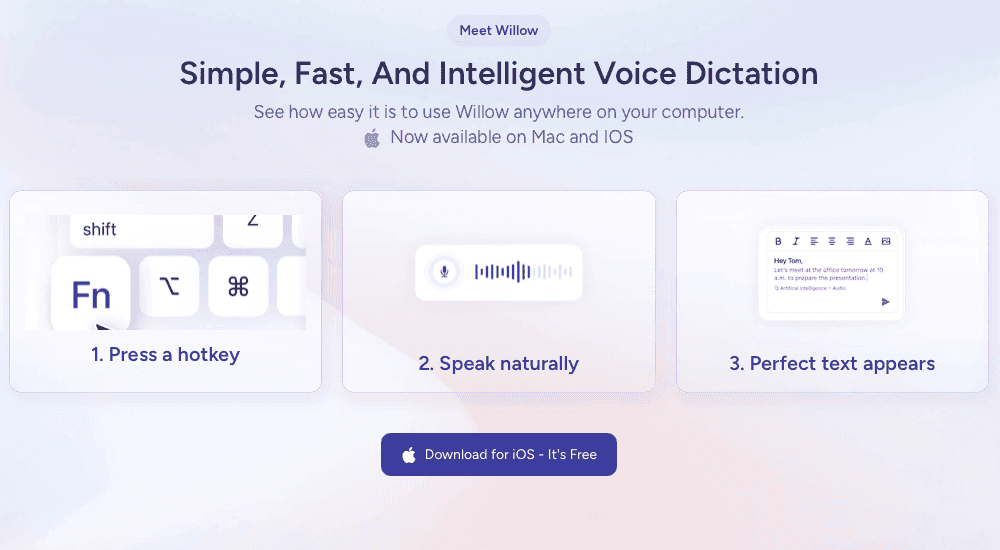
If you want the speed of speaking paired with the precision AI prompting requires, Willow Voice offers a purpose-built approach. Willow is a Mac app that turns speech into clean, structured text in under a second, working across ChatGPT, Cursor, Slack, Google Docs, email clients, browsers, and anywhere you type.
Its context-aware engine understands technical terms, code references, and product names, while custom dictionaries and tone-matching make dictated text sound natural. Users can add shortcuts, trigger formatting by voice, dictate in 100+ languages, and rely on quiet-mode whisper input in shared spaces.
Willow does not store audio after processing (with SOC 2 and HIPAA compliance), delivers accuracy more than 3x higher than built-in dictation tools, and helps most users replace over 90% of their typing. With its fast setup, Apple-like UI, and a free 2,000-word trial, Willow provides a simple way to work 4x faster, without changing how you use your computer.
FAQs
How do I use voice dictation with ChatGPT and other AI tools?
Most voice dictation tools activate with a hotkey (like the Function key) and work across any application where you type, including ChatGPT, Claude, and Cursor. Press the hotkey, speak your prompt, and the text appears instantly in your AI tool's input field.
Can voice dictation tools handle technical vocabulary and code terms?
Context-aware voice tools recognize technical language based on where you're working and can learn specialized terms through custom dictionaries. Basic dictation tools transcribe technical terms phonetically, requiring manual corrections after each session.
How fast is voice dictation compared to typing for AI prompts?
You speak at roughly 150 words per minute but type around 40 words per minute, making voice input 3-4x faster. This speed advantage matters most for detailed AI prompts that require multiple paragraphs of context, constraints, and examples.
Final thoughts on voice dictation for your AI workflow
Speaking your prompts at full conversational speed gives you far more output than typing, especially when you’re laying out detailed instructions for an AI model. The right voice dictation tool depends on where you work, how often you use technical language, and whether you want cloud-level speed or local processing. A modern voice engine like Willow provides rapid transcription with far fewer errors, helping you stay in flow instead of correcting text. Start with a simple setup, notice where friction shows up, and adjust your workflow from there.
Your brain moves faster than your fingers, especially when you’re trying to explain a detailed prompt to ChatGPT. Most people speak nearly four times faster than they type, which makes voice input an obvious upgrade for anyone working with AI. The problem is that traditional voice dictation tools were never built for technical language, so framework names, API references, and code terms get mangled, forcing you to stop and fix errors instead of staying in flow.
TLDR:
Voice dictation lets you speak at 150 WPM vs typing at 40 WPM for 4x faster AI prompting
Context-aware tools fix technical terms like "React hooks" that basic dictation mishears
ChatGPT's voice mode creates spoken conversations without editable text output
A modern third-party voice engine transcribes in under one second with far higher accuracy than built-in dictation tools
Developer-focused voice models reduce errors on code terms, API names, and CLI commands
Why Voice Dictation Matters for AI Prompting
Voice dictation solves a real bottleneck in AI workflows. The average person types around 40 words per minute but speaks at roughly 150 words per minute, making voice input 3-4x faster than typing. When you're crafting detailed prompts that explain context, constraints, and desired output format, this speed difference matters.
What Makes a Voice Dictation Tool Good for AI Work
AI prompting demands different capabilities than standard dictation. The right voice tool needs these features:
Accuracy with technical language. AI prompts frequently contain framework names, code references, or specialized terminology that basic voice tools mishear. Context-aware transcription distinguishes "React hooks" from "react hooks" or "Python class" from casual language based on your workflow.
Real-time transcription speed. When building complex prompts or refining instructions, instant text conversion maintains your thought process. Even brief delays interrupt creative flow and slow iteration.
Voice-controlled formatting. Commands for punctuation, line breaks, and structure let you format prompts while speaking. Without this, every dictation session requires manual cleanup of formatting and punctuation.
Willow Voice
Press the Function key in any app and start speaking. Your words appear as accurate text in under 200 milliseconds, whether you're in ChatGPT, Cursor, Claude, Google Docs, or Slack.
Willow removes filler words and smooths out phrasing for more natural-sounding text. The tool learns your writing style so dictated prompts sound natural. Custom dictionaries keep technical terms, framework names, and company-specific language accurate. It works across 100+ languages for multilingual AI work.
For users requiring complete privacy, Willow offers an offline mode that runs a local model on Mac and iOS, providing fully private dictation without an internet connection while maintaining quality that rivals competitors' primary local tools.
Apple Built-in Dictation
Apple's native dictation comes free on every Mac, iPhone, and iPad. Press the Function key twice and start speaking to convert speech to text across Apple apps without downloads or setup.
The tool struggles with technical vocabulary, framework names, and specialized AI terminology. It can't learn your writing patterns or adapt to context. You can say basic commands like "period" or "comma," but there's no automatic paragraph structuring or tone adjustment. For quick notes, it works. For detailed AI prompts with technical language, expect frequent corrections.
Google Docs Voice Typing
Access Google Docs voice typing through the Tools menu. Click the microphone icon to transcribe speech. Voice commands handle basic punctuation like "comma" or "question mark."
The tool only works inside Google Docs. If you're prompting ChatGPT in a browser tab, using Cursor for code, or working in Slack, you need to copy text from a separate Google Doc first. This adds extra steps to your workflow.
The Chrome browser is required. The tool can't learn technical vocabulary or adapt to your writing style. Framework names and specialized terms need manual correction after each dictation session.
Superwhisper
Superwhisper is a Mac app that transcribes speech across any application where you type. It activates with a hotkey and converts voice to text in ChatGPT, Cursor, Slack, and other apps.
The tool handles everyday language without major issues, but it won't learn technical vocabulary specific to AI workflows. Framework names, API references, and specialized terms need manual fixing after transcription. There's no context-aware correction that adapts to whether you're writing code prompts or casual messages.
Voice In (Browser Extension)
Voice In is a Chrome extension that adds voice transcription to web text fields. Activate it with a keyboard shortcut to speak directly into ChatGPT's web interface, Google Docs, or other browser apps.
The extension runs only in Chrome. Desktop apps like Cursor, Slack, or native text editors won't support it, creating friction when switching between web and desktop tools during AI work.
Voice In transcribes speech without context awareness or technical vocabulary support. Framework names and specialized AI terminology transcribe phonetically without correction, and there's no automatic formatting for different prompt types.
Accuracy Considerations for AI Prompting
A single mistranscribed word can derail an AI prompt. When you dictate "React hooks" but your tool transcribes "react hooks," ChatGPT might treat it as casual conversation instead of a technical framework query.
Context-aware tools analyze your working environment to improve accuracy. When you're in Cursor, the system focuses on code-related terms. In ChatGPT, it recognizes prompt patterns. Custom dictionaries let you add project-specific vocabulary so "pytest" never becomes "pie test" again.
Speed and Latency in Voice Dictation
The gap between speaking and seeing text determines whether voice dictation helps or hinders your workflow. When you're building a detailed AI prompt that requires multiple constraints and examples, your brain works several thoughts ahead. A two or three-second delay forces you to pause, wait, verify what appeared, then remember where you were going next.
Sub-1 second processing preserves the flow state that makes voice dictation worthwhile. You speak a paragraph explaining your AI task, constraints, desired format, and example output without stopping to check if each sentence transcribed correctly. Your attention stays on crafting the prompt instead of monitoring the transcription process.
Privacy and Security for AI Workflows
Voice dictation for AI prompting can expose sensitive information.
Cloud-based voice tools process audio on remote servers for faster transcription and higher accuracy through powerful AI models. The privacy question is what happens to that data afterward.
Review whether a tool stores voice data, how long it retains recordings, and whether you can opt out of data collection. The trade-off is real: cloud processing delivers sub-1 second latency and context-aware accuracy, while purely local tools sacrifice speed for complete data control.
Multi-Language Support for Global AI Users
Global teams require dictation that handles multiple languages within the same workflow, recognizes diverse accents without retraining, and correctly transcribes English technical terminology regardless of surrounding language.
Setting Up Voice Dictation for Your AI Workflow
Start by choosing your activation method. Most tools use hotkeys (like the Function key), while browser extensions require clicking an icon. Test your microphone placement first. Position it 6-8 inches from your mouth and check background noise levels in your first few transcriptions.
Training Your Speaking Style
Dictate complete thoughts instead of sentence fragments. Say "comma" or "period" explicitly until automatic punctuation becomes natural. Pause briefly between paragraphs instead of saying "new paragraph." Your speech rhythm matters more than perfect pronunciation.
Combining Voice and Typing
Use voice dictation for initial prompt drafts and long explanations. Switch to keyboard for quick edits, adding specific syntax, or inserting code snippets. This hybrid approach captures the speed of speaking while maintaining precision where it matters.
How Willow Improves Voice Dictation
If you want the speed of speaking paired with the precision AI prompting requires, Willow Voice offers a purpose-built approach. Willow is a Mac app that turns speech into clean, structured text in under a second, working across ChatGPT, Cursor, Slack, Google Docs, email clients, browsers, and anywhere you type.
Its context-aware engine understands technical terms, code references, and product names, while custom dictionaries and tone-matching make dictated text sound natural. Users can add shortcuts, trigger formatting by voice, dictate in 100+ languages, and rely on quiet-mode whisper input in shared spaces.
Willow does not store audio after processing (with SOC 2 and HIPAA compliance), delivers accuracy more than 3x higher than built-in dictation tools, and helps most users replace over 90% of their typing. With its fast setup, Apple-like UI, and a free 2,000-word trial, Willow provides a simple way to work 4x faster, without changing how you use your computer.
FAQs
How do I use voice dictation with ChatGPT and other AI tools?
Most voice dictation tools activate with a hotkey (like the Function key) and work across any application where you type, including ChatGPT, Claude, and Cursor. Press the hotkey, speak your prompt, and the text appears instantly in your AI tool's input field.
Can voice dictation tools handle technical vocabulary and code terms?
Context-aware voice tools recognize technical language based on where you're working and can learn specialized terms through custom dictionaries. Basic dictation tools transcribe technical terms phonetically, requiring manual corrections after each session.
How fast is voice dictation compared to typing for AI prompts?
You speak at roughly 150 words per minute but type around 40 words per minute, making voice input 3-4x faster. This speed advantage matters most for detailed AI prompts that require multiple paragraphs of context, constraints, and examples.
Final thoughts on voice dictation for your AI workflow
Speaking your prompts at full conversational speed gives you far more output than typing, especially when you’re laying out detailed instructions for an AI model. The right voice dictation tool depends on where you work, how often you use technical language, and whether you want cloud-level speed or local processing. A modern voice engine like Willow provides rapid transcription with far fewer errors, helping you stay in flow instead of correcting text. Start with a simple setup, notice where friction shows up, and adjust your workflow from there.

Try Willow for free
Instant, accurate voice dictation. No card required.
Try Willow for free
Instant, accurate voice dictation. No card required.
Other stories you’ll love
Other stories you’ll love


Your keyboard is optional now
" transform="translate(5 5)" width="9.791000051498413px"/></svg>)

The voice-first interface for modern work.
© Willow Care, Inc. 2026. All rights reserved
Your keyboard is optional now
The voice-first interface for modern work.
© Willow Care, Inc. 2026. All rights reserved
Your keyboard is optional now
The voice-first interface for modern work.
© Willow Care, Inc. 2026. All rights reserved