" transform="translate(5 2)" width="10px"/></svg>)

•
5 min read
Best AI Productivity Tools That Actually Work in June 2026

•
5 min read
Best AI Productivity Tools That Actually Work in June 2026
AI productivity tools are everywhere right now. The problem? A lot of them promise to change your life but end up adding more frustration than they remove. If your inbox is a black hole, your docs are a mess, and you feel like you’re typing your day away, you’re not imagining it. The struggle is real. The good news is, a new wave of AI tools is finally living up to the hype, and they’re actually helping people get their time back.
TLDR:
AI productivity tools deliver 25-40% faster task completion.
Start with one tool that tackles your biggest pain point, then build your stack gradually.
Free tiers let you test tools like ChatGPT, Claude, and Perplexity before committing to paid plans.
Give each AI tool 2 weeks of consistent use to learn your patterns and show real value.
Leading voice dictation tools offer 4x faster input than typing, 3x higher accuracy than built-in tools, and native support across Mac, Windows, and iOS.
Why AI Productivity Tools Have Hit Their Stride in June 2026
The AI productivity revolution isn't coming anymore. It's here.
After years of overhyped demos and frustrating beta experiences, AI tools have finally crossed the reliability threshold. Most leading solutions now deliver 25-40% faster task completion, making them actually useful for real work instead of just impressive party tricks.
The breakthrough happened when developers stopped chasing flashy features and started focusing on solving specific productivity problems. Voice recognition software reached a tipping point where it can understand context, decipher accents, and adapt on the fly. Task management tools learned to handle complex scheduling without constant human intervention.
By late 2025, AI productivity tools had shifted from "interesting experiment" to "must-have workflow component" for many professionals.
Tool | Category | Starting Price | Best For |
|---|---|---|---|
Shortwave | Email Management | Free tier available | Gmail users who want AI-powered inbox summaries |
Superhuman | Email Management | $30/month | Power users who live in their inbox |
HEY | Email Management | Paid plans | Cutting inbox noise with smart screening |
Reclaim.ai | Task & Project Management | Free tier available | Auto-blocking focus time and habits on your calendar |
Motion | Task & Project Management | $29/month | Professionals juggling competing priorities |
Notion AI | Task & Project Management | $10/month add-on | Teams managing complex projects in Notion |
Mem | Knowledge & Research | Free tier available | Automatic note organization and retrieval |
Tana | Knowledge & Research | Free tier available | Research-heavy professionals managing multiple contexts |
Readwise Reader | Knowledge & Research | Paid plans | Professionals consuming high volumes of articles and PDFs |
Socratic by Google | Student Tools | Free | Students who need step-by-step explanations |
Focus Booster | Student Tools | Free ($3/month premium) | Students struggling with focus and procrastination |
Willow Voice | Voice & Dictation | Free plan (2,000 words/week) | Professionals who want 4x faster input with near-flawless accuracy |
AI Email and Inbox Management
Shortwave
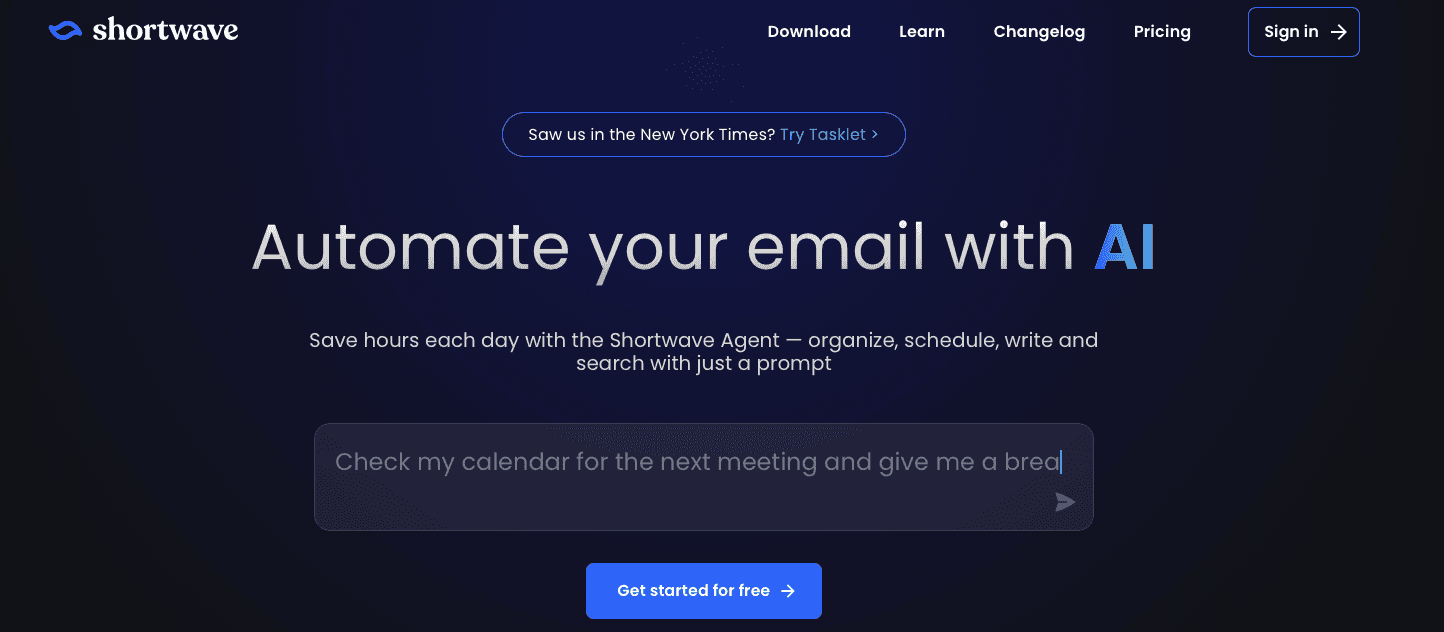
Shortwave modernizes Gmail with AI summarization, smart bundles, and powerful search. Instead of drowning in a flood of unread messages, you get organized, digestible summaries of what matters most. The AI can even draft quick replies, saving hours each week.
Superhuman
Superhuman remains th
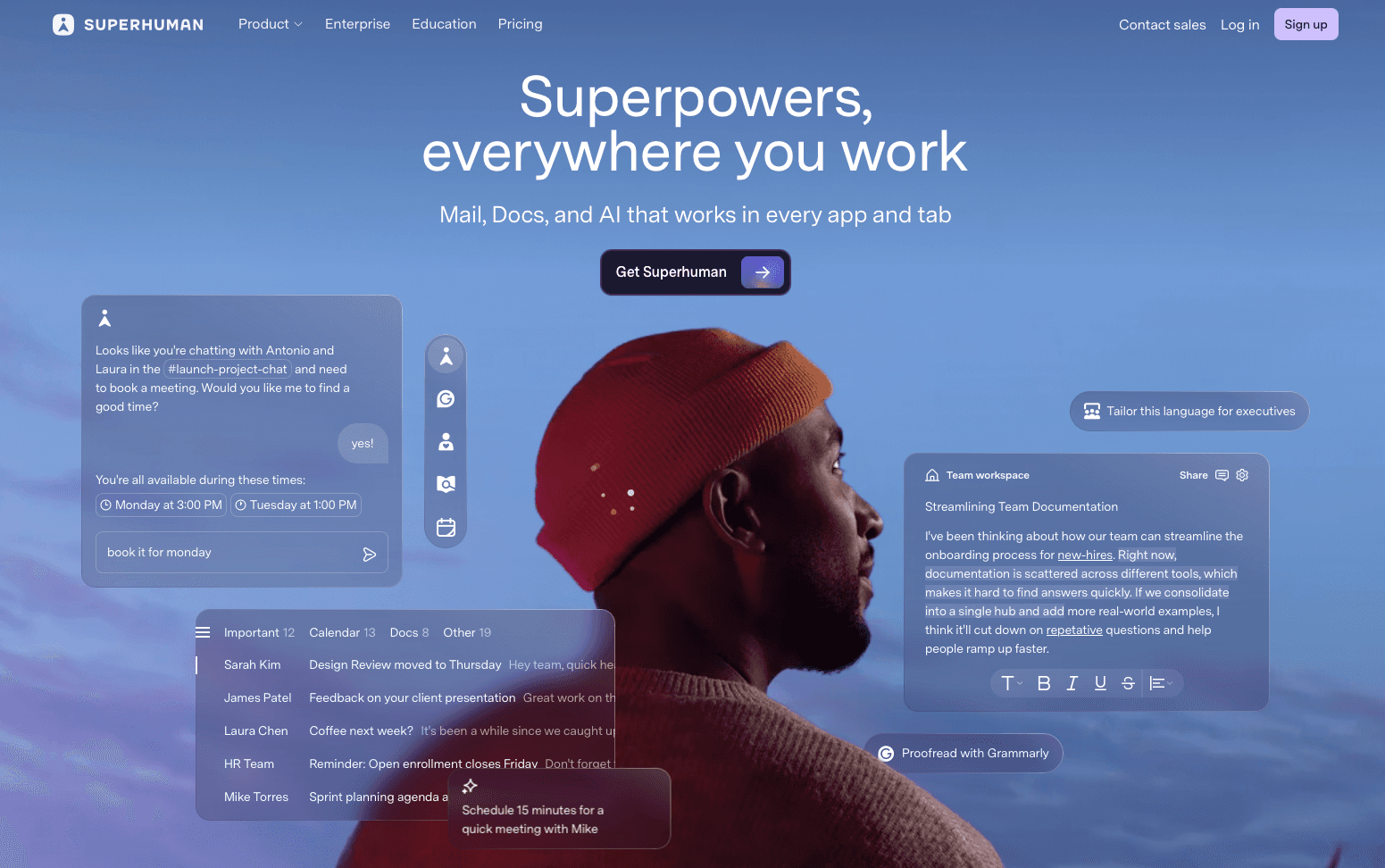
e premium choice for inbox power users. At $30/month, it delivers blazing-fast keyboard shortcuts, AI triage, and automatic follow-up reminders. For professionals living in their inbox, Superhuman cuts email time in half and helps reach inbox zero.
HEY

HEY rethinks email with built-in screening and AI-driven categorization. Its focus is keeping distractions out and surfacing only important communications. While not as AI-heavy as Shortwave or Superhuman, it shows how design and automation can reduce inbox stress.
Task and Project Management Tools
Reclaim.ai
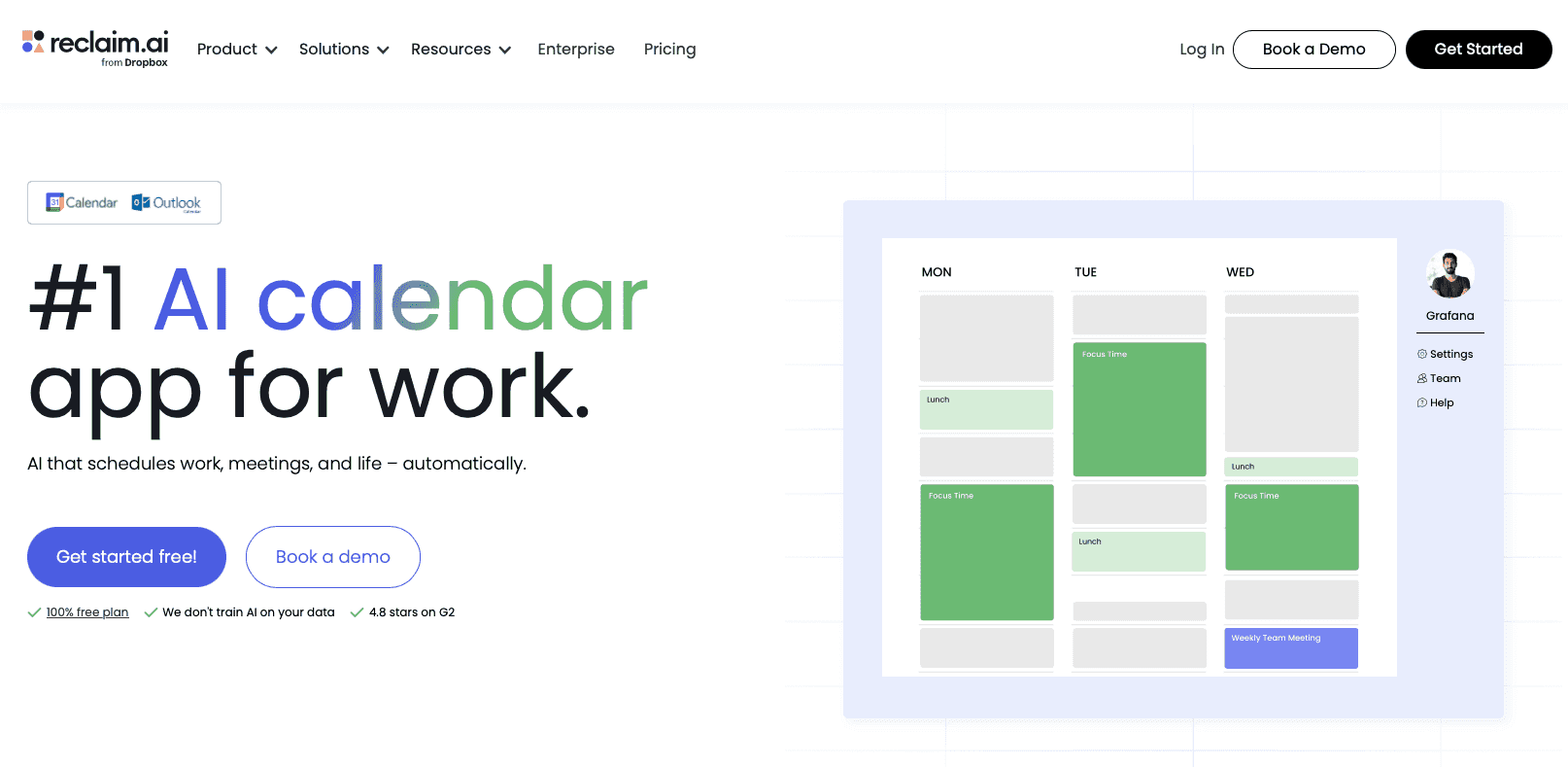
Reclaim uses AI to automatically block time for tasks, habits, and breaks across your calendar. It makes sure that you don't overcommit while protecting deep-work sessions. The free tier works for individuals, while the $10/month Starter plan adds advanced scheduling and team features.
Motion
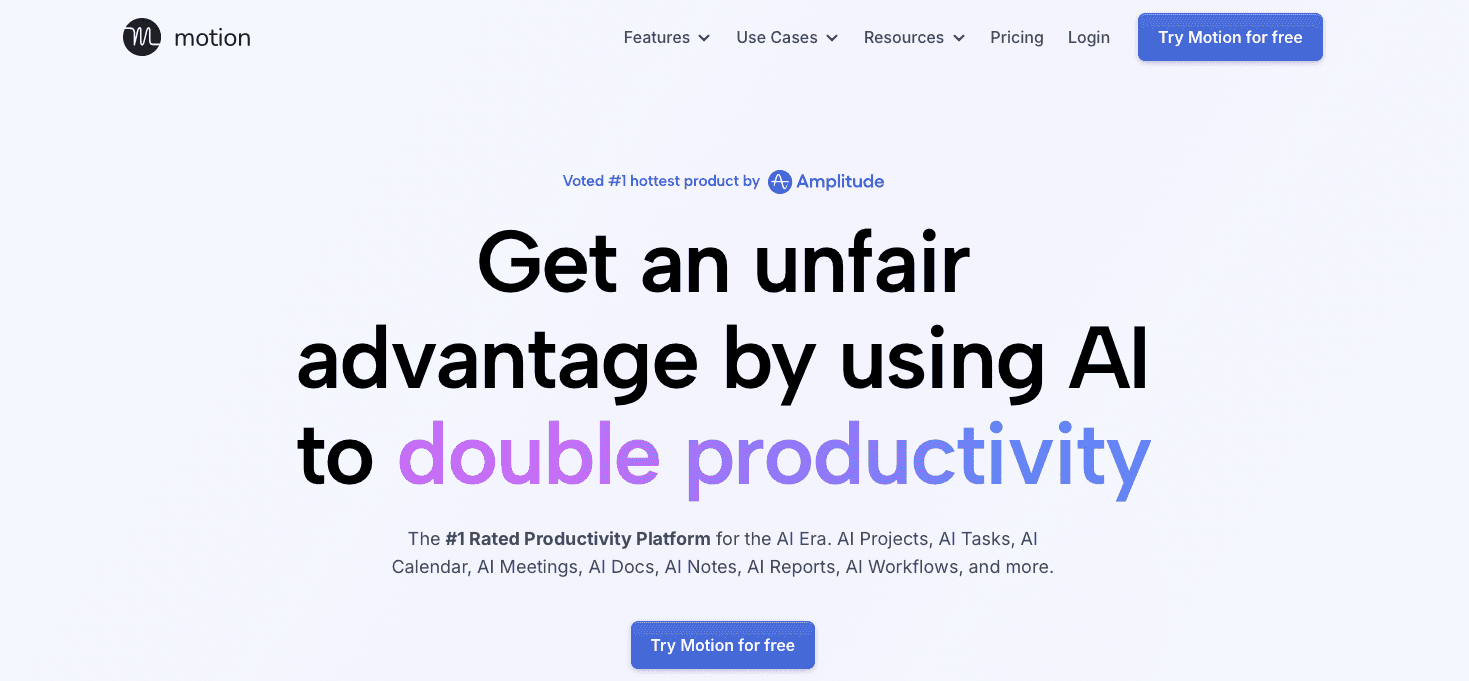
Motion represents the next evolution of task management by using AI to automatically schedule your work. Instead of manually organizing your calendar and to-do list, Motion’s AI considers multiple parameters to optimize your schedule in real-time.
The tool claims to save users considerable time each year, with many reports suggesting notable productivity gains. Motion can automatically adjust tasks around meetings, focus on urgent work, and block focus time for deep work sessions.
At $29/month for individuals, Motion isn't cheap, but it pays for itself if you're constantly juggling competing priorities. The AI learns your work patterns and preferences, becoming more effective over time.
Notion AI
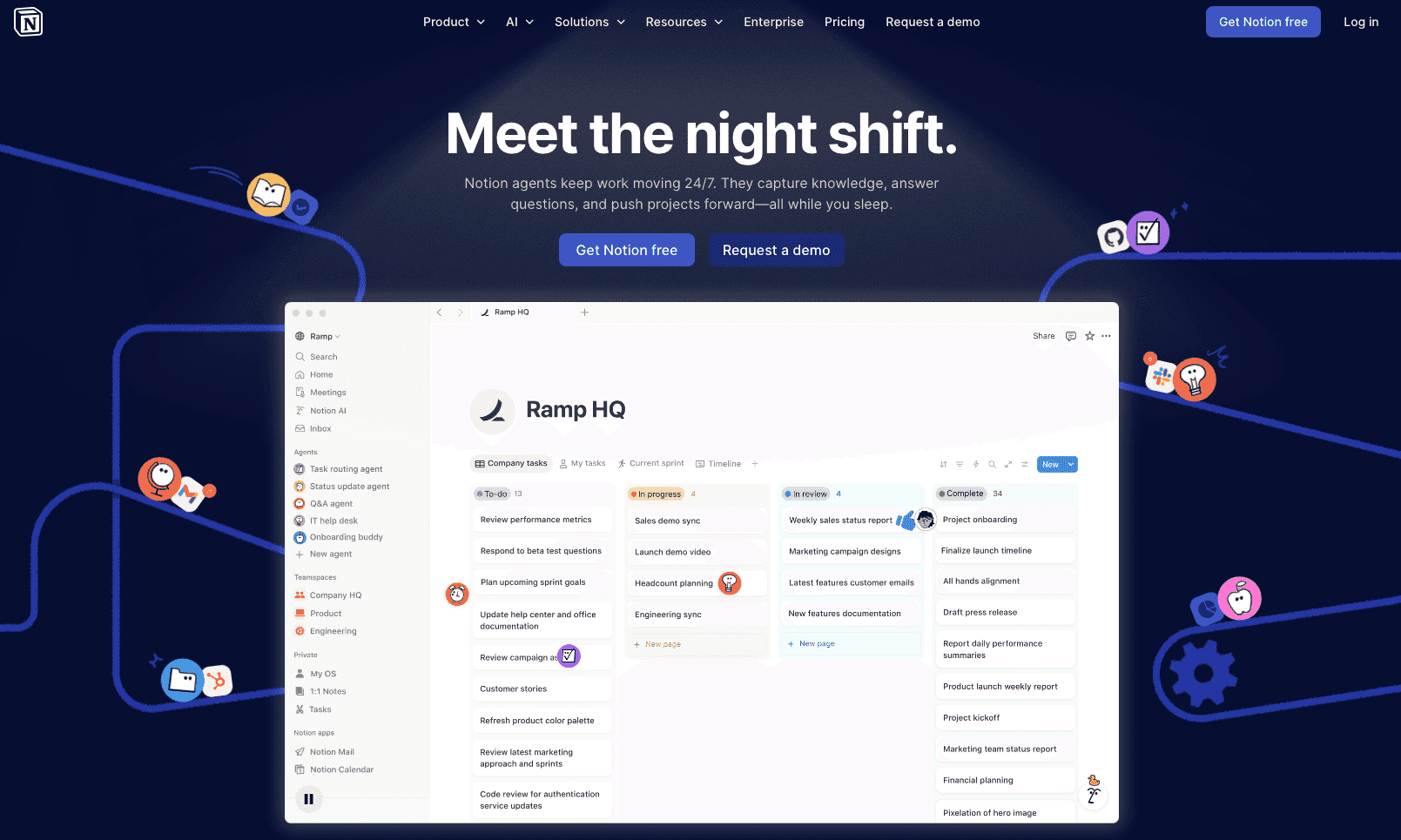
Notion AI changes the popular workspace tool into an intelligent knowledge management system. Beyond basic content generation, it can analyze your existing databases, suggest connections between projects, and help retrieve information from your stored knowledge base.
The AI features cost $10/month per user on top of Notion's base pricing, but they're particularly valuable for teams managing complex projects. Notion AI can generate meeting summaries, create project templates, and even help organize scattered information into coherent documentation.
What makes Notion AI different from standalone AI tools is its deep integration with your existing workspace. It understands the context of your projects, team members, and workflows, making its suggestions more relevant and actionable.
AI Knowledge and Research Companions
Mem
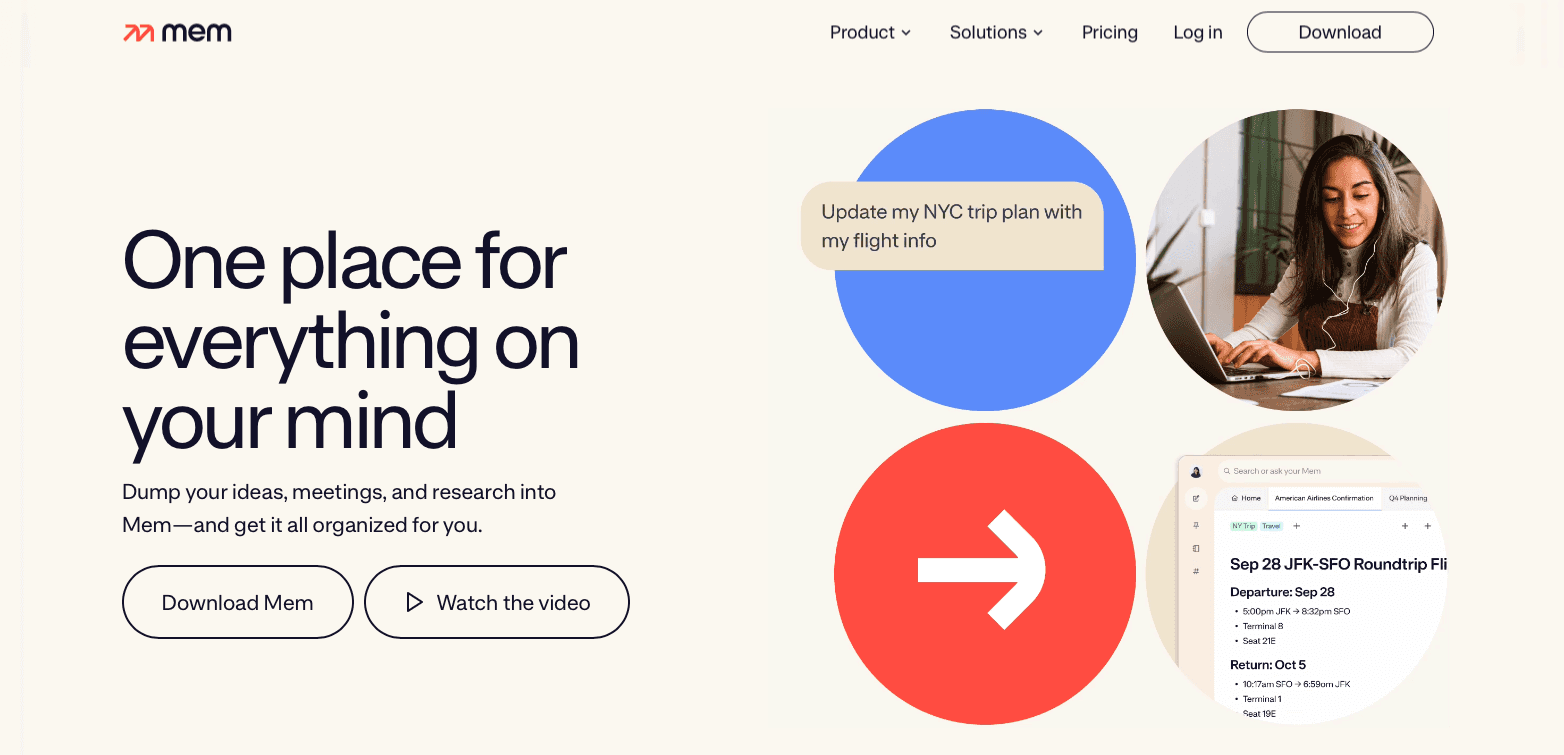
Mem is an AI-powered note-taking app that organizes information automatically. Instead of manually tagging and filing notes, Mem surfaces what’s relevant when you need it. Teams use it as a lightweight knowledge base that continuously improves over time.
Tana
Tana brings structure to personal knowledge management with AI that suggests connections across projects, notes, and tasks. Its flexible database-like system makes it especially valuable for research-heavy professionals juggling multiple contexts.
Readwise Reader

Readwise Reader changes articles, PDFs, and newsletters into a single AI-enhanced reading hub. Its summarization features distill long content into actionable insights. Professionals who consume a high volume of information save hours each week while retaining more.
Specialized AI Tools for Students
Socratic by Google
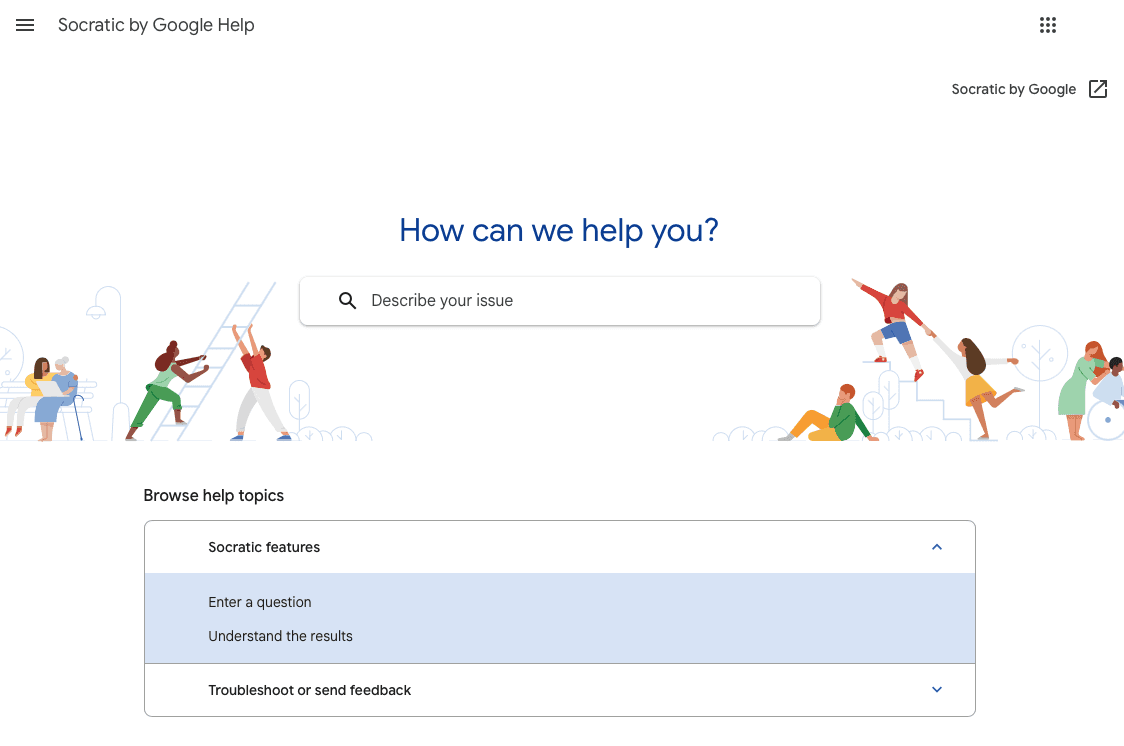
Socratic changes homework struggles into learning opportunities by providing step-by-step explanations across multiple subjects. Students can photograph math problems, science questions, or literature assignments to receive detailed guidance instead of just answers.
The free app covers high school and college-level coursework in subjects ranging from algebra to biology. What makes Socratic valuable is its focus on teaching concepts instead of providing shortcuts, helping students actually understand the material.
The AI draws from educational resources across the web to provide detailed explanations with visual aids and examples. For students who learn better through conversation than textbook reading, Socratic offers an alternative path to understanding complex topics.
What the Data Shows in June 2026
The productivity story got more specific this year. Nielsen Norman Group AI productivity studies show that generative AI tools increased task throughput by 66% on realistic workplace tasks. A January 2026 Workday study of 3,200 full-time employees found that 85% of workers save one to seven hours per week using AI tools. The catch: nearly 40% of those gains get absorbed by rework, correcting errors, rewriting content, and double-checking outputs from poorly matched tools.
That gap reframes how to think about tool selection. The professionals pulling ahead are not those using the most AI tools. They're the ones using well-matched, high-accuracy tools that cut the rework cycle. Voice dictation with near-perfect accuracy, task managers that auto-schedule intelligently, and email tools that genuinely understand context; these are the ones delivering net gains that hold up over time. The same logic applies at the team level. Organizations that standardize on a small set of high-quality tools, with shared configurations and consistent onboarding, tend to see better aggregate gains than those where every person self-selects a different stack.
The other notable shift: AI tool adoption has moved from early adopters to mainstream. According to Microsoft and LinkedIn research, 75% of knowledge workers now use AI at work, meaning the question for most professionals is no longer whether to use AI tools, but which ones to actually keep.
Voice and Dictation Tools
Willow

Voice dictation has finally reached the point where it's faster and more accurate than typing for most professionals. Willow leads this category with 3x higher accuracy than built-in dictation tools and ~200ms latency. Text appears almost the instant you finish speaking, with no perceptible delay or loss of focus.
What sets Willow apart is its context-aware AI that understands what you're working on. Whether you're drafting client emails, writing code comments, capturing clinical notes, or creating documentation, Willow adapts its tone and terminology to match your context. It offers two modes: standard dictation for verbatim transcription, and Willow Scribe, an AI-assisted mode that generates full drafts from a short voice prompt. The tool works natively on Mac and Windows, covering Gmail, Slack, Notion, ChatGPT, Cursor, and any other text field. On iOS, a custom voice keyboard brings the same experience to mobile without switching apps.
The productivity gains are substantial. Most people type at 40 words per minute, but with Willow you can speak at 150 words per minute, roughly 3 to 4 times faster depending on your baseline. Willow is designed around what the team calls Zero Edit Dictation: transcripts that read cleanly on the first pass, with no manual correction cycle needed afterward.
Willow's custom dictionaries make sure company names, technical terms, and industry jargon are always spelled correctly. The "Hey Willow" assistant feature can even draft email replies based on context, though this is opt-in for users who prefer manual control.
For teams deploying Willow across an organization, the security story is straightforward: Willow is SOC 2 Type II and HIPAA compliant, with a signed BAA available for healthcare and regulated industries. It is already in daily use at Uber, Reddit, and a range of large organizations, with over 100,000 professionals using it for core workflows. Shared custom dictionaries keep product names and internal jargon consistent across every team member. Shared shortcuts put common phrases and response templates one voice command away. Team leaderboards give admins visibility into adoption across the org, and native Mac and Windows support means rollout requires no per-platform workarounds.
For professionals spending hours daily on email, documentation, or AI prompting workflows, Willow is a fundamental upgrade to how you interact with your computer. The free trial includes 2,000 words per week with no credit card required, making it easy to experience the productivity boost firsthand.
FAQs
How do I know if an AI productivity tool is actually worth the subscription cost?
Track specific metrics like emails processed per hour or time spent on repetitive tasks before and after implementation. Most effective AI tools deliver productivity improvements initially, with greater gains over time as they learn your preferences.
When should I expect to see real productivity gains from AI tools?
Give each tool at least 2 weeks of consistent use before checking how well it works. AI tools improve as they learn your patterns, so initial impressions can be misleading. Most users report major productivity improvements after the first month of regular usage.
Can I use multiple AI productivity tools together effectively?
Yes, but start with one tool that solves your biggest pain point before adding others. Tools with good integration features create compound benefits. For example, voice dictation tools improve AI writing assistants by making input faster and more natural.
Final thoughts on choosing AI productivity tools that actually work
The AI productivity revolution has arrived, and the tools that matter are finally ready for serious work. Whether you're looking to speed up your writing with Willow or simplify your entire workflow with intelligent task management, the key is starting with your biggest pain point and building from there. These tools work best when you give them time to learn your patterns and integrate naturally into your daily routine. The productivity gains are real when you choose thoughtfully and commit to consistent use.
AI productivity tools are everywhere right now. The problem? A lot of them promise to change your life but end up adding more frustration than they remove. If your inbox is a black hole, your docs are a mess, and you feel like you’re typing your day away, you’re not imagining it. The struggle is real. The good news is, a new wave of AI tools is finally living up to the hype, and they’re actually helping people get their time back.
TLDR:
AI productivity tools deliver 25-40% faster task completion.
Start with one tool that tackles your biggest pain point, then build your stack gradually.
Free tiers let you test tools like ChatGPT, Claude, and Perplexity before committing to paid plans.
Give each AI tool 2 weeks of consistent use to learn your patterns and show real value.
Leading voice dictation tools offer 4x faster input than typing, 3x higher accuracy than built-in tools, and native support across Mac, Windows, and iOS.
Why AI Productivity Tools Have Hit Their Stride in June 2026
The AI productivity revolution isn't coming anymore. It's here.
After years of overhyped demos and frustrating beta experiences, AI tools have finally crossed the reliability threshold. Most leading solutions now deliver 25-40% faster task completion, making them actually useful for real work instead of just impressive party tricks.
The breakthrough happened when developers stopped chasing flashy features and started focusing on solving specific productivity problems. Voice recognition software reached a tipping point where it can understand context, decipher accents, and adapt on the fly. Task management tools learned to handle complex scheduling without constant human intervention.
By late 2025, AI productivity tools had shifted from "interesting experiment" to "must-have workflow component" for many professionals.
Tool | Category | Starting Price | Best For |
|---|---|---|---|
Shortwave | Email Management | Free tier available | Gmail users who want AI-powered inbox summaries |
Superhuman | Email Management | $30/month | Power users who live in their inbox |
HEY | Email Management | Paid plans | Cutting inbox noise with smart screening |
Reclaim.ai | Task & Project Management | Free tier available | Auto-blocking focus time and habits on your calendar |
Motion | Task & Project Management | $29/month | Professionals juggling competing priorities |
Notion AI | Task & Project Management | $10/month add-on | Teams managing complex projects in Notion |
Mem | Knowledge & Research | Free tier available | Automatic note organization and retrieval |
Tana | Knowledge & Research | Free tier available | Research-heavy professionals managing multiple contexts |
Readwise Reader | Knowledge & Research | Paid plans | Professionals consuming high volumes of articles and PDFs |
Socratic by Google | Student Tools | Free | Students who need step-by-step explanations |
Focus Booster | Student Tools | Free ($3/month premium) | Students struggling with focus and procrastination |
Willow Voice | Voice & Dictation | Free plan (2,000 words/week) | Professionals who want 4x faster input with near-flawless accuracy |
AI Email and Inbox Management
Shortwave
Shortwave modernizes Gmail with AI summarization, smart bundles, and powerful search. Instead of drowning in a flood of unread messages, you get organized, digestible summaries of what matters most. The AI can even draft quick replies, saving hours each week.
Superhuman
Superhuman remains th
e premium choice for inbox power users. At $30/month, it delivers blazing-fast keyboard shortcuts, AI triage, and automatic follow-up reminders. For professionals living in their inbox, Superhuman cuts email time in half and helps reach inbox zero.
HEY
HEY rethinks email with built-in screening and AI-driven categorization. Its focus is keeping distractions out and surfacing only important communications. While not as AI-heavy as Shortwave or Superhuman, it shows how design and automation can reduce inbox stress.
Task and Project Management Tools
Reclaim.ai
Reclaim uses AI to automatically block time for tasks, habits, and breaks across your calendar. It makes sure that you don't overcommit while protecting deep-work sessions. The free tier works for individuals, while the $10/month Starter plan adds advanced scheduling and team features.
Motion
Motion represents the next evolution of task management by using AI to automatically schedule your work. Instead of manually organizing your calendar and to-do list, Motion’s AI considers multiple parameters to optimize your schedule in real-time.
The tool claims to save users considerable time each year, with many reports suggesting notable productivity gains. Motion can automatically adjust tasks around meetings, focus on urgent work, and block focus time for deep work sessions.
At $29/month for individuals, Motion isn't cheap, but it pays for itself if you're constantly juggling competing priorities. The AI learns your work patterns and preferences, becoming more effective over time.
Notion AI
Notion AI changes the popular workspace tool into an intelligent knowledge management system. Beyond basic content generation, it can analyze your existing databases, suggest connections between projects, and help retrieve information from your stored knowledge base.
The AI features cost $10/month per user on top of Notion's base pricing, but they're particularly valuable for teams managing complex projects. Notion AI can generate meeting summaries, create project templates, and even help organize scattered information into coherent documentation.
What makes Notion AI different from standalone AI tools is its deep integration with your existing workspace. It understands the context of your projects, team members, and workflows, making its suggestions more relevant and actionable.
AI Knowledge and Research Companions
Mem
Mem is an AI-powered note-taking app that organizes information automatically. Instead of manually tagging and filing notes, Mem surfaces what’s relevant when you need it. Teams use it as a lightweight knowledge base that continuously improves over time.
Tana
Tana brings structure to personal knowledge management with AI that suggests connections across projects, notes, and tasks. Its flexible database-like system makes it especially valuable for research-heavy professionals juggling multiple contexts.
Readwise Reader
Readwise Reader changes articles, PDFs, and newsletters into a single AI-enhanced reading hub. Its summarization features distill long content into actionable insights. Professionals who consume a high volume of information save hours each week while retaining more.
Specialized AI Tools for Students
Socratic by Google
Socratic changes homework struggles into learning opportunities by providing step-by-step explanations across multiple subjects. Students can photograph math problems, science questions, or literature assignments to receive detailed guidance instead of just answers.
The free app covers high school and college-level coursework in subjects ranging from algebra to biology. What makes Socratic valuable is its focus on teaching concepts instead of providing shortcuts, helping students actually understand the material.
The AI draws from educational resources across the web to provide detailed explanations with visual aids and examples. For students who learn better through conversation than textbook reading, Socratic offers an alternative path to understanding complex topics.
What the Data Shows in June 2026
The productivity story got more specific this year. Nielsen Norman Group AI productivity studies show that generative AI tools increased task throughput by 66% on realistic workplace tasks. A January 2026 Workday study of 3,200 full-time employees found that 85% of workers save one to seven hours per week using AI tools. The catch: nearly 40% of those gains get absorbed by rework, correcting errors, rewriting content, and double-checking outputs from poorly matched tools.
That gap reframes how to think about tool selection. The professionals pulling ahead are not those using the most AI tools. They're the ones using well-matched, high-accuracy tools that cut the rework cycle. Voice dictation with near-perfect accuracy, task managers that auto-schedule intelligently, and email tools that genuinely understand context; these are the ones delivering net gains that hold up over time. The same logic applies at the team level. Organizations that standardize on a small set of high-quality tools, with shared configurations and consistent onboarding, tend to see better aggregate gains than those where every person self-selects a different stack.
The other notable shift: AI tool adoption has moved from early adopters to mainstream. According to Microsoft and LinkedIn research, 75% of knowledge workers now use AI at work, meaning the question for most professionals is no longer whether to use AI tools, but which ones to actually keep.
Voice and Dictation Tools
Willow
Voice dictation has finally reached the point where it's faster and more accurate than typing for most professionals. Willow leads this category with 3x higher accuracy than built-in dictation tools and ~200ms latency. Text appears almost the instant you finish speaking, with no perceptible delay or loss of focus.
What sets Willow apart is its context-aware AI that understands what you're working on. Whether you're drafting client emails, writing code comments, capturing clinical notes, or creating documentation, Willow adapts its tone and terminology to match your context. It offers two modes: standard dictation for verbatim transcription, and Willow Scribe, an AI-assisted mode that generates full drafts from a short voice prompt. The tool works natively on Mac and Windows, covering Gmail, Slack, Notion, ChatGPT, Cursor, and any other text field. On iOS, a custom voice keyboard brings the same experience to mobile without switching apps.
The productivity gains are substantial. Most people type at 40 words per minute, but with Willow you can speak at 150 words per minute, roughly 3 to 4 times faster depending on your baseline. Willow is designed around what the team calls Zero Edit Dictation: transcripts that read cleanly on the first pass, with no manual correction cycle needed afterward.
Willow's custom dictionaries make sure company names, technical terms, and industry jargon are always spelled correctly. The "Hey Willow" assistant feature can even draft email replies based on context, though this is opt-in for users who prefer manual control.
For teams deploying Willow across an organization, the security story is straightforward: Willow is SOC 2 Type II and HIPAA compliant, with a signed BAA available for healthcare and regulated industries. It is already in daily use at Uber, Reddit, and a range of large organizations, with over 100,000 professionals using it for core workflows. Shared custom dictionaries keep product names and internal jargon consistent across every team member. Shared shortcuts put common phrases and response templates one voice command away. Team leaderboards give admins visibility into adoption across the org, and native Mac and Windows support means rollout requires no per-platform workarounds.
For professionals spending hours daily on email, documentation, or AI prompting workflows, Willow is a fundamental upgrade to how you interact with your computer. The free trial includes 2,000 words per week with no credit card required, making it easy to experience the productivity boost firsthand.
FAQs
How do I know if an AI productivity tool is actually worth the subscription cost?
Track specific metrics like emails processed per hour or time spent on repetitive tasks before and after implementation. Most effective AI tools deliver productivity improvements initially, with greater gains over time as they learn your preferences.
When should I expect to see real productivity gains from AI tools?
Give each tool at least 2 weeks of consistent use before checking how well it works. AI tools improve as they learn your patterns, so initial impressions can be misleading. Most users report major productivity improvements after the first month of regular usage.
Can I use multiple AI productivity tools together effectively?
Yes, but start with one tool that solves your biggest pain point before adding others. Tools with good integration features create compound benefits. For example, voice dictation tools improve AI writing assistants by making input faster and more natural.
Final thoughts on choosing AI productivity tools that actually work
The AI productivity revolution has arrived, and the tools that matter are finally ready for serious work. Whether you're looking to speed up your writing with Willow or simplify your entire workflow with intelligent task management, the key is starting with your biggest pain point and building from there. These tools work best when you give them time to learn your patterns and integrate naturally into your daily routine. The productivity gains are real when you choose thoughtfully and commit to consistent use.

Try Willow for free
Instant, accurate voice dictation. No card required.
Try Willow for free
Instant, accurate voice dictation. No card required.
Other stories you’ll love
Other stories you’ll love



Your keyboard is optional now
" transform="translate(5 5)" width="9.791000051498413px"/></svg>)

The voice-first interface for modern work.
© Willow Care, Inc. 2026. All rights reserved
Your keyboard is optional now
The voice-first interface for modern work.
© Willow Care, Inc. 2026. All rights reserved
Your keyboard is optional now
The voice-first interface for modern work.
© Willow Care, Inc. 2026. All rights reserved