" transform="translate(5 2)" width="10px"/></svg>)

•
5 min read
7 Best Voice to Text Tools (August 2026)

•
5 min read
7 Best Voice to Text Tools (August 2026)
Dictation software promises to triple your documentation speed, yet most consultants find themselves correcting transcripts that misfire on client names, technical terminology, and industry jargon. Real voice-to-text for professionals needs to keep up with live conversations at 150+ words per minute, capture specialized language across engagements, and meet the strict enterprise security standards clients expect when confidential data is involved. Processing speed matters just as much as accuracy, because even small delays can break your train of thought during meetings or proposal drafting. After testing seven leading tools for latency, transcription quality, enterprise compliance credentials, native cross-device support (treating Windows as a first-class operating system alongside Mac), and consulting workflow integration, one solution consistently delivered fast, accurate, and secure documentation.
TLDR:
You speak at 150 WPM vs typing at 40 WPM, making voice dictation 3x faster for client documentation.
Willow Voice delivers ~200ms latency with enterprise-grade SOC 2 Type II and HIPAA compliance for confidential consulting work.
Willow's context-aware AI learns client names and technical terminology, delivering 98%+ accuracy and syncing updates across your entire mixed-device fleet.
Most consumer-grade tools lack the centralized admin controls, shared custom dictionaries, and cross-device support that growing consulting practices require.
Willow Voice supports mixed-device fleets across Mac, Windows, and iOS, providing shared team dictionaries to keep org-wide terminology consistent from day one.
Defining Voice to Text for Consultants
Voice dictation software converts spoken words into written text, which matters for consultants who spend hours documenting client meetings, drafting proposals, and responding to emails. You can speak at 150 words per minute but only type at around 40 words per minute, creating an obvious speed advantage.
These tools handle the specific challenges consultants face: technical terminology across different industries, client names that require correct spelling, and project jargon that varies between engagements. The better ones let consulting practices standardize terminology across the whole team, so custom vocabulary syncs automatically whether a consultant is drafting a proposal on a Windows desktop or updating a client from an iPhone, formatting dictation into proper emails, reports, and documentation without manual cleanup.
Assessing Voice to Text Tools for Consultants
We assessed these tools across a few key criteria that matter for consulting work.
Transcription accuracy determines whether technical terms, client names, and industry jargon get captured correctly without manual fixes. Processing speed affects whether you can maintain your thought flow or get interrupted waiting for text to appear.
Cross-device availability covers whether the tool works natively on Mac, Windows, and iOS. This is a requirement for mixed-device consulting fleets where professionals need uninterrupted workflow continuity as they switch between Windows workstations, Mac laptops, and mobile phones throughout the day. Security and privacy standards determine whether a tool can move into an org-wide rollout, particularly whether the software holds SOC 2 Type II or HIPAA certifications to protect confidential client data.
Software integrations look at whether the software functions across email clients, document editors, messaging apps, and specialized consulting tools.
Tool | Device Support | Latency | Security Compliance | Best For | Key Limitation |
|---|---|---|---|---|---|
Willow Voice | Mac, Windows, iOS | ~200ms | SOC 2 Type II, HIPAA, Zero data retention | Consulting teams handling confidential client data across devices | None identified |
Wispr Flow | Mac, Windows, iOS, Android | ~700ms | SOC 2 Type II, ISO 27001, HIPAA (on certain plans) | Cross-app general dictation | High CPU usage makes the product slow on low-memory computers |
Dragon Professional | Windows only | Not published | Local processing | Legal/medical consultants needing specialized vocabulary on Windows | Mac support ended in 2018; may require initial setup and vocabulary customization |
superwhisper | Mac, Windows, iOS | Varies by model and hardware | SOC 2 Type II, HIPAA | Consultants needing offline functionality and file transcription | Larger models slow local processing depending on device hardware |
Aqua Voice | Mac, Windows | 700ms+ | SOC 2 Type II | Technical writers needing granular voice command control | Complicated setup, command syntax interrupts flow |
Monologue | Mac, iOS | 500ms to 1 second | No enterprise certifications | Creative writers wanting multilingual dictation with automatic formatting | Lacks Windows support and enterprise security certifications |
VoiceInk | Mac, iOS | Hardware dependent | Offline processing | Budget-conscious Mac users preferring one-time purchase | Requires macOS 14+, iOS app is buggy, no Windows support |
Willow Voice
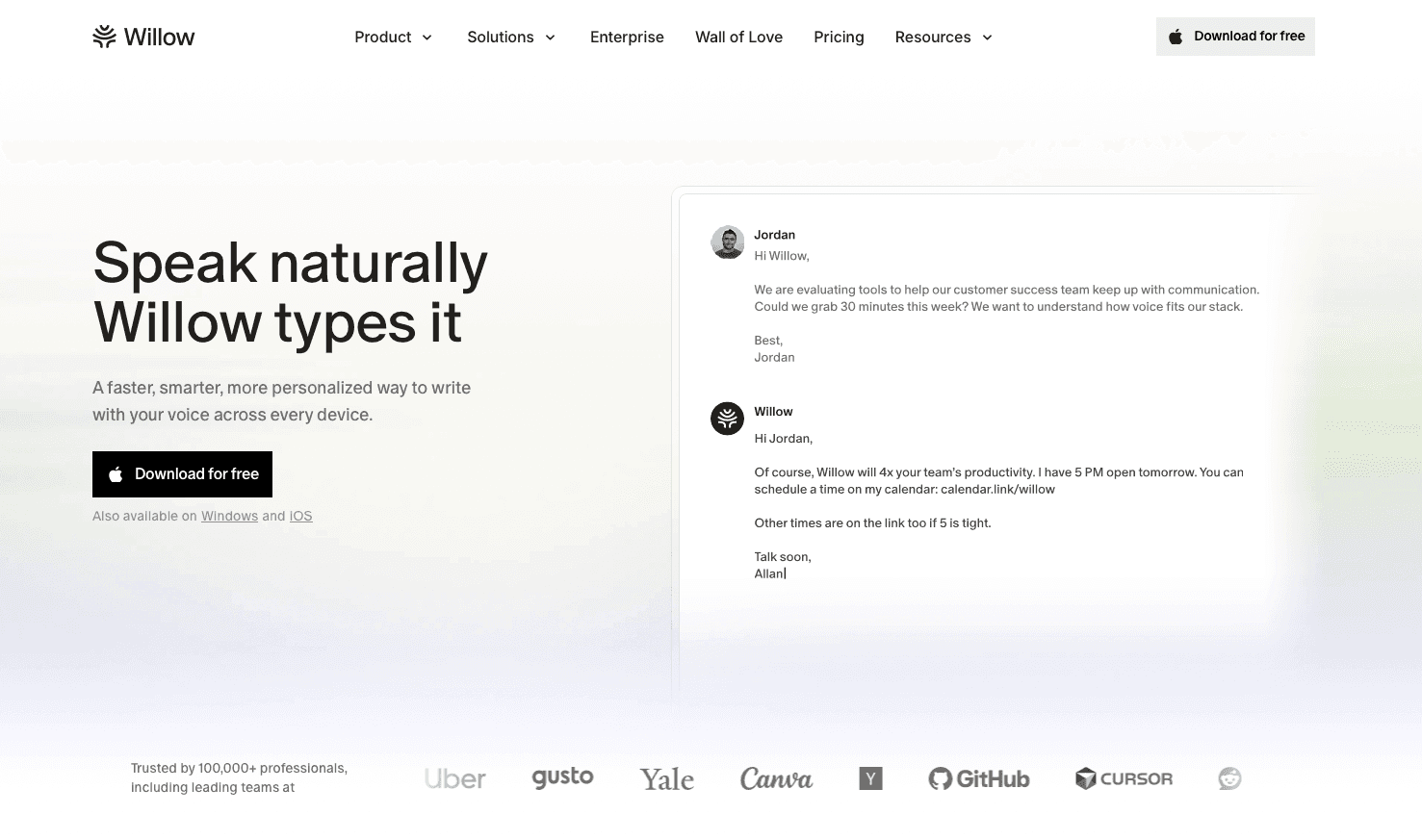
We built Willow Voice for consultants who need to turn client conversations into documentation, proposals into polished deliverables, and email backlogs into cleared inboxes at 150 words per minute instead of 40.
Powered by advanced AI models, the software offers two distinct ways to work. Dictation Mode provides verbatim transcription that you trigger with a single system-wide hotkey (fn on Mac, Alt+Space on Windows) to speak directly into any application. Alternatively, Willow Scribe, activated with Fn + Control on Mac and Alt+Shift+Space on Windows, goes further: instead of transcribing word-for-word, it generates complete written content from voice prompts, producing full emails, project updates, and follow-ups. In both modes, the learning engine adapts to your writing patterns, so the final text reads exactly like you wrote it. Client names, technical terminology, and project jargon are captured correctly after a single correction. With ~200ms latency, text appears as fast as you speak, keeping you in a flow state during client calls, whereas competing tools often process at 700ms+, creating noticeable delays that break concentration.
We designed Willow Voice for consulting teams handling confidential client data. While many consumer dictation apps stop at basic transcription, this software brings enterprise readiness built to scale from a solo practitioner to an org-wide rollout.
Enterprise-Grade Deployment
Moving dictation from a solo habit to an org-wide rollout demands strong administrative control. Willow provides centralized admin tools that let IT push shared vocabulary and formatting shortcuts across an entire consulting firm without per-user setup. SOC 2 Type II and HIPAA compliance, paired with zero data retention, protect sensitive client information, so deployment passes strict security review requirements. When one partner programs a complex client name or technical acronym into a shared custom dictionary, it updates for the entire practice across every operating system. This structural team layer makes sure that terminology stays consistent across a mixed-device fleet, separating Willow from consumer-grade alternatives that restrict custom terminology to individual devices.
Windows Parity and Mobile Support
Consulting practices frequently operate mixed-device fleets. Willow runs as a native, first-class application on Windows alongside Mac, so cross-device vocabulary syncs automatically. PC users get a quick setup process built for Windows hardware: you download the installer, log in, open Sound Settings from the taskbar, and adjust your input levels to between 60% and 80%. You can then activate dictation using the default Alt+Space hotkey. No complex audio routing or third-party virtual cables are required. For mobile contexts, Willow includes a custom iOS voice keyboard, letting you draft formatted client updates directly from your iPhone while commuting. The entire team works from the exact same configuration, regardless of which machine they use.
Pricing
Willow Voice pricing is built for solo consultants and full organizations. The Pro plan ($12 per month) delivers faster, more accurate dictation plus unlimited Willow Scribe. The Free plan provides unlimited free dictation with no word cap and no credit card required. Other plans are also available depending on your organizational needs.
Wispr Flow
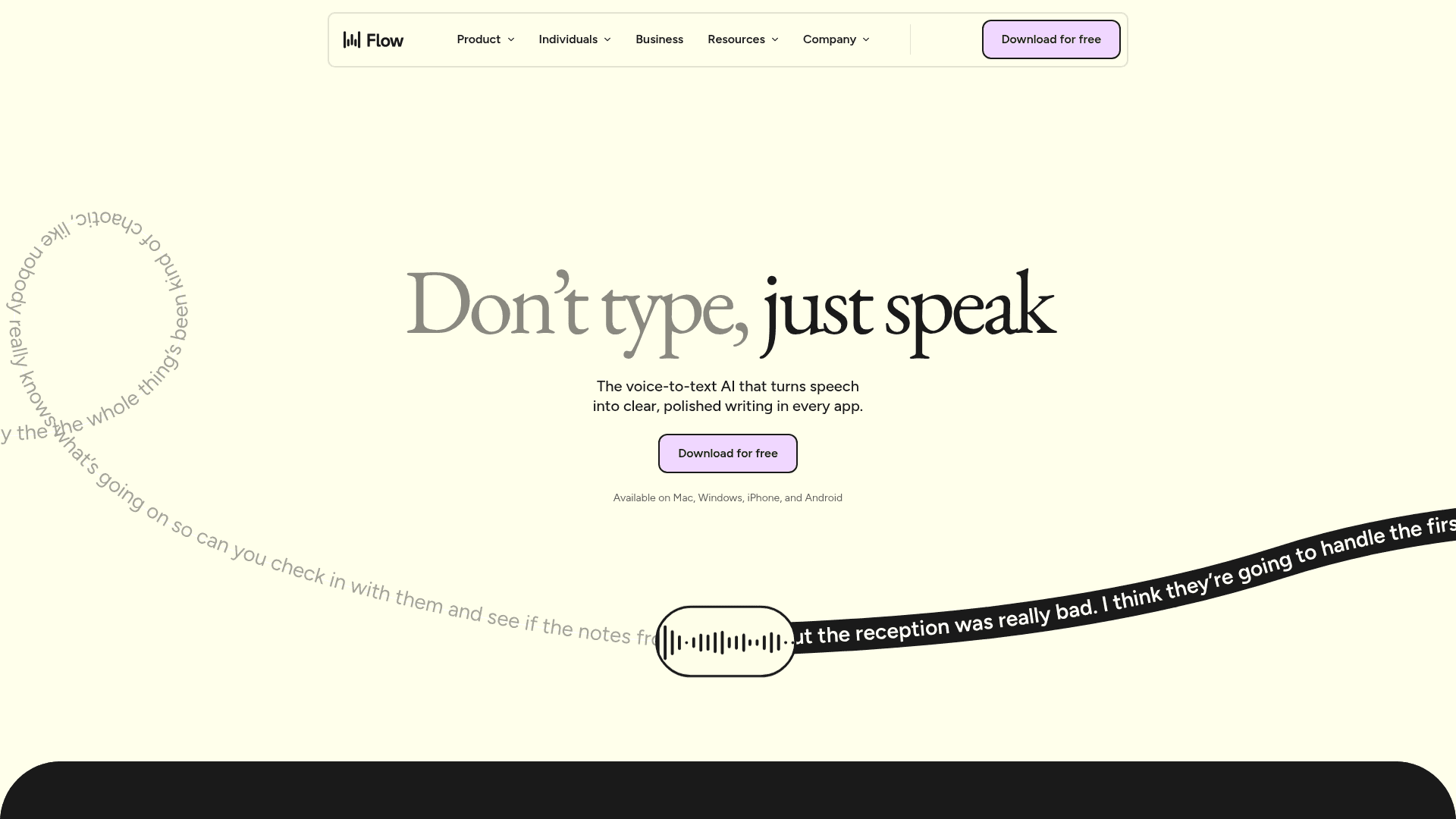
Wispr Flow is a cross-device dictation app for Mac, Windows, iOS, and Android that converts speech into formatted text with context awareness.
The tool includes command mode for voice editing, support for over 100 languages with automatic detection, screen context awareness for application-specific formatting, and a personal dictionary.
Best suited for: Consultants working across multiple devices who need context-aware formatting.
Limitation: While Wispr Flow now supports Mac, Windows, iOS, and Android across the board and offers team pricing with SOC 2 Type II, ISO 27001, and HIPAA compliance on certain plans, its reliance on third-party AI providers can cause issues for practices that need strict on-device processing. High CPU usage slows the product and makes it difficult to use on low-memory computers, which can exacerbate its ~700ms latency and interrupt quick dictation needs during client meetings.
Dragon Professional
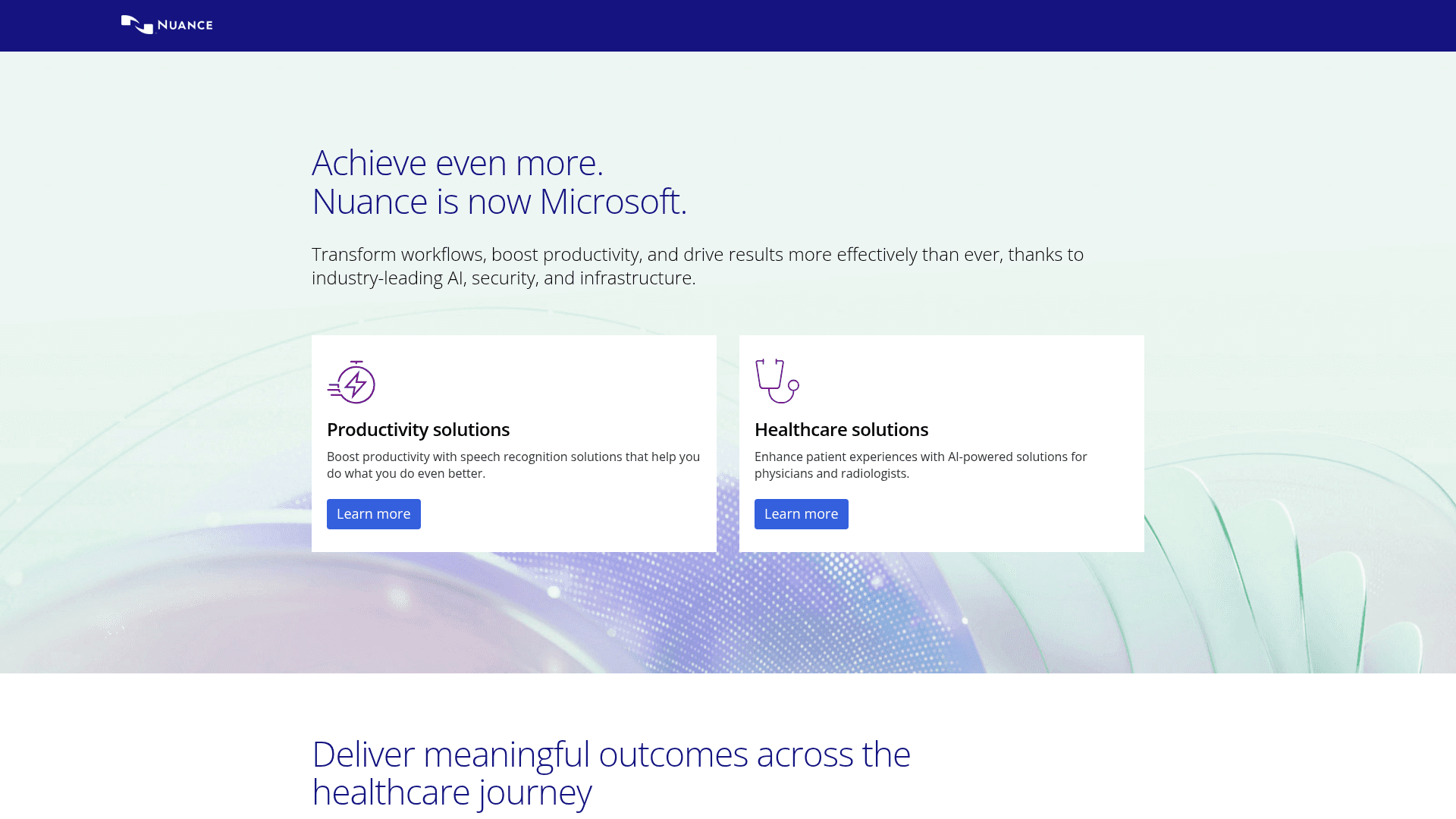
Dragon Professional is speech recognition software for personal computers running Windows. It offers local desktop processing, custom voice commands, specialized vocabularies for legal and medical terminology, and application-specific automation. For unsupported applications, you use a dictation box to speak and manually copy the text to your target app.
Good for: Windows-based consultants in legal or medical fields who need specialized vocabulary and can invest time in building custom vocabulary profiles.
Limitation: Mac support was terminated in 2018, restricting it entirely to Windows. While newer versions eliminate the mandatory 30- to 60-minute voice-reading training of the past, building an accurate custom vocabulary still requires 1 to 2 weeks of manual corrections, plus retraining when switching hardware. It also lacks modern centralized admin controls for instant vocabulary syncing across a consulting practice. Major version upgrades typically require a $300 to $500 repurchase, or users can opt for a subscription model that often costs over $600 annually, with additional implementation fees.
superwhisper
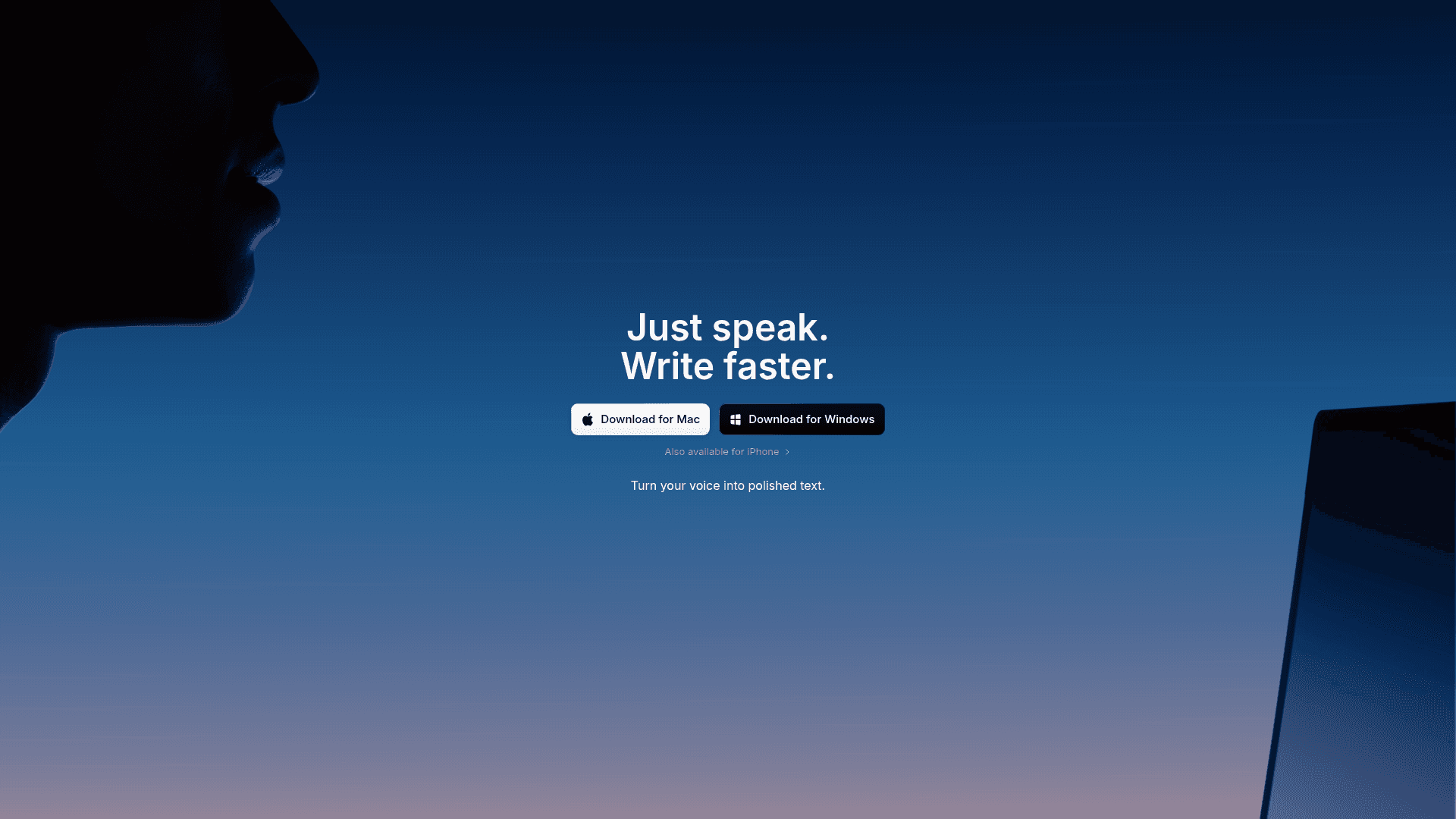
superwhisper is a voice dictation app for Mac, Windows, and iOS built on the whisper.cpp framework that operates offline to transcribe speech into text with local AI models. The tool processes everything on your device instead of sending audio to cloud servers.
Good for: Consultants get offline functionality and file transcription for recordings. Multiple model sizes let you adjust for speed or accuracy, and custom modes handle specialized workflows.
Limitation: Local processing speed varies by model and device hardware. The Ultra model on older hardware can reach 1-2 seconds per transcription, while Nano and Fast models process more quickly. Plus, it lacks the centralized administrative controls and shared team dictionaries required for org-wide consulting deployments, and initial setup requires technical knowledge to configure AI models manually, which takes time away from client work.
Aqua Voice
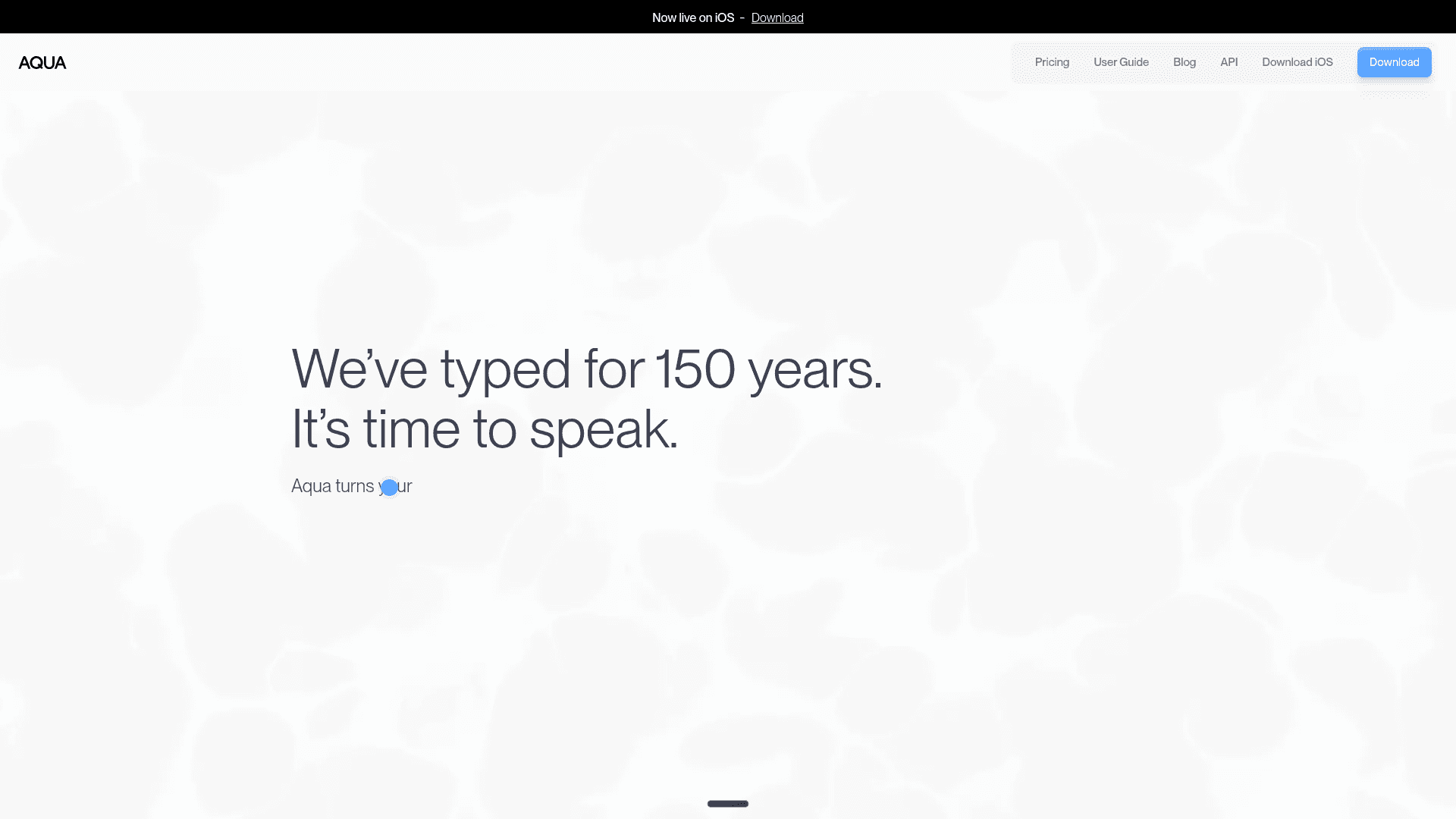
Aqua Voice is a cross-device dictation system for Mac and Windows that stresses streaming text and voice-based editing commands for precision control.
The tool includes a streaming mode with real-time text output as you speak, voice-editing commands to select and modify text, a custom dictionary for specialized terminology, and natural-language formatting instructions.
Good for: Technical writers and long-form content creators who need granular voice command control over text editing and formatting.
Limitation: While the company has achieved SOC 2 Type II compliance, the tool is optimized for long-form writing with extensive voice commands and operates at 700ms+ latency. It requires complicated setup with different models and manual configurations. The command-based workflow requires learning specific syntax, which interrupts the natural flow of speech during client documentation.
Monologue
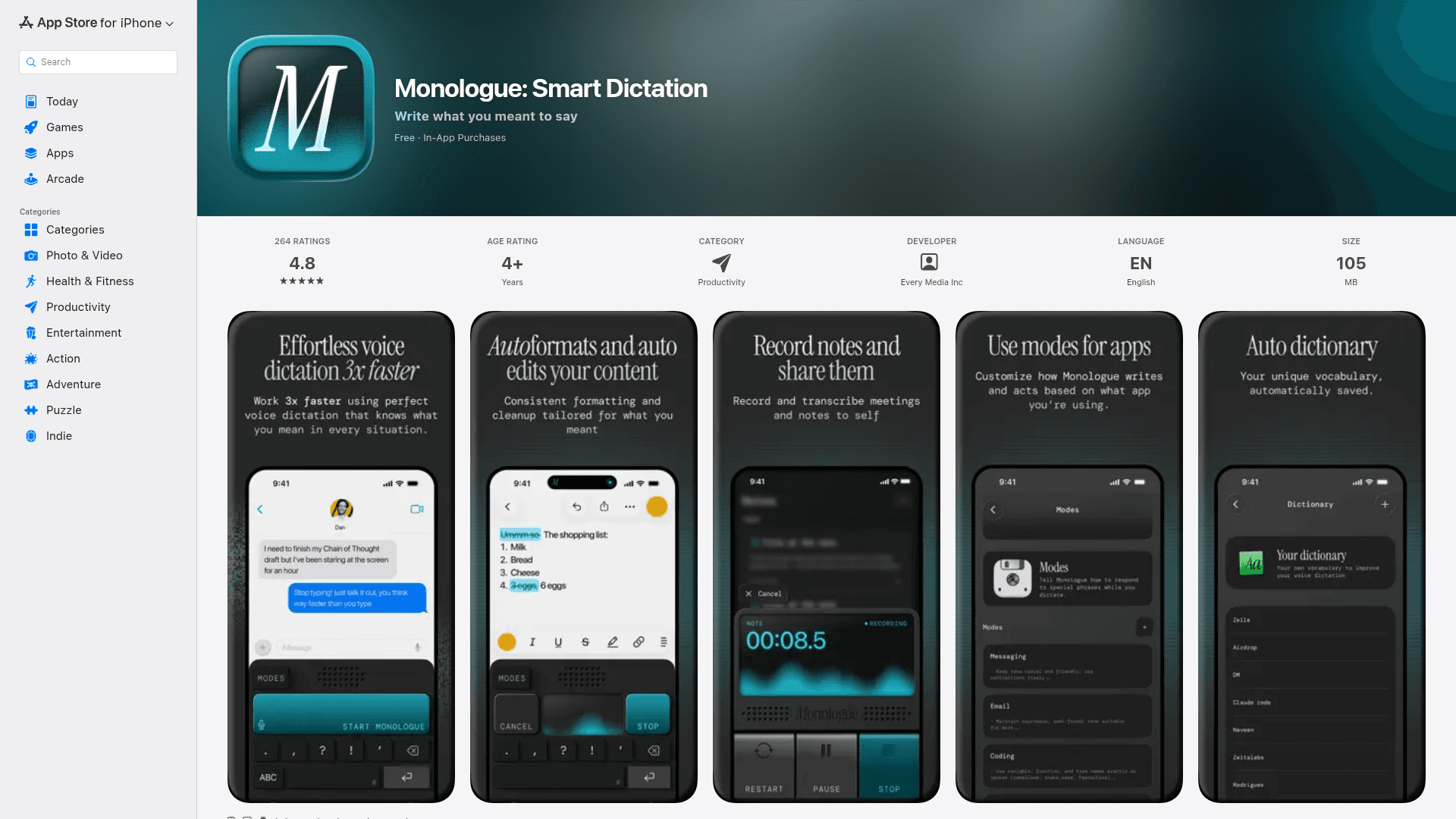
Monologue is a voice dictation app for Mac and iOS that adapts to your vocabulary, writing style, and active applications.
The tool includes context-aware modes that adjust formatting depending on whether you're writing an email, a document, a note, or code. It supports over 100 languages with automatic code-switching, applies smart formatting such as italics or bold based on context, and offers both local and cloud transcription options.
Good for: Creative writers and content producers who work primarily on Mac and want multilingual dictation with automatic formatting.
Limitation: Monologue operates at 500ms to 1 s latency and lacks Windows support. That creates friction for consultants who move between a Windows workstation and a Mac or iPhone throughout the day. The product is built for writers and creators, not consulting teams, and does not offer enterprise security certifications or shared team features required for client-facing work.
VoiceInk
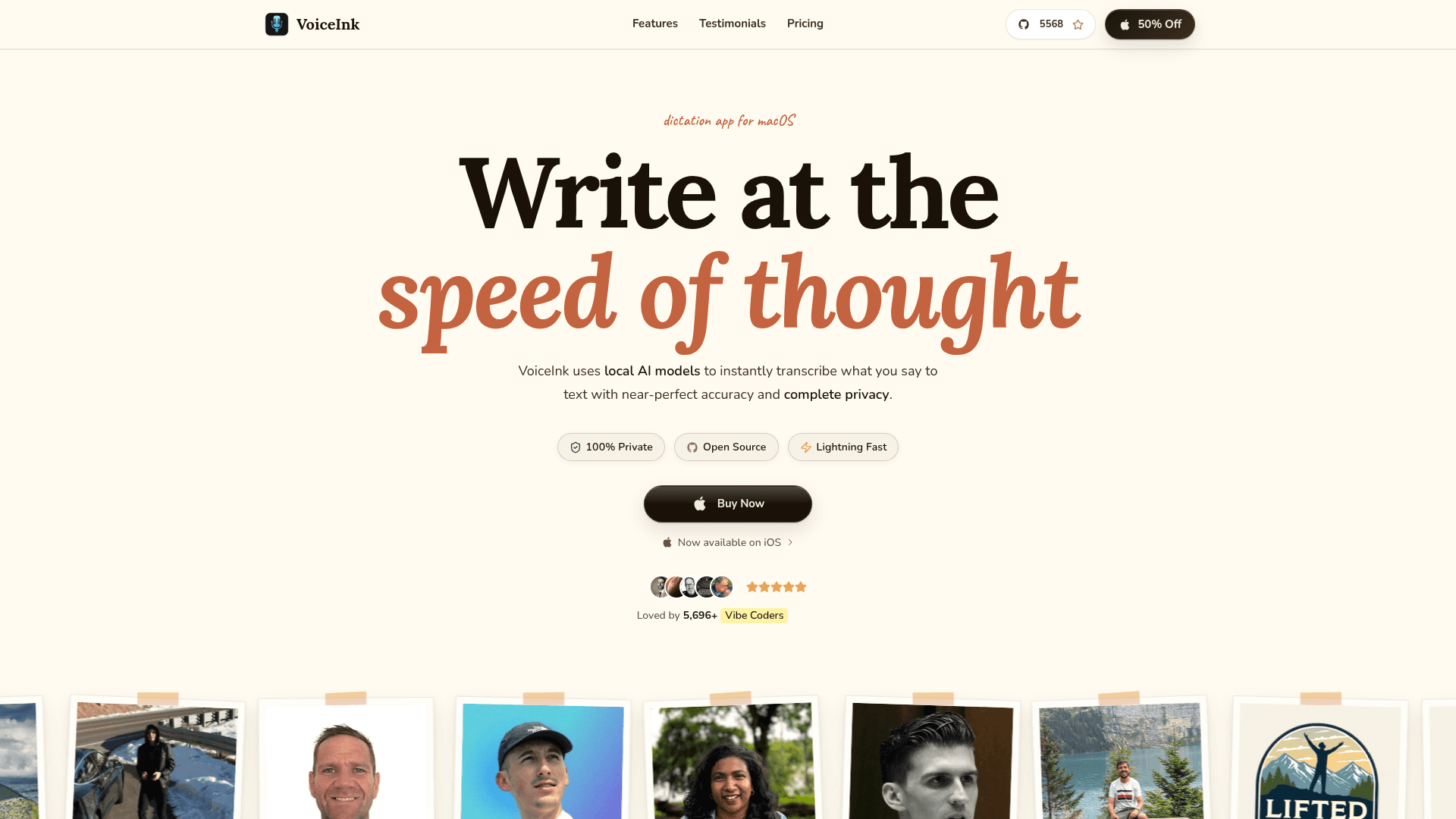
VoiceInk is a privacy-focused voice-to-text app for Mac and iOS that runs locally using on-device AI models to convert speech into text.
The software offers offline processing for full privacy, a one-time purchase model with lifetime updates, custom vocabulary support, screen context awareness, and multiple writing styles and templates for different use cases.
Good for: Budget-conscious Mac users who prefer one-time software purchases and want offline dictation for personal or light professional use.
Limitation: VoiceInk requires macOS 14 or later; older machines are not supported. Performance depends entirely on your device hardware, which can slow transcription on lower-powered Macs. While it does offer an iOS companion app, users often find it buggy, and there is no Windows support. The lack of cloud-based AI models also limits transcription accuracy compared to enterprise-grade tools.
Why Willow Is the Best Voice to Text for Consultants
Consultants lose billable hours every week to administrative overhead, email management, and post-meeting write-ups. Typing at 40 words per minute creates a permanent bottleneck. We built Willow Voice to solve this problem by letting professionals document their work at speaking speeds of 150 words per minute, recovering lost time while maintaining the professional polish that client deliverables demand.
The difference comes down to Zero Edit Dictation. Consumer-grade transcription tools force you to spend time fixing incorrectly spelled client names, misunderstood industry acronyms, and formatting errors. Willow Voice eliminates this editing tax. The context-aware engine and Auto-Dictionary automatically learn your specialized vocabulary, project jargon, and even email contacts, applying those corrections to all future dictation. When combined with sub-200ms latency, the text appears on screen instantly, keeping your thought process uninterrupted during live calls and while drafting complex proposals.
For consulting practices, individual productivity tools are not enough. Moving to an org-wide rollout requires a structural team layer. Willow Voice provides shared custom dictionaries and centralized admin controls, so that when one partner adds a new client's name or a niche financial term, the update is immediately reflected across the entire firm. This unified administration separates Willow from basic apps that force every single employee to build their own vocabulary lists from scratch.
This organizational consistency extends across the hardware your team actually uses. Consulting fleets are rarely uniform, and professionals often switch devices throughout the day. Because Willow operates as a native, first-class application on Windows, Mac, and iOS, your custom vocabulary syncs everywhere automatically. You can start drafting a report on a Windows workstation, switch to a Mac laptop in a meeting room, and send a formatted update using the iOS custom voice keyboard from a taxi, all with the exact same terminology recognition.
Finally, enterprise security clears the path for true team adoption. Processing confidential strategic plans, proprietary financial data, and sensitive client information requires strict safeguards. Willow Voice holds SOC 2 Type II and HIPAA certifications, operates with zero data retention, and offers a signed Business Associate Agreement (BAA). These credentials make it easy to pass strict enterprise security reviews, allowing consulting firms to deploy powerful voice technology without compromising their clients' trust.
Cloud-Based vs. Offline Dictation for Confidential Data
The main difference between cloud-based and offline voice-to-text processing comes down to speed versus complete on-device privacy. Cloud processing delivers faster speeds and higher accuracy by running advanced AI models on external servers, while offline processing keeps audio entirely on your device but runs more slowly.
Willow Voice bridges this gap for consulting engagements involving proprietary financial data or strategic plans. As an enterprise-ready cloud tool, Willow operates on a strict zero-data-retention architecture by default, meaning your audio is processed and immediately discarded. As a result, you get the speed of cloud processing without exposing stored data, keeping your workflow safe for org-wide deployment in highly secure environments.
FAQs
How do I choose the best voice-to-text tool for consulting work?
Assess tools based on security, speed, and team scalability. Choose solutions with SOC 2 or HIPAA compliance for confidential client data, verify native support across mixed fleets (Mac, Windows, iOS), and look for centralized admin controls that let you share custom dictionaries across the practice. Finally, test latency speeds: tools under 300ms keep you in a flow state during client calls, whereas anything over 700ms causes distracting delays.
Which voice-to-text tool works best for consulting teams running mixed Mac, Windows, and iOS device fleets?
Willow Voice is built for exactly this deployment reality: it runs as a native, first-class application on Windows and Mac with full feature parity, plus a custom iOS voice keyboard, so custom dictionaries and settings sync automatically across every device without per-user setup. Tools like superwhisper also support Mac, Windows, and iOS, while Dragon Professional runs on Windows only and Monologue lacks Windows support entirely, both of which fragment documentation workflows when consultants move between machines throughout the day.
Can voice-to-text tools learn industry-specific terminology and client names?
Yes, modern tools include custom dictionaries and learning engines that remember corrections after your first fix. Willow, Wispr Flow, Dragon Professional, and others all adapt to technical jargon, but Willow's personalization goes further by learning your complete writing style to produce zero-edit dictation that sounds like you wrote it.
Can I roll out an org-wide voice dictation without compromising client data security?
Yes, provided the tool holds SOC 2 Type II certification, HIPAA compliance, and zero data retention by default, not locked behind an enterprise-tier negotiation. Willow Voice meets all three requirements across every plan, with a signed Business Associate Agreement available for organizations that need an executable HIPAA contract, letting deployment clear standard enterprise security reviews without a separate compliance procurement cycle.
What is Zero Edit Dictation and how does it differ from standard transcription?
Zero Edit Dictation delivers text that requires no manual cleanup after you speak. Client names, technical acronyms, and project jargon are captured correctly on the first pass because the context-aware engine and Auto-Dictionary have already learned your vocabulary. Standard transcription converts speech to text verbatim without domain awareness, so you spend extra time correcting errors that accumulate across every engagement.
Willow Voice vs. Dragon Professional for consultants: which handles mixed-device consulting workflows better?
Willow Voice handles mixed-device consulting workflows more directly: it runs natively on Mac, Windows, and iOS with vocabulary synced across all three, while Dragon Professional is Windows-only (Mac support ended in 2018). While newer Dragon versions no longer require 20 to 30 minutes of initial voice training, users still face retraining and custom vocabulary rebuilds when switching hardware. For consultants moving between a Windows workstation, a Mac in a meeting room, and an iPhone in transit, Dragon's single-platform architecture creates a documentation gap Willow avoids by design.
How does cloud-based versus offline voice-to-text processing affect consulting work with confidential client data?
Cloud processing delivers faster speeds and higher accuracy (Willow Voice runs at approximately 200ms latency) but routes audio through external servers, which requires verifying the tool's data retention policy before handling sensitive client information. Offline processing keeps audio entirely on-device for complete privacy but typically runs more slowly and depends on local hardware capability. For example, superwhisper uses local models, with transcription speed varying by model size and machine. Willow solves this with a zero-data-retention architecture by default, so cloud processing avoids exposure of stored data, and an optional Offline Mode is available on Mac and iOS for situations where local-only processing is a hard requirement.
When should I focus on processing speed over other features in a voice-to-text tool?
If you document during live client meetings, draft proposals under tight deadlines, or clear high-volume email backlogs, focus on tools with sub-300ms latency like Willow (200ms) since delays over 700ms break your thought flow and force you to wait for text to appear instead of maintaining a natural speaking pace at 150+ words per minute.
Final Thoughts on Voice to Text Solutions for Consultants
Consultants who move from typing to dictation quickly realize how much billable time gets lost to documentation, follow-ups, and inbox cleanup. The right voice-to-text for professionals scales from individual productivity to a full organizational rollout, turning post-meeting write-ups into real-time notes and clearing email backlogs while conversations are still fresh. Willow was built for this exact workflow, learning your writing style, capturing client terminology after a single correction, and delivering ~200ms transcription speed. With SOC 2 Type II compliance, zero data retention, and shared custom dictionaries, consulting practices can standardize their terminology across the entire team from day one. Instead of spending evenings fixing transcripts, your team gets polished text that sounds like you from the start.
Ready to reclaim your billable hours? Download Willow Voice to bring fast, secure dictation to your consulting practice.
Dictation software promises to triple your documentation speed, yet most consultants find themselves correcting transcripts that misfire on client names, technical terminology, and industry jargon. Real voice-to-text for professionals needs to keep up with live conversations at 150+ words per minute, capture specialized language across engagements, and meet the strict enterprise security standards clients expect when confidential data is involved. Processing speed matters just as much as accuracy, because even small delays can break your train of thought during meetings or proposal drafting. After testing seven leading tools for latency, transcription quality, enterprise compliance credentials, native cross-device support (treating Windows as a first-class operating system alongside Mac), and consulting workflow integration, one solution consistently delivered fast, accurate, and secure documentation.
TLDR:
You speak at 150 WPM vs typing at 40 WPM, making voice dictation 3x faster for client documentation.
Willow Voice delivers ~200ms latency with enterprise-grade SOC 2 Type II and HIPAA compliance for confidential consulting work.
Willow's context-aware AI learns client names and technical terminology, delivering 98%+ accuracy and syncing updates across your entire mixed-device fleet.
Most consumer-grade tools lack the centralized admin controls, shared custom dictionaries, and cross-device support that growing consulting practices require.
Willow Voice supports mixed-device fleets across Mac, Windows, and iOS, providing shared team dictionaries to keep org-wide terminology consistent from day one.
Defining Voice to Text for Consultants
Voice dictation software converts spoken words into written text, which matters for consultants who spend hours documenting client meetings, drafting proposals, and responding to emails. You can speak at 150 words per minute but only type at around 40 words per minute, creating an obvious speed advantage.
These tools handle the specific challenges consultants face: technical terminology across different industries, client names that require correct spelling, and project jargon that varies between engagements. The better ones let consulting practices standardize terminology across the whole team, so custom vocabulary syncs automatically whether a consultant is drafting a proposal on a Windows desktop or updating a client from an iPhone, formatting dictation into proper emails, reports, and documentation without manual cleanup.
Assessing Voice to Text Tools for Consultants
We assessed these tools across a few key criteria that matter for consulting work.
Transcription accuracy determines whether technical terms, client names, and industry jargon get captured correctly without manual fixes. Processing speed affects whether you can maintain your thought flow or get interrupted waiting for text to appear.
Cross-device availability covers whether the tool works natively on Mac, Windows, and iOS. This is a requirement for mixed-device consulting fleets where professionals need uninterrupted workflow continuity as they switch between Windows workstations, Mac laptops, and mobile phones throughout the day. Security and privacy standards determine whether a tool can move into an org-wide rollout, particularly whether the software holds SOC 2 Type II or HIPAA certifications to protect confidential client data.
Software integrations look at whether the software functions across email clients, document editors, messaging apps, and specialized consulting tools.
Tool | Device Support | Latency | Security Compliance | Best For | Key Limitation |
|---|---|---|---|---|---|
Willow Voice | Mac, Windows, iOS | ~200ms | SOC 2 Type II, HIPAA, Zero data retention | Consulting teams handling confidential client data across devices | None identified |
Wispr Flow | Mac, Windows, iOS, Android | ~700ms | SOC 2 Type II, ISO 27001, HIPAA (on certain plans) | Cross-app general dictation | High CPU usage makes the product slow on low-memory computers |
Dragon Professional | Windows only | Not published | Local processing | Legal/medical consultants needing specialized vocabulary on Windows | Mac support ended in 2018; may require initial setup and vocabulary customization |
superwhisper | Mac, Windows, iOS | Varies by model and hardware | SOC 2 Type II, HIPAA | Consultants needing offline functionality and file transcription | Larger models slow local processing depending on device hardware |
Aqua Voice | Mac, Windows | 700ms+ | SOC 2 Type II | Technical writers needing granular voice command control | Complicated setup, command syntax interrupts flow |
Monologue | Mac, iOS | 500ms to 1 second | No enterprise certifications | Creative writers wanting multilingual dictation with automatic formatting | Lacks Windows support and enterprise security certifications |
VoiceInk | Mac, iOS | Hardware dependent | Offline processing | Budget-conscious Mac users preferring one-time purchase | Requires macOS 14+, iOS app is buggy, no Windows support |
Willow Voice
We built Willow Voice for consultants who need to turn client conversations into documentation, proposals into polished deliverables, and email backlogs into cleared inboxes at 150 words per minute instead of 40.
Powered by advanced AI models, the software offers two distinct ways to work. Dictation Mode provides verbatim transcription that you trigger with a single system-wide hotkey (fn on Mac, Alt+Space on Windows) to speak directly into any application. Alternatively, Willow Scribe, activated with Fn + Control on Mac and Alt+Shift+Space on Windows, goes further: instead of transcribing word-for-word, it generates complete written content from voice prompts, producing full emails, project updates, and follow-ups. In both modes, the learning engine adapts to your writing patterns, so the final text reads exactly like you wrote it. Client names, technical terminology, and project jargon are captured correctly after a single correction. With ~200ms latency, text appears as fast as you speak, keeping you in a flow state during client calls, whereas competing tools often process at 700ms+, creating noticeable delays that break concentration.
We designed Willow Voice for consulting teams handling confidential client data. While many consumer dictation apps stop at basic transcription, this software brings enterprise readiness built to scale from a solo practitioner to an org-wide rollout.
Enterprise-Grade Deployment
Moving dictation from a solo habit to an org-wide rollout demands strong administrative control. Willow provides centralized admin tools that let IT push shared vocabulary and formatting shortcuts across an entire consulting firm without per-user setup. SOC 2 Type II and HIPAA compliance, paired with zero data retention, protect sensitive client information, so deployment passes strict security review requirements. When one partner programs a complex client name or technical acronym into a shared custom dictionary, it updates for the entire practice across every operating system. This structural team layer makes sure that terminology stays consistent across a mixed-device fleet, separating Willow from consumer-grade alternatives that restrict custom terminology to individual devices.
Windows Parity and Mobile Support
Consulting practices frequently operate mixed-device fleets. Willow runs as a native, first-class application on Windows alongside Mac, so cross-device vocabulary syncs automatically. PC users get a quick setup process built for Windows hardware: you download the installer, log in, open Sound Settings from the taskbar, and adjust your input levels to between 60% and 80%. You can then activate dictation using the default Alt+Space hotkey. No complex audio routing or third-party virtual cables are required. For mobile contexts, Willow includes a custom iOS voice keyboard, letting you draft formatted client updates directly from your iPhone while commuting. The entire team works from the exact same configuration, regardless of which machine they use.
Pricing
Willow Voice pricing is built for solo consultants and full organizations. The Pro plan ($12 per month) delivers faster, more accurate dictation plus unlimited Willow Scribe. The Free plan provides unlimited free dictation with no word cap and no credit card required. Other plans are also available depending on your organizational needs.
Wispr Flow
Wispr Flow is a cross-device dictation app for Mac, Windows, iOS, and Android that converts speech into formatted text with context awareness.
The tool includes command mode for voice editing, support for over 100 languages with automatic detection, screen context awareness for application-specific formatting, and a personal dictionary.
Best suited for: Consultants working across multiple devices who need context-aware formatting.
Limitation: While Wispr Flow now supports Mac, Windows, iOS, and Android across the board and offers team pricing with SOC 2 Type II, ISO 27001, and HIPAA compliance on certain plans, its reliance on third-party AI providers can cause issues for practices that need strict on-device processing. High CPU usage slows the product and makes it difficult to use on low-memory computers, which can exacerbate its ~700ms latency and interrupt quick dictation needs during client meetings.
Dragon Professional
Dragon Professional is speech recognition software for personal computers running Windows. It offers local desktop processing, custom voice commands, specialized vocabularies for legal and medical terminology, and application-specific automation. For unsupported applications, you use a dictation box to speak and manually copy the text to your target app.
Good for: Windows-based consultants in legal or medical fields who need specialized vocabulary and can invest time in building custom vocabulary profiles.
Limitation: Mac support was terminated in 2018, restricting it entirely to Windows. While newer versions eliminate the mandatory 30- to 60-minute voice-reading training of the past, building an accurate custom vocabulary still requires 1 to 2 weeks of manual corrections, plus retraining when switching hardware. It also lacks modern centralized admin controls for instant vocabulary syncing across a consulting practice. Major version upgrades typically require a $300 to $500 repurchase, or users can opt for a subscription model that often costs over $600 annually, with additional implementation fees.
superwhisper
superwhisper is a voice dictation app for Mac, Windows, and iOS built on the whisper.cpp framework that operates offline to transcribe speech into text with local AI models. The tool processes everything on your device instead of sending audio to cloud servers.
Good for: Consultants get offline functionality and file transcription for recordings. Multiple model sizes let you adjust for speed or accuracy, and custom modes handle specialized workflows.
Limitation: Local processing speed varies by model and device hardware. The Ultra model on older hardware can reach 1-2 seconds per transcription, while Nano and Fast models process more quickly. Plus, it lacks the centralized administrative controls and shared team dictionaries required for org-wide consulting deployments, and initial setup requires technical knowledge to configure AI models manually, which takes time away from client work.
Aqua Voice
Aqua Voice is a cross-device dictation system for Mac and Windows that stresses streaming text and voice-based editing commands for precision control.
The tool includes a streaming mode with real-time text output as you speak, voice-editing commands to select and modify text, a custom dictionary for specialized terminology, and natural-language formatting instructions.
Good for: Technical writers and long-form content creators who need granular voice command control over text editing and formatting.
Limitation: While the company has achieved SOC 2 Type II compliance, the tool is optimized for long-form writing with extensive voice commands and operates at 700ms+ latency. It requires complicated setup with different models and manual configurations. The command-based workflow requires learning specific syntax, which interrupts the natural flow of speech during client documentation.
Monologue
Monologue is a voice dictation app for Mac and iOS that adapts to your vocabulary, writing style, and active applications.
The tool includes context-aware modes that adjust formatting depending on whether you're writing an email, a document, a note, or code. It supports over 100 languages with automatic code-switching, applies smart formatting such as italics or bold based on context, and offers both local and cloud transcription options.
Good for: Creative writers and content producers who work primarily on Mac and want multilingual dictation with automatic formatting.
Limitation: Monologue operates at 500ms to 1 s latency and lacks Windows support. That creates friction for consultants who move between a Windows workstation and a Mac or iPhone throughout the day. The product is built for writers and creators, not consulting teams, and does not offer enterprise security certifications or shared team features required for client-facing work.
VoiceInk
VoiceInk is a privacy-focused voice-to-text app for Mac and iOS that runs locally using on-device AI models to convert speech into text.
The software offers offline processing for full privacy, a one-time purchase model with lifetime updates, custom vocabulary support, screen context awareness, and multiple writing styles and templates for different use cases.
Good for: Budget-conscious Mac users who prefer one-time software purchases and want offline dictation for personal or light professional use.
Limitation: VoiceInk requires macOS 14 or later; older machines are not supported. Performance depends entirely on your device hardware, which can slow transcription on lower-powered Macs. While it does offer an iOS companion app, users often find it buggy, and there is no Windows support. The lack of cloud-based AI models also limits transcription accuracy compared to enterprise-grade tools.
Why Willow Is the Best Voice to Text for Consultants
Consultants lose billable hours every week to administrative overhead, email management, and post-meeting write-ups. Typing at 40 words per minute creates a permanent bottleneck. We built Willow Voice to solve this problem by letting professionals document their work at speaking speeds of 150 words per minute, recovering lost time while maintaining the professional polish that client deliverables demand.
The difference comes down to Zero Edit Dictation. Consumer-grade transcription tools force you to spend time fixing incorrectly spelled client names, misunderstood industry acronyms, and formatting errors. Willow Voice eliminates this editing tax. The context-aware engine and Auto-Dictionary automatically learn your specialized vocabulary, project jargon, and even email contacts, applying those corrections to all future dictation. When combined with sub-200ms latency, the text appears on screen instantly, keeping your thought process uninterrupted during live calls and while drafting complex proposals.
For consulting practices, individual productivity tools are not enough. Moving to an org-wide rollout requires a structural team layer. Willow Voice provides shared custom dictionaries and centralized admin controls, so that when one partner adds a new client's name or a niche financial term, the update is immediately reflected across the entire firm. This unified administration separates Willow from basic apps that force every single employee to build their own vocabulary lists from scratch.
This organizational consistency extends across the hardware your team actually uses. Consulting fleets are rarely uniform, and professionals often switch devices throughout the day. Because Willow operates as a native, first-class application on Windows, Mac, and iOS, your custom vocabulary syncs everywhere automatically. You can start drafting a report on a Windows workstation, switch to a Mac laptop in a meeting room, and send a formatted update using the iOS custom voice keyboard from a taxi, all with the exact same terminology recognition.
Finally, enterprise security clears the path for true team adoption. Processing confidential strategic plans, proprietary financial data, and sensitive client information requires strict safeguards. Willow Voice holds SOC 2 Type II and HIPAA certifications, operates with zero data retention, and offers a signed Business Associate Agreement (BAA). These credentials make it easy to pass strict enterprise security reviews, allowing consulting firms to deploy powerful voice technology without compromising their clients' trust.
Cloud-Based vs. Offline Dictation for Confidential Data
The main difference between cloud-based and offline voice-to-text processing comes down to speed versus complete on-device privacy. Cloud processing delivers faster speeds and higher accuracy by running advanced AI models on external servers, while offline processing keeps audio entirely on your device but runs more slowly.
Willow Voice bridges this gap for consulting engagements involving proprietary financial data or strategic plans. As an enterprise-ready cloud tool, Willow operates on a strict zero-data-retention architecture by default, meaning your audio is processed and immediately discarded. As a result, you get the speed of cloud processing without exposing stored data, keeping your workflow safe for org-wide deployment in highly secure environments.
FAQs
How do I choose the best voice-to-text tool for consulting work?
Assess tools based on security, speed, and team scalability. Choose solutions with SOC 2 or HIPAA compliance for confidential client data, verify native support across mixed fleets (Mac, Windows, iOS), and look for centralized admin controls that let you share custom dictionaries across the practice. Finally, test latency speeds: tools under 300ms keep you in a flow state during client calls, whereas anything over 700ms causes distracting delays.
Which voice-to-text tool works best for consulting teams running mixed Mac, Windows, and iOS device fleets?
Willow Voice is built for exactly this deployment reality: it runs as a native, first-class application on Windows and Mac with full feature parity, plus a custom iOS voice keyboard, so custom dictionaries and settings sync automatically across every device without per-user setup. Tools like superwhisper also support Mac, Windows, and iOS, while Dragon Professional runs on Windows only and Monologue lacks Windows support entirely, both of which fragment documentation workflows when consultants move between machines throughout the day.
Can voice-to-text tools learn industry-specific terminology and client names?
Yes, modern tools include custom dictionaries and learning engines that remember corrections after your first fix. Willow, Wispr Flow, Dragon Professional, and others all adapt to technical jargon, but Willow's personalization goes further by learning your complete writing style to produce zero-edit dictation that sounds like you wrote it.
Can I roll out an org-wide voice dictation without compromising client data security?
Yes, provided the tool holds SOC 2 Type II certification, HIPAA compliance, and zero data retention by default, not locked behind an enterprise-tier negotiation. Willow Voice meets all three requirements across every plan, with a signed Business Associate Agreement available for organizations that need an executable HIPAA contract, letting deployment clear standard enterprise security reviews without a separate compliance procurement cycle.
What is Zero Edit Dictation and how does it differ from standard transcription?
Zero Edit Dictation delivers text that requires no manual cleanup after you speak. Client names, technical acronyms, and project jargon are captured correctly on the first pass because the context-aware engine and Auto-Dictionary have already learned your vocabulary. Standard transcription converts speech to text verbatim without domain awareness, so you spend extra time correcting errors that accumulate across every engagement.
Willow Voice vs. Dragon Professional for consultants: which handles mixed-device consulting workflows better?
Willow Voice handles mixed-device consulting workflows more directly: it runs natively on Mac, Windows, and iOS with vocabulary synced across all three, while Dragon Professional is Windows-only (Mac support ended in 2018). While newer Dragon versions no longer require 20 to 30 minutes of initial voice training, users still face retraining and custom vocabulary rebuilds when switching hardware. For consultants moving between a Windows workstation, a Mac in a meeting room, and an iPhone in transit, Dragon's single-platform architecture creates a documentation gap Willow avoids by design.
How does cloud-based versus offline voice-to-text processing affect consulting work with confidential client data?
Cloud processing delivers faster speeds and higher accuracy (Willow Voice runs at approximately 200ms latency) but routes audio through external servers, which requires verifying the tool's data retention policy before handling sensitive client information. Offline processing keeps audio entirely on-device for complete privacy but typically runs more slowly and depends on local hardware capability. For example, superwhisper uses local models, with transcription speed varying by model size and machine. Willow solves this with a zero-data-retention architecture by default, so cloud processing avoids exposure of stored data, and an optional Offline Mode is available on Mac and iOS for situations where local-only processing is a hard requirement.
When should I focus on processing speed over other features in a voice-to-text tool?
If you document during live client meetings, draft proposals under tight deadlines, or clear high-volume email backlogs, focus on tools with sub-300ms latency like Willow (200ms) since delays over 700ms break your thought flow and force you to wait for text to appear instead of maintaining a natural speaking pace at 150+ words per minute.
Final Thoughts on Voice to Text Solutions for Consultants
Consultants who move from typing to dictation quickly realize how much billable time gets lost to documentation, follow-ups, and inbox cleanup. The right voice-to-text for professionals scales from individual productivity to a full organizational rollout, turning post-meeting write-ups into real-time notes and clearing email backlogs while conversations are still fresh. Willow was built for this exact workflow, learning your writing style, capturing client terminology after a single correction, and delivering ~200ms transcription speed. With SOC 2 Type II compliance, zero data retention, and shared custom dictionaries, consulting practices can standardize their terminology across the entire team from day one. Instead of spending evenings fixing transcripts, your team gets polished text that sounds like you from the start.
Ready to reclaim your billable hours? Download Willow Voice to bring fast, secure dictation to your consulting practice.

Try Willow for free
Instant, accurate voice dictation. No card required.
Try Willow for free
Instant, accurate voice dictation. No card required.
Other stories you’ll love
Other stories you’ll love



Your keyboard is optional now
" transform="translate(5 5)" width="9.791000051498413px"/></svg>)

The voice-first interface for modern work.
© Willow Care, Inc. 2026. All rights reserved
Your keyboard is optional now
The voice-first interface for modern work.
© Willow Care, Inc. 2026. All rights reserved
Your keyboard is optional now
The voice-first interface for modern work.
© Willow Care, Inc. 2026. All rights reserved