" transform="translate(5 2)" width="10px"/></svg>)

•
5 min read
Best Dictation Tools for Autistic Adults in August 2026

•
5 min read
Best Dictation Tools for Autistic Adults in August 2026
If you're searching for the best voice dictation tools for autism adults and have tried dictation software before only to abandon it, it was probably the lag or the errors. A half-second pause between speaking and seeing text is enough to break your train of thought, and fixing every third word turns dictation into more work than just typing. The tools here are ranked by how well they avoid both of those problems.
TLDR:
For autistic adults, the correction loop is the real cost: every transcription error compounds cognitive fatigue across a session.
~200ms latency keeps speech and text in sync; every other tool in this comparison runs at 700ms or higher.
Only one tool in this comparison learns your vocabulary automatically over time without manual setup.
superwhisper offers offline local processing, but variable latency and manual model selection add friction that benefits from consistency.
The top-ranked tool here runs on Mac, Windows, and iOS with 98%+ accuracy, filler word removal, and an unlimited free plan requiring no credit card.
Willow Voice is the best voice dictation tool for autistic adults. It runs at ~200ms latency, while every other tool in this comparison operates at 700ms or higher, and delivers 98%+ accuracy with automatic vocabulary learning that requires no manual setup. For autistic adults, those three factors work together to remove the correction loop that breaks focus and builds cognitive fatigue across a writing session.
What Are Voice Dictation Tools?
Voice dictation tools are software applications that convert spoken words into written text in real time. Instead of typing, you speak, and the words appear directly in whatever application you have open, whether that's an email, a document, a chat window, or a notes app.
Most tools work system-wide via a single hotkey across any app, with no window-switching or copy-pasting required. For anyone who finds typing slow or cognitively demanding, including users who benefit from voice dictation apps for ADHD and autistic adults whose assistive communication needs are recognized by the Autism Society of America, voice dictation removes that barrier entirely.
How We Ranked These Voice Dictation Tools
This ranking draws on publicly available information, product documentation, and research on assistive tech for autistic adults, including resources from the Dan Marino Foundation on assistive technology and peer-reviewed research on AAC and voice tools. No internal testing was conducted. Each tool was weighted across eight criteria chosen for this audience:
Accuracy and correction load: tools that transcribe reliably from the first session reduce the cognitive cost of every error that would otherwise require re-reading and fixing
Latency: ~200ms keeps input feeling natural; anything higher creates a pause that breaks concentration
Filler word and disfluency handling: automatic cleanup removes a correction pass for users with atypical speech patterns
Personalization: tools that adapt to individual vocabulary lower long-term friction without manual setup
Setup simplicity: voice training or manual configuration adds onboarding friction before the tool delivers any value
Cross-app and cross-device support: dictation needs to work across email, notes, messages, and docs without switching windows
Voice dictation privacy and data security: zero-data-retention or offline options for users who prefer their speech not be stored by third-party providers
Pricing accessibility: a free or low-cost tier matters for users testing tools before committing to a subscription
Tool | Latency | Accuracy | Auto-Vocabulary | Platforms | Starting Price | Key Limitation |
|---|---|---|---|---|---|---|
Willow Voice | ~200ms | 98%+ | Yes (Auto-Dictionary) | Mac, Windows, iOS | Free, unlimited | Offline Mode on Mac and iOS only |
superwhisper | Varies by model and hardware | Varies by model | No | Mac, Windows, iOS | Paid subscription | Manual model selection; variable latency on older hardware |
Aqua Voice | 700ms+ | Not published | No | Mac, Windows, iOS | Limited trial | Command-syntax editing loop; no iOS support |
Monologue | 500ms to 1 second | 85-90% | No | Mac, iOS | Free up to 1,000 words | No Windows support; higher correction rate |
VoiceInk | ~2 seconds | Not published | No | Mac only | One-time $29 to $69 | Requires Apple Silicon; no iOS or Windows |
Best Overall Voice Dictation Tool for Autistic Adults: Willow Voice

Willow Voice is an AI dictation tool for Mac, Windows, and iOS built around one goal: clean, accurate text on the first pass with no correction needed. For autistic adults, that correction loop matters. Every error adds cognitive overhead that compounds over a session, a friction pattern the American Speech-Language-Hearing Association identifies as a primary barrier to consistent AAC tool use. Willow's Zero Edit Dictation approach targets exactly that friction.
Core strengths for this audience:
~200ms latency: text lands near-instantly as you speak, keeping input in sync with thought. Every other tool in this comparison runs at 700ms or higher.
98%+ accuracy with context awareness: Willow reads the active app to understand what you're likely saying, cutting the correction burden during longer sessions.
Auto-Dictionary personalization: learns your vocabulary, names, and phrasing automatically over time, no manual entry required.
Filler word removal: strips "um," "uh," and verbal repetitions automatically so output is clean without a separate editing pass.
Unlimited free plan: unlimited AI dictation with no word cap and no credit card required. The Individual plan ($12/month billed annually) adds the fastest model and unlimited Willow Scribe.
Willow Scribe (Fn + Control on Mac; Alt+Shift+Space on Windows): generates complete written content from a voice prompt, useful for users who find translating thoughts into structured sentences demanding.
Cross-platform on Mac, Windows, and iOS: custom vocabulary syncs across all devices so every setup stays consistent without per-device configuration.
SOC 2 Type II, HIPAA, and zero data retention: voice is never stored; the Team plan adds shared custom dictionaries and admin controls for org-wide rollouts.
Willow combines the lowest latency, highest accuracy, and deepest personalization in this comparison, with no voice training required to start.
superwhisper
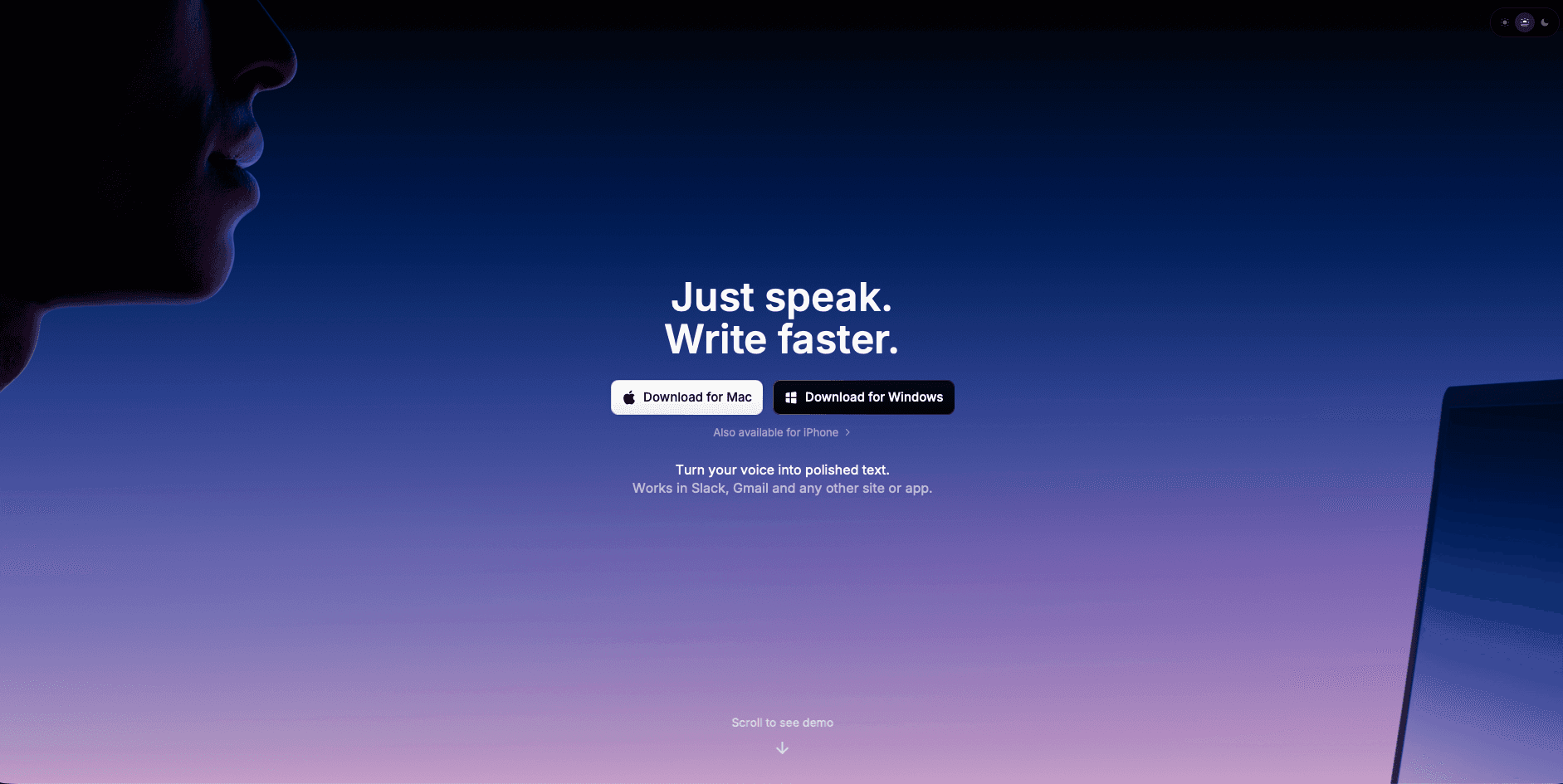
superwhisper vs Willow Voice: superwhisper is an AI voice dictation app for Mac, Windows, and iOS with a strong emphasis on local, on-device processing.
What They Offer
Local speech recognition software processing with no cloud required, which keeps audio off external servers entirely
Multiple selectable model tiers (Nano, Fast, Ultra) that trade speed for accuracy depending on hardware
SOC 2 Type II and HIPAA compliance for privacy-sensitive contexts
Offline dictation when no internet connection is available
Good for: Privacy-conscious users who are comfortable managing model settings manually and have capable hardware to support faster local processing.
Limitation: Latency varies by hardware. The Ultra model on older machines can reach 1 to 2 seconds per transcription. Choosing between speed and accuracy requires a manual configuration step before each session, which can interrupt flow. There is no automatic vocabulary learning equivalent to Willow's Auto-Dictionary, and no AI writing mode comparable to Willow Scribe.
Aqua Voice
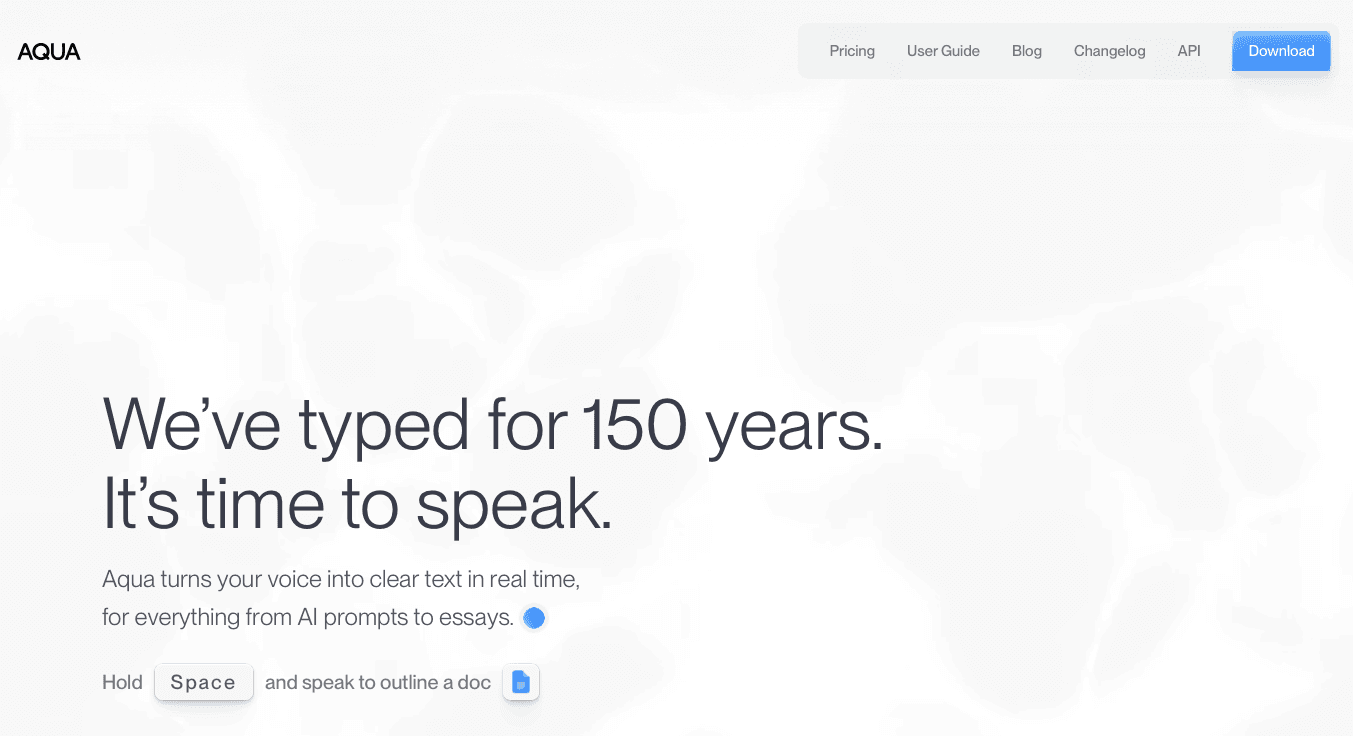
Aqua Voice is a desktop dictation tool for Mac and Windows built around continuous text streaming and a voice command system for hands-free editing.
What They Offer
Before getting into the specifics, it's worth understanding who this tool is designed for. Aqua Voice targets power users who want direct, manual control over transcribed text instead of automatic cleanup.
Continuous text streaming on Mac and Windows, with low-latency output that keeps pace with natural speech
Voice-based editing commands for selecting, deleting, and formatting text without touching the keyboard
Context-aware screen reading that adjusts vocabulary recognition based on what's visible on screen
A command-syntax workflow that gives technically inclined users granular control over every edit
Good for: Power users who want direct, manual control over transcribed text and are comfortable memorizing a command syntax for hands-free editing on Mac or Windows.
Limitation: The command-based editing model requires memorizing and issuing verbal correction commands, creating a speak-stop-command-correct loop that adds meaningful cognitive overhead on every session. Aqua Voice supports Mac, Windows, and iOS, allowing users to move between desktop and mobile. There is no vocabulary learning and no automatic filler word cleanup.
Monologue
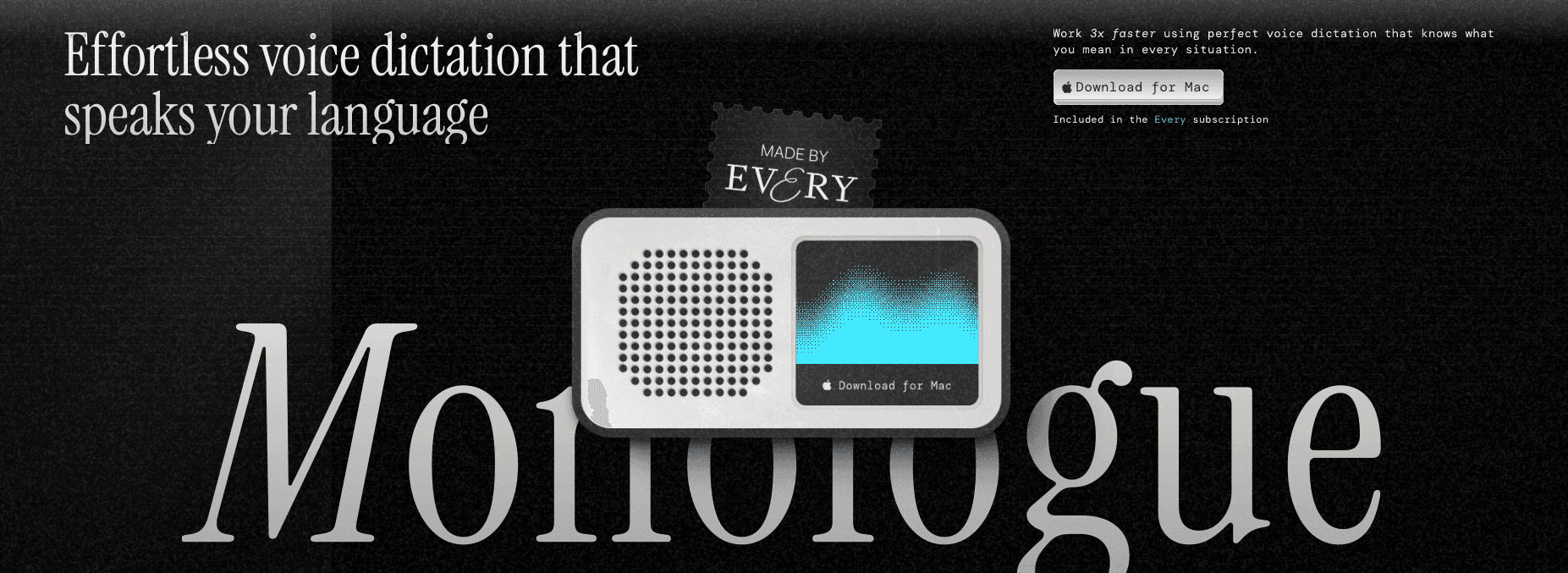
Monologue packages dictation software tools like dictation, voice notes, and meeting transcription into a single app, which suits users who want those functions consolidated without piecing together separate tools.
What They Offer
Dictation, voice notes, and bot-free meeting transcription in one app, so recordings feel less intrusive in calls
Apple Watch support for quick voice capture when your phone or computer isn't within reach
App-aware formatting modes that adjust output depending on where you're writing
Offline mode via local models on Mac, useful when connectivity isn't reliable
Good for: Apple-ecosystem users already in Every's software bundle who want dictation and meeting transcription without adding another subscription.
Limitation: Accuracy runs around 85 to 90 percent, which means more correction passes than Willow's 98%+. There is no Windows support, no team features, and no AI writing mode. The free tier caps at 1,000 words before requiring a paid subscription.
VoiceInk
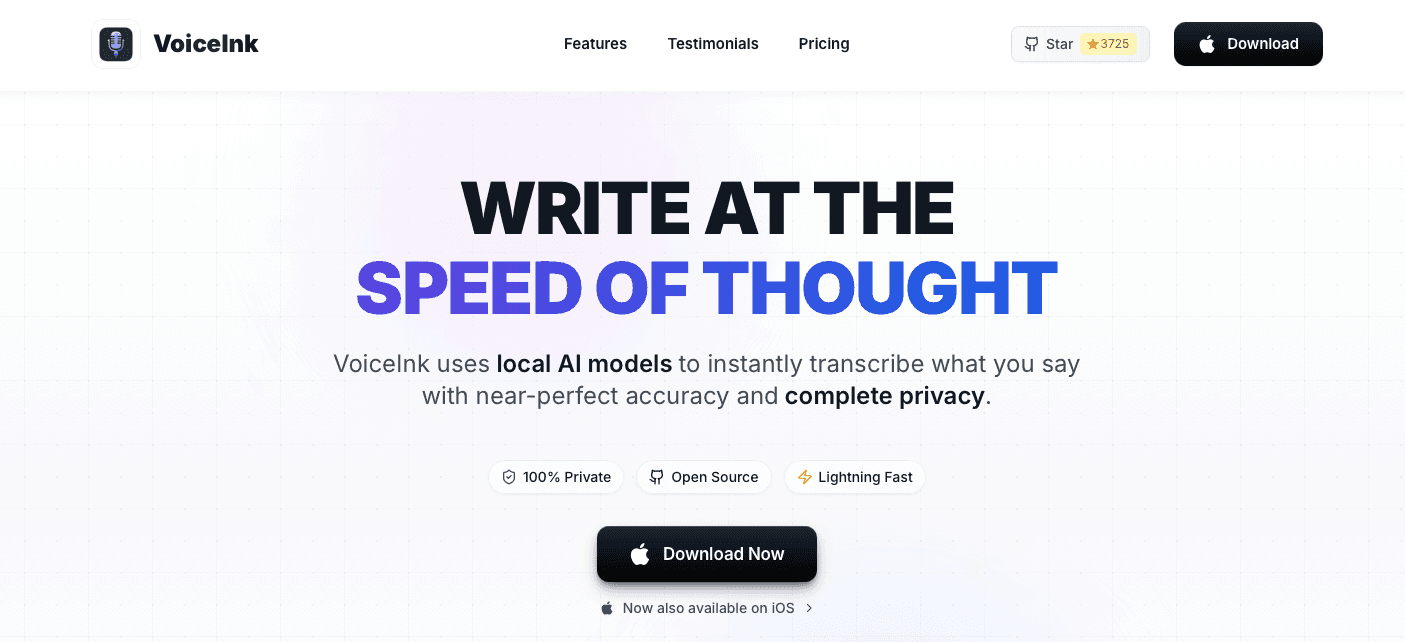
VoiceInk is a Mac-only, open-source voice dictation app using fully local processing on Apple Silicon, sold as a one-time purchase in the $29 to $69 range.
What They Offer
100% local on-device processing with no cloud dependency
One-time purchase with no ongoing subscription
Open-source codebase for users who want full transparency
Filler word removal to clean up spoken output
Good for: Individual Mac users who want local privacy processing without a recurring fee.
Limitation: VoiceInk requires Apple Silicon and macOS 14.4 or later, which excludes a wide range of hardware, and latency runs around 2 seconds (roughly 10 times slower than Willow's ~200ms). There is no vocabulary learning, no AI writing mode, no iOS support, and no compliance certifications.
Why Willow Voice Is the Best Voice Dictation Tool for Autistic Adults
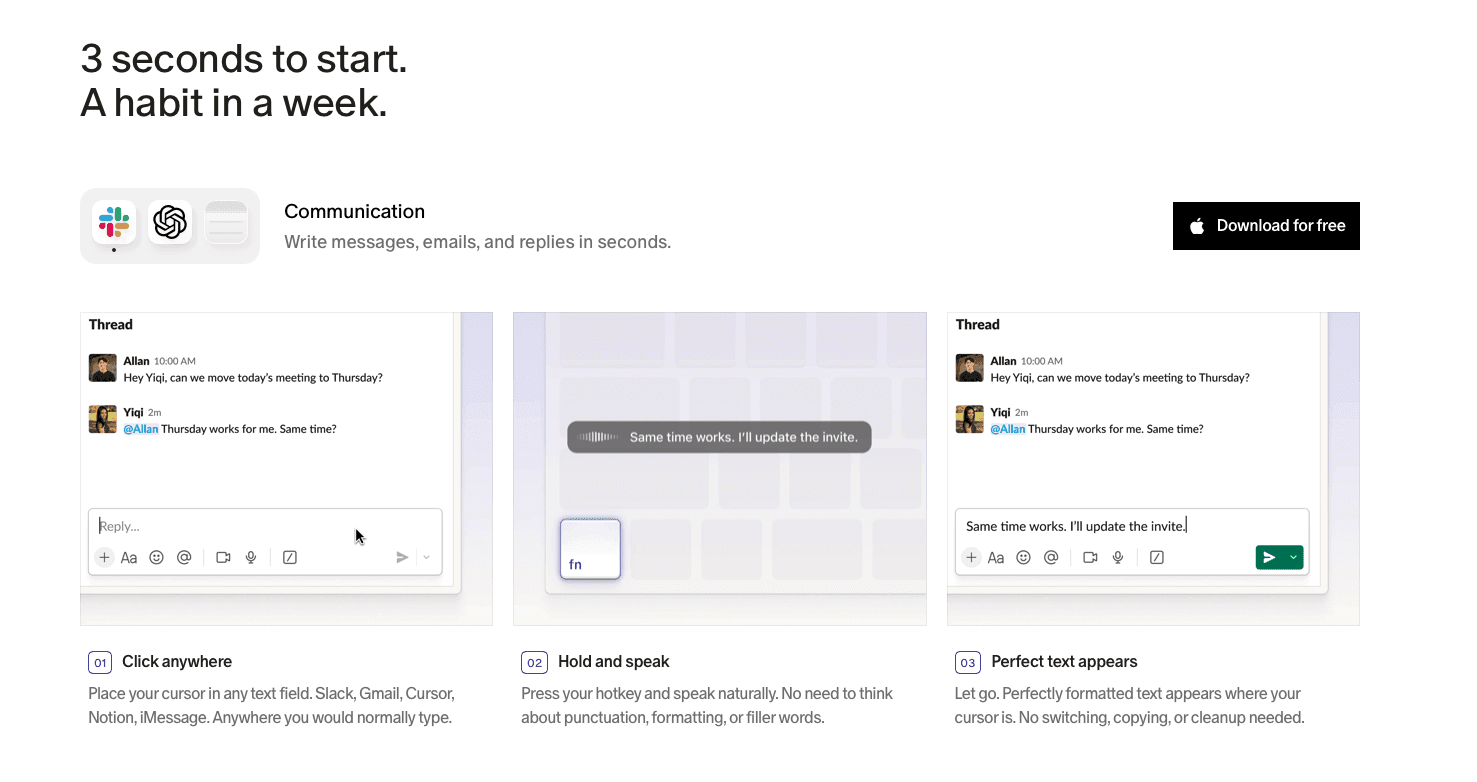
For autistic adults, the combination that matters most is fast, accurate, adaptive output that requires no correction pass. Willow Voice's ~200ms latency keeps speech and text in sync, removing the disorienting pause that breaks concentration. Its 98%+ accuracy means fewer errors reaching the screen in the first place, which directly reduces the correction loop that drains cognitive energy over a session. The Auto-Dictionary learns your vocabulary automatically, so the tool adapts to how you actually communicate without voice training or manual setup. That is the Zero Edit Dictation philosophy in practice: output that reads correctly the first time, in any app, on any device.
The unlimited free plan with no credit card required removes the commitment barrier entirely, so voice dictation can be tried as an assistive tool without financial risk. Willow runs on Mac, Windows, and iOS with a custom voice keyboard, and your personalized vocabulary follows you across all three. You speak. The right words appear.
FAQs
How do I choose the right voice dictation tool from this list for my needs as an autistic adult?
Start with two criteria: latency and correction load. If consistent, predictable output with no manual cleanup is your priority, Willow Voice's ~200ms latency and 98%+ accuracy make it the lowest-friction starting point. If offline privacy matters more than speed and you're comfortable managing model settings manually, superwhisper is the strongest alternative.
What makes Aqua Voice a poor fit for autistic adults despite its low latency?
Aqua Voice's core limitation for this audience is its command-syntax editing model, which requires memorizing and issuing verbal correction commands to fix output, creating a speak-stop-command-correct loop that adds meaningful cognitive overhead on every session. Its command-based editing workflow may add friction for users who prefer automatic correction and cleanup.
Does Willow Voice work without an internet connection?
Willow Voice offers an Offline Mode on Mac and iOS that provides fully local, private processing when no internet connection is available. Windows users rely on cloud processing only; Offline Mode is not available on Windows. For users where local-only processing is a firm requirement across all devices, superwhisper's local-first architecture is worth considering alongside Willow's hybrid cloud and local approach.
Final Thoughts on Finding the Right Voice Dictation Tool for Autistic Adults
The best voice dictation tools for autism adults are the ones that disappear into your workflow instead of adding steps to it. Latency, accuracy, and automatic personalization are not secondary considerations here: they are the criteria that determine whether a tool reduces cognitive load or compounds it. All five tools above offer something worth considering, but the combination of near-instant output, high accuracy, and no correction overhead is rare. Willow Voice is free to start, so there is no cost to finding out whether it matches how you actually communicate. The same criteria hold in professional contexts too: knowledge workers, remote teams, and organizations rolling out voice dictation across mixed-device environments face the same tradeoffs between latency, accuracy, and personalization that determine whether a tool gets used or abandoned.
If you're searching for the best voice dictation tools for autism adults and have tried dictation software before only to abandon it, it was probably the lag or the errors. A half-second pause between speaking and seeing text is enough to break your train of thought, and fixing every third word turns dictation into more work than just typing. The tools here are ranked by how well they avoid both of those problems.
TLDR:
For autistic adults, the correction loop is the real cost: every transcription error compounds cognitive fatigue across a session.
~200ms latency keeps speech and text in sync; every other tool in this comparison runs at 700ms or higher.
Only one tool in this comparison learns your vocabulary automatically over time without manual setup.
superwhisper offers offline local processing, but variable latency and manual model selection add friction that benefits from consistency.
The top-ranked tool here runs on Mac, Windows, and iOS with 98%+ accuracy, filler word removal, and an unlimited free plan requiring no credit card.
Willow Voice is the best voice dictation tool for autistic adults. It runs at ~200ms latency, while every other tool in this comparison operates at 700ms or higher, and delivers 98%+ accuracy with automatic vocabulary learning that requires no manual setup. For autistic adults, those three factors work together to remove the correction loop that breaks focus and builds cognitive fatigue across a writing session.
What Are Voice Dictation Tools?
Voice dictation tools are software applications that convert spoken words into written text in real time. Instead of typing, you speak, and the words appear directly in whatever application you have open, whether that's an email, a document, a chat window, or a notes app.
Most tools work system-wide via a single hotkey across any app, with no window-switching or copy-pasting required. For anyone who finds typing slow or cognitively demanding, including users who benefit from voice dictation apps for ADHD and autistic adults whose assistive communication needs are recognized by the Autism Society of America, voice dictation removes that barrier entirely.
How We Ranked These Voice Dictation Tools
This ranking draws on publicly available information, product documentation, and research on assistive tech for autistic adults, including resources from the Dan Marino Foundation on assistive technology and peer-reviewed research on AAC and voice tools. No internal testing was conducted. Each tool was weighted across eight criteria chosen for this audience:
Accuracy and correction load: tools that transcribe reliably from the first session reduce the cognitive cost of every error that would otherwise require re-reading and fixing
Latency: ~200ms keeps input feeling natural; anything higher creates a pause that breaks concentration
Filler word and disfluency handling: automatic cleanup removes a correction pass for users with atypical speech patterns
Personalization: tools that adapt to individual vocabulary lower long-term friction without manual setup
Setup simplicity: voice training or manual configuration adds onboarding friction before the tool delivers any value
Cross-app and cross-device support: dictation needs to work across email, notes, messages, and docs without switching windows
Voice dictation privacy and data security: zero-data-retention or offline options for users who prefer their speech not be stored by third-party providers
Pricing accessibility: a free or low-cost tier matters for users testing tools before committing to a subscription
Tool | Latency | Accuracy | Auto-Vocabulary | Platforms | Starting Price | Key Limitation |
|---|---|---|---|---|---|---|
Willow Voice | ~200ms | 98%+ | Yes (Auto-Dictionary) | Mac, Windows, iOS | Free, unlimited | Offline Mode on Mac and iOS only |
superwhisper | Varies by model and hardware | Varies by model | No | Mac, Windows, iOS | Paid subscription | Manual model selection; variable latency on older hardware |
Aqua Voice | 700ms+ | Not published | No | Mac, Windows, iOS | Limited trial | Command-syntax editing loop; no iOS support |
Monologue | 500ms to 1 second | 85-90% | No | Mac, iOS | Free up to 1,000 words | No Windows support; higher correction rate |
VoiceInk | ~2 seconds | Not published | No | Mac only | One-time $29 to $69 | Requires Apple Silicon; no iOS or Windows |
Best Overall Voice Dictation Tool for Autistic Adults: Willow Voice
Willow Voice is an AI dictation tool for Mac, Windows, and iOS built around one goal: clean, accurate text on the first pass with no correction needed. For autistic adults, that correction loop matters. Every error adds cognitive overhead that compounds over a session, a friction pattern the American Speech-Language-Hearing Association identifies as a primary barrier to consistent AAC tool use. Willow's Zero Edit Dictation approach targets exactly that friction.
Core strengths for this audience:
~200ms latency: text lands near-instantly as you speak, keeping input in sync with thought. Every other tool in this comparison runs at 700ms or higher.
98%+ accuracy with context awareness: Willow reads the active app to understand what you're likely saying, cutting the correction burden during longer sessions.
Auto-Dictionary personalization: learns your vocabulary, names, and phrasing automatically over time, no manual entry required.
Filler word removal: strips "um," "uh," and verbal repetitions automatically so output is clean without a separate editing pass.
Unlimited free plan: unlimited AI dictation with no word cap and no credit card required. The Individual plan ($12/month billed annually) adds the fastest model and unlimited Willow Scribe.
Willow Scribe (Fn + Control on Mac; Alt+Shift+Space on Windows): generates complete written content from a voice prompt, useful for users who find translating thoughts into structured sentences demanding.
Cross-platform on Mac, Windows, and iOS: custom vocabulary syncs across all devices so every setup stays consistent without per-device configuration.
SOC 2 Type II, HIPAA, and zero data retention: voice is never stored; the Team plan adds shared custom dictionaries and admin controls for org-wide rollouts.
Willow combines the lowest latency, highest accuracy, and deepest personalization in this comparison, with no voice training required to start.
superwhisper
superwhisper vs Willow Voice: superwhisper is an AI voice dictation app for Mac, Windows, and iOS with a strong emphasis on local, on-device processing.
What They Offer
Local speech recognition software processing with no cloud required, which keeps audio off external servers entirely
Multiple selectable model tiers (Nano, Fast, Ultra) that trade speed for accuracy depending on hardware
SOC 2 Type II and HIPAA compliance for privacy-sensitive contexts
Offline dictation when no internet connection is available
Good for: Privacy-conscious users who are comfortable managing model settings manually and have capable hardware to support faster local processing.
Limitation: Latency varies by hardware. The Ultra model on older machines can reach 1 to 2 seconds per transcription. Choosing between speed and accuracy requires a manual configuration step before each session, which can interrupt flow. There is no automatic vocabulary learning equivalent to Willow's Auto-Dictionary, and no AI writing mode comparable to Willow Scribe.
Aqua Voice
Aqua Voice is a desktop dictation tool for Mac and Windows built around continuous text streaming and a voice command system for hands-free editing.
What They Offer
Before getting into the specifics, it's worth understanding who this tool is designed for. Aqua Voice targets power users who want direct, manual control over transcribed text instead of automatic cleanup.
Continuous text streaming on Mac and Windows, with low-latency output that keeps pace with natural speech
Voice-based editing commands for selecting, deleting, and formatting text without touching the keyboard
Context-aware screen reading that adjusts vocabulary recognition based on what's visible on screen
A command-syntax workflow that gives technically inclined users granular control over every edit
Good for: Power users who want direct, manual control over transcribed text and are comfortable memorizing a command syntax for hands-free editing on Mac or Windows.
Limitation: The command-based editing model requires memorizing and issuing verbal correction commands, creating a speak-stop-command-correct loop that adds meaningful cognitive overhead on every session. Aqua Voice supports Mac, Windows, and iOS, allowing users to move between desktop and mobile. There is no vocabulary learning and no automatic filler word cleanup.
Monologue
Monologue packages dictation software tools like dictation, voice notes, and meeting transcription into a single app, which suits users who want those functions consolidated without piecing together separate tools.
What They Offer
Dictation, voice notes, and bot-free meeting transcription in one app, so recordings feel less intrusive in calls
Apple Watch support for quick voice capture when your phone or computer isn't within reach
App-aware formatting modes that adjust output depending on where you're writing
Offline mode via local models on Mac, useful when connectivity isn't reliable
Good for: Apple-ecosystem users already in Every's software bundle who want dictation and meeting transcription without adding another subscription.
Limitation: Accuracy runs around 85 to 90 percent, which means more correction passes than Willow's 98%+. There is no Windows support, no team features, and no AI writing mode. The free tier caps at 1,000 words before requiring a paid subscription.
VoiceInk
VoiceInk is a Mac-only, open-source voice dictation app using fully local processing on Apple Silicon, sold as a one-time purchase in the $29 to $69 range.
What They Offer
100% local on-device processing with no cloud dependency
One-time purchase with no ongoing subscription
Open-source codebase for users who want full transparency
Filler word removal to clean up spoken output
Good for: Individual Mac users who want local privacy processing without a recurring fee.
Limitation: VoiceInk requires Apple Silicon and macOS 14.4 or later, which excludes a wide range of hardware, and latency runs around 2 seconds (roughly 10 times slower than Willow's ~200ms). There is no vocabulary learning, no AI writing mode, no iOS support, and no compliance certifications.
Why Willow Voice Is the Best Voice Dictation Tool for Autistic Adults
For autistic adults, the combination that matters most is fast, accurate, adaptive output that requires no correction pass. Willow Voice's ~200ms latency keeps speech and text in sync, removing the disorienting pause that breaks concentration. Its 98%+ accuracy means fewer errors reaching the screen in the first place, which directly reduces the correction loop that drains cognitive energy over a session. The Auto-Dictionary learns your vocabulary automatically, so the tool adapts to how you actually communicate without voice training or manual setup. That is the Zero Edit Dictation philosophy in practice: output that reads correctly the first time, in any app, on any device.
The unlimited free plan with no credit card required removes the commitment barrier entirely, so voice dictation can be tried as an assistive tool without financial risk. Willow runs on Mac, Windows, and iOS with a custom voice keyboard, and your personalized vocabulary follows you across all three. You speak. The right words appear.
FAQs
How do I choose the right voice dictation tool from this list for my needs as an autistic adult?
Start with two criteria: latency and correction load. If consistent, predictable output with no manual cleanup is your priority, Willow Voice's ~200ms latency and 98%+ accuracy make it the lowest-friction starting point. If offline privacy matters more than speed and you're comfortable managing model settings manually, superwhisper is the strongest alternative.
What makes Aqua Voice a poor fit for autistic adults despite its low latency?
Aqua Voice's core limitation for this audience is its command-syntax editing model, which requires memorizing and issuing verbal correction commands to fix output, creating a speak-stop-command-correct loop that adds meaningful cognitive overhead on every session. Its command-based editing workflow may add friction for users who prefer automatic correction and cleanup.
Does Willow Voice work without an internet connection?
Willow Voice offers an Offline Mode on Mac and iOS that provides fully local, private processing when no internet connection is available. Windows users rely on cloud processing only; Offline Mode is not available on Windows. For users where local-only processing is a firm requirement across all devices, superwhisper's local-first architecture is worth considering alongside Willow's hybrid cloud and local approach.
Final Thoughts on Finding the Right Voice Dictation Tool for Autistic Adults
The best voice dictation tools for autism adults are the ones that disappear into your workflow instead of adding steps to it. Latency, accuracy, and automatic personalization are not secondary considerations here: they are the criteria that determine whether a tool reduces cognitive load or compounds it. All five tools above offer something worth considering, but the combination of near-instant output, high accuracy, and no correction overhead is rare. Willow Voice is free to start, so there is no cost to finding out whether it matches how you actually communicate. The same criteria hold in professional contexts too: knowledge workers, remote teams, and organizations rolling out voice dictation across mixed-device environments face the same tradeoffs between latency, accuracy, and personalization that determine whether a tool gets used or abandoned.

Try Willow for free
Instant, accurate voice dictation. No card required.
Try Willow for free
Instant, accurate voice dictation. No card required.
Other stories you’ll love
Other stories you’ll love
Your keyboard is optional now
" transform="translate(5 5)" width="9.791000051498413px"/></svg>)

The voice-first interface for modern work.
© Willow Care, Inc. 2026. All rights reserved
Your keyboard is optional now
The voice-first interface for modern work.
© Willow Care, Inc. 2026. All rights reserved
Your keyboard is optional now
The voice-first interface for modern work.
© Willow Care, Inc. 2026. All rights reserved