" transform="translate(5 2)" width="10px"/></svg>)

•
5 min read
9 Best Mobile Dictation Apps for iPhone and Android (June 2026)
•
5 min read
9 Best Mobile Dictation Apps for iPhone and Android (June 2026)
Speaking is faster than typing on a phone screen, especially when you have more than a sentence to get down. Stanford research shows speech outpaces mobile typing in both speed and accuracy. A mobile dictation app transcribes your speech in real time, so you can write emails, messages, and documents by talking instead of tapping. The strongest options work as custom keyboards or system-wide overlays, which means they function across messaging apps, email, notes, and any other place you would normally type.
TLDR:
Mobile dictation apps convert speech to text at 150+ WPM versus 40 WPM typing, with accuracy and speed varying widely between tools.
The top-ranked app transcribes at ~200ms latency and learns your writing style over time, while most competitors run at 700ms+.
Built-in options like Apple Dictation and Gboard work for short bursts but lack personalization and custom vocabulary.
Dragon Anywhere ($15/month) handles specialized terminology well but requires constant internet and feels dated.
The top-rated option offers ~200ms latency, 98%+ accuracy, works across any app on iPhone and Android, and is HIPAA/SOC 2 compliant with zero data retention.
What Are Mobile Dictation Apps?
Mobile dictation apps convert speech into text on iPhone and Android, letting you write emails, messages, and documents by talking instead of typing on a small screen. For a full look at voice to text software options across all platforms, you can review the latest tools ranked by accuracy and speed. They use speech recognition to transcribe your words in real time. The best ones work as custom keyboards or system-wide overlays, so they function across messaging apps, email clients, note-taking tools, and anywhere else you would normally type.
How We Ranked Mobile Dictation Apps
Five criteria shaped every ranking decision on this list. If you're comparing dictation software tools more broadly, those same criteria apply across desktop and mobile options.
Device compatibility: whether an app runs on both iPhone and Android, or is tied to one ecosystem.
Transcription speed and latency: how quickly spoken words appear as text after you stop speaking.
Accuracy and AI capabilities: including filler word removal, punctuation handling, and context awareness.
Mobile-specific features: custom keyboard integration, offline mode, and battery performance.
Privacy and compliance: data retention policies and security certifications relevant to professional use.
All assessments draw from app store listings, company websites, and verified user reviews.
Best Overall Mobile Dictation App: Willow Voice

Willow Voice earns the top spot because it was built around the two biggest complaints about mobile dictation: lag and inaccuracy. Most apps make you wait. Willow's ~200ms latency means text appears almost the instant you finish speaking, so your train of thought stays intact.
Accuracy compounds over time, too. Willow learns your vocabulary, writing style, and commonly used phrases, so it gets sharper the more you use it. That separates it from apps that treat every session like your first.
Why It Works on Mobile
A few things make Willow worth singling out for phone and tablet use:
It works across any app you have open, so you can speak into email, notes, messaging, documents, or a browser field without switching contexts or copying text between windows.
The ~200ms response is fast enough to feel conversational instead of transactional. You speak, text appears. There's no jarring pause that breaks your focus.
For professionals who need compliance coverage, Willow is HIPAA-compliant, SOC 2 certified, and supports signed BAAs, which matters for anyone capturing sensitive content by voice on a mobile device.
Teams can share custom dictionaries and shortcuts, which is useful when consistent terminology matters across a group.
Willow runs on both iPhone and Android, and accuracy sits at 98%+, roughly 3x fewer errors than built-in dictation tools on either OS. For Android users looking for more options, our guide to the best speech to text apps for Android covers platform-specific alternatives.
Wispr Flow
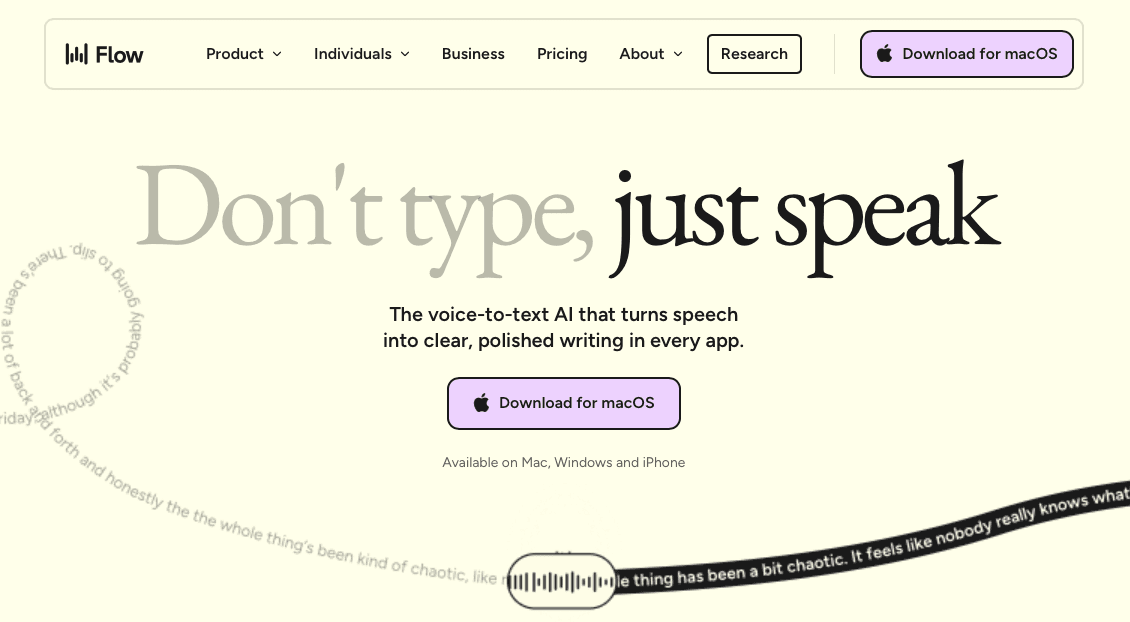
Wispr Flow is one of the most well-known AI dictation apps in this space, and it has earned that reputation. It works across macOS and iOS, offers solid context-awareness, and has expanded its compliance posture to include SOC 2 Type II, ISO 27001, and HIPAA eligibility. For many professionals, it's a capable option.
That said, it's worth knowing where it sits relative to other tools. Latency runs in the 700ms+ range, which can interrupt your train of thought during longer sessions. It also lacks the deep personalization that adapts to your specific vocabulary and writing style over time.
Superwhisper
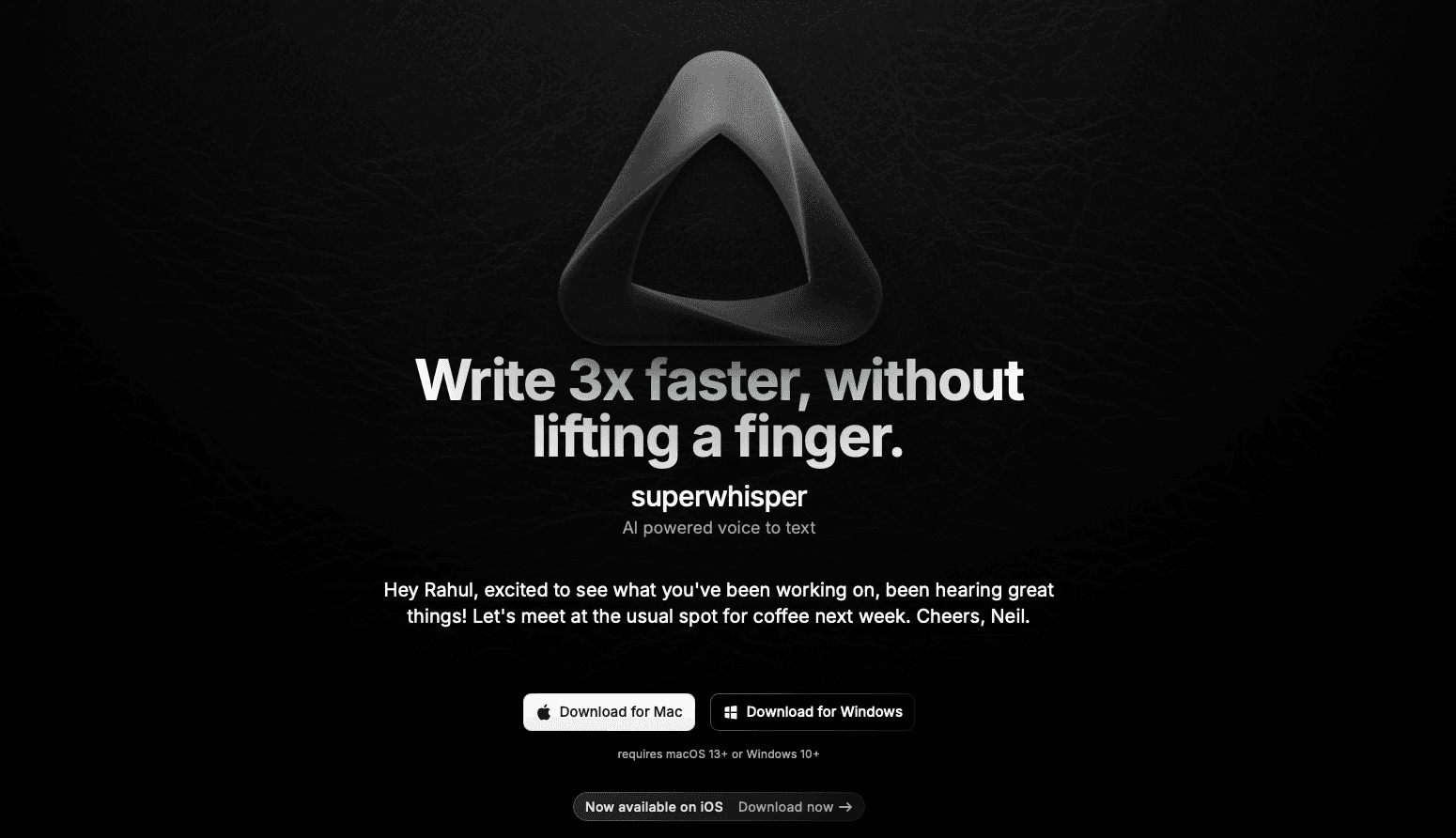
Superwhisper is a Mac-first dictation app that has expanded to iOS, built around offline processing and on-device AI models, so your audio never leaves your machine. It supports custom vocabulary, multiple model tiers, and modes tuned for different writing contexts like emails, notes, and code. It fits well for Apple ecosystem users who want system-wide hotkeys and menu bar access, and for writers or developers who want to adjust model size depending on the speed-versus-accuracy tradeoff they need. Android support is absent, accuracy on proper nouns and specialized vocabulary can vary depending on which local model you select, and the heavier models require a capable device to run without lag.
Apple Dictation (iPhone)
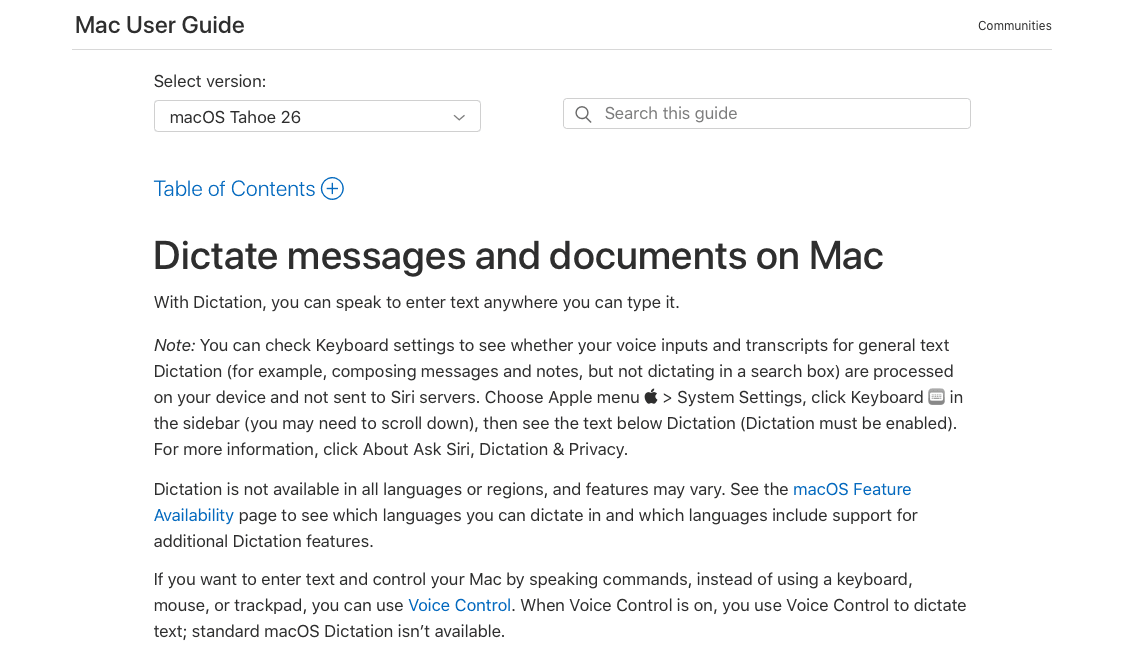
Apple's built-in dictation comes pre-installed on every iPhone, which makes it the default starting point for most users. Mac users looking for more powerful desktop options can review our guide to the best voice to text for Mac. It works reasonably well for short bursts of text in supported apps, and since iOS 16, on-device processing means it functions without a Wi-Fi connection.
The tradeoff is accuracy. Apple dictation can struggle with technical vocabulary, proper nouns, and longer dictation sessions where context changes.
Gboard Voice Typing (Android)
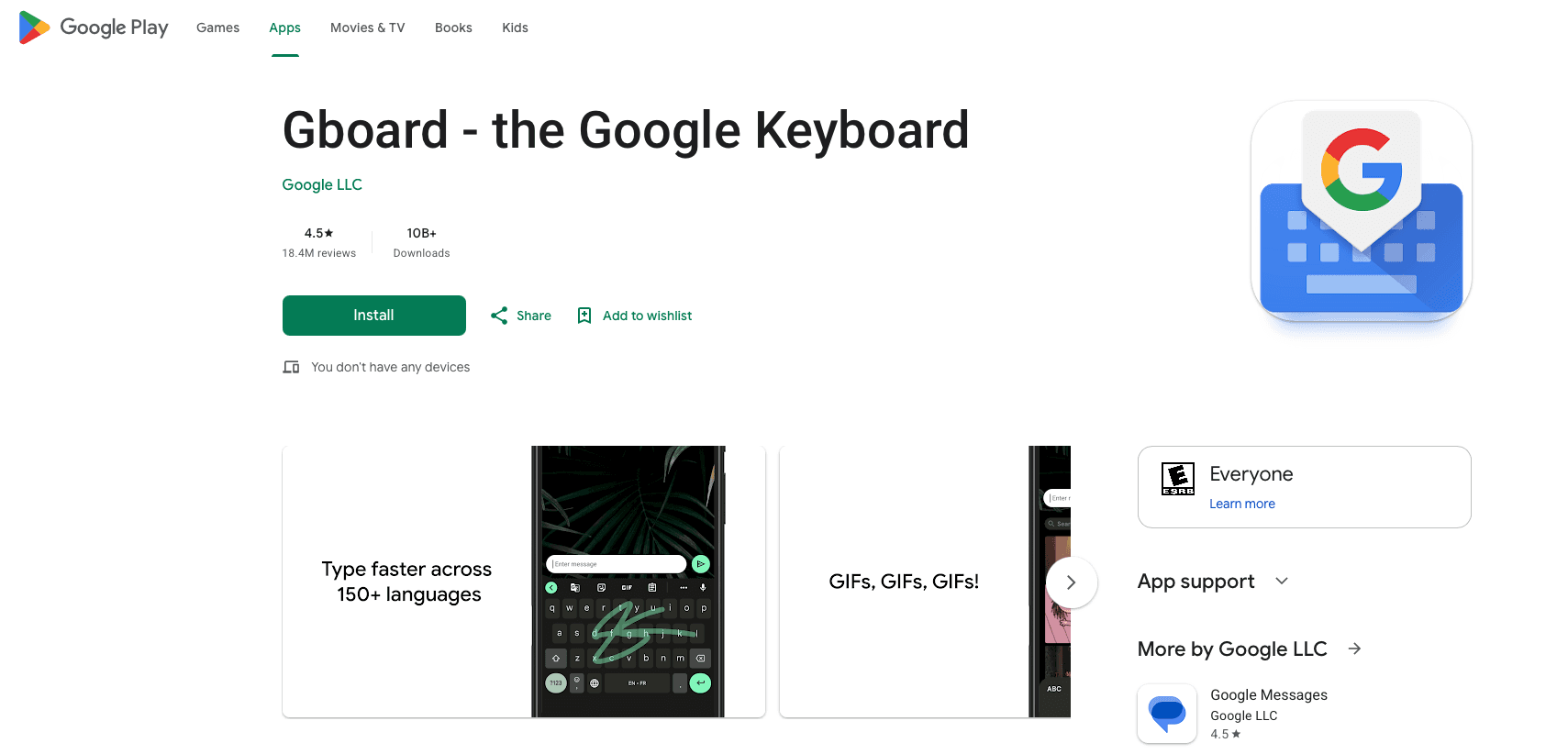
Gboard is Google's keyboard app for Android, and its built-in voice typing is one of the most accessible ways to dictate on a mobile device. Because it's already installed on most Android phones, there's no setup required. It handles everyday dictation for short messages, search queries, and quick notes, supports spoken punctuation commands, and works across most Android apps without switching tools. That said, it's designed for quick input instead of consistent dictation. Accuracy drops with longer passages or technical vocabulary, there's no vocabulary learning or custom shortcuts, and there's no way to teach it your writing style over time. It's a capable free option for casual use, but professionals who rely on voice input daily will likely outgrow it quickly.
Feature | Gboard Voice Typing |
|---|---|
Price | Free |
Platform | Android |
Offline Mode | Limited |
Custom Vocabulary | No |
Punctuation Control | Basic (spoken commands) |
Best For | Casual, short-form dictation |
Otter.ai
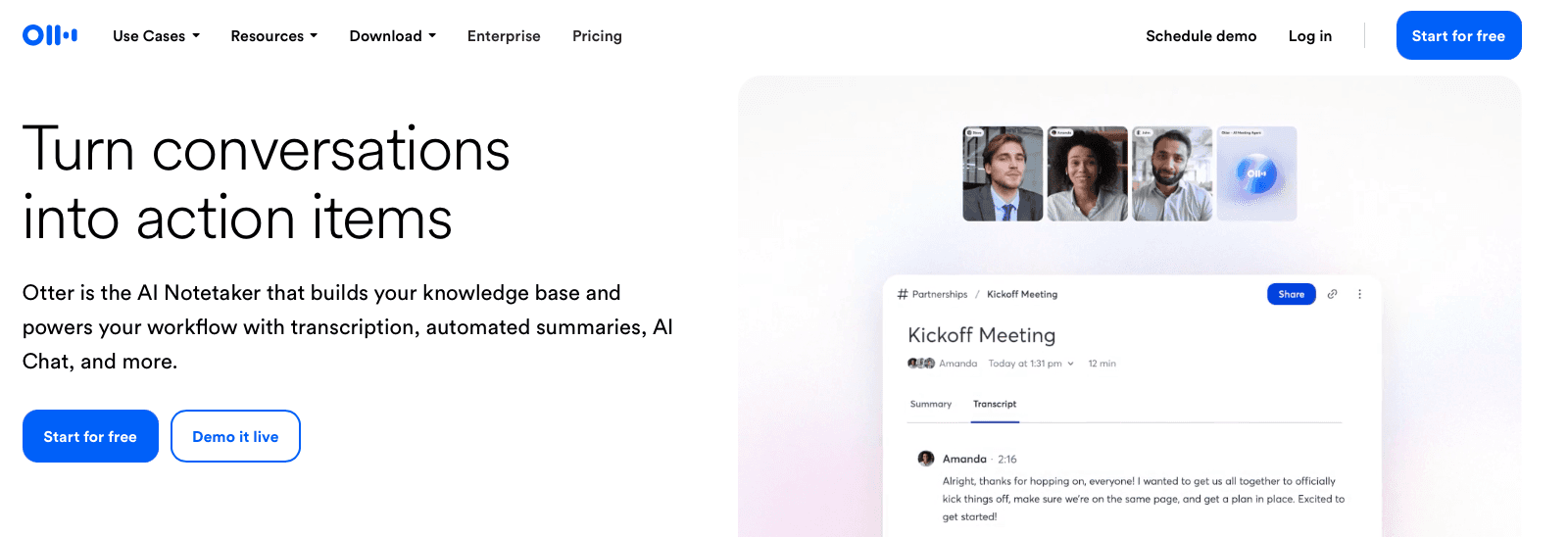
Otter.ai is built around meeting transcription instead of general-purpose dictation. It connects directly to Zoom, Google Meet, and Microsoft Teams, capturing conversations in real time and generating summaries, action items, and searchable transcripts automatically. Multiple people can contribute notes to the same transcript, making it useful for teams that need a shared record of discussions. The free tier caps at 300 transcription minutes per month, which runs out quickly for heavy users, accuracy drops noticeably with accents, crosstalk, or poor audio quality, and it works best in structured meeting contexts. It feels less suited as an everyday mobile dictation app for notes, emails, or documents.
Just Press Record (iPhone)
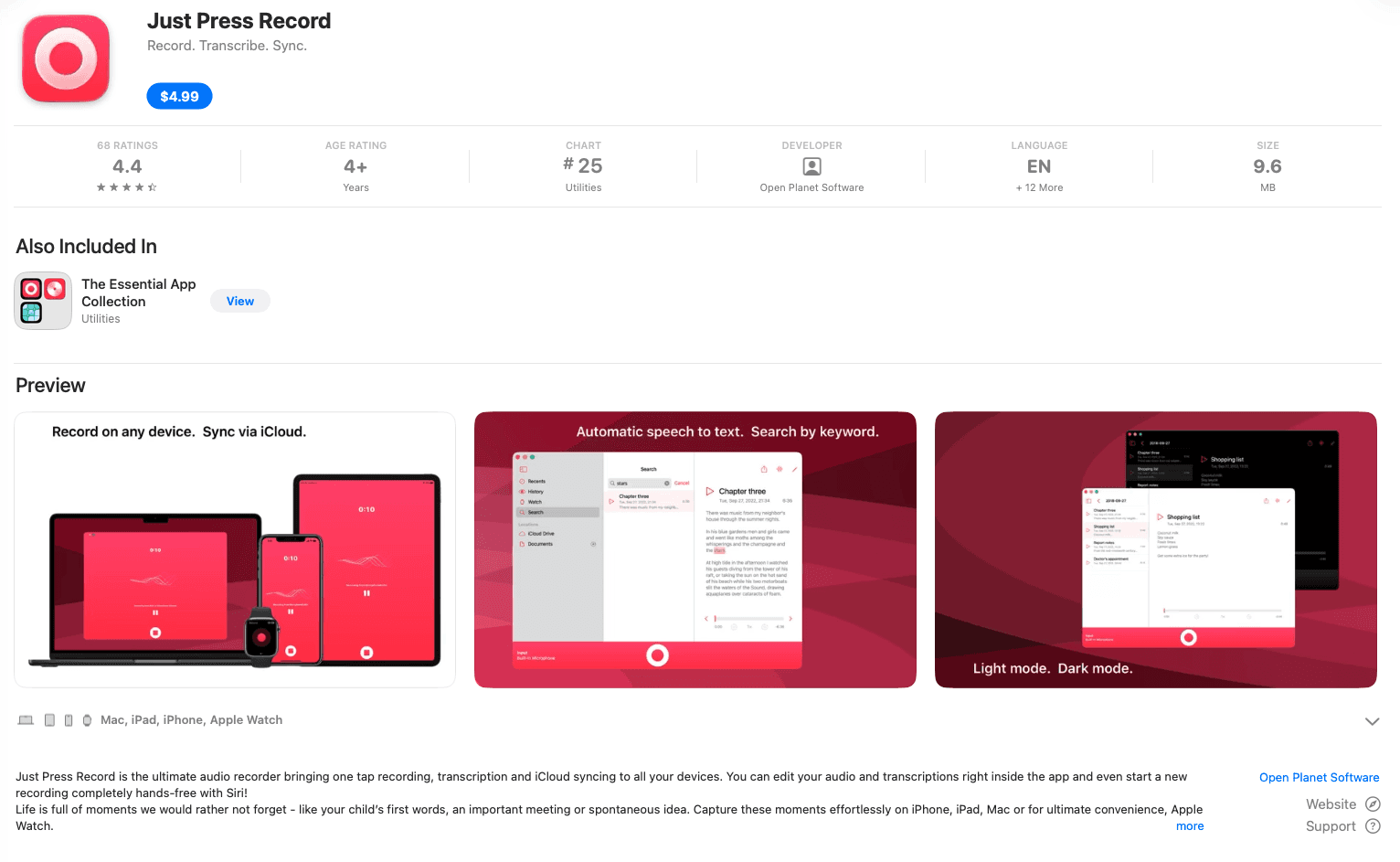
Just Press Record keeps things stripped down: you open the app, tap the big red button, and your voice is transcribed in real time. It syncs across iPhone, iPad, Apple Watch, and Mac via iCloud, so recordings you start on your wrist can be finished and exported on your desktop. Transcriptions are searchable, and you can export to a range of formats. It works offline, which makes it reliable when connectivity is spotty. At a one-time purchase price, it avoids the subscription model most dictation apps have moved toward.
Speechnotes
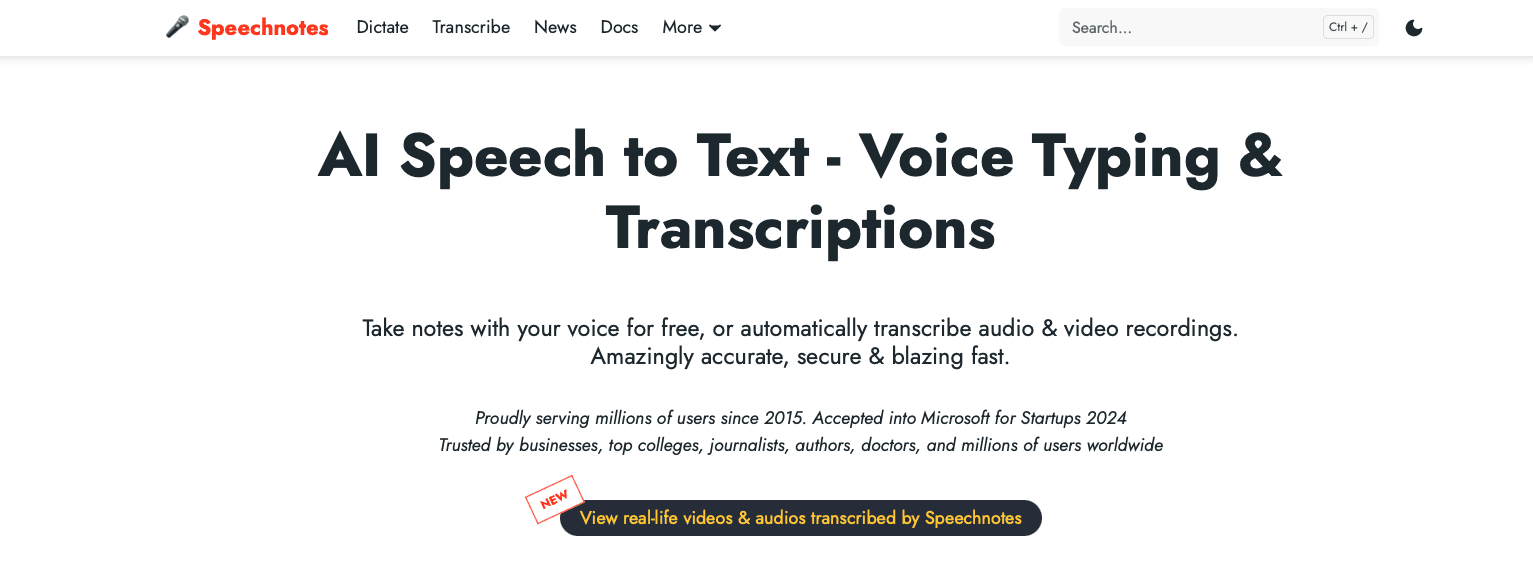
Speechnotes is a browser-based dictation tool that works directly in Chrome without requiring any software installation and is suited for users who need a quick, lightweight option for basic transcription tasks. The free tier covers most casual use cases, while a Pro plan unlocks punctuation commands, custom vocabulary, and longer transcription sessions. Accuracy depends heavily on your internet connection since it relies on Google's speech recognition engine, with little room for personalization over time. There's no cross-device sync, so notes stay wherever you typed them unless you manually export them, and formatting control is minimal for anyone producing structured documents or longer professional writing.
VoiceInk
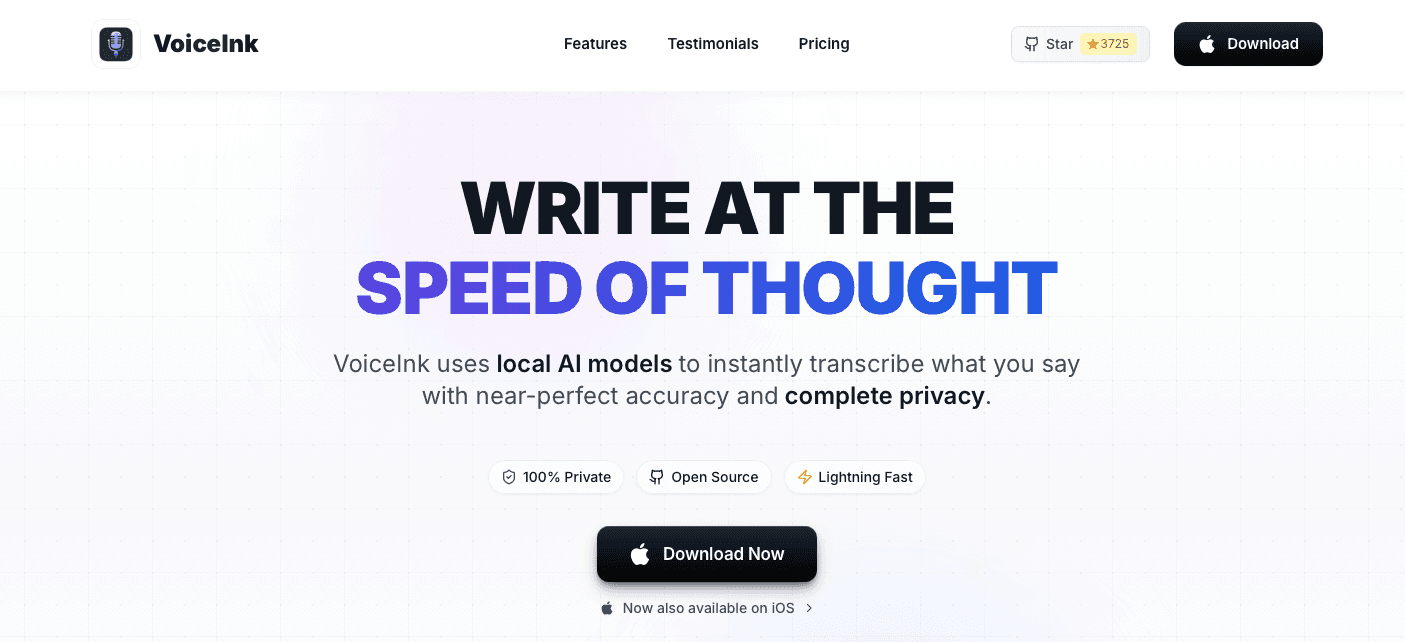
VoiceInk is a Mac-first tool with one-time pricing in the $25-49 range, local on-device processing, and an optional offline mode. A custom dictionary handles specialized vocabulary. An iOS companion app exists, but user reports flag consistent bugs and missing features relative to the desktop version. Android support is absent entirely, and there are no team collaboration features, shared dictionaries, or SOC 2/HIPAA compliance. For an individual Mac user who prefers a one-time purchase over a subscription, it may be a reasonable fit. For anyone who needs reliable cross-device mobile dictation, the gaps are worth noting.
Why Willow Voice Is the Best Mobile Dictation App
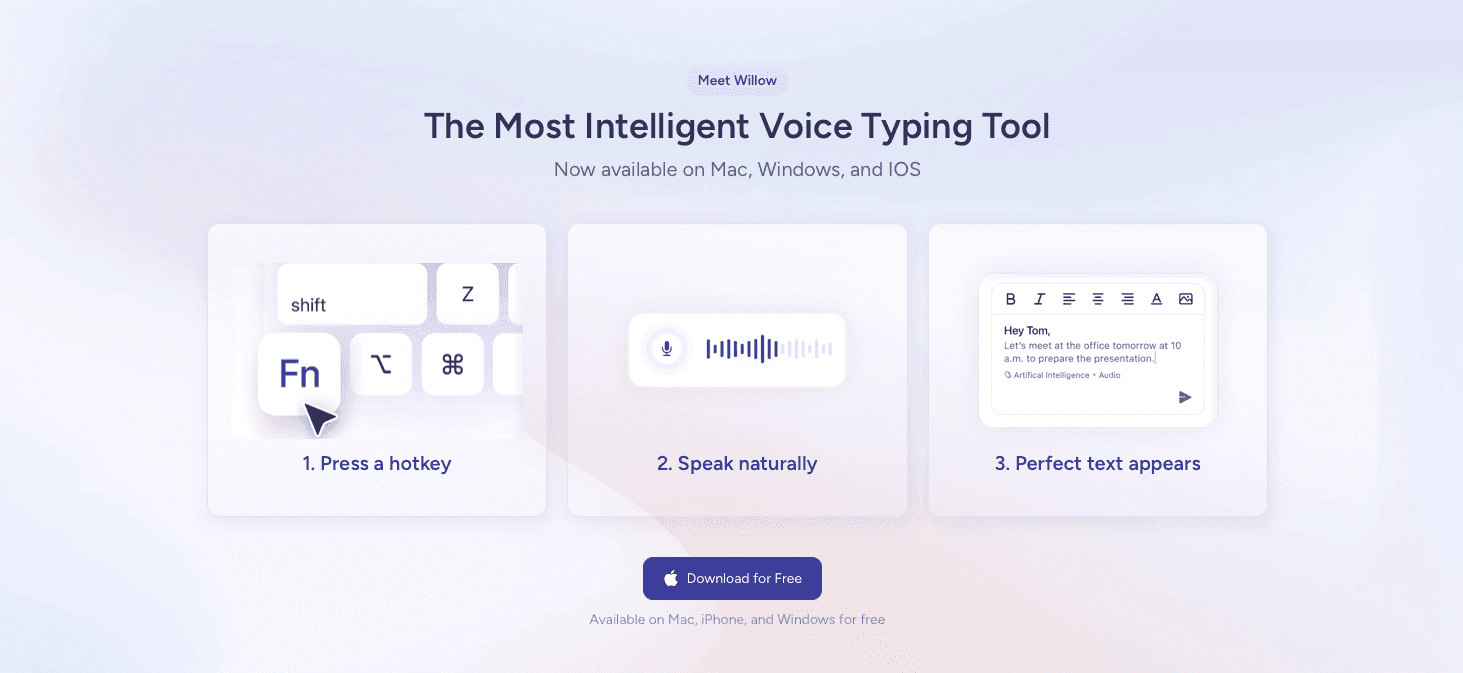
Willow Voice sits at the top of this list for a few reasons that go beyond raw accuracy.
Speed is the most immediate difference. Willow transcribes at around 200ms latency, while most competitors run at 700ms or higher. At that gap, waiting for text to appear stops being a minor annoyance and starts breaking your train of thought.
Accuracy compounds over time. Willow learns your vocabulary, phrasing patterns, and preferred formatting, so the longer you use it, the less editing you do. For iPhone users new to speech input, our iPhone speech to text guide covers setup and optimization tips. That personalization is what separates it from general-purpose tools that treat every session as a fresh start.
For teams working in compliance-driven industries, Willow is SOC 2 Type II and HIPAA compliant, supports signed BAAs, and holds a zero data retention policy. It works across every app on iOS and Android without requiring any integrations.
FAQs
Which mobile dictation app works best for professionals who use voice input all day?
Willow Voice and Dragon Anywhere are built for consistent, high-volume use. Willow delivers ~200ms latency and learns your writing style over time, while Dragon Anywhere offers strong specialized-vocabulary support at a higher price point and requires constant internet connectivity.
Can I use mobile dictation apps offline?
Superwhisper, Apple Dictation, and Willow Voice all offer offline modes that process speech locally on your device. Gboard supports limited offline functionality, while Wispr Flow and Dragon Anywhere require an active internet connection to function.
When should I consider switching from my phone's built-in dictation?
If you're spending more than a few minutes per day correcting transcription errors, struggling with technical terms or proper nouns, or dictating longer passages where context and tone matter, a dedicated dictation app with learning capabilities will save measurable time.
Final Thoughts on Choosing a Mobile Dictation App
Speed and accuracy separate the best mobile dictation apps from ones you'll abandon after a week. If dictation lags by even half a second, your train of thought breaks. If it can't learn your vocabulary, you spend more time fixing text than you saved by speaking. Willow Voice solves both problems with 200ms response time and personalization that gets sharper with use.
Speaking is faster than typing on a phone screen, especially when you have more than a sentence to get down. Stanford research shows speech outpaces mobile typing in both speed and accuracy. A mobile dictation app transcribes your speech in real time, so you can write emails, messages, and documents by talking instead of tapping. The strongest options work as custom keyboards or system-wide overlays, which means they function across messaging apps, email, notes, and any other place you would normally type.
TLDR:
Mobile dictation apps convert speech to text at 150+ WPM versus 40 WPM typing, with accuracy and speed varying widely between tools.
The top-ranked app transcribes at ~200ms latency and learns your writing style over time, while most competitors run at 700ms+.
Built-in options like Apple Dictation and Gboard work for short bursts but lack personalization and custom vocabulary.
Dragon Anywhere ($15/month) handles specialized terminology well but requires constant internet and feels dated.
The top-rated option offers ~200ms latency, 98%+ accuracy, works across any app on iPhone and Android, and is HIPAA/SOC 2 compliant with zero data retention.
What Are Mobile Dictation Apps?
Mobile dictation apps convert speech into text on iPhone and Android, letting you write emails, messages, and documents by talking instead of typing on a small screen. For a full look at voice to text software options across all platforms, you can review the latest tools ranked by accuracy and speed. They use speech recognition to transcribe your words in real time. The best ones work as custom keyboards or system-wide overlays, so they function across messaging apps, email clients, note-taking tools, and anywhere else you would normally type.
How We Ranked Mobile Dictation Apps
Five criteria shaped every ranking decision on this list. If you're comparing dictation software tools more broadly, those same criteria apply across desktop and mobile options.
Device compatibility: whether an app runs on both iPhone and Android, or is tied to one ecosystem.
Transcription speed and latency: how quickly spoken words appear as text after you stop speaking.
Accuracy and AI capabilities: including filler word removal, punctuation handling, and context awareness.
Mobile-specific features: custom keyboard integration, offline mode, and battery performance.
Privacy and compliance: data retention policies and security certifications relevant to professional use.
All assessments draw from app store listings, company websites, and verified user reviews.
Best Overall Mobile Dictation App: Willow Voice
Willow Voice earns the top spot because it was built around the two biggest complaints about mobile dictation: lag and inaccuracy. Most apps make you wait. Willow's ~200ms latency means text appears almost the instant you finish speaking, so your train of thought stays intact.
Accuracy compounds over time, too. Willow learns your vocabulary, writing style, and commonly used phrases, so it gets sharper the more you use it. That separates it from apps that treat every session like your first.
Why It Works on Mobile
A few things make Willow worth singling out for phone and tablet use:
It works across any app you have open, so you can speak into email, notes, messaging, documents, or a browser field without switching contexts or copying text between windows.
The ~200ms response is fast enough to feel conversational instead of transactional. You speak, text appears. There's no jarring pause that breaks your focus.
For professionals who need compliance coverage, Willow is HIPAA-compliant, SOC 2 certified, and supports signed BAAs, which matters for anyone capturing sensitive content by voice on a mobile device.
Teams can share custom dictionaries and shortcuts, which is useful when consistent terminology matters across a group.
Willow runs on both iPhone and Android, and accuracy sits at 98%+, roughly 3x fewer errors than built-in dictation tools on either OS. For Android users looking for more options, our guide to the best speech to text apps for Android covers platform-specific alternatives.
Wispr Flow
Wispr Flow is one of the most well-known AI dictation apps in this space, and it has earned that reputation. It works across macOS and iOS, offers solid context-awareness, and has expanded its compliance posture to include SOC 2 Type II, ISO 27001, and HIPAA eligibility. For many professionals, it's a capable option.
That said, it's worth knowing where it sits relative to other tools. Latency runs in the 700ms+ range, which can interrupt your train of thought during longer sessions. It also lacks the deep personalization that adapts to your specific vocabulary and writing style over time.
Superwhisper
Superwhisper is a Mac-first dictation app that has expanded to iOS, built around offline processing and on-device AI models, so your audio never leaves your machine. It supports custom vocabulary, multiple model tiers, and modes tuned for different writing contexts like emails, notes, and code. It fits well for Apple ecosystem users who want system-wide hotkeys and menu bar access, and for writers or developers who want to adjust model size depending on the speed-versus-accuracy tradeoff they need. Android support is absent, accuracy on proper nouns and specialized vocabulary can vary depending on which local model you select, and the heavier models require a capable device to run without lag.
Apple Dictation (iPhone)
Apple's built-in dictation comes pre-installed on every iPhone, which makes it the default starting point for most users. Mac users looking for more powerful desktop options can review our guide to the best voice to text for Mac. It works reasonably well for short bursts of text in supported apps, and since iOS 16, on-device processing means it functions without a Wi-Fi connection.
The tradeoff is accuracy. Apple dictation can struggle with technical vocabulary, proper nouns, and longer dictation sessions where context changes.
Gboard Voice Typing (Android)
Gboard is Google's keyboard app for Android, and its built-in voice typing is one of the most accessible ways to dictate on a mobile device. Because it's already installed on most Android phones, there's no setup required. It handles everyday dictation for short messages, search queries, and quick notes, supports spoken punctuation commands, and works across most Android apps without switching tools. That said, it's designed for quick input instead of consistent dictation. Accuracy drops with longer passages or technical vocabulary, there's no vocabulary learning or custom shortcuts, and there's no way to teach it your writing style over time. It's a capable free option for casual use, but professionals who rely on voice input daily will likely outgrow it quickly.
Feature | Gboard Voice Typing |
|---|---|
Price | Free |
Platform | Android |
Offline Mode | Limited |
Custom Vocabulary | No |
Punctuation Control | Basic (spoken commands) |
Best For | Casual, short-form dictation |
Otter.ai
Otter.ai is built around meeting transcription instead of general-purpose dictation. It connects directly to Zoom, Google Meet, and Microsoft Teams, capturing conversations in real time and generating summaries, action items, and searchable transcripts automatically. Multiple people can contribute notes to the same transcript, making it useful for teams that need a shared record of discussions. The free tier caps at 300 transcription minutes per month, which runs out quickly for heavy users, accuracy drops noticeably with accents, crosstalk, or poor audio quality, and it works best in structured meeting contexts. It feels less suited as an everyday mobile dictation app for notes, emails, or documents.
Just Press Record (iPhone)
Just Press Record keeps things stripped down: you open the app, tap the big red button, and your voice is transcribed in real time. It syncs across iPhone, iPad, Apple Watch, and Mac via iCloud, so recordings you start on your wrist can be finished and exported on your desktop. Transcriptions are searchable, and you can export to a range of formats. It works offline, which makes it reliable when connectivity is spotty. At a one-time purchase price, it avoids the subscription model most dictation apps have moved toward.
Speechnotes
Speechnotes is a browser-based dictation tool that works directly in Chrome without requiring any software installation and is suited for users who need a quick, lightweight option for basic transcription tasks. The free tier covers most casual use cases, while a Pro plan unlocks punctuation commands, custom vocabulary, and longer transcription sessions. Accuracy depends heavily on your internet connection since it relies on Google's speech recognition engine, with little room for personalization over time. There's no cross-device sync, so notes stay wherever you typed them unless you manually export them, and formatting control is minimal for anyone producing structured documents or longer professional writing.
VoiceInk
VoiceInk is a Mac-first tool with one-time pricing in the $25-49 range, local on-device processing, and an optional offline mode. A custom dictionary handles specialized vocabulary. An iOS companion app exists, but user reports flag consistent bugs and missing features relative to the desktop version. Android support is absent entirely, and there are no team collaboration features, shared dictionaries, or SOC 2/HIPAA compliance. For an individual Mac user who prefers a one-time purchase over a subscription, it may be a reasonable fit. For anyone who needs reliable cross-device mobile dictation, the gaps are worth noting.
Why Willow Voice Is the Best Mobile Dictation App
Willow Voice sits at the top of this list for a few reasons that go beyond raw accuracy.
Speed is the most immediate difference. Willow transcribes at around 200ms latency, while most competitors run at 700ms or higher. At that gap, waiting for text to appear stops being a minor annoyance and starts breaking your train of thought.
Accuracy compounds over time. Willow learns your vocabulary, phrasing patterns, and preferred formatting, so the longer you use it, the less editing you do. For iPhone users new to speech input, our iPhone speech to text guide covers setup and optimization tips. That personalization is what separates it from general-purpose tools that treat every session as a fresh start.
For teams working in compliance-driven industries, Willow is SOC 2 Type II and HIPAA compliant, supports signed BAAs, and holds a zero data retention policy. It works across every app on iOS and Android without requiring any integrations.
FAQs
Which mobile dictation app works best for professionals who use voice input all day?
Willow Voice and Dragon Anywhere are built for consistent, high-volume use. Willow delivers ~200ms latency and learns your writing style over time, while Dragon Anywhere offers strong specialized-vocabulary support at a higher price point and requires constant internet connectivity.
Can I use mobile dictation apps offline?
Superwhisper, Apple Dictation, and Willow Voice all offer offline modes that process speech locally on your device. Gboard supports limited offline functionality, while Wispr Flow and Dragon Anywhere require an active internet connection to function.
When should I consider switching from my phone's built-in dictation?
If you're spending more than a few minutes per day correcting transcription errors, struggling with technical terms or proper nouns, or dictating longer passages where context and tone matter, a dedicated dictation app with learning capabilities will save measurable time.
Final Thoughts on Choosing a Mobile Dictation App
Speed and accuracy separate the best mobile dictation apps from ones you'll abandon after a week. If dictation lags by even half a second, your train of thought breaks. If it can't learn your vocabulary, you spend more time fixing text than you saved by speaking. Willow Voice solves both problems with 200ms response time and personalization that gets sharper with use.

Try Willow for free
Instant, accurate voice dictation. No card required.
Try Willow for free
Instant, accurate voice dictation. No card required.
Other stories you’ll love
Other stories you’ll love


Your keyboard is optional now
" transform="translate(5 5)" width="9.791000051498413px"/></svg>)

The voice-first interface for modern work.
© Willow Care, Inc. 2026. All rights reserved
Your keyboard is optional now
The voice-first interface for modern work.
© Willow Care, Inc. 2026. All rights reserved
Your keyboard is optional now
The voice-first interface for modern work.
© Willow Care, Inc. 2026. All rights reserved