" transform="translate(5 2)" width="10px"/></svg>)

•
5 min read
Best Speech to Text Apps for Android August 2026

•
5 min read
Best Speech to Text Apps for Android August 2026
You already know speech to text for Android exists because your phone probably came with it built in. The real question is whether the tool you're using can keep up with how you think, learn how you write, and stay secure enough for the work that counts. We ranked the top apps based on speed, personalization, and security to show you where the free options stop and where the real tools start.
TLDR:
Gboard and Google Live Transcribe offer free voice typing, but lack personalized learning.
Dragon Anywhere costs $150/year and may require setup and optional customization for best accuracy.
Otter.ai handles meeting transcription but supports a limited set of 5 languages/variants versus 100+.
Certain solutions deliver 200ms latency and learn your writing style for zero-edit dictation.
Some platforms offer SOC 2 and HIPAA compliance with shared team dictionaries (iOS/Mac/Windows).
Speech to Text Apps for Android, Explained
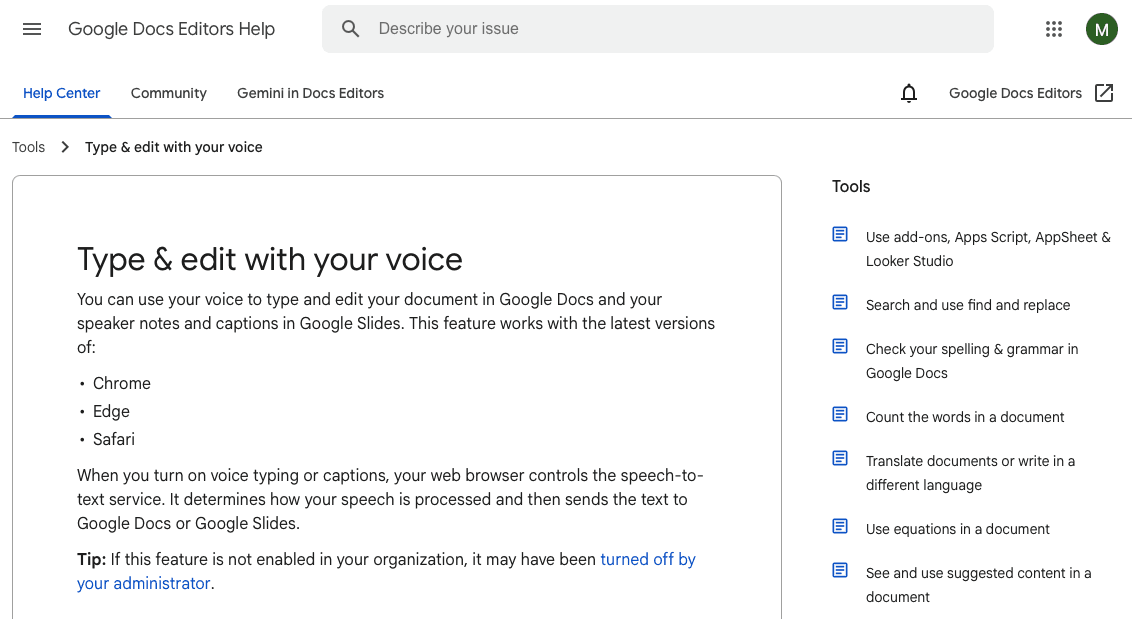
Speech to text apps for Android convert your spoken words into written text using AI and speech recognition. You speak, and the app types for you in real time, directly into whatever field you're working in.
On Android, these apps plug into the operating system itself, which means they can work across messaging, email, notes, documents, and more. Some are built right into the keyboard (like Gboard's mic button). Others are standalone apps with deeper features like custom vocabulary, noise filtering, and AI-assisted formatting.
Android users have a wide range of options, from basic built-in voice typing to dedicated third-party apps built for accuracy and speed.
Our Methodology for Ranking Android Speech to Text Apps
We scored each app across seven factors based on publicly available specs, user reviews, and documented features.
Transcription accuracy: how often the app gets words right without requiring corrections
Speed and latency: real-time output versus noticeable processing delays
Android integration: compatibility with system keyboards and native apps
Language support: number of languages and dialect recognition
Offline functionality: whether the app works without an internet connection
Customization: custom dictionaries, voice commands, and punctuation control
Privacy and security: data handling policies and compliance certifications
No proprietary testing was done. Everything here is drawn from public information.
App | Devices | Price | Latency | Languages | Offline | Compliance |
|---|---|---|---|---|---|---|
Willow Voice | Mac, Windows, iOS | Free (2,000 words/week) | 200ms | 100+ | Yes | SOC 2, HIPAA |
Gboard Voice Typing | Android | Free | Standard | 70+ | Partial | None |
Google Live Transcribe | Android | Free | Real-time | 70+ | No | None |
Speechnotes | Android, Web | Free / $9.90/year | Standard | Limited | Yes | None |
Dragon Anywhere | iOS, Android | $150/year | Standard | EN, FR, DE | No | Enterprise encryption |
Voice Notebook | Android | Free / premium | Standard | Limited | Yes (local packs) | None |
Otter.ai | iOS, Android, Web | Free / $8.33/month | Standard | 5 supported languages/variants | No | SOC 2 Type 2 |
Willow Voice: The Top Pick for Speech to Text

Willow Voice is one of the most accurate and fastest AI dictation tools available. It runs on Mac, Windows, and iOS, so Android users should know upfront: there's no Android app yet. Settings and custom vocabulary sync across all three, so mixed-device teams get the same experience whether they're on a Windows laptop or an iPhone. That said, if you have access to any supported device, few tools match it on speed, personalization, and security.
Three things set Willow Voice apart from tools like Wispr Flow and Apple's built-in voice dictation: speed, personalization, and security. At 200ms latency, it's 5-10x faster than competing dictation tools. Text appears with near real-time responsiveness. Over time, it learns your writing style, corrects itself, and requires fewer edits. For teams, it's SOC 2 and HIPAA compliant with zero data retention.
Willow Voice's Key Features
200ms latency, the fastest on the market
Personalized accuracy that improves as it learns how you write
SOC 2 Type II and HIPAA compliance with zero data retention, plus admin controls for team-wide deployment
100+ language support with context-aware AI and custom dictionaries
Works in any app: Gmail, Slack, Notion, Google Docs, and more
Offline mode for fully private, local dictation
Ideal for: Professionals, executives, developers prompting AI coding tools, healthcare teams handling sensitive notes, and other workplace teams who need fast, accurate dictation with enterprise security and personalization that compounds over time.
Gboard Voice Typing
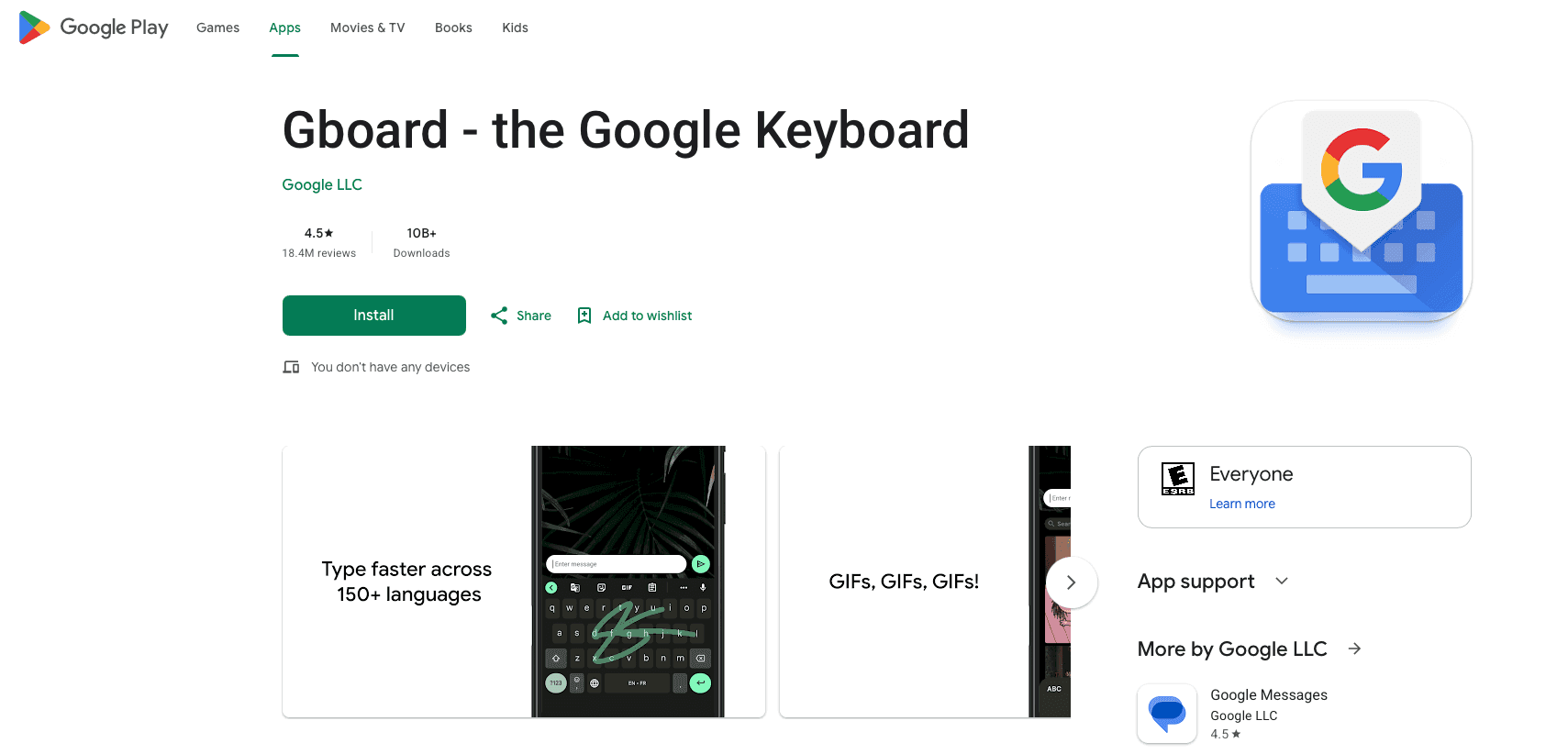
Gboard voice typing is Google's built-in speech recognition feature inside the Gboard keyboard app. Most Android phones come with it pre-installed, so there's nothing to download or configure.
Key features include:
Works in most apps using the standard Android keyboard: Messages, Gmail, WhatsApp, and Chrome
Offline voice typing is available on supported devices with downloaded speech recognition models
Automatic punctuation based on natural pauses
Auto language detection on Pixel 6 and newer
No extra cost, already installed on most Android devices
Ideal for: Android users who want a free, no-setup voice typing option usable in nearly any app.
Downside: Advanced features require an internet connection, since they process on Google's servers. Gboard lacks personalization, so it never learns how you write. No dedicated enterprise compliance certifications like SOC 2 or HIPAA for dictation workflows.
Google Live Transcribe
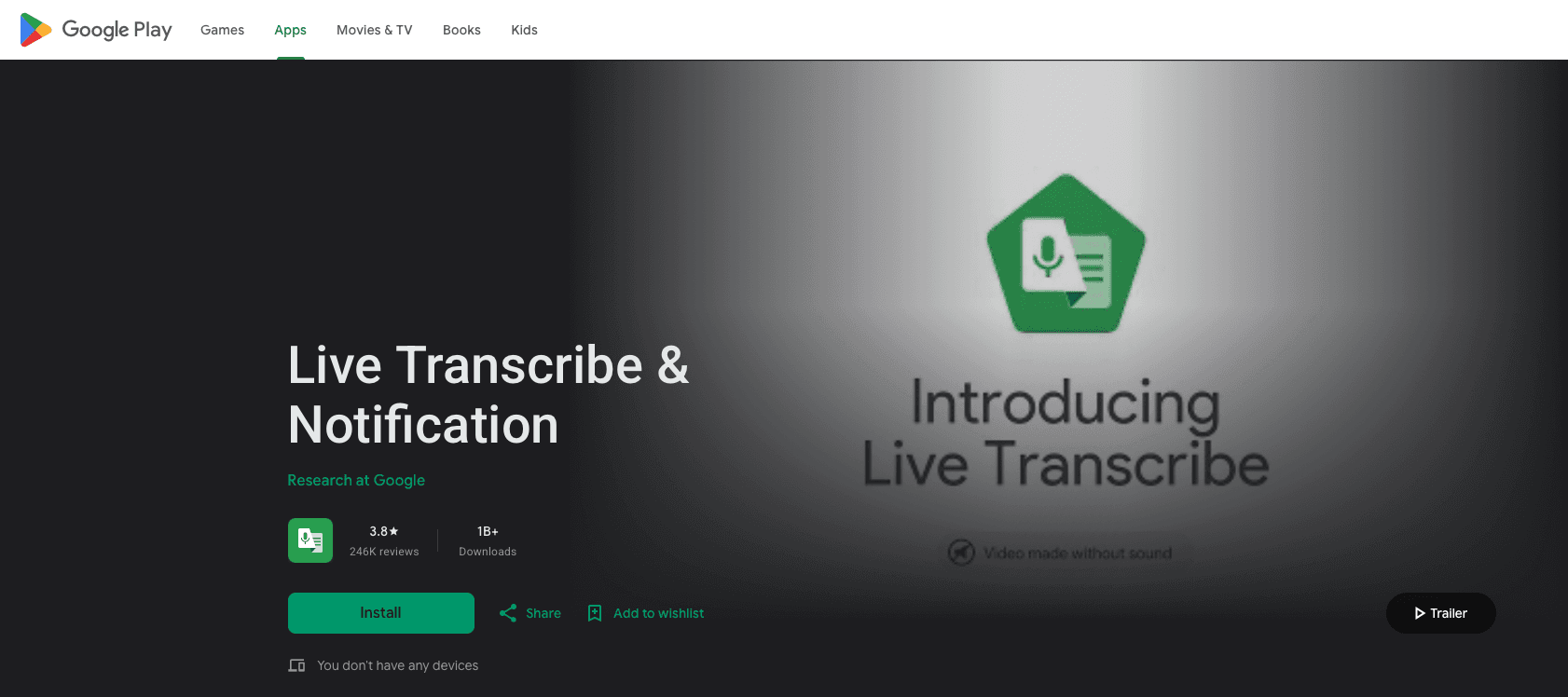
Google Live Transcribe is an accessibility app built for real-time conversation captions using speech recognition technology. It transcribes speech as it happens and displays it on screen immediately, without saving a permanent audio recording.
Here's what it offers:
Real-time transcription with conversation history saved for up to three days
Support for over 70 languages and dialects, with quick switching during bilingual conversations
Vibrates when your name is spoken and allows custom words and a secondary language
Free on all Android phones via the Play Store
Good for: People who are deaf or hard of hearing needing real-time captions in face-to-face interactions.
Limitation: Transcription history caps at 72 hours. Customization is limited compared to advanced dictation tools, with no document creation, no enterprise compliance positioning, and none of Willow Voice's personalized learning.
Speechnotes
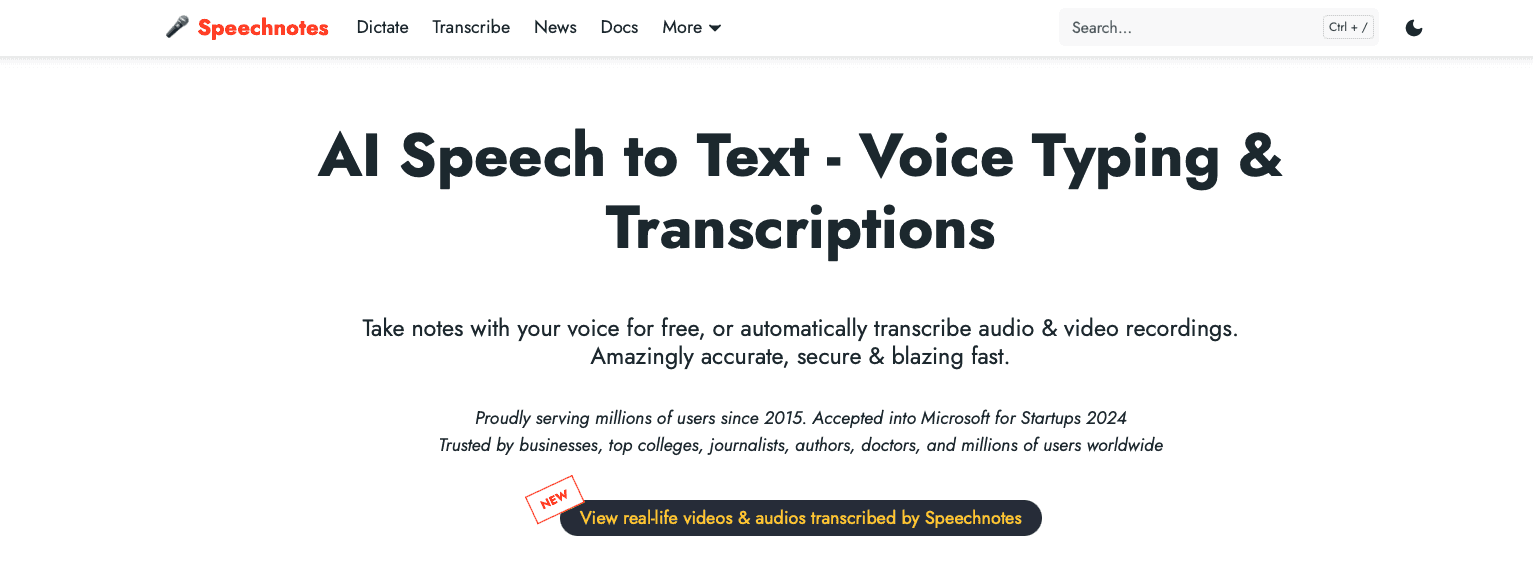
Speechnotes is a web-based note-taking app with an Android companion that uses Google's voice recognition engine to transcribe speech in real time. Press the mic button and start talking.
Here's what it offers:
Web app and Android app with Google speech recognition built in
Voice-triggered punctuation via commands like "period," "comma," or "new line"
Limited offline functionality on supported devices with downloaded language packs and automatic Google Drive backup
Free with ads, or $9.90/year for premium
Good for: Anyone who wants quick, no-signup voice notes without complicated setup.
Limitation: No AI summarization, no speaker identification, and none of Willow Voice's personalized learning or 200ms latency. There's also no SOC 2 or HIPAA compliance for professional or team use.
Dragon Anywhere
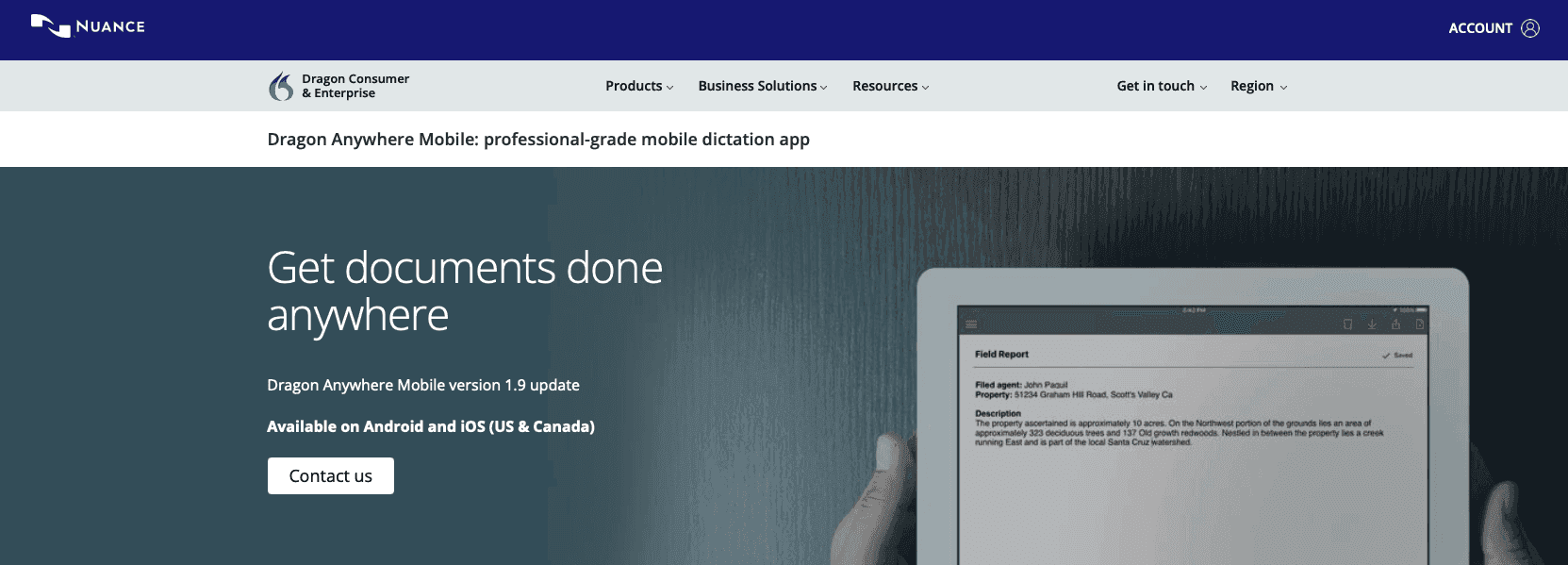
Dragon Anywhere is a professional-grade mobile dictation app for iOS and Android, claiming up to 99% accuracy with continuous dictation and no word limits. At $150 per year, it sits at the premium end of the Android market.
Here's what it offers:
Custom vocabularies and auto-texts synced with Dragon desktop products
Industry-specific vocabulary and voice commands for repetitive tasks
Enterprise-grade encryption for cloud communications
Language support for US, Canadian, and UK English, plus French and German
Good for: Professionals already deep in the Dragon ecosystem who want familiar workflows on mobile.
Limitation: Dragon Anywhere is a separate product from Dragon Professional desktop, with limited cross-device syncing and no full training profile transfer. Setup often means adding vocabulary, commands, and formatting preferences manually, unlike Willow Voice, which learns your writing style automatically at 200ms latency.
Voice Notebook
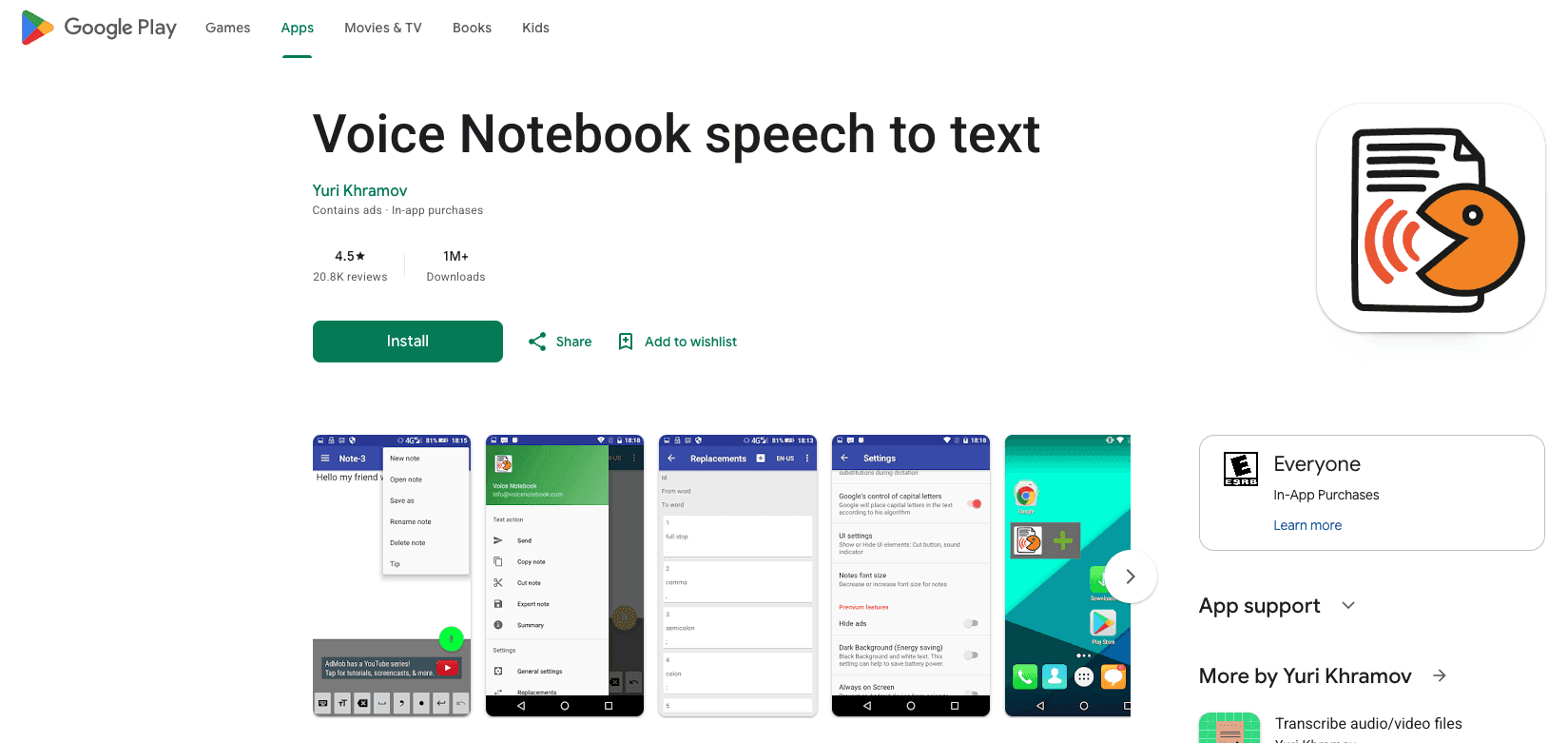
Voice Notebook is an Android note-taking app built around continuous speech recognition. It uses Google's speech engine with local language packs for offline fallback, and handles punctuation through spoken commands like "period" or "new line."
Here's what it offers:
Tag-based note organization with word and character counters
Bilingual voice input with capitalization control and undo command
Home screen widget and Google Assistant integration for quick recording
Offline recognition via local language packs
Free with optional premium features
Good for: Android users who want a lightweight, voice-first note-taking app with offline support.
Limitation: Offline mode requires a local language pack, and the app throws an error without one if the connection drops. It's also note-taking only, with no universal dictation across apps, no SOC 2 or HIPAA compliance, no shared dictionaries, and none of the personalized learning or 200ms latency that sets Willow Voice apart.
Otter.ai
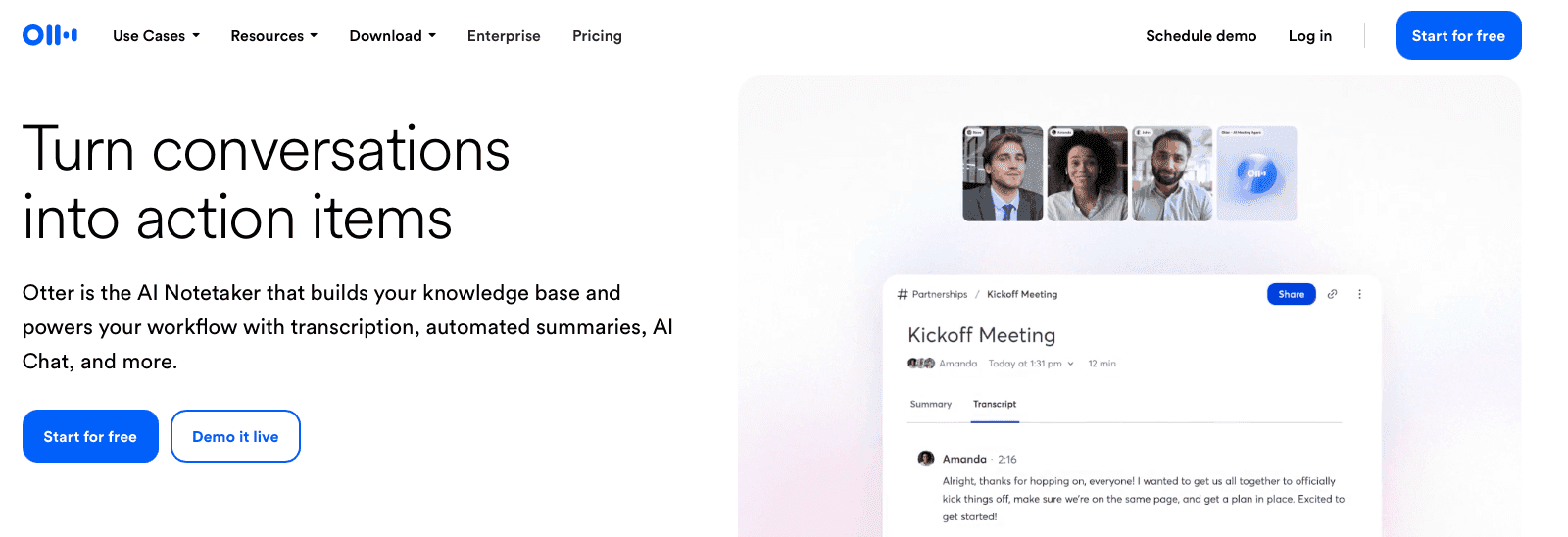
Otter.ai is an AI-powered transcription service built around meetings and conversations, though writers may prefer dedicated speech-to-text tools for their work. It shows live captions for speakers and generates written transcripts automatically. The free tier includes 300 minutes of transcription per month, with paid plans starting at $8.33 per month per user.
Here's what it offers:
OtterPilot meeting assistant that captures slide images, takes real-time notes, and joins meetings automatically to transcribe
Speaker identification with voiceprint training to distinguish and tag individual voices
Transcription in American English, British English, Spanish, and French with regional accent handling and custom vocabulary training
SOC 2 Type 2 compliance with industry-standard encryption
Good for: Teams that run frequent meetings and need automated transcription, shareable summaries, and collaborative note features.
Limitation: Otter supports five languages/variants total, compared to Willow Voice's 100+. It's built for meeting capture, not real-time dictation, with no 200ms latency and none of Willow Voice's personalized learning.
Why Willow Voice Is the Best Speech to Text Solution
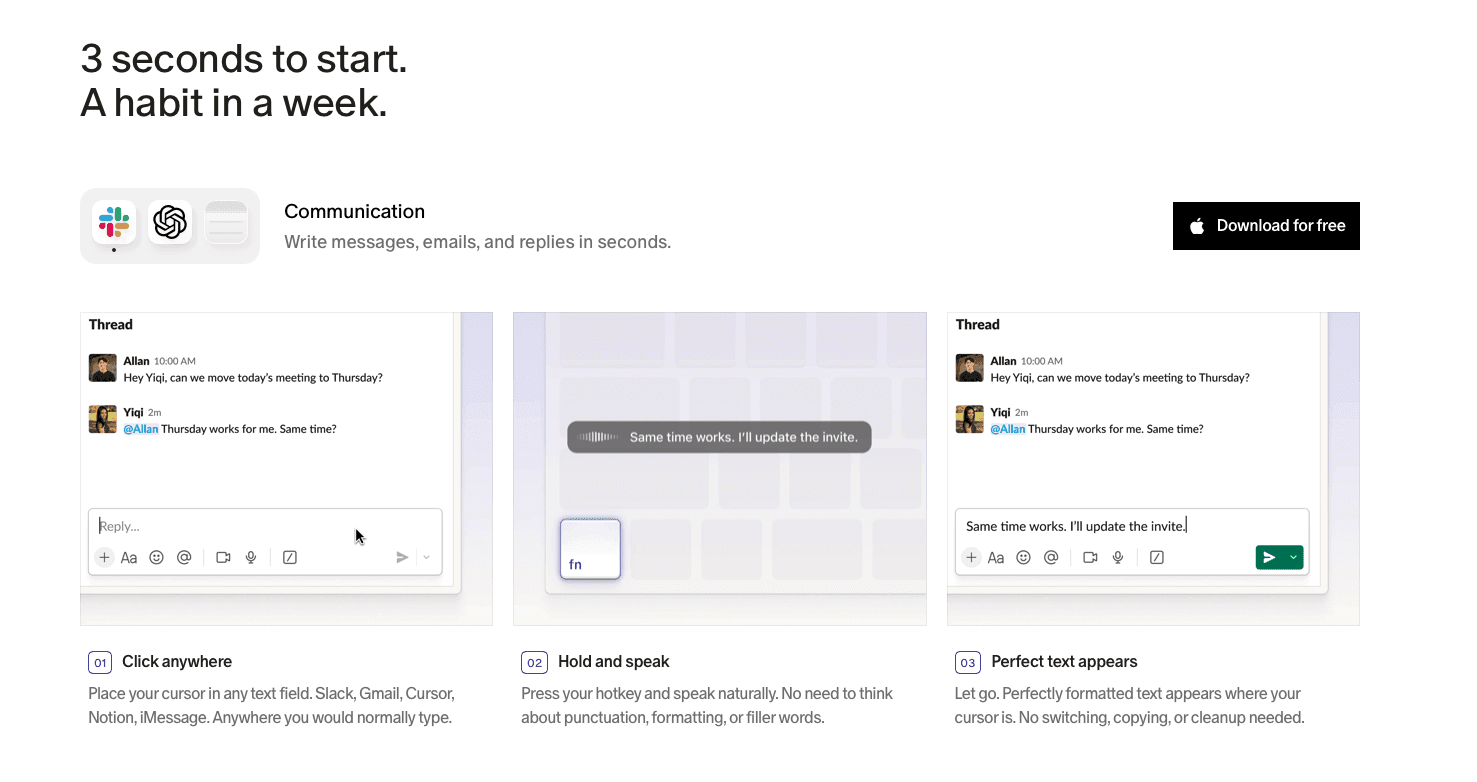
No other app in this list combines speed, personalization, and security like Willow Voice. At 200ms latency, it's the fastest dictation tool available, running 5-10x quicker than every other tool reviewed here.
For teams handling sensitive work, SOC 2 and HIPAA compliance with zero data retention is a hard requirement, whether you're using voice-to-text for Google Docs or other applications. Few Android-native apps in this list clearly meet that bar. Shared dictionaries and custom shortcuts mean every person on your team benefits, beyond individual users.
The one caveat to flag: no Android app yet. But for Mac, Windows, and iOS users, Willow Voice is the clear choice. Try it free with 2,000 words per week, no credit card needed.
FAQs
How do I choose the best speech to text app for Android?
Start with your primary use case: casual note-taking works fine with free options like Gboard or Speechnotes, while professionals writing emails and documents by voice daily need personalized learning and faster processing. Consider whether you need offline functionality, multiple language support, or team features like shared dictionaries and compliance certifications.
Which speech to text app works best for beginners on Android?
Gboard voice typing is the easiest starting point since it comes pre-installed on most Android devices and requires zero setup. For beginners who speak into their phone frequently and want better accuracy without complexity, Willow Voice offers the smoothest learning curve with automatic personalization that improves over time without manual training.
Which Android speech to text app is best for teams handling sensitive data?
Willow Voice is the only option reviewed with both SOC 2 and HIPAA compliance, zero data retention policies, and team features like shared custom dictionaries. Dragon Anywhere offers enterprise encryption but lacks HIPAA certification and shared training, while free options like Gboard and Speechnotes have no compliance certifications or team collaboration features.
Final Thoughts on Choosing Speech to Text for Android
Choosing the right speech to text for Android depends on how far you plan to push it. Free options cover everyday use, but they tend to stall when accuracy, speed, or consistency become part of your workflow. Willow Voice offers a different experience on supported devices, with fast transcription and a system that adapts to how you write over time. If you're working across platforms or want something that holds up under heavier use, you can try Willow today.
You already know speech to text for Android exists because your phone probably came with it built in. The real question is whether the tool you're using can keep up with how you think, learn how you write, and stay secure enough for the work that counts. We ranked the top apps based on speed, personalization, and security to show you where the free options stop and where the real tools start.
TLDR:
Gboard and Google Live Transcribe offer free voice typing, but lack personalized learning.
Dragon Anywhere costs $150/year and may require setup and optional customization for best accuracy.
Otter.ai handles meeting transcription but supports a limited set of 5 languages/variants versus 100+.
Certain solutions deliver 200ms latency and learn your writing style for zero-edit dictation.
Some platforms offer SOC 2 and HIPAA compliance with shared team dictionaries (iOS/Mac/Windows).
Speech to Text Apps for Android, Explained
Speech to text apps for Android convert your spoken words into written text using AI and speech recognition. You speak, and the app types for you in real time, directly into whatever field you're working in.
On Android, these apps plug into the operating system itself, which means they can work across messaging, email, notes, documents, and more. Some are built right into the keyboard (like Gboard's mic button). Others are standalone apps with deeper features like custom vocabulary, noise filtering, and AI-assisted formatting.
Android users have a wide range of options, from basic built-in voice typing to dedicated third-party apps built for accuracy and speed.
Our Methodology for Ranking Android Speech to Text Apps
We scored each app across seven factors based on publicly available specs, user reviews, and documented features.
Transcription accuracy: how often the app gets words right without requiring corrections
Speed and latency: real-time output versus noticeable processing delays
Android integration: compatibility with system keyboards and native apps
Language support: number of languages and dialect recognition
Offline functionality: whether the app works without an internet connection
Customization: custom dictionaries, voice commands, and punctuation control
Privacy and security: data handling policies and compliance certifications
No proprietary testing was done. Everything here is drawn from public information.
App | Devices | Price | Latency | Languages | Offline | Compliance |
|---|---|---|---|---|---|---|
Willow Voice | Mac, Windows, iOS | Free (2,000 words/week) | 200ms | 100+ | Yes | SOC 2, HIPAA |
Gboard Voice Typing | Android | Free | Standard | 70+ | Partial | None |
Google Live Transcribe | Android | Free | Real-time | 70+ | No | None |
Speechnotes | Android, Web | Free / $9.90/year | Standard | Limited | Yes | None |
Dragon Anywhere | iOS, Android | $150/year | Standard | EN, FR, DE | No | Enterprise encryption |
Voice Notebook | Android | Free / premium | Standard | Limited | Yes (local packs) | None |
Otter.ai | iOS, Android, Web | Free / $8.33/month | Standard | 5 supported languages/variants | No | SOC 2 Type 2 |
Willow Voice: The Top Pick for Speech to Text
Willow Voice is one of the most accurate and fastest AI dictation tools available. It runs on Mac, Windows, and iOS, so Android users should know upfront: there's no Android app yet. Settings and custom vocabulary sync across all three, so mixed-device teams get the same experience whether they're on a Windows laptop or an iPhone. That said, if you have access to any supported device, few tools match it on speed, personalization, and security.
Three things set Willow Voice apart from tools like Wispr Flow and Apple's built-in voice dictation: speed, personalization, and security. At 200ms latency, it's 5-10x faster than competing dictation tools. Text appears with near real-time responsiveness. Over time, it learns your writing style, corrects itself, and requires fewer edits. For teams, it's SOC 2 and HIPAA compliant with zero data retention.
Willow Voice's Key Features
200ms latency, the fastest on the market
Personalized accuracy that improves as it learns how you write
SOC 2 Type II and HIPAA compliance with zero data retention, plus admin controls for team-wide deployment
100+ language support with context-aware AI and custom dictionaries
Works in any app: Gmail, Slack, Notion, Google Docs, and more
Offline mode for fully private, local dictation
Ideal for: Professionals, executives, developers prompting AI coding tools, healthcare teams handling sensitive notes, and other workplace teams who need fast, accurate dictation with enterprise security and personalization that compounds over time.
Gboard Voice Typing
Gboard voice typing is Google's built-in speech recognition feature inside the Gboard keyboard app. Most Android phones come with it pre-installed, so there's nothing to download or configure.
Key features include:
Works in most apps using the standard Android keyboard: Messages, Gmail, WhatsApp, and Chrome
Offline voice typing is available on supported devices with downloaded speech recognition models
Automatic punctuation based on natural pauses
Auto language detection on Pixel 6 and newer
No extra cost, already installed on most Android devices
Ideal for: Android users who want a free, no-setup voice typing option usable in nearly any app.
Downside: Advanced features require an internet connection, since they process on Google's servers. Gboard lacks personalization, so it never learns how you write. No dedicated enterprise compliance certifications like SOC 2 or HIPAA for dictation workflows.
Google Live Transcribe
Google Live Transcribe is an accessibility app built for real-time conversation captions using speech recognition technology. It transcribes speech as it happens and displays it on screen immediately, without saving a permanent audio recording.
Here's what it offers:
Real-time transcription with conversation history saved for up to three days
Support for over 70 languages and dialects, with quick switching during bilingual conversations
Vibrates when your name is spoken and allows custom words and a secondary language
Free on all Android phones via the Play Store
Good for: People who are deaf or hard of hearing needing real-time captions in face-to-face interactions.
Limitation: Transcription history caps at 72 hours. Customization is limited compared to advanced dictation tools, with no document creation, no enterprise compliance positioning, and none of Willow Voice's personalized learning.
Speechnotes
Speechnotes is a web-based note-taking app with an Android companion that uses Google's voice recognition engine to transcribe speech in real time. Press the mic button and start talking.
Here's what it offers:
Web app and Android app with Google speech recognition built in
Voice-triggered punctuation via commands like "period," "comma," or "new line"
Limited offline functionality on supported devices with downloaded language packs and automatic Google Drive backup
Free with ads, or $9.90/year for premium
Good for: Anyone who wants quick, no-signup voice notes without complicated setup.
Limitation: No AI summarization, no speaker identification, and none of Willow Voice's personalized learning or 200ms latency. There's also no SOC 2 or HIPAA compliance for professional or team use.
Dragon Anywhere
Dragon Anywhere is a professional-grade mobile dictation app for iOS and Android, claiming up to 99% accuracy with continuous dictation and no word limits. At $150 per year, it sits at the premium end of the Android market.
Here's what it offers:
Custom vocabularies and auto-texts synced with Dragon desktop products
Industry-specific vocabulary and voice commands for repetitive tasks
Enterprise-grade encryption for cloud communications
Language support for US, Canadian, and UK English, plus French and German
Good for: Professionals already deep in the Dragon ecosystem who want familiar workflows on mobile.
Limitation: Dragon Anywhere is a separate product from Dragon Professional desktop, with limited cross-device syncing and no full training profile transfer. Setup often means adding vocabulary, commands, and formatting preferences manually, unlike Willow Voice, which learns your writing style automatically at 200ms latency.
Voice Notebook
Voice Notebook is an Android note-taking app built around continuous speech recognition. It uses Google's speech engine with local language packs for offline fallback, and handles punctuation through spoken commands like "period" or "new line."
Here's what it offers:
Tag-based note organization with word and character counters
Bilingual voice input with capitalization control and undo command
Home screen widget and Google Assistant integration for quick recording
Offline recognition via local language packs
Free with optional premium features
Good for: Android users who want a lightweight, voice-first note-taking app with offline support.
Limitation: Offline mode requires a local language pack, and the app throws an error without one if the connection drops. It's also note-taking only, with no universal dictation across apps, no SOC 2 or HIPAA compliance, no shared dictionaries, and none of the personalized learning or 200ms latency that sets Willow Voice apart.
Otter.ai
Otter.ai is an AI-powered transcription service built around meetings and conversations, though writers may prefer dedicated speech-to-text tools for their work. It shows live captions for speakers and generates written transcripts automatically. The free tier includes 300 minutes of transcription per month, with paid plans starting at $8.33 per month per user.
Here's what it offers:
OtterPilot meeting assistant that captures slide images, takes real-time notes, and joins meetings automatically to transcribe
Speaker identification with voiceprint training to distinguish and tag individual voices
Transcription in American English, British English, Spanish, and French with regional accent handling and custom vocabulary training
SOC 2 Type 2 compliance with industry-standard encryption
Good for: Teams that run frequent meetings and need automated transcription, shareable summaries, and collaborative note features.
Limitation: Otter supports five languages/variants total, compared to Willow Voice's 100+. It's built for meeting capture, not real-time dictation, with no 200ms latency and none of Willow Voice's personalized learning.
Why Willow Voice Is the Best Speech to Text Solution
No other app in this list combines speed, personalization, and security like Willow Voice. At 200ms latency, it's the fastest dictation tool available, running 5-10x quicker than every other tool reviewed here.
For teams handling sensitive work, SOC 2 and HIPAA compliance with zero data retention is a hard requirement, whether you're using voice-to-text for Google Docs or other applications. Few Android-native apps in this list clearly meet that bar. Shared dictionaries and custom shortcuts mean every person on your team benefits, beyond individual users.
The one caveat to flag: no Android app yet. But for Mac, Windows, and iOS users, Willow Voice is the clear choice. Try it free with 2,000 words per week, no credit card needed.
FAQs
How do I choose the best speech to text app for Android?
Start with your primary use case: casual note-taking works fine with free options like Gboard or Speechnotes, while professionals writing emails and documents by voice daily need personalized learning and faster processing. Consider whether you need offline functionality, multiple language support, or team features like shared dictionaries and compliance certifications.
Which speech to text app works best for beginners on Android?
Gboard voice typing is the easiest starting point since it comes pre-installed on most Android devices and requires zero setup. For beginners who speak into their phone frequently and want better accuracy without complexity, Willow Voice offers the smoothest learning curve with automatic personalization that improves over time without manual training.
Which Android speech to text app is best for teams handling sensitive data?
Willow Voice is the only option reviewed with both SOC 2 and HIPAA compliance, zero data retention policies, and team features like shared custom dictionaries. Dragon Anywhere offers enterprise encryption but lacks HIPAA certification and shared training, while free options like Gboard and Speechnotes have no compliance certifications or team collaboration features.
Final Thoughts on Choosing Speech to Text for Android
Choosing the right speech to text for Android depends on how far you plan to push it. Free options cover everyday use, but they tend to stall when accuracy, speed, or consistency become part of your workflow. Willow Voice offers a different experience on supported devices, with fast transcription and a system that adapts to how you write over time. If you're working across platforms or want something that holds up under heavier use, you can try Willow today.

Try Willow for free
Instant, accurate voice dictation. No card required.
Try Willow for free
Instant, accurate voice dictation. No card required.
Other stories you’ll love
Other stories you’ll love


Your keyboard is optional now
" transform="translate(5 5)" width="9.791000051498413px"/></svg>)

The voice-first interface for modern work.
© Willow Care, Inc. 2026. All rights reserved
Your keyboard is optional now
The voice-first interface for modern work.
© Willow Care, Inc. 2026. All rights reserved
Your keyboard is optional now
The voice-first interface for modern work.
© Willow Care, Inc. 2026. All rights reserved