" transform="translate(5 2)" width="10px"/></svg>)

•
5 min read
7 Voice Dictation Apps for Adults with Dyslexia (August 2026)
•
5 min read
7 Voice Dictation Apps for Adults with Dyslexia (August 2026)
The ideas aren't the problem. Getting them onto the screen without losing momentum to spelling corrections and backspacing, that's where writing gets hard for most adults with dyslexia. Voice dictation works well when the output is clean enough that you don't need to proofread every sentence, and that depends more on accuracy and latency than anything else. These are the best voice dictation apps for dyslexia for adults that actually clear that bar.
TLDR:
Voice dictation removes spelling and backtracking from writing entirely, letting you focus on what you want to say instead of how to type it.
For adults with dyslexia, accuracy and latency matter more than any other factor: tools running at 85% accuracy or 700ms+ latency shift the correction burden back onto you.
Most tools require manual vocabulary setup, produce verbatim filler-filled output, or lack iOS support, adding the exact editing friction dictation should remove.
One option in this category qualifies for institutional disability funding programs and includes a read-back feature for proofreading, but runs on Windows only and costs $500+ with no free tier.
The top-rated free option in this category delivers 98%+ accuracy, ~200ms latency, automatic filler word removal, and vocabulary sync across Mac, Windows, and iOS, with a paid plan that adds faster dictation and an AI writing assistant.
What Is Voice Dictation Software?
Voice dictation software converts spoken words into written text in real time. You speak, and the words appear on screen, ready to send or edit, with no typing required.
For adults with dyslexia, that distinction matters more than it might seem. Dyslexia is the most common learning disability, and traditional writing puts the full burden on the areas it affects: spelling, word retrieval, grammar, and idea generation all at once. Writing performance studies in adults with dyslexia show that transcription demands directly limit higher-order composition, and speech-to-text research confirms that bypassing spelling frees cognitive resources for ideas. Speech to text for dyslexia works by letting you focus on what you actually want to say instead of how to spell it.
How We Ranked These Apps
For adults with dyslexia, five factors drove the rankings:
Transcription accuracy. Every correction is a cognitive interruption. A tool running at 85% accuracy forces the orthographic attention dictation is supposed to bypass.
Response latency. Tools running at 700ms or more break the dictation rhythm that makes voice input valuable.
Editing intelligence. Filler word removal and smart formatting reduce the editing burden. Tools that produce verbatim output with every "um" intact shift that work back onto the user.
Platform availability. We tested each tool across Mac, Windows, and iOS, since users should not have to change tools when they switch devices.
Custom vocabulary support. Tools that require you to correct the same names every session never improve.
Tool | Latency | Accuracy | Auto Cleanup | Free Tier |
|---|---|---|---|---|
Willow Voice | ~200ms | 98%+ | Yes | Unlimited |
Wispr Flow | ~700ms | 95%+ | No | Capped |
Dragon Professional | Not published | High (with training) | No | None |
Aqua Voice | 500ms-1s | Not specified | No | No |
VoiceInk | Varies | Hardware-dependent | No | No |
Monologue | 500ms-1s | Not specified | No | No |
Apple Dictation | 700ms+ | Moderate | No | Built-in |
Best Overall Voice Dictation App for Dyslexia: Willow Voice

Willow Voice is one of the leading AI dictation tools and works system-wide across any application on Mac, Windows, and iOS, with full feature parity across both desktop platforms. Used by professionals at Uber, Reddit, and companies across 20% of Fortune 500, it activates in any text field with Fn on Mac or Alt+Space on Windows, no app switching required. For adults with dyslexia, what matters most is that text arrives clean on the first pass, keeping mental energy on ideas rather than error correction:
98%+ accuracy with ~200ms latency, so spoken words land correctly and appear on screen before the next thought slips away
Automatic filler word removal strips "um," "uh," and repeated words, making output from the best dictation software readable without manual cleanup
Auto-Dictionary learns names, jargon, and domain-specific terms over time and syncs across Mac, Windows, and iOS; team plans add shared dictionaries and admin controls for org-wide deployment
Willow Scribe (Fn + Control on Mac, Alt+Shift+Space on Windows) generates complete written content from a brief voice prompt, useful when composing a full draft feels harder than speaking the intent
SOC 2 Type II certified and HIPAA compliant with zero data retention, meeting the security bar for professional, clinical, and enterprise use
Free unlimited plan with no word cap and no credit card required; Individual Pro at $12/month billed annually adds faster dictation and unlimited Willow Scribe
The through-line is what Willow calls Zero Edit Dictation: output that reads clearly on the first pass, fewer interruptions, and more cognitive room to stay focused on what you are actually trying to say. For adults with dyslexia, that means fewer interruptions, less time spent correcting, and more cognitive room to stay focused on what they are actually trying to say. For teams and professionals managing high writing volumes across multiple devices, it also means a cross-platform tool that runs natively on Windows, Mac, and iOS and scales from individual use to org-wide deployment without changing the setup.
Wispr Flow
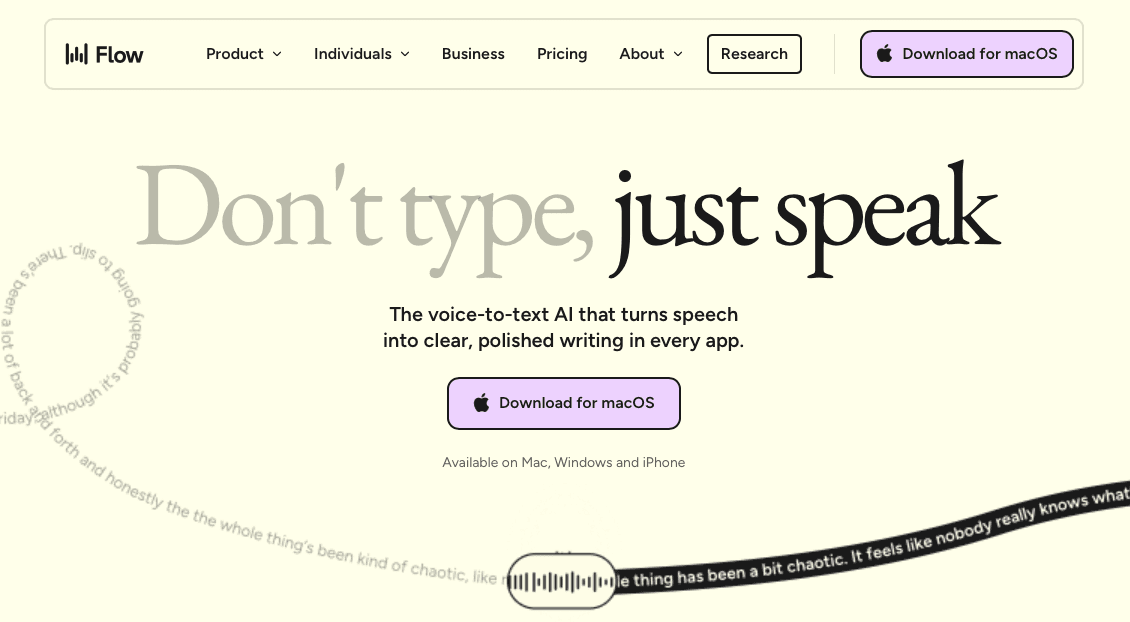
Wispr Flow is a cross-device AI dictation app built for professionals who want voice input across their main working applications. See our full Willow Voice vs Wispr Flow comparison for a detailed breakdown.
What They Offer
Cross-device AI dictation on Mac, Windows, iOS, and Android
Command Mode for voice-based editing after dictation
SOC 2 Type II, ISO 27001, and HIPAA certifications on certain plans
Approximately 95%+ general accuracy across common applications
Limitation: Wispr Flow relies on Command Mode to fix errors after the fact instead of arriving as clean output on the first pass. For adults with dyslexia, that correction loop is the cognitive overhead dictation is supposed to remove.
Dragon Professional
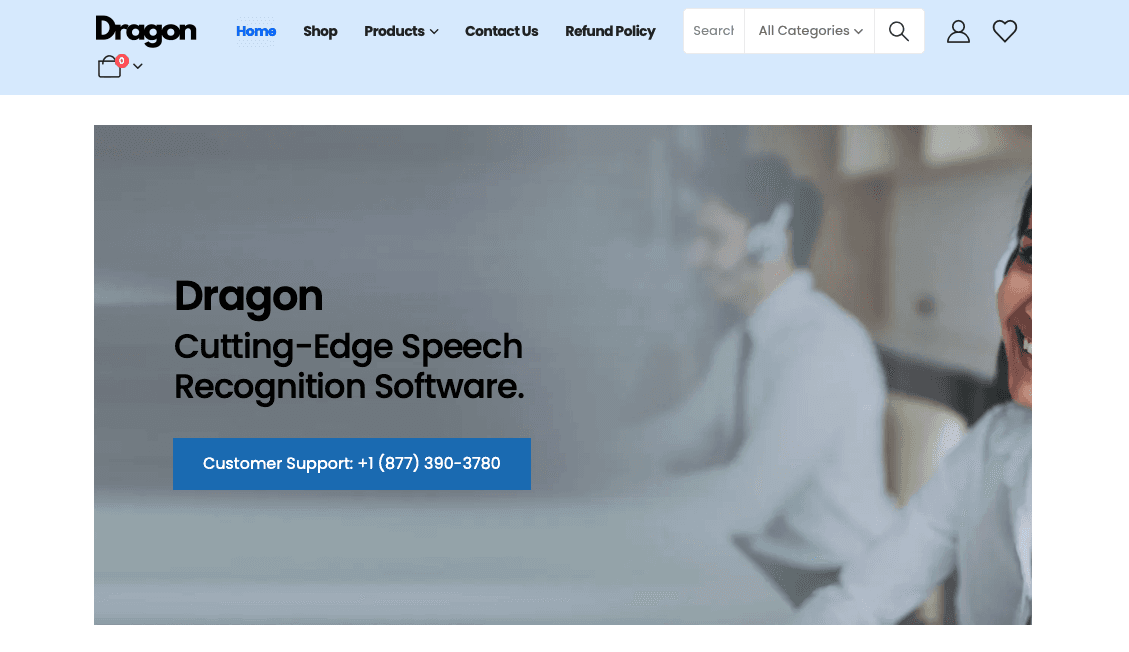
Dragon dictation software has one of the longest track records in assistive tech for dyslexia, commonly used as assistive technology and eligible for support through disability programs such as the UK's Disabled Students' Allowance and Access to Work schemes.
What They Offer
A "Read That" voice command for dyslexic proofreading that reads selected text back aloud, which is a genuine accessibility differentiator
Custom vocabulary and Auto-Text templates that insert pre-formatted content by voice command
Windows-only desktop software; Dragon Anywhere exists as a separate mobile companion
Limitation: The Mac version was discontinued in 2018. Initial voice calibration can be demanding for dyslexic users. At $500+ upfront, there is no meaningful free tier.
Aqua Voice
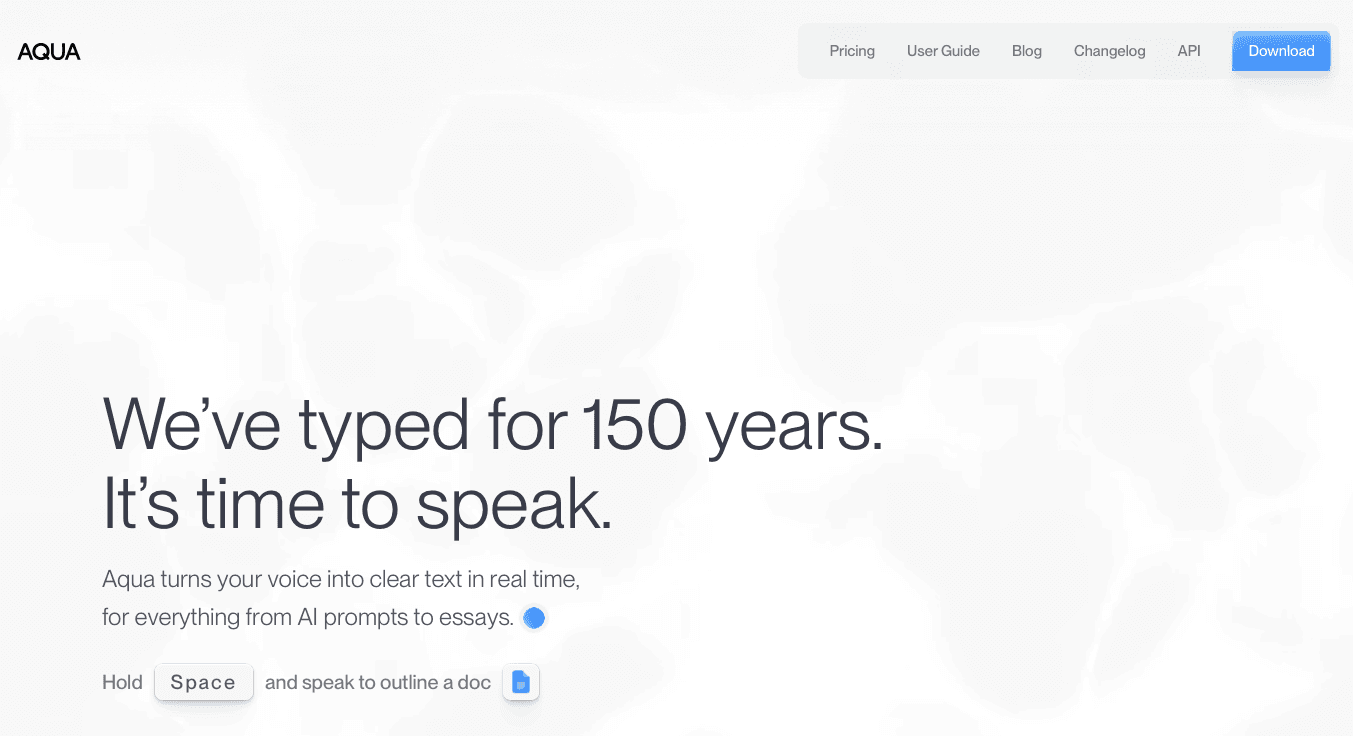
Aqua Voice is a dictation tool built around continuous text streaming and voice-based editing commands, targeting technical writers and developers who want manual control over how text gets shaped without delegating cleanup to AI automation.
What They Offer
Continuous text streaming on Mac and Windows with real-time voice commands for editing
Voice-based editing syntax including commands like "Select last word" and "Delete line"
Latency of approximately 500ms to 1 second
Desktop-only; no iOS support
Limitation: Aqua Voice follows a "speak, stop, command, correct" loop. For adults with dyslexia, who carry a high cognitive load during writing, memorizing and sequencing those commands adds friction at exactly the point dictation should be removing it. The absence of iOS support further limits it as a daily driver.
VoiceInk
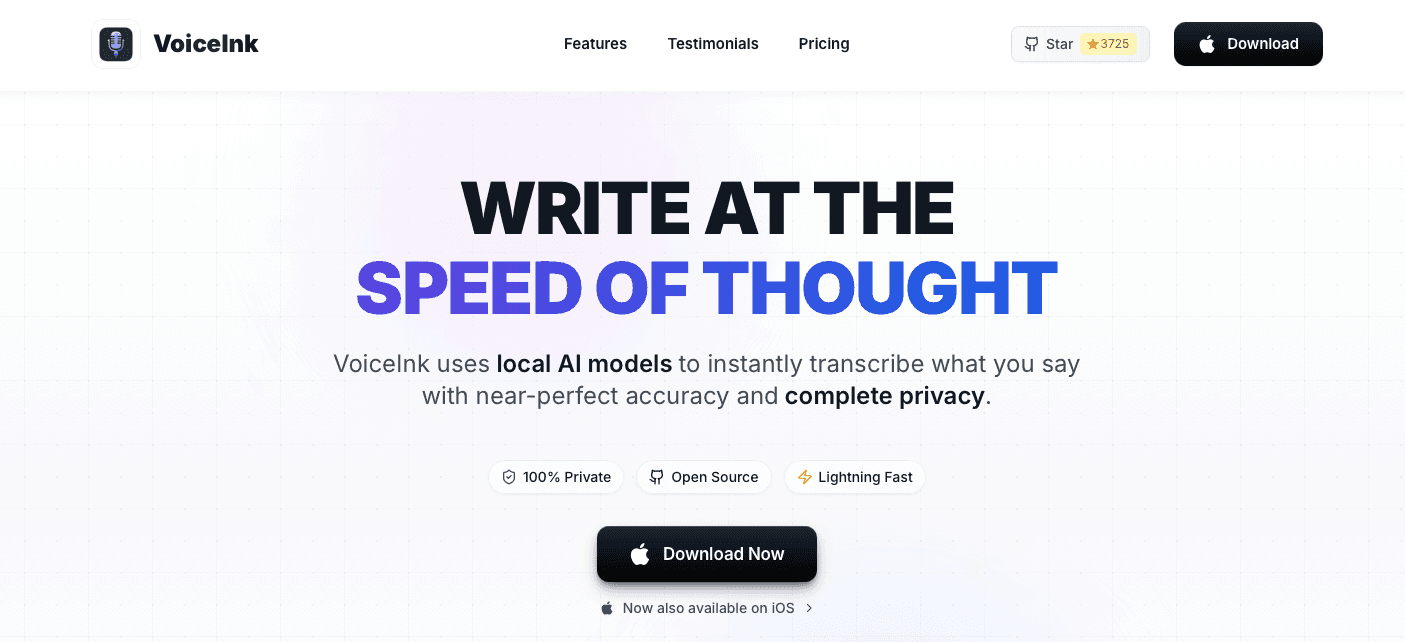
VoiceInk is a primarily Mac-focused dictation utility with an iOS app, using local on-device transcription on supported Macs, available as a one-time purchase starting at $29 for one Mac. No subscription, no cloud dependency. Users searching for voice dictation apps for ADHD often compare it against cloud-based alternatives.
What They Offer
Local on-device processing with a one-time payment model
macOS desktop app with an iOS version also available
Accuracy and speed scale with available RAM, with higher-quality models requiring 16GB or more
No team features, shared dictionaries, or compliance certifications
Limitation: Performance is hardware-dependent, so older machines, low battery, or background processes all degrade output quality. There is no filler word removal and no cross-device vocabulary sync, meaning corrections accumulate and the mobile experience is unreliable. For adults with dyslexia, variable output is the core problem.
Monologue
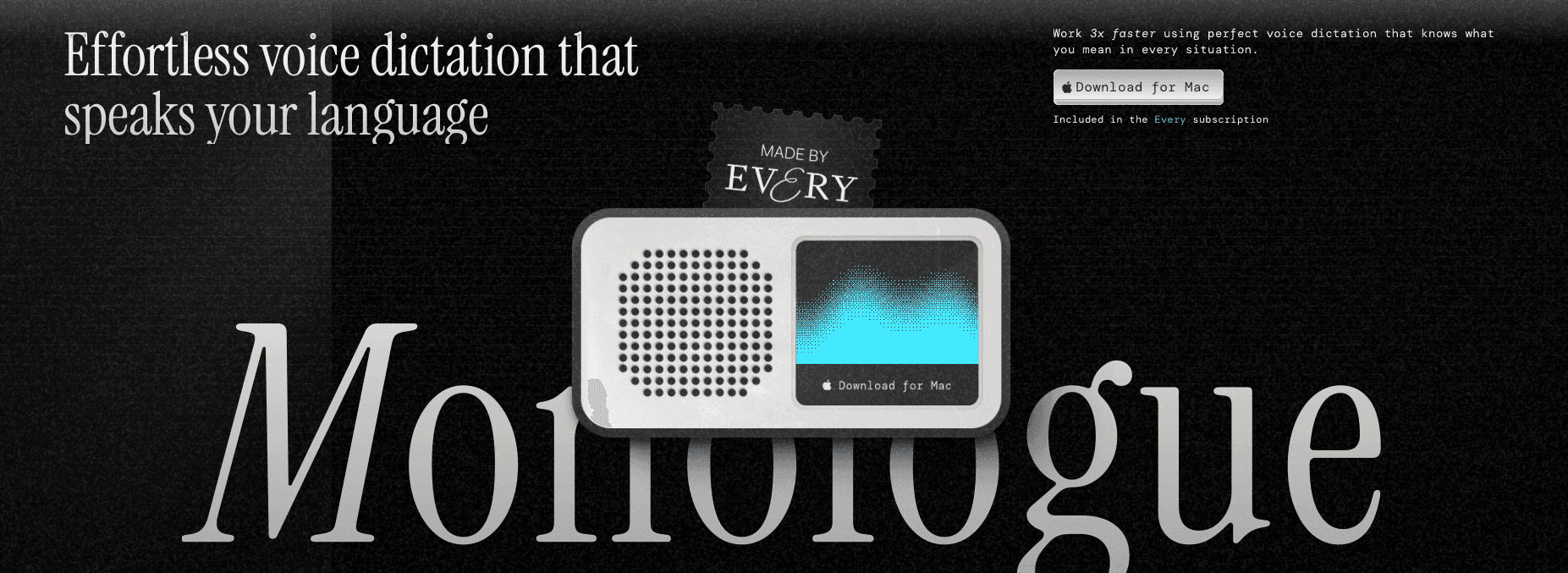
Monologue is a voice dictation tool built for writers and content creators, primarily Mac-focused with manual "flexible modes" requiring user configuration. Our Willow Voice vs SuperWhisper breakdown covers another popular alternative.
What They Offer
Dictation with basic cleanup targeted at long-form writing workflows
Pro costs $15/month or $12/month billed annually; the Every bundle is available separately
Available on Mac, iPhone, iPad, and Apple Watch
500ms to 1 second processing latency
Limitation: The 500ms to 1 second latency creates a noticeable pause that routinely breaks dictation rhythm for adults with dyslexia. Monologue also requires manual dictionary configuration, so specialized vocabulary must be entered by hand instead of being learned automatically.
Apple Dictation
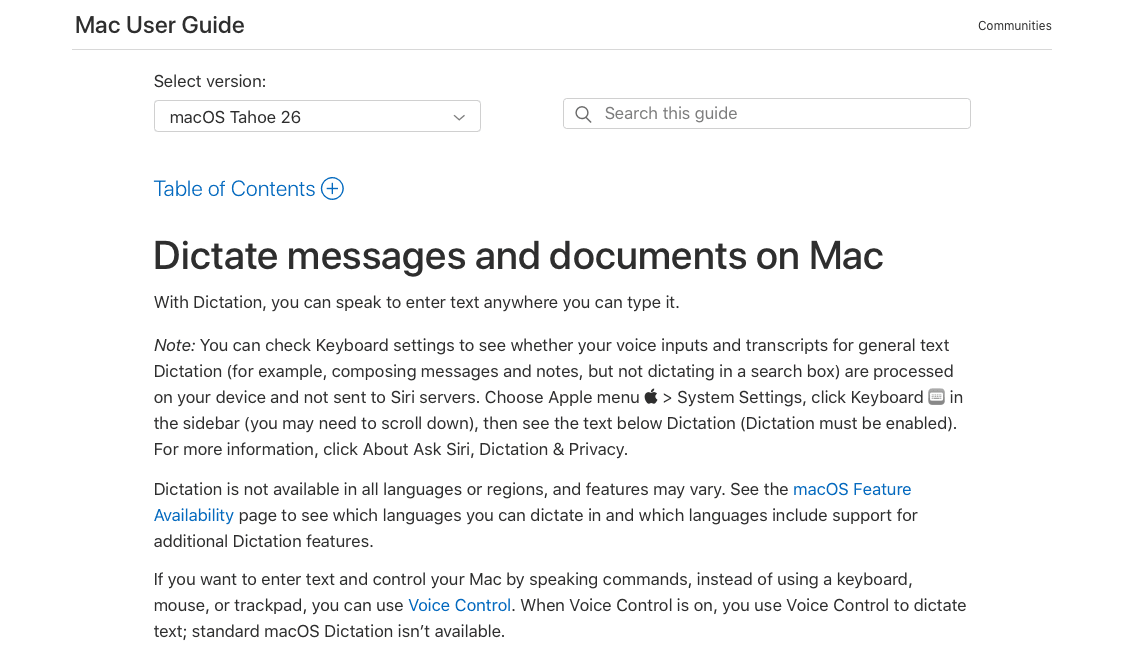
Apple Dictation is one option among a wider field of best voice to text software tools. It is the built-in speech-to-text feature on Mac and iOS, free and ready to use without any additional installation. There is no hard session length cap on macOS Tahoe 26, though it auto-stops after 30 seconds of silence.
What They Offer
Free, built-in dictation on Mac and iOS with no download required
Auto-punctuation and basic transcription across most Apple apps
System-wide activation via double press of the Fn key on Mac
No filler word removal, custom vocabulary learning, or context-aware formatting
Limitation: Apple Dictation runs at 700ms+ latency and accuracy drops with non-standard names and specialized terminology. There is no Auto-Dictionary and no context-aware formatting, so output requires manual cleanup and creates exactly the correction load dictation should eliminate.
Why Willow Voice Is the Best Voice Dictation App for Adults with Dyslexia
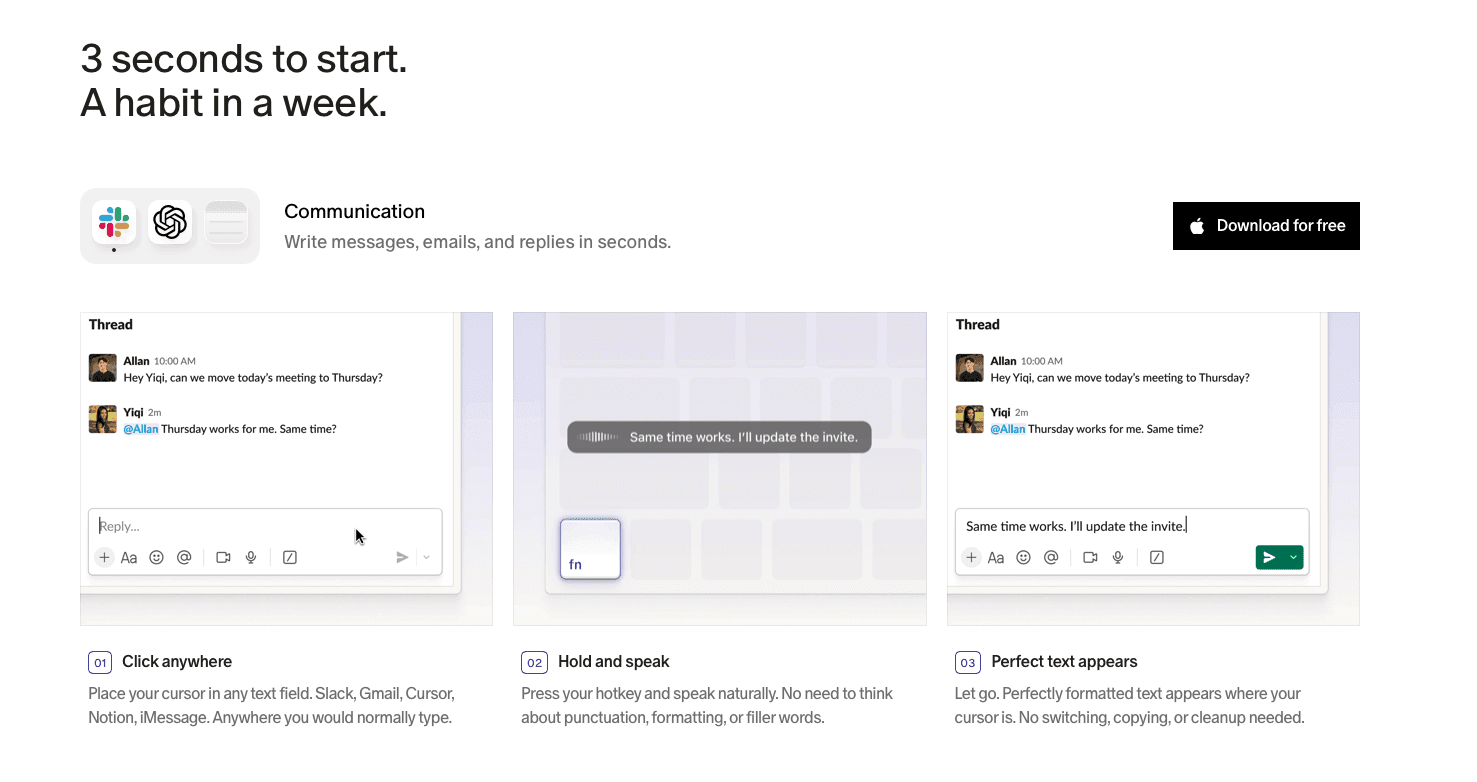
Every correction interrupts the thread of thought, and that interruption costs more for adults with dyslexia than for most. The cognitive load of spelling, error-spotting, and backtracking is exactly what makes writing difficult, and a dictation tool that produces messy output simply relocates that burden without reducing it. Willow Voice is built around the opposite outcome: 98%+ accuracy and automatic filler word removal mean the text that arrives is largely the text you intended, without a cleanup pass required. At ~200ms latency, spoken ideas land on screen fast enough that the next thought hasn't already slipped away. And because Auto-Dictionary learns your vocabulary over time across Mac, Windows, and iOS, specialized names and terms stop being errors after the first session.
Start with the unlimited free plan at willowvoice.com, no credit card required, no word cap, and use it across every application you already work in.
FAQs
How do I choose the best voice dictation app for dyslexia from this list?
Start with accuracy and latency: every correction is a cognitive interruption, and a tool running at 85 to 95% accuracy or 700ms+ latency pushes editing work back onto you. If you need consistent performance across Mac, Windows, and iOS, Willow Voice and Wispr Flow are the strongest cross-device options; if you're on Windows only with disability funding, Dragon Professional's read-back feature adds genuine accessibility value.
Is Willow Voice better than Dragon Professional for adults with dyslexia?
Willow Voice delivers 98%+ accuracy at ~200ms latency with automatic filler word removal and an unlimited free plan, while Dragon Professional requires $500+ upfront, Windows only, and an initial voice calibration process that can itself be demanding for dyslexic users. Dragon's "Read That" read-back command is a real differentiator for proofreading, but Willow's clean first-pass output reduces the need for that correction step in the first place.
Why does latency matter so much for dyslexia users in particular?
When text appears 700ms or more after you finish speaking, the gap breaks the dictation rhythm and can cause you to lose the next thought before it lands on screen. For adults with dyslexia, that disruption is compounding: the value of voice input is staying in the idea, and a long pause forces the same kind of working-memory load that makes typing difficult.
Final Thoughts on Voice Dictation Tools for Dyslexia Support
The best voice dictation apps for dyslexia for adults aren't the ones with the longest feature list; they're the ones that produce text you can use without spending energy fixing it. Latency, accuracy, and automatic cleanup are what separate a tool that genuinely reduces cognitive load from one that simply moves it elsewhere. Start with Willow Voice's free unlimited plan and use it in the apps you already work in to see the difference clean first-pass output makes.
The ideas aren't the problem. Getting them onto the screen without losing momentum to spelling corrections and backspacing, that's where writing gets hard for most adults with dyslexia. Voice dictation works well when the output is clean enough that you don't need to proofread every sentence, and that depends more on accuracy and latency than anything else. These are the best voice dictation apps for dyslexia for adults that actually clear that bar.
TLDR:
Voice dictation removes spelling and backtracking from writing entirely, letting you focus on what you want to say instead of how to type it.
For adults with dyslexia, accuracy and latency matter more than any other factor: tools running at 85% accuracy or 700ms+ latency shift the correction burden back onto you.
Most tools require manual vocabulary setup, produce verbatim filler-filled output, or lack iOS support, adding the exact editing friction dictation should remove.
One option in this category qualifies for institutional disability funding programs and includes a read-back feature for proofreading, but runs on Windows only and costs $500+ with no free tier.
The top-rated free option in this category delivers 98%+ accuracy, ~200ms latency, automatic filler word removal, and vocabulary sync across Mac, Windows, and iOS, with a paid plan that adds faster dictation and an AI writing assistant.
What Is Voice Dictation Software?
Voice dictation software converts spoken words into written text in real time. You speak, and the words appear on screen, ready to send or edit, with no typing required.
For adults with dyslexia, that distinction matters more than it might seem. Dyslexia is the most common learning disability, and traditional writing puts the full burden on the areas it affects: spelling, word retrieval, grammar, and idea generation all at once. Writing performance studies in adults with dyslexia show that transcription demands directly limit higher-order composition, and speech-to-text research confirms that bypassing spelling frees cognitive resources for ideas. Speech to text for dyslexia works by letting you focus on what you actually want to say instead of how to spell it.
How We Ranked These Apps
For adults with dyslexia, five factors drove the rankings:
Transcription accuracy. Every correction is a cognitive interruption. A tool running at 85% accuracy forces the orthographic attention dictation is supposed to bypass.
Response latency. Tools running at 700ms or more break the dictation rhythm that makes voice input valuable.
Editing intelligence. Filler word removal and smart formatting reduce the editing burden. Tools that produce verbatim output with every "um" intact shift that work back onto the user.
Platform availability. We tested each tool across Mac, Windows, and iOS, since users should not have to change tools when they switch devices.
Custom vocabulary support. Tools that require you to correct the same names every session never improve.
Tool | Latency | Accuracy | Auto Cleanup | Free Tier |
|---|---|---|---|---|
Willow Voice | ~200ms | 98%+ | Yes | Unlimited |
Wispr Flow | ~700ms | 95%+ | No | Capped |
Dragon Professional | Not published | High (with training) | No | None |
Aqua Voice | 500ms-1s | Not specified | No | No |
VoiceInk | Varies | Hardware-dependent | No | No |
Monologue | 500ms-1s | Not specified | No | No |
Apple Dictation | 700ms+ | Moderate | No | Built-in |
Best Overall Voice Dictation App for Dyslexia: Willow Voice
Willow Voice is one of the leading AI dictation tools and works system-wide across any application on Mac, Windows, and iOS, with full feature parity across both desktop platforms. Used by professionals at Uber, Reddit, and companies across 20% of Fortune 500, it activates in any text field with Fn on Mac or Alt+Space on Windows, no app switching required. For adults with dyslexia, what matters most is that text arrives clean on the first pass, keeping mental energy on ideas rather than error correction:
98%+ accuracy with ~200ms latency, so spoken words land correctly and appear on screen before the next thought slips away
Automatic filler word removal strips "um," "uh," and repeated words, making output from the best dictation software readable without manual cleanup
Auto-Dictionary learns names, jargon, and domain-specific terms over time and syncs across Mac, Windows, and iOS; team plans add shared dictionaries and admin controls for org-wide deployment
Willow Scribe (Fn + Control on Mac, Alt+Shift+Space on Windows) generates complete written content from a brief voice prompt, useful when composing a full draft feels harder than speaking the intent
SOC 2 Type II certified and HIPAA compliant with zero data retention, meeting the security bar for professional, clinical, and enterprise use
Free unlimited plan with no word cap and no credit card required; Individual Pro at $12/month billed annually adds faster dictation and unlimited Willow Scribe
The through-line is what Willow calls Zero Edit Dictation: output that reads clearly on the first pass, fewer interruptions, and more cognitive room to stay focused on what you are actually trying to say. For adults with dyslexia, that means fewer interruptions, less time spent correcting, and more cognitive room to stay focused on what they are actually trying to say. For teams and professionals managing high writing volumes across multiple devices, it also means a cross-platform tool that runs natively on Windows, Mac, and iOS and scales from individual use to org-wide deployment without changing the setup.
Wispr Flow
Wispr Flow is a cross-device AI dictation app built for professionals who want voice input across their main working applications. See our full Willow Voice vs Wispr Flow comparison for a detailed breakdown.
What They Offer
Cross-device AI dictation on Mac, Windows, iOS, and Android
Command Mode for voice-based editing after dictation
SOC 2 Type II, ISO 27001, and HIPAA certifications on certain plans
Approximately 95%+ general accuracy across common applications
Limitation: Wispr Flow relies on Command Mode to fix errors after the fact instead of arriving as clean output on the first pass. For adults with dyslexia, that correction loop is the cognitive overhead dictation is supposed to remove.
Dragon Professional
Dragon dictation software has one of the longest track records in assistive tech for dyslexia, commonly used as assistive technology and eligible for support through disability programs such as the UK's Disabled Students' Allowance and Access to Work schemes.
What They Offer
A "Read That" voice command for dyslexic proofreading that reads selected text back aloud, which is a genuine accessibility differentiator
Custom vocabulary and Auto-Text templates that insert pre-formatted content by voice command
Windows-only desktop software; Dragon Anywhere exists as a separate mobile companion
Limitation: The Mac version was discontinued in 2018. Initial voice calibration can be demanding for dyslexic users. At $500+ upfront, there is no meaningful free tier.
Aqua Voice
Aqua Voice is a dictation tool built around continuous text streaming and voice-based editing commands, targeting technical writers and developers who want manual control over how text gets shaped without delegating cleanup to AI automation.
What They Offer
Continuous text streaming on Mac and Windows with real-time voice commands for editing
Voice-based editing syntax including commands like "Select last word" and "Delete line"
Latency of approximately 500ms to 1 second
Desktop-only; no iOS support
Limitation: Aqua Voice follows a "speak, stop, command, correct" loop. For adults with dyslexia, who carry a high cognitive load during writing, memorizing and sequencing those commands adds friction at exactly the point dictation should be removing it. The absence of iOS support further limits it as a daily driver.
VoiceInk
VoiceInk is a primarily Mac-focused dictation utility with an iOS app, using local on-device transcription on supported Macs, available as a one-time purchase starting at $29 for one Mac. No subscription, no cloud dependency. Users searching for voice dictation apps for ADHD often compare it against cloud-based alternatives.
What They Offer
Local on-device processing with a one-time payment model
macOS desktop app with an iOS version also available
Accuracy and speed scale with available RAM, with higher-quality models requiring 16GB or more
No team features, shared dictionaries, or compliance certifications
Limitation: Performance is hardware-dependent, so older machines, low battery, or background processes all degrade output quality. There is no filler word removal and no cross-device vocabulary sync, meaning corrections accumulate and the mobile experience is unreliable. For adults with dyslexia, variable output is the core problem.
Monologue
Monologue is a voice dictation tool built for writers and content creators, primarily Mac-focused with manual "flexible modes" requiring user configuration. Our Willow Voice vs SuperWhisper breakdown covers another popular alternative.
What They Offer
Dictation with basic cleanup targeted at long-form writing workflows
Pro costs $15/month or $12/month billed annually; the Every bundle is available separately
Available on Mac, iPhone, iPad, and Apple Watch
500ms to 1 second processing latency
Limitation: The 500ms to 1 second latency creates a noticeable pause that routinely breaks dictation rhythm for adults with dyslexia. Monologue also requires manual dictionary configuration, so specialized vocabulary must be entered by hand instead of being learned automatically.
Apple Dictation
Apple Dictation is one option among a wider field of best voice to text software tools. It is the built-in speech-to-text feature on Mac and iOS, free and ready to use without any additional installation. There is no hard session length cap on macOS Tahoe 26, though it auto-stops after 30 seconds of silence.
What They Offer
Free, built-in dictation on Mac and iOS with no download required
Auto-punctuation and basic transcription across most Apple apps
System-wide activation via double press of the Fn key on Mac
No filler word removal, custom vocabulary learning, or context-aware formatting
Limitation: Apple Dictation runs at 700ms+ latency and accuracy drops with non-standard names and specialized terminology. There is no Auto-Dictionary and no context-aware formatting, so output requires manual cleanup and creates exactly the correction load dictation should eliminate.
Why Willow Voice Is the Best Voice Dictation App for Adults with Dyslexia
Every correction interrupts the thread of thought, and that interruption costs more for adults with dyslexia than for most. The cognitive load of spelling, error-spotting, and backtracking is exactly what makes writing difficult, and a dictation tool that produces messy output simply relocates that burden without reducing it. Willow Voice is built around the opposite outcome: 98%+ accuracy and automatic filler word removal mean the text that arrives is largely the text you intended, without a cleanup pass required. At ~200ms latency, spoken ideas land on screen fast enough that the next thought hasn't already slipped away. And because Auto-Dictionary learns your vocabulary over time across Mac, Windows, and iOS, specialized names and terms stop being errors after the first session.
Start with the unlimited free plan at willowvoice.com, no credit card required, no word cap, and use it across every application you already work in.
FAQs
How do I choose the best voice dictation app for dyslexia from this list?
Start with accuracy and latency: every correction is a cognitive interruption, and a tool running at 85 to 95% accuracy or 700ms+ latency pushes editing work back onto you. If you need consistent performance across Mac, Windows, and iOS, Willow Voice and Wispr Flow are the strongest cross-device options; if you're on Windows only with disability funding, Dragon Professional's read-back feature adds genuine accessibility value.
Is Willow Voice better than Dragon Professional for adults with dyslexia?
Willow Voice delivers 98%+ accuracy at ~200ms latency with automatic filler word removal and an unlimited free plan, while Dragon Professional requires $500+ upfront, Windows only, and an initial voice calibration process that can itself be demanding for dyslexic users. Dragon's "Read That" read-back command is a real differentiator for proofreading, but Willow's clean first-pass output reduces the need for that correction step in the first place.
Why does latency matter so much for dyslexia users in particular?
When text appears 700ms or more after you finish speaking, the gap breaks the dictation rhythm and can cause you to lose the next thought before it lands on screen. For adults with dyslexia, that disruption is compounding: the value of voice input is staying in the idea, and a long pause forces the same kind of working-memory load that makes typing difficult.
Final Thoughts on Voice Dictation Tools for Dyslexia Support
The best voice dictation apps for dyslexia for adults aren't the ones with the longest feature list; they're the ones that produce text you can use without spending energy fixing it. Latency, accuracy, and automatic cleanup are what separate a tool that genuinely reduces cognitive load from one that simply moves it elsewhere. Start with Willow Voice's free unlimited plan and use it in the apps you already work in to see the difference clean first-pass output makes.

Try Willow for free
Instant, accurate voice dictation. No card required.
Try Willow for free
Instant, accurate voice dictation. No card required.
Other stories you’ll love
Other stories you’ll love

Your keyboard is optional now
" transform="translate(5 5)" width="9.791000051498413px"/></svg>)

The voice-first interface for modern work.
© Willow Care, Inc. 2026. All rights reserved
Your keyboard is optional now
The voice-first interface for modern work.
© Willow Care, Inc. 2026. All rights reserved
Your keyboard is optional now
The voice-first interface for modern work.
© Willow Care, Inc. 2026. All rights reserved