" transform="translate(5 2)" width="10px"/></svg>)

•
5 min read
Voice-to-Text as Top Assistive Technology for Students with Dyslexia (January 2026)
•
5 min read
Voice-to-Text as Top Assistive Technology for Students with Dyslexia (January 2026)
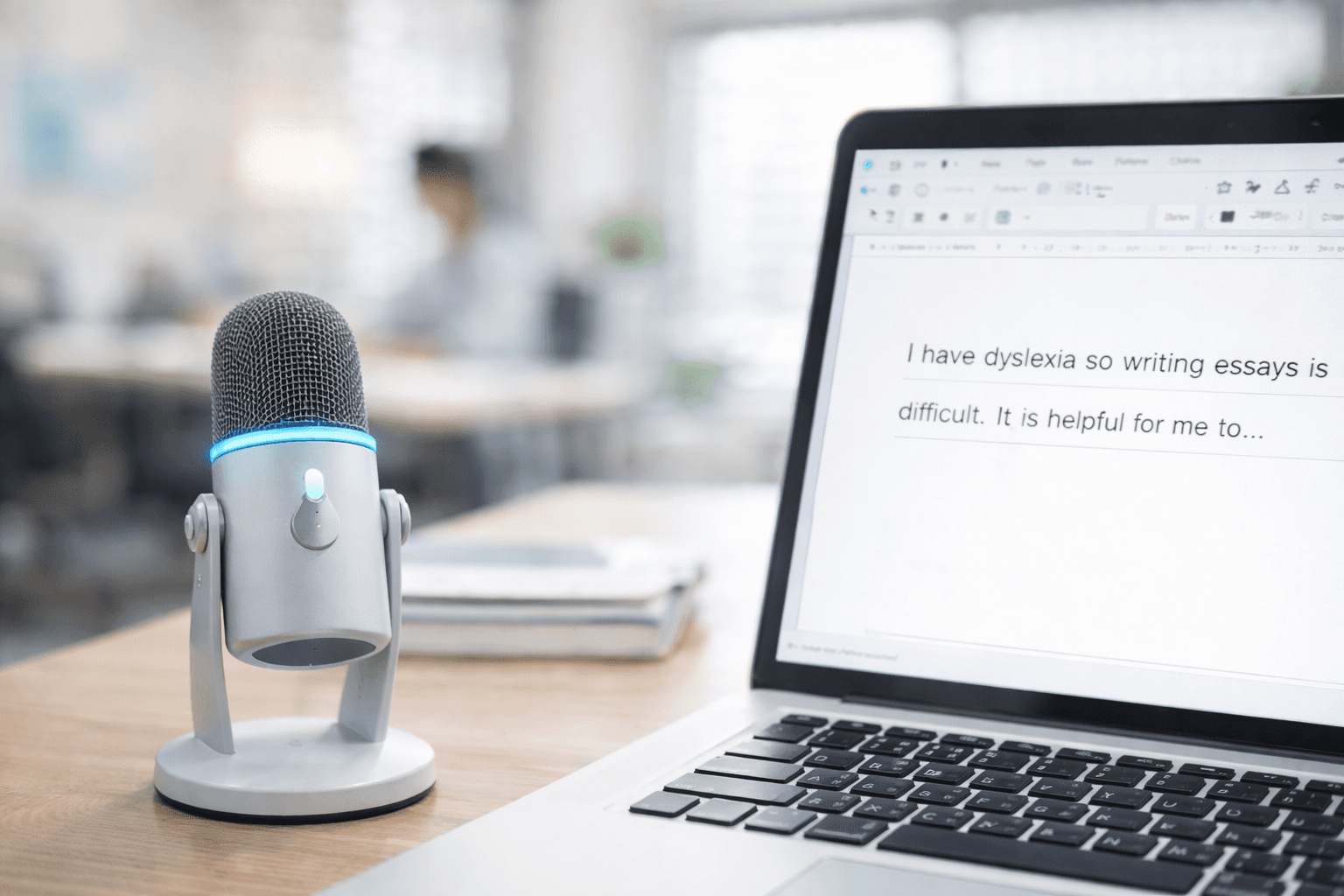
When students with dyslexia explain their ideas out loud, their thinking comes through clearly and confidently. Ask them to start typing with dyslexia, though, and the same ideas slow to a crawl as attention gets pulled into spelling, keyboard navigation, and finger coordination. Voice-to-text writing tools remove those mechanical obstacles by letting students speak naturally and see their words appear on the page in real time through a supportive writing solution. The difference between typing at 40 words per minute and speaking closer to 150 is more than just speed. It is about keeping ideas intact from the moment they form to the moment they land on the page.
TLDR:
Voice-to-text removes typing barriers that slow dyslexic students to 40 WPM or less.
Speaking at around 150 WPM reduces reliance on spelling and motor processes while preserving verbal strengths.
Students maintain flow state without losing ideas to transcription struggles.
Some modern tools learn individual vocabulary and deliver text with 200ms latency for uninterrupted writing.
Typing with dyslexia diverts mental energy from idea development into mechanical transcription tasks, limiting written expression even when understanding is strong.
Why Students with Dyslexia Struggle with Typing
Typing seems easier than handwriting for students with dyslexia. The keys are labeled, spell check catches errors, and there's no messy handwriting. But research shows otherwise.
Students with dyslexia face specific challenges when typing. Visual crowding and visual processing differences can make it harder to locate keys quickly, similar to challenges faced by neurodivergent users with ADHD. Letters can be harder to visually distinguish, requiring deliberate searching that slows everything down.
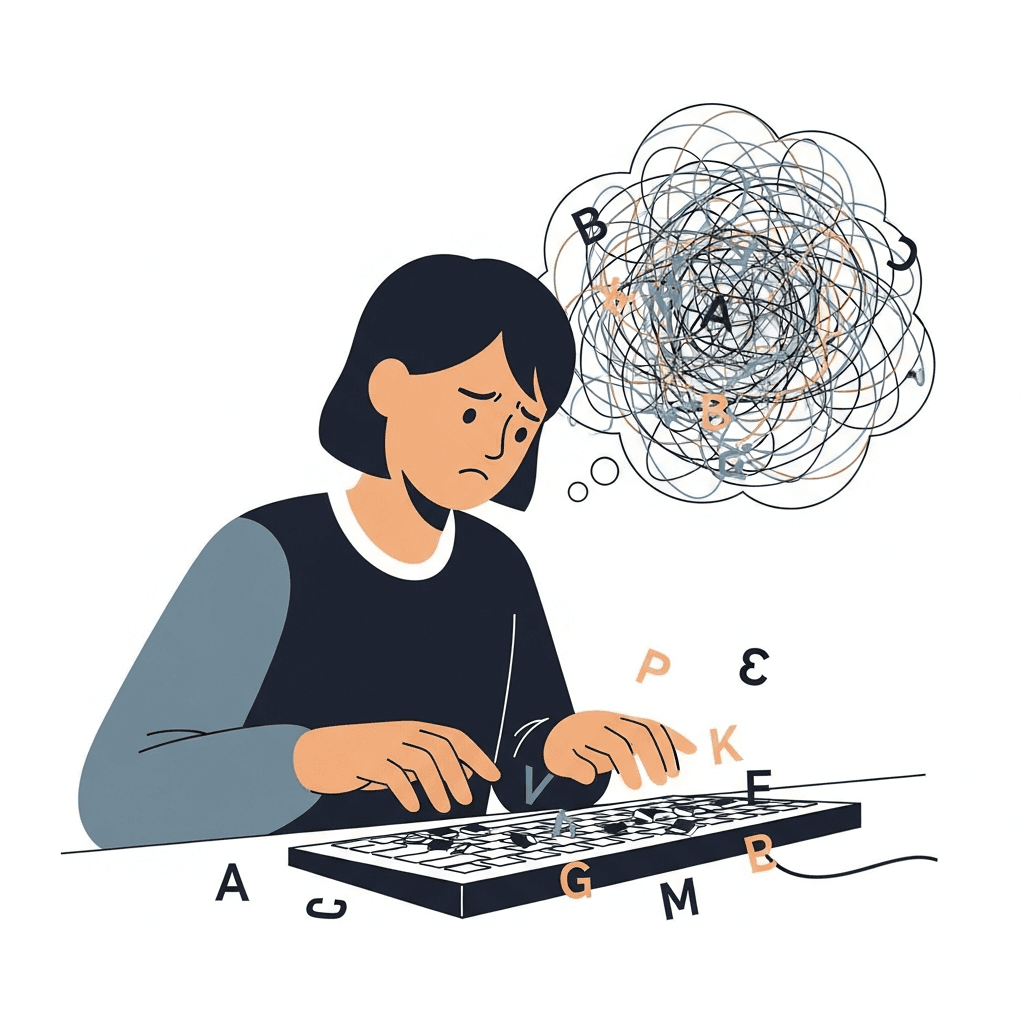
Motor sequencing adds another hurdle. Typing requires translating thoughts into letter sequences, then into finger movements. For dyslexic students, this multi-step process demands extra cognitive effort.
The outcome? Students with dyslexia often show less fluency in learning to touch type and slower reaction times, particularly in early and intermediate stages of practice. Typing becomes another obstacle to expressing ideas.
Why Typing Places Extra Cognitive Demands on Students with Dyslexia
The challenges extend beyond reaction time. Visual memory weakness makes it harder for students with dyslexia to remember key locations, even with practice. Typing can require repeated effort to recall key locations, even after extended practice.
Finger confusion adds another layer of difficulty. Some students struggle to coordinate which finger should press which key, sometimes associated with co-occurring conditions such as dyspraxia (developmental coordination disorder). The brain must simultaneously map the correct finger to the correct letter while managing spelling and sentence structure.
Research on touch typing programs shows that students with dyslexia begin with lower baseline typing skills than peers. Visual search tasks take longer, and the crowding effect makes scanning the keyboard difficult.
The positive news: while dyslexic students start behind, their improvement rate can approach that of typically developing students with consistent practice and support. With consistent practice, they make steady progress. The core issue is that typing demands cognitive energy better spent on actual writing and thinking.
How Dyslexia Impacts Written Expression beyond Just Reading
Most people think dyslexia only affects reading, but written expression suffers just as much. When students with dyslexia write, every word becomes a decision point. The cognitive load of recalling correct letter sequences pulls focus away from organizing thoughts and developing arguments.
Working memory plays a bigger role than most realize. Students must hold ideas in their heads while simultaneously managing spelling, grammar, punctuation, and sentence structure. Speech writing software with fluid dictation helps reduce this cognitive burden. For dyslexic students, this juggling act quickly becomes overwhelming. By the time they finish spelling one word correctly, they've forgotten what they wanted to say next.
Transcription skills, working memory, and executive function all impact writing quality for children with dyslexia. The result? Poor spelling and lower overall writing performance that doesn't reflect their actual intelligence or ideas.
What Makes Voice-to-Text Different from Other Assistive Technologies
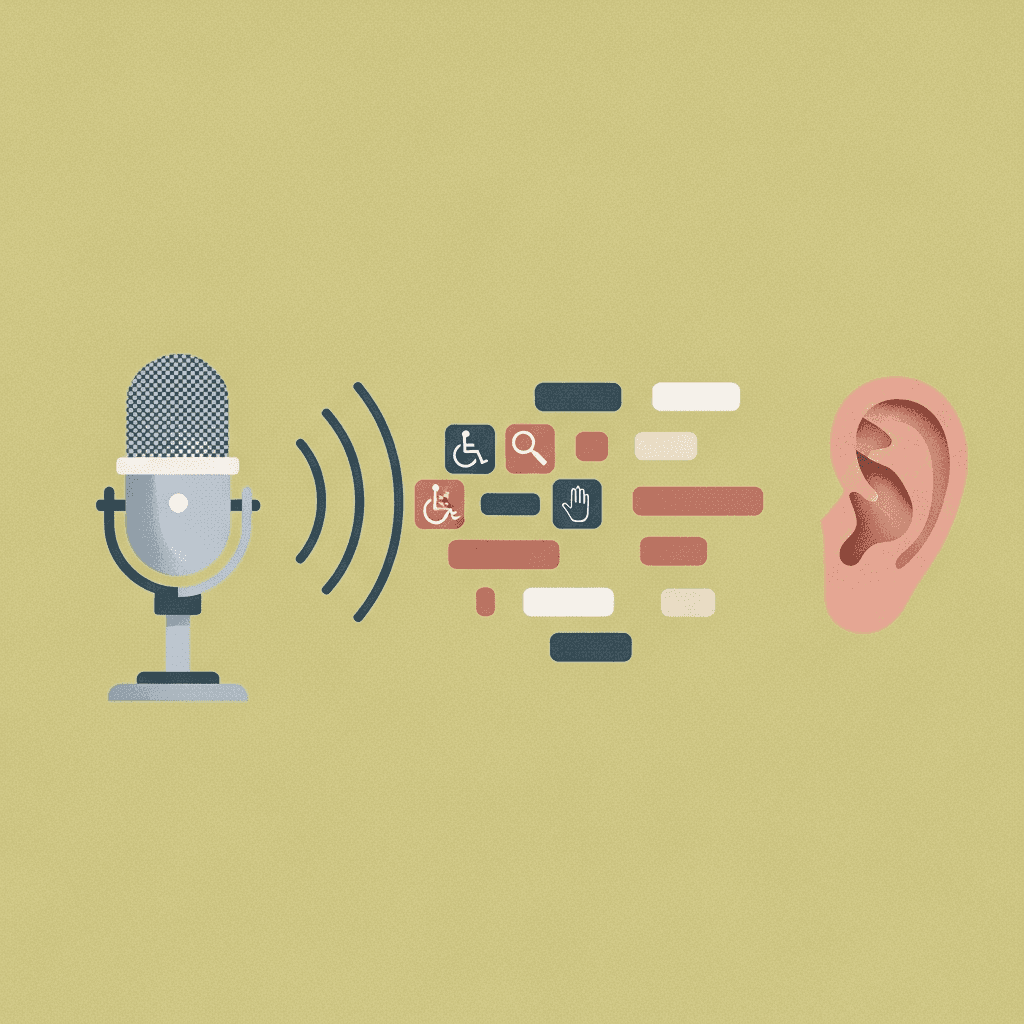
Most assistive tech for dyslexia targets reading. Text-to-speech reads content aloud. Colored overlays reduce visual stress. Dyslexia-friendly fonts make letters easier to distinguish. These tools help students consume information but don't solve the output problem. Voice note apps for students offer a different approach by capturing spoken thoughts directly.
Typing programs build speed through practice, yet the cognitive burden remains. Spell checkers catch errors after the fact. Word prediction software offers suggestions but requires reading and selecting options, which slows writing.
Voice-to-text removes the transcription barrier entirely. Students speak their ideas and see them appear as text. There's no keyboard to manage, no letter sequences to recall, and no finger movements to coordinate. Ideas flow at the speed of speech, around 150 words per minute, compared to labored typing at 40 words per minute or slower for students with dyslexia.
The Science Behind Why Speaking Is Easier Than Typing for Dyslexic Students
Speaking uses neural pathways that develop naturally in early childhood, reducing reliance on the orthographic processing system where dyslexia creates challenges. When students with dyslexia type, they must simultaneously manage spelling, letter sequencing, keyboard navigation, and motor coordination. Voice-to-text removes these mechanical barriers entirely, allowing the brain to focus on generating and organizing ideas instead of transcription mechanics. Voice dictation in Google Docs makes this approach accessible for student assignments.
Research shows that students with dyslexia often show strong verbal reasoning abilities, with spoken vocabularies that match or exceed their peers. Voice-to-text tools capture this verbal fluency directly, producing written work that accurately reflects their cognitive abilities without the interference of spelling and typing challenges.
Key Features That Make Voice-to-Text Effective for Students with Dyslexia
Not all voice-to-text tools work equally well for students with dyslexia. The most effective options share several features that reduce cognitive load and improve accuracy.
Automatic punctuation removes the need to dictate commas and periods, allowing students to speak naturally while the tool handles formatting. Context awareness recognizes technical terms, proper names, and subject-specific vocabulary without manual corrections.
Personalization matters because tools that learn from corrections build a custom dictionary over time. If a student writes "mitochondria" repeatedly, the tool should recognize it after the first correction.
Real-time transcription keeps students in flow state. When text appears instantly, students can review and continue thinking without losing their train of thought. Tools with low latency keep pace with student thinking instead of forcing them to slow down.
Tackling Common Concerns about Voice-to-Text in Academic Settings
Teachers and parents often worry that voice-to-text lets students avoid learning writing skills. If students never practice spelling or typing, won't those skills atrophy?
Voice-to-text works as an accommodation, not a replacement for instruction. Students with dyslexia still learn spelling rules and writing structure. They remove the transcription barrier during drafting, when ideas matter most. Think of audiobooks for reading assignments: students still learn comprehension and analysis while accessing content differently. Voice-to-text helps students write faster with proven techniques that match their cognitive strengths.
Accuracy concerns arise frequently. Early speech recognition tools were frustrating and error-prone. Modern voice-to-text helps students enter flow state with better techniques that reduce interruptions. Newer tools like Willow learn from corrections and adapt to individual speech patterns, becoming more accurate over time.
Classroom disruption worries are valid. Students can speak softly or use quiet spaces during independent work. Voice-to-text often reduces disruption because students who previously struggled and acted out can now express themselves successfully. Multi-language voice-to-text apps extend these benefits to diverse student populations.
How Willow Voice Combines Speed, Accuracy, and Personalization for Students with Dyslexia

Willow removes transcription barriers by learning individual speech patterns and vocabulary. When students correct technical terms or proper names, the personalization engine builds a custom dictionary that retains these corrections over time to improve future accuracy.
With 200ms latency, Willow delivers near-instant dictation designed to feel real-time to students. Text appears nearly instantly as students speak, letting them maintain flow state without waiting for words to catch up to thoughts. Most other tools operate at 700ms or slower, creating noticeable delays.
Quiet Mode lets students speak softly in classrooms or libraries without disturbing others. Universal compatibility works across Google Docs, Canvas, email, Notion, and any text field where students write, fitting into actual student life without requiring special accommodations or separate workflows.
FAQs
How does voice-to-text help students with dyslexia write faster?
Students with dyslexia can speak at around 150 words per minute compared to typing at 40 words per minute or slower, removing the cognitive burden of managing spelling, letter sequences, and keyboard navigation simultaneously. This lets them focus on organizing ideas instead of the mechanics of transcription.
What should I look for in a voice-to-text tool for dyslexic students?
Look for tools with personalization that learns from corrections, real-time transcription with low latency to maintain flow state, and automatic punctuation so students can speak naturally. Context awareness for technical terms and proper names is also important to reduce manual corrections.
Will using voice-to-text prevent my child from learning spelling and writing skills?
Voice-to-text works as an accommodation during drafting when expressing ideas matters most, not as a replacement for writing instruction. Students still learn spelling rules and writing structure, but they remove the transcription barrier that prevents them from showing what they actually know.
Can voice-to-text be used in quiet classrooms without disturbing others?
Yes, tools like Willow include Quiet Mode that allows students to speak softly or whisper while still maintaining accuracy. Students can also use quiet spaces during independent work to minimize classroom disruption.
Why is speaking easier than typing for students with dyslexia?
Speaking uses neural pathways that develop naturally in childhood and reduces reliance on the orthographic processing system where dyslexia creates challenges. Students with dyslexia often have strong verbal reasoning abilities that match or exceed their peers, but typing forces them to manage spelling, motor coordination, and keyboard navigation all at once.
Final Thoughts on Why Voice-to-Text Works Better Than Typing for Dyslexia
Typing with dyslexia places an invisible ceiling on students who have strong ideas but limited access to written expression because so much mental energy goes into letter order, key location, and motor control. Voice-to-text removes that friction by allowing thoughts to move directly from speech to text without breaking concentration. Tools like Willow convert spoken language into written language in real time, helping students draft and refine ideas without losing momentum to transcription struggles. When writing no longer competes with cognition, students can focus on clarity and structure, and their written work begins to reflect what they have been capable of saying all along.
When students with dyslexia explain their ideas out loud, their thinking comes through clearly and confidently. Ask them to start typing with dyslexia, though, and the same ideas slow to a crawl as attention gets pulled into spelling, keyboard navigation, and finger coordination. Voice-to-text writing tools remove those mechanical obstacles by letting students speak naturally and see their words appear on the page in real time through a supportive writing solution. The difference between typing at 40 words per minute and speaking closer to 150 is more than just speed. It is about keeping ideas intact from the moment they form to the moment they land on the page.
TLDR:
Voice-to-text removes typing barriers that slow dyslexic students to 40 WPM or less.
Speaking at around 150 WPM reduces reliance on spelling and motor processes while preserving verbal strengths.
Students maintain flow state without losing ideas to transcription struggles.
Some modern tools learn individual vocabulary and deliver text with 200ms latency for uninterrupted writing.
Typing with dyslexia diverts mental energy from idea development into mechanical transcription tasks, limiting written expression even when understanding is strong.
Why Students with Dyslexia Struggle with Typing
Typing seems easier than handwriting for students with dyslexia. The keys are labeled, spell check catches errors, and there's no messy handwriting. But research shows otherwise.
Students with dyslexia face specific challenges when typing. Visual crowding and visual processing differences can make it harder to locate keys quickly, similar to challenges faced by neurodivergent users with ADHD. Letters can be harder to visually distinguish, requiring deliberate searching that slows everything down.
Motor sequencing adds another hurdle. Typing requires translating thoughts into letter sequences, then into finger movements. For dyslexic students, this multi-step process demands extra cognitive effort.
The outcome? Students with dyslexia often show less fluency in learning to touch type and slower reaction times, particularly in early and intermediate stages of practice. Typing becomes another obstacle to expressing ideas.
Why Typing Places Extra Cognitive Demands on Students with Dyslexia
The challenges extend beyond reaction time. Visual memory weakness makes it harder for students with dyslexia to remember key locations, even with practice. Typing can require repeated effort to recall key locations, even after extended practice.
Finger confusion adds another layer of difficulty. Some students struggle to coordinate which finger should press which key, sometimes associated with co-occurring conditions such as dyspraxia (developmental coordination disorder). The brain must simultaneously map the correct finger to the correct letter while managing spelling and sentence structure.
Research on touch typing programs shows that students with dyslexia begin with lower baseline typing skills than peers. Visual search tasks take longer, and the crowding effect makes scanning the keyboard difficult.
The positive news: while dyslexic students start behind, their improvement rate can approach that of typically developing students with consistent practice and support. With consistent practice, they make steady progress. The core issue is that typing demands cognitive energy better spent on actual writing and thinking.
How Dyslexia Impacts Written Expression beyond Just Reading
Most people think dyslexia only affects reading, but written expression suffers just as much. When students with dyslexia write, every word becomes a decision point. The cognitive load of recalling correct letter sequences pulls focus away from organizing thoughts and developing arguments.
Working memory plays a bigger role than most realize. Students must hold ideas in their heads while simultaneously managing spelling, grammar, punctuation, and sentence structure. Speech writing software with fluid dictation helps reduce this cognitive burden. For dyslexic students, this juggling act quickly becomes overwhelming. By the time they finish spelling one word correctly, they've forgotten what they wanted to say next.
Transcription skills, working memory, and executive function all impact writing quality for children with dyslexia. The result? Poor spelling and lower overall writing performance that doesn't reflect their actual intelligence or ideas.
What Makes Voice-to-Text Different from Other Assistive Technologies
Most assistive tech for dyslexia targets reading. Text-to-speech reads content aloud. Colored overlays reduce visual stress. Dyslexia-friendly fonts make letters easier to distinguish. These tools help students consume information but don't solve the output problem. Voice note apps for students offer a different approach by capturing spoken thoughts directly.
Typing programs build speed through practice, yet the cognitive burden remains. Spell checkers catch errors after the fact. Word prediction software offers suggestions but requires reading and selecting options, which slows writing.
Voice-to-text removes the transcription barrier entirely. Students speak their ideas and see them appear as text. There's no keyboard to manage, no letter sequences to recall, and no finger movements to coordinate. Ideas flow at the speed of speech, around 150 words per minute, compared to labored typing at 40 words per minute or slower for students with dyslexia.
The Science Behind Why Speaking Is Easier Than Typing for Dyslexic Students
Speaking uses neural pathways that develop naturally in early childhood, reducing reliance on the orthographic processing system where dyslexia creates challenges. When students with dyslexia type, they must simultaneously manage spelling, letter sequencing, keyboard navigation, and motor coordination. Voice-to-text removes these mechanical barriers entirely, allowing the brain to focus on generating and organizing ideas instead of transcription mechanics. Voice dictation in Google Docs makes this approach accessible for student assignments.
Research shows that students with dyslexia often show strong verbal reasoning abilities, with spoken vocabularies that match or exceed their peers. Voice-to-text tools capture this verbal fluency directly, producing written work that accurately reflects their cognitive abilities without the interference of spelling and typing challenges.
Key Features That Make Voice-to-Text Effective for Students with Dyslexia
Not all voice-to-text tools work equally well for students with dyslexia. The most effective options share several features that reduce cognitive load and improve accuracy.
Automatic punctuation removes the need to dictate commas and periods, allowing students to speak naturally while the tool handles formatting. Context awareness recognizes technical terms, proper names, and subject-specific vocabulary without manual corrections.
Personalization matters because tools that learn from corrections build a custom dictionary over time. If a student writes "mitochondria" repeatedly, the tool should recognize it after the first correction.
Real-time transcription keeps students in flow state. When text appears instantly, students can review and continue thinking without losing their train of thought. Tools with low latency keep pace with student thinking instead of forcing them to slow down.
Tackling Common Concerns about Voice-to-Text in Academic Settings
Teachers and parents often worry that voice-to-text lets students avoid learning writing skills. If students never practice spelling or typing, won't those skills atrophy?
Voice-to-text works as an accommodation, not a replacement for instruction. Students with dyslexia still learn spelling rules and writing structure. They remove the transcription barrier during drafting, when ideas matter most. Think of audiobooks for reading assignments: students still learn comprehension and analysis while accessing content differently. Voice-to-text helps students write faster with proven techniques that match their cognitive strengths.
Accuracy concerns arise frequently. Early speech recognition tools were frustrating and error-prone. Modern voice-to-text helps students enter flow state with better techniques that reduce interruptions. Newer tools like Willow learn from corrections and adapt to individual speech patterns, becoming more accurate over time.
Classroom disruption worries are valid. Students can speak softly or use quiet spaces during independent work. Voice-to-text often reduces disruption because students who previously struggled and acted out can now express themselves successfully. Multi-language voice-to-text apps extend these benefits to diverse student populations.
How Willow Voice Combines Speed, Accuracy, and Personalization for Students with Dyslexia
Willow removes transcription barriers by learning individual speech patterns and vocabulary. When students correct technical terms or proper names, the personalization engine builds a custom dictionary that retains these corrections over time to improve future accuracy.
With 200ms latency, Willow delivers near-instant dictation designed to feel real-time to students. Text appears nearly instantly as students speak, letting them maintain flow state without waiting for words to catch up to thoughts. Most other tools operate at 700ms or slower, creating noticeable delays.
Quiet Mode lets students speak softly in classrooms or libraries without disturbing others. Universal compatibility works across Google Docs, Canvas, email, Notion, and any text field where students write, fitting into actual student life without requiring special accommodations or separate workflows.
FAQs
How does voice-to-text help students with dyslexia write faster?
Students with dyslexia can speak at around 150 words per minute compared to typing at 40 words per minute or slower, removing the cognitive burden of managing spelling, letter sequences, and keyboard navigation simultaneously. This lets them focus on organizing ideas instead of the mechanics of transcription.
What should I look for in a voice-to-text tool for dyslexic students?
Look for tools with personalization that learns from corrections, real-time transcription with low latency to maintain flow state, and automatic punctuation so students can speak naturally. Context awareness for technical terms and proper names is also important to reduce manual corrections.
Will using voice-to-text prevent my child from learning spelling and writing skills?
Voice-to-text works as an accommodation during drafting when expressing ideas matters most, not as a replacement for writing instruction. Students still learn spelling rules and writing structure, but they remove the transcription barrier that prevents them from showing what they actually know.
Can voice-to-text be used in quiet classrooms without disturbing others?
Yes, tools like Willow include Quiet Mode that allows students to speak softly or whisper while still maintaining accuracy. Students can also use quiet spaces during independent work to minimize classroom disruption.
Why is speaking easier than typing for students with dyslexia?
Speaking uses neural pathways that develop naturally in childhood and reduces reliance on the orthographic processing system where dyslexia creates challenges. Students with dyslexia often have strong verbal reasoning abilities that match or exceed their peers, but typing forces them to manage spelling, motor coordination, and keyboard navigation all at once.
Final Thoughts on Why Voice-to-Text Works Better Than Typing for Dyslexia
Typing with dyslexia places an invisible ceiling on students who have strong ideas but limited access to written expression because so much mental energy goes into letter order, key location, and motor control. Voice-to-text removes that friction by allowing thoughts to move directly from speech to text without breaking concentration. Tools like Willow convert spoken language into written language in real time, helping students draft and refine ideas without losing momentum to transcription struggles. When writing no longer competes with cognition, students can focus on clarity and structure, and their written work begins to reflect what they have been capable of saying all along.

Try Willow for free
Instant, accurate voice dictation. No card required.
Try Willow for free
Instant, accurate voice dictation. No card required.
Other stories you’ll love
Other stories you’ll love


Your keyboard is optional now
" transform="translate(5 5)" width="9.791000051498413px"/></svg>)

The voice-first interface for modern work.
© Willow Care, Inc. 2026. All rights reserved
Your keyboard is optional now
The voice-first interface for modern work.
© Willow Care, Inc. 2026. All rights reserved
Your keyboard is optional now
The voice-first interface for modern work.
© Willow Care, Inc. 2026. All rights reserved