" transform="translate(5 2)" width="10px"/></svg>)

•
5 min read
Best Voice Dictation Tools for Sales Teams in July 2026

•
5 min read
Best Voice Dictation Tools for Sales Teams in July 2026
Post-call documentation is one of those things that quietly eats into selling time without ever showing up on a calendar. You finish a call, you know what you need to log, and then you spend the next ten minutes typing it out. The best voice dictation tools for sales teams are supposed to fix that. Picking the right one matters more than most people realize.
TLDR:
Sales reps speak ~150 WPM but type ~40 WPM, so dictation only saves time when accuracy is high enough to shrink the correction loop.
Latency is the deciding factor for real-time dictation: ~200ms feels instant, while ~700ms breaks the post-call documentation rhythm.
Tools like Gong and Fireflies.ai handle post-call transcription; real-time dictation tools serve a different moment in the workflow entirely.
Domain-specific vocabulary (deal stages, prospect names, CRM field labels) requires a learning loop to transcribe cleanly without constant manual fixes.
Some solutions run at ~200ms with an Auto-Dictionary that learns sales vocabulary over time, shared custom dictionaries, and SOC 2 Type II and HIPAA compliance across Mac, Windows, and iOS.
What Are Voice Dictation Tools?
Voice dictation tools convert spoken words into text in real time. You speak, and the words appear in whatever app or text field you have open, whether that's a CRM, an email, a Slack message, or a call recap doc.
For sales teams, the practical appeal is straightforward. Sales reps speak an estimated 150 words per minute but type closer to 40, meaning a large share of post-call documentation time is spent translating thoughts into keystrokes instead of actually thinking through what to write.
Feature Comparison Table of Voice Dictation Tools for Sales Teams
Tool | Real-Time Transcription | Custom Vocabulary | Latency | Accuracy | CRM Integration | Device Support | Pricing |
|---|---|---|---|---|---|---|---|
Willow Voice | Yes | Yes, learns over time | ~200ms | 98%+ | Works in any text field | Mac, Windows, iOS | Paid plans available |
Wispr Flow | Yes | Limited | ~700ms | High | Works in any text field | Mac, iOS | Paid plans available |
Typeless | Yes | No persistent learning loop | Tied to connection quality | Basic | Works in any text field (browser-based) | Web (browser-based, no desktop install) | Not specified |
Monologue | Yes | No shared dictionary or learning loop | Not specified | General speech only | Works in any text field | Mac, iOS | Not specified |
VoiceInk | Yes | No shared vocabulary | Not specified | Good in quiet environments | Works in any text field | Mac only | Not specified |
Best Overall Voice Dictation Tool for Sales Teams: Willow Voice

Sales teams generate a relentless volume of text: call notes, CRM updates, follow-up emails, deal summaries, pipeline commentary. Most reps type all of it (32% of reps on manual data entry), which means they spend a meaningful portion of their day on documentation instead of selling. HubSpot's sales statistics track the same pattern across industries: administrative and documentation tasks routinely crowd out time that could go toward customer conversations.
Willow Voice is built for exactly this context. SPOTIO's 2026 field sales data puts the number in sharper focus: reps spend just 40% of their time actively selling, with 21% going straight to admin work. When domain vocabulary is pre-loaded and accuracy runs at 98%+, the correction loop shrinks enough that voice input yields a real net time gain.
Why Willow Works for Sales Teams
Sales vocabulary is specific: product names, prospect company names, deal stages, CRM field labels, competitor references. Generic dictation tools handle none of that well on first pass. Willow's Auto-Dictionary learns this vocabulary over time, picking up names, technical terms, and contact references without manual setup, so transcription accuracy improves the more a rep uses it.
At ~200ms latency, text appears nearly the instant you finish speaking. There is no jarring pause between thought and output, which matters when a rep is capturing a detailed objection right after a call while the memory is fresh.
For sales organizations rolling out voice dictation at scale, Willow is SOC 2 Type II and HIPAA compliant (see our voice dictation security guide for details), with admin controls, shared custom dictionaries, and org-wide rollout. Shared dictionaries mean every rep transcribes the same product names, deal stages, and internal terminology consistently, without individual configuration. Team leaderboards surface usage and time-saved data so managers can track where adoption is taking hold across the group.
Willow runs natively on Windows, Mac, and iOS. Reps moving between a Windows workstation at the office and a phone between calls work from the same vocabulary and configuration without per-device setup, and new hires on any platform are productive from day one.
Wispr Flow
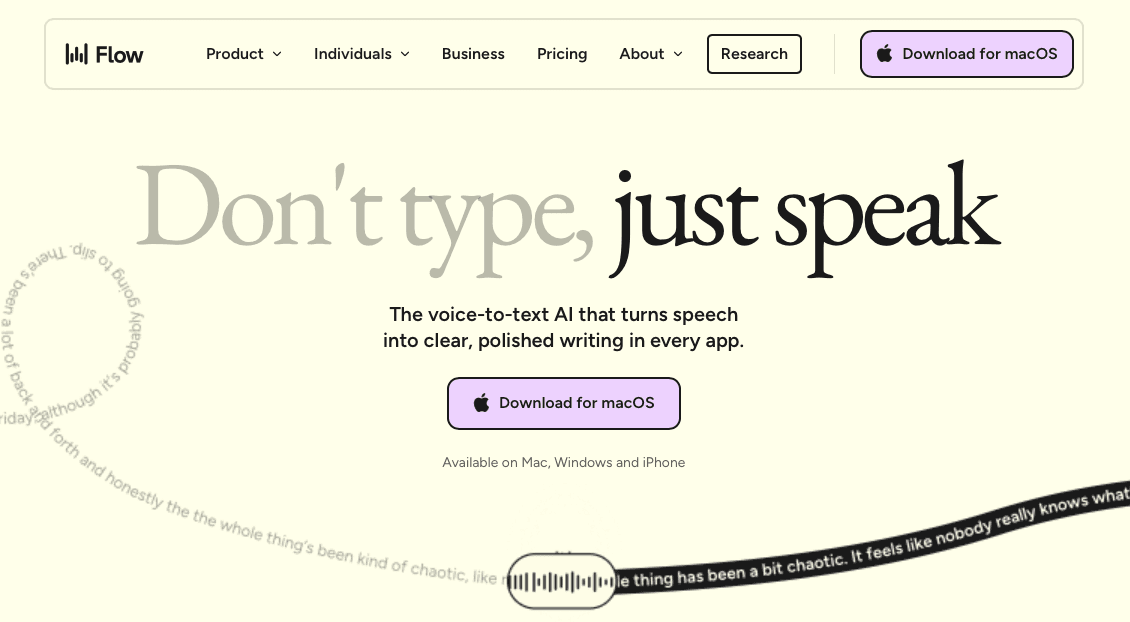
Wispr Flow is one of the most recognized names in AI voice dictation, and for good reason. For a detailed head-to-head, see Wispr Flow vs Willow. It offers a clean, low-friction experience across Mac and iOS, with a polished interface that makes getting started feel immediate.
The tool processes audio at roughly ~700ms from the moment you stop speaking, then delivers formatted output designed to match the context you're writing in. For general professional use, that latency is workable. For sales reps moving fast between CRM fields, call notes, and follow-up emails, that half-second gap can interrupt the thought-to-text rhythm.
Where It Fits for Sales Teams
Where sales teams tend to feel friction is in specialized vocabulary. Product names, internal terminology, prospect company names, and deal-specific jargon can require repeated corrections before the tool stabilizes. There is no shared team dictionary, which means each rep trains their own instance independently.
Mac and iOS support, no Windows
~700ms processing latency after speech ends
Context-aware formatting for general business writing
No shared team vocabulary or admin controls
SOC 2 Type II, ISO 27001, and HIPAA-eligible on certain plans
For individual contributors on Mac who need a capable general-purpose dictation tool, Wispr Flow is a strong option. Sales orgs with Windows users, shared vocabulary requirements, or multi-rep rollout needs will find the fit limited.
Typeless
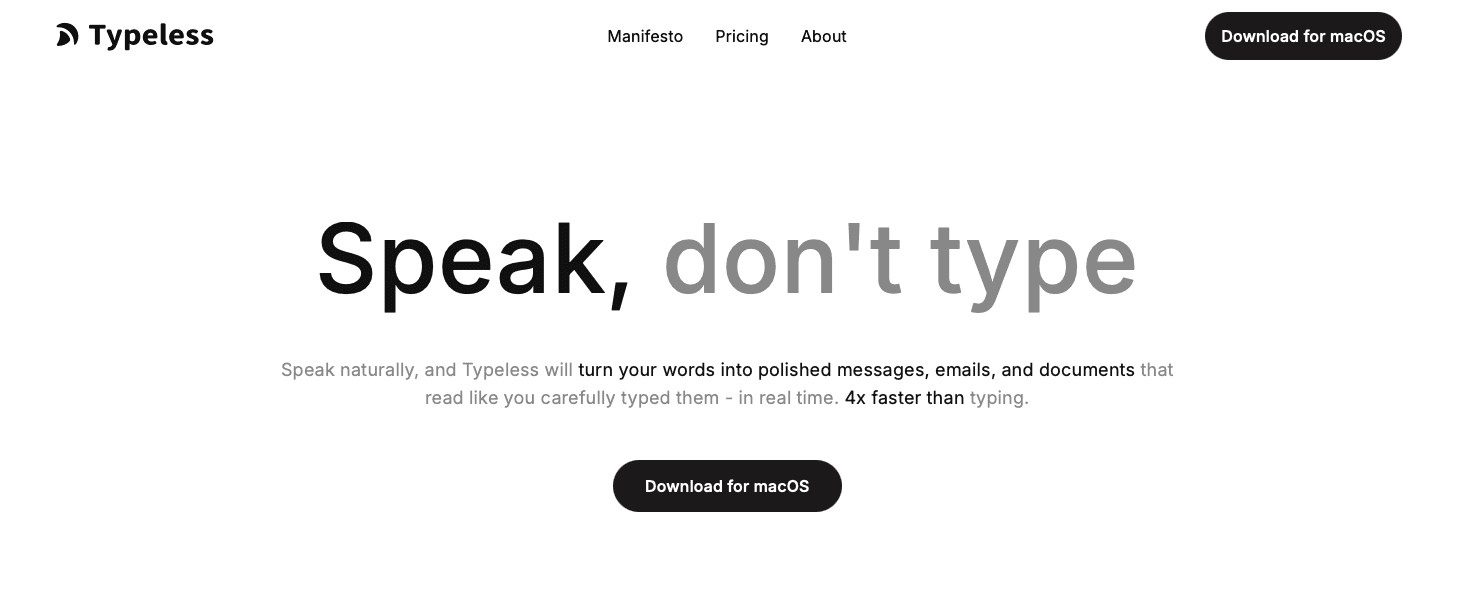
Typeless takes a browser-first approach to voice dictation, which makes it quick to set up for teams already living in web-based tools. Sales reps who spend most of their day inside a browser, moving between a CRM, email, and Slack tabs, can get started without installing anything.
The tradeoff is structural. A browser-based architecture means no offline mode, no persistent learning loop across sessions, and latency tied to connection quality. For sales teams in high-noise environments or on spotty connections between calls, that dependency can surface at the wrong moment.
Typeless works best as a lightweight entry point for individuals who want basic dictation without a desktop install. Teams that need shared vocabulary, admin controls, or consistent accuracy across domain-specific terminology like product names, deal stages, and customer identifiers will likely run into the ceiling fairly quickly.
Monologue
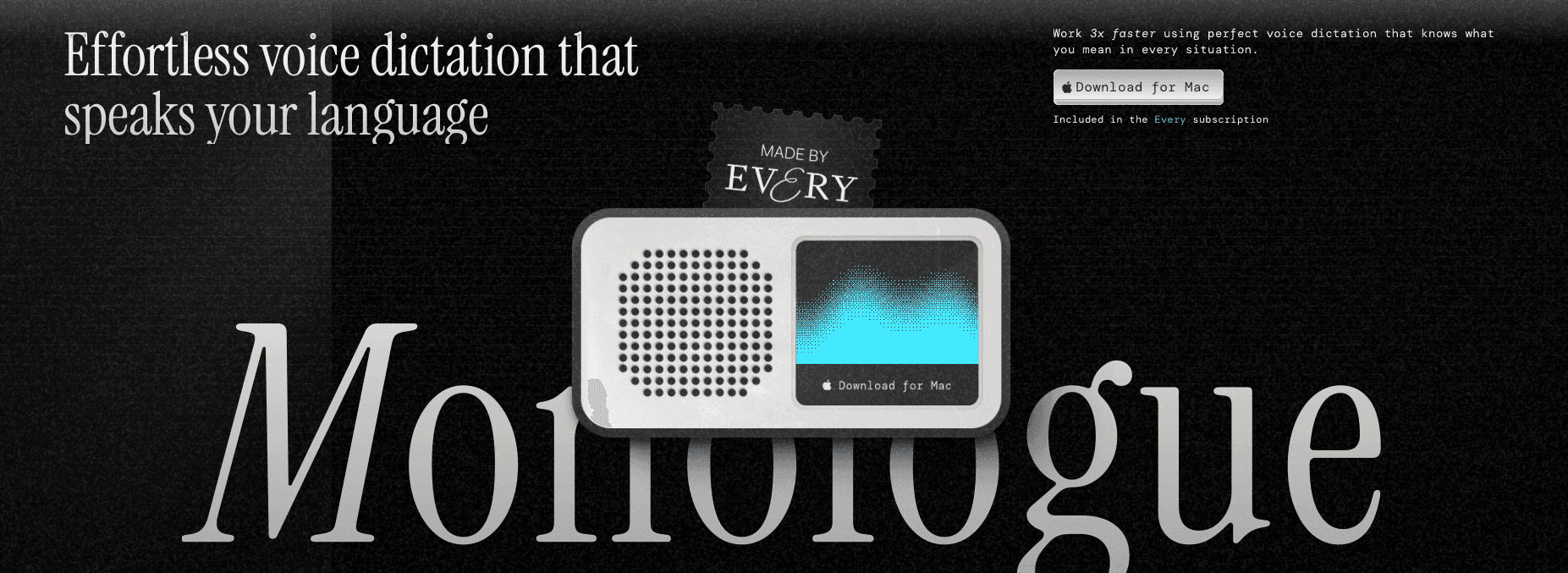
Monologue is a voice dictation tool built around a clean, focused experience for Mac and iOS users. It sits in the menu bar, lets you speak into any app with a keyboard shortcut, and gets out of the way. For individual users who want something lightweight and reliable without a lot of setup overhead, it covers the basics well.
Where Monologue runs into limits is in professional sales contexts. It lacks the kind of domain-specific vocabulary learning that keeps CRM fields, product names, and prospect terminology accurate without constant correction. There's no team layer, no shared dictionary, and no admin controls for org-wide deployment. Each rep works from the same blank slate, which means accuracy depends heavily on how generic the language stays.
For a solo rep or small operation where simplicity matters more than precision, Monologue is a reasonable pick. For teams that need consistent output across a pipeline, the absence of shared vocabulary and personalization infrastructure means the correction overhead adds up fast.
VoiceInk
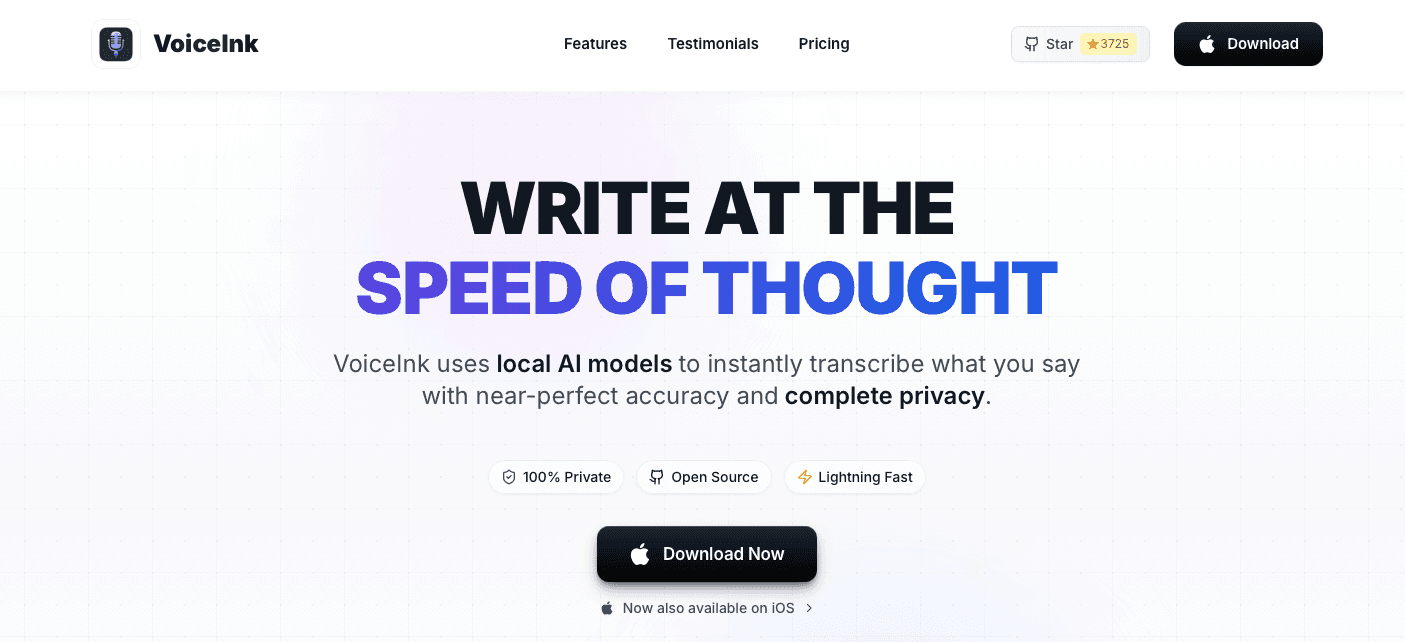
VoiceInk is a Mac-only offline dictation tool built around local AI processing. If your sales team operates in an environment where data sovereignty is non-negotiable and internet connectivity is unreliable, that architectural choice matters.
Where It Falls Short for Sales Teams
No Windows support means reps on mixed-device teams are left out entirely, which is a common reality in enterprise sales orgs. Teams on Windows machines can review voice recognition software for Windows as an alternative starting point.
No shared vocabulary means every rep manages their own terminology, so product names, pricing tiers, and internal jargon have to be set up individually instead of standardized across the team.
No admin controls or team deployment features make org-wide rollout impractical for sales managers who need visibility into tool adoption.
Accuracy with domain-specific sales vocabulary, prospect names, and CRM terminology can require repeated manual corrections, which erodes the net time gain that makes dictation worth adopting in the first place.
Why Willow Voice Fits Sales Teams
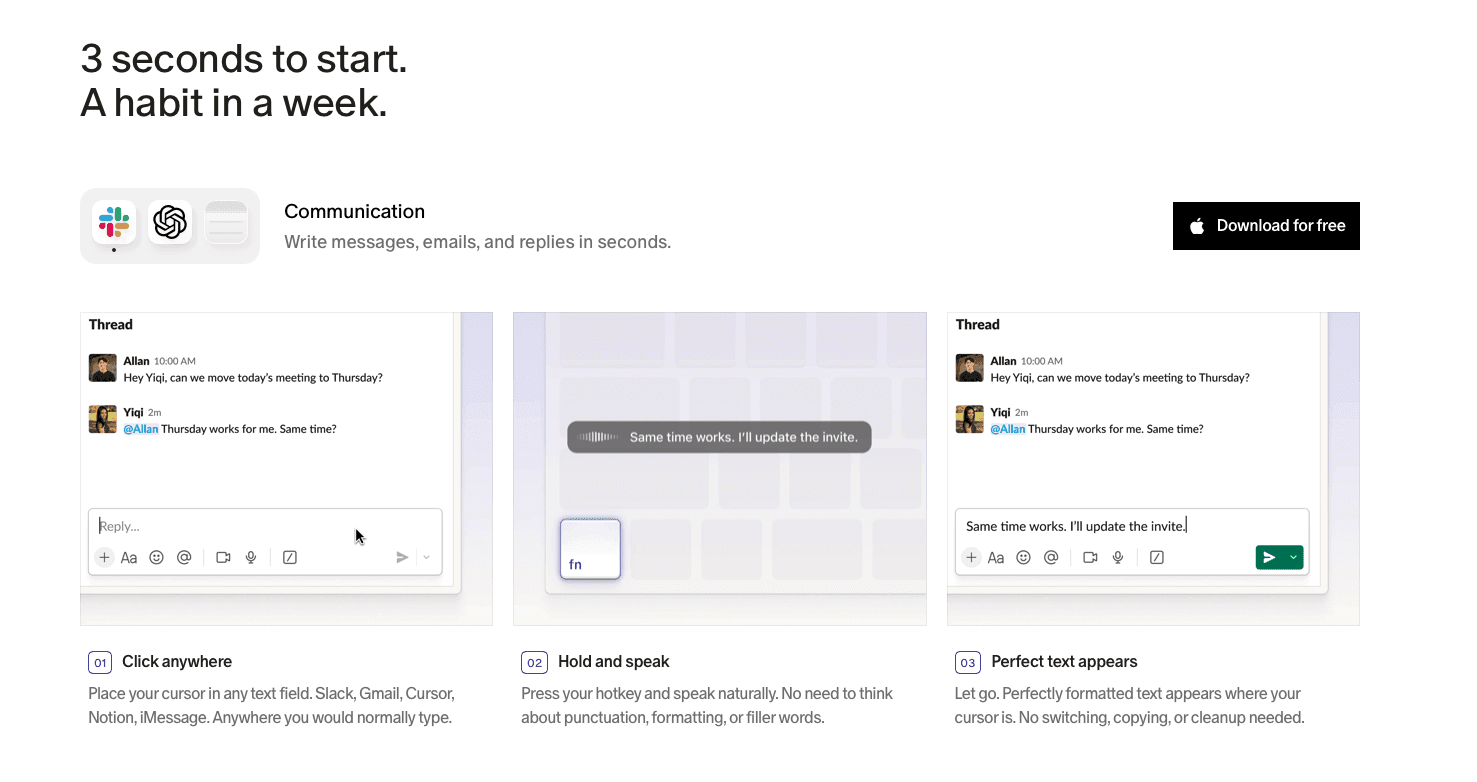
Sales reps spend their day in domain-heavy language: prospect names, deal stages, product SKUs, competitor references, internal CRM field labels. Generic dictation tools treat all of that as guesswork, which means the correction loop never fully closes. Willow's Auto-Dictionary learns this vocabulary over time, so terms that misfire in the first session are recognized cleanly by the third, without any manual entry.
At ~200ms latency, text appears almost the instant you finish speaking. That gap matters more than it sounds: post-call documentation has a narrow window before memory degrades, and a perceptible pause between thought and output breaks the rhythm at exactly the wrong moment. The speed keeps the capture session intact.
For sales organizations rolling out across a team, shared custom dictionaries mean every rep transcribes the same product names, deal stages, and account terminology from day one without individual configuration. Willow runs natively on Windows, Mac, and iOS, so reps moving between a desktop at the office and a phone in the field work from the same vocabulary without any per-device setup. SOC 2 Type II and HIPAA compliance let IT clear the rollout without a separate security review.
FAQs
Which voice dictation tools work best for individual reps versus full sales teams?
Individual contributors with simpler needs can do well with lightweight options like Monologue or VoiceInk, where ease of setup matters more than team infrastructure. Teams deploying across multiple reps need tools with shared custom dictionaries, admin controls, and org-wide rollout support: features that keep product names, deal stages, and internal terminology consistent across every rep without individual configuration.
How much does latency actually matter for sales workflows?
At ~200ms, text appears close enough to instantly that the thought-to-text rhythm stays intact during fast-moving post-call documentation. At ~700ms, the perceptible pause between speaking and seeing text compounds across dozens of daily interactions, enough to break the flow and encourage shortcuts that reduce documentation quality over time.
When does it make sense to switch from a free or built-in dictation tool to a paid option?
Built-in tools like Apple Dictation or Windows 11 voice typing work for occasional, general-purpose use but lack filler word removal, context-aware formatting, and any vocabulary learning loop. If your reps are spending meaningful time correcting transcription errors after each session, or if your team needs consistent output across domain-specific language, a purpose-built tool with personalization and team features will recover more time than it costs.
Final Thoughts on Choosing the Right Voice Dictation Tool for Sales Teams
Voice dictation only saves time when the accuracy is high enough that you spend less time correcting than you would have spent typing. That threshold is where most general-purpose tools fall short for sales reps working in domain-heavy language every day. The best voice dictation tools for sales teams are the ones that close that gap. Willow Voice is a good place to start if shared vocabulary and cross-device coverage are part of what you need.
Post-call documentation is one of those things that quietly eats into selling time without ever showing up on a calendar. You finish a call, you know what you need to log, and then you spend the next ten minutes typing it out. The best voice dictation tools for sales teams are supposed to fix that. Picking the right one matters more than most people realize.
TLDR:
Sales reps speak ~150 WPM but type ~40 WPM, so dictation only saves time when accuracy is high enough to shrink the correction loop.
Latency is the deciding factor for real-time dictation: ~200ms feels instant, while ~700ms breaks the post-call documentation rhythm.
Tools like Gong and Fireflies.ai handle post-call transcription; real-time dictation tools serve a different moment in the workflow entirely.
Domain-specific vocabulary (deal stages, prospect names, CRM field labels) requires a learning loop to transcribe cleanly without constant manual fixes.
Some solutions run at ~200ms with an Auto-Dictionary that learns sales vocabulary over time, shared custom dictionaries, and SOC 2 Type II and HIPAA compliance across Mac, Windows, and iOS.
What Are Voice Dictation Tools?
Voice dictation tools convert spoken words into text in real time. You speak, and the words appear in whatever app or text field you have open, whether that's a CRM, an email, a Slack message, or a call recap doc.
For sales teams, the practical appeal is straightforward. Sales reps speak an estimated 150 words per minute but type closer to 40, meaning a large share of post-call documentation time is spent translating thoughts into keystrokes instead of actually thinking through what to write.
Feature Comparison Table of Voice Dictation Tools for Sales Teams
Tool | Real-Time Transcription | Custom Vocabulary | Latency | Accuracy | CRM Integration | Device Support | Pricing |
|---|---|---|---|---|---|---|---|
Willow Voice | Yes | Yes, learns over time | ~200ms | 98%+ | Works in any text field | Mac, Windows, iOS | Paid plans available |
Wispr Flow | Yes | Limited | ~700ms | High | Works in any text field | Mac, iOS | Paid plans available |
Typeless | Yes | No persistent learning loop | Tied to connection quality | Basic | Works in any text field (browser-based) | Web (browser-based, no desktop install) | Not specified |
Monologue | Yes | No shared dictionary or learning loop | Not specified | General speech only | Works in any text field | Mac, iOS | Not specified |
VoiceInk | Yes | No shared vocabulary | Not specified | Good in quiet environments | Works in any text field | Mac only | Not specified |
Best Overall Voice Dictation Tool for Sales Teams: Willow Voice
Sales teams generate a relentless volume of text: call notes, CRM updates, follow-up emails, deal summaries, pipeline commentary. Most reps type all of it (32% of reps on manual data entry), which means they spend a meaningful portion of their day on documentation instead of selling. HubSpot's sales statistics track the same pattern across industries: administrative and documentation tasks routinely crowd out time that could go toward customer conversations.
Willow Voice is built for exactly this context. SPOTIO's 2026 field sales data puts the number in sharper focus: reps spend just 40% of their time actively selling, with 21% going straight to admin work. When domain vocabulary is pre-loaded and accuracy runs at 98%+, the correction loop shrinks enough that voice input yields a real net time gain.
Why Willow Works for Sales Teams
Sales vocabulary is specific: product names, prospect company names, deal stages, CRM field labels, competitor references. Generic dictation tools handle none of that well on first pass. Willow's Auto-Dictionary learns this vocabulary over time, picking up names, technical terms, and contact references without manual setup, so transcription accuracy improves the more a rep uses it.
At ~200ms latency, text appears nearly the instant you finish speaking. There is no jarring pause between thought and output, which matters when a rep is capturing a detailed objection right after a call while the memory is fresh.
For sales organizations rolling out voice dictation at scale, Willow is SOC 2 Type II and HIPAA compliant (see our voice dictation security guide for details), with admin controls, shared custom dictionaries, and org-wide rollout. Shared dictionaries mean every rep transcribes the same product names, deal stages, and internal terminology consistently, without individual configuration. Team leaderboards surface usage and time-saved data so managers can track where adoption is taking hold across the group.
Willow runs natively on Windows, Mac, and iOS. Reps moving between a Windows workstation at the office and a phone between calls work from the same vocabulary and configuration without per-device setup, and new hires on any platform are productive from day one.
Wispr Flow
Wispr Flow is one of the most recognized names in AI voice dictation, and for good reason. For a detailed head-to-head, see Wispr Flow vs Willow. It offers a clean, low-friction experience across Mac and iOS, with a polished interface that makes getting started feel immediate.
The tool processes audio at roughly ~700ms from the moment you stop speaking, then delivers formatted output designed to match the context you're writing in. For general professional use, that latency is workable. For sales reps moving fast between CRM fields, call notes, and follow-up emails, that half-second gap can interrupt the thought-to-text rhythm.
Where It Fits for Sales Teams
Where sales teams tend to feel friction is in specialized vocabulary. Product names, internal terminology, prospect company names, and deal-specific jargon can require repeated corrections before the tool stabilizes. There is no shared team dictionary, which means each rep trains their own instance independently.
Mac and iOS support, no Windows
~700ms processing latency after speech ends
Context-aware formatting for general business writing
No shared team vocabulary or admin controls
SOC 2 Type II, ISO 27001, and HIPAA-eligible on certain plans
For individual contributors on Mac who need a capable general-purpose dictation tool, Wispr Flow is a strong option. Sales orgs with Windows users, shared vocabulary requirements, or multi-rep rollout needs will find the fit limited.
Typeless
Typeless takes a browser-first approach to voice dictation, which makes it quick to set up for teams already living in web-based tools. Sales reps who spend most of their day inside a browser, moving between a CRM, email, and Slack tabs, can get started without installing anything.
The tradeoff is structural. A browser-based architecture means no offline mode, no persistent learning loop across sessions, and latency tied to connection quality. For sales teams in high-noise environments or on spotty connections between calls, that dependency can surface at the wrong moment.
Typeless works best as a lightweight entry point for individuals who want basic dictation without a desktop install. Teams that need shared vocabulary, admin controls, or consistent accuracy across domain-specific terminology like product names, deal stages, and customer identifiers will likely run into the ceiling fairly quickly.
Monologue
Monologue is a voice dictation tool built around a clean, focused experience for Mac and iOS users. It sits in the menu bar, lets you speak into any app with a keyboard shortcut, and gets out of the way. For individual users who want something lightweight and reliable without a lot of setup overhead, it covers the basics well.
Where Monologue runs into limits is in professional sales contexts. It lacks the kind of domain-specific vocabulary learning that keeps CRM fields, product names, and prospect terminology accurate without constant correction. There's no team layer, no shared dictionary, and no admin controls for org-wide deployment. Each rep works from the same blank slate, which means accuracy depends heavily on how generic the language stays.
For a solo rep or small operation where simplicity matters more than precision, Monologue is a reasonable pick. For teams that need consistent output across a pipeline, the absence of shared vocabulary and personalization infrastructure means the correction overhead adds up fast.
VoiceInk
VoiceInk is a Mac-only offline dictation tool built around local AI processing. If your sales team operates in an environment where data sovereignty is non-negotiable and internet connectivity is unreliable, that architectural choice matters.
Where It Falls Short for Sales Teams
No Windows support means reps on mixed-device teams are left out entirely, which is a common reality in enterprise sales orgs. Teams on Windows machines can review voice recognition software for Windows as an alternative starting point.
No shared vocabulary means every rep manages their own terminology, so product names, pricing tiers, and internal jargon have to be set up individually instead of standardized across the team.
No admin controls or team deployment features make org-wide rollout impractical for sales managers who need visibility into tool adoption.
Accuracy with domain-specific sales vocabulary, prospect names, and CRM terminology can require repeated manual corrections, which erodes the net time gain that makes dictation worth adopting in the first place.
Why Willow Voice Fits Sales Teams
Sales reps spend their day in domain-heavy language: prospect names, deal stages, product SKUs, competitor references, internal CRM field labels. Generic dictation tools treat all of that as guesswork, which means the correction loop never fully closes. Willow's Auto-Dictionary learns this vocabulary over time, so terms that misfire in the first session are recognized cleanly by the third, without any manual entry.
At ~200ms latency, text appears almost the instant you finish speaking. That gap matters more than it sounds: post-call documentation has a narrow window before memory degrades, and a perceptible pause between thought and output breaks the rhythm at exactly the wrong moment. The speed keeps the capture session intact.
For sales organizations rolling out across a team, shared custom dictionaries mean every rep transcribes the same product names, deal stages, and account terminology from day one without individual configuration. Willow runs natively on Windows, Mac, and iOS, so reps moving between a desktop at the office and a phone in the field work from the same vocabulary without any per-device setup. SOC 2 Type II and HIPAA compliance let IT clear the rollout without a separate security review.
FAQs
Which voice dictation tools work best for individual reps versus full sales teams?
Individual contributors with simpler needs can do well with lightweight options like Monologue or VoiceInk, where ease of setup matters more than team infrastructure. Teams deploying across multiple reps need tools with shared custom dictionaries, admin controls, and org-wide rollout support: features that keep product names, deal stages, and internal terminology consistent across every rep without individual configuration.
How much does latency actually matter for sales workflows?
At ~200ms, text appears close enough to instantly that the thought-to-text rhythm stays intact during fast-moving post-call documentation. At ~700ms, the perceptible pause between speaking and seeing text compounds across dozens of daily interactions, enough to break the flow and encourage shortcuts that reduce documentation quality over time.
When does it make sense to switch from a free or built-in dictation tool to a paid option?
Built-in tools like Apple Dictation or Windows 11 voice typing work for occasional, general-purpose use but lack filler word removal, context-aware formatting, and any vocabulary learning loop. If your reps are spending meaningful time correcting transcription errors after each session, or if your team needs consistent output across domain-specific language, a purpose-built tool with personalization and team features will recover more time than it costs.
Final Thoughts on Choosing the Right Voice Dictation Tool for Sales Teams
Voice dictation only saves time when the accuracy is high enough that you spend less time correcting than you would have spent typing. That threshold is where most general-purpose tools fall short for sales reps working in domain-heavy language every day. The best voice dictation tools for sales teams are the ones that close that gap. Willow Voice is a good place to start if shared vocabulary and cross-device coverage are part of what you need.

Try Willow for free
Instant, accurate voice dictation. No card required.
Try Willow for free
Instant, accurate voice dictation. No card required.
Other stories you’ll love
Other stories you’ll love


Your keyboard is optional now
" transform="translate(5 5)" width="9.791000051498413px"/></svg>)

The voice-first interface for modern work.
© Willow Care, Inc. 2026. All rights reserved
Your keyboard is optional now
The voice-first interface for modern work.
© Willow Care, Inc. 2026. All rights reserved
Your keyboard is optional now
The voice-first interface for modern work.
© Willow Care, Inc. 2026. All rights reserved