" transform="translate(5 2)" width="10px"/></svg>)

•
5 min read
Voice AI Dictation for Claude Code (July 2026)

•
5 min read
Voice AI Dictation for Claude Code (July 2026)
Typing long, detailed prompts into Claude Code breaks momentum and slows down how developers think through problems. A modern voice dictation tool like Willow Voice built for technical language lets you speak full prompts at up to 150 words per minute while correctly handling programming terms, APIs, and code concepts that generic speech-to-text routinely gets wrong. Instead of stopping to fix mistranscribed variables or malformed instructions, you can talk through what you want Claude Code to do in plain language and keep moving, avoiding the correction loops that make standard dictation more frustrating than typing at 40 words per minute.
TLDR:
Voice dictation lets you speak Claude Code prompts at 150 WPM, compared to typing at 40 WPM.
Some modern tools process speech in under 200ms with 3x better accuracy than built-in tools.
Context-aware AI recognizes programming terms and formats technical prompts correctly.
Willow works natively on Mac, Windows, and iOS, with SOC 2 Type II compliance so org-wide deployment fits within existing enterprise security review requirements.
Voice dictation removes correction loops by automatically cleaning filler words and structuring prompts.
What Is Voice AI Dictation for Claude Code?
Voice AI dictation for Claude Code turns your spoken words into text prompts, commands, and documentation for Anthropic’s AI coding assistant that runs locally in your development environment. Instead of typing out complex technical instructions at 40 words per minute, you can speak them at 150 words per minute.
Claude Code runs in your development environment and understands your codebase through natural language commands. When you pair it with voice dictation, you can describe what you want to build in a conversational way instead of manually typing detailed specifications. This approach supports what developers call "vibe coding," where you talk through your ideas and intentions instead of laboriously typing every character.
The catch is that standard voice dictation tools fall short here. You need context-aware AI that recognizes programming terminology, technical jargon, and the specific syntax patterns developers use when communicating with AI assistants. Generic speech-to-text can struggle with variable names and technical concepts, creating correction loops that erode the time you saved by speaking.
How We Assessed Voice Dictation Tools for Claude Code
We tested each tool against criteria that matter for developers working with Claude Code. Accuracy for technical terminology was first: can it correctly transcribe "async function" or "refactor this API endpoint" without errors? Speed came next, since sub-second latency preserves flow state when describing complex changes.
Universal compatibility across terminals, IDEs, and browsers was non-negotiable. Context awareness was a deciding factor: does the tool understand when you're crafting AI prompts versus writing commit messages? We also weighed offline capabilities, custom dictionaries for project-specific terms, and cross-device support for Mac, Windows, and iOS.
Tool | Platforms | Latency | Best For | Compliance | Starting Price | Key Limitation |
|---|---|---|---|---|---|---|
Willow Voice | Mac, Windows, iOS | ~200ms | Developer and team workflows; Claude Code prompting | SOC 2 Type II, HIPAA | Free (2,000 words/week); $12/month individual | Free plan capped at 2,000 words/week |
Wispr Flow | Mac, Windows | ~700ms | General cross-device dictation | HIPAA/SOC 2 on certain plans | Paid (see site) | ~700ms latency; no native terminal integration; not coding-first |
Superwhisper | Mac, Windows, iOS | Varies by model and hardware | Local/offline processing; privacy-first users | SOC 2 Type II, HIPAA on certain plans | Paid (see site) | Latency varies by hardware; iOS requires copy-paste into Claude Code |
Aqua Voice | Mac, Windows | 700ms+ | Desktop-only workflows with manual voice commands | None documented | Paid (see site) | No iOS; no shared team features or compliance documentation |
Dragon Professional | Windows only | Not published | Windows users with existing license investment | Not documented | ~$500 one-time | Windows only; requires initial voice training; 2GB+ install |
Monologue | Mac only | 700ms+ | Every bundle subscribers; casual writing | None documented | $10/month standalone | Mac only; no coding vocabulary; no enterprise features |
VoiceInk | Mac only | Hardware dependent | Budget Mac users; one-time purchase | None documented | ~$25 one-time | Mac only; no team features; limited iOS parity |
Willow Voice
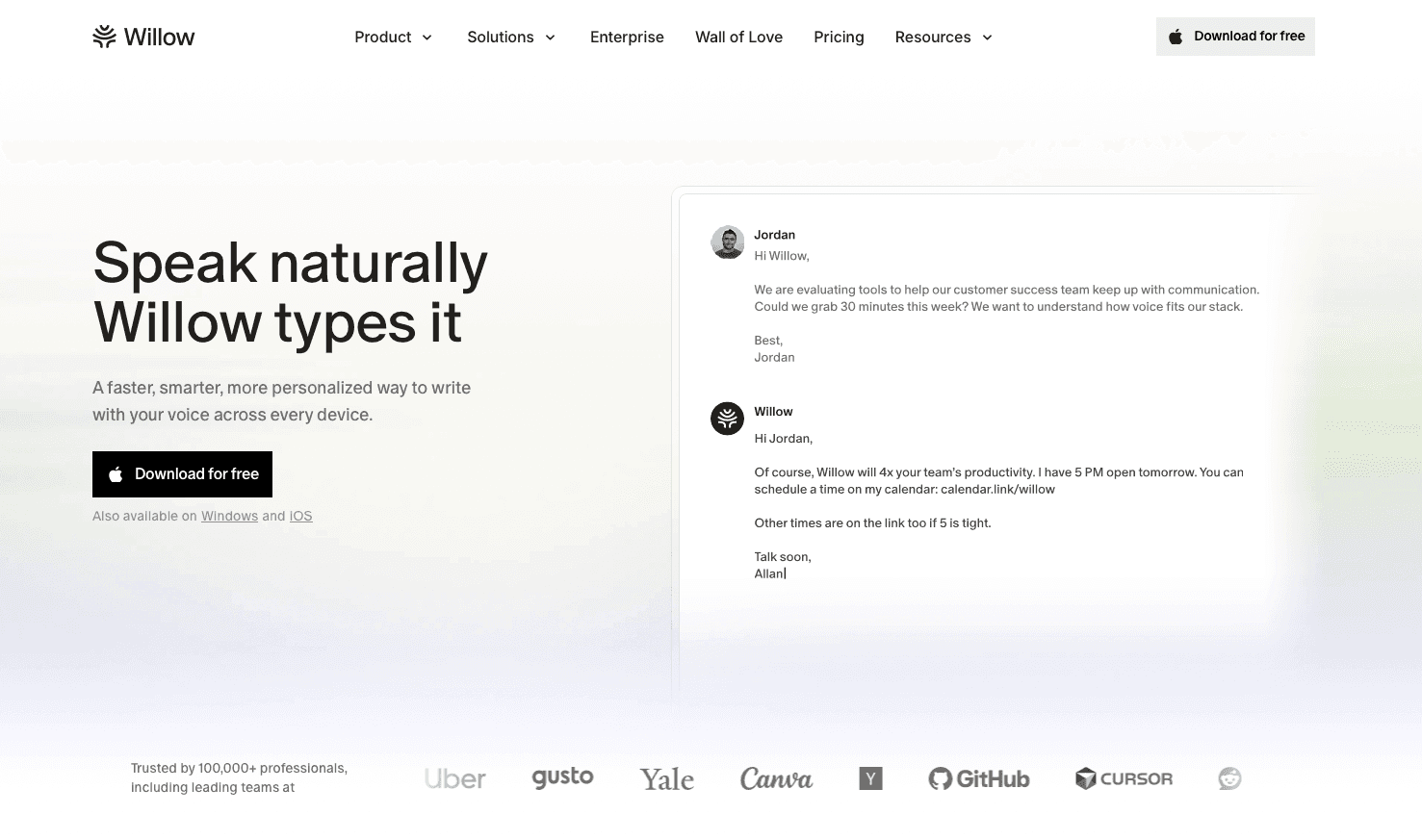
Describing a refactoring task to Claude Code or sketching a new API design in plain language moves faster than typing it character by character, provided the dictation tool handles technical vocabulary on the first pass. Willow processes audio at ~200ms, transcribes with 3x fewer errors than built-in dictation, and runs natively on Mac, Windows, and iOS with full feature parity on each device. Individual developers and enterprise engineering teams with mixed-device workforces use the same configuration.
Core Strengths
Press the function key on Mac or Alt+Space on Windows to activate voice input anywhere: your terminal, VS Code, browser windows running Claude Code, or any text field. Windows is a fully supported, first-class environment. Every feature available on Mac works identically on Windows, with no capability gaps. The context-aware engine recognizes programming vocabulary and adapts formatting based on what you're writing. In Cursor and Windsurf, codebase auto-tagging reads open files to learn class names, function names, and variable references, so project-specific terms are recognized from the first session without manual dictionary entry. Quiet mode lets you speak softly in shared workspaces, while Auto-Dictionary learns your project-specific terms after a single correction. On iOS, a custom voice keyboard offers the same vocabulary and latency as on desktop, so reviewing a PR description or drafting a Slack message away from your desk works the same way.
Pricing
A free plan covers 2,000 words per week with no credit card required. Individual plans run $12 per month, billed annually. Team plans are $10 per user per month and include shared custom dictionaries, admin controls, and team leaderboards, so engineering leads can track adoption across the group. Enterprise plans cover centralized deployment, compliance documentation, and custom pricing for larger organizations. SOC 2 Type II and HIPAA compliance, with zero data retention, protect proprietary code discussions. Offline mode runs locally when you need full privacy.
Team and Enterprise
Individual voice dictation tools stop at the person. When an entire engineering org is prompting Claude Code, Cursor, and Windsurf, a shared vocabulary layer changes what is possible. Willow solves this at the org level: shared custom dictionaries let teams seed codebase-specific terminology, internal product names, and API references once, then distribute that vocabulary to every developer without per-user configuration. Shared shortcuts give the whole team instant access to frequently used prompts, code templates, and boilerplate responses, without each developer having to build their own. For engineering organizations running on Windows and Mac workstations, vocabulary and settings sync across all devices, so developers moving between a Windows desktop and a Mac or a phone can work from the same configuration. SOC 2 Type II certification means org-wide rollout fits within existing enterprise security review requirements without a separate compliance review. Team leaderboards surface words spoken and time saved per developer, giving engineering leads visibility into adoption across the group without manual tracking. Each of these capabilities sits outside what individual-only tools can offer.
Wispr Flow
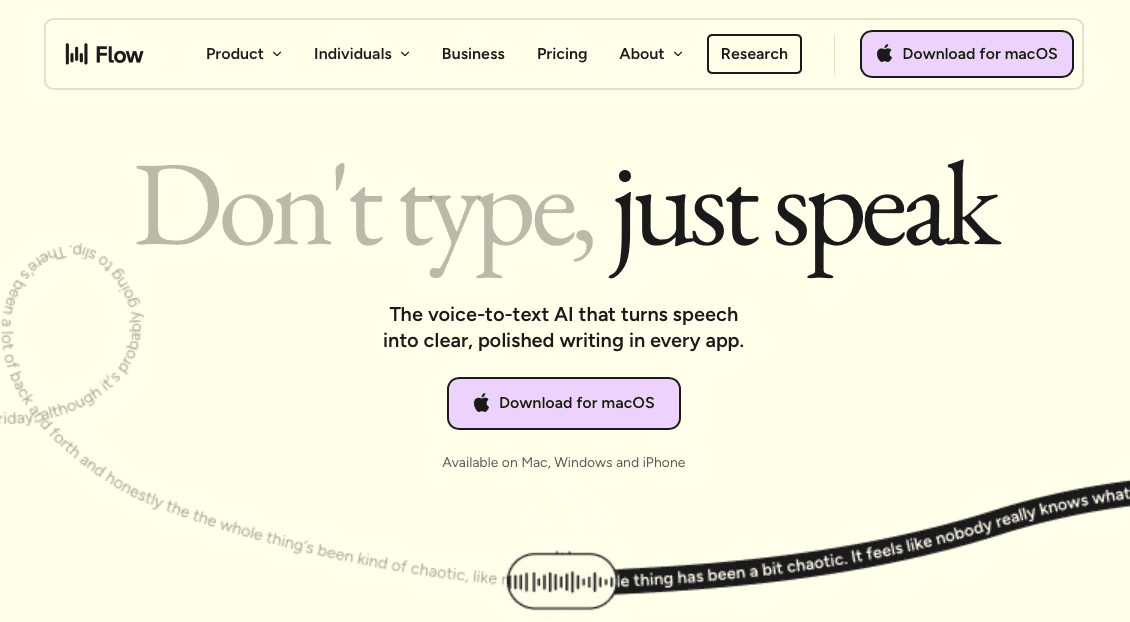
Wispr Flow is a cross-device voice dictation tool that offers command-based editing and cloud-based processing for general text input.
What They Offer
Available on Mac and Windows with cloud-based speech processing
Command Mode for post-dictation text editing and formatting
Multi-application compatibility across browsers and text fields
Good for: Users who want cross-device voice dictation for general text input with post-dictation command-based editing.
Limitation: Processing latency runs at ~700ms. The Electron architecture can consume considerable memory and CPU resources on lower-spec machines. No native terminal integration for Claude Code workflows. Wispr Flow may offer HIPAA/BAA on certain plans, but is not positioned as a coding-first tool with dedicated IDE integration.
Superwhisper
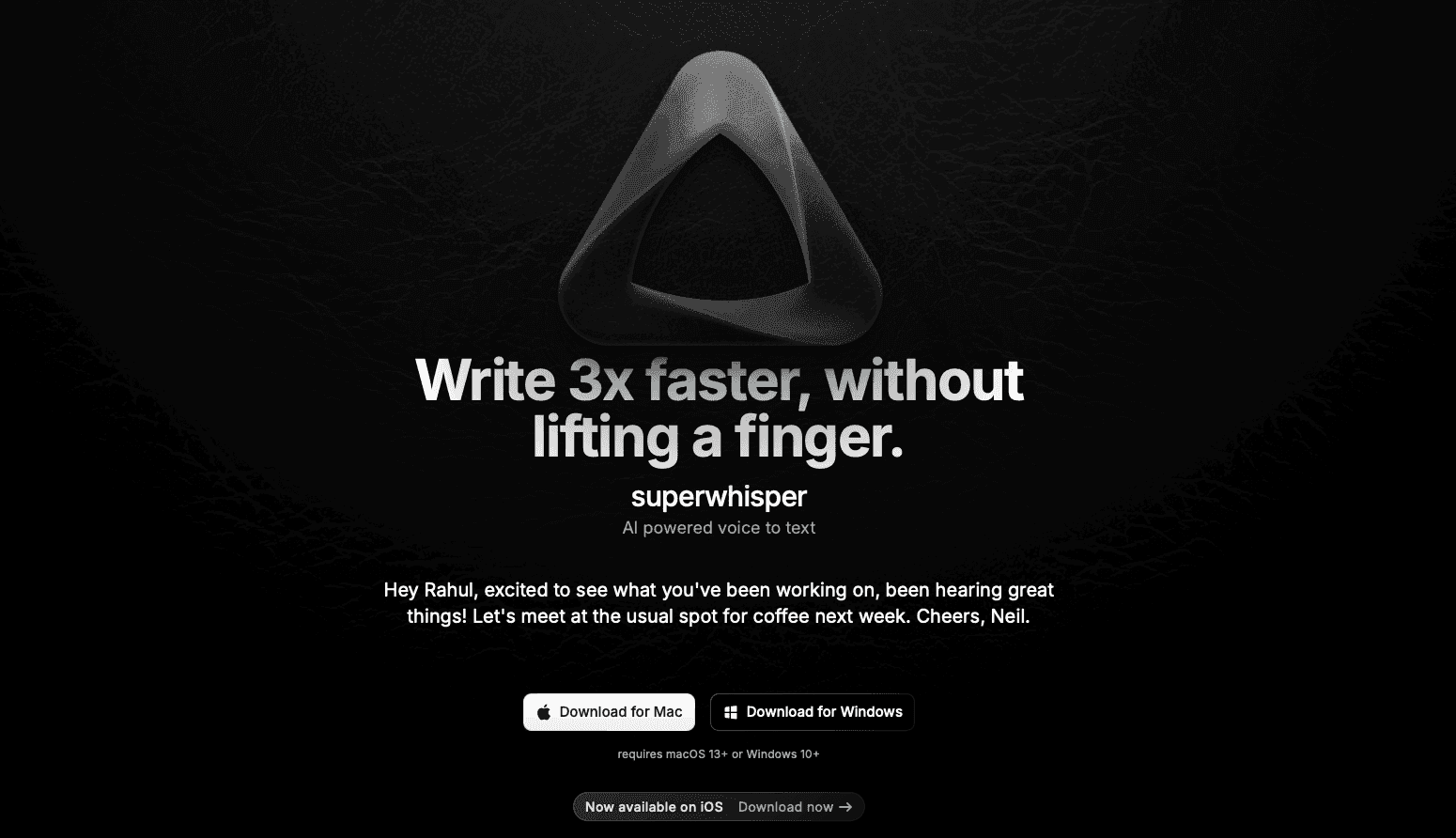
Superwhisper is a voice transcription utility for Mac, Windows, and iOS that focuses on offline privacy through on-device processing, with Apple Silicon models delivering the fastest performance on Mac.
What They Offer
Offline processing with multiple model sizes (Nano, Fast, Ultra); local processing speed depends entirely on your hardware, with Apple Silicon delivering the fastest results on Mac
Local privacy without third-party cloud services
Good for: Users across Mac, Windows, and iOS who prefer local processing and want offline privacy without cloud data transmission.
Limitation: Local processing speed varies by model and device hardware. The Ultra model on older hardware can reach 1-2 seconds per transcription, while Nano and Fast models process more quickly. On iOS, dictation runs within the Superwhisper app, not as a system-wide keyboard, so moving text into Claude Code or terminal applications requires a copy-paste step. Superwhisper offers SOC 2 Type II and HIPAA compliance on certain plans.
Aqua Voice
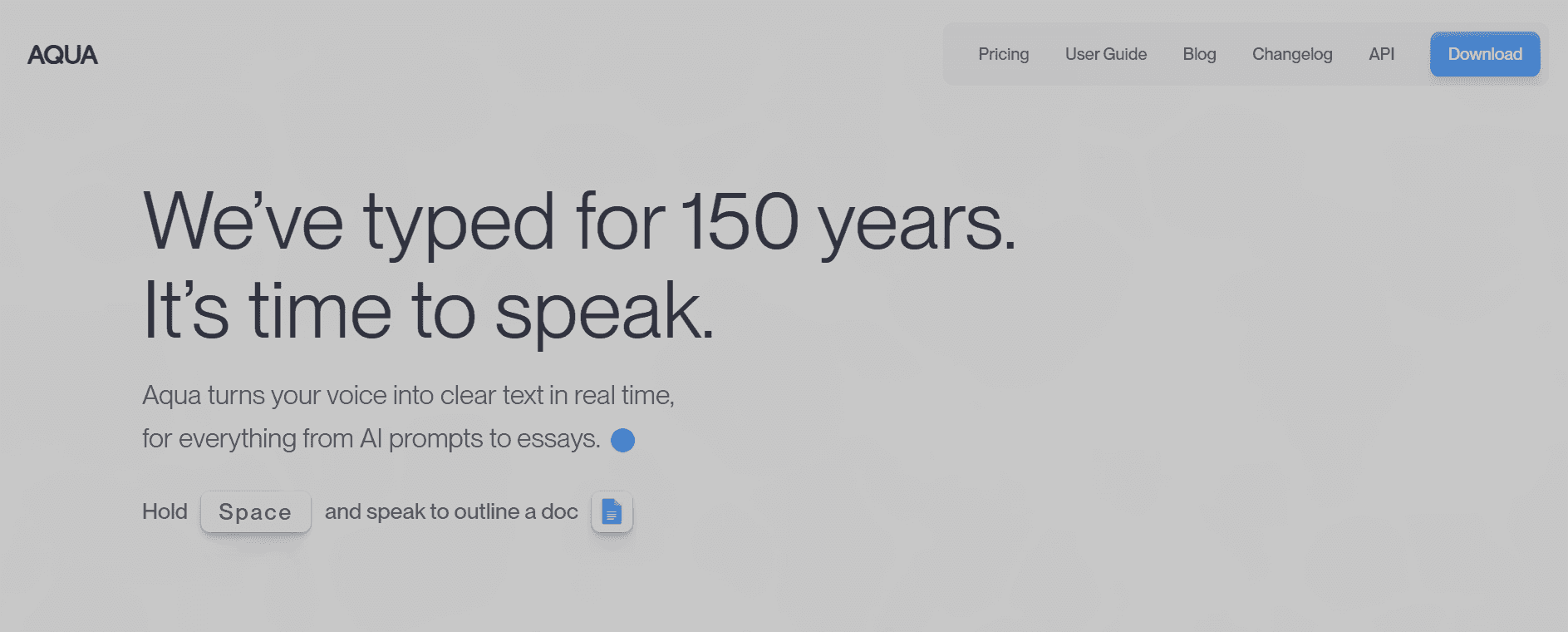
Aqua Voice is a desktop-only dictation tool for Mac and Windows featuring screen-aware processing and manual voice commands for text editing and formatting.
What They Offer
Desktop applications for Mac and Windows with screen context awareness
Voice commands for manual text formatting like "new line" and "delete sentence"
Streaming text output with technical vocabulary recognition
Good for: Desktop-exclusive workflows where users prefer manual voice command control over automated formatting.
Limitation: No iOS or mobile support; Mac and Windows only. Processing latency runs at 700ms+. Command-based editing requires switching between dictation and correction modes. No publicly documented enterprise compliance certifications or shared team dictionary features found at time of review.
Dragon Professional

Dragon Professional is speech recognition software built on architecture that predates modern transformer-based models.
What They Offer
Windows-only desktop software with local processing
Specialized medical and legal vocabulary packages available for purchase
Manual voice training sessions to calibrate accuracy
Application-specific profiles requiring individual configuration
Good for: Windows users in specialized industries who already own perpetual licenses and have invested time in voice profile training.
Limitation: Requires dedicated initial voice training sessions and ongoing correction to maintain accuracy. Windows-only availability excludes Mac and mobile users; the Mac version was discontinued in 2018. Installation footprint exceeds 2GB, with heavy CPU and RAM usage affecting performance on older hardware. Literal transcription captures filler words and verbal stumbles without intelligent cleanup.
Monologue
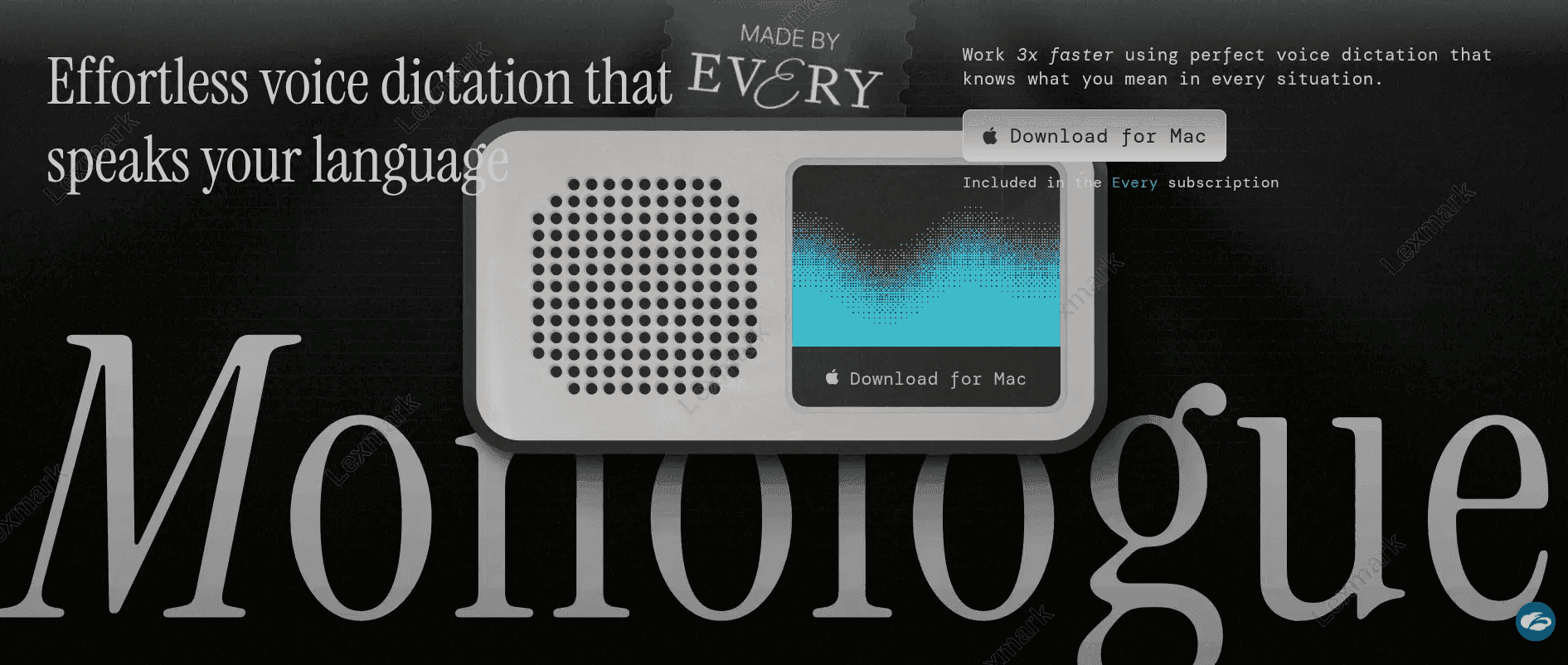
Monologue is a dictation tool bundled within the Every content subscription ecosystem for Mac users.
What They Offer
Mac dictation with basic cleanup features included in Every bundle subscription at $30 per month or standalone at $10 per month
Multiple dictation modes with configurable settings
Good for: Subscribers already using the Every bundle who want basic dictation for casual writing.
Limitation: Processing latency runs at 700ms+. No dedicated integration with coding environments or built-in programming vocabulary. Requires manual dictionary building to recognize technical terms. No enterprise features like shared vocabularies or team management.
VoiceInk
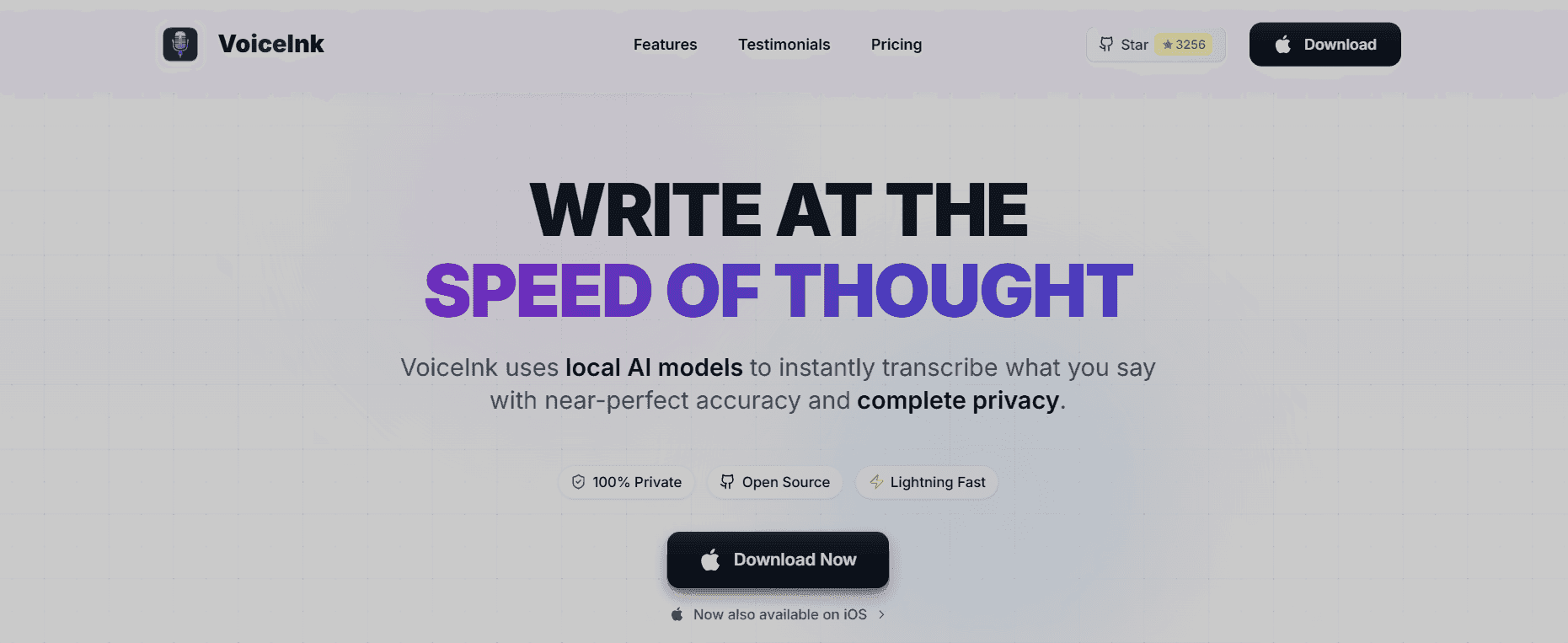
VoiceInk is a budget Mac-only utility that offers one-time purchase pricing and local processing, with performance depending on hardware specifications.
What They Offer
One-time payment of approximately $25 for Mac-only software
Local processing relying on device CPU and RAM
Basic dictation without AI-powered formatting or context awareness
Minimal mobile app with reported stability issues
Good for: Budget-conscious Mac users seeking a one-time purchase for basic dictation who don't need mobile or cross-device support.
Limitation: Mac-exclusive with no Windows compatibility. Performance scales with local hardware; older devices may see slower transcription. The iOS companion app has limited feature parity with the desktop version. No SOC 2 or HIPAA compliance documentation found at time of review.
Why Willow Voice Is the Best Voice Dictation Tool for Claude Code
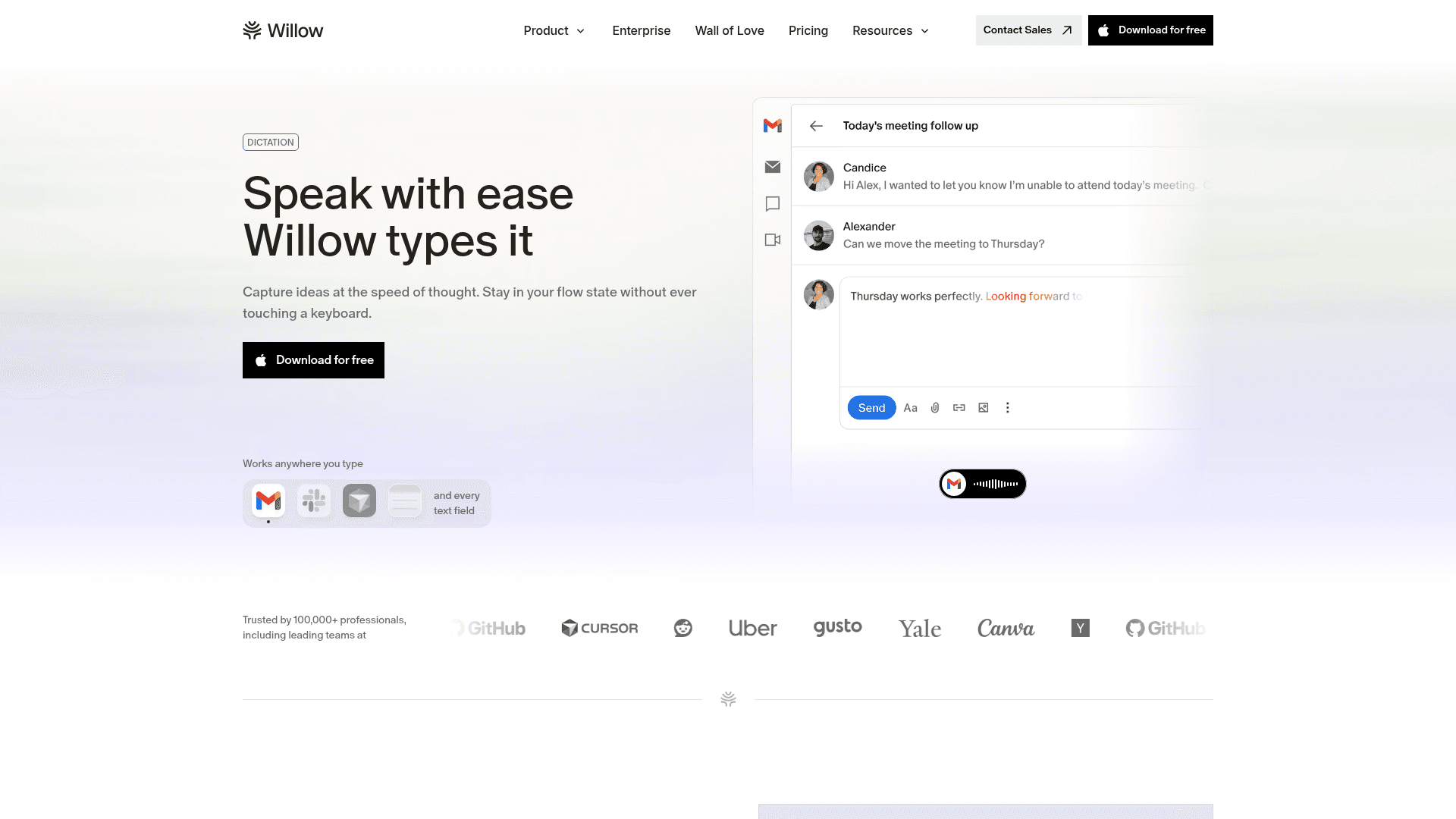
Willow solves the core friction in Claude Code workflows: translating ideas into prompts fast enough to match your thinking speed. Speaking is 3x faster than typing, and when you're describing complex refactoring tasks or architectural changes to an AI assistant, that speed difference compounds. Sub-200ms latency keeps you in flow state, while context-aware AI transcribes technical terms correctly on the first pass.
Universal compatibility matters when you're moving between terminal windows, IDEs, browser-based Claude Code interfaces, and documentation tools. Press the function key on Mac or Alt+Space on Windows to speak anywhere, without switching apps or copying and pasting between dictation utilities. Enterprise engineering environments frequently run Windows as the primary OS, and Willow works natively there with full feature parity. The iOS keyboard extends this to mobile devices, letting you speak prompts, review PR descriptions, or voice GitHub issue comments on commutes or when away from your desk.
For teams, shared custom dictionaries keep codebase terminology consistent across your engineering org, so every developer gets the same recognition for project names, function references, and internal APIs without individual setup. Codebase auto-tagging in Cursor and Windsurf automatically pulls those terms from open files. Engineering organizations running across Windows and Mac workstations get the same experience on every device, with vocabulary syncing across the whole team. SOC 2 Type II and HIPAA compliance protect proprietary code discussions and fit org-wide rollout within existing security review requirements. These are not capabilities individual-only tools can offer. We built Willow for developers adopting "vibe coding" workflows where describing intent conversationally beats typing detailed specifications character by character.
FAQs
Which voice dictation tool works best for beginners using Claude Code?
Willow offers the smoothest onboarding with no voice training required. Just press the function key and start speaking. Dragon requires dedicated initial voice training and ongoing correction to achieve acceptable accuracy, while Superwhisper requires knowledge of Apple Silicon hardware to select appropriate model sizes.
How do I choose between cloud-based and offline voice dictation for Claude Code?
Choose cloud-based tools like Willow (with SOC 2 compliance) if you need sub-200ms speed and cross-device support. If local privacy is a concern, Willow's offline mode runs processing entirely on-device with no data transmission, so you get the same technical vocabulary accuracy and latency without routing audio through the cloud.
When should I consider switching from built-in dictation to a specialized tool?
Switch when correction loops are costing you more time than the dictation saves, or when built-in accuracy feels inconsistent on technical terms: variable names, API references, and framework-specific vocabulary are the first places generic tools break down. Specialized tools deliver 3x better accuracy and process at 150 words per minute, compared to 40 words per minute with typing.
Final Thoughts on Voice Dictation for Claude Code
Voice dictation changes how Claude Code is used by letting developers think out loud instead of typing every instruction line by line. When prompts can be spoken at conversational speed, long sessions feel less like documentation work and more like problem-solving. Tools like Willow make this practical by handling programming language accurately, keeping latency low enough to maintain focus, and working anywhere Claude Code runs. If you spend hours each week writing prompts, switching from typing to voice can reclaim time and reduce friction without changing how you build, only how fast you communicate your intent. Try Willow Voice free; no credit card required.
Typing long, detailed prompts into Claude Code breaks momentum and slows down how developers think through problems. A modern voice dictation tool like Willow Voice built for technical language lets you speak full prompts at up to 150 words per minute while correctly handling programming terms, APIs, and code concepts that generic speech-to-text routinely gets wrong. Instead of stopping to fix mistranscribed variables or malformed instructions, you can talk through what you want Claude Code to do in plain language and keep moving, avoiding the correction loops that make standard dictation more frustrating than typing at 40 words per minute.
TLDR:
Voice dictation lets you speak Claude Code prompts at 150 WPM, compared to typing at 40 WPM.
Some modern tools process speech in under 200ms with 3x better accuracy than built-in tools.
Context-aware AI recognizes programming terms and formats technical prompts correctly.
Willow works natively on Mac, Windows, and iOS, with SOC 2 Type II compliance so org-wide deployment fits within existing enterprise security review requirements.
Voice dictation removes correction loops by automatically cleaning filler words and structuring prompts.
What Is Voice AI Dictation for Claude Code?
Voice AI dictation for Claude Code turns your spoken words into text prompts, commands, and documentation for Anthropic’s AI coding assistant that runs locally in your development environment. Instead of typing out complex technical instructions at 40 words per minute, you can speak them at 150 words per minute.
Claude Code runs in your development environment and understands your codebase through natural language commands. When you pair it with voice dictation, you can describe what you want to build in a conversational way instead of manually typing detailed specifications. This approach supports what developers call "vibe coding," where you talk through your ideas and intentions instead of laboriously typing every character.
The catch is that standard voice dictation tools fall short here. You need context-aware AI that recognizes programming terminology, technical jargon, and the specific syntax patterns developers use when communicating with AI assistants. Generic speech-to-text can struggle with variable names and technical concepts, creating correction loops that erode the time you saved by speaking.
How We Assessed Voice Dictation Tools for Claude Code
We tested each tool against criteria that matter for developers working with Claude Code. Accuracy for technical terminology was first: can it correctly transcribe "async function" or "refactor this API endpoint" without errors? Speed came next, since sub-second latency preserves flow state when describing complex changes.
Universal compatibility across terminals, IDEs, and browsers was non-negotiable. Context awareness was a deciding factor: does the tool understand when you're crafting AI prompts versus writing commit messages? We also weighed offline capabilities, custom dictionaries for project-specific terms, and cross-device support for Mac, Windows, and iOS.
Tool | Platforms | Latency | Best For | Compliance | Starting Price | Key Limitation |
|---|---|---|---|---|---|---|
Willow Voice | Mac, Windows, iOS | ~200ms | Developer and team workflows; Claude Code prompting | SOC 2 Type II, HIPAA | Free (2,000 words/week); $12/month individual | Free plan capped at 2,000 words/week |
Wispr Flow | Mac, Windows | ~700ms | General cross-device dictation | HIPAA/SOC 2 on certain plans | Paid (see site) | ~700ms latency; no native terminal integration; not coding-first |
Superwhisper | Mac, Windows, iOS | Varies by model and hardware | Local/offline processing; privacy-first users | SOC 2 Type II, HIPAA on certain plans | Paid (see site) | Latency varies by hardware; iOS requires copy-paste into Claude Code |
Aqua Voice | Mac, Windows | 700ms+ | Desktop-only workflows with manual voice commands | None documented | Paid (see site) | No iOS; no shared team features or compliance documentation |
Dragon Professional | Windows only | Not published | Windows users with existing license investment | Not documented | ~$500 one-time | Windows only; requires initial voice training; 2GB+ install |
Monologue | Mac only | 700ms+ | Every bundle subscribers; casual writing | None documented | $10/month standalone | Mac only; no coding vocabulary; no enterprise features |
VoiceInk | Mac only | Hardware dependent | Budget Mac users; one-time purchase | None documented | ~$25 one-time | Mac only; no team features; limited iOS parity |
Willow Voice
Describing a refactoring task to Claude Code or sketching a new API design in plain language moves faster than typing it character by character, provided the dictation tool handles technical vocabulary on the first pass. Willow processes audio at ~200ms, transcribes with 3x fewer errors than built-in dictation, and runs natively on Mac, Windows, and iOS with full feature parity on each device. Individual developers and enterprise engineering teams with mixed-device workforces use the same configuration.
Core Strengths
Press the function key on Mac or Alt+Space on Windows to activate voice input anywhere: your terminal, VS Code, browser windows running Claude Code, or any text field. Windows is a fully supported, first-class environment. Every feature available on Mac works identically on Windows, with no capability gaps. The context-aware engine recognizes programming vocabulary and adapts formatting based on what you're writing. In Cursor and Windsurf, codebase auto-tagging reads open files to learn class names, function names, and variable references, so project-specific terms are recognized from the first session without manual dictionary entry. Quiet mode lets you speak softly in shared workspaces, while Auto-Dictionary learns your project-specific terms after a single correction. On iOS, a custom voice keyboard offers the same vocabulary and latency as on desktop, so reviewing a PR description or drafting a Slack message away from your desk works the same way.
Pricing
A free plan covers 2,000 words per week with no credit card required. Individual plans run $12 per month, billed annually. Team plans are $10 per user per month and include shared custom dictionaries, admin controls, and team leaderboards, so engineering leads can track adoption across the group. Enterprise plans cover centralized deployment, compliance documentation, and custom pricing for larger organizations. SOC 2 Type II and HIPAA compliance, with zero data retention, protect proprietary code discussions. Offline mode runs locally when you need full privacy.
Team and Enterprise
Individual voice dictation tools stop at the person. When an entire engineering org is prompting Claude Code, Cursor, and Windsurf, a shared vocabulary layer changes what is possible. Willow solves this at the org level: shared custom dictionaries let teams seed codebase-specific terminology, internal product names, and API references once, then distribute that vocabulary to every developer without per-user configuration. Shared shortcuts give the whole team instant access to frequently used prompts, code templates, and boilerplate responses, without each developer having to build their own. For engineering organizations running on Windows and Mac workstations, vocabulary and settings sync across all devices, so developers moving between a Windows desktop and a Mac or a phone can work from the same configuration. SOC 2 Type II certification means org-wide rollout fits within existing enterprise security review requirements without a separate compliance review. Team leaderboards surface words spoken and time saved per developer, giving engineering leads visibility into adoption across the group without manual tracking. Each of these capabilities sits outside what individual-only tools can offer.
Wispr Flow
Wispr Flow is a cross-device voice dictation tool that offers command-based editing and cloud-based processing for general text input.
What They Offer
Available on Mac and Windows with cloud-based speech processing
Command Mode for post-dictation text editing and formatting
Multi-application compatibility across browsers and text fields
Good for: Users who want cross-device voice dictation for general text input with post-dictation command-based editing.
Limitation: Processing latency runs at ~700ms. The Electron architecture can consume considerable memory and CPU resources on lower-spec machines. No native terminal integration for Claude Code workflows. Wispr Flow may offer HIPAA/BAA on certain plans, but is not positioned as a coding-first tool with dedicated IDE integration.
Superwhisper
Superwhisper is a voice transcription utility for Mac, Windows, and iOS that focuses on offline privacy through on-device processing, with Apple Silicon models delivering the fastest performance on Mac.
What They Offer
Offline processing with multiple model sizes (Nano, Fast, Ultra); local processing speed depends entirely on your hardware, with Apple Silicon delivering the fastest results on Mac
Local privacy without third-party cloud services
Good for: Users across Mac, Windows, and iOS who prefer local processing and want offline privacy without cloud data transmission.
Limitation: Local processing speed varies by model and device hardware. The Ultra model on older hardware can reach 1-2 seconds per transcription, while Nano and Fast models process more quickly. On iOS, dictation runs within the Superwhisper app, not as a system-wide keyboard, so moving text into Claude Code or terminal applications requires a copy-paste step. Superwhisper offers SOC 2 Type II and HIPAA compliance on certain plans.
Aqua Voice
Aqua Voice is a desktop-only dictation tool for Mac and Windows featuring screen-aware processing and manual voice commands for text editing and formatting.
What They Offer
Desktop applications for Mac and Windows with screen context awareness
Voice commands for manual text formatting like "new line" and "delete sentence"
Streaming text output with technical vocabulary recognition
Good for: Desktop-exclusive workflows where users prefer manual voice command control over automated formatting.
Limitation: No iOS or mobile support; Mac and Windows only. Processing latency runs at 700ms+. Command-based editing requires switching between dictation and correction modes. No publicly documented enterprise compliance certifications or shared team dictionary features found at time of review.
Dragon Professional
Dragon Professional is speech recognition software built on architecture that predates modern transformer-based models.
What They Offer
Windows-only desktop software with local processing
Specialized medical and legal vocabulary packages available for purchase
Manual voice training sessions to calibrate accuracy
Application-specific profiles requiring individual configuration
Good for: Windows users in specialized industries who already own perpetual licenses and have invested time in voice profile training.
Limitation: Requires dedicated initial voice training sessions and ongoing correction to maintain accuracy. Windows-only availability excludes Mac and mobile users; the Mac version was discontinued in 2018. Installation footprint exceeds 2GB, with heavy CPU and RAM usage affecting performance on older hardware. Literal transcription captures filler words and verbal stumbles without intelligent cleanup.
Monologue
Monologue is a dictation tool bundled within the Every content subscription ecosystem for Mac users.
What They Offer
Mac dictation with basic cleanup features included in Every bundle subscription at $30 per month or standalone at $10 per month
Multiple dictation modes with configurable settings
Good for: Subscribers already using the Every bundle who want basic dictation for casual writing.
Limitation: Processing latency runs at 700ms+. No dedicated integration with coding environments or built-in programming vocabulary. Requires manual dictionary building to recognize technical terms. No enterprise features like shared vocabularies or team management.
VoiceInk
VoiceInk is a budget Mac-only utility that offers one-time purchase pricing and local processing, with performance depending on hardware specifications.
What They Offer
One-time payment of approximately $25 for Mac-only software
Local processing relying on device CPU and RAM
Basic dictation without AI-powered formatting or context awareness
Minimal mobile app with reported stability issues
Good for: Budget-conscious Mac users seeking a one-time purchase for basic dictation who don't need mobile or cross-device support.
Limitation: Mac-exclusive with no Windows compatibility. Performance scales with local hardware; older devices may see slower transcription. The iOS companion app has limited feature parity with the desktop version. No SOC 2 or HIPAA compliance documentation found at time of review.
Why Willow Voice Is the Best Voice Dictation Tool for Claude Code
Willow solves the core friction in Claude Code workflows: translating ideas into prompts fast enough to match your thinking speed. Speaking is 3x faster than typing, and when you're describing complex refactoring tasks or architectural changes to an AI assistant, that speed difference compounds. Sub-200ms latency keeps you in flow state, while context-aware AI transcribes technical terms correctly on the first pass.
Universal compatibility matters when you're moving between terminal windows, IDEs, browser-based Claude Code interfaces, and documentation tools. Press the function key on Mac or Alt+Space on Windows to speak anywhere, without switching apps or copying and pasting between dictation utilities. Enterprise engineering environments frequently run Windows as the primary OS, and Willow works natively there with full feature parity. The iOS keyboard extends this to mobile devices, letting you speak prompts, review PR descriptions, or voice GitHub issue comments on commutes or when away from your desk.
For teams, shared custom dictionaries keep codebase terminology consistent across your engineering org, so every developer gets the same recognition for project names, function references, and internal APIs without individual setup. Codebase auto-tagging in Cursor and Windsurf automatically pulls those terms from open files. Engineering organizations running across Windows and Mac workstations get the same experience on every device, with vocabulary syncing across the whole team. SOC 2 Type II and HIPAA compliance protect proprietary code discussions and fit org-wide rollout within existing security review requirements. These are not capabilities individual-only tools can offer. We built Willow for developers adopting "vibe coding" workflows where describing intent conversationally beats typing detailed specifications character by character.
FAQs
Which voice dictation tool works best for beginners using Claude Code?
Willow offers the smoothest onboarding with no voice training required. Just press the function key and start speaking. Dragon requires dedicated initial voice training and ongoing correction to achieve acceptable accuracy, while Superwhisper requires knowledge of Apple Silicon hardware to select appropriate model sizes.
How do I choose between cloud-based and offline voice dictation for Claude Code?
Choose cloud-based tools like Willow (with SOC 2 compliance) if you need sub-200ms speed and cross-device support. If local privacy is a concern, Willow's offline mode runs processing entirely on-device with no data transmission, so you get the same technical vocabulary accuracy and latency without routing audio through the cloud.
When should I consider switching from built-in dictation to a specialized tool?
Switch when correction loops are costing you more time than the dictation saves, or when built-in accuracy feels inconsistent on technical terms: variable names, API references, and framework-specific vocabulary are the first places generic tools break down. Specialized tools deliver 3x better accuracy and process at 150 words per minute, compared to 40 words per minute with typing.
Final Thoughts on Voice Dictation for Claude Code
Voice dictation changes how Claude Code is used by letting developers think out loud instead of typing every instruction line by line. When prompts can be spoken at conversational speed, long sessions feel less like documentation work and more like problem-solving. Tools like Willow make this practical by handling programming language accurately, keeping latency low enough to maintain focus, and working anywhere Claude Code runs. If you spend hours each week writing prompts, switching from typing to voice can reclaim time and reduce friction without changing how you build, only how fast you communicate your intent. Try Willow Voice free; no credit card required.

Try Willow for free
Instant, accurate voice dictation. No card required.
Try Willow for free
Instant, accurate voice dictation. No card required.
Other stories you’ll love
Other stories you’ll love


Your keyboard is optional now
" transform="translate(5 5)" width="9.791000051498413px"/></svg>)

The voice-first interface for modern work.
© Willow Care, Inc. 2026. All rights reserved
Your keyboard is optional now
The voice-first interface for modern work.
© Willow Care, Inc. 2026. All rights reserved
Your keyboard is optional now
The voice-first interface for modern work.
© Willow Care, Inc. 2026. All rights reserved