" transform="translate(5 2)" width="10px"/></svg>)

•
5 min read
Best Voice Dictation for Vibe Coding (June 2026)

•
5 min read
Best Voice Dictation for Vibe Coding (June 2026)
Your vibe coding workflow slows down the moment you start typing prompts instead of saying them out loud. Most developers compress what they mean to save time, which leads to weaker outputs from AI tools. The best voice dictation tools for vibe coding change that by letting you speak at full speed, capture more detail, and stay in flow, especially when paired with modern tools that turn natural speech into clean, usable prompts. For engineering teams at large companies running on Windows, Mac, or a mix of both, the right tool also has to work consistently across every device, hold up under compliance requirements, and fit into how the whole team works, well beyond one developer's setup.
TLDR:
Voice dictation lets you prompt AI coding tools at 150 WPM vs. 40 WPM typing speeds.
Some AI voice tools can hit 200ms latency while learning your technical vocabulary for zero-edit prompts.
Wispr Flow and Apple's built-in voice dictation can struggle with file references and variable naming in coding contexts.
SOC 2 and HIPAA compliance, team-shared dictionaries, team leaderboards, and cross-device support across Windows, Mac, and iOS make Willow a practical choice for engineering teams at large companies.
Certain dictation tools learn your coding style over time and are already in use by developers at top YC startups and at companies like GitHub, Canva, and Webflow.
What Is Vibe Coding?
Vibe coding is a style of AI-assisted development where you describe what you want to build and let tools like Cursor, Windsurf, Claude Code, or GitHub Copilot generate the code. Instead of writing every function line by line, you guide the system with natural language and shape the output through prompts.
Voice dictation pushes this further. Speaking at around 150 words per minute versus typing at 40 to 80 lets you give fuller instructions without slowing down. You can describe structure, constraints, and edge cases in one pass instead of trimming ideas to save time.
It also changes how you think while prompting. Typed prompts tend to get shortened. Spoken prompts stay more complete, which gives the AI better context and leads to stronger first-pass results.
How We Ranked Voice Dictation Tools for Vibe Coding
We looked at what actually matters when you’re prompting AI tools all day: speed, accuracy with technical language, and how well each tool fits into a developer’s workflow.
Latency comes first. Tools that process speech in around 200 milliseconds feel immediate and keep you in flow. Slower tools introduce a noticeable delay between speaking and seeing text, which breaks momentum when you’re describing complex logic.
Next is technical accuracy and personalization. Generic dictation tools often struggle with framework names, variable formats, and API terms. We focused on how well each tool learns your vocabulary and handles code-specific language over time.
Integration also matters. The best tools work wherever you prompt, whether that’s your IDE, terminal, or browser.
Finally, we looked at security and team fit. For teams working with private codebases, standards like SOC 2 and HIPAA are part of the decision. Engineering organizations running across Windows, Mac, and iOS need tools that stay consistent across all three, with shared vocabulary and settings that carry over from one device to the next without extra configuration. For orgs assessing tools at scale, the ability to share dictionaries across a whole engineering team and track usage patterns without manual setup is what separates individual tools from ones built for professional teams.
Quick Comparison: Voice Dictation Tools for Vibe Coding
Tool | Latency | Platforms | Technical Accuracy | Compliance | Best For |
|---|---|---|---|---|---|
Willow | ~200ms | Mac, Windows, iOS | Learns your codebase vocabulary; preserves variable formatting | SOC 2, HIPAA | Developer and engineering teams at large orgs |
Wispr Flow | Varies; 8 to 10s startup | Mac, Windows, iOS, Android | Good general accuracy; struggles with file references | SOC 2 Type II, HIPAA eligible | Individuals across multiple devices |
VoiceInk | Hardware-dependent | Mac only | Trainable on custom vocabulary | Local processing; no certifications | Solo Mac developers on a single machine |
Monologue | 500ms to 1s | Mac | ~85 to 90%; struggles with technical terms | None listed | Writers in the Every ecosystem |
Dragon | Slow; ~30 min setup | Windows only | Requires manual term entry; outdated models | None listed | Legacy Windows workflows |
Aqua Voice | 500ms to 1s | Mac, Windows | Command-based; stop-start flow | None listed | Editing and formatting-focused workflows |
Typeless | 500ms to 1s | Mac, Windows | ~90%; does not adapt to writing style | No SOC 2 or HIPAA | Multi-language dictation needs |
Best Overall Voice Dictation Tool for Vibe Coding in June 2026
Willow

Willow is built for developers who spend most of their time prompting AI coding tools. It reads your open files in Cursor or Windsurf to learn your project's vocabulary, so file names, function names, and project-specific terms are recognized from the start. Variable formatting is preserved automatically, whether that's camelCase, snake_case, or something custom. Terms like Supabase, API, or JWT come out clean, along with email addresses and team-specific formatting patterns. General dictation tools treat prompts like plain text, which leads to broken references and extra editing.
Willow Voice offers two modes. Dictation Mode transcribes speech directly into text with accurate formatting for code terms, variable names, and file references. Willow Scribe uses AI to reshape spoken ideas into clean, structured prompts, so you can think out loud and get polished output without manual cleanup.
Willow runs at around 200ms latency and learns your project vocabulary over time. Fix something once and it sticks, so edits drop the more you use it. Teams run on Mac, Windows, and iOS, sharing custom dictionaries and shortcuts so everyone works from the same vocabulary without per-device setup. Built-in leaderboards show words spoken and time saved across the org, giving managers usage visibility without extra tooling. For teams, it meets SOC 2 and HIPAA standards and is already in use by developers at top YC startups and at companies like GitHub, Canva, and Webflow.
Wispr Flow
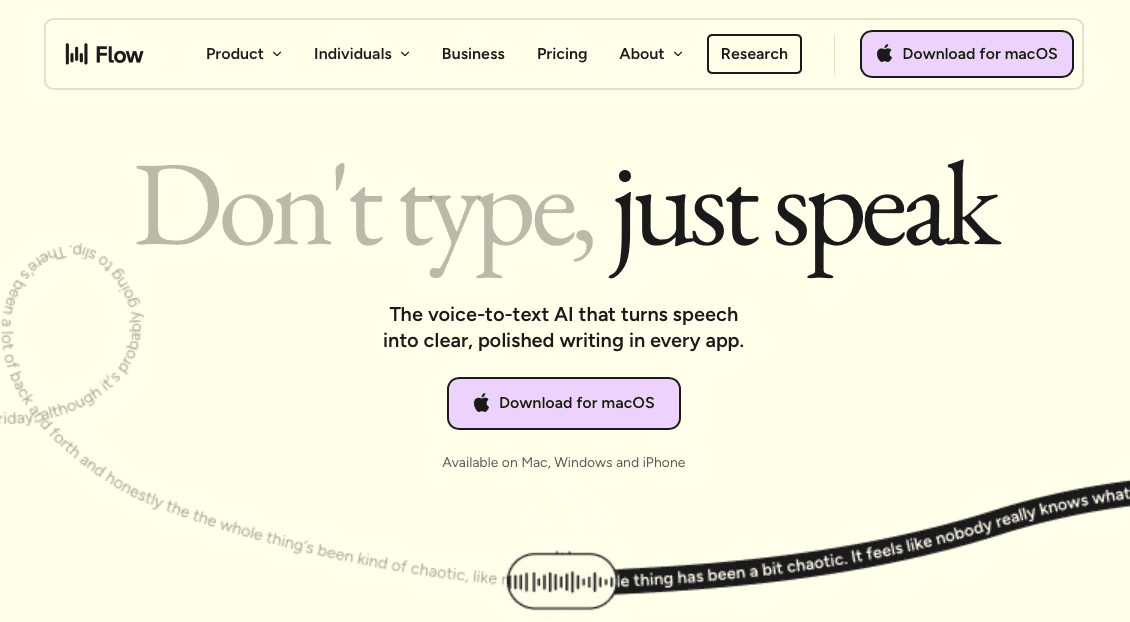
Wispr Flow is a cloud-based dictation tool with support for Cursor, Windsurf, and Replit. It can tag files, capture variable names, and clean up filler words as you speak.
It works across Mac, Windows, iOS, and Android, with formatting that adjusts based on the app you’re using.
The tradeoff is performance and control. It requires a constant internet connection, and all processing happens remotely. Startup times can reach 8 to 10 seconds, and memory usage sits around 800MB even when idle. For developers working with sensitive code, cloud-only processing can also raise concerns.
At $15 per month, those limitations can interrupt flow more than they help.
VoiceInk
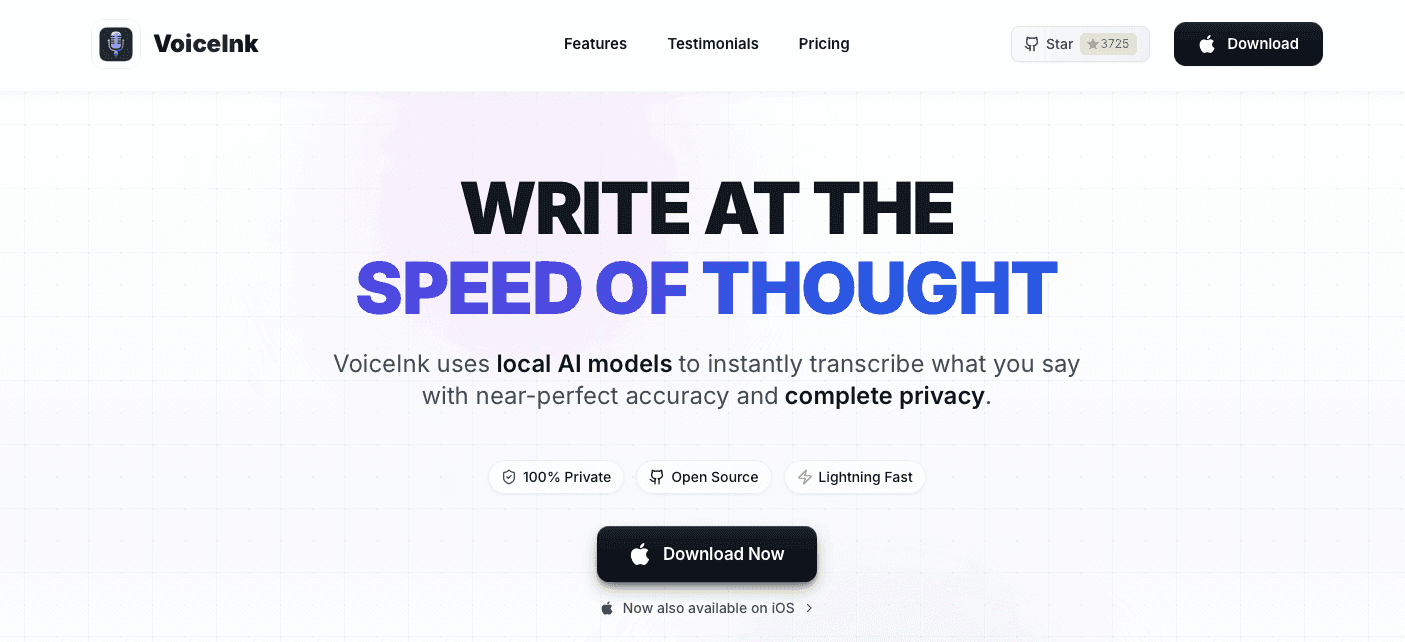
VoiceInk is an open-source option for Mac that processes everything locally. Your prompts stay on your device, and you can train it on custom vocabulary for your projects.
The one-time pricing makes sense for individual developers working on a single machine.
The downside is flexibility. It’s Mac-only, with no Windows support and a limited iOS app. Performance also depends on your hardware, so accuracy and speed can drop if your system is under load.
Monologue
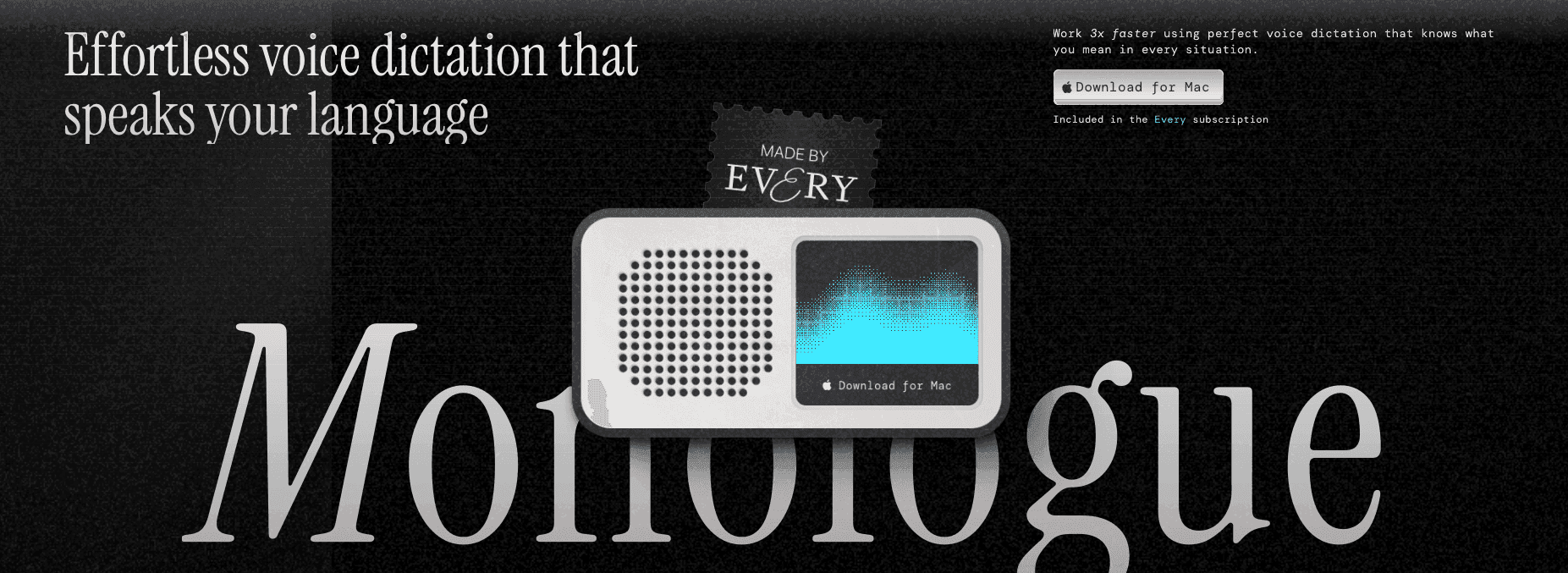
Monologue is designed for writers inside the Every ecosystem. It integrates with tools like Sparkle, Cora, and Spiral, and works well for general content creation.
For vibe coding, it struggles. Latency sits between 500ms and 1 second, which creates noticeable delay while prompting. Accuracy for technical language is around 85 to 90%, so you’ll spend time fixing framework names and variables after each prompt.
Dragon

Dragon is older speech recognition software that still runs on Windows. Its models predate modern AI context awareness, and the Mac version has been discontinued.
Setup may require around 30 minutes of voice training. You’ll also need to manually add technical terms and continue correcting the system over time. With upgrade costs ranging from $300 to $700, it’s not well suited for fast-moving development workflows.
Aqua Voice
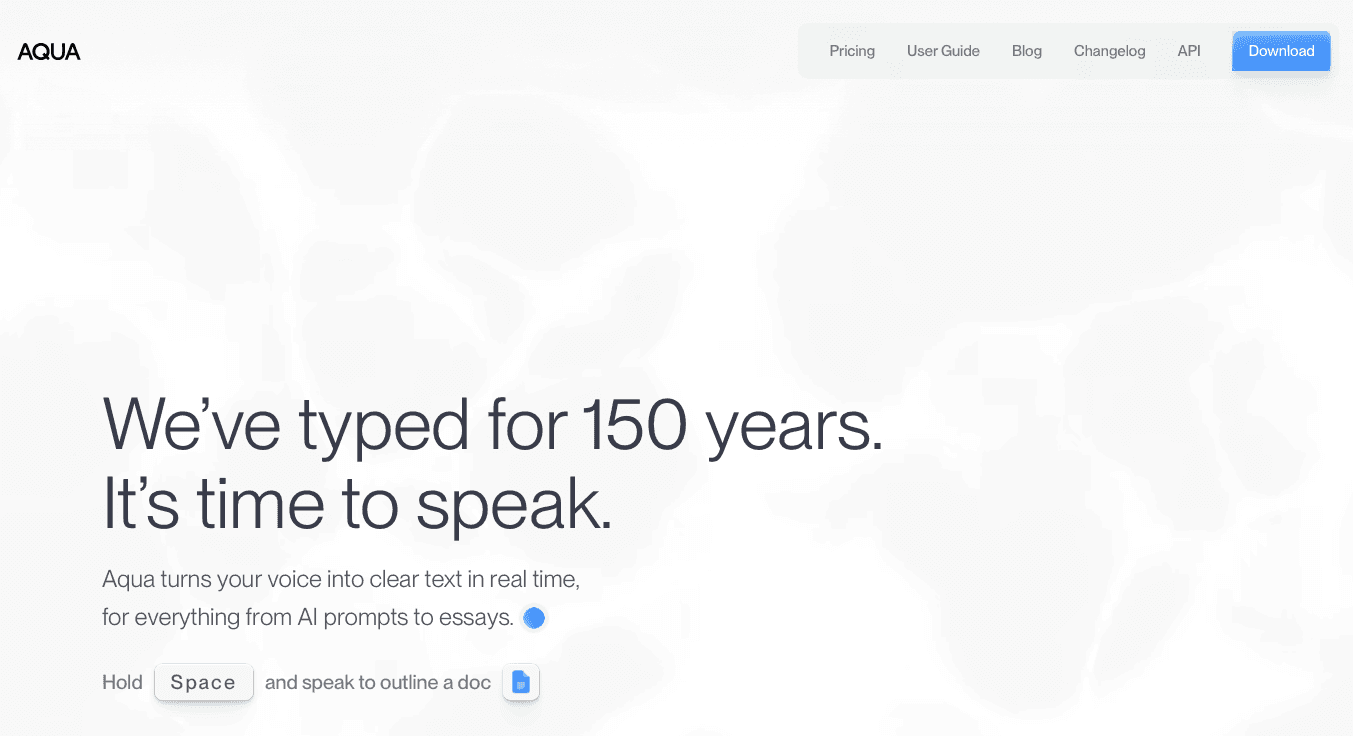
Aqua Voice focuses on voice commands for editing and formatting, along with dictation. It includes screen awareness features that help with technical terms.
The workflow requires learning command syntax, which creates a stop-and-start pattern while speaking. Latency ranges from 500ms to 1 second, which is noticeably slower than faster tools. There’s also no iOS support or enterprise-level compliance.
Typeless

Typeless combines dictation, translation, and chat features into one app. It supports multiple languages and runs on both Mac and Windows.
There are tradeoffs. The tool has faced public questions around privacy and security, with no SOC 2 or HIPAA certification. Accuracy sits around 90%, and latency ranges from 500ms to 1 second. It also doesn’t adapt to your writing style, so outputs often need editing.
For professional development work, those gaps can become blockers.
Why Willow Is the Best Voice Dictation Tool for Vibe Coding
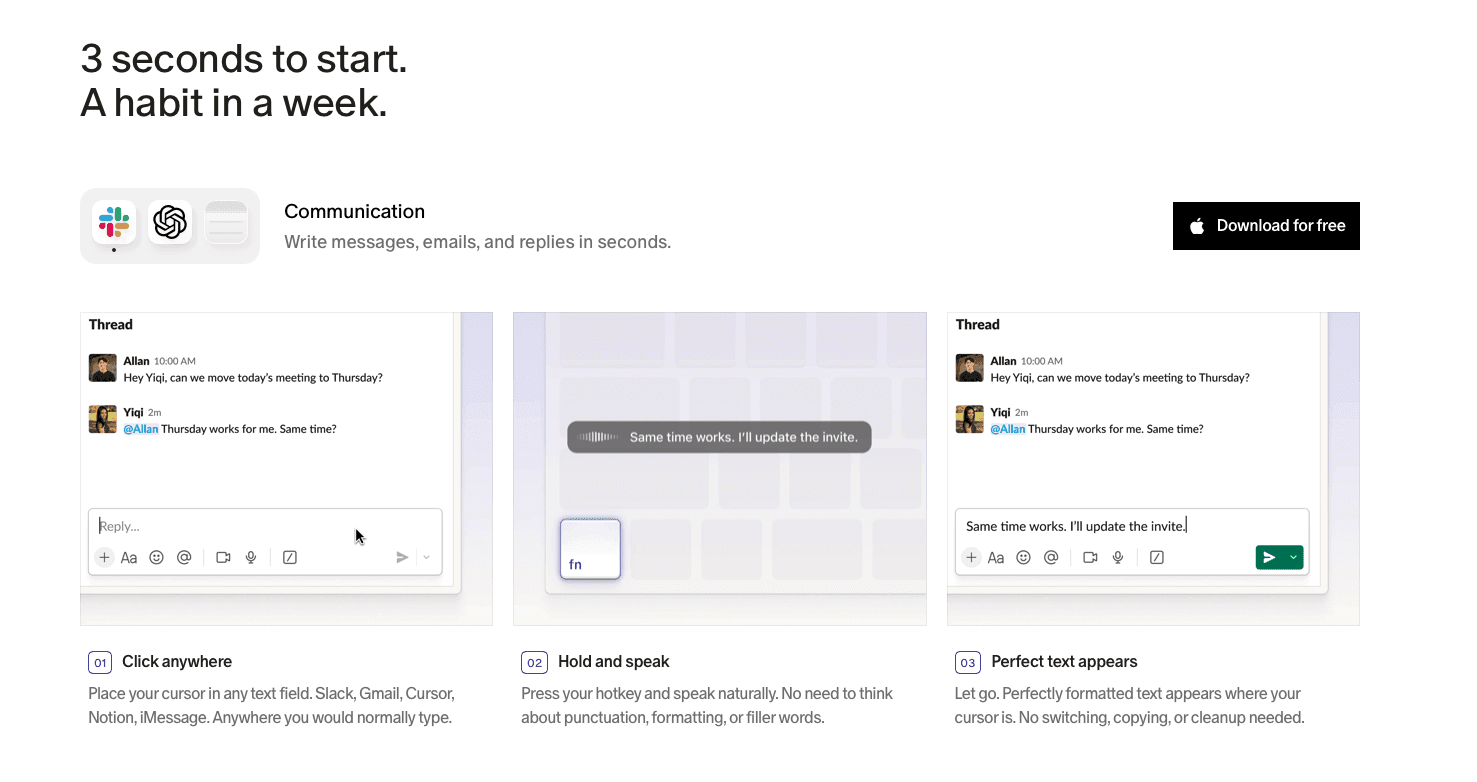
Willow stands out because it’s designed around how developers actually work with AI. The combination of 200ms latency, accurate handling of technical language, and ongoing learning means your prompts come out clean the first time.
Instead of fixing variable names, file references, and formatting after every prompt, you can focus on describing what you want to build. Over time, as Willow adapts to your projects and style, the amount of editing drops further.
For developers at large companies and top YC startup engineering teams, the combination of 200ms speed, personalization, and SOC 2/HIPAA certification makes Willow a strong choice for teams that care about privacy and compliance. Windows, Mac, and iOS support means mixed-device teams work from the same setup, and team-shared dictionaries keep vocabulary aligned across the whole engineering org without admin overhead. That kind of consistent cross-device experience is what makes org-wide adoption stick, especially when developers are moving between a Windows workstation at the office and a Mac or phone at home.
FAQs
Which voice dictation tool is best for developers just starting with vibe coding?
Willow is the best starting point because it works immediately without setup or training: just press a hotkey and speak. You'll stay in flow state with 200ms response time while the AI learns your coding vocabulary automatically, so your prompts to Cursor or Windsurf improve over time without manual configuration.
How do I choose between cloud-based and offline dictation tools for my development workflow?
It depends on what you value more. Cloud tools like Willow offer faster performance and cross-device learning. Offline tools like VoiceInk keep everything local but limit flexibility and can vary based on hardware.
Can voice dictation tools recognize framework names and technical terms accurately?
Tools built for developers like Willow and Wispr Flow learn technical vocabulary and remember corrections automatically: fix "Supabase" or "JWT" once and they tend to remember it in future use. Generic tools like Apple's built-in voice dictation and Monologue treat code terms like regular words and make repeated mistakes you'll need to fix manually.
Final Thoughts on Dictation Tools for Vibe Coding Workflows
The best voice dictation tools for vibe coding come down to one thing: keeping up with how fast you think. Speaking at around 150 words per minute versus typing at roughly 40 gives you far more room to describe intent, edge cases, and structure in a single prompt. Tools like Willow make that speed usable by adapting to your coding style, handling technical vocabulary correctly, and keeping latency low enough that you stay in flow. Richer prompts mean better first-pass code and a workflow that feels faster and more natural. For engineering teams working across Windows and Mac, the shared vocabulary layer, compliance certifications, and cross-device continuity mean that speed compounds across the whole org, well beyond individual developers.
Your vibe coding workflow slows down the moment you start typing prompts instead of saying them out loud. Most developers compress what they mean to save time, which leads to weaker outputs from AI tools. The best voice dictation tools for vibe coding change that by letting you speak at full speed, capture more detail, and stay in flow, especially when paired with modern tools that turn natural speech into clean, usable prompts. For engineering teams at large companies running on Windows, Mac, or a mix of both, the right tool also has to work consistently across every device, hold up under compliance requirements, and fit into how the whole team works, well beyond one developer's setup.
TLDR:
Voice dictation lets you prompt AI coding tools at 150 WPM vs. 40 WPM typing speeds.
Some AI voice tools can hit 200ms latency while learning your technical vocabulary for zero-edit prompts.
Wispr Flow and Apple's built-in voice dictation can struggle with file references and variable naming in coding contexts.
SOC 2 and HIPAA compliance, team-shared dictionaries, team leaderboards, and cross-device support across Windows, Mac, and iOS make Willow a practical choice for engineering teams at large companies.
Certain dictation tools learn your coding style over time and are already in use by developers at top YC startups and at companies like GitHub, Canva, and Webflow.
What Is Vibe Coding?
Vibe coding is a style of AI-assisted development where you describe what you want to build and let tools like Cursor, Windsurf, Claude Code, or GitHub Copilot generate the code. Instead of writing every function line by line, you guide the system with natural language and shape the output through prompts.
Voice dictation pushes this further. Speaking at around 150 words per minute versus typing at 40 to 80 lets you give fuller instructions without slowing down. You can describe structure, constraints, and edge cases in one pass instead of trimming ideas to save time.
It also changes how you think while prompting. Typed prompts tend to get shortened. Spoken prompts stay more complete, which gives the AI better context and leads to stronger first-pass results.
How We Ranked Voice Dictation Tools for Vibe Coding
We looked at what actually matters when you’re prompting AI tools all day: speed, accuracy with technical language, and how well each tool fits into a developer’s workflow.
Latency comes first. Tools that process speech in around 200 milliseconds feel immediate and keep you in flow. Slower tools introduce a noticeable delay between speaking and seeing text, which breaks momentum when you’re describing complex logic.
Next is technical accuracy and personalization. Generic dictation tools often struggle with framework names, variable formats, and API terms. We focused on how well each tool learns your vocabulary and handles code-specific language over time.
Integration also matters. The best tools work wherever you prompt, whether that’s your IDE, terminal, or browser.
Finally, we looked at security and team fit. For teams working with private codebases, standards like SOC 2 and HIPAA are part of the decision. Engineering organizations running across Windows, Mac, and iOS need tools that stay consistent across all three, with shared vocabulary and settings that carry over from one device to the next without extra configuration. For orgs assessing tools at scale, the ability to share dictionaries across a whole engineering team and track usage patterns without manual setup is what separates individual tools from ones built for professional teams.
Quick Comparison: Voice Dictation Tools for Vibe Coding
Tool | Latency | Platforms | Technical Accuracy | Compliance | Best For |
|---|---|---|---|---|---|
Willow | ~200ms | Mac, Windows, iOS | Learns your codebase vocabulary; preserves variable formatting | SOC 2, HIPAA | Developer and engineering teams at large orgs |
Wispr Flow | Varies; 8 to 10s startup | Mac, Windows, iOS, Android | Good general accuracy; struggles with file references | SOC 2 Type II, HIPAA eligible | Individuals across multiple devices |
VoiceInk | Hardware-dependent | Mac only | Trainable on custom vocabulary | Local processing; no certifications | Solo Mac developers on a single machine |
Monologue | 500ms to 1s | Mac | ~85 to 90%; struggles with technical terms | None listed | Writers in the Every ecosystem |
Dragon | Slow; ~30 min setup | Windows only | Requires manual term entry; outdated models | None listed | Legacy Windows workflows |
Aqua Voice | 500ms to 1s | Mac, Windows | Command-based; stop-start flow | None listed | Editing and formatting-focused workflows |
Typeless | 500ms to 1s | Mac, Windows | ~90%; does not adapt to writing style | No SOC 2 or HIPAA | Multi-language dictation needs |
Best Overall Voice Dictation Tool for Vibe Coding in June 2026
Willow
Willow is built for developers who spend most of their time prompting AI coding tools. It reads your open files in Cursor or Windsurf to learn your project's vocabulary, so file names, function names, and project-specific terms are recognized from the start. Variable formatting is preserved automatically, whether that's camelCase, snake_case, or something custom. Terms like Supabase, API, or JWT come out clean, along with email addresses and team-specific formatting patterns. General dictation tools treat prompts like plain text, which leads to broken references and extra editing.
Willow Voice offers two modes. Dictation Mode transcribes speech directly into text with accurate formatting for code terms, variable names, and file references. Willow Scribe uses AI to reshape spoken ideas into clean, structured prompts, so you can think out loud and get polished output without manual cleanup.
Willow runs at around 200ms latency and learns your project vocabulary over time. Fix something once and it sticks, so edits drop the more you use it. Teams run on Mac, Windows, and iOS, sharing custom dictionaries and shortcuts so everyone works from the same vocabulary without per-device setup. Built-in leaderboards show words spoken and time saved across the org, giving managers usage visibility without extra tooling. For teams, it meets SOC 2 and HIPAA standards and is already in use by developers at top YC startups and at companies like GitHub, Canva, and Webflow.
Wispr Flow
Wispr Flow is a cloud-based dictation tool with support for Cursor, Windsurf, and Replit. It can tag files, capture variable names, and clean up filler words as you speak.
It works across Mac, Windows, iOS, and Android, with formatting that adjusts based on the app you’re using.
The tradeoff is performance and control. It requires a constant internet connection, and all processing happens remotely. Startup times can reach 8 to 10 seconds, and memory usage sits around 800MB even when idle. For developers working with sensitive code, cloud-only processing can also raise concerns.
At $15 per month, those limitations can interrupt flow more than they help.
VoiceInk
VoiceInk is an open-source option for Mac that processes everything locally. Your prompts stay on your device, and you can train it on custom vocabulary for your projects.
The one-time pricing makes sense for individual developers working on a single machine.
The downside is flexibility. It’s Mac-only, with no Windows support and a limited iOS app. Performance also depends on your hardware, so accuracy and speed can drop if your system is under load.
Monologue
Monologue is designed for writers inside the Every ecosystem. It integrates with tools like Sparkle, Cora, and Spiral, and works well for general content creation.
For vibe coding, it struggles. Latency sits between 500ms and 1 second, which creates noticeable delay while prompting. Accuracy for technical language is around 85 to 90%, so you’ll spend time fixing framework names and variables after each prompt.
Dragon
Dragon is older speech recognition software that still runs on Windows. Its models predate modern AI context awareness, and the Mac version has been discontinued.
Setup may require around 30 minutes of voice training. You’ll also need to manually add technical terms and continue correcting the system over time. With upgrade costs ranging from $300 to $700, it’s not well suited for fast-moving development workflows.
Aqua Voice
Aqua Voice focuses on voice commands for editing and formatting, along with dictation. It includes screen awareness features that help with technical terms.
The workflow requires learning command syntax, which creates a stop-and-start pattern while speaking. Latency ranges from 500ms to 1 second, which is noticeably slower than faster tools. There’s also no iOS support or enterprise-level compliance.
Typeless
Typeless combines dictation, translation, and chat features into one app. It supports multiple languages and runs on both Mac and Windows.
There are tradeoffs. The tool has faced public questions around privacy and security, with no SOC 2 or HIPAA certification. Accuracy sits around 90%, and latency ranges from 500ms to 1 second. It also doesn’t adapt to your writing style, so outputs often need editing.
For professional development work, those gaps can become blockers.
Why Willow Is the Best Voice Dictation Tool for Vibe Coding
Willow stands out because it’s designed around how developers actually work with AI. The combination of 200ms latency, accurate handling of technical language, and ongoing learning means your prompts come out clean the first time.
Instead of fixing variable names, file references, and formatting after every prompt, you can focus on describing what you want to build. Over time, as Willow adapts to your projects and style, the amount of editing drops further.
For developers at large companies and top YC startup engineering teams, the combination of 200ms speed, personalization, and SOC 2/HIPAA certification makes Willow a strong choice for teams that care about privacy and compliance. Windows, Mac, and iOS support means mixed-device teams work from the same setup, and team-shared dictionaries keep vocabulary aligned across the whole engineering org without admin overhead. That kind of consistent cross-device experience is what makes org-wide adoption stick, especially when developers are moving between a Windows workstation at the office and a Mac or phone at home.
FAQs
Which voice dictation tool is best for developers just starting with vibe coding?
Willow is the best starting point because it works immediately without setup or training: just press a hotkey and speak. You'll stay in flow state with 200ms response time while the AI learns your coding vocabulary automatically, so your prompts to Cursor or Windsurf improve over time without manual configuration.
How do I choose between cloud-based and offline dictation tools for my development workflow?
It depends on what you value more. Cloud tools like Willow offer faster performance and cross-device learning. Offline tools like VoiceInk keep everything local but limit flexibility and can vary based on hardware.
Can voice dictation tools recognize framework names and technical terms accurately?
Tools built for developers like Willow and Wispr Flow learn technical vocabulary and remember corrections automatically: fix "Supabase" or "JWT" once and they tend to remember it in future use. Generic tools like Apple's built-in voice dictation and Monologue treat code terms like regular words and make repeated mistakes you'll need to fix manually.
Final Thoughts on Dictation Tools for Vibe Coding Workflows
The best voice dictation tools for vibe coding come down to one thing: keeping up with how fast you think. Speaking at around 150 words per minute versus typing at roughly 40 gives you far more room to describe intent, edge cases, and structure in a single prompt. Tools like Willow make that speed usable by adapting to your coding style, handling technical vocabulary correctly, and keeping latency low enough that you stay in flow. Richer prompts mean better first-pass code and a workflow that feels faster and more natural. For engineering teams working across Windows and Mac, the shared vocabulary layer, compliance certifications, and cross-device continuity mean that speed compounds across the whole org, well beyond individual developers.

Try Willow for free
Instant, accurate voice dictation. No card required.
Try Willow for free
Instant, accurate voice dictation. No card required.
Other stories you’ll love
Other stories you’ll love


Your keyboard is optional now
" transform="translate(5 5)" width="9.791000051498413px"/></svg>)

The voice-first interface for modern work.
© Willow Care, Inc. 2026. All rights reserved
Your keyboard is optional now
The voice-first interface for modern work.
© Willow Care, Inc. 2026. All rights reserved
Your keyboard is optional now
The voice-first interface for modern work.
© Willow Care, Inc. 2026. All rights reserved