" transform="translate(5 2)" width="10px"/></svg>)

•
5 min read
5 Best Speech to Text Software for Medical Professionals in April 2026
•
5 min read
5 Best Speech to Text Software for Medical Professionals in April 2026
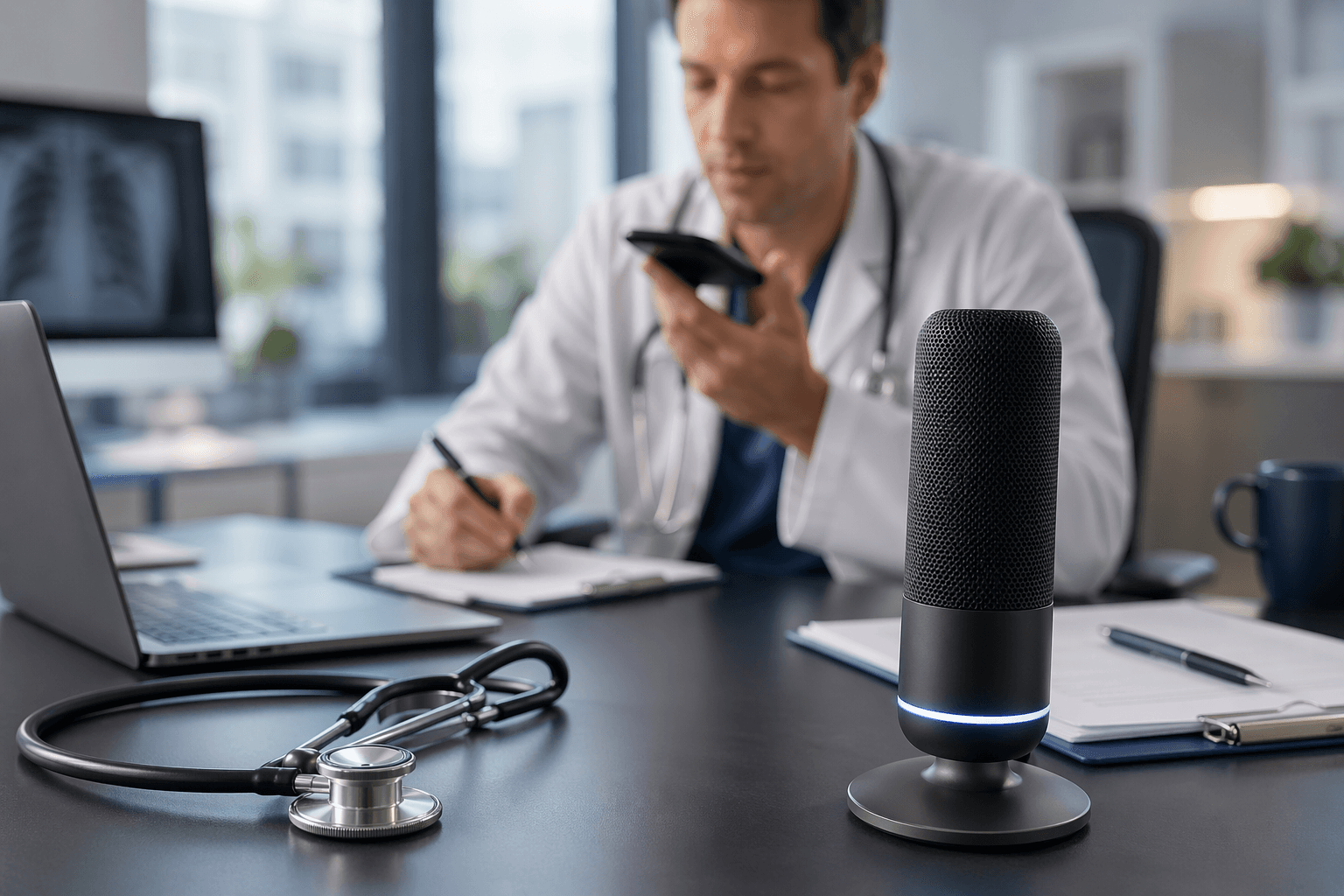
You're charting between patients and the dictation tool just turned "metoprolol tartrate" into "metal tapioca." That's the gap between consumer speech to text software for medical professionals and tools built for clinical settings. Think Wispr Flow or Apple's built-in voice dictation. Medical dictation needs three things most productivity apps ignore: vocabulary that covers drug names and procedures, HIPAA compliance that keeps patient data private, and speed fast enough to keep up with how you actually think. We ranked five tools against those criteria to find which ones handle real documentation workflows instead of just transcribing casual emails.
TLDR:
Medical dictation needs HIPAA compliance, medical vocabulary accuracy, and sub-second speed.
The best tool delivers 200ms latency (fastest available) with zero data retention and SOC 2/HIPAA compliance.
Shared team dictionaries keep clinical terminology consistent across your entire practice.
Dragon requires setup time, while Apple Dictation lacks a BAA and Wispr Flow may require specific HIPAA/BAA settings for PHI workflows.
The top-rated tool learns your speaking style over time, reaching 99% accuracy with zero-edit transcription.
What Is Speech to Text Software for Medical Professionals?
Speech to text software for medical professionals converts spoken words into written text within clinical workflows. Instead of typing out patient notes, diagnoses, or treatment plans, providers simply speak and the software transcribes in real time.
The use case sounds simple, but the execution is anything but. Medical dictation requires recognizing complex terminology, drug names, anatomical references, and procedural codes accurately. A single transcription error in a clinical note can directly affect patient care decisions.
Three things separate medical-grade speech to text from general dictation tools like Wispr Flow or Apple's built-in voice dictation:
Accuracy with clinical vocabulary, beyond everyday language
HIPAA compliance and data privacy standards
Speed that fits into fast-paced care environments
Physicians, nurses, and support staff use these tools across charting, referral letters, patient communications, and EHR documentation. Documentation burden contributes directly to physician burnout, making speed and accuracy critical. For smaller clinics especially, reducing documentation time frees up more hours for patients.
How We Ranked Speech to Text Software for Medical Professionals
Ranking speech to text software for medical professionals means weighing factors that general productivity reviews tend to skip. Here's what we looked at:
Accuracy with medical terminology, drug names, and clinical vocabulary
HIPAA compliance and data security standards
Latency and real-time transcription speed for fast-moving care environments
Cross-device availability, including mobile for on-the-go documentation
Team features like shared dictionaries and custom terminology for clinic-wide consistency
Pricing relative to the value delivered
No single tool aces every category. Some excel at compliance but lag on speed. Others handle terminology well but lack mobile support. The rankings below reflect the full picture, beyond one standout feature.
Tool | HIPAA Compliant | Medical Vocabulary | Latency | Mobile Support | Team Features |
|---|---|---|---|---|---|
Willow | Yes (SOC 2, zero data retention) | 99% coverage, no setup needed | 200ms (fastest available) | Mac, Windows, iOS | Shared dictionaries, clinic-wide terminology |
Dragon Medical One | Yes | 99.9% accuracy, built for EHR | 300ms-800ms | Desktop app plus PowerMic Mobile microphone app | Limited; no shared dictionaries |
Wispr Flow | HIPAA/BAA available on supported plans | General vocabulary only | Fast, cloud-only | Mac, Windows | Cross-device sync, no clinical tools |
Aqua Voice | No | General vocabulary only | 500ms-1 second | Mac, Windows only (no iOS) | No team features |
Apple Dictation | No (no BAA available) | No medical optimization | 700ms+ | All Apple devices | No team or custom dictionary support |
Best Overall Speech to Text Software for Medical Professionals: Willow

Willow is built for the way medical professionals actually work: fast, context-heavy, and unforgiving of errors.
Where Willow genuinely separates itself is personalization, speed, and team collaboration. Over time, Willow learns each physician's speaking style and vocabulary, getting more accurate with every session: you spend less time making edits because it becomes the most accurate dictation tool for you. At 200ms latency, it's the fastest dictation tool available, well ahead of alternatives like Wispr Flow and Apple's built-in voice dictation, which run at 700ms or more. That gap means you stay in flow state instead of waiting for text to catch up mid-thought. Enterprise-grade security (SOC 2 and HIPAA compliant with zero data retention) and collaboration features like shared dictionaries let entire clinic teams standardize terminology clinic-wide while keeping patient information private.
Key features for medical professionals:
99% medical vocabulary coverage without any manual setup required
Zero-edit dictation that adapts to your personal speaking style over time
Shared custom dictionaries for clinic-wide terminology consistency
Universal support across Mac, Windows, and iOS
Additional features: Offline mode for sensitive or air-gapped environments
"Willow understands your tone, adapts to your speaking style, and delivers near-flawless accuracy in real-time."
Whether you're charting between patients or drafting referral letters from your phone, Willow keeps up.
Dragon Medical One
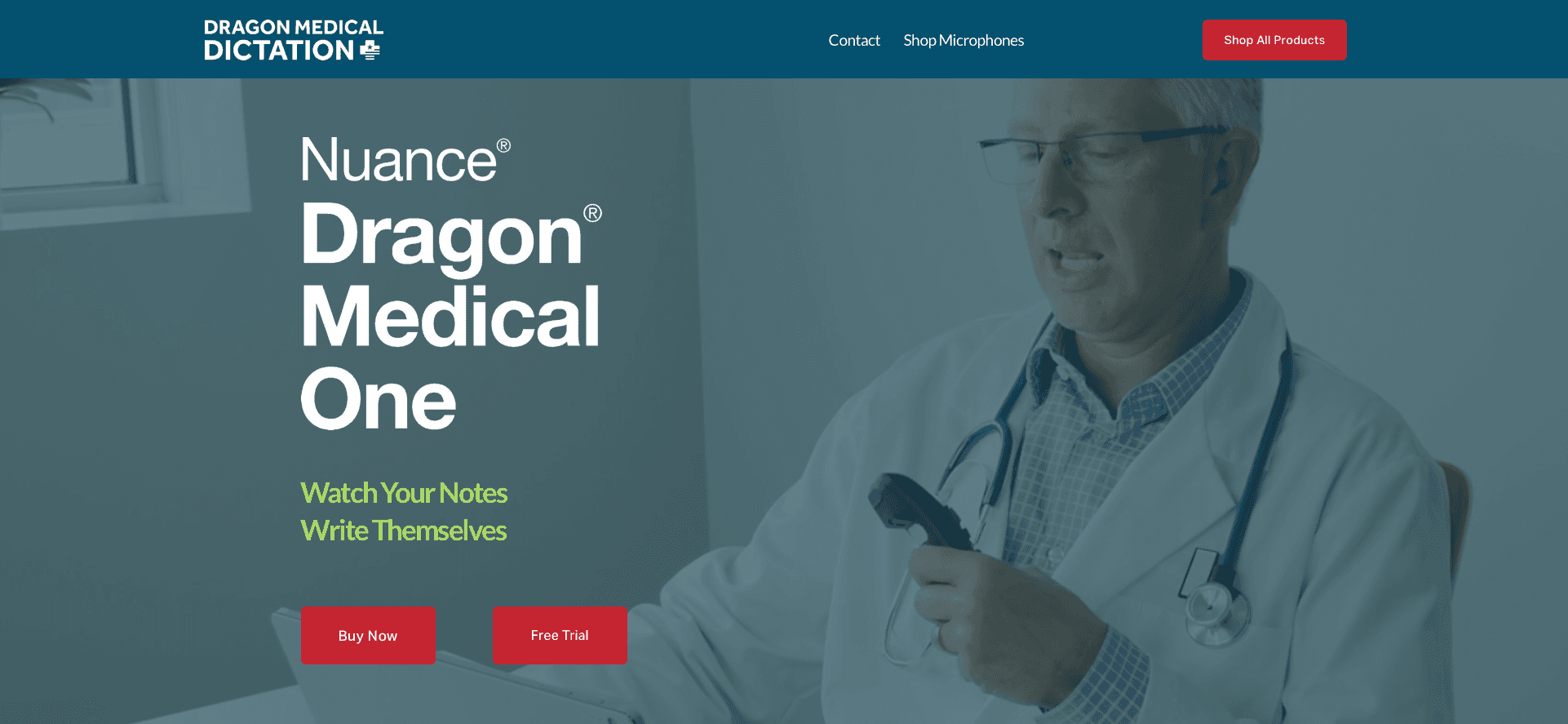
Dragon Medical One is the legacy standard in medical dictation, and it earned that reputation for good reason. Built for healthcare, it carries 99.9% accuracy claims and lets physicians document at up to 160 WPM directly into EHR systems.
What They Offer
Document at cursor or use a dictation box for text transfer between apps
Documentation up to 3x faster than typing
Automated content insertion for repetitive data entry
Cloud-based access with PowerMic Mobile app for smartphone dictation
Good for: Large hospital systems with dedicated IT support and physicians already deep in Dragon workflows.
The limitations are real, though. Setup and deployment can take time, and latency runs between 300ms and 800ms, meaning text arrives in chunks that interrupt your train of thought. Its Windows-only roots and 2GB+ installation make it clunky for smaller clinics without IT teams. Willow skips the training overhead entirely and processes at sub-200ms, keeping thought and text in sync.
Wispr Flow
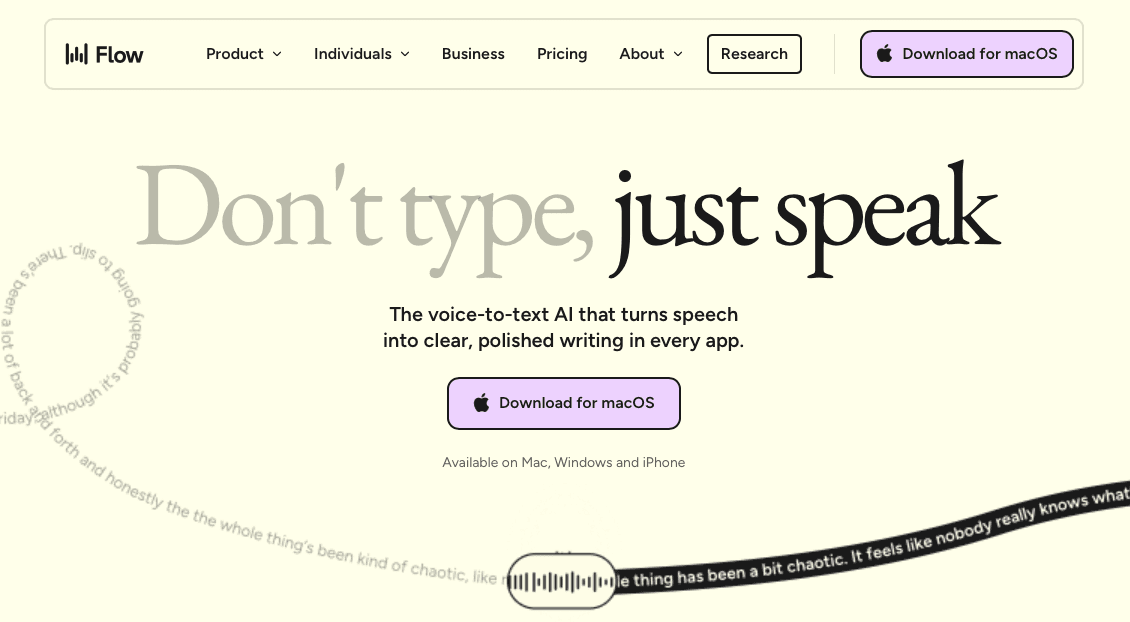
Wispr Flow is a strong general-purpose dictation tool. It works across apps, removes filler words, handles 100+ languages, and adapts its output style to match whatever you're writing in. For everyday professionals, that's a solid package.
What They Offer
Multiple AI layers for filler word removal, punctuation, and style adaptation
Auto-detect language feature for multilingual users
Command Mode for voice-based text editing
Cross-device sync for custom dictionaries and notes
Good for: General professionals who need context-aware dictation across multiple apps.
The medical fit is weak, though. Wispr Flow is cloud-only with no offline mode, which creates real problems in environments with strict data residency requirements or spotty connectivity. HIPAA/BAA support may be available, but it is not positioned as a medical dictation tool with dedicated medical vocabulary optimization. Users have also flagged persistent background processes and difficult uninstalls.
For general work, it gets the job done. For clinical documentation, Willow's offline capability, HIPAA compliance, and medical-grade accuracy make it the more responsible choice.
Aqua Voice
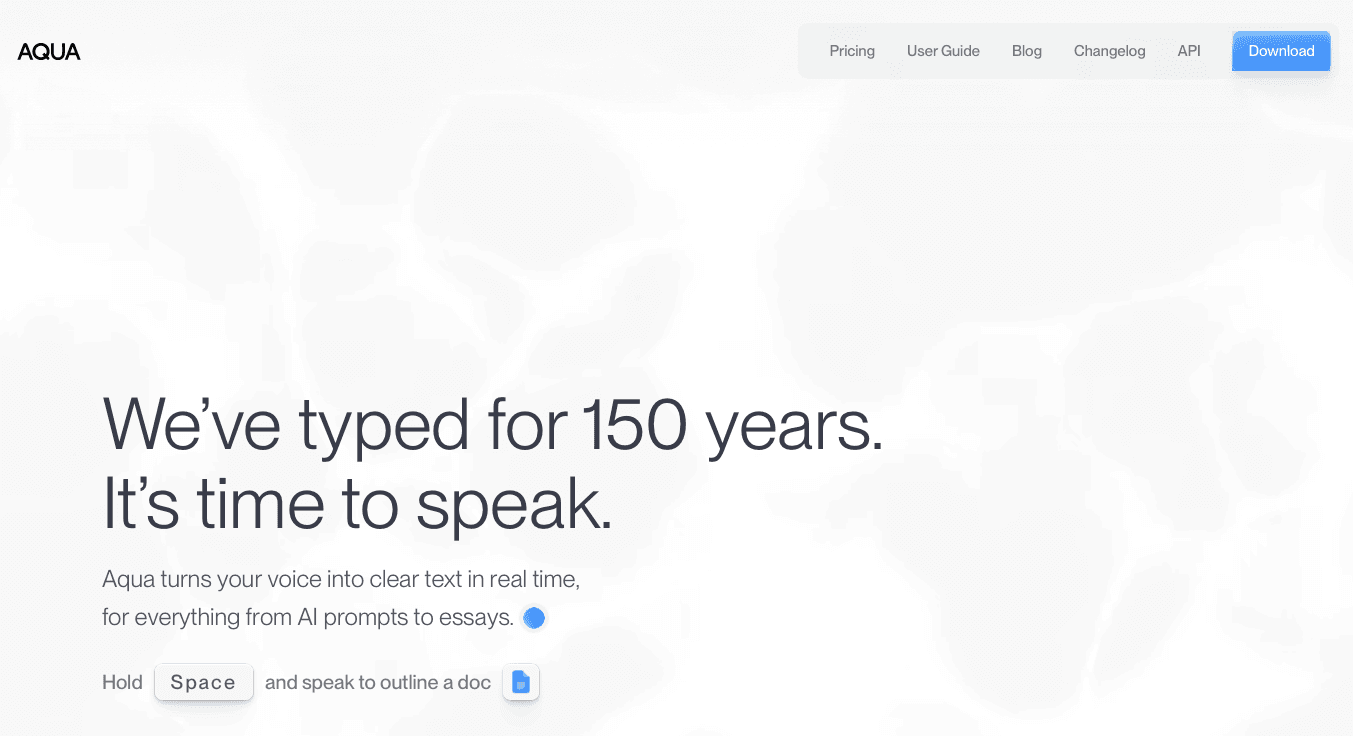
Aqua Voice leans into precision control. It streams text continuously and lets users edit through explicit voice command syntax, which appeals to technical writers and coders who want manual configuration over AI-driven automation.
What They Offer
Continuous text streaming with voice commands for editing and formatting
Desktop support for macOS and Windows
Voice command syntax for hands-free text manipulation
Good for: Desktop-only users who prefer explicit voice command control.
The clinical fit breaks down quickly. No iOS support eliminates mobile dictation entirely, which is a hard stop for physicians moving between exam rooms on rounds. Latency runs between 500ms and 1 second, noticeably slower than Willow's 200ms. The command syntax also has to be memorized, adding cognitive load right when attention needs to stay on the patient.
Willow processes faster, works on mobile, and speaks your language without a manual.
Apple Built-in Voice Dictation
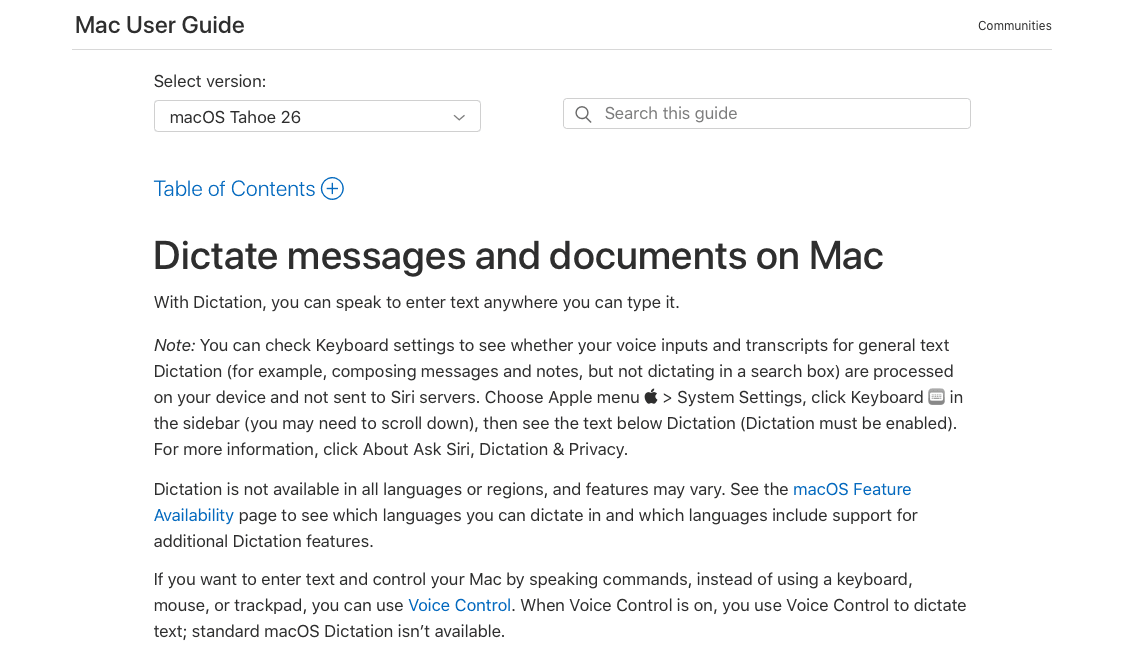
Apple's built-in dictation is the simplest entry point: free, pre-installed on every Mac, iPhone, and iPad, and ready to use without a single subscription.
What They Offer
Free dictation across all Apple devices with no setup required
On-device processing for basic offline use
Basic punctuation and formatting commands
Good for: Casual users with straightforward dictation needs and no compliance requirements.
Apple Dictation has no medical vocabulary optimization, so drug names, diagnoses, and clinical terminology get mangled regularly. There's no HIPAA compliance and no Business Associate Agreement available, which typically makes it unsuitable for Protected Health Information. It can't learn individual speaking styles, and there's no shared dictionary for team-wide terminology. Every error gets cleaned up manually.
For the occasional personal note, it works fine. For charting, referral letters, or any patient-facing documentation, Willow's medical accuracy, HIPAA compliance, and personalization put it in a completely different category.
Why Willow Is the Best Speech to Text Software for Medical Professionals
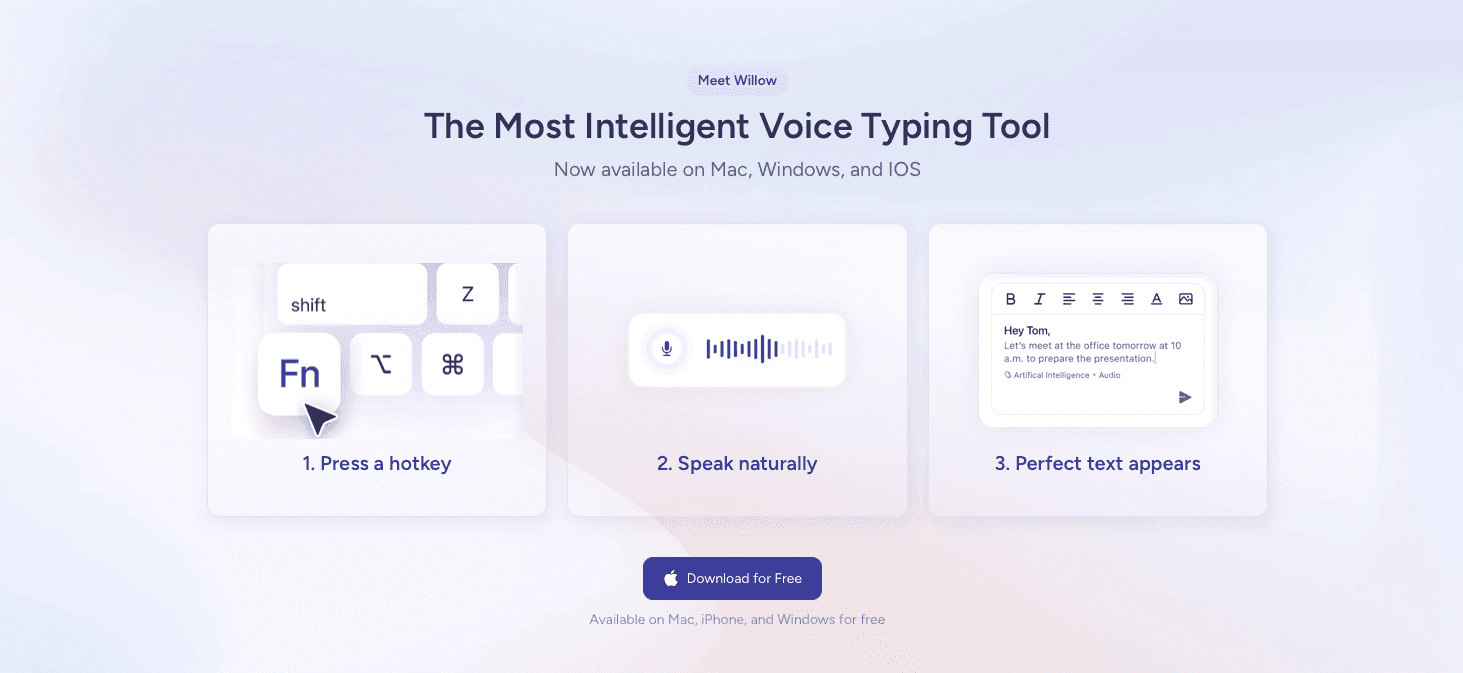
Most dictation tools make you choose: compliance or speed, accuracy or simplicity, cloud power or offline privacy. Willow removes that trade-off entirely.
Dragon covers compliance but demands 30 minutes of training and still lags on latency. Wispr Flow moves fast but fails the HIPAA test. Aqua Voice offers control without mobile support. Apple Dictation costs nothing and delivers accordingly.
Willow is the only tool that clears every bar medical professionals actually need:
AI that learns your voice, vocabulary, and clinical style over time: you spend less time making edits because it becomes the most accurate dictation tool for you.
200ms latency, the fastest of any dictation tool available: you stay in flow state instead of waiting for text to catch up, while competitors sit at 700ms or higher.
Enterprise-grade security (SOC 2, HIPAA compliant with zero data retention) and collaboration features like shared team dictionaries that keep terminology consistent across every provider in your clinic.
Additional features: Works across Mac, Windows, and iOS with no training required, plus offline mode for sensitive or air-gapped environments.
FAQs
Can I use general dictation tools like Apple's built-in voice typing for patient documentation?
Generally no. Apple's built-in dictation lacks HIPAA compliance, offers no Business Associate Agreement, and has no medical vocabulary optimization, making it unsuitable for any Protected Health Information workflows. While it works for personal notes, clinical documentation requires tools built for healthcare like Willow or Dragon Medical One.
What's the difference between cloud-based and offline speech to text for medical use?
Cloud-based tools like Willow process faster and learn from your speaking patterns over time, while offline-only options keep all data local but typically run slower and can't improve through AI learning. Willow offers both: fast cloud processing with zero data retention for everyday use, plus an offline mode for air-gapped environments or strict data residency requirements.
When should I switch from Dragon Medical One to a newer speech to text tool?
If you're spending 30+ minutes on voice training per new user, waiting through 300-800ms latency that interrupts your flow, or need mobile dictation and team dictionaries that Dragon doesn't offer, switching to Willow makes sense. Willow works instantly without training, processes at 200ms, and supports your entire team across Mac, Windows, and iOS with shared terminology.
Final Thoughts on Medical Speech Recognition Software
The right speech to text software for medical professionals should make documentation faster, not create new problems with compliance gaps or accuracy issues. Willow adapts to how you speak, processes at 200ms so text appears instantly, and keeps patient information private with offline mode and zero retention. You can download Willow free and start charting faster without the training overhead or latency lag that makes other tools frustrating. Stop editing bad transcripts and start documenting at the speed of thought.
You're charting between patients and the dictation tool just turned "metoprolol tartrate" into "metal tapioca." That's the gap between consumer speech to text software for medical professionals and tools built for clinical settings. Think Wispr Flow or Apple's built-in voice dictation. Medical dictation needs three things most productivity apps ignore: vocabulary that covers drug names and procedures, HIPAA compliance that keeps patient data private, and speed fast enough to keep up with how you actually think. We ranked five tools against those criteria to find which ones handle real documentation workflows instead of just transcribing casual emails.
TLDR:
Medical dictation needs HIPAA compliance, medical vocabulary accuracy, and sub-second speed.
The best tool delivers 200ms latency (fastest available) with zero data retention and SOC 2/HIPAA compliance.
Shared team dictionaries keep clinical terminology consistent across your entire practice.
Dragon requires setup time, while Apple Dictation lacks a BAA and Wispr Flow may require specific HIPAA/BAA settings for PHI workflows.
The top-rated tool learns your speaking style over time, reaching 99% accuracy with zero-edit transcription.
What Is Speech to Text Software for Medical Professionals?
Speech to text software for medical professionals converts spoken words into written text within clinical workflows. Instead of typing out patient notes, diagnoses, or treatment plans, providers simply speak and the software transcribes in real time.
The use case sounds simple, but the execution is anything but. Medical dictation requires recognizing complex terminology, drug names, anatomical references, and procedural codes accurately. A single transcription error in a clinical note can directly affect patient care decisions.
Three things separate medical-grade speech to text from general dictation tools like Wispr Flow or Apple's built-in voice dictation:
Accuracy with clinical vocabulary, beyond everyday language
HIPAA compliance and data privacy standards
Speed that fits into fast-paced care environments
Physicians, nurses, and support staff use these tools across charting, referral letters, patient communications, and EHR documentation. Documentation burden contributes directly to physician burnout, making speed and accuracy critical. For smaller clinics especially, reducing documentation time frees up more hours for patients.
How We Ranked Speech to Text Software for Medical Professionals
Ranking speech to text software for medical professionals means weighing factors that general productivity reviews tend to skip. Here's what we looked at:
Accuracy with medical terminology, drug names, and clinical vocabulary
HIPAA compliance and data security standards
Latency and real-time transcription speed for fast-moving care environments
Cross-device availability, including mobile for on-the-go documentation
Team features like shared dictionaries and custom terminology for clinic-wide consistency
Pricing relative to the value delivered
No single tool aces every category. Some excel at compliance but lag on speed. Others handle terminology well but lack mobile support. The rankings below reflect the full picture, beyond one standout feature.
Tool | HIPAA Compliant | Medical Vocabulary | Latency | Mobile Support | Team Features |
|---|---|---|---|---|---|
Willow | Yes (SOC 2, zero data retention) | 99% coverage, no setup needed | 200ms (fastest available) | Mac, Windows, iOS | Shared dictionaries, clinic-wide terminology |
Dragon Medical One | Yes | 99.9% accuracy, built for EHR | 300ms-800ms | Desktop app plus PowerMic Mobile microphone app | Limited; no shared dictionaries |
Wispr Flow | HIPAA/BAA available on supported plans | General vocabulary only | Fast, cloud-only | Mac, Windows | Cross-device sync, no clinical tools |
Aqua Voice | No | General vocabulary only | 500ms-1 second | Mac, Windows only (no iOS) | No team features |
Apple Dictation | No (no BAA available) | No medical optimization | 700ms+ | All Apple devices | No team or custom dictionary support |
Best Overall Speech to Text Software for Medical Professionals: Willow
Willow is built for the way medical professionals actually work: fast, context-heavy, and unforgiving of errors.
Where Willow genuinely separates itself is personalization, speed, and team collaboration. Over time, Willow learns each physician's speaking style and vocabulary, getting more accurate with every session: you spend less time making edits because it becomes the most accurate dictation tool for you. At 200ms latency, it's the fastest dictation tool available, well ahead of alternatives like Wispr Flow and Apple's built-in voice dictation, which run at 700ms or more. That gap means you stay in flow state instead of waiting for text to catch up mid-thought. Enterprise-grade security (SOC 2 and HIPAA compliant with zero data retention) and collaboration features like shared dictionaries let entire clinic teams standardize terminology clinic-wide while keeping patient information private.
Key features for medical professionals:
99% medical vocabulary coverage without any manual setup required
Zero-edit dictation that adapts to your personal speaking style over time
Shared custom dictionaries for clinic-wide terminology consistency
Universal support across Mac, Windows, and iOS
Additional features: Offline mode for sensitive or air-gapped environments
"Willow understands your tone, adapts to your speaking style, and delivers near-flawless accuracy in real-time."
Whether you're charting between patients or drafting referral letters from your phone, Willow keeps up.
Dragon Medical One
Dragon Medical One is the legacy standard in medical dictation, and it earned that reputation for good reason. Built for healthcare, it carries 99.9% accuracy claims and lets physicians document at up to 160 WPM directly into EHR systems.
What They Offer
Document at cursor or use a dictation box for text transfer between apps
Documentation up to 3x faster than typing
Automated content insertion for repetitive data entry
Cloud-based access with PowerMic Mobile app for smartphone dictation
Good for: Large hospital systems with dedicated IT support and physicians already deep in Dragon workflows.
The limitations are real, though. Setup and deployment can take time, and latency runs between 300ms and 800ms, meaning text arrives in chunks that interrupt your train of thought. Its Windows-only roots and 2GB+ installation make it clunky for smaller clinics without IT teams. Willow skips the training overhead entirely and processes at sub-200ms, keeping thought and text in sync.
Wispr Flow
Wispr Flow is a strong general-purpose dictation tool. It works across apps, removes filler words, handles 100+ languages, and adapts its output style to match whatever you're writing in. For everyday professionals, that's a solid package.
What They Offer
Multiple AI layers for filler word removal, punctuation, and style adaptation
Auto-detect language feature for multilingual users
Command Mode for voice-based text editing
Cross-device sync for custom dictionaries and notes
Good for: General professionals who need context-aware dictation across multiple apps.
The medical fit is weak, though. Wispr Flow is cloud-only with no offline mode, which creates real problems in environments with strict data residency requirements or spotty connectivity. HIPAA/BAA support may be available, but it is not positioned as a medical dictation tool with dedicated medical vocabulary optimization. Users have also flagged persistent background processes and difficult uninstalls.
For general work, it gets the job done. For clinical documentation, Willow's offline capability, HIPAA compliance, and medical-grade accuracy make it the more responsible choice.
Aqua Voice
Aqua Voice leans into precision control. It streams text continuously and lets users edit through explicit voice command syntax, which appeals to technical writers and coders who want manual configuration over AI-driven automation.
What They Offer
Continuous text streaming with voice commands for editing and formatting
Desktop support for macOS and Windows
Voice command syntax for hands-free text manipulation
Good for: Desktop-only users who prefer explicit voice command control.
The clinical fit breaks down quickly. No iOS support eliminates mobile dictation entirely, which is a hard stop for physicians moving between exam rooms on rounds. Latency runs between 500ms and 1 second, noticeably slower than Willow's 200ms. The command syntax also has to be memorized, adding cognitive load right when attention needs to stay on the patient.
Willow processes faster, works on mobile, and speaks your language without a manual.
Apple Built-in Voice Dictation
Apple's built-in dictation is the simplest entry point: free, pre-installed on every Mac, iPhone, and iPad, and ready to use without a single subscription.
What They Offer
Free dictation across all Apple devices with no setup required
On-device processing for basic offline use
Basic punctuation and formatting commands
Good for: Casual users with straightforward dictation needs and no compliance requirements.
Apple Dictation has no medical vocabulary optimization, so drug names, diagnoses, and clinical terminology get mangled regularly. There's no HIPAA compliance and no Business Associate Agreement available, which typically makes it unsuitable for Protected Health Information. It can't learn individual speaking styles, and there's no shared dictionary for team-wide terminology. Every error gets cleaned up manually.
For the occasional personal note, it works fine. For charting, referral letters, or any patient-facing documentation, Willow's medical accuracy, HIPAA compliance, and personalization put it in a completely different category.
Why Willow Is the Best Speech to Text Software for Medical Professionals
Most dictation tools make you choose: compliance or speed, accuracy or simplicity, cloud power or offline privacy. Willow removes that trade-off entirely.
Dragon covers compliance but demands 30 minutes of training and still lags on latency. Wispr Flow moves fast but fails the HIPAA test. Aqua Voice offers control without mobile support. Apple Dictation costs nothing and delivers accordingly.
Willow is the only tool that clears every bar medical professionals actually need:
AI that learns your voice, vocabulary, and clinical style over time: you spend less time making edits because it becomes the most accurate dictation tool for you.
200ms latency, the fastest of any dictation tool available: you stay in flow state instead of waiting for text to catch up, while competitors sit at 700ms or higher.
Enterprise-grade security (SOC 2, HIPAA compliant with zero data retention) and collaboration features like shared team dictionaries that keep terminology consistent across every provider in your clinic.
Additional features: Works across Mac, Windows, and iOS with no training required, plus offline mode for sensitive or air-gapped environments.
FAQs
Can I use general dictation tools like Apple's built-in voice typing for patient documentation?
Generally no. Apple's built-in dictation lacks HIPAA compliance, offers no Business Associate Agreement, and has no medical vocabulary optimization, making it unsuitable for any Protected Health Information workflows. While it works for personal notes, clinical documentation requires tools built for healthcare like Willow or Dragon Medical One.
What's the difference between cloud-based and offline speech to text for medical use?
Cloud-based tools like Willow process faster and learn from your speaking patterns over time, while offline-only options keep all data local but typically run slower and can't improve through AI learning. Willow offers both: fast cloud processing with zero data retention for everyday use, plus an offline mode for air-gapped environments or strict data residency requirements.
When should I switch from Dragon Medical One to a newer speech to text tool?
If you're spending 30+ minutes on voice training per new user, waiting through 300-800ms latency that interrupts your flow, or need mobile dictation and team dictionaries that Dragon doesn't offer, switching to Willow makes sense. Willow works instantly without training, processes at 200ms, and supports your entire team across Mac, Windows, and iOS with shared terminology.
Final Thoughts on Medical Speech Recognition Software
The right speech to text software for medical professionals should make documentation faster, not create new problems with compliance gaps or accuracy issues. Willow adapts to how you speak, processes at 200ms so text appears instantly, and keeps patient information private with offline mode and zero retention. You can download Willow free and start charting faster without the training overhead or latency lag that makes other tools frustrating. Stop editing bad transcripts and start documenting at the speed of thought.

Try Willow for free
Instant, accurate voice dictation. No card required.
Try Willow for free
Instant, accurate voice dictation. No card required.
Other stories you’ll love
Other stories you’ll love


Your keyboard is optional now
" transform="translate(5 5)" width="9.791000051498413px"/></svg>)

The voice-first interface for modern work.
© Willow Care, Inc. 2026. All rights reserved
Your keyboard is optional now
The voice-first interface for modern work.
© Willow Care, Inc. 2026. All rights reserved
Your keyboard is optional now
The voice-first interface for modern work.
© Willow Care, Inc. 2026. All rights reserved