" transform="translate(5 2)" width="10px"/></svg>)

•
5 min read
6 Best Speech to Text Apps for iPad (July 2026)
•
5 min read
6 Best Speech to Text Apps for iPad (July 2026)
Typing long emails or documents on your iPad feels productive for about five minutes, then your fingers start cramping, and you remember why real keyboards exist. Speech-to-text apps for iPads solve that problem by letting you speak at 150 words per minute instead of tapping at 40, which turns a 30-minute typing session into something closer to 10 minutes of talking. The apps worth using go beyond raw transcription to clean up your filler words, match your tone, and work inside Gmail, Slack, Notion, or whatever else you're already using without forcing awkward workarounds.
A doctor finishing patient notes between appointments can speak them directly into their EHR without touching the keyboard. A founder drafting a weekly investor update speaks it out loud during a walk, and it lands in their inbox polished and ready to send. A customer success manager clears a backlog of 20 Slack replies in the time it would normally take to type five. These are the situations where a well-built speech-to-text app stops being a curiosity and starts being part of how you actually work.
TLDR:
Speech-to-text apps let you speak at 150 WPM, compared to typing at 40 WPM on an iPad's touch keyboard.
The top pick delivers 200ms processing speed and learns your writing style, reducing edits over time.
Most tools lack offline modes, team dictionaries, or SOC 2/HIPAA compliance for professional use.
Apple's built-in dictation is free but delivers 3x lower accuracy with no context awareness.
The best option serves as a custom iOS keyboard in any iPad app without switching back to the default keyboard.
What Are Speech-to-Text Apps for iPad?
Speech-to-text apps convert spoken words into written text in real time, directly inside whatever app you're using. Emails, forms, and Slack replies: voice handles it all. On iPad, this matters more than most people expect. The touch keyboard works for quick replies, but extended writing on glass gets tedious fast. Speaking at 150 WPM versus touchscreen typing speeds is a difference you feel immediately.
The best apps go beyond basic transcription. They understand context, clean up filler words, match your tone, and work across every app on your device. That gap between basic voice typing and a genuinely smart dictation tool is exactly where these apps compete.
How We Ranked the Best Speech-to-Text Apps for iPad
Every app on this list was tested against the same criteria, based on feature documentation, user reviews, and iPad capabilities.
Transcription accuracy across accents and natural speech patterns
Processing speed and latency
Compatibility across all your iPad apps, beyond one or two
Support for custom keyboard functionality on iOS
AI-powered formatting, filler word removal, and editing
Privacy and security standards, especially for professional use
Each app was assessed using publicly available feature documentation, verified user reviews from the App Store and third-party review sites, and hands-on assessment of iPad-specific behavior, including keyboard integration, app-switching friction, and latency under real typing conditions. Where apps offer free tiers or trials, those were used to test the out-of-the-box experience. Enterprise claims around SOC 2 and HIPAA compliance were cross-referenced with official documentation. Pricing was confirmed at the time of writing and may change.
No single criterion wins alone. The rankings reflect how well each option performs across all these factors.
App | Processing Speed | Personalization | iOS Keyboard | Offline Mode Availability | Team & Security | Pricing | Best For |
|---|---|---|---|---|---|---|---|
Willow | 200ms latency | Learns your style, vocabulary, and corrections automatically | Yes, works in any app | Yes | SOC 2, HIPAA, shared dictionaries | Free tier (2,000 words/week) | Teams and professionals who need speed, accuracy, and enterprise security |
Wispr Flow | 700ms+ | Custom dictionary and snippets sync across devices | Popup required (Apple restriction) | No | SOC 2 Type II, HIPAA BAA available, zero data retention | Paid plans available | Cross-device users who work across Mac, Windows, and mobile |
Apple Dictation | Variable | None | Built into the default keyboard | Yes, many languages | Apple ecosystem privacy | Free with every iPad | Light users who need quick notes with no setup |
Dragon Anywhere | 700ms+ | Manual voice training for vocabulary | In-app only | No | Enterprise options via Nuance | $14.99/month | Long-time Dragon users who are doing extended documentation sessions |
Superwhisper | Varies by model | Custom modes and prompt layers | iOS support available | Yes, fully on-device | No cloud processing | One-time license | Privacy-first Mac users who prefer fully on-device processing |
Monologue | 500ms to 1 second | Personal dictionary syncs across Mac and iOS | In-app only | No | No enterprise certifications | $10/month or $30/month (Every bundle) | Creative writers who have already subscribed to Every's app bundle |
Feature Availability Matrix
Feature | Willow | Wispr Flow | Apple Dictation | Dragon Anywhere | Superwhisper | Monologue |
|---|---|---|---|---|---|---|
Native iOS Keyboard | ✓ | Popup only | ✓ (built-in) | ✗ | Limited | ✗ |
Offline Mode | ✓ | ✗ | ✓ (many languages) | ✗ | ✓ (on-device) | ✗ |
Filler Word Removal | ✓ | ✓ | ✗ | ✗ | Partial | ✓ |
Writing Style Learning | ✓ (auto) | Partial | ✗ | Manual only | ✗ | ✗ |
Team Dictionary | ✓ | ✗ | ✗ | ✗ | ✗ | ✗ |
SOC 2 / HIPAA | ✓ | ✓ | ✗ | Enterprise only | ✗ | ✗ |
Cross-device | iOS, Mac, Windows | Mac, Windows, iOS, Android | Apple only | iOS, Android | Mac, iOS | Mac, iOS |
Free Tier | ✓ | ✓ | ✓ (free) | ✗ | One-time license | 1,000 free words |
Best Overall Speech-to-Text App for iPad: Willow Voice
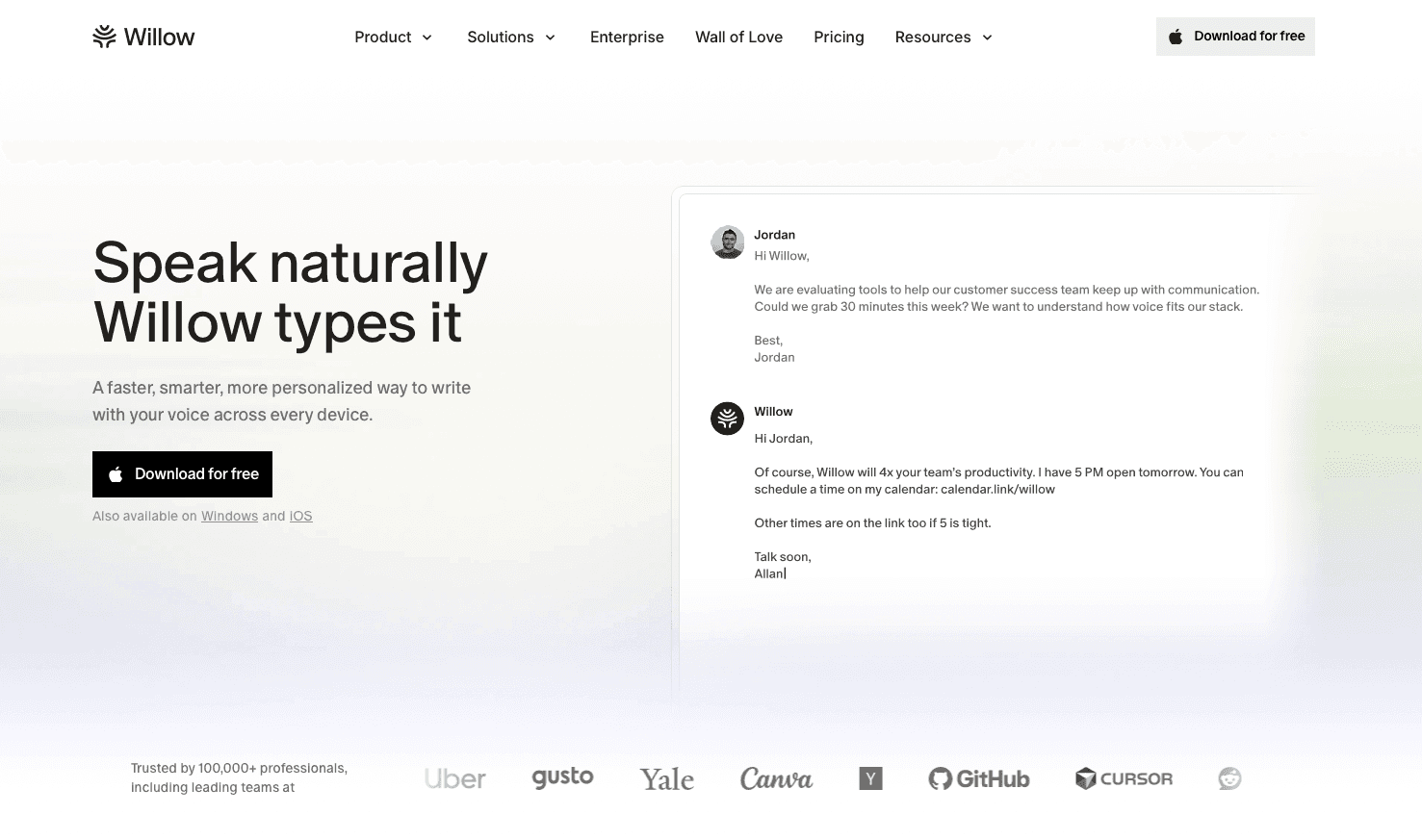
Willow Voice is the fastest speech-to-text app for iPad. At ~200ms latency, it processes your voice faster than the other options in this list, and unlike Wispr Flow or Apple's built-in dictation, it gets smarter the longer you use it.
What Willow Offers
Personalization engine that learns your writing style, vocabulary, and corrections over time, so accuracy improves the longer you use it, with less time spent editing
200ms processing speed that keeps you in flow state instead of waiting for text to catch up (competing tools like Dragon Anywhere and Monologue run at 700ms+ or more)
Built for teams with SOC 2 compliance in healthcare, shared team dictionaries for consistent terminology, and enterprise-grade security across iOS, Mac, and Windows
Custom iOS keyboard that works inside any iPad app without switching back to the default Apple keyboard
Context-aware formatting that auto-adjusts tone depending on where you're typing
Offline mode for fully private dictation without an internet connection
100+ language support
Available on iOS, Mac, and Windows, the same personalization engine, shared dictionaries, and offline mode work across all platforms your team uses
Pros
200ms processing speed keeps you in flow state without waiting for text to catch up
Personalization engine learns your writing style, vocabulary, and corrections automatically
SOC 2 and HIPAA compliance with shared team dictionaries for enterprise use
Custom iOS keyboard works inside any iPad app without switching back to Apple's keyboard
Offline mode for fully private dictation without an internet connection
Cons
Free tier capped at 2,000 words per week; full usage requires a paid plan
Requires a separate app install, unlike Apple's built-in dictation
Most dictation tools on iPad require awkward workarounds or only function inside their own app. Willow works as a true custom keyboard, so you're speaking inside Gmail, Slack, Notion, or anything else you already use.
"I love that whatever I'm doing on my Mac, I can now speak into that application and my words appear typed, as if by magic. It's made me much more productive, but I also think it's made me much more prolific because I'm now committing words to screen I never would have done before."
- Jon Cousins, Product Hunt review
Willow Voice remembers your corrections, adapts to your tone, and automatically removes filler words. Over time, the gap between what you say and what you meant to write shrinks to almost nothing.
For teams, Willow goes further than any consumer-focused alternative. IT admins can deploy Willow org-wide and manage access through a centralized dashboard. Shared custom dictionaries and voice shortcuts automatically sync across every team member's device, so a medical practice, legal firm, or sales team speaks the same terminology from day one. SOC 2 Type II certification and HIPAA compliance mean security reviews don't stall rollout. You bring documentation to your InfoSec team, not workarounds.
Willow scales from one person to an entire organization without changing workflow. The same voice keyboard that works on your iPad also runs system-wide on Mac and Windows, so your team isn't locked into one device type.
Willow Voice's free plan includes 2,000 words per week that recharge automatically, with no credit card required and no time limit. For heavier individual use, the paid plan runs $12/month (billed annually). Teams pay $10 per user per month, which includes shared dictionaries, team shortcuts, and the admin dashboard for org-wide deployment. Larger organizations with specific compliance requirements, custom onboarding, or volume needs can reach out for enterprise pricing. Willow works with companies like Uber and Gusto at that tier. SOC 2 Type II certification and a zero-data-retention architecture apply across all plans; a signed BAA is available at the enterprise tier for organizations that need it.
Wispr Flow
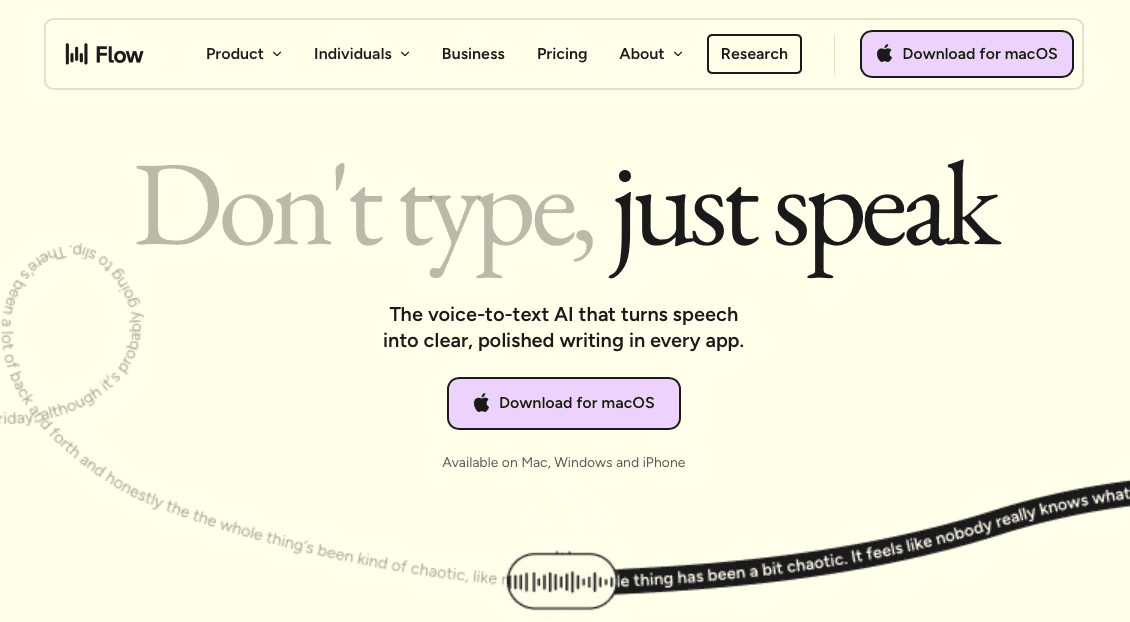
Wispr Flow is a solid dictation tool across devices, available on Mac, Windows, iOS, and Android, following the launch of its iOS app in June 2025. It handles filler-word removal, intelligent punctuation, and style matching across apps.
What They Offer
Context-aware formatting that adjusts tone based on the active app
Custom dictionary and snippets synced across all devices
HIPAA BAA signing available in-app at no extra cost, with zero data retention
Whisper mode for quiet dictation in shared spaces
Pros
Context-aware formatting adjusts tone based on the active app
Custom dictionary and snippets sync across Mac, Windows, iOS, and Android
HIPAA BAA available in-app at no extra cost with zero data retention
Whisper mode for quiet dictation in shared spaces
Cons
All processing runs in the cloud with no offline or on-device option
iOS users must click through a screen pop-up due to Apple keyboard restrictions
700ms+ processing speed, 3.5x slower than Willow
If your work spans multiple devices and vocabulary syncing matters across them all, it covers that ground well.
One limitation: all processing runs in the cloud, with no on-device option, and iOS users report a pop-up that requires manual clicks due to Apple keyboard restrictions. It adds friction that the Mac version avoids.
Wispr Flow is a capable option for cross-device teams. Willow edges it out on iPad-specific experience, processing speed, and offline flexibility.
Apple Built-In Dictation
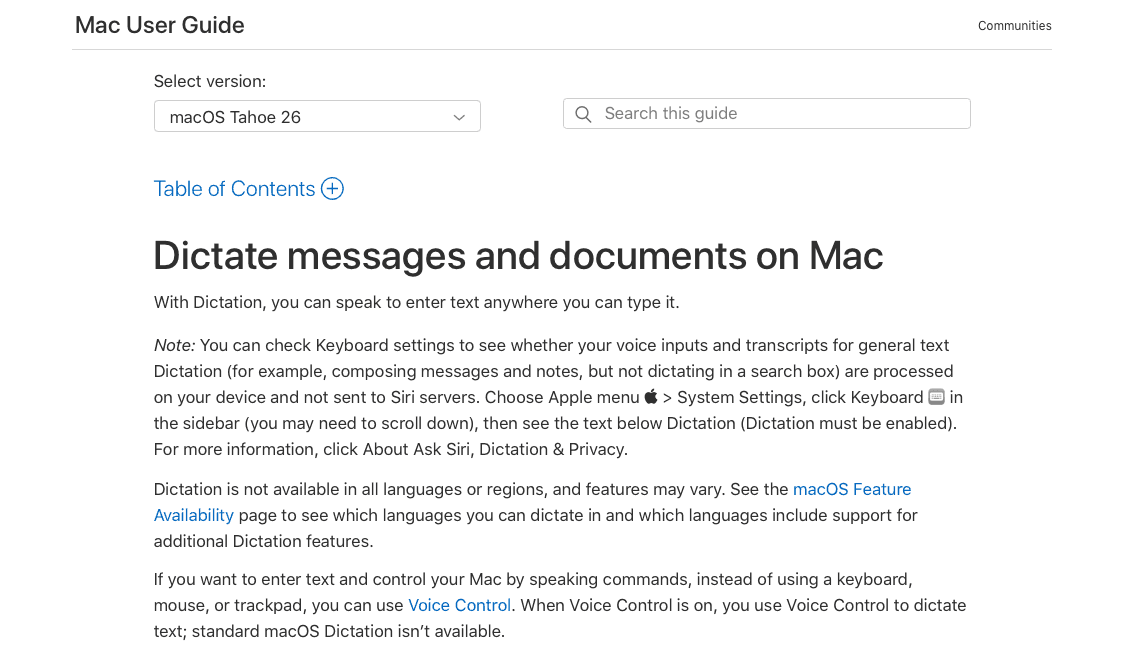
Apple Dictation ships free on every iPad with no download required. It works across most apps, handles basic punctuation commands, and runs on-device in many languages when you're offline. For the occasional quick note or short message, it gets the job done.
What They Offer
Free with every iPad, iPhone, and Mac
On-device processing available in many languages without internet
Basic voice commands for punctuation and formatting
Works across Apple apps and services
Pros
Free with every iPad, no download or setup required
On-device processing available in many languages without internet
Works across Apple apps and services
Cons
Roughly 3x lower accuracy compared to AI-powered dictation tools like Willow
No context awareness, filler word removal, or writing style learning
Long dictation sessions produce raw, unformatted transcripts
Light iPad users who need quick replies or short notes will find it covers the basics with no setup required.
The main limitation is accuracy. There is no context awareness, no filler word removal, and no ability to learn your writing style over time. Longer dictation sessions get messy fast.
In some cases, dictation may use Apple servers depending on language, device, settings, and request type. But even then, the output lacks the formatting intelligence and personalization that tools like Willow offer. What you get is a raw transcript, not polished writing.
Dragon Anywhere
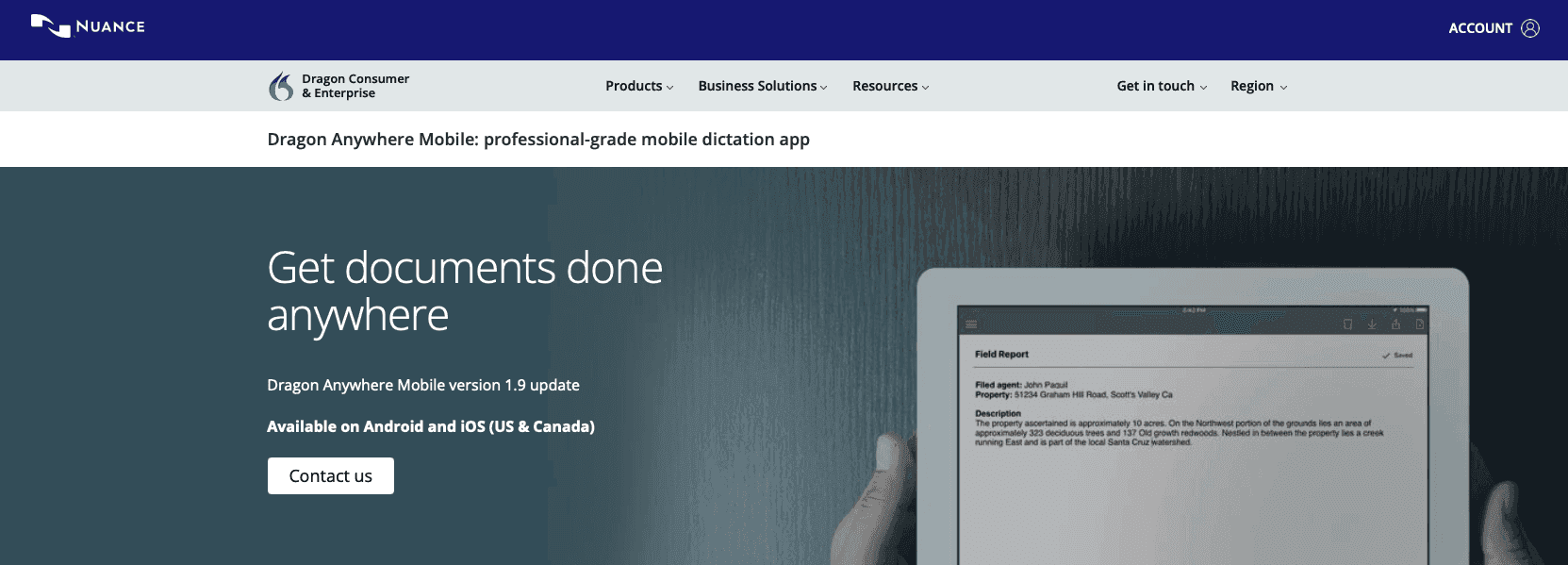
Dragon Anywhere is Nuance's mobile dictation app for iOS and Android, priced at $14.99/month, separate from their desktop packages. Unlike Siri, there's no recording length cap, which makes it appealing for long documentation sessions.
What They Offer
Custom words that sync between devices with advanced commands like "select and edit text" and "scratch that"
Bluetooth microphone support for better audio quality
Dropbox integration for document sync across devices
Voice training for specialized vocabulary
Pros
No recording length cap for extended documentation sessions
Custom words and advanced voice commands sync between devices
Bluetooth microphone support for better audio quality
Cons
Some users report reliability issues on iPad Pro, including accuracy drops and missed text
$14.99/month subscription with no free tier available
700ms+ processing speed with no offline mode
Long-time Dragon users who already know the command syntax and need unlimited-length documentation sessions will get the most out of it.
The limitation is real, though. Some users report reliability issues on the iPad Pro, including drops in accuracy and missed text. For a $14.99/month subscription, that's a hard sell.
Superwhisper
Superwhisper runs on macOS and iOS under a single license, with all processing handled on-device using OpenAI's Whisper model. No WiFi needed, no data leaving your device.
What They Offer
Full on-device processing for complete privacy
Custom modes and prompt layers for task-specific formatting
Cloud and local model options
100+ language support
Pros
Full on-device processing keeps all data private with no cloud required
Custom modes and prompt layers for task-specific formatting
One-time license with no ongoing subscription fees
Cons
The iOS version has reported issues, including failed output, unexpected window switching, and difficulty pasting
Processing speed varies by model, with no guaranteed latency
Unreliable on iPad for continued professional use
It works well for privacy-focused Mac users who enjoy configuring their setup. The iOS version is a different story. Some users report issues like failed output, unexpected window switching, and difficulty pasting text. On an iPad, these reported issues make it difficult to depend on for consistent professional use.
Willow also offers offline mode, so privacy-first users don't have to choose between reliability and discretion.
Monologue
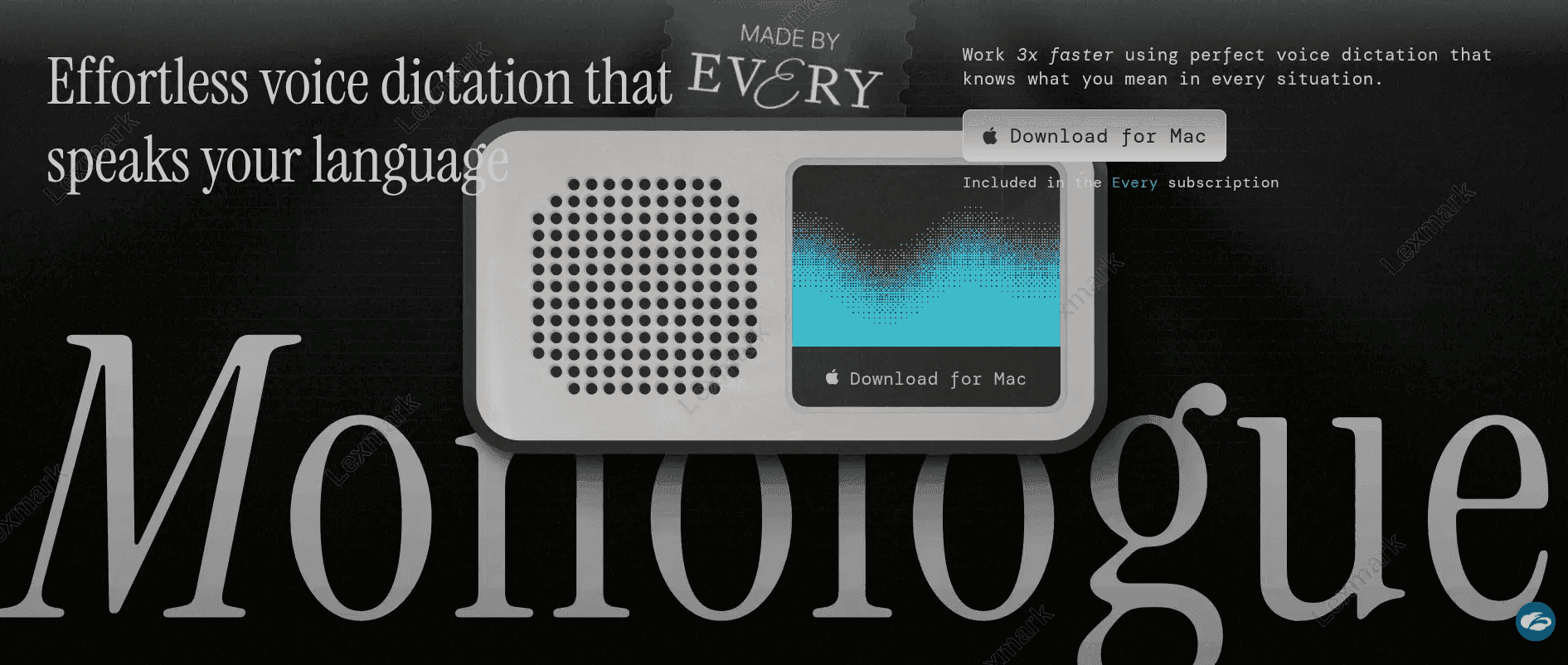
Monologue is part of Every's subscription bundle. It focuses on writing the way you talk instead of producing raw transcripts.
What They Offer
Removes vocal tics, repeated words, and adds punctuation automatically
Context-aware formatting for iMessage versus email
Personal dictionary that syncs across Mac and iOS
Whisper mode for quiet environments
Pros
Removes vocal tics, repeated words, and adds punctuation automatically
Context-aware formatting for iMessage versus email
Personal dictionary syncs across Mac and iOS
Cons
Standalone pricing at $10/month with only 1,000 free words to try
No enterprise security certifications or team collaboration features
No Windows support; limited to Mac and iOS users
Every bundle subscriber who already pays $30 a month gets dictation built in, alongside Spiral, Sparkle, and Cora, making it a natural fit for creative writing workflows.
The catch: standalone pricing runs $10/month with only 1,000 free words to try it. There are no enterprise security certifications, no team collaboration features, and no Windows support. For creative writers inside the Every ecosystem, it works well. For professional teams who need SOC 2 compliance, shared dictionaries, or reach across all devices, Willow covers ground that Monologue simply does not.
How to Get Started with Willow on iPad
Download Willow from the App Store. Search for "Willow Voice" and install it on your iPad. No credit card is required to start your free trial, which includes 2,000 words per week.
Add Willow as a custom keyboard. Go to Settings > General > Keyboard > Keyboards > Add New Keyboard, then select Willow. This lets you switch to Willow's keyboard inside any iPad app without leaving what you're working on.
Grant microphone access. When prompted, allow Willow to access your microphone. You can confirm or adjust this at any time under Settings > Privacy & Security > Microphone.
Set full access for the keyboard. In Settings > General > Keyboard > Keyboards > Willow, toggle on Allow Full Access. This lets Willow's personalization engine learn your corrections and vocabulary over time.
Switch to Willow inside any app. Open Gmail, Slack, Notion, or any other app where you normally type. Tap any text field, then tap the globe icon on your keyboard to switch to Willow. Start speaking and watch your words appear in real time at 200ms latency.
Let it learn your style. Willow improves the more you use it. Correct any mistakes, and it remembers them. Over time, filler words disappear automatically, your tone stays consistent, and the gap between what you say and what you meant to write shrinks to almost nothing.
Also on Mac and Windows: Willow works system-wide on both platforms. On Windows, download the Willow desktop app, and it runs as a global hotkey-activated dictation layer inside any application: no app switching, no clipboard workarounds. The same personalization engine, shared team dictionaries, and offline mode carry over across every device you use.
Why Willow Is the Best Speech-to-Text App for iPad
Among the apps in this list, Willow pairs 200ms processing speed with personalization and team-ready security in a single tool. At 200ms latency, Willow is faster than Wispr Flow, Dragon, and every other option here. It learns your corrections, adapts to your tone, and gets sharper the more you use it.
The custom keyboard works natively inside any iPad app. On Mac and Windows, the same voice layer runs system-wide with a global hotkey: no app switching, no friction. SOC 2 Type II and HIPAA compliance cover professional and healthcare workflows, and shared team dictionaries keep everyone on the same terminology without manual setup per user. When your organization is ready to scale beyond one user, Willow's admin controls let you deploy and manage access across your entire team from a single dashboard. Offline mode, shared shortcuts, and a clean setup round out the experience nicely.
If you're serious about voice on iPad, try Willow free with 2,000 words per week, no credit card needed.
FAQ
Speech-to-text apps for iPad: Willow vs Apple Dictation?
Willow processes at 200ms and learns your writing style automatically, while Apple Dictation delivers roughly 3x lower accuracy with no personalization. If you need clean, ready-to-send text without editing, Willow is the better choice.
Can I use speech-to-text apps on an iPad without an internet connection?
Yes. Willow and Superwhisper both offer offline modes that work without WiFi, while Wispr Flow and Dragon Anywhere require cloud processing. Apple Dictation works offline in many languages but delivers lower accuracy than AI-powered alternatives.
How do I use Willow inside any app on an iPad?
Install Willow as a custom iOS keyboard, then tap the globe icon in any app to switch to it. You can speak directly inside Gmail, Slack, Notion, or any other app at 200ms processing speed without copying and pasting.
How do speech-to-text apps handle medical or industry-specific terminology?
Willow offers shared team dictionaries that sync specialized vocabulary across your whole team, plus SOC 2 and HIPAA compliance for healthcare workflows. Dragon Anywhere requires manual voice training for custom words, while Apple Dictation doesn't learn terminology at all.
Should I pay for a speech-to-text app or stick with the free iPad option?
If you only need occasional short notes, Apple's free dictation works fine. For professional writing where accuracy matters, paid tools like Willow deliver 3x higher accuracy, automatically remove filler words, and learn from your corrections over time, saving hours of editing every week.
Final Thoughts on Finding the Right Speech-to-Text Solution for iPad
Typing on glass gets old fast, and the right speech-to-text app for iPad makes the difference. Willow processes at 200ms, learns your writing style without manual training, and handles enterprise security so your team can speak anywhere without compromise. The difference between basic transcription and a tool that actually sounds like you wrote it shows up in every email and document. When you're ready to stop tapping on glass and start speaking your way through emails, Slack, and docs, try Willow free with 2,000 words per week. No credit card needed.
Typing long emails or documents on your iPad feels productive for about five minutes, then your fingers start cramping, and you remember why real keyboards exist. Speech-to-text apps for iPads solve that problem by letting you speak at 150 words per minute instead of tapping at 40, which turns a 30-minute typing session into something closer to 10 minutes of talking. The apps worth using go beyond raw transcription to clean up your filler words, match your tone, and work inside Gmail, Slack, Notion, or whatever else you're already using without forcing awkward workarounds.
A doctor finishing patient notes between appointments can speak them directly into their EHR without touching the keyboard. A founder drafting a weekly investor update speaks it out loud during a walk, and it lands in their inbox polished and ready to send. A customer success manager clears a backlog of 20 Slack replies in the time it would normally take to type five. These are the situations where a well-built speech-to-text app stops being a curiosity and starts being part of how you actually work.
TLDR:
Speech-to-text apps let you speak at 150 WPM, compared to typing at 40 WPM on an iPad's touch keyboard.
The top pick delivers 200ms processing speed and learns your writing style, reducing edits over time.
Most tools lack offline modes, team dictionaries, or SOC 2/HIPAA compliance for professional use.
Apple's built-in dictation is free but delivers 3x lower accuracy with no context awareness.
The best option serves as a custom iOS keyboard in any iPad app without switching back to the default keyboard.
What Are Speech-to-Text Apps for iPad?
Speech-to-text apps convert spoken words into written text in real time, directly inside whatever app you're using. Emails, forms, and Slack replies: voice handles it all. On iPad, this matters more than most people expect. The touch keyboard works for quick replies, but extended writing on glass gets tedious fast. Speaking at 150 WPM versus touchscreen typing speeds is a difference you feel immediately.
The best apps go beyond basic transcription. They understand context, clean up filler words, match your tone, and work across every app on your device. That gap between basic voice typing and a genuinely smart dictation tool is exactly where these apps compete.
How We Ranked the Best Speech-to-Text Apps for iPad
Every app on this list was tested against the same criteria, based on feature documentation, user reviews, and iPad capabilities.
Transcription accuracy across accents and natural speech patterns
Processing speed and latency
Compatibility across all your iPad apps, beyond one or two
Support for custom keyboard functionality on iOS
AI-powered formatting, filler word removal, and editing
Privacy and security standards, especially for professional use
Each app was assessed using publicly available feature documentation, verified user reviews from the App Store and third-party review sites, and hands-on assessment of iPad-specific behavior, including keyboard integration, app-switching friction, and latency under real typing conditions. Where apps offer free tiers or trials, those were used to test the out-of-the-box experience. Enterprise claims around SOC 2 and HIPAA compliance were cross-referenced with official documentation. Pricing was confirmed at the time of writing and may change.
No single criterion wins alone. The rankings reflect how well each option performs across all these factors.
App | Processing Speed | Personalization | iOS Keyboard | Offline Mode Availability | Team & Security | Pricing | Best For |
|---|---|---|---|---|---|---|---|
Willow | 200ms latency | Learns your style, vocabulary, and corrections automatically | Yes, works in any app | Yes | SOC 2, HIPAA, shared dictionaries | Free tier (2,000 words/week) | Teams and professionals who need speed, accuracy, and enterprise security |
Wispr Flow | 700ms+ | Custom dictionary and snippets sync across devices | Popup required (Apple restriction) | No | SOC 2 Type II, HIPAA BAA available, zero data retention | Paid plans available | Cross-device users who work across Mac, Windows, and mobile |
Apple Dictation | Variable | None | Built into the default keyboard | Yes, many languages | Apple ecosystem privacy | Free with every iPad | Light users who need quick notes with no setup |
Dragon Anywhere | 700ms+ | Manual voice training for vocabulary | In-app only | No | Enterprise options via Nuance | $14.99/month | Long-time Dragon users who are doing extended documentation sessions |
Superwhisper | Varies by model | Custom modes and prompt layers | iOS support available | Yes, fully on-device | No cloud processing | One-time license | Privacy-first Mac users who prefer fully on-device processing |
Monologue | 500ms to 1 second | Personal dictionary syncs across Mac and iOS | In-app only | No | No enterprise certifications | $10/month or $30/month (Every bundle) | Creative writers who have already subscribed to Every's app bundle |
Feature Availability Matrix
Feature | Willow | Wispr Flow | Apple Dictation | Dragon Anywhere | Superwhisper | Monologue |
|---|---|---|---|---|---|---|
Native iOS Keyboard | ✓ | Popup only | ✓ (built-in) | ✗ | Limited | ✗ |
Offline Mode | ✓ | ✗ | ✓ (many languages) | ✗ | ✓ (on-device) | ✗ |
Filler Word Removal | ✓ | ✓ | ✗ | ✗ | Partial | ✓ |
Writing Style Learning | ✓ (auto) | Partial | ✗ | Manual only | ✗ | ✗ |
Team Dictionary | ✓ | ✗ | ✗ | ✗ | ✗ | ✗ |
SOC 2 / HIPAA | ✓ | ✓ | ✗ | Enterprise only | ✗ | ✗ |
Cross-device | iOS, Mac, Windows | Mac, Windows, iOS, Android | Apple only | iOS, Android | Mac, iOS | Mac, iOS |
Free Tier | ✓ | ✓ | ✓ (free) | ✗ | One-time license | 1,000 free words |
Best Overall Speech-to-Text App for iPad: Willow Voice
Willow Voice is the fastest speech-to-text app for iPad. At ~200ms latency, it processes your voice faster than the other options in this list, and unlike Wispr Flow or Apple's built-in dictation, it gets smarter the longer you use it.
What Willow Offers
Personalization engine that learns your writing style, vocabulary, and corrections over time, so accuracy improves the longer you use it, with less time spent editing
200ms processing speed that keeps you in flow state instead of waiting for text to catch up (competing tools like Dragon Anywhere and Monologue run at 700ms+ or more)
Built for teams with SOC 2 compliance in healthcare, shared team dictionaries for consistent terminology, and enterprise-grade security across iOS, Mac, and Windows
Custom iOS keyboard that works inside any iPad app without switching back to the default Apple keyboard
Context-aware formatting that auto-adjusts tone depending on where you're typing
Offline mode for fully private dictation without an internet connection
100+ language support
Available on iOS, Mac, and Windows, the same personalization engine, shared dictionaries, and offline mode work across all platforms your team uses
Pros
200ms processing speed keeps you in flow state without waiting for text to catch up
Personalization engine learns your writing style, vocabulary, and corrections automatically
SOC 2 and HIPAA compliance with shared team dictionaries for enterprise use
Custom iOS keyboard works inside any iPad app without switching back to Apple's keyboard
Offline mode for fully private dictation without an internet connection
Cons
Free tier capped at 2,000 words per week; full usage requires a paid plan
Requires a separate app install, unlike Apple's built-in dictation
Most dictation tools on iPad require awkward workarounds or only function inside their own app. Willow works as a true custom keyboard, so you're speaking inside Gmail, Slack, Notion, or anything else you already use.
"I love that whatever I'm doing on my Mac, I can now speak into that application and my words appear typed, as if by magic. It's made me much more productive, but I also think it's made me much more prolific because I'm now committing words to screen I never would have done before."
- Jon Cousins, Product Hunt review
Willow Voice remembers your corrections, adapts to your tone, and automatically removes filler words. Over time, the gap between what you say and what you meant to write shrinks to almost nothing.
For teams, Willow goes further than any consumer-focused alternative. IT admins can deploy Willow org-wide and manage access through a centralized dashboard. Shared custom dictionaries and voice shortcuts automatically sync across every team member's device, so a medical practice, legal firm, or sales team speaks the same terminology from day one. SOC 2 Type II certification and HIPAA compliance mean security reviews don't stall rollout. You bring documentation to your InfoSec team, not workarounds.
Willow scales from one person to an entire organization without changing workflow. The same voice keyboard that works on your iPad also runs system-wide on Mac and Windows, so your team isn't locked into one device type.
Willow Voice's free plan includes 2,000 words per week that recharge automatically, with no credit card required and no time limit. For heavier individual use, the paid plan runs $12/month (billed annually). Teams pay $10 per user per month, which includes shared dictionaries, team shortcuts, and the admin dashboard for org-wide deployment. Larger organizations with specific compliance requirements, custom onboarding, or volume needs can reach out for enterprise pricing. Willow works with companies like Uber and Gusto at that tier. SOC 2 Type II certification and a zero-data-retention architecture apply across all plans; a signed BAA is available at the enterprise tier for organizations that need it.
Wispr Flow
Wispr Flow is a solid dictation tool across devices, available on Mac, Windows, iOS, and Android, following the launch of its iOS app in June 2025. It handles filler-word removal, intelligent punctuation, and style matching across apps.
What They Offer
Context-aware formatting that adjusts tone based on the active app
Custom dictionary and snippets synced across all devices
HIPAA BAA signing available in-app at no extra cost, with zero data retention
Whisper mode for quiet dictation in shared spaces
Pros
Context-aware formatting adjusts tone based on the active app
Custom dictionary and snippets sync across Mac, Windows, iOS, and Android
HIPAA BAA available in-app at no extra cost with zero data retention
Whisper mode for quiet dictation in shared spaces
Cons
All processing runs in the cloud with no offline or on-device option
iOS users must click through a screen pop-up due to Apple keyboard restrictions
700ms+ processing speed, 3.5x slower than Willow
If your work spans multiple devices and vocabulary syncing matters across them all, it covers that ground well.
One limitation: all processing runs in the cloud, with no on-device option, and iOS users report a pop-up that requires manual clicks due to Apple keyboard restrictions. It adds friction that the Mac version avoids.
Wispr Flow is a capable option for cross-device teams. Willow edges it out on iPad-specific experience, processing speed, and offline flexibility.
Apple Built-In Dictation
Apple Dictation ships free on every iPad with no download required. It works across most apps, handles basic punctuation commands, and runs on-device in many languages when you're offline. For the occasional quick note or short message, it gets the job done.
What They Offer
Free with every iPad, iPhone, and Mac
On-device processing available in many languages without internet
Basic voice commands for punctuation and formatting
Works across Apple apps and services
Pros
Free with every iPad, no download or setup required
On-device processing available in many languages without internet
Works across Apple apps and services
Cons
Roughly 3x lower accuracy compared to AI-powered dictation tools like Willow
No context awareness, filler word removal, or writing style learning
Long dictation sessions produce raw, unformatted transcripts
Light iPad users who need quick replies or short notes will find it covers the basics with no setup required.
The main limitation is accuracy. There is no context awareness, no filler word removal, and no ability to learn your writing style over time. Longer dictation sessions get messy fast.
In some cases, dictation may use Apple servers depending on language, device, settings, and request type. But even then, the output lacks the formatting intelligence and personalization that tools like Willow offer. What you get is a raw transcript, not polished writing.
Dragon Anywhere
Dragon Anywhere is Nuance's mobile dictation app for iOS and Android, priced at $14.99/month, separate from their desktop packages. Unlike Siri, there's no recording length cap, which makes it appealing for long documentation sessions.
What They Offer
Custom words that sync between devices with advanced commands like "select and edit text" and "scratch that"
Bluetooth microphone support for better audio quality
Dropbox integration for document sync across devices
Voice training for specialized vocabulary
Pros
No recording length cap for extended documentation sessions
Custom words and advanced voice commands sync between devices
Bluetooth microphone support for better audio quality
Cons
Some users report reliability issues on iPad Pro, including accuracy drops and missed text
$14.99/month subscription with no free tier available
700ms+ processing speed with no offline mode
Long-time Dragon users who already know the command syntax and need unlimited-length documentation sessions will get the most out of it.
The limitation is real, though. Some users report reliability issues on the iPad Pro, including drops in accuracy and missed text. For a $14.99/month subscription, that's a hard sell.
Superwhisper
Superwhisper runs on macOS and iOS under a single license, with all processing handled on-device using OpenAI's Whisper model. No WiFi needed, no data leaving your device.
What They Offer
Full on-device processing for complete privacy
Custom modes and prompt layers for task-specific formatting
Cloud and local model options
100+ language support
Pros
Full on-device processing keeps all data private with no cloud required
Custom modes and prompt layers for task-specific formatting
One-time license with no ongoing subscription fees
Cons
The iOS version has reported issues, including failed output, unexpected window switching, and difficulty pasting
Processing speed varies by model, with no guaranteed latency
Unreliable on iPad for continued professional use
It works well for privacy-focused Mac users who enjoy configuring their setup. The iOS version is a different story. Some users report issues like failed output, unexpected window switching, and difficulty pasting text. On an iPad, these reported issues make it difficult to depend on for consistent professional use.
Willow also offers offline mode, so privacy-first users don't have to choose between reliability and discretion.
Monologue
Monologue is part of Every's subscription bundle. It focuses on writing the way you talk instead of producing raw transcripts.
What They Offer
Removes vocal tics, repeated words, and adds punctuation automatically
Context-aware formatting for iMessage versus email
Personal dictionary that syncs across Mac and iOS
Whisper mode for quiet environments
Pros
Removes vocal tics, repeated words, and adds punctuation automatically
Context-aware formatting for iMessage versus email
Personal dictionary syncs across Mac and iOS
Cons
Standalone pricing at $10/month with only 1,000 free words to try
No enterprise security certifications or team collaboration features
No Windows support; limited to Mac and iOS users
Every bundle subscriber who already pays $30 a month gets dictation built in, alongside Spiral, Sparkle, and Cora, making it a natural fit for creative writing workflows.
The catch: standalone pricing runs $10/month with only 1,000 free words to try it. There are no enterprise security certifications, no team collaboration features, and no Windows support. For creative writers inside the Every ecosystem, it works well. For professional teams who need SOC 2 compliance, shared dictionaries, or reach across all devices, Willow covers ground that Monologue simply does not.
How to Get Started with Willow on iPad
Download Willow from the App Store. Search for "Willow Voice" and install it on your iPad. No credit card is required to start your free trial, which includes 2,000 words per week.
Add Willow as a custom keyboard. Go to Settings > General > Keyboard > Keyboards > Add New Keyboard, then select Willow. This lets you switch to Willow's keyboard inside any iPad app without leaving what you're working on.
Grant microphone access. When prompted, allow Willow to access your microphone. You can confirm or adjust this at any time under Settings > Privacy & Security > Microphone.
Set full access for the keyboard. In Settings > General > Keyboard > Keyboards > Willow, toggle on Allow Full Access. This lets Willow's personalization engine learn your corrections and vocabulary over time.
Switch to Willow inside any app. Open Gmail, Slack, Notion, or any other app where you normally type. Tap any text field, then tap the globe icon on your keyboard to switch to Willow. Start speaking and watch your words appear in real time at 200ms latency.
Let it learn your style. Willow improves the more you use it. Correct any mistakes, and it remembers them. Over time, filler words disappear automatically, your tone stays consistent, and the gap between what you say and what you meant to write shrinks to almost nothing.
Also on Mac and Windows: Willow works system-wide on both platforms. On Windows, download the Willow desktop app, and it runs as a global hotkey-activated dictation layer inside any application: no app switching, no clipboard workarounds. The same personalization engine, shared team dictionaries, and offline mode carry over across every device you use.
Why Willow Is the Best Speech-to-Text App for iPad
Among the apps in this list, Willow pairs 200ms processing speed with personalization and team-ready security in a single tool. At 200ms latency, Willow is faster than Wispr Flow, Dragon, and every other option here. It learns your corrections, adapts to your tone, and gets sharper the more you use it.
The custom keyboard works natively inside any iPad app. On Mac and Windows, the same voice layer runs system-wide with a global hotkey: no app switching, no friction. SOC 2 Type II and HIPAA compliance cover professional and healthcare workflows, and shared team dictionaries keep everyone on the same terminology without manual setup per user. When your organization is ready to scale beyond one user, Willow's admin controls let you deploy and manage access across your entire team from a single dashboard. Offline mode, shared shortcuts, and a clean setup round out the experience nicely.
If you're serious about voice on iPad, try Willow free with 2,000 words per week, no credit card needed.
FAQ
Speech-to-text apps for iPad: Willow vs Apple Dictation?
Willow processes at 200ms and learns your writing style automatically, while Apple Dictation delivers roughly 3x lower accuracy with no personalization. If you need clean, ready-to-send text without editing, Willow is the better choice.
Can I use speech-to-text apps on an iPad without an internet connection?
Yes. Willow and Superwhisper both offer offline modes that work without WiFi, while Wispr Flow and Dragon Anywhere require cloud processing. Apple Dictation works offline in many languages but delivers lower accuracy than AI-powered alternatives.
How do I use Willow inside any app on an iPad?
Install Willow as a custom iOS keyboard, then tap the globe icon in any app to switch to it. You can speak directly inside Gmail, Slack, Notion, or any other app at 200ms processing speed without copying and pasting.
How do speech-to-text apps handle medical or industry-specific terminology?
Willow offers shared team dictionaries that sync specialized vocabulary across your whole team, plus SOC 2 and HIPAA compliance for healthcare workflows. Dragon Anywhere requires manual voice training for custom words, while Apple Dictation doesn't learn terminology at all.
Should I pay for a speech-to-text app or stick with the free iPad option?
If you only need occasional short notes, Apple's free dictation works fine. For professional writing where accuracy matters, paid tools like Willow deliver 3x higher accuracy, automatically remove filler words, and learn from your corrections over time, saving hours of editing every week.
Final Thoughts on Finding the Right Speech-to-Text Solution for iPad
Typing on glass gets old fast, and the right speech-to-text app for iPad makes the difference. Willow processes at 200ms, learns your writing style without manual training, and handles enterprise security so your team can speak anywhere without compromise. The difference between basic transcription and a tool that actually sounds like you wrote it shows up in every email and document. When you're ready to stop tapping on glass and start speaking your way through emails, Slack, and docs, try Willow free with 2,000 words per week. No credit card needed.

Try Willow for free
Instant, accurate voice dictation. No card required.
Try Willow for free
Instant, accurate voice dictation. No card required.
Other stories you’ll love
Other stories you’ll love


Your keyboard is optional now
" transform="translate(5 5)" width="9.791000051498413px"/></svg>)

The voice-first interface for modern work.
© Willow Care, Inc. 2026. All rights reserved
Your keyboard is optional now
The voice-first interface for modern work.
© Willow Care, Inc. 2026. All rights reserved
Your keyboard is optional now
The voice-first interface for modern work.
© Willow Care, Inc. 2026. All rights reserved