" transform="translate(5 2)" width="10px"/></svg>)

•
5 min read
6 Best Offline Speech to Text Tools August 2026

•
5 min read
6 Best Offline Speech to Text Tools August 2026
You need offline speech to text that works without a connection, but most tools treat offline mode like a last resort: accuracy drops, latency climbs, and features vanish the moment you disconnect. Standard tools like Wispr Flow and Apple's built-in voice dictation may not fully solve this for a stronger offline-first workflow, and legacy software often requires weeks of training. Below are five tools that handle offline dictation differently, but only one treats offline mode as a real feature instead of a compromise.
TLDR:
Offline speech to text keeps all processing on-device, protecting sensitive audio and working without internet access.
Most offline tools lose accuracy and responsiveness when disconnected.
Some newer solutions combine local processing with fast cloud performance when available.
High-end options include personalization that adapts to your writing style over time.
Enterprise-grade dictation software can include compliance standards like SOC 2 and HIPAA alongside cross-device support.
Understanding Offline Speech to Text
Offline speech to text converts your spoken words into written text without requiring a remote server, with processing handled locally on your device.
For most users, this comes down to two things: privacy and reliability. Doctors recording patient notes, lawyers reviewing sensitive case files, or anyone without a connection share the same need: transcription that works and never ships voice data to the cloud. These are compliance-sensitive workflows where the tool needs to fit the job, not the other way around.
Our Ranking Criteria for Offline Speech to Text Tools
Every tool on this list was tested against the same set of criteria:
Transcription accuracy, including how well each tool handles accents and technical vocabulary
Processing speed and latency on local hardware
Availability across Mac, Windows, and iOS
Privacy protections, including whether audio stays fully on-device and any relevant compliance certifications
Ease of setup without a steep learning curve
Reliability without an internet connection
These are objective standards based on publicly available information, not internal testing. No tool paid to be included.
Tool | Platforms | Latency | Offline Mode | Starting Price |
|---|---|---|---|---|
Willow Voice | Mac, Windows, iOS | 200ms | Yes, on Mac, Windows, and iOS | Free to start |
Superwhisper | Mac, Windows, iOS | 700ms+ | Yes | Free tier; $84.99/year Pro |
Dragon NaturallySpeaking | Windows | 700ms+ | Yes | Around $700 |
VoiceInk | Mac (Apple Silicon) | 700ms+ | Yes, 100% offline | $25 lifetime |
Monologue | Mac | 700ms+ | Not specified | $10/month |
Aqua Voice | Mac, Windows | 450ms | No, requires network | $8/month |
Best Overall Offline Speech to Text: Willow Voice

Willow Voice delivers 200ms latency, making it the fastest dictation tool available. Text appears instantly, keeping you in flow state. Everyone else sits at 700ms or higher. That speed carries into technical workflows too: developers prompt AI coding tools like Cursor and Claude Code by voice without breaking flow.
Beyond speed, Willow Voice learns how you write over time. The AI adapts to your vocabulary, tone, and writing patterns, so the longer you use it, the fewer edits you make. It becomes the most accurate dictation tool for you. Most dictation software, including Wispr Flow and Apple's built-in voice dictation, treat every session like the first one. That personalization carries over when a whole team adopts Willow Voice: admins can roll out shared vocabulary and settings across every professional on the team without configuring each device by hand.
For teams in healthcare, legal, and finance, Willow Voice delivers SOC 2 Type II reporting standards and HIPAA compliance with shared dictionaries and custom shortcuts, so the whole team benefits as the tool learns your organization's language, from patient notes to everyday emails and Slack updates.
Offline mode is available through settings for fully local, private dictation on Mac and iOS. On Windows, opening Sound Settings from the taskbar tray and setting input levels between 60-80% helps maintain that same accuracy, with shared vocabulary carrying over for mixed-device teams.
Superwhisper
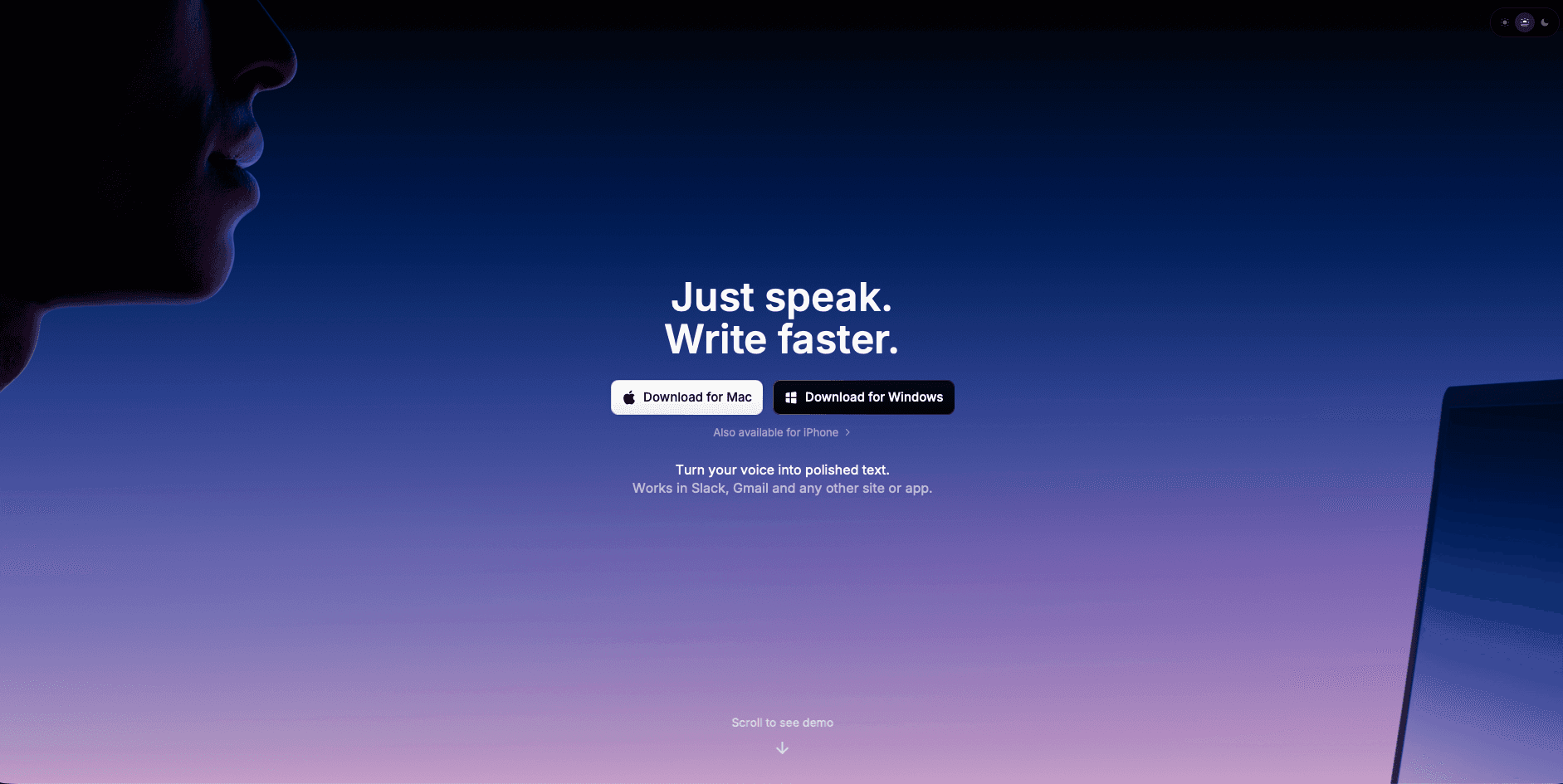
Superwhisper is a strong pick for users who want offline processing, with support now available across macOS, Windows, and iOS.
Here is what the tool offers:
Free tier with up to 15 minutes of recording using Nano, Fast, and Standard AI models
Strong multilingual support across French, German, Japanese, Mandarin, and more
Apple Silicon optimization that takes advantage of M-series chips and Neural Engine acceleration
Automatic language detection for smooth transitions between languages
Ideal for: Users who need offline-capable dictation with strong local processing options, especially on Apple hardware.
Limitation: Accuracy tops out around 95-96% on the large model, running 3-4% below AI-enhanced cloud alternatives. Pricing is steep at $249 lifetime or $84.99/year for Pro, with the free version capping better models at 15 minutes.
Local-only processing can be a ceiling as much as a feature. Willow Voice adds personalization, 200ms latency, and enterprise-grade security for teams, with offline mode available across Windows and iOS too.
Dragon NaturallySpeaking

Dragon NaturallySpeaking launched in 1997 as the first consumer continuous speech recognition product, and for nearly three decades it was the default answer for serious dictation software. That legacy is real. So is the fact that it's largely frozen in time.
Here is what the tool offers:
Offline local processing with audio that stays on your machine
A macro system for controlling your entire Windows PC by voice
Accuracy exceeding 95% once fully trained, with multi-language support
Custom voice commands to trigger programs or functions in Professional versions
Ideal for: Windows users with existing Dragon profiles who need deep PC control beyond basic transcription.
Limitation: Entry price sits around $700. Out of the box, accuracy lands closer to 90%, and reaching 95-97% takes weeks of active training. You also have to say punctuation out loud, which breaks any natural speaking rhythm. Microsoft acquired Nuance in 2022, and product updates have been relatively limited compared to newer AI-native tools. The Mac version was discontinued in 2018. For modern alternatives, see our Dragon dictation alternatives guide.
Dragon is legacy tech with a steep setup cost. Willow Voice delivers accurate results from day one across Mac, Windows, and iOS, with no training needed, and runs at 200ms latency.
VoiceInk
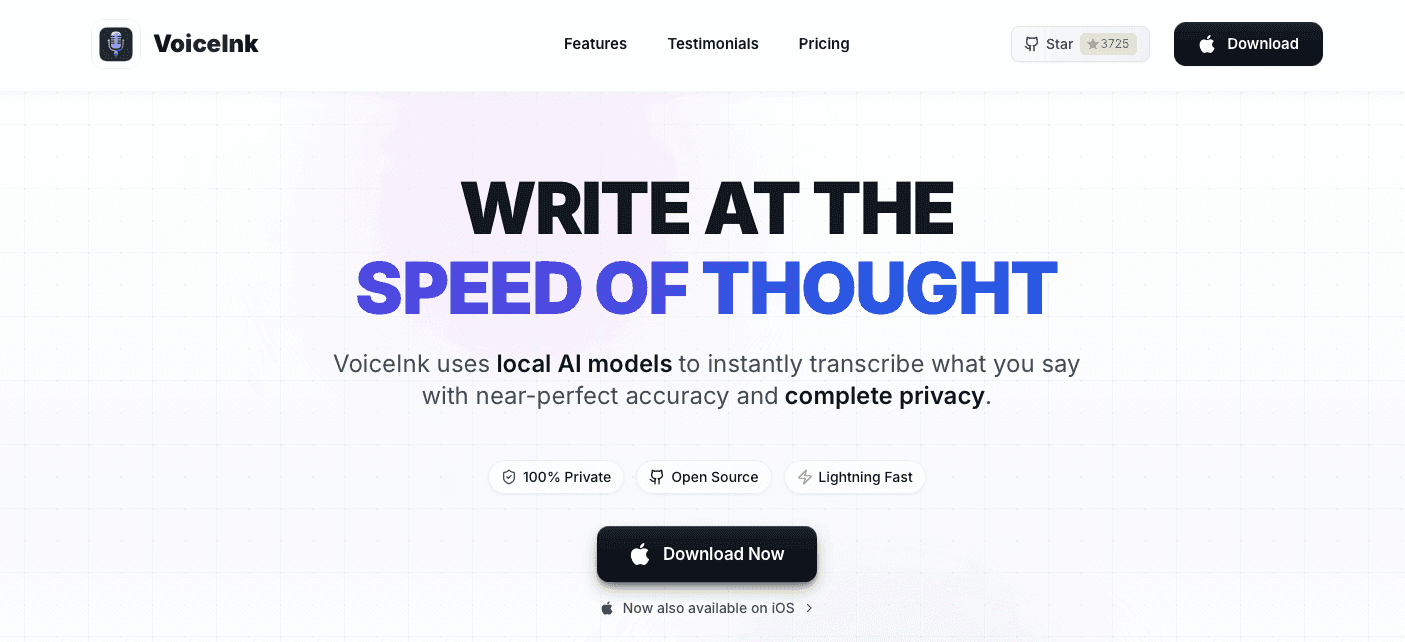
VoiceInk is a native macOS app that launched in early 2025, went open-source on GitHub in February 2025 under GPL v3, and has since earned over 4,300 stars.
Here is what the tool offers:
Lifetime pricing starts at $25 for one macOS device, with higher tiers for additional devices.
100% offline transcription with local AI processing
Context awareness, power mode, and configurable trigger modes
Complete on-device privacy with strong reported accuracy
Ideal for: Budget-conscious Mac users who want one-time pricing and don't need Windows or mobile support.
Limitation: VoiceInk requires a recent version of macOS and currently works only on Apple Silicon Macs, which locks out older Intel hardware. AI enhancement depends on external API keys instead of being built in. The iOS app has reported bugs and lacks feature parity with the desktop version. Windows support is absent entirely.
The entry-level lifetime price is hard to argue with, but VoiceInk hits its ceiling fast once work spans devices or needs team features. Willow Voice covers Mac, Windows, and iOS without hardware restrictions or API key juggling, plus personalization, 200ms latency, and enterprise-grade team security.
Monologue
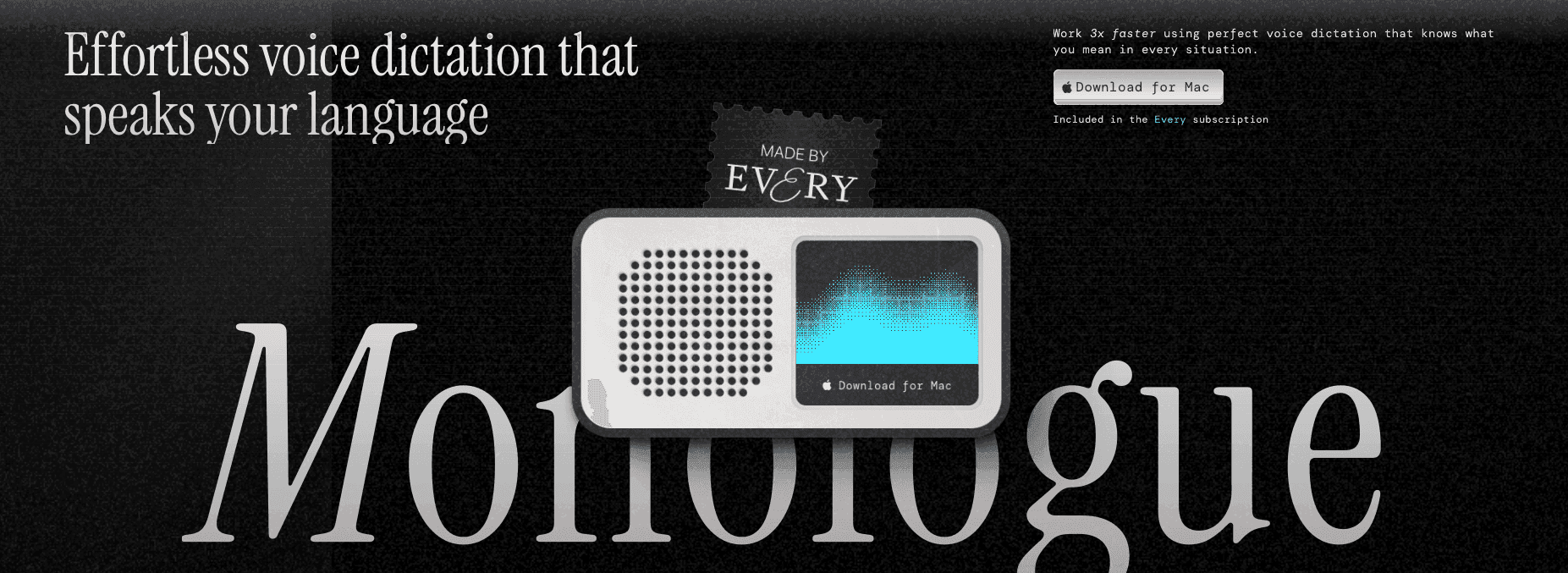
Monologue is a Mac dictation app built around context awareness, promising to understand your vocabulary, apps, and writing style to help you work 3x faster. It costs $10/month standalone or $30/month through the Every bundle.
Here is what the tool offers:
Smart formatting for different apps with no cleanup needed
Dictation across 100-plus languages with easy switching
Prebuilt workflows for email, docs, notes, and code, plus custom options
Ideal for: Coding-focused users. Over 40% of usage happens in terminals or tools like Cursor and Claude Code.
Limitation: It is Mac-only with no Windows app, and formatting reliability is inconsistent, meaning manual cleanup is still part of the workflow.
Monologue works for solo Mac users in coding contexts. Teams needing Mac, Windows, and iOS support, reliable formatting, enterprise-grade compliance, and shared dictionaries or shortcuts will find Willow Voice covers the gaps Monologue leaves open.
Aqua Voice
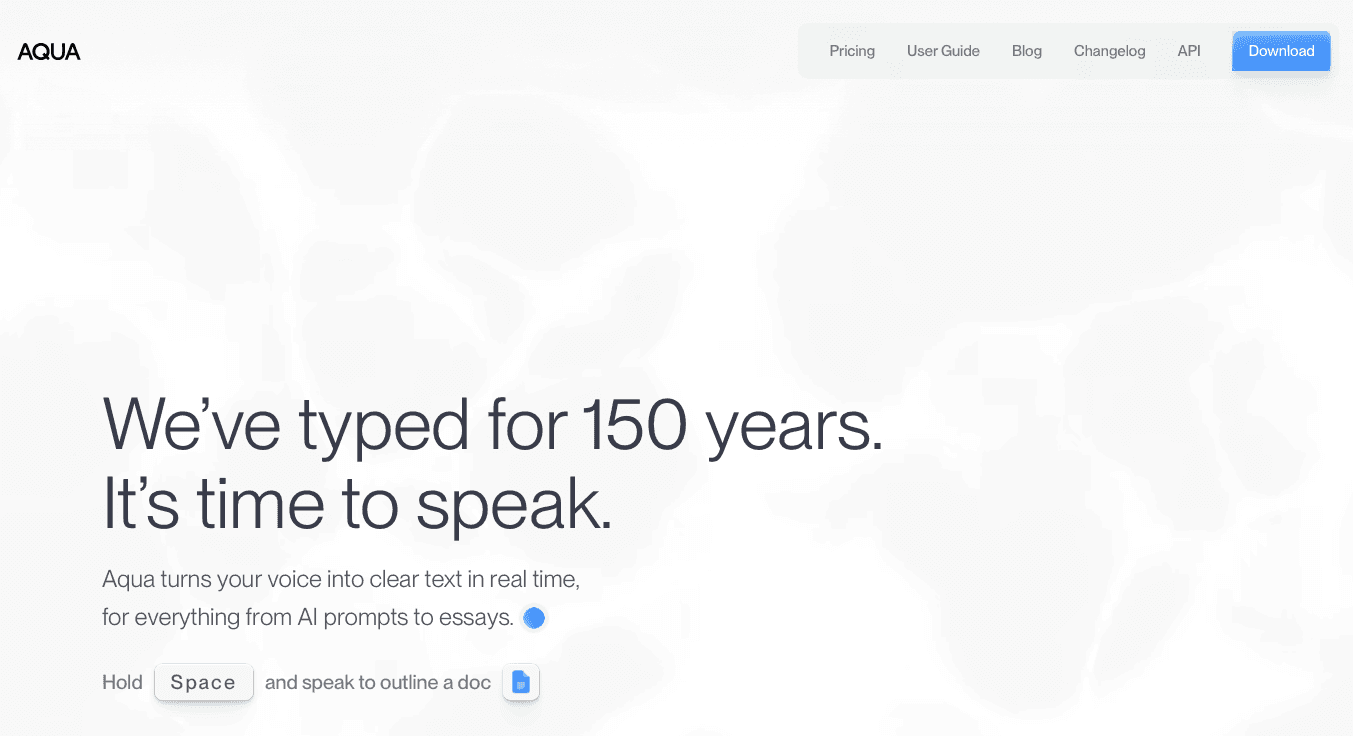
Aqua Voice is built for technical users who spend their days writing code, working in terminals, and managing domain-heavy vocabulary. Powered by the Avalon transcription model, it delivers responses in around 450ms across Mac and Windows.
Here is what the tool offers:
Screen context processing that formats text based on what's on screen, whether that's a code editor, doc, or chat window
Support for 49 languages
Custom dictionary with up to 800 terms on Pro for variables, acronyms, and industry jargon
Natural language formatting commands like "put that into bullet points"
Ideal for: Developers whose vocabulary includes terms like useState, Kubernetes, or HIPAA compliance that trip up most dictation tools.
Limitation: Aqua Voice requires network access to function, and users have repeatedly flagged the lack of iOS, mobile, Linux, and offline support. It also occasionally misses transcripts or paste actions. At $8/month, you're paying for a tool that still lacks offline fallback.
Aqua Voice handles technical vocabulary well on desktop, but without offline mode it falls short for teams that need a reliable local-first option, personalization that learns their writing style, and enterprise-grade security.
Why Willow Voice Stands Out for Offline Speech to Text
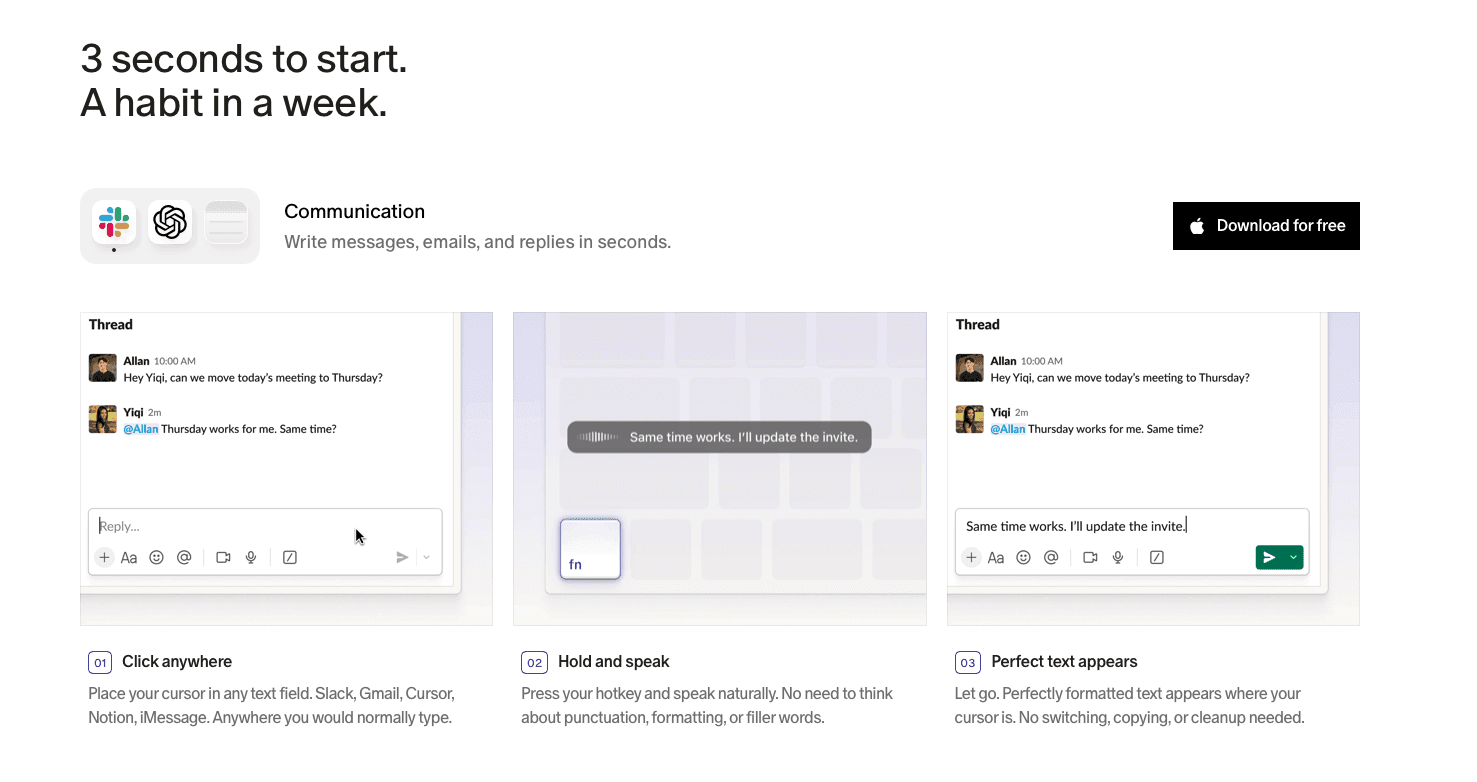
Most tools on this list force a tradeoff: go offline and lose accuracy, or stay connected and sacrifice privacy. Wispr Flow and Apple's built-in voice dictation can still hit this wall. For more options, see our Superwhisper alternative guide.
Willow Voice skips that tradeoff. The AI learns how you write over time, becoming the most accurate dictation tool for you. At 200ms latency, it's the fastest option available while everyone else sits at 700ms or higher. And with enterprise-grade security (SOC 2, HIPAA compliance) plus collaboration features like shared shortcuts and dictionary terms, it's built for teams across Mac, Windows, and iOS.
Plus, you get offline mode when you need it for fully local, private dictation.
FAQs
How do I choose the best offline speech to text tool for my needs?
Start with your device requirements and privacy needs. If you work across Mac, Windows, and iOS, choose an option like Willow Voice that works on all three. If you need strict local-only processing on Mac, Superwhisper or VoiceInk work. For teams requiring compliance, look for SOC 2 and HIPAA certification with collaboration tools and admin controls that let IT roll out shared dictionaries organization-wide.
Can I use offline speech to text tools across multiple devices?
Only some tools support multi-device use. Willow Voice works across Mac, Windows, and iOS. VoiceInk and Monologue are Mac-focused, while Superwhisper also offers Windows and iOS support. Dragon NaturallySpeaking runs on Windows exclusively. Aqua Voice supports Mac, Windows, and iOS, but it does not offer offline mode.
What's the difference between local-only processing and hybrid offline mode?
Local-only tools like Superwhisper run everything on your device but cap out at 95-96% accuracy and don't learn your writing style. Hybrid tools like Willow Voice offer offline mode when needed while giving you faster cloud processing (200ms latency) and personalization when connected, so mixed Windows and Mac teams keep consistent speed and personalization across every device.
Final Thoughts on Choosing Offline Dictation Tools
Choosing the right offline speech to text tool comes down to how much you’re willing to compromise. Many options force you to give up speed, accuracy, or flexibility the moment you go offline. Willow Voice keeps dictation fast, adaptable to your writing style, and available across Mac, Windows, and iOS, with offline mode ready whenever you need it. For teams weighing that tradeoff at scale, organizations deploying voice AI report a three-year return between 331% and 391%, with payback in under six months.
You need offline speech to text that works without a connection, but most tools treat offline mode like a last resort: accuracy drops, latency climbs, and features vanish the moment you disconnect. Standard tools like Wispr Flow and Apple's built-in voice dictation may not fully solve this for a stronger offline-first workflow, and legacy software often requires weeks of training. Below are five tools that handle offline dictation differently, but only one treats offline mode as a real feature instead of a compromise.
TLDR:
Offline speech to text keeps all processing on-device, protecting sensitive audio and working without internet access.
Most offline tools lose accuracy and responsiveness when disconnected.
Some newer solutions combine local processing with fast cloud performance when available.
High-end options include personalization that adapts to your writing style over time.
Enterprise-grade dictation software can include compliance standards like SOC 2 and HIPAA alongside cross-device support.
Understanding Offline Speech to Text
Offline speech to text converts your spoken words into written text without requiring a remote server, with processing handled locally on your device.
For most users, this comes down to two things: privacy and reliability. Doctors recording patient notes, lawyers reviewing sensitive case files, or anyone without a connection share the same need: transcription that works and never ships voice data to the cloud. These are compliance-sensitive workflows where the tool needs to fit the job, not the other way around.
Our Ranking Criteria for Offline Speech to Text Tools
Every tool on this list was tested against the same set of criteria:
Transcription accuracy, including how well each tool handles accents and technical vocabulary
Processing speed and latency on local hardware
Availability across Mac, Windows, and iOS
Privacy protections, including whether audio stays fully on-device and any relevant compliance certifications
Ease of setup without a steep learning curve
Reliability without an internet connection
These are objective standards based on publicly available information, not internal testing. No tool paid to be included.
Tool | Platforms | Latency | Offline Mode | Starting Price |
|---|---|---|---|---|
Willow Voice | Mac, Windows, iOS | 200ms | Yes, on Mac, Windows, and iOS | Free to start |
Superwhisper | Mac, Windows, iOS | 700ms+ | Yes | Free tier; $84.99/year Pro |
Dragon NaturallySpeaking | Windows | 700ms+ | Yes | Around $700 |
VoiceInk | Mac (Apple Silicon) | 700ms+ | Yes, 100% offline | $25 lifetime |
Monologue | Mac | 700ms+ | Not specified | $10/month |
Aqua Voice | Mac, Windows | 450ms | No, requires network | $8/month |
Best Overall Offline Speech to Text: Willow Voice
Willow Voice delivers 200ms latency, making it the fastest dictation tool available. Text appears instantly, keeping you in flow state. Everyone else sits at 700ms or higher. That speed carries into technical workflows too: developers prompt AI coding tools like Cursor and Claude Code by voice without breaking flow.
Beyond speed, Willow Voice learns how you write over time. The AI adapts to your vocabulary, tone, and writing patterns, so the longer you use it, the fewer edits you make. It becomes the most accurate dictation tool for you. Most dictation software, including Wispr Flow and Apple's built-in voice dictation, treat every session like the first one. That personalization carries over when a whole team adopts Willow Voice: admins can roll out shared vocabulary and settings across every professional on the team without configuring each device by hand.
For teams in healthcare, legal, and finance, Willow Voice delivers SOC 2 Type II reporting standards and HIPAA compliance with shared dictionaries and custom shortcuts, so the whole team benefits as the tool learns your organization's language, from patient notes to everyday emails and Slack updates.
Offline mode is available through settings for fully local, private dictation on Mac and iOS. On Windows, opening Sound Settings from the taskbar tray and setting input levels between 60-80% helps maintain that same accuracy, with shared vocabulary carrying over for mixed-device teams.
Superwhisper
Superwhisper is a strong pick for users who want offline processing, with support now available across macOS, Windows, and iOS.
Here is what the tool offers:
Free tier with up to 15 minutes of recording using Nano, Fast, and Standard AI models
Strong multilingual support across French, German, Japanese, Mandarin, and more
Apple Silicon optimization that takes advantage of M-series chips and Neural Engine acceleration
Automatic language detection for smooth transitions between languages
Ideal for: Users who need offline-capable dictation with strong local processing options, especially on Apple hardware.
Limitation: Accuracy tops out around 95-96% on the large model, running 3-4% below AI-enhanced cloud alternatives. Pricing is steep at $249 lifetime or $84.99/year for Pro, with the free version capping better models at 15 minutes.
Local-only processing can be a ceiling as much as a feature. Willow Voice adds personalization, 200ms latency, and enterprise-grade security for teams, with offline mode available across Windows and iOS too.
Dragon NaturallySpeaking
Dragon NaturallySpeaking launched in 1997 as the first consumer continuous speech recognition product, and for nearly three decades it was the default answer for serious dictation software. That legacy is real. So is the fact that it's largely frozen in time.
Here is what the tool offers:
Offline local processing with audio that stays on your machine
A macro system for controlling your entire Windows PC by voice
Accuracy exceeding 95% once fully trained, with multi-language support
Custom voice commands to trigger programs or functions in Professional versions
Ideal for: Windows users with existing Dragon profiles who need deep PC control beyond basic transcription.
Limitation: Entry price sits around $700. Out of the box, accuracy lands closer to 90%, and reaching 95-97% takes weeks of active training. You also have to say punctuation out loud, which breaks any natural speaking rhythm. Microsoft acquired Nuance in 2022, and product updates have been relatively limited compared to newer AI-native tools. The Mac version was discontinued in 2018. For modern alternatives, see our Dragon dictation alternatives guide.
Dragon is legacy tech with a steep setup cost. Willow Voice delivers accurate results from day one across Mac, Windows, and iOS, with no training needed, and runs at 200ms latency.
VoiceInk
VoiceInk is a native macOS app that launched in early 2025, went open-source on GitHub in February 2025 under GPL v3, and has since earned over 4,300 stars.
Here is what the tool offers:
Lifetime pricing starts at $25 for one macOS device, with higher tiers for additional devices.
100% offline transcription with local AI processing
Context awareness, power mode, and configurable trigger modes
Complete on-device privacy with strong reported accuracy
Ideal for: Budget-conscious Mac users who want one-time pricing and don't need Windows or mobile support.
Limitation: VoiceInk requires a recent version of macOS and currently works only on Apple Silicon Macs, which locks out older Intel hardware. AI enhancement depends on external API keys instead of being built in. The iOS app has reported bugs and lacks feature parity with the desktop version. Windows support is absent entirely.
The entry-level lifetime price is hard to argue with, but VoiceInk hits its ceiling fast once work spans devices or needs team features. Willow Voice covers Mac, Windows, and iOS without hardware restrictions or API key juggling, plus personalization, 200ms latency, and enterprise-grade team security.
Monologue
Monologue is a Mac dictation app built around context awareness, promising to understand your vocabulary, apps, and writing style to help you work 3x faster. It costs $10/month standalone or $30/month through the Every bundle.
Here is what the tool offers:
Smart formatting for different apps with no cleanup needed
Dictation across 100-plus languages with easy switching
Prebuilt workflows for email, docs, notes, and code, plus custom options
Ideal for: Coding-focused users. Over 40% of usage happens in terminals or tools like Cursor and Claude Code.
Limitation: It is Mac-only with no Windows app, and formatting reliability is inconsistent, meaning manual cleanup is still part of the workflow.
Monologue works for solo Mac users in coding contexts. Teams needing Mac, Windows, and iOS support, reliable formatting, enterprise-grade compliance, and shared dictionaries or shortcuts will find Willow Voice covers the gaps Monologue leaves open.
Aqua Voice
Aqua Voice is built for technical users who spend their days writing code, working in terminals, and managing domain-heavy vocabulary. Powered by the Avalon transcription model, it delivers responses in around 450ms across Mac and Windows.
Here is what the tool offers:
Screen context processing that formats text based on what's on screen, whether that's a code editor, doc, or chat window
Support for 49 languages
Custom dictionary with up to 800 terms on Pro for variables, acronyms, and industry jargon
Natural language formatting commands like "put that into bullet points"
Ideal for: Developers whose vocabulary includes terms like useState, Kubernetes, or HIPAA compliance that trip up most dictation tools.
Limitation: Aqua Voice requires network access to function, and users have repeatedly flagged the lack of iOS, mobile, Linux, and offline support. It also occasionally misses transcripts or paste actions. At $8/month, you're paying for a tool that still lacks offline fallback.
Aqua Voice handles technical vocabulary well on desktop, but without offline mode it falls short for teams that need a reliable local-first option, personalization that learns their writing style, and enterprise-grade security.
Why Willow Voice Stands Out for Offline Speech to Text
Most tools on this list force a tradeoff: go offline and lose accuracy, or stay connected and sacrifice privacy. Wispr Flow and Apple's built-in voice dictation can still hit this wall. For more options, see our Superwhisper alternative guide.
Willow Voice skips that tradeoff. The AI learns how you write over time, becoming the most accurate dictation tool for you. At 200ms latency, it's the fastest option available while everyone else sits at 700ms or higher. And with enterprise-grade security (SOC 2, HIPAA compliance) plus collaboration features like shared shortcuts and dictionary terms, it's built for teams across Mac, Windows, and iOS.
Plus, you get offline mode when you need it for fully local, private dictation.
FAQs
How do I choose the best offline speech to text tool for my needs?
Start with your device requirements and privacy needs. If you work across Mac, Windows, and iOS, choose an option like Willow Voice that works on all three. If you need strict local-only processing on Mac, Superwhisper or VoiceInk work. For teams requiring compliance, look for SOC 2 and HIPAA certification with collaboration tools and admin controls that let IT roll out shared dictionaries organization-wide.
Can I use offline speech to text tools across multiple devices?
Only some tools support multi-device use. Willow Voice works across Mac, Windows, and iOS. VoiceInk and Monologue are Mac-focused, while Superwhisper also offers Windows and iOS support. Dragon NaturallySpeaking runs on Windows exclusively. Aqua Voice supports Mac, Windows, and iOS, but it does not offer offline mode.
What's the difference between local-only processing and hybrid offline mode?
Local-only tools like Superwhisper run everything on your device but cap out at 95-96% accuracy and don't learn your writing style. Hybrid tools like Willow Voice offer offline mode when needed while giving you faster cloud processing (200ms latency) and personalization when connected, so mixed Windows and Mac teams keep consistent speed and personalization across every device.
Final Thoughts on Choosing Offline Dictation Tools
Choosing the right offline speech to text tool comes down to how much you’re willing to compromise. Many options force you to give up speed, accuracy, or flexibility the moment you go offline. Willow Voice keeps dictation fast, adaptable to your writing style, and available across Mac, Windows, and iOS, with offline mode ready whenever you need it. For teams weighing that tradeoff at scale, organizations deploying voice AI report a three-year return between 331% and 391%, with payback in under six months.

Try Willow for free
Instant, accurate voice dictation. No card required.
Try Willow for free
Instant, accurate voice dictation. No card required.
Other stories you’ll love
Other stories you’ll love


Your keyboard is optional now
" transform="translate(5 5)" width="9.791000051498413px"/></svg>)

The voice-first interface for modern work.
© Willow Care, Inc. 2026. All rights reserved
Your keyboard is optional now
The voice-first interface for modern work.
© Willow Care, Inc. 2026. All rights reserved
Your keyboard is optional now
The voice-first interface for modern work.
© Willow Care, Inc. 2026. All rights reserved