" transform="translate(5 2)" width="10px"/></svg>)

•
5 min read
6 Most Accurate Speech to Text Software Ranked (August 2026)
•
5 min read
6 Most Accurate Speech to Text Software Ranked (August 2026)
When you're choosing the most accurate speech to text software, small error rates turn into big time losses. A tool that misses every twentieth word might sound good on paper, but in practice it forces constant corrections that break your flow. Accuracy isn’t just a feature, it’s the dividing line between saving time and wasting it. In this guide, we compare six leading options using real-world benchmarks like Word Error Rate, latency, and adaptability.
TLDR:
Modern speech to text tools hit 98% accuracy at 150 WPM versus 40 WPM typing, replacing manual work.
Top tools deliver sub-200ms latency with context-aware AI that learns your writing style over time.
Context awareness and vocabulary adaptation separate high-accuracy tools from basic ones.
Enterprise-ready options include compliance standards like SOC 2 and HIPAA.
Advanced dictation software can improve accuracy over time by learning how you write.
What Is Speech to Text Software?
Speech to text software uses AI to convert spoken words into written text in real time. Press a hotkey, speak naturally, and your words appear on screen with no typing required.
The concept has existed for decades, but early tools were frustrating. You had to speak slowly, correct errors constantly, and hope the software understood your accent. Most people gave up.
That changed as AI models got smarter. Today's best tools understand context, filter out filler words, and adapt to how you speak. Accuracy has gone from a nice-to-have to the whole point.
In 2026, more professionals are replacing typing, using voice dictation for emails, Slack messages, documentation, and AI prompting. Speaking at 150 WPM versus typing at 40 WPM creates a productivity gap that's hard to ignore. Speed only matters, though, if the output is accurate enough to use without editing.
How We Ranked the Most Accurate Speech to Text Software
Our rankings draw from publicly available benchmarks, user performance data, and verified metrics across four areas:
Word Error Rate (WER) in real-world conditions, not controlled lab settings
Real-time latency, or how long text takes to appear after you stop speaking
Context awareness, including handling of technical terms, names, and jargon
Out-of-the-box usability, meaning no lengthy training sessions required
We also weighed whether each tool learns from your writing style over time. A tool that gets smarter the more you use it will always outperform one that treats every session like a first meeting.
Tool | Accuracy | Latency | Platform | Price | Compliance |
|---|---|---|---|---|---|
Willow Voice | 98% | 200ms | Mac, Windows, iOS | Free to start | SOC 2 Type II, HIPAA |
Dragon Professional | 95-97% (after weeks of training) | Not disclosed | Windows only | ~$700 one-time | Not specified |
Superwhisper | Near-perfect on largest models | 1-2 seconds | Mac, Windows, iOS | $8.49/mo or $84.99/yr | Not specified |
Typeless | ~90% | Not disclosed | Cloud-based | Free (2,000 words/wk); $12/mo Pro | None |
VoiceInk | Varies by model | Not disclosed | Mac only | $39.99 one-time | None |
Monologue | 85-90% | 500ms-1 second | Mac-focused | $10/mo standalone; $30/mo bundle | None |
Best Overall Speech to Text Software: Willow Voice

Willow Voice is the fastest, most accurate dictation tool available in 2026, and it's the one we'd recommend without hesitation. Three things separate it from every other option.
Speed comes first. At 200ms latency, transcription appears almost before you've finished the word. That's 5-10x faster than competitors sitting at 700ms or more. You stay in flow state instead of watching a cursor blink.
Accuracy comes second. Willow Voice is 2x more accurate than Apple's built-in voice dictation, Wispr Flow, and standard tools, thanks to context-aware AI that adapts tone by destination, strips filler words, and actually understands what you mean.
Personalization is the third differentiator. The auto-dictionary learns your corrections and builds a custom vocabulary over time, so Willow Voice keeps getting sharper the more you use it. Willow Voice learns how you write, becoming the most accurate dictation tool for your exact needs.
Who It's Built For
Willow Voice works across Mac, Windows, and iOS in any text field, including Gmail, Slack, Notion, ChatGPT, and Cursor. For teams running mixed Windows and Mac environments, the same hotkey, vocabulary, and settings carry across every device without per-machine setup. It supports 100+ languages with full dialect parity.
For teams, the security story is strong:
SOC 2 Type II and HIPAA compliant with zero data retention, so sensitive information never lingers on external servers.
Shared custom dictionaries and admin controls let you push terminology and vocabulary changes across the whole org from a single view, without touching individual installs.
Text replacement shortcuts for faster, uniform language across every team member's workflow.
Enterprise customers at Uber, Gusto, and HubSpot rely on it. So do solo founders who just want emails done faster.
"What makes Willow Voice special is that it understands your tone, adapts to your speaking style, and delivers near-flawless accuracy in real time."
Backed by Y Combinator, Willow Voice starts free with no credit card required.
Dragon Professional
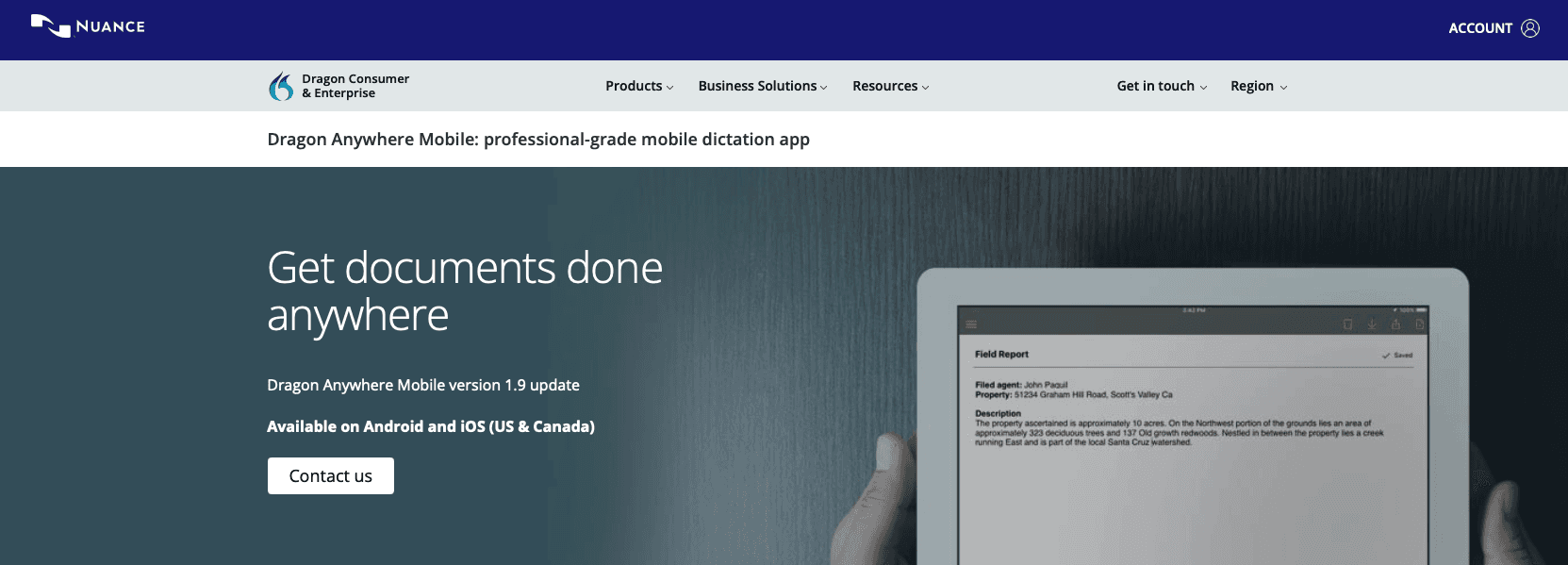
Dragon Professional was the gold standard for dictation for a long time. In 2026, it's mostly a cautionary tale.
Microsoft acquired Nuance in 2022, and meaningful development has stalled since, with limited visible improvement in the standalone Dragon product compared to newer AI-native tools. Microsoft is folding Nuance's tech into Azure and Microsoft 365, leaving Dragon users waiting.
What They Offer
Windows only, as the Mac version was discontinued
20 to 30 minutes of setup reading aloud, then weeks of corrections before hitting 95 to 97% accuracy
Vocabulary import tools for medical, legal, and technical terms
One-time cost of around $700
Good for organizations already locked into Dragon infrastructure who need offline, Windows-based processing and are willing to invest serious time in training.
The limitations are hard to overlook. $700 upfront. Weeks of voice training. No Mac support. Compare that to Willow Voice, which works immediately out of the box, learns your vocabulary automatically, and improves on its own over time, with 200ms latency that keeps you in flow state instead of waiting for text to catch up.
Dragon served an important role in earlier eras of dictation, but newer AI-native tools now offer a meaningfully different experience.
Superwhisper
Superwhisper runs OpenAI's Whisper models locally on Mac, with optional cloud post-processing via your own API keys for OpenAI, Anthropic, Google, and Groq. For privacy-first power users, that control is genuinely appealing.
What They Offer
Local AI modes (Nano, Fast, Pro, Ultra) with larger models approaching near-perfect accuracy
Complete offline operation with no usage limits on local models
Available on macOS, Windows, and iOS
$8.49/month or $84.99/year, with a $249 lifetime option
Good for developers who want full model control and local-only processing.
The tradeoffs are real, though. Plaintext API key storage, 1-2 second processing delays, and a dense settings surface make it a tool built for tinkerers. A large backlog of feature requests on their public feedback board may be worth reviewing before committing.
Superwhisper focuses on configurability while Willow Voice focuses on performance. The 200ms latency gap alone is the difference between staying in flow and losing it.
Typeless

Typeless takes a different approach than most dictation tools. Instead of transcribing speech mechanically, it uses an LLM to understand intent, producing cleaner output than what was literally said.
What They Offer
Contextual tone adaptation based on the app in use
100+ language support with automatic language detection
Free plan at 2,000 words per week; Pro at $12/month billed annually
Filler word removal and grammar correction baked in
Good for users who want multi-feature voice capabilities and don't need compliance certifications.
The gaps matter, though. Lack of SOC 2 or HIPAA certification may limit its use in heavily overseen industries like healthcare or legal. At 90% accuracy versus Willow Voice's 98%, you'll spend more time fixing output than saving time producing it. Cloud-only processing also means no offline fallback.
Typeless covers a lot of ground, but its broader feature set may not appeal to users who want a more focused dictation experience.
VoiceInk
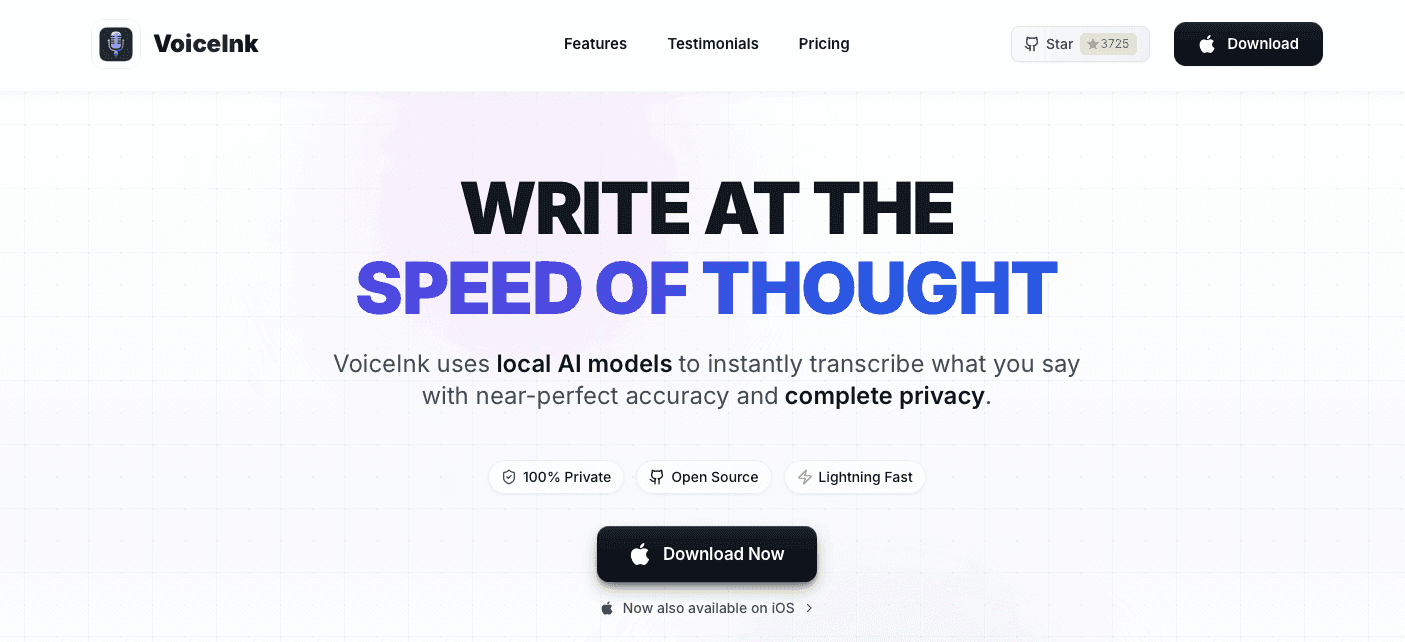
VoiceInk is an open-source macOS dictation app built by indie developer Prakash Joshi Pax. It runs Whisper models locally, so audio never leaves your device.
What They Offer
100% offline processing with 100+ language support
Custom word training for improved personal accuracy
One-time price of $39.99, open-sourced under GPL v3 with over 4,300 GitHub stars
14-day money-back guarantee
Good for budget-conscious Mac users who want offline privacy and prefer auditable, open-source software.
The constraints stack up quickly, though. No Windows support. An iOS companion app with reported bugs and missing features. No enterprise collaboration tools. API keys required for AI enhancements, meaning you're managing credentials on top of setup.
For a solo Mac user with privacy as the top concern, VoiceInk makes sense at that price. For anyone needing multi-device use, team features, or SOC 2 and HIPAA compliance, Willow Voice delivers more out of the box.
Monologue
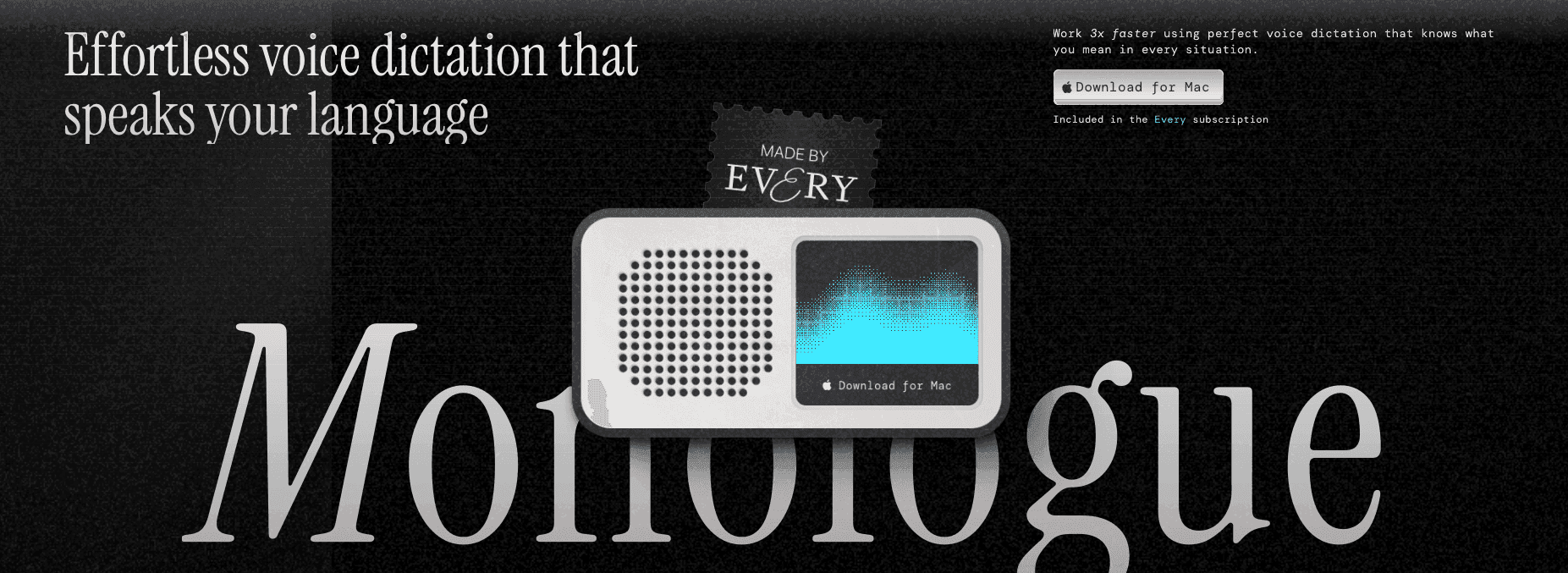
Monologue sits inside the "Every" content bundle, a suite of productivity apps built for writers and creators. If you're already paying for Every, it's a convenient add-on. Outside that context, the case gets thinner.
What They Offer
Minimal configuration with a polished out-of-the-box experience, easier to start than Superwhisper
Basic cleanup and manual "flexible modes" that require user setup
$10/month standalone or $30/month as part of the Every Bundle
Mac-focused, built for creative writing over technical workflows
Good for bloggers and individual creators already in the Every ecosystem who need light dictation for articles and drafts.
The gaps are hard to ignore. Latency runs between 500ms and 1 second, creating noticeable lag during fast dictation. Accuracy sits at 85 to 90%, so technical terms and complex sentences frequently need cleanup. No SOC 2 or HIPAA compliance makes it a non-starter for any professional team handling sensitive data.
Willow Voice's 200ms latency and 98% accuracy remove the cleanup phase entirely, which is the whole point.
Why Willow Voice Is the Best Speech to Text Software
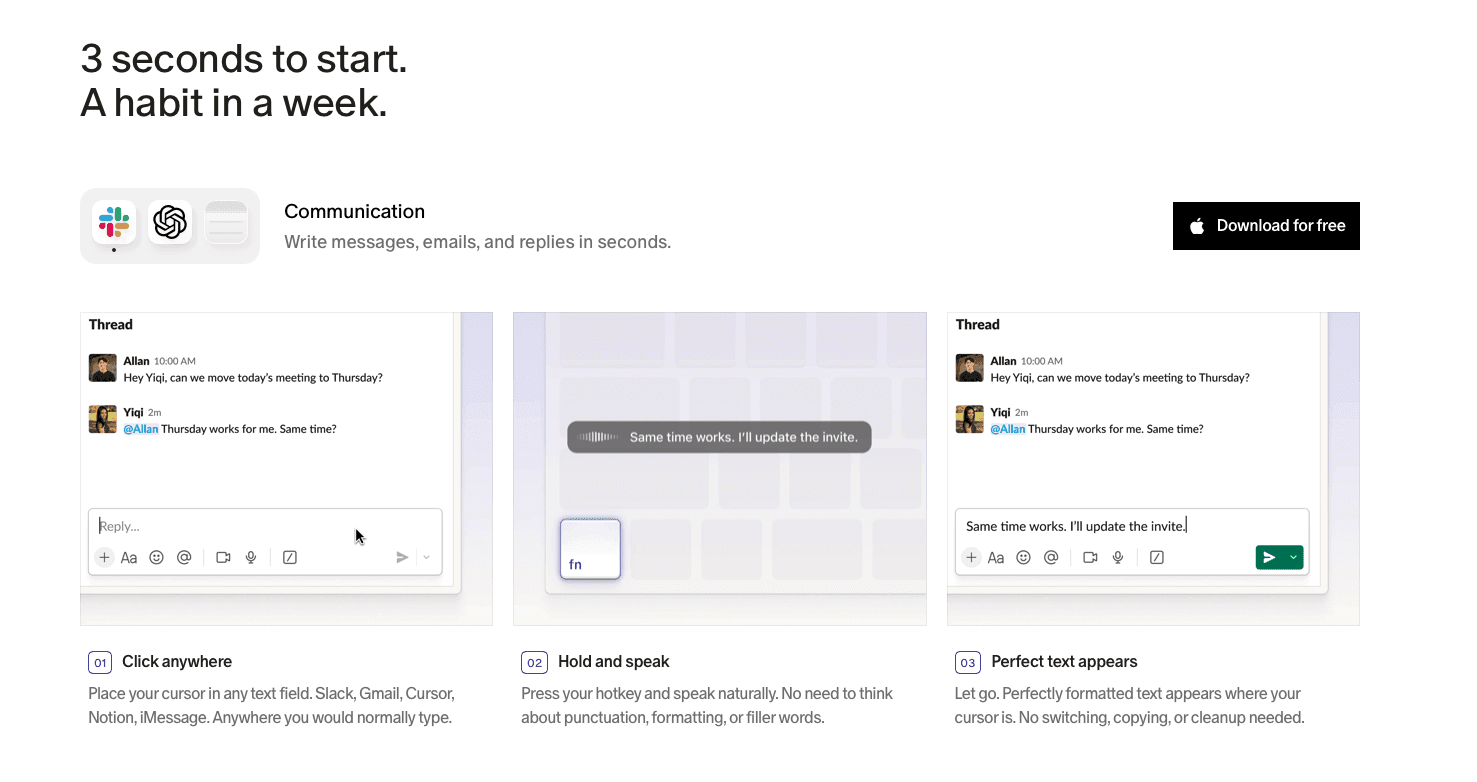
No other tool on this list does all three things at once: learn how you write, keep up with how fast you think, and meet the security bar that enterprise and healthcare teams require. Dragon demands weeks of training. Wispr Flow and Apple's built-in voice dictation trade depth for simplicity. Monologue and Typeless lack compliance entirely. Each forces a compromise.
Willow Voice skips the compromise. With 200ms latency that helps keep you in flow state, 98% accuracy that improves as it learns your writing style, and SOC 2 Type II and HIPAA compliance for enterprise teams, it covers the full range from solo founders to mixed-device organizations in healthcare, finance, and professional services. Speak at 150 WPM, replace 95% of your typing, and let the auto-dictionary handle the rest.
FAQs
Which speech to text software is best for beginners who want accurate results immediately?
Willow Voice works out of the box with no voice training required and reaches 98% accuracy from your first session. Dragon Professional requires 20-30 minutes of setup and weeks of corrections before hitting similar accuracy levels.
How do I choose between cloud-based and offline speech to text tools?
Cloud tools like Willow Voice deliver faster processing (200ms latency) and higher accuracy through powerful AI models. Offline-only tools like VoiceInk and Superwhisper focus on privacy but run 1-2 seconds slower, which breaks flow state during dictation.
Can speech to text software handle medical or legal terminology accurately?
Yes, but only if the tool supports custom dictionaries and learns from corrections. Willow Voice automatically builds a personalized vocabulary as you fix terms, while Dragon NaturallySpeaking requires manual vocabulary imports and extended training periods.
Final Thoughts on Speech to Text Tools
Picking the most accurate speech to text software comes down to how much correction you’re willing to tolerate. Many tools get close, but even small gaps in accuracy add friction across a full day of writing. Willow Voice closes that gap by combining fast response times with a system that adapts to your vocabulary and writing patterns as you use it. If you’re aiming to reduce edits and keep your momentum, you can try Willow today.
When you're choosing the most accurate speech to text software, small error rates turn into big time losses. A tool that misses every twentieth word might sound good on paper, but in practice it forces constant corrections that break your flow. Accuracy isn’t just a feature, it’s the dividing line between saving time and wasting it. In this guide, we compare six leading options using real-world benchmarks like Word Error Rate, latency, and adaptability.
TLDR:
Modern speech to text tools hit 98% accuracy at 150 WPM versus 40 WPM typing, replacing manual work.
Top tools deliver sub-200ms latency with context-aware AI that learns your writing style over time.
Context awareness and vocabulary adaptation separate high-accuracy tools from basic ones.
Enterprise-ready options include compliance standards like SOC 2 and HIPAA.
Advanced dictation software can improve accuracy over time by learning how you write.
What Is Speech to Text Software?
Speech to text software uses AI to convert spoken words into written text in real time. Press a hotkey, speak naturally, and your words appear on screen with no typing required.
The concept has existed for decades, but early tools were frustrating. You had to speak slowly, correct errors constantly, and hope the software understood your accent. Most people gave up.
That changed as AI models got smarter. Today's best tools understand context, filter out filler words, and adapt to how you speak. Accuracy has gone from a nice-to-have to the whole point.
In 2026, more professionals are replacing typing, using voice dictation for emails, Slack messages, documentation, and AI prompting. Speaking at 150 WPM versus typing at 40 WPM creates a productivity gap that's hard to ignore. Speed only matters, though, if the output is accurate enough to use without editing.
How We Ranked the Most Accurate Speech to Text Software
Our rankings draw from publicly available benchmarks, user performance data, and verified metrics across four areas:
Word Error Rate (WER) in real-world conditions, not controlled lab settings
Real-time latency, or how long text takes to appear after you stop speaking
Context awareness, including handling of technical terms, names, and jargon
Out-of-the-box usability, meaning no lengthy training sessions required
We also weighed whether each tool learns from your writing style over time. A tool that gets smarter the more you use it will always outperform one that treats every session like a first meeting.
Tool | Accuracy | Latency | Platform | Price | Compliance |
|---|---|---|---|---|---|
Willow Voice | 98% | 200ms | Mac, Windows, iOS | Free to start | SOC 2 Type II, HIPAA |
Dragon Professional | 95-97% (after weeks of training) | Not disclosed | Windows only | ~$700 one-time | Not specified |
Superwhisper | Near-perfect on largest models | 1-2 seconds | Mac, Windows, iOS | $8.49/mo or $84.99/yr | Not specified |
Typeless | ~90% | Not disclosed | Cloud-based | Free (2,000 words/wk); $12/mo Pro | None |
VoiceInk | Varies by model | Not disclosed | Mac only | $39.99 one-time | None |
Monologue | 85-90% | 500ms-1 second | Mac-focused | $10/mo standalone; $30/mo bundle | None |
Best Overall Speech to Text Software: Willow Voice
Willow Voice is the fastest, most accurate dictation tool available in 2026, and it's the one we'd recommend without hesitation. Three things separate it from every other option.
Speed comes first. At 200ms latency, transcription appears almost before you've finished the word. That's 5-10x faster than competitors sitting at 700ms or more. You stay in flow state instead of watching a cursor blink.
Accuracy comes second. Willow Voice is 2x more accurate than Apple's built-in voice dictation, Wispr Flow, and standard tools, thanks to context-aware AI that adapts tone by destination, strips filler words, and actually understands what you mean.
Personalization is the third differentiator. The auto-dictionary learns your corrections and builds a custom vocabulary over time, so Willow Voice keeps getting sharper the more you use it. Willow Voice learns how you write, becoming the most accurate dictation tool for your exact needs.
Who It's Built For
Willow Voice works across Mac, Windows, and iOS in any text field, including Gmail, Slack, Notion, ChatGPT, and Cursor. For teams running mixed Windows and Mac environments, the same hotkey, vocabulary, and settings carry across every device without per-machine setup. It supports 100+ languages with full dialect parity.
For teams, the security story is strong:
SOC 2 Type II and HIPAA compliant with zero data retention, so sensitive information never lingers on external servers.
Shared custom dictionaries and admin controls let you push terminology and vocabulary changes across the whole org from a single view, without touching individual installs.
Text replacement shortcuts for faster, uniform language across every team member's workflow.
Enterprise customers at Uber, Gusto, and HubSpot rely on it. So do solo founders who just want emails done faster.
"What makes Willow Voice special is that it understands your tone, adapts to your speaking style, and delivers near-flawless accuracy in real time."
Backed by Y Combinator, Willow Voice starts free with no credit card required.
Dragon Professional
Dragon Professional was the gold standard for dictation for a long time. In 2026, it's mostly a cautionary tale.
Microsoft acquired Nuance in 2022, and meaningful development has stalled since, with limited visible improvement in the standalone Dragon product compared to newer AI-native tools. Microsoft is folding Nuance's tech into Azure and Microsoft 365, leaving Dragon users waiting.
What They Offer
Windows only, as the Mac version was discontinued
20 to 30 minutes of setup reading aloud, then weeks of corrections before hitting 95 to 97% accuracy
Vocabulary import tools for medical, legal, and technical terms
One-time cost of around $700
Good for organizations already locked into Dragon infrastructure who need offline, Windows-based processing and are willing to invest serious time in training.
The limitations are hard to overlook. $700 upfront. Weeks of voice training. No Mac support. Compare that to Willow Voice, which works immediately out of the box, learns your vocabulary automatically, and improves on its own over time, with 200ms latency that keeps you in flow state instead of waiting for text to catch up.
Dragon served an important role in earlier eras of dictation, but newer AI-native tools now offer a meaningfully different experience.
Superwhisper
Superwhisper runs OpenAI's Whisper models locally on Mac, with optional cloud post-processing via your own API keys for OpenAI, Anthropic, Google, and Groq. For privacy-first power users, that control is genuinely appealing.
What They Offer
Local AI modes (Nano, Fast, Pro, Ultra) with larger models approaching near-perfect accuracy
Complete offline operation with no usage limits on local models
Available on macOS, Windows, and iOS
$8.49/month or $84.99/year, with a $249 lifetime option
Good for developers who want full model control and local-only processing.
The tradeoffs are real, though. Plaintext API key storage, 1-2 second processing delays, and a dense settings surface make it a tool built for tinkerers. A large backlog of feature requests on their public feedback board may be worth reviewing before committing.
Superwhisper focuses on configurability while Willow Voice focuses on performance. The 200ms latency gap alone is the difference between staying in flow and losing it.
Typeless
Typeless takes a different approach than most dictation tools. Instead of transcribing speech mechanically, it uses an LLM to understand intent, producing cleaner output than what was literally said.
What They Offer
Contextual tone adaptation based on the app in use
100+ language support with automatic language detection
Free plan at 2,000 words per week; Pro at $12/month billed annually
Filler word removal and grammar correction baked in
Good for users who want multi-feature voice capabilities and don't need compliance certifications.
The gaps matter, though. Lack of SOC 2 or HIPAA certification may limit its use in heavily overseen industries like healthcare or legal. At 90% accuracy versus Willow Voice's 98%, you'll spend more time fixing output than saving time producing it. Cloud-only processing also means no offline fallback.
Typeless covers a lot of ground, but its broader feature set may not appeal to users who want a more focused dictation experience.
VoiceInk
VoiceInk is an open-source macOS dictation app built by indie developer Prakash Joshi Pax. It runs Whisper models locally, so audio never leaves your device.
What They Offer
100% offline processing with 100+ language support
Custom word training for improved personal accuracy
One-time price of $39.99, open-sourced under GPL v3 with over 4,300 GitHub stars
14-day money-back guarantee
Good for budget-conscious Mac users who want offline privacy and prefer auditable, open-source software.
The constraints stack up quickly, though. No Windows support. An iOS companion app with reported bugs and missing features. No enterprise collaboration tools. API keys required for AI enhancements, meaning you're managing credentials on top of setup.
For a solo Mac user with privacy as the top concern, VoiceInk makes sense at that price. For anyone needing multi-device use, team features, or SOC 2 and HIPAA compliance, Willow Voice delivers more out of the box.
Monologue
Monologue sits inside the "Every" content bundle, a suite of productivity apps built for writers and creators. If you're already paying for Every, it's a convenient add-on. Outside that context, the case gets thinner.
What They Offer
Minimal configuration with a polished out-of-the-box experience, easier to start than Superwhisper
Basic cleanup and manual "flexible modes" that require user setup
$10/month standalone or $30/month as part of the Every Bundle
Mac-focused, built for creative writing over technical workflows
Good for bloggers and individual creators already in the Every ecosystem who need light dictation for articles and drafts.
The gaps are hard to ignore. Latency runs between 500ms and 1 second, creating noticeable lag during fast dictation. Accuracy sits at 85 to 90%, so technical terms and complex sentences frequently need cleanup. No SOC 2 or HIPAA compliance makes it a non-starter for any professional team handling sensitive data.
Willow Voice's 200ms latency and 98% accuracy remove the cleanup phase entirely, which is the whole point.
Why Willow Voice Is the Best Speech to Text Software
No other tool on this list does all three things at once: learn how you write, keep up with how fast you think, and meet the security bar that enterprise and healthcare teams require. Dragon demands weeks of training. Wispr Flow and Apple's built-in voice dictation trade depth for simplicity. Monologue and Typeless lack compliance entirely. Each forces a compromise.
Willow Voice skips the compromise. With 200ms latency that helps keep you in flow state, 98% accuracy that improves as it learns your writing style, and SOC 2 Type II and HIPAA compliance for enterprise teams, it covers the full range from solo founders to mixed-device organizations in healthcare, finance, and professional services. Speak at 150 WPM, replace 95% of your typing, and let the auto-dictionary handle the rest.
FAQs
Which speech to text software is best for beginners who want accurate results immediately?
Willow Voice works out of the box with no voice training required and reaches 98% accuracy from your first session. Dragon Professional requires 20-30 minutes of setup and weeks of corrections before hitting similar accuracy levels.
How do I choose between cloud-based and offline speech to text tools?
Cloud tools like Willow Voice deliver faster processing (200ms latency) and higher accuracy through powerful AI models. Offline-only tools like VoiceInk and Superwhisper focus on privacy but run 1-2 seconds slower, which breaks flow state during dictation.
Can speech to text software handle medical or legal terminology accurately?
Yes, but only if the tool supports custom dictionaries and learns from corrections. Willow Voice automatically builds a personalized vocabulary as you fix terms, while Dragon NaturallySpeaking requires manual vocabulary imports and extended training periods.
Final Thoughts on Speech to Text Tools
Picking the most accurate speech to text software comes down to how much correction you’re willing to tolerate. Many tools get close, but even small gaps in accuracy add friction across a full day of writing. Willow Voice closes that gap by combining fast response times with a system that adapts to your vocabulary and writing patterns as you use it. If you’re aiming to reduce edits and keep your momentum, you can try Willow today.

Try Willow for free
Instant, accurate voice dictation. No card required.
Try Willow for free
Instant, accurate voice dictation. No card required.
Other stories you’ll love
Other stories you’ll love


Your keyboard is optional now
" transform="translate(5 5)" width="9.791000051498413px"/></svg>)

The voice-first interface for modern work.
© Willow Care, Inc. 2026. All rights reserved
Your keyboard is optional now
The voice-first interface for modern work.
© Willow Care, Inc. 2026. All rights reserved
Your keyboard is optional now
The voice-first interface for modern work.
© Willow Care, Inc. 2026. All rights reserved