" transform="translate(5 2)" width="10px"/></svg>)
Redirecting you to App Store...
Thanks for downloading. Let’s get Willow installed.
Looking for Willow for Windows / iPhone instead? Find all available downloads here.

01
Open the installer
Double-click the Willow installer from your Downloads folder.
02
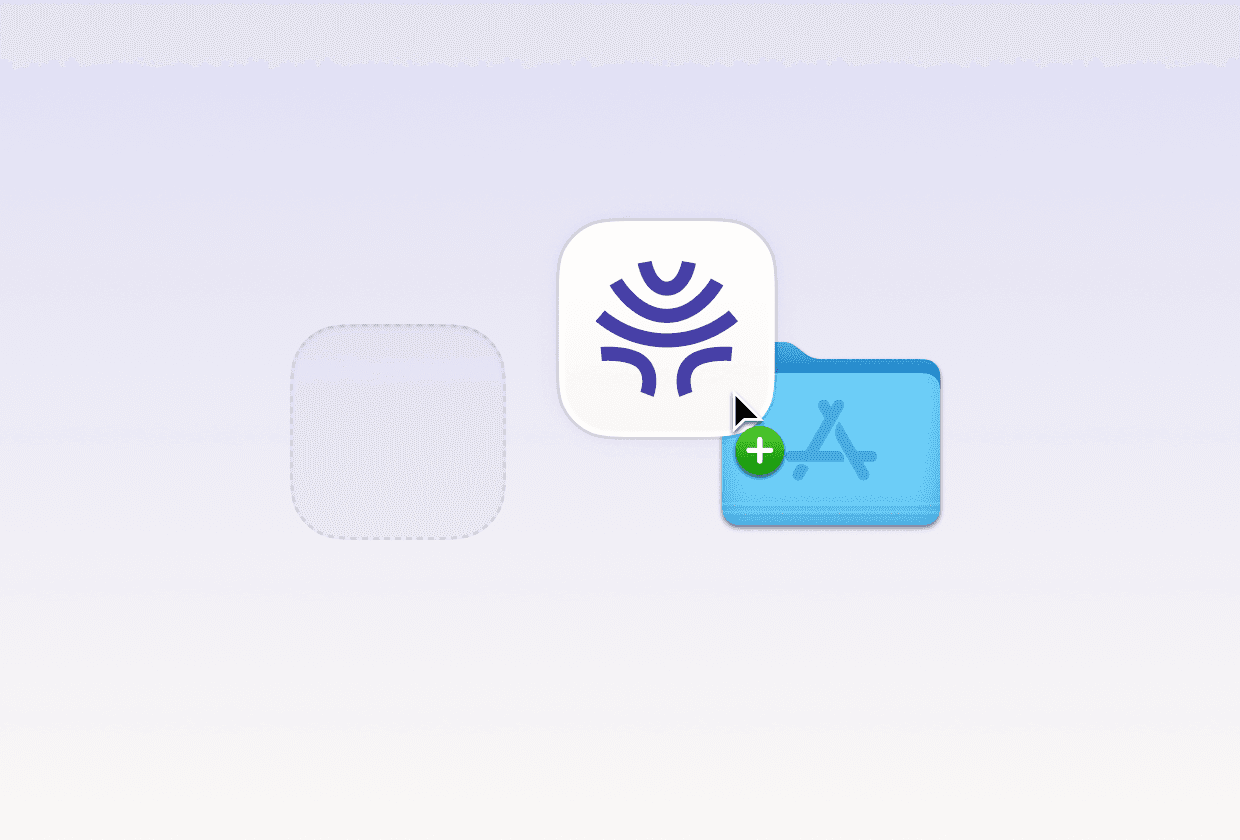
Drag to Applications
Drag Willow into your Applications folder to install it.

03
Launch Willow
Open Willow from Applications, complete setup, and start dictating anywhere on your Mac.

Redirecting you to App Store...
Thanks for downloading. Let’s get Willow installed.
Looking for Willow for Windows / iPhone instead? Find all available downloads here.
01
Open the installer
Double-click the Willow installer from your Downloads folder.
02
Drag to Applications
Drag Willow into your Applications folder to install it.
03
Launch Willow
Open Willow from Applications, complete setup, and start dictating anywhere on your Mac.