" transform="translate(5 2)" width="10px"/></svg>)

•
5 min read
Best Voice-to-Text Apps for Content Creators and Social Media Management (December 2025)

•
5 min read
Best Voice-to-Text Apps for Content Creators and Social Media Management (December 2025)
You're creating content across Instagram, TikTok, YouTube, and email every single day, and typing everything slows you down. Voice to text content tools let you speak naturally while the software handles the typing at 150 words per minute. The apps worth using understand context, format your writing automatically, and adapt tone based on whether you're writing a professional email or a casual story caption.
TLDR:
Voice dictation lets you create content at 150 WPM vs typing at 40 WPM, cutting writing time
Best tools work across all apps (Instagram, Gmail, Notion) with sub-1 second processing speed
Context-aware AI adapts tone automatically for professional emails vs casual social posts
Most free options like Apple Dictation lack accuracy and custom dictionaries for brand terms
Willow offers 3x+ better accuracy than built-in tools and works universally across Mac apps
What Are Voice to Text Apps for Content Creators?
Voice to text apps convert spoken words into written text in real time. You talk, and the software types across any application where you write.
These tools matter for content creators and social media managers who spend hours typing captions, scripts, emails, video descriptions, and comment responses. Voice dictation lets you speak at 150 words per minute instead of typing at 40 words per minute, turning a 30-minute writing task into an 8-minute one.
The best voice to text apps go beyond basic transcription. They understand context, remove filler words, format your writing automatically, and adapt to different tones depending on whether you're drafting a professional email or a casual Instagram caption.
How We Analyzed Voice to Text Apps
We tested each app based on what content creators need for daily cross-channel production.
Accuracy comes down to context handling. Can the app distinguish between "their" and "there"? Does it recognize industry terms, creator slang, and product names without manual fixes?
Speed matters when producing against deadlines. We tested how quickly each app converts speech to text and whether lag breaks your flow.
We checked where each tool works: Instagram captions, YouTube descriptions, Notion, Google Docs, and email. Some apps limit you to specific software.
We also reviewed ease of use and language support for creators working in multiple languages or serving international audiences.
Best Overall Voice to Text App for Content Creators: Willow
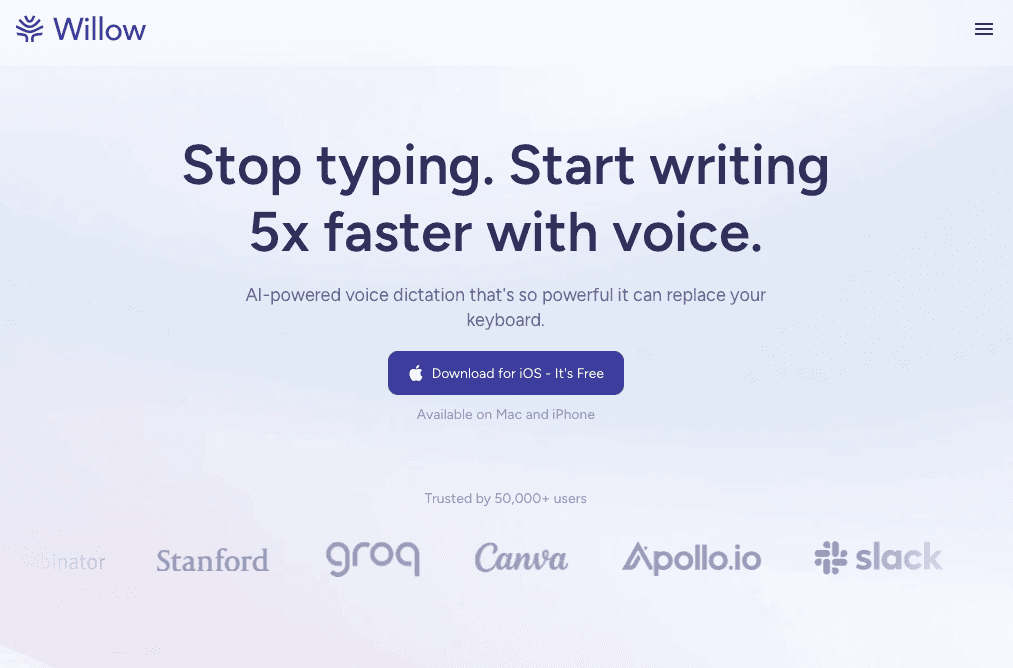
Willow works in any Mac app where you create content. Press the function key and speak directly into Instagram captions in your browser, YouTube scripts in Google Docs, Gmail responses, Notion planning docs, or ChatGPT prompts.
Text appears with sub-500 millisecond latency. Context-aware AI adapts tone based on what you're writing: pitch emails sound professional while TikTok captions stay casual, without switching settings.
Accuracy and Speed for Creator Workflows
Willow achieves 3x+ better accuracy than Apple's built-in dictation. The software automatically removes filler words, adds formatting, and supports 50+ languages. Custom dictionaries keep brand names and product terminology spelled correctly every time.
Background noise filtering and Quiet Mode work in coffee shops or shared workspaces. At 4x faster than typing, voice dictation replaces manual text entry across your content creation workflow.
Otter.ai
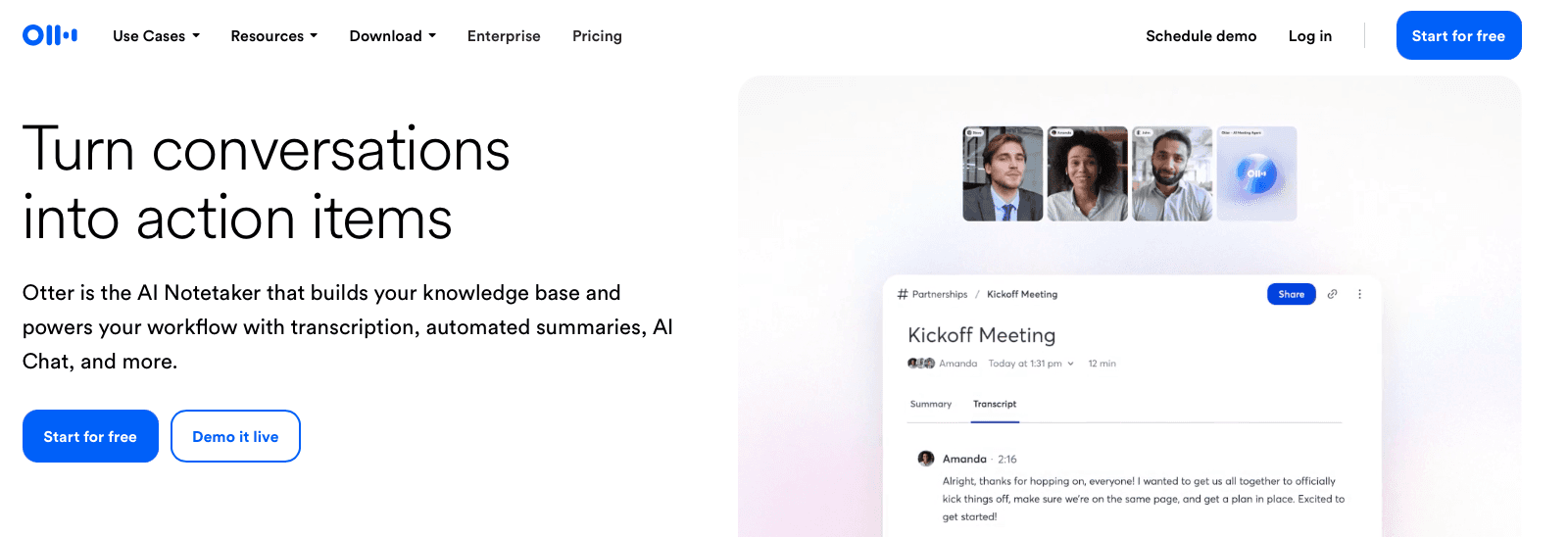
Otter.ai transcribes meeting notes and interview recordings.
What They Offer
Otter provides an AI meeting assistant that joins Zoom, Google Meet, and Teams calls automatically. The service delivers real-time transcription with speaker identification, automated meeting summaries, and action items. You can add custom vocabulary for technical terms.
Good for: Content creators conducting interviews or research conversations who need transcripts of recorded meetings.
Limitation: Otter transcribes conversations in American English, British English, Spanish, and French only. The service reaches 85-90% accuracy for clear audio, with background noise and accents affecting quality. The tool is designed for file-based transcription and meeting bots instead of real-time dictation while creating content. You cannot use it to compose emails, social posts, or documents by voice as you work.
Bottom line: Otter works well for transcribing pre-recorded content and meetings but lacks the real-time dictation capability that content creators need for daily writing tasks.
Descript
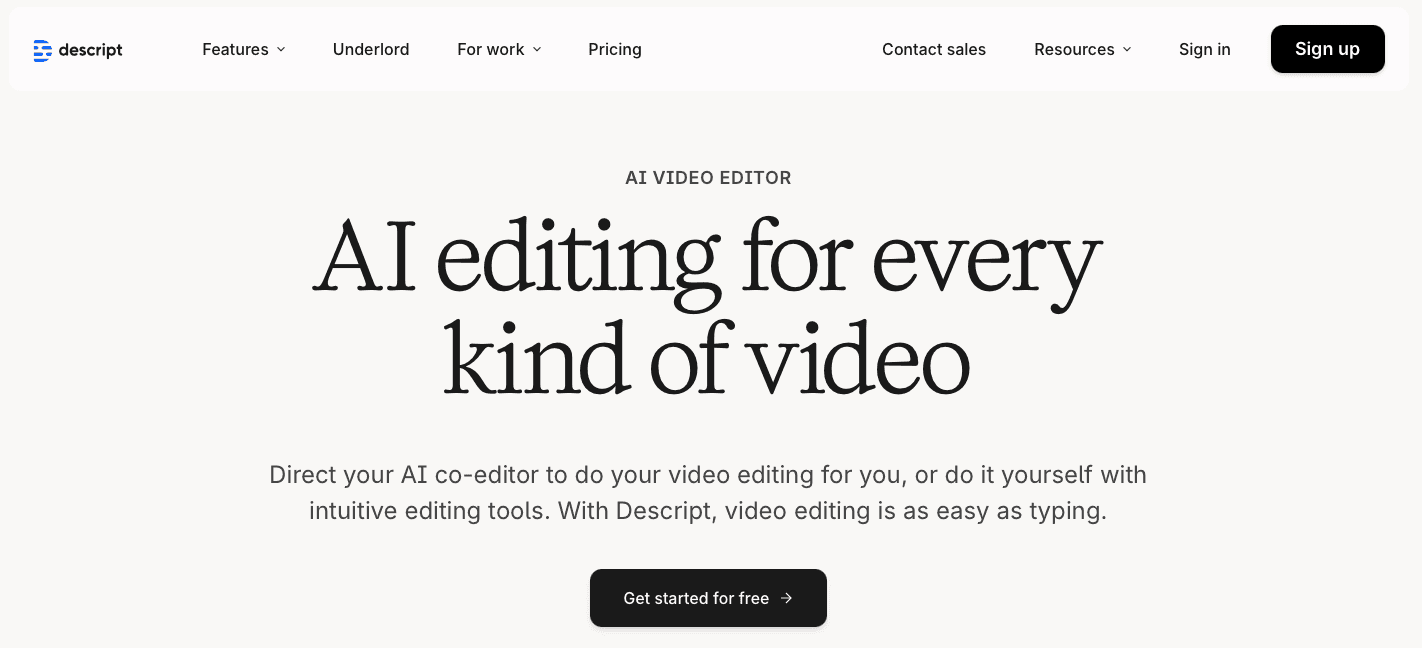
Descript is a video and podcast editing app with transcription features built in.
What They Offer
Text-based video and audio editing that lets you cut content by editing the transcript
AI voice cloning to fix audio mistakes without re-recording
Automatic removal of filler words like "um" and "ah"
Transcription of pre-recorded media files
Good for: Video creators and podcasters who edit by manipulating transcripts instead of working directly with timelines.
Limitation: Descript works as an editing suite, not a dictation tool. It transcribes files you've already recorded but doesn't offer real-time voice-to-text for writing documents, emails, or social posts. You must record audio separately, then upload it for processing. This adds extra steps between speaking and getting usable text. If you want to replace typing with voice while creating content, Descript's workflow is too roundabout for tasks like drafting captions or responding to messages.
Bottom line: Descript handles transcript-based editing well but won't work as a live dictation solution for everyday writing.
Dragon

Dragon is legacy speech recognition software from Nuance, now owned by Microsoft.
What They Offer
Desktop dictation with 99% recognition accuracy
Voice profile training that adapts to individual speakers
Custom voice commands and macros
Windows PC support only
Good for: Windows users with physical disabilities requiring accessibility features.
Limitation: Dragon dropped Mac support in October 2018. The software demands extensive setup and voice profile training before reaching optimal accuracy.
Bottom line: Dragon serves Windows users willing to invest in setup and training, but Mac incompatibility and high cost limit its practicality for content creators.
Google Docs Voice Typing
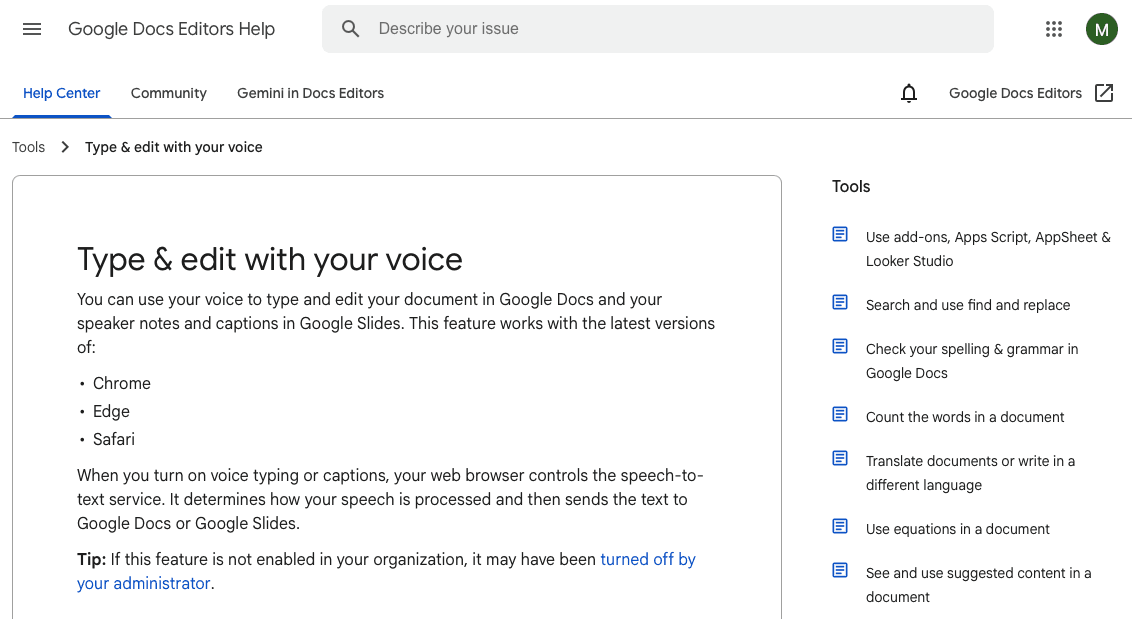
Google Docs Voice Typing is a free dictation feature built into Google Docs.
What They Offer
Voice dictation within Google Docs documents with basic punctuation commands. The feature supports over 125 languages and dialects at no additional cost for Google users.
Good for: Users who work exclusively within Google Docs and need basic dictation without additional software costs.
Limitation: Google Docs Voice Typing only works within the Google Docs application itself. Content creators cannot use it for emails, Slack messages, social media posts, Notion, or any other application where they write. The accuracy and context awareness lag behind dedicated dictation tools, often requiring manual editing. Without features like custom dictionaries, filler word removal, or smart formatting, the output demands more post-processing work.
Bottom line: Google Docs Voice Typing serves as a basic free option for documents but cannot support the multi-app workflows that content creators depend on daily.
Apple Dictation
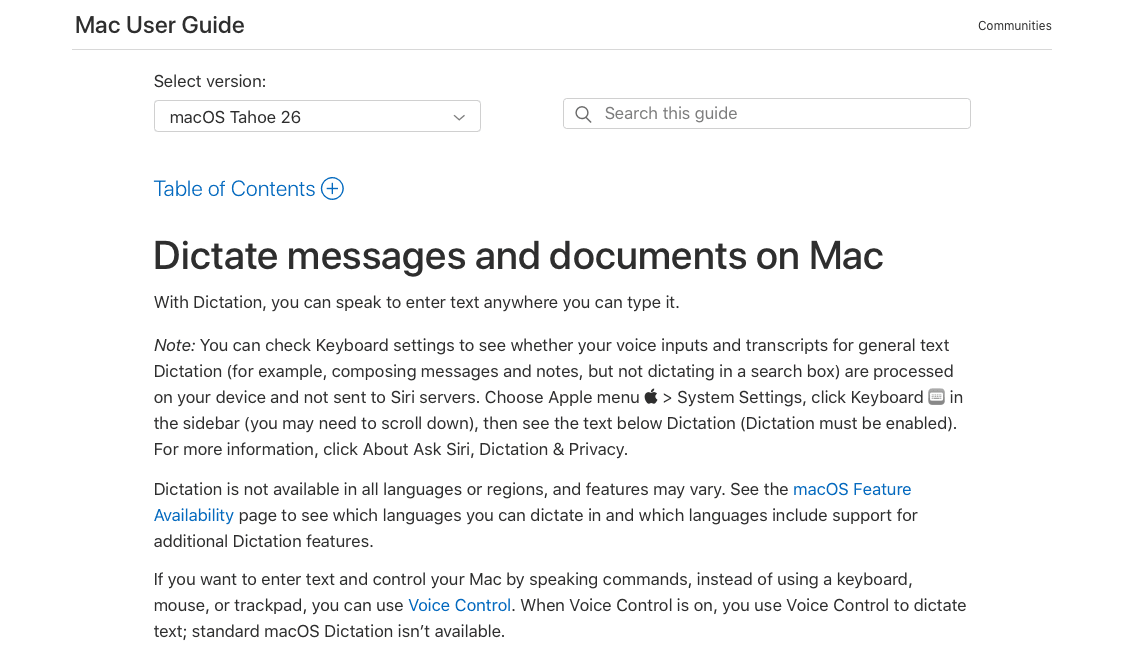
Apple Dictation is a built-in speech-to-text feature on Mac and iOS devices.
What They Offer
System-wide dictation across all Apple apps supporting 60+ languages. Standard dictation allows 40 seconds per session. Enhanced dictation allows continuous offline use with basic voice commands.
Good for: Apple users who need occasional dictation for short text entries without additional software investment.
Limitation: Apple Dictation lacks the accuracy of dedicated tools, frequently producing errors that require extensive correction. The 40-second session limit on standard dictation forces repeated pauses during longer content, breaking your flow. The tool offers no context awareness, custom dictionaries, filler word removal, or smart formatting.
Bottom line: Apple Dictation handles brief text entry but lacks the accuracy and intelligent features content creators need for professional workflows.
Why Willow Is the Best Voice to Text App for Content Creators
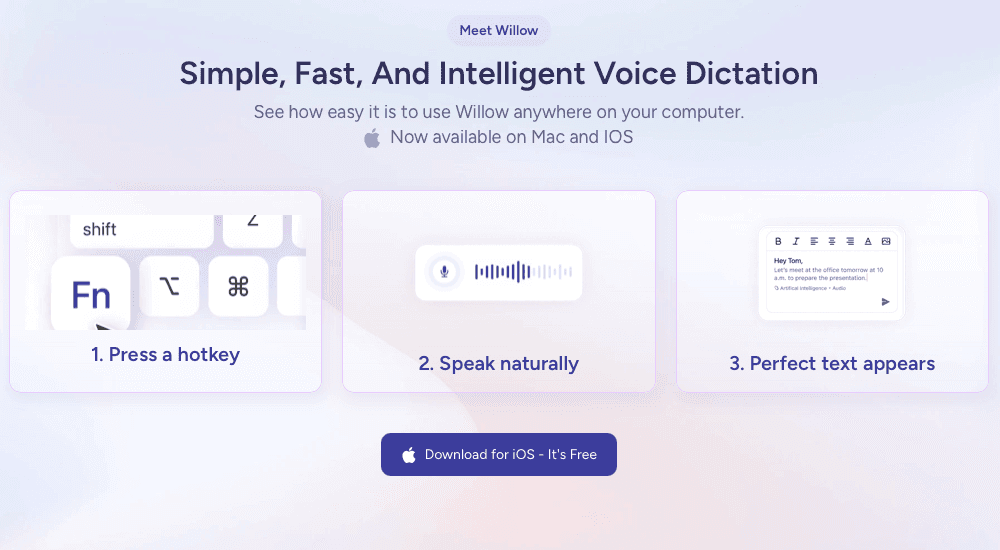
Content creators need dictation that works everywhere they write, including meetings or specific apps. Willow delivers this universal compatibility while voice recognition accuracy has improved year over year, making 2025 the tipping point where voice can finally replace typing.
The average content creator switches between seven different apps daily. Multitasking between apps reduces productivity by 40%. A single hotkey that follows you across Instagram, Gmail, Notion, and ChatGPT eliminates this friction entirely.
Willow combines speed, accuracy, and context awareness into one tool that adapts to your workflow instead of forcing you to adapt to it.
Final thoughts on dictation software for creators
Switching to voice-to-text content tools that use voice changes your daily routine more than you'd expect. You'll finish writing tasks in a fraction of the time once you stop typing everything manually. The best part is speaking naturally while your words appear across any app you're using. Test it out during your busiest content days and watch your output increase.
FAQ
How much faster is voice dictation compared to typing for content creation?
Voice dictation lets you speak at 150 words per minute compared to typing at 40 words per minute, making it 4x faster. A 30-minute writing task becomes an 8-minute one when you switch from typing to speaking.
Can I use voice-to-text apps across different social media platforms?
The best voice-to-text apps work universally across all applications where you create content, including Instagram captions, YouTube descriptions, Gmail, Notion, and Google Docs. Some tools only function within specific software, which creates workflow friction when you're managing multiple channels.
What makes context-aware dictation different from basic transcription?
Context-aware dictation recognizes when you're writing a formal pitch email versus a casual Instagram caption and adjusts tone automatically. It also spells technical terms correctly, understands punctuation from your speech patterns, and formats paragraphs without manual commands, saving you from extensive proofreading.
Do voice-to-text apps work well in noisy environments like coffee shops?
Modern voice-to-text apps include background noise filtering and quiet mode features that work in coffee shops or shared workspaces. These features let you speak softly or whisper while still getting accurate transcription, even with ambient noise around you.
Why does processing speed matter for voice dictation tools?
Sub-second transcription keeps pace with how you think and maintains your creative flow. When you finish speaking and wait three seconds for text to appear, you lose your train of thought, processing latency breaks the natural rhythm of content creation.
You're creating content across Instagram, TikTok, YouTube, and email every single day, and typing everything slows you down. Voice to text content tools let you speak naturally while the software handles the typing at 150 words per minute. The apps worth using understand context, format your writing automatically, and adapt tone based on whether you're writing a professional email or a casual story caption.
TLDR:
Voice dictation lets you create content at 150 WPM vs typing at 40 WPM, cutting writing time
Best tools work across all apps (Instagram, Gmail, Notion) with sub-1 second processing speed
Context-aware AI adapts tone automatically for professional emails vs casual social posts
Most free options like Apple Dictation lack accuracy and custom dictionaries for brand terms
Willow offers 3x+ better accuracy than built-in tools and works universally across Mac apps
What Are Voice to Text Apps for Content Creators?
Voice to text apps convert spoken words into written text in real time. You talk, and the software types across any application where you write.
These tools matter for content creators and social media managers who spend hours typing captions, scripts, emails, video descriptions, and comment responses. Voice dictation lets you speak at 150 words per minute instead of typing at 40 words per minute, turning a 30-minute writing task into an 8-minute one.
The best voice to text apps go beyond basic transcription. They understand context, remove filler words, format your writing automatically, and adapt to different tones depending on whether you're drafting a professional email or a casual Instagram caption.
How We Analyzed Voice to Text Apps
We tested each app based on what content creators need for daily cross-channel production.
Accuracy comes down to context handling. Can the app distinguish between "their" and "there"? Does it recognize industry terms, creator slang, and product names without manual fixes?
Speed matters when producing against deadlines. We tested how quickly each app converts speech to text and whether lag breaks your flow.
We checked where each tool works: Instagram captions, YouTube descriptions, Notion, Google Docs, and email. Some apps limit you to specific software.
We also reviewed ease of use and language support for creators working in multiple languages or serving international audiences.
Best Overall Voice to Text App for Content Creators: Willow
Willow works in any Mac app where you create content. Press the function key and speak directly into Instagram captions in your browser, YouTube scripts in Google Docs, Gmail responses, Notion planning docs, or ChatGPT prompts.
Text appears with sub-500 millisecond latency. Context-aware AI adapts tone based on what you're writing: pitch emails sound professional while TikTok captions stay casual, without switching settings.
Accuracy and Speed for Creator Workflows
Willow achieves 3x+ better accuracy than Apple's built-in dictation. The software automatically removes filler words, adds formatting, and supports 50+ languages. Custom dictionaries keep brand names and product terminology spelled correctly every time.
Background noise filtering and Quiet Mode work in coffee shops or shared workspaces. At 4x faster than typing, voice dictation replaces manual text entry across your content creation workflow.
Otter.ai
Otter.ai transcribes meeting notes and interview recordings.
What They Offer
Otter provides an AI meeting assistant that joins Zoom, Google Meet, and Teams calls automatically. The service delivers real-time transcription with speaker identification, automated meeting summaries, and action items. You can add custom vocabulary for technical terms.
Good for: Content creators conducting interviews or research conversations who need transcripts of recorded meetings.
Limitation: Otter transcribes conversations in American English, British English, Spanish, and French only. The service reaches 85-90% accuracy for clear audio, with background noise and accents affecting quality. The tool is designed for file-based transcription and meeting bots instead of real-time dictation while creating content. You cannot use it to compose emails, social posts, or documents by voice as you work.
Bottom line: Otter works well for transcribing pre-recorded content and meetings but lacks the real-time dictation capability that content creators need for daily writing tasks.
Descript
Descript is a video and podcast editing app with transcription features built in.
What They Offer
Text-based video and audio editing that lets you cut content by editing the transcript
AI voice cloning to fix audio mistakes without re-recording
Automatic removal of filler words like "um" and "ah"
Transcription of pre-recorded media files
Good for: Video creators and podcasters who edit by manipulating transcripts instead of working directly with timelines.
Limitation: Descript works as an editing suite, not a dictation tool. It transcribes files you've already recorded but doesn't offer real-time voice-to-text for writing documents, emails, or social posts. You must record audio separately, then upload it for processing. This adds extra steps between speaking and getting usable text. If you want to replace typing with voice while creating content, Descript's workflow is too roundabout for tasks like drafting captions or responding to messages.
Bottom line: Descript handles transcript-based editing well but won't work as a live dictation solution for everyday writing.
Dragon
Dragon is legacy speech recognition software from Nuance, now owned by Microsoft.
What They Offer
Desktop dictation with 99% recognition accuracy
Voice profile training that adapts to individual speakers
Custom voice commands and macros
Windows PC support only
Good for: Windows users with physical disabilities requiring accessibility features.
Limitation: Dragon dropped Mac support in October 2018. The software demands extensive setup and voice profile training before reaching optimal accuracy.
Bottom line: Dragon serves Windows users willing to invest in setup and training, but Mac incompatibility and high cost limit its practicality for content creators.
Google Docs Voice Typing
Google Docs Voice Typing is a free dictation feature built into Google Docs.
What They Offer
Voice dictation within Google Docs documents with basic punctuation commands. The feature supports over 125 languages and dialects at no additional cost for Google users.
Good for: Users who work exclusively within Google Docs and need basic dictation without additional software costs.
Limitation: Google Docs Voice Typing only works within the Google Docs application itself. Content creators cannot use it for emails, Slack messages, social media posts, Notion, or any other application where they write. The accuracy and context awareness lag behind dedicated dictation tools, often requiring manual editing. Without features like custom dictionaries, filler word removal, or smart formatting, the output demands more post-processing work.
Bottom line: Google Docs Voice Typing serves as a basic free option for documents but cannot support the multi-app workflows that content creators depend on daily.
Apple Dictation
Apple Dictation is a built-in speech-to-text feature on Mac and iOS devices.
What They Offer
System-wide dictation across all Apple apps supporting 60+ languages. Standard dictation allows 40 seconds per session. Enhanced dictation allows continuous offline use with basic voice commands.
Good for: Apple users who need occasional dictation for short text entries without additional software investment.
Limitation: Apple Dictation lacks the accuracy of dedicated tools, frequently producing errors that require extensive correction. The 40-second session limit on standard dictation forces repeated pauses during longer content, breaking your flow. The tool offers no context awareness, custom dictionaries, filler word removal, or smart formatting.
Bottom line: Apple Dictation handles brief text entry but lacks the accuracy and intelligent features content creators need for professional workflows.
Why Willow Is the Best Voice to Text App for Content Creators
Content creators need dictation that works everywhere they write, including meetings or specific apps. Willow delivers this universal compatibility while voice recognition accuracy has improved year over year, making 2025 the tipping point where voice can finally replace typing.
The average content creator switches between seven different apps daily. Multitasking between apps reduces productivity by 40%. A single hotkey that follows you across Instagram, Gmail, Notion, and ChatGPT eliminates this friction entirely.
Willow combines speed, accuracy, and context awareness into one tool that adapts to your workflow instead of forcing you to adapt to it.
Final thoughts on dictation software for creators
Switching to voice-to-text content tools that use voice changes your daily routine more than you'd expect. You'll finish writing tasks in a fraction of the time once you stop typing everything manually. The best part is speaking naturally while your words appear across any app you're using. Test it out during your busiest content days and watch your output increase.
FAQ
How much faster is voice dictation compared to typing for content creation?
Voice dictation lets you speak at 150 words per minute compared to typing at 40 words per minute, making it 4x faster. A 30-minute writing task becomes an 8-minute one when you switch from typing to speaking.
Can I use voice-to-text apps across different social media platforms?
The best voice-to-text apps work universally across all applications where you create content, including Instagram captions, YouTube descriptions, Gmail, Notion, and Google Docs. Some tools only function within specific software, which creates workflow friction when you're managing multiple channels.
What makes context-aware dictation different from basic transcription?
Context-aware dictation recognizes when you're writing a formal pitch email versus a casual Instagram caption and adjusts tone automatically. It also spells technical terms correctly, understands punctuation from your speech patterns, and formats paragraphs without manual commands, saving you from extensive proofreading.
Do voice-to-text apps work well in noisy environments like coffee shops?
Modern voice-to-text apps include background noise filtering and quiet mode features that work in coffee shops or shared workspaces. These features let you speak softly or whisper while still getting accurate transcription, even with ambient noise around you.
Why does processing speed matter for voice dictation tools?
Sub-second transcription keeps pace with how you think and maintains your creative flow. When you finish speaking and wait three seconds for text to appear, you lose your train of thought, processing latency breaks the natural rhythm of content creation.

Try Willow for free
Instant, accurate voice dictation. No card required.
Try Willow for free
Instant, accurate voice dictation. No card required.
Other stories you’ll love
Other stories you’ll love


Your keyboard is optional now
" transform="translate(5 5)" width="9.791000051498413px"/></svg>)

The voice-first interface for modern work.
© Willow Care, Inc. 2026. All rights reserved
Your keyboard is optional now
The voice-first interface for modern work.
© Willow Care, Inc. 2026. All rights reserved
Your keyboard is optional now
The voice-first interface for modern work.
© Willow Care, Inc. 2026. All rights reserved