" transform="translate(5 2)" width="10px"/></svg>)

•
5 min read
6 Best Student Voice Dictation Tools for Universities (August 2026)
•
5 min read
6 Best Student Voice Dictation Tools for Universities (August 2026)
Student writing doesn't slow down, and your dictation tool shouldn't either. The gap between speaking at 150 words per minute and typing at 40 adds up fast, but only if the tool keeps up without leaving you correcting every other sentence. That same constraint applies whether you're working on a Windows lab computer, a Mac laptop, or switching between the two mid-semester. We ranked the best voice dictation tools for universities and students on the factors that actually matter: accuracy on discipline-specific vocabulary, latency you won't feel, coverage across Mac, Windows, and iOS environments, and pricing that fits a student budget.
TLDR:
Speaking runs at 150 WPM vs. 40 WPM typing, so dictation can close a real output gap across a heavy assignment load.
Latency separates the field more than any other spec: most tools run 500ms to 1 second, which is long enough to break concentration mid-sentence.
Tools without learnable dictionaries can struggle with field-specific terms, quietly eroding the time savings that made voice input appealing.
Dragon Professional requires 20 to 30 minutes of voice training upfront and doesn't travel well across devices, which limits it for most students.
The top-ranked tool in this list runs at ~200ms latency with 98%+ accuracy and an Auto-Dictionary that picks up course-specific terminology across Mac, Windows, and iOS without per-device setup. University IT teams and research programs can deploy it org-wide with shared custom dictionaries, admin controls, SOC 2 Type II certification, and HIPAA compliance built in from day one.
What Is Voice Dictation for Students?
Students write constantly. Essays, discussion posts, lab reports, study notes, and the occasional AI prompt stretched across a deadline-heavy week. Voice dictation tools convert spoken words into text using AI-powered speech recognition, letting you produce written content by talking instead of typing.
Most people speak at around 150 words per minute but type closer to 40, a gap confirmed by student typing speed data from a 1,301-person university cohort. Across an assignment-heavy semester, that output gap adds up. A 2025 piece in Nature on voice dictation in academic writing found similar patterns among researchers and graduate students, noting that AI-powered dictation tools reduce both output friction and physical strain over time. For more on voice dictation insights, the research keeps pointing the same direction. For students juggling lectures, reading, and writing all at once, voice dictation offers a way to keep pace with the volume without slowing down every time words need to reach a page.
Best Overall Voice Dictation Tool for Students: Willow Voice

Willow Voice is built for the student workflow: ~200ms latency means text lands almost the instant you finish a sentence, so the next thought doesn't evaporate while you wait. Built-in tools like Apple's voice dictation run at 700ms or more, long enough to break concentration mid-sentence. Willow activates with a single keypress (fn on Mac or Alt+Space on Windows) and works in any application without switching windows or tabs.
Accuracy holds up where it matters most. Willow reaches 98%+ accuracy and produces 3x fewer errors than built-in dictation tools, which means the correction overhead that typically erodes speed gains stays small enough to make dictation a genuine net win. For context, a peer-reviewed evaluation of AI-based speech recognition found word error rates ranging from under 1% in controlled settings to over 50% in complex or multi-speaker scenarios, a range that shows exactly why accuracy on domain-specific vocabulary matters.
Personalization That Builds Over Time
The gap between a general-purpose dictation tool and one that actually fits your workflow is vocabulary. Willow's Auto-Dictionary picks up course-specific terms, proper nouns, citation formats, and field-specific language without manual setup. Custom vocabulary overrides are available for both personal and shared dictionaries when a professor's name or a technical term keeps transcribing incorrectly. For university programs and research groups deploying Willow across a department, shared dictionaries let an administrator push terminology updates to every member at once, with no individual reconfiguration needed.
Beyond Transcription
Willow Scribe, activated with Fn + Control on Mac and Alt+Shift+Space on Windows, goes further than word-for-word capture. It generates complete written content from voice prompts, which means you can speak a rough idea and get a structured draft back, or ask it to rewrite a selected passage without touching the keyboard.
For students working across Mac, Windows, and iOS, vocabulary and settings carry over across devices without per-device setup. You can speak notes on a Windows desktop in the computer lab, switch to a Mac laptop at home, and pick up on your phone between classes, all from the same configuration with no re-setup required. For university IT teams managing mixed-device environments, that cross-device continuity removes the per-user configuration overhead that makes most dictation tools impractical to roll out across a department or program.
Privacy is built on enterprise-grade infrastructure: Willow is SOC 2 Type II certified and HIPAA compliant with zero data retention, so the notes and drafts you're capturing by voice aren't stored after the session ends. For research programs with FERPA or IRB data handling requirements, that architecture means voice audio is processed and discarded by default, removing it from the compliance question without any additional configuration.
Typeless
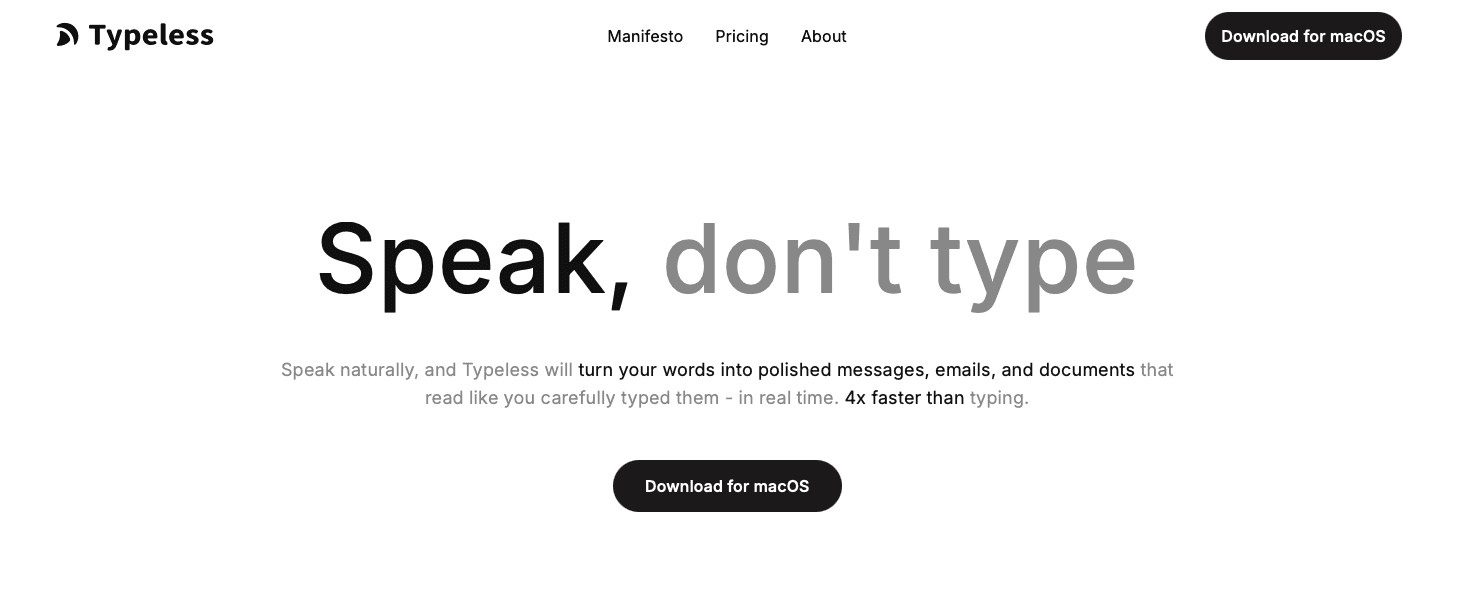
Typeless is built for students who want a clean, distraction-free dictation experience, focused on getting spoken words onto the page accurately and quickly. It works across browsers and major operating systems, and the interface stays out of your way while you speak.
There's no steep learning curve and no subscription gate blocking core features, which gives students a low-friction entry point for basic voice-to-text.
The limitation is vocabulary depth. Custom vocabulary support is limited, which means discipline-specific terminology in fields like biochemistry, law, or economics may require more correction passes than tools with learnable dictionaries. For students producing field-specific content regularly, that correction overhead can quietly cancel out the time saved by speaking.
VoiceInk
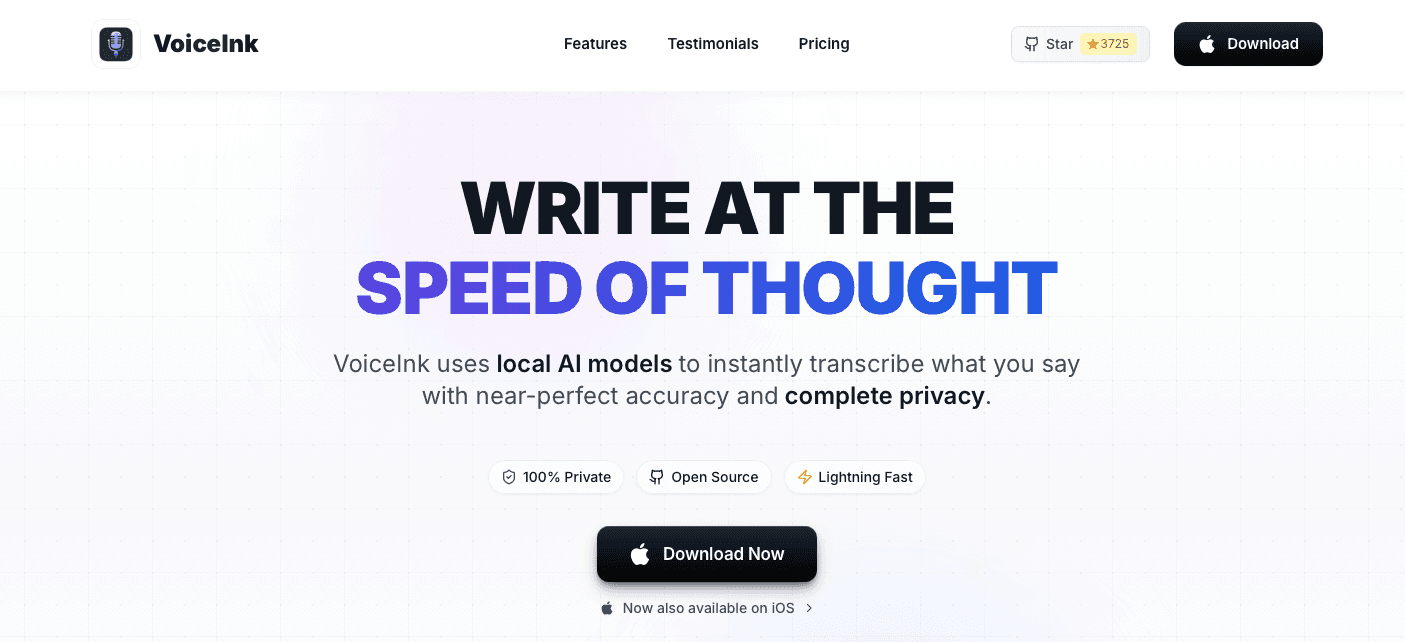
VoiceInk is a Mac-only voice dictation app built around on-device processing using Apple Silicon. Your audio never leaves your device, which appeals to students with privacy concerns about cloud-based transcription. Offline transcription is fully functional, no subscription is required after purchase, and the interface is clean for basic tasks.
The Mac-only constraint is the main limit. Students who move between a Windows lab and a MacBook, or who need voice input on their phone between classes, will find VoiceInk's single-device scope frustrating. There is no iOS app and no cross-device vocabulary sync. Latency also runs higher than cloud-based tools during longer sessions, so extended essay drafts can feel slower than alternatives.
Monologue
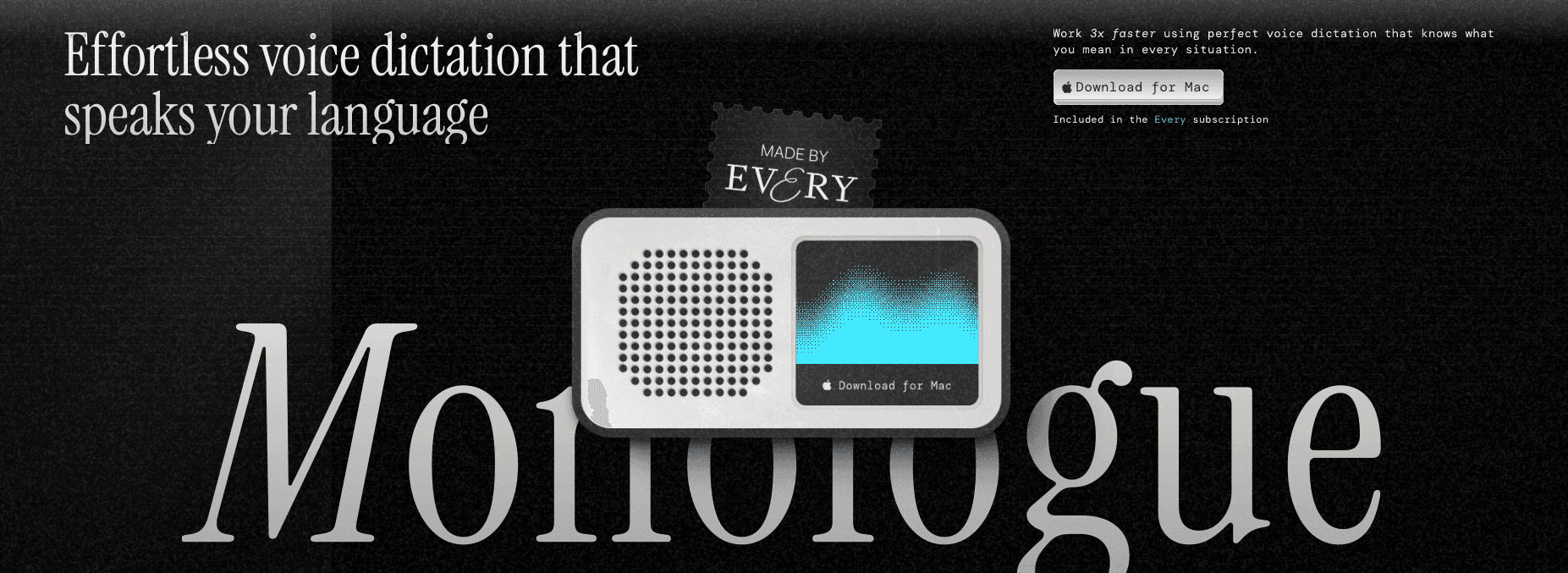
Monologue is an AI-powered voice dictation app designed around the student workflow, with features tuned for essays, research notes, and lecture capture.
The app runs on iOS and Mac, covering most devices students actually use. Accuracy is solid for general academic vocabulary, and the interface is clean with a low learning curve, so it stays out of your way while you write.
Custom vocabulary depth is limited compared to tools built for domain-heavy fields, and there's no Windows support, which matters on campuses where lab computers run Windows. Collaborative features are absent, so university IT departments looking to deploy across departments will find it a poor fit. For an individual student on a Mac or iPhone, Monologue is a reasonable pick.
Dragon Professional
Dragon Professional is one of the most recognized names in voice dictation, with decades of use across legal, medical, and academic settings. In university settings, it has historically been the go-to choice for accessibility offices and institutional IT teams supporting students with disabilities. Its Windows-only architecture fits well in Windows-heavy campus environments but creates a gap for students and faculty who move between Windows lab computers and Mac laptops throughout the day.
The tool works as a desktop application that runs locally on Windows, meaning audio never touches a cloud server. That architecture appeals to institutions with strict data policies, though it also means the software carries a steeper hardware requirement than browser-based alternatives.
Aqua Voice
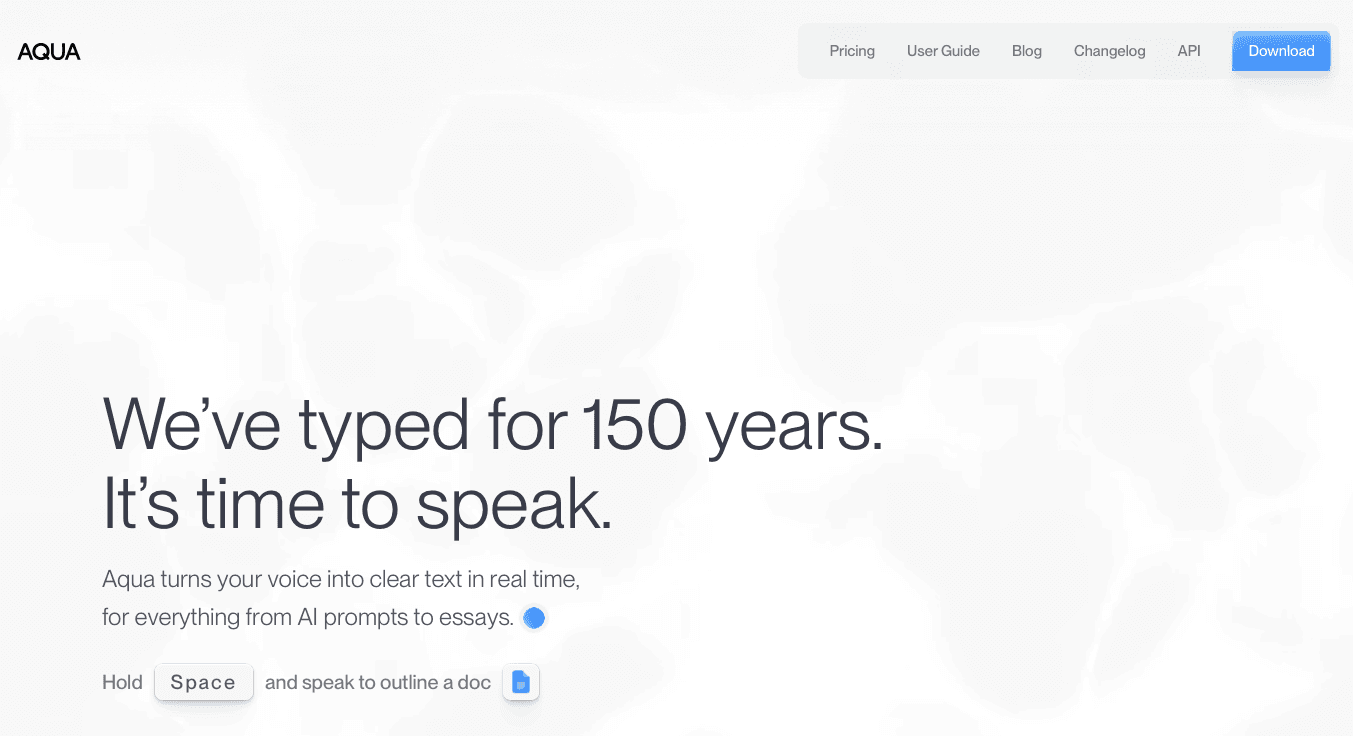
Aqua Voice is a voice dictation tool built around a conversational interaction model. You can issue commands in plain language, like "delete that last sentence" or "make this more formal," and the tool responds, reducing the need to switch back to manual editing.
It supports Mac and Windows but lacks iOS support and offline mode. Pricing sits at around $8/month, making it one of the more affordable options here. The conversational layer works best for general-purpose writing, not domain-specific or technical content.
Tool | Platform | Latency | Vocabulary Learning | Offline | Price |
|---|---|---|---|---|---|
Willow Voice | Mac, Windows, iOS | ~200ms | Auto-Dictionary | No | Paid |
Typeless | Mac, Windows, Browser | Not listed | Limited | No | Free tier available |
VoiceInk | Mac only | Higher (long sessions) | Limited | Yes | One-time purchase |
Monologue | Mac, iOS | Not listed | Limited | Partial | Subscription |
Dragon Professional | Windows | Not listed | Yes (training required) | Yes | Institutional |
Aqua Voice | Mac, Windows | Not listed | No | No | ~$8/month |
Why Willow Voice Works for Students and Universities
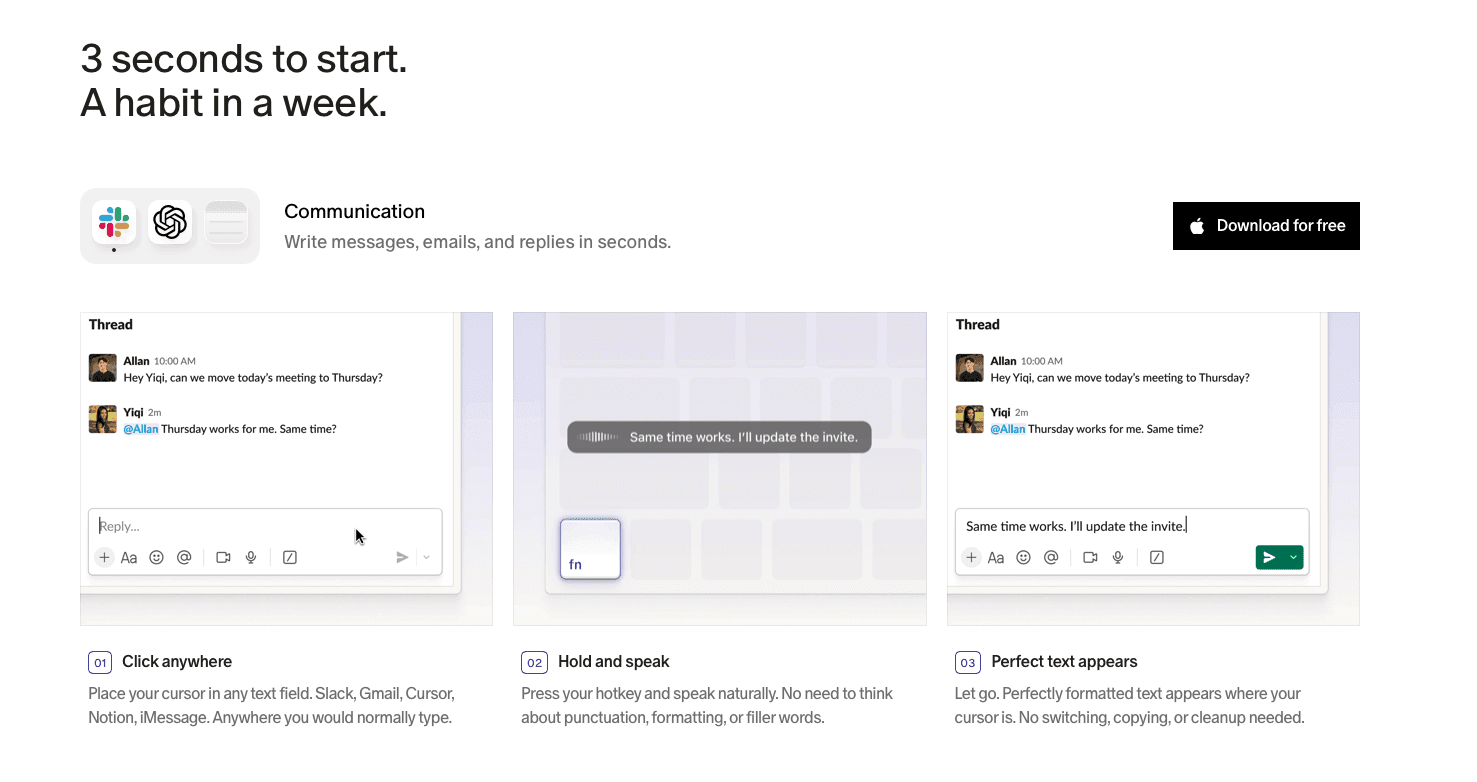
At ~200ms latency, Willow produces text fast enough that the next sentence is already forming before the last one lands. At 98%+ accuracy with 3x fewer errors than built-in dictation, the correction loop stays small enough to make dictation a genuine net win across essays, lab reports, and study notes. The Auto-Dictionary picks up course-specific vocabulary, professor names, and field-specific terminology without manual setup.
For students moving between a Windows computer lab, a Mac laptop, and an iPhone, Willow runs natively on all three without per-device reconfiguration. The same hotkey (Alt+Space on Windows, fn on Mac) and the same Auto-Dictionary carry over to every device, so you pick up where you left off.
For university programs and research groups, Willow is SOC 2 Type II certified and HIPAA compliant with zero data retention, removing voice audio from the compliance question for FERPA-sensitive workflows and IRB research protocols by default. Administrators can push shared custom dictionaries with course-specific terminology to every member at once through a single admin view, making org-wide rollout viable without per-user reconfiguration.
FAQs
How do I choose the right voice dictation tool from this list?
Start with your platform and budget: VoiceInk is Mac-only, Monologue covers Mac and iOS, and Dragon runs on Windows. If you move between a Windows desktop and a Mac or need mobile access on iOS, only Willow Voice covers all three without per-device reconfiguration. From there, consider whether you need vocabulary learning, offline capability, or a free tier to test before committing. For teams and university programs deploying across a department, Willow Voice also offers shared dictionaries and admin controls that the other tools here don't support.
Which voice dictation tool works best for students with highly technical or discipline-specific vocabulary?
Tools with automatic vocabulary learning handle academic terminology far better than static alternatives. A peer-reviewed scoping review on speech-to-text for student writing found that writing performance gains are most consistent when tools handle domain-specific vocabulary accurately, not by relying on static general-purpose models. Willow Voice picks up course-specific terms, professor names, and field-specific language without manual setup, and that vocabulary carries across Mac, Windows, and iOS so you don't repeat the process on each device. Dragon Professional also learns vocabulary but requires 20 to 30 minutes of voice training before personalization kicks in, and it runs on Windows only, which limits it if your workflow spans multiple platforms.
What is the difference between transcription tools and AI-assisted dictation tools?
Transcription tools convert speech to text word-for-word, leaving all editing and structuring to you. AI-assisted tools like Willow Voice go further by generating complete drafts from voice prompts, removing filler words, and formatting output automatically, so the gap between speaking and a usable first draft shrinks considerably. For professional and enterprise workflows where output quality matters alongside speed, that distinction affects how much post-processing time each session actually costs.
Final Thoughts on Voice Dictation Tools for University Students
The best voice dictation tools for universities and students earn that label by keeping the correction loop small. Latency and domain vocabulary handling are what separate a genuine speed gain from trading typing time for editing time. For individual students, that means a tool that keeps up across essays, labs, and lecture notes without per-session setup. For university programs and research teams deploying across a department, it means a tool that runs on Mac, Windows, and iOS with shared vocabularies and SOC 2 Type II compliance already in place, so rollout fits within an institution's existing security review without additional configuration. To see where Willow Voice fits your courses, workflow, or team, downloading it and running it through a few sessions is the fastest way to find out.
Student writing doesn't slow down, and your dictation tool shouldn't either. The gap between speaking at 150 words per minute and typing at 40 adds up fast, but only if the tool keeps up without leaving you correcting every other sentence. That same constraint applies whether you're working on a Windows lab computer, a Mac laptop, or switching between the two mid-semester. We ranked the best voice dictation tools for universities and students on the factors that actually matter: accuracy on discipline-specific vocabulary, latency you won't feel, coverage across Mac, Windows, and iOS environments, and pricing that fits a student budget.
TLDR:
Speaking runs at 150 WPM vs. 40 WPM typing, so dictation can close a real output gap across a heavy assignment load.
Latency separates the field more than any other spec: most tools run 500ms to 1 second, which is long enough to break concentration mid-sentence.
Tools without learnable dictionaries can struggle with field-specific terms, quietly eroding the time savings that made voice input appealing.
Dragon Professional requires 20 to 30 minutes of voice training upfront and doesn't travel well across devices, which limits it for most students.
The top-ranked tool in this list runs at ~200ms latency with 98%+ accuracy and an Auto-Dictionary that picks up course-specific terminology across Mac, Windows, and iOS without per-device setup. University IT teams and research programs can deploy it org-wide with shared custom dictionaries, admin controls, SOC 2 Type II certification, and HIPAA compliance built in from day one.
What Is Voice Dictation for Students?
Students write constantly. Essays, discussion posts, lab reports, study notes, and the occasional AI prompt stretched across a deadline-heavy week. Voice dictation tools convert spoken words into text using AI-powered speech recognition, letting you produce written content by talking instead of typing.
Most people speak at around 150 words per minute but type closer to 40, a gap confirmed by student typing speed data from a 1,301-person university cohort. Across an assignment-heavy semester, that output gap adds up. A 2025 piece in Nature on voice dictation in academic writing found similar patterns among researchers and graduate students, noting that AI-powered dictation tools reduce both output friction and physical strain over time. For more on voice dictation insights, the research keeps pointing the same direction. For students juggling lectures, reading, and writing all at once, voice dictation offers a way to keep pace with the volume without slowing down every time words need to reach a page.
Best Overall Voice Dictation Tool for Students: Willow Voice
Willow Voice is built for the student workflow: ~200ms latency means text lands almost the instant you finish a sentence, so the next thought doesn't evaporate while you wait. Built-in tools like Apple's voice dictation run at 700ms or more, long enough to break concentration mid-sentence. Willow activates with a single keypress (fn on Mac or Alt+Space on Windows) and works in any application without switching windows or tabs.
Accuracy holds up where it matters most. Willow reaches 98%+ accuracy and produces 3x fewer errors than built-in dictation tools, which means the correction overhead that typically erodes speed gains stays small enough to make dictation a genuine net win. For context, a peer-reviewed evaluation of AI-based speech recognition found word error rates ranging from under 1% in controlled settings to over 50% in complex or multi-speaker scenarios, a range that shows exactly why accuracy on domain-specific vocabulary matters.
Personalization That Builds Over Time
The gap between a general-purpose dictation tool and one that actually fits your workflow is vocabulary. Willow's Auto-Dictionary picks up course-specific terms, proper nouns, citation formats, and field-specific language without manual setup. Custom vocabulary overrides are available for both personal and shared dictionaries when a professor's name or a technical term keeps transcribing incorrectly. For university programs and research groups deploying Willow across a department, shared dictionaries let an administrator push terminology updates to every member at once, with no individual reconfiguration needed.
Beyond Transcription
Willow Scribe, activated with Fn + Control on Mac and Alt+Shift+Space on Windows, goes further than word-for-word capture. It generates complete written content from voice prompts, which means you can speak a rough idea and get a structured draft back, or ask it to rewrite a selected passage without touching the keyboard.
For students working across Mac, Windows, and iOS, vocabulary and settings carry over across devices without per-device setup. You can speak notes on a Windows desktop in the computer lab, switch to a Mac laptop at home, and pick up on your phone between classes, all from the same configuration with no re-setup required. For university IT teams managing mixed-device environments, that cross-device continuity removes the per-user configuration overhead that makes most dictation tools impractical to roll out across a department or program.
Privacy is built on enterprise-grade infrastructure: Willow is SOC 2 Type II certified and HIPAA compliant with zero data retention, so the notes and drafts you're capturing by voice aren't stored after the session ends. For research programs with FERPA or IRB data handling requirements, that architecture means voice audio is processed and discarded by default, removing it from the compliance question without any additional configuration.
Typeless
Typeless is built for students who want a clean, distraction-free dictation experience, focused on getting spoken words onto the page accurately and quickly. It works across browsers and major operating systems, and the interface stays out of your way while you speak.
There's no steep learning curve and no subscription gate blocking core features, which gives students a low-friction entry point for basic voice-to-text.
The limitation is vocabulary depth. Custom vocabulary support is limited, which means discipline-specific terminology in fields like biochemistry, law, or economics may require more correction passes than tools with learnable dictionaries. For students producing field-specific content regularly, that correction overhead can quietly cancel out the time saved by speaking.
VoiceInk
VoiceInk is a Mac-only voice dictation app built around on-device processing using Apple Silicon. Your audio never leaves your device, which appeals to students with privacy concerns about cloud-based transcription. Offline transcription is fully functional, no subscription is required after purchase, and the interface is clean for basic tasks.
The Mac-only constraint is the main limit. Students who move between a Windows lab and a MacBook, or who need voice input on their phone between classes, will find VoiceInk's single-device scope frustrating. There is no iOS app and no cross-device vocabulary sync. Latency also runs higher than cloud-based tools during longer sessions, so extended essay drafts can feel slower than alternatives.
Monologue
Monologue is an AI-powered voice dictation app designed around the student workflow, with features tuned for essays, research notes, and lecture capture.
The app runs on iOS and Mac, covering most devices students actually use. Accuracy is solid for general academic vocabulary, and the interface is clean with a low learning curve, so it stays out of your way while you write.
Custom vocabulary depth is limited compared to tools built for domain-heavy fields, and there's no Windows support, which matters on campuses where lab computers run Windows. Collaborative features are absent, so university IT departments looking to deploy across departments will find it a poor fit. For an individual student on a Mac or iPhone, Monologue is a reasonable pick.
Dragon Professional
Dragon Professional is one of the most recognized names in voice dictation, with decades of use across legal, medical, and academic settings. In university settings, it has historically been the go-to choice for accessibility offices and institutional IT teams supporting students with disabilities. Its Windows-only architecture fits well in Windows-heavy campus environments but creates a gap for students and faculty who move between Windows lab computers and Mac laptops throughout the day.
The tool works as a desktop application that runs locally on Windows, meaning audio never touches a cloud server. That architecture appeals to institutions with strict data policies, though it also means the software carries a steeper hardware requirement than browser-based alternatives.
Aqua Voice
Aqua Voice is a voice dictation tool built around a conversational interaction model. You can issue commands in plain language, like "delete that last sentence" or "make this more formal," and the tool responds, reducing the need to switch back to manual editing.
It supports Mac and Windows but lacks iOS support and offline mode. Pricing sits at around $8/month, making it one of the more affordable options here. The conversational layer works best for general-purpose writing, not domain-specific or technical content.
Tool | Platform | Latency | Vocabulary Learning | Offline | Price |
|---|---|---|---|---|---|
Willow Voice | Mac, Windows, iOS | ~200ms | Auto-Dictionary | No | Paid |
Typeless | Mac, Windows, Browser | Not listed | Limited | No | Free tier available |
VoiceInk | Mac only | Higher (long sessions) | Limited | Yes | One-time purchase |
Monologue | Mac, iOS | Not listed | Limited | Partial | Subscription |
Dragon Professional | Windows | Not listed | Yes (training required) | Yes | Institutional |
Aqua Voice | Mac, Windows | Not listed | No | No | ~$8/month |
Why Willow Voice Works for Students and Universities
At ~200ms latency, Willow produces text fast enough that the next sentence is already forming before the last one lands. At 98%+ accuracy with 3x fewer errors than built-in dictation, the correction loop stays small enough to make dictation a genuine net win across essays, lab reports, and study notes. The Auto-Dictionary picks up course-specific vocabulary, professor names, and field-specific terminology without manual setup.
For students moving between a Windows computer lab, a Mac laptop, and an iPhone, Willow runs natively on all three without per-device reconfiguration. The same hotkey (Alt+Space on Windows, fn on Mac) and the same Auto-Dictionary carry over to every device, so you pick up where you left off.
For university programs and research groups, Willow is SOC 2 Type II certified and HIPAA compliant with zero data retention, removing voice audio from the compliance question for FERPA-sensitive workflows and IRB research protocols by default. Administrators can push shared custom dictionaries with course-specific terminology to every member at once through a single admin view, making org-wide rollout viable without per-user reconfiguration.
FAQs
How do I choose the right voice dictation tool from this list?
Start with your platform and budget: VoiceInk is Mac-only, Monologue covers Mac and iOS, and Dragon runs on Windows. If you move between a Windows desktop and a Mac or need mobile access on iOS, only Willow Voice covers all three without per-device reconfiguration. From there, consider whether you need vocabulary learning, offline capability, or a free tier to test before committing. For teams and university programs deploying across a department, Willow Voice also offers shared dictionaries and admin controls that the other tools here don't support.
Which voice dictation tool works best for students with highly technical or discipline-specific vocabulary?
Tools with automatic vocabulary learning handle academic terminology far better than static alternatives. A peer-reviewed scoping review on speech-to-text for student writing found that writing performance gains are most consistent when tools handle domain-specific vocabulary accurately, not by relying on static general-purpose models. Willow Voice picks up course-specific terms, professor names, and field-specific language without manual setup, and that vocabulary carries across Mac, Windows, and iOS so you don't repeat the process on each device. Dragon Professional also learns vocabulary but requires 20 to 30 minutes of voice training before personalization kicks in, and it runs on Windows only, which limits it if your workflow spans multiple platforms.
What is the difference between transcription tools and AI-assisted dictation tools?
Transcription tools convert speech to text word-for-word, leaving all editing and structuring to you. AI-assisted tools like Willow Voice go further by generating complete drafts from voice prompts, removing filler words, and formatting output automatically, so the gap between speaking and a usable first draft shrinks considerably. For professional and enterprise workflows where output quality matters alongside speed, that distinction affects how much post-processing time each session actually costs.
Final Thoughts on Voice Dictation Tools for University Students
The best voice dictation tools for universities and students earn that label by keeping the correction loop small. Latency and domain vocabulary handling are what separate a genuine speed gain from trading typing time for editing time. For individual students, that means a tool that keeps up across essays, labs, and lecture notes without per-session setup. For university programs and research teams deploying across a department, it means a tool that runs on Mac, Windows, and iOS with shared vocabularies and SOC 2 Type II compliance already in place, so rollout fits within an institution's existing security review without additional configuration. To see where Willow Voice fits your courses, workflow, or team, downloading it and running it through a few sessions is the fastest way to find out.

Try Willow for free
Instant, accurate voice dictation. No card required.
Try Willow for free
Instant, accurate voice dictation. No card required.
Other stories you’ll love
Other stories you’ll love



Your keyboard is optional now
" transform="translate(5 5)" width="9.791000051498413px"/></svg>)

The voice-first interface for modern work.
© Willow Care, Inc. 2026. All rights reserved
Your keyboard is optional now
The voice-first interface for modern work.
© Willow Care, Inc. 2026. All rights reserved
Your keyboard is optional now
The voice-first interface for modern work.
© Willow Care, Inc. 2026. All rights reserved