" transform="translate(5 2)" width="10px"/></svg>)

•
5 min read
Superwhisper vs Wispr Flow: Which Mac Dictation Tool Wins? July 2026

•
5 min read
Superwhisper vs Wispr Flow: Which Mac Dictation Tool Wins? July 2026
You've narrowed your voice dictation search to two serious contenders, Superwhisper and Wispr Flow, and now you're stuck. One keeps your audio on-device; the other promises smarter, faster output from the cloud. Both have real followings. Neither is obviously wrong. By mid-2026, the choice between them comes down to a genuine architectural trade-off, not a quality gap, and getting it wrong means rebuilding your whole dictation workflow. This comparison breaks down exactly where each tool wins, where it falls short, and when a third option, Willow Voice, closes the gap neither can bridge on its own.
TLDR:
Superwhisper runs fully offline with no cloud processing; Wispr Flow processes in the cloud at ~700ms with SOC 2 Type II, ISO 27001, and HIPAA certifications.
Superwhisper takes 1 to 2 seconds with larger models; Wispr Flow's Electron build idles at ~800MB and 8% CPU continuously.
Choose Superwhisper for air-gapped privacy; choose Wispr Flow if you need multi-device reach across Mac, Windows, and iOS under a compliance umbrella.
Wispr Flow's free tier caps at ~2,000 words per week; Superwhisper offers 15 minutes of Pro access before requiring a subscription.
Willow Voice delivers sub-200ms latency, 98%+ accuracy, and zero audio retention across Mac, Windows, and iOS: free for individuals, with shared dictionaries, SOC 2 Type II, and admin controls for teams.
What Is Superwhisper and How It Works
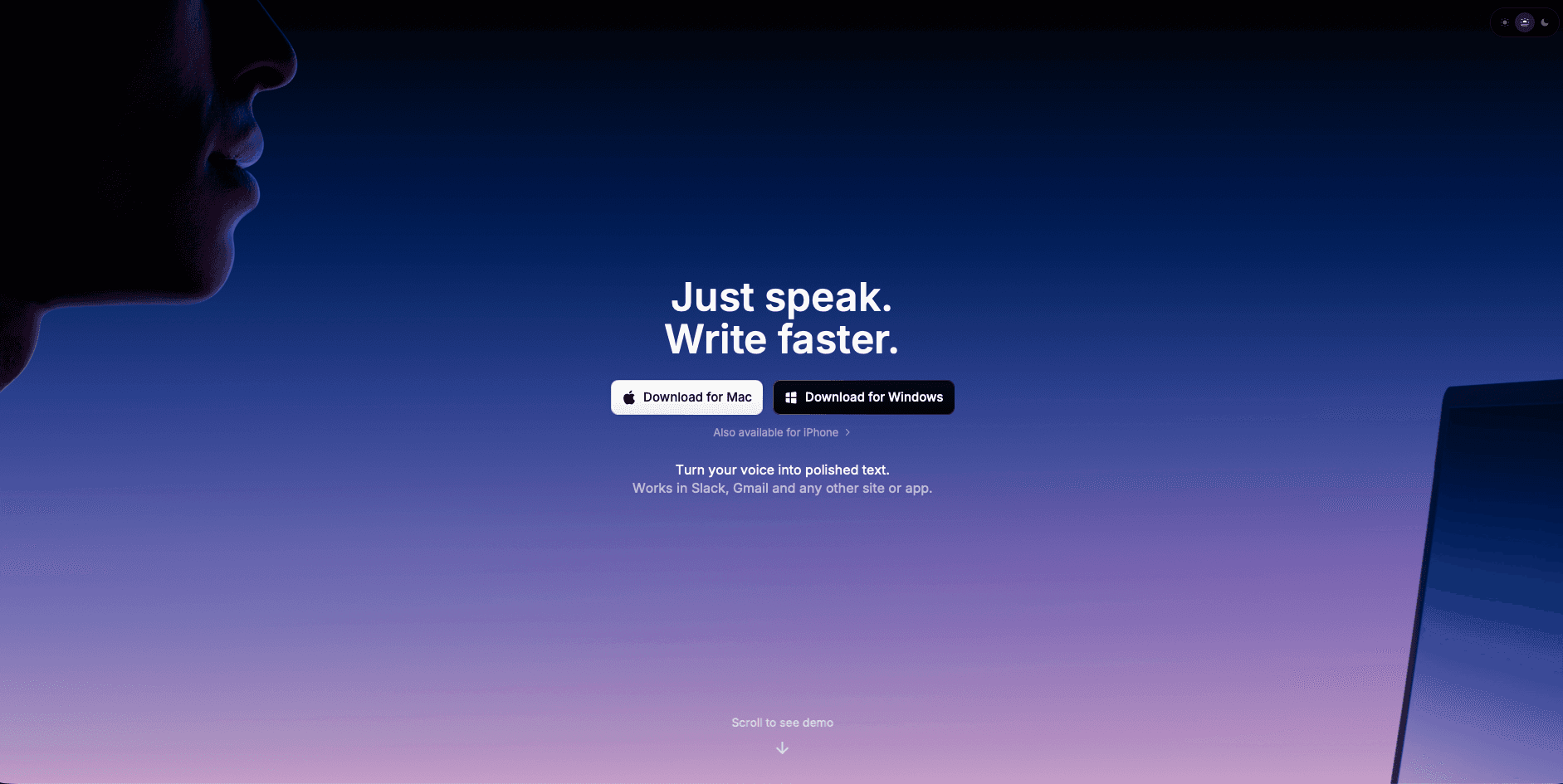
Superwhisper is an AI-powered voice-to-text application built for Mac and iOS that provides offline dictation features. The app was created out of frustration with native macOS dictation and is built on OpenAI's Whisper model, designed to work entirely offline with cross-language support and configurable settings that function in any application.
One of Superwhisper's standout features is its complete offline operation, keeping your voice data on your device at all times. This privacy-first approach appeals to users who are concerned about cloud-based processing of sensitive information.
The app performs well even on older Macs, though larger AI models take longer to process but offer higher accuracy. Superwhisper features a clean, minimalist design that integrates smoothly with macOS, living quietly in the menu bar and ready to activate with customizable keyboard shortcuts like ⌥ + Space.
Superwhisper provides unlimited access to powerful local AI models, processing dictations with advanced language models without usage limits. The app supports multiple languages and dialects with automatic language detection, allowing smooth transitions for bilingual or multilingual users.
That flexibility, though, comes with a real trade-off: the configuration depth that power users appreciate can feel overwhelming for those who just want dictation that works.
What Is Wispr Flow and How It Works
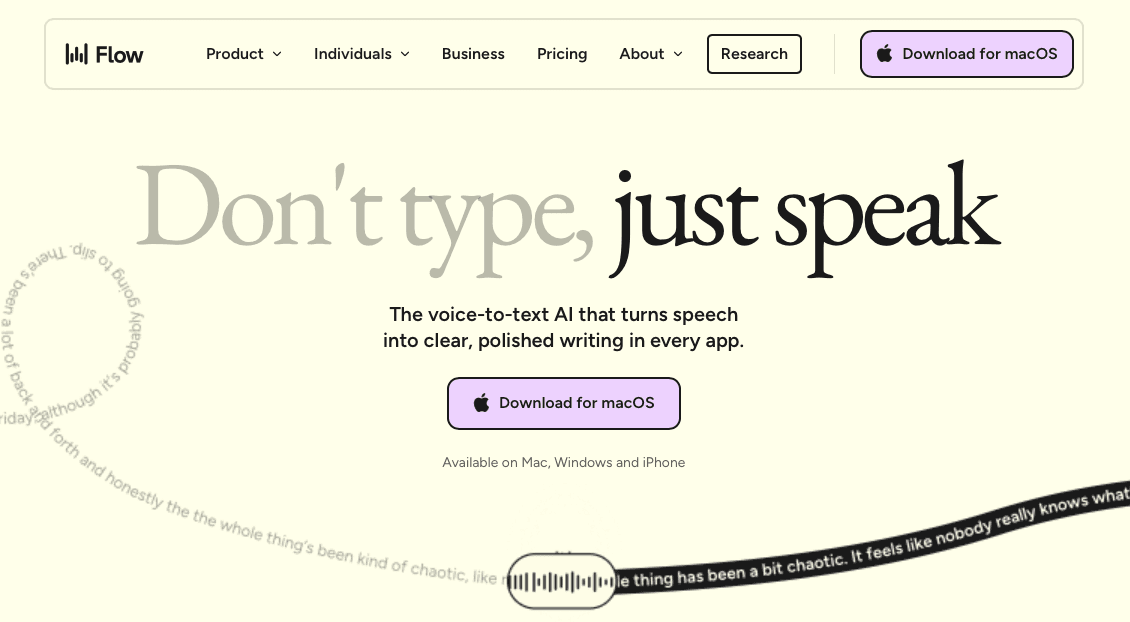
Wispr Flow takes a different approach as an AI-powered voice tool that lets you speak across applications like iMessage, Slack, Google Docs, ChatGPT, and Gmail. It converts speech to formatted text using AI-powered recognition, real-time auto-editing, support for over 100 languages, context awareness, and tone matching features.
Wispr Flow sets itself apart with its whispering mode feature, allowing users to speak silently in shared work environments or public spaces. The app adapts writing style based on the application being used, maintaining appropriate tone whether in emails, messages, or documents through its context-aware voice typing.
Unlike Superwhisper, Wispr Flow is primarily a cloud-based tool that requires an internet connection for its advanced AI processing and transcription. It includes an optional Context Awareness feature that collects limited, relevant content from the specific app in use to improve accuracy, though users can opt out through settings.
The service provides both desktop and mobile applications, with pricing tiers ranging from a free basic plan to enterprise solutions for teams requiring compliance features.
Key Differences and Limitations
Privacy and Data Processing
The privacy architectures here are genuinely different. Superwhisper's local processing means voice data never leaves your device, a meaningful guarantee for users who want complete control over sensitive information. Wispr Flow takes a cloud-based approach, which powers its more advanced AI features but involves communicating with external servers for processing.
Wispr Flow has meaningfully built out its compliance posture: it holds SOC 2 Type II, ISO 27001, and HIPAA certifications, which covers many of the concerns enterprise and compliance-sensitive users bring to the table. The architectural distinction that remains is that cloud processing is inherent to how Wispr Flow's advanced features work, including context awareness and tone matching, so voice data does pass through external infrastructure, even under those compliance frameworks. Wispr Flow states it does not use personal data for model training unless users explicitly opt in, and data is deleted after 30 days.
Superwhisper's offline model sidesteps cloud data handling entirely, which remains its clearest privacy differentiator for users who require air-gapped or local-only processing. Wispr Flow's cloud processing is inherent to how its advanced features work, even under those compliance frameworks: voice data passes through external infrastructure by design.
Performance and Accuracy Trade-offs
Superwhisper's model selection (ranging from Nano to Ultra) gives users control over the speed-versus-accuracy trade-off, but processing time runs roughly 1 to 2 seconds depending on the model chosen. Larger models deliver higher accuracy and can reduce editing time downstream, but the latency is noticeable. Wispr Flow's cloud-based pipeline runs at approximately 700ms, which is faster than Superwhisper's heavier models, though its speed can sometimes come at the cost of sentence coherence, with some outputs requiring additional cleanup.
Wispr Flow's Electron-based architecture is resource-intensive: the app idles at around 800MB and runs at approximately 8% CPU continuously. Superwhisper's offline processing avoids cloud communication overhead, but the trade-off is that heavier models lean on local hardware, a constraint that becomes more pronounced on older or non-Apple Silicon machines.
Setup Complexity and User Experience
Superwhisper offers deep flexibility and advanced options for power users, capable of matching most features of other mac dictation tool options while offering broader configuration possibilities, including manual model selection and local processing controls.
That depth is a real advantage for users who want granular control, but it's also a trade-off: for those seeking straightforward dictation out of the box, the configuration surface can feel like overhead, not empowerment.
However, this flexibility comes with complexity. For users seeking straightforward dictation, Superwhisper may feel overwhelming with its numerous configuration options and technical requirements.
Wispr Flow provides a simpler initial setup experience but requires constant internet connectivity and raises ongoing privacy considerations that many users find concerning.
Willow Is the Best Alternative to Superwhisper and Wispr Flow

While Superwhisper and Wispr Flow each handle different aspects of voice dictation well, Willow combines the strengths of both approaches while resolving their core trade-offs. Where Superwhisper requires technical configuration and Wispr Flow's cloud pipeline involves external data processing, Willow delivers enterprise-grade accuracy with Apple-like simplicity.
Willow provides the privacy-conscious approach users want from Superwhisper while delivering the speed users expect from Wispr Flow. Hotkey activation works instantly across any application (fn on Mac, Alt+Space on Windows), from Gmail to Cursor to ChatGPT, without the resource overhead or complexity of competing solutions.
Willow processes voice at sub-200ms latency while maintaining a privacy-first architecture that never stores voice data. It runs natively on Mac, Windows, and iOS, so mixed-device teams (whether on a Windows workstation, a Mac laptop, or an iPhone between meetings) work from a single consistent setup without per-device reconfiguration.
Our context-aware AI understands what you're working on to get technical terms and names right, delivering 98%+ accuracy and 3x fewer errors than built-in dictation tools. For teams, shared custom dictionaries, admin controls, and SOC 2 Type II compliance mean org-wide deployment clears existing security requirements without a separate compliance review cycle. For users frustrated by Superwhisper's learning curve or concerned about Wispr Flow's cloud processing, Willow offers the straightforward path forward: start free with unlimited dictation, no word cap and no credit card required, and upgrade only when you want the fastest, most accurate model with unlimited Willow Scribe.
Professional-grade speech to text that simply works, with no complex configuration required and privacy built-in from day one.
Feature Comparison
Feature | Superwhisper | Wispr Flow | Willow |
|---|---|---|---|
Privacy | Fully offline processing | Cloud-based with data sharing | Privacy-first cloud with no data storage |
Setup Complexity | Complex configuration options | Simple setup, cloud dependency | Apple-like simplicity, works instantly |
Accuracy | High with larger models | Fast but may need editing | Fast and personalized, which means you edit less |
Speed | Slower processing with large models | Very fast transcription | Sub-1 second latency |
Device Support | Mac, Windows, and iOS | Mac, iOS (Windows in limited rollout) | Mac, Windows, and iOS |
Context Awareness | Limited | Advanced but privacy concerns | Smart context without privacy compromise |
Pricing | $5.41/month | $12/month (Pro) | $12/month annually |
Superwhisper offers 15 minutes of free access to Pro features before requiring a subscription, then $8.49/month (or $84.99/year). Wispr Flow's free tier caps usage at approximately 2,000 words per week, enough for light use, but heavier users will hit the ceiling quickly and need to upgrade to Pro ($15/month billed monthly, or $12/month billed annually). Willow Voice's free plan offers unlimited AI dictation with no word cap and no credit card required, making it the lowest-friction way to try the full product before committing to a paid plan. The Individual plan ($12/month billed annually) adds Willow's fastest, most accurate model plus unlimited Willow Scribe; the Team plan ($10/user/month billed annually) adds shared custom dictionaries, team shortcuts, and admin controls for org-wide deployment across Mac, Windows, and iOS.
The key differentiator lies in Willow's ability to deliver enterprise-grade accuracy and speed while maintaining the privacy benefits users expect and the simplicity they deserve. Instead of forcing users to choose between privacy and performance, or simplicity and power, Willow provides all these benefits in a single, elegantly designed solution.
More on that below in our FAQ section.
FAQs
Which tool is most accurate for technical terms and proper nouns?
Willow leads in accuracy for technical terms and proper nouns thanks to our context-aware AI that understands what you're working on. Superwhisper can reach high accuracy with its larger models, but that requires manually selecting the right model and accepting slower processing, typically 1 to 2 seconds. Wispr Flow sometimes struggles with specialized terminology despite its context awareness features.
Can these tools work offline?
Superwhisper works completely offline, making it well-suited for users who require local-only processing or have unreliable internet. Wispr Flow requires internet connectivity for all its advanced features, though it holds SOC 2 Type II, ISO 27001, and HIPAA certifications that meet enterprise compliance requirements for cloud-processed data. Willow processes in the cloud with a privacy-first architecture that never stores your voice data, and is also SOC 2 and HIPAA compliant.
Which is easiest to set up and use daily?
Willow offers the simplest setup with an Apple-like user experience that works instantly after installation. Wispr Flow has moderate setup complexity but requires ongoing cloud connectivity. Superwhisper offers the most configuration options, a trade-off that rewards power users who want granular model control but can add friction for those who just want dictation that works.
Final Thoughts on Superwhisper vs Wispr Flow
As of July 2026, both Superwhisper and Wispr Flow remain solid voice dictation options, but they each demand a real trade-off between privacy, performance, and simplicity. If local-only processing is non-negotiable, Superwhisper delivers it cleanly. If you need broad device coverage across Mac, Windows, and iOS and don't mind cloud processing under a compliance umbrella, Wispr Flow works. If neither trade-off sits right, Willow gives you sub-200ms speed, zero audio retention, and an experience that requires no configuration to start. Try it free: no credit card, no word cap, no friction.
You've narrowed your voice dictation search to two serious contenders, Superwhisper and Wispr Flow, and now you're stuck. One keeps your audio on-device; the other promises smarter, faster output from the cloud. Both have real followings. Neither is obviously wrong. By mid-2026, the choice between them comes down to a genuine architectural trade-off, not a quality gap, and getting it wrong means rebuilding your whole dictation workflow. This comparison breaks down exactly where each tool wins, where it falls short, and when a third option, Willow Voice, closes the gap neither can bridge on its own.
TLDR:
Superwhisper runs fully offline with no cloud processing; Wispr Flow processes in the cloud at ~700ms with SOC 2 Type II, ISO 27001, and HIPAA certifications.
Superwhisper takes 1 to 2 seconds with larger models; Wispr Flow's Electron build idles at ~800MB and 8% CPU continuously.
Choose Superwhisper for air-gapped privacy; choose Wispr Flow if you need multi-device reach across Mac, Windows, and iOS under a compliance umbrella.
Wispr Flow's free tier caps at ~2,000 words per week; Superwhisper offers 15 minutes of Pro access before requiring a subscription.
Willow Voice delivers sub-200ms latency, 98%+ accuracy, and zero audio retention across Mac, Windows, and iOS: free for individuals, with shared dictionaries, SOC 2 Type II, and admin controls for teams.
What Is Superwhisper and How It Works
Superwhisper is an AI-powered voice-to-text application built for Mac and iOS that provides offline dictation features. The app was created out of frustration with native macOS dictation and is built on OpenAI's Whisper model, designed to work entirely offline with cross-language support and configurable settings that function in any application.
One of Superwhisper's standout features is its complete offline operation, keeping your voice data on your device at all times. This privacy-first approach appeals to users who are concerned about cloud-based processing of sensitive information.
The app performs well even on older Macs, though larger AI models take longer to process but offer higher accuracy. Superwhisper features a clean, minimalist design that integrates smoothly with macOS, living quietly in the menu bar and ready to activate with customizable keyboard shortcuts like ⌥ + Space.
Superwhisper provides unlimited access to powerful local AI models, processing dictations with advanced language models without usage limits. The app supports multiple languages and dialects with automatic language detection, allowing smooth transitions for bilingual or multilingual users.
That flexibility, though, comes with a real trade-off: the configuration depth that power users appreciate can feel overwhelming for those who just want dictation that works.
What Is Wispr Flow and How It Works
Wispr Flow takes a different approach as an AI-powered voice tool that lets you speak across applications like iMessage, Slack, Google Docs, ChatGPT, and Gmail. It converts speech to formatted text using AI-powered recognition, real-time auto-editing, support for over 100 languages, context awareness, and tone matching features.
Wispr Flow sets itself apart with its whispering mode feature, allowing users to speak silently in shared work environments or public spaces. The app adapts writing style based on the application being used, maintaining appropriate tone whether in emails, messages, or documents through its context-aware voice typing.
Unlike Superwhisper, Wispr Flow is primarily a cloud-based tool that requires an internet connection for its advanced AI processing and transcription. It includes an optional Context Awareness feature that collects limited, relevant content from the specific app in use to improve accuracy, though users can opt out through settings.
The service provides both desktop and mobile applications, with pricing tiers ranging from a free basic plan to enterprise solutions for teams requiring compliance features.
Key Differences and Limitations
Privacy and Data Processing
The privacy architectures here are genuinely different. Superwhisper's local processing means voice data never leaves your device, a meaningful guarantee for users who want complete control over sensitive information. Wispr Flow takes a cloud-based approach, which powers its more advanced AI features but involves communicating with external servers for processing.
Wispr Flow has meaningfully built out its compliance posture: it holds SOC 2 Type II, ISO 27001, and HIPAA certifications, which covers many of the concerns enterprise and compliance-sensitive users bring to the table. The architectural distinction that remains is that cloud processing is inherent to how Wispr Flow's advanced features work, including context awareness and tone matching, so voice data does pass through external infrastructure, even under those compliance frameworks. Wispr Flow states it does not use personal data for model training unless users explicitly opt in, and data is deleted after 30 days.
Superwhisper's offline model sidesteps cloud data handling entirely, which remains its clearest privacy differentiator for users who require air-gapped or local-only processing. Wispr Flow's cloud processing is inherent to how its advanced features work, even under those compliance frameworks: voice data passes through external infrastructure by design.
Performance and Accuracy Trade-offs
Superwhisper's model selection (ranging from Nano to Ultra) gives users control over the speed-versus-accuracy trade-off, but processing time runs roughly 1 to 2 seconds depending on the model chosen. Larger models deliver higher accuracy and can reduce editing time downstream, but the latency is noticeable. Wispr Flow's cloud-based pipeline runs at approximately 700ms, which is faster than Superwhisper's heavier models, though its speed can sometimes come at the cost of sentence coherence, with some outputs requiring additional cleanup.
Wispr Flow's Electron-based architecture is resource-intensive: the app idles at around 800MB and runs at approximately 8% CPU continuously. Superwhisper's offline processing avoids cloud communication overhead, but the trade-off is that heavier models lean on local hardware, a constraint that becomes more pronounced on older or non-Apple Silicon machines.
Setup Complexity and User Experience
Superwhisper offers deep flexibility and advanced options for power users, capable of matching most features of other mac dictation tool options while offering broader configuration possibilities, including manual model selection and local processing controls.
That depth is a real advantage for users who want granular control, but it's also a trade-off: for those seeking straightforward dictation out of the box, the configuration surface can feel like overhead, not empowerment.
However, this flexibility comes with complexity. For users seeking straightforward dictation, Superwhisper may feel overwhelming with its numerous configuration options and technical requirements.
Wispr Flow provides a simpler initial setup experience but requires constant internet connectivity and raises ongoing privacy considerations that many users find concerning.
Willow Is the Best Alternative to Superwhisper and Wispr Flow
While Superwhisper and Wispr Flow each handle different aspects of voice dictation well, Willow combines the strengths of both approaches while resolving their core trade-offs. Where Superwhisper requires technical configuration and Wispr Flow's cloud pipeline involves external data processing, Willow delivers enterprise-grade accuracy with Apple-like simplicity.
Willow provides the privacy-conscious approach users want from Superwhisper while delivering the speed users expect from Wispr Flow. Hotkey activation works instantly across any application (fn on Mac, Alt+Space on Windows), from Gmail to Cursor to ChatGPT, without the resource overhead or complexity of competing solutions.
Willow processes voice at sub-200ms latency while maintaining a privacy-first architecture that never stores voice data. It runs natively on Mac, Windows, and iOS, so mixed-device teams (whether on a Windows workstation, a Mac laptop, or an iPhone between meetings) work from a single consistent setup without per-device reconfiguration.
Our context-aware AI understands what you're working on to get technical terms and names right, delivering 98%+ accuracy and 3x fewer errors than built-in dictation tools. For teams, shared custom dictionaries, admin controls, and SOC 2 Type II compliance mean org-wide deployment clears existing security requirements without a separate compliance review cycle. For users frustrated by Superwhisper's learning curve or concerned about Wispr Flow's cloud processing, Willow offers the straightforward path forward: start free with unlimited dictation, no word cap and no credit card required, and upgrade only when you want the fastest, most accurate model with unlimited Willow Scribe.
Professional-grade speech to text that simply works, with no complex configuration required and privacy built-in from day one.
Feature Comparison
Feature | Superwhisper | Wispr Flow | Willow |
|---|---|---|---|
Privacy | Fully offline processing | Cloud-based with data sharing | Privacy-first cloud with no data storage |
Setup Complexity | Complex configuration options | Simple setup, cloud dependency | Apple-like simplicity, works instantly |
Accuracy | High with larger models | Fast but may need editing | Fast and personalized, which means you edit less |
Speed | Slower processing with large models | Very fast transcription | Sub-1 second latency |
Device Support | Mac, Windows, and iOS | Mac, iOS (Windows in limited rollout) | Mac, Windows, and iOS |
Context Awareness | Limited | Advanced but privacy concerns | Smart context without privacy compromise |
Pricing | $5.41/month | $12/month (Pro) | $12/month annually |
Superwhisper offers 15 minutes of free access to Pro features before requiring a subscription, then $8.49/month (or $84.99/year). Wispr Flow's free tier caps usage at approximately 2,000 words per week, enough for light use, but heavier users will hit the ceiling quickly and need to upgrade to Pro ($15/month billed monthly, or $12/month billed annually). Willow Voice's free plan offers unlimited AI dictation with no word cap and no credit card required, making it the lowest-friction way to try the full product before committing to a paid plan. The Individual plan ($12/month billed annually) adds Willow's fastest, most accurate model plus unlimited Willow Scribe; the Team plan ($10/user/month billed annually) adds shared custom dictionaries, team shortcuts, and admin controls for org-wide deployment across Mac, Windows, and iOS.
The key differentiator lies in Willow's ability to deliver enterprise-grade accuracy and speed while maintaining the privacy benefits users expect and the simplicity they deserve. Instead of forcing users to choose between privacy and performance, or simplicity and power, Willow provides all these benefits in a single, elegantly designed solution.
More on that below in our FAQ section.
FAQs
Which tool is most accurate for technical terms and proper nouns?
Willow leads in accuracy for technical terms and proper nouns thanks to our context-aware AI that understands what you're working on. Superwhisper can reach high accuracy with its larger models, but that requires manually selecting the right model and accepting slower processing, typically 1 to 2 seconds. Wispr Flow sometimes struggles with specialized terminology despite its context awareness features.
Can these tools work offline?
Superwhisper works completely offline, making it well-suited for users who require local-only processing or have unreliable internet. Wispr Flow requires internet connectivity for all its advanced features, though it holds SOC 2 Type II, ISO 27001, and HIPAA certifications that meet enterprise compliance requirements for cloud-processed data. Willow processes in the cloud with a privacy-first architecture that never stores your voice data, and is also SOC 2 and HIPAA compliant.
Which is easiest to set up and use daily?
Willow offers the simplest setup with an Apple-like user experience that works instantly after installation. Wispr Flow has moderate setup complexity but requires ongoing cloud connectivity. Superwhisper offers the most configuration options, a trade-off that rewards power users who want granular model control but can add friction for those who just want dictation that works.
Final Thoughts on Superwhisper vs Wispr Flow
As of July 2026, both Superwhisper and Wispr Flow remain solid voice dictation options, but they each demand a real trade-off between privacy, performance, and simplicity. If local-only processing is non-negotiable, Superwhisper delivers it cleanly. If you need broad device coverage across Mac, Windows, and iOS and don't mind cloud processing under a compliance umbrella, Wispr Flow works. If neither trade-off sits right, Willow gives you sub-200ms speed, zero audio retention, and an experience that requires no configuration to start. Try it free: no credit card, no word cap, no friction.

Try Willow for free
Instant, accurate voice dictation. No card required.
Try Willow for free
Instant, accurate voice dictation. No card required.
Other stories you’ll love
Other stories you’ll love


Your keyboard is optional now
" transform="translate(5 5)" width="9.791000051498413px"/></svg>)

The voice-first interface for modern work.
© Willow Care, Inc. 2026. All rights reserved
Your keyboard is optional now
The voice-first interface for modern work.
© Willow Care, Inc. 2026. All rights reserved
Your keyboard is optional now
The voice-first interface for modern work.
© Willow Care, Inc. 2026. All rights reserved