" transform="translate(5 2)" width="10px"/></svg>)

•
5 min read
The 10 Best Voice Recognition Software Tools in March 2026
•
5 min read
The 10 Best Voice Recognition Software Tools in March 2026
You speak a thought and then wait for the text to appear. That pause is enough to interrupt your focus, especially when you're dictating AI prompts, emails, or long messages. Many tools labeled voice recognition software still introduce noticeable delay or fail to learn from corrections, leaving users to fix errors manually after every session. The tools that stand out today reduce latency, work across all applications, and adapt to your vocabulary over time so transcription improves with use. We've tested the top 10 tools to show you which ones deliver speed and personalization versus which ones just transcribe words and leave you editing.
TLDR:
Voice recognition converts speech to text at 150 words per minute vs. 40 words per minute when typing, saving hours daily.
Look for 200ms latency, context awareness, and auto-learning to minimize editing time.
Free tools like Apple Dictation work for basic tasks but lack personalization and accuracy.
Students with dyslexia or ADHD benefit from speaking instead of typing for homework and essays.
Some modern tools learn your writing style over time with 200ms latency and team collaboration features.
What Is Voice Recognition Software and How It Works
Voice recognition software converts spoken words into written text in real time. You speak into your device's microphone, and AI processes your voice to generate accurate text that appears on your screen.
The tech works by capturing audio signals, breaking them into phonetic components, and matching those sounds to words and phrases. Tools use AI models trained on speech data to understand context, accents, and technical terminology. The better the AI, the fewer errors you'll see.
This is different from voice biometrics, which identifies who is speaking. Voice recognition focuses on what you're saying, turning speech into text for emails, documents, messages, and coding.
Why Voice Recognition Software Matters in 2026
Voice recognition has moved from a nice-to-have feature to a necessity for anyone handling high volumes of communication. The voice recognition market is projected to reach USD 30.0 billion in 2026, driven by demand for faster workflows and better accessibility.
The reason is simple: typing creates bottlenecks. Email backlogs pile up. Documentation takes hours. AI prompts require paragraphs of context. Voice recognition removes that friction by letting you speak at 150 words per minute instead of typing at 40.
For teams, the benefits multiply. Executives and sales teams clear communication faster. Engineers prompt AI coding tools without breaking flow. Healthcare professionals document patient notes in seconds. Students with dyslexia or ADHD access learning without typing barriers.
Speed Comparison: Voice Recognition vs. Typing
The math is straightforward. The average person types at 40 words per minute. When you speak, you hit 120 to 150 words per minute. That's a 3-4× speed advantage for the same output.
For a 500-word email, typing takes 12 minutes. Speaking takes 3 to 4 minutes. Over a workday with dozens of emails, messages, and documentation tasks, those minutes add up to hours saved.
The gap widens when you factor in editing. Typing forces you to stop, backspace, and correct mid-flow. Voice recognition lets you speak continuously while AI handles formatting and grammar in real time.
Key Features to Look For in Voice Recognition Software
Not all voice recognition software works the same. Basic dictation tools capture your words. Advanced AI-powered solutions understand context, adapt to your writing style, and deliver text that rarely needs editing.
Here's what separates the two:
Accuracy with context: Look for tools that recognize technical terms, names, and industry jargon based on what you're working on instead of generic word matching.
Personalization over time: The software should learn how you write, remember corrections automatically, and let you add company names or specialized vocabulary so you spend less time making edits.
Voice commands: Support for formatting instructions like "new line," "bullet point," or "dash" saves you from manual cleanup.
Multi-language fluency: If you work across languages, verify the tool handles 100+ languages with dialect accuracy.
Speed: Tools with 200ms latency keep you in flow state. Anything over 700ms creates lag that disrupts your thinking.
Security certifications: For healthcare or enterprise use, SOC 2 and HIPAA compliance protects sensitive data.
Team collaboration: Shared shortcuts and dictionary terms across your organization speed up productivity for everyone.
Offline mode and cross-device sync are nice additions if your work requires local processing or switching between machines.
Tool | Latency | Key Strength | Best For |
|---|---|---|---|
Willow | 200ms | Learns your writing style over time with SOC 2 and HIPAA compliance | Teams needing speed, personalization, and enterprise security |
Wispr Flow | 700ms+ | Context awareness and universal app compatibility | Individual users wanting accuracy improvements over built-in tools |
Apple Dictation | 700ms+ | Free and pre-installed on all Apple devices | Casual dictation without technical terms or long passages |
Dragon by Nuance | 500ms+ | High accuracy with strong vocabulary customization | Medical and legal professionals needing specialized terminology |
Google Docs Voice Typing | 600ms+ | Free and straightforward for document drafting | Basic document creation inside Google Docs only |
The 10 Best Voice Recognition Software Tools in March 2026
Willow

Willow combines speed, personalization, and team collaboration in one dictation tool. At 200ms latency, it's the fastest dictation option available, keeping you in flow state while you work. The AI learns your writing style over time, remembering corrections automatically and adapting to technical terms based on your active work. This personalization reduces the time you spend editing. SOC 2 and HIPAA compliance make it suitable for healthcare and enterprise teams. Shared shortcuts and dictionary terms across organizations speed up team productivity. Works universally in any app on Mac, Windows, and iOS. Free trial includes 2,000 words weekly. Paid plans start at $12/month.
Wispr Flow
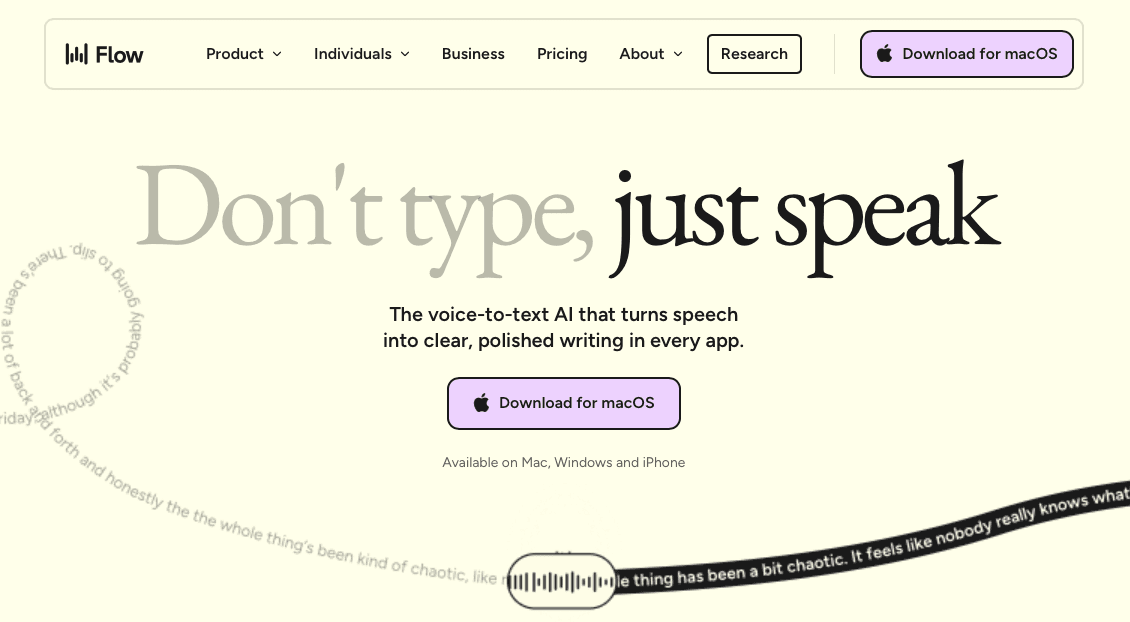
AI-powered dictation with solid accuracy and universal app compatibility. Focuses on context awareness and natural speech processing. Good option for individual users who want accuracy improvements over built-in tools like Apple Dictation but not as powerful as Willow.
Apple Dictation
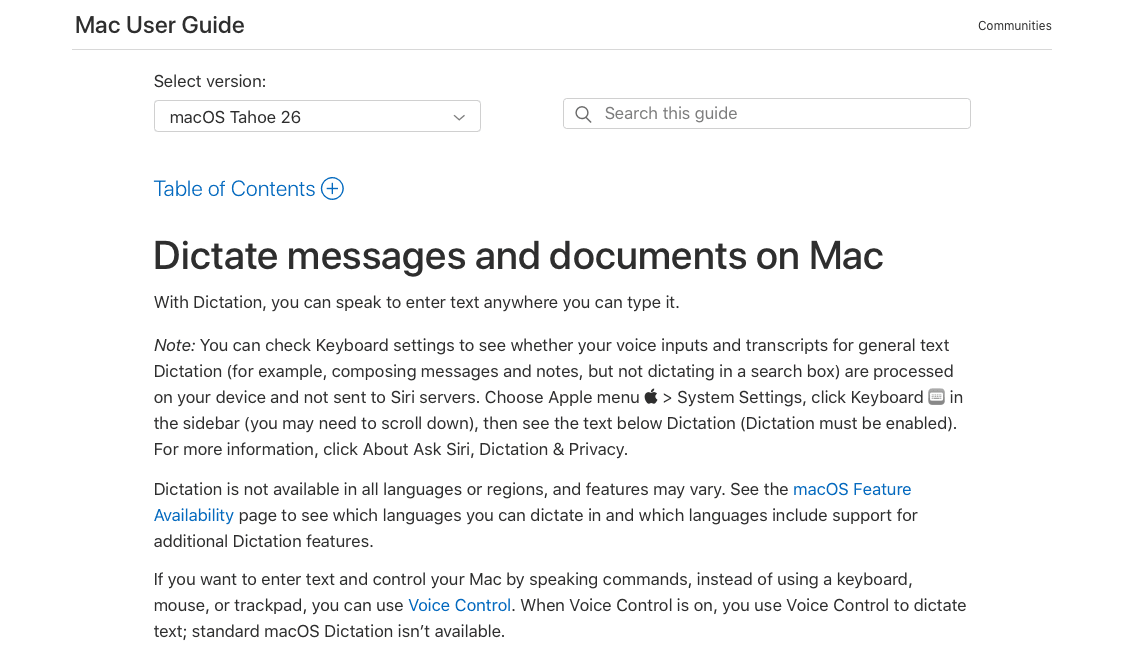
Free and available on Apple devices through built-in dictation features. Basic accuracy works for casual dictation but struggles with context, technical terms, and longer passages. Frequent errors require manual cleanup.
Dragon by Nuance
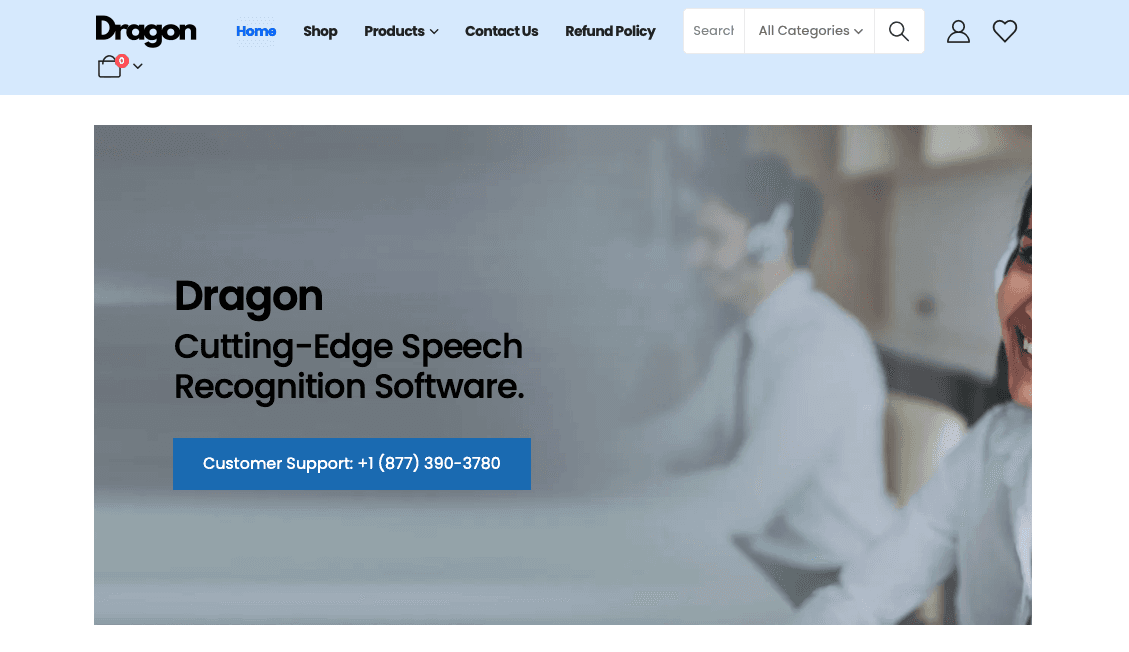
Legacy speech recognition with high accuracy for medical and legal professionals. Expensive licensing and dated interface. Strong vocabulary customization but lacks speed compared to AI-first tools.
Windows Voice Access
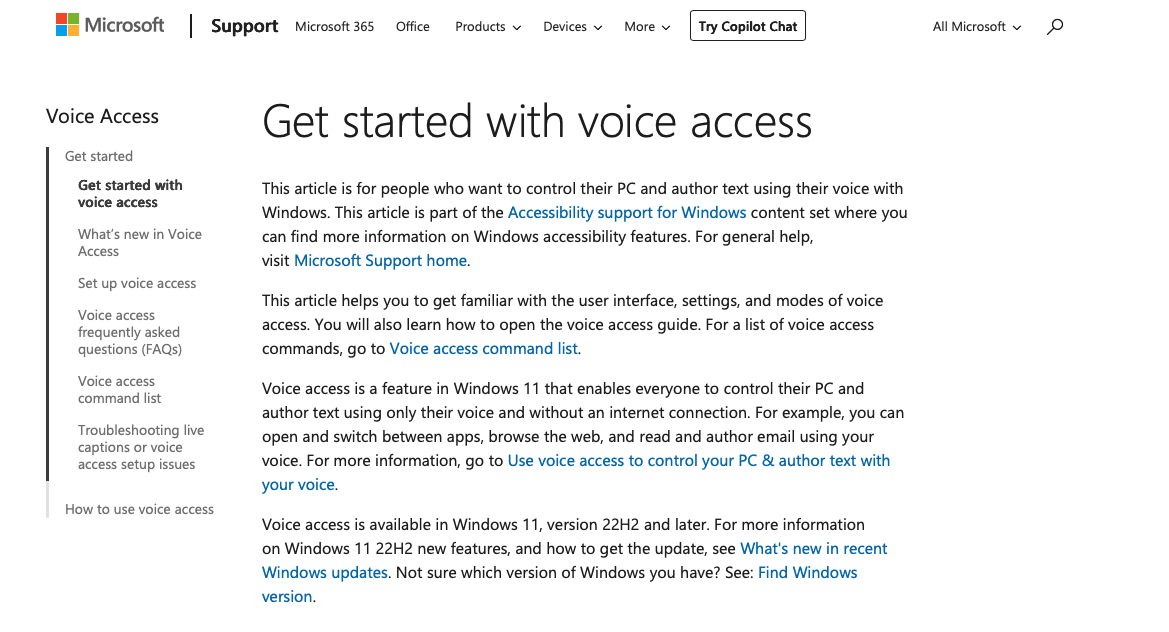
Built into Windows 10 and 11. Free option for basic dictation and voice navigation. Limited context awareness and slower processing than dedicated tools.
Google Docs Voice Typing
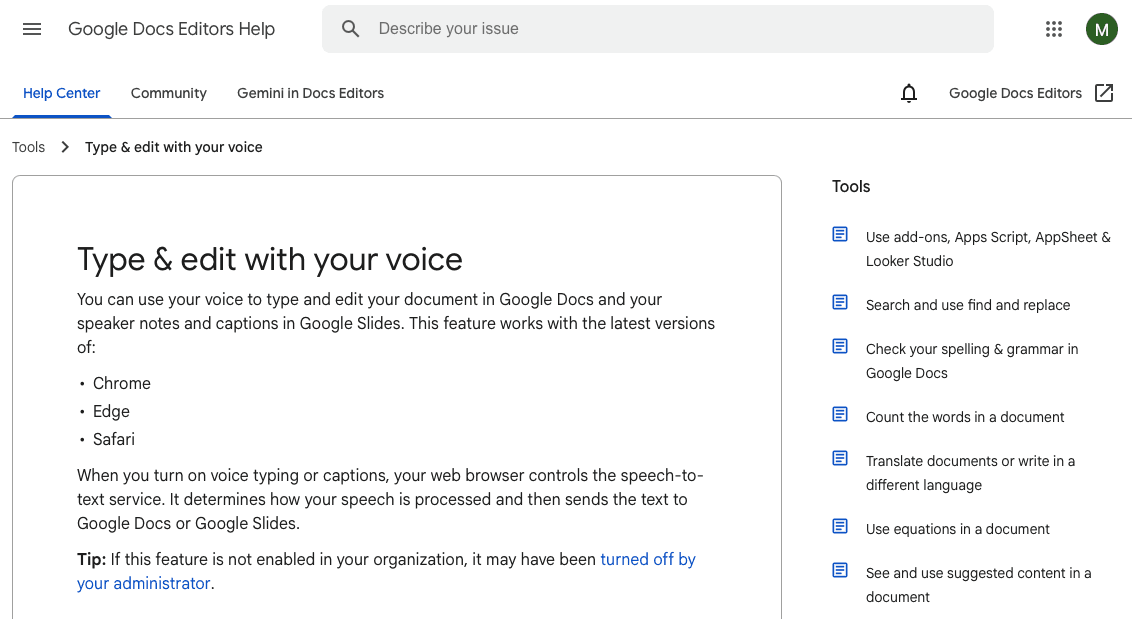
Works only inside Google Docs. Free and straightforward for document drafting. No system-wide functionality or advanced formatting.
Gboard
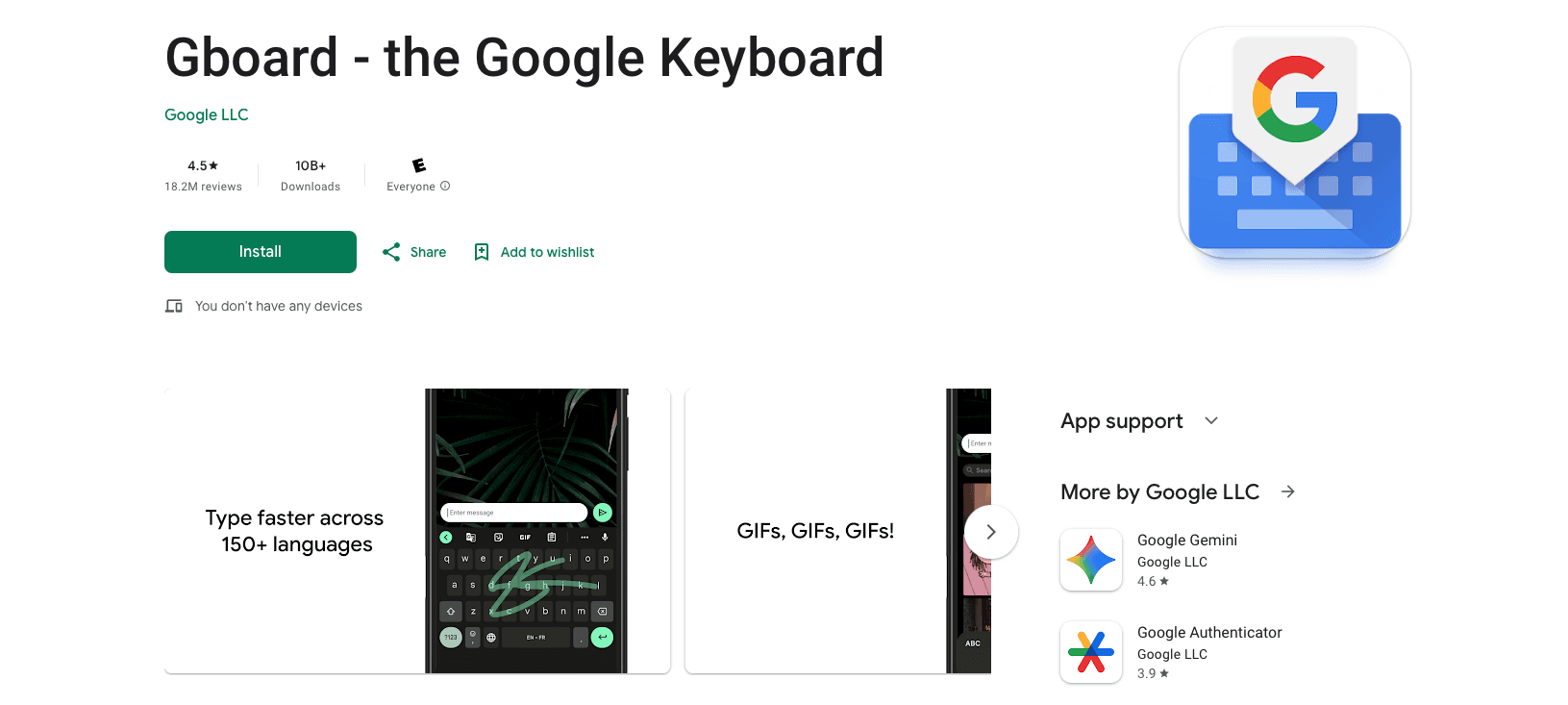
Google's mobile keyboard with voice input. Free on Android and iOS. Basic dictation without learning capabilities or team features.
Otter.ai
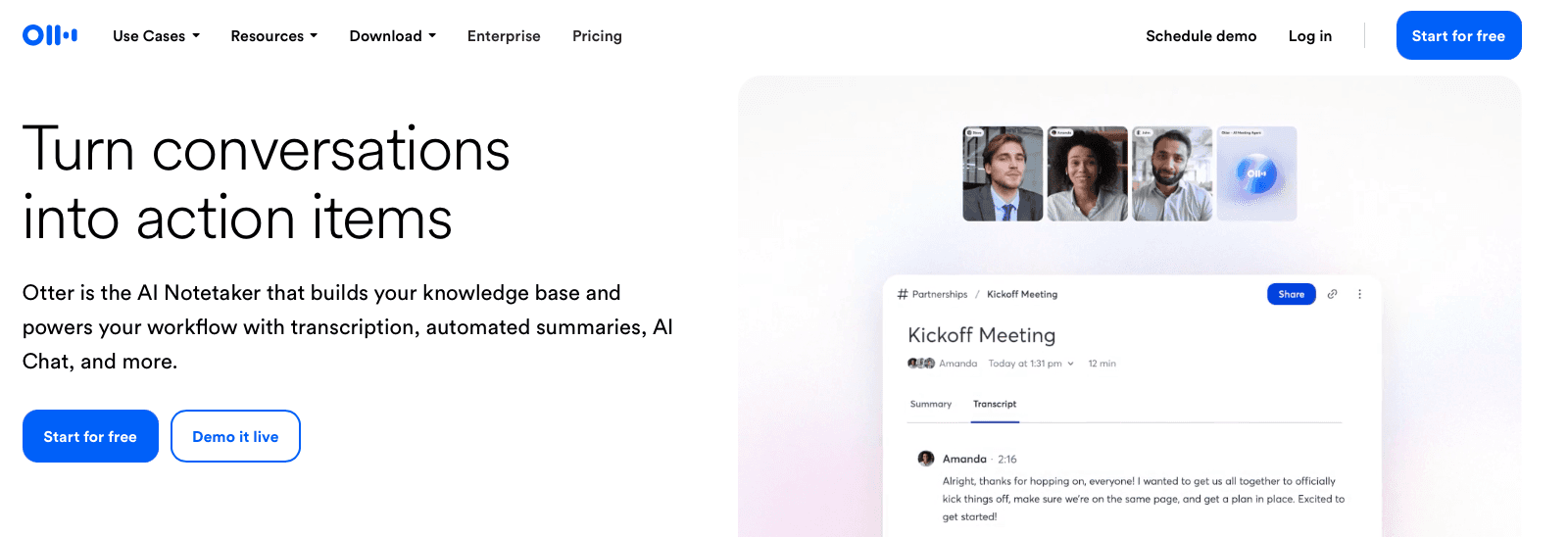
Focused on meeting transcription. Real-time collaboration features for teams. Better suited for recording conversations than real-time dictation workflows.
Speechnotes
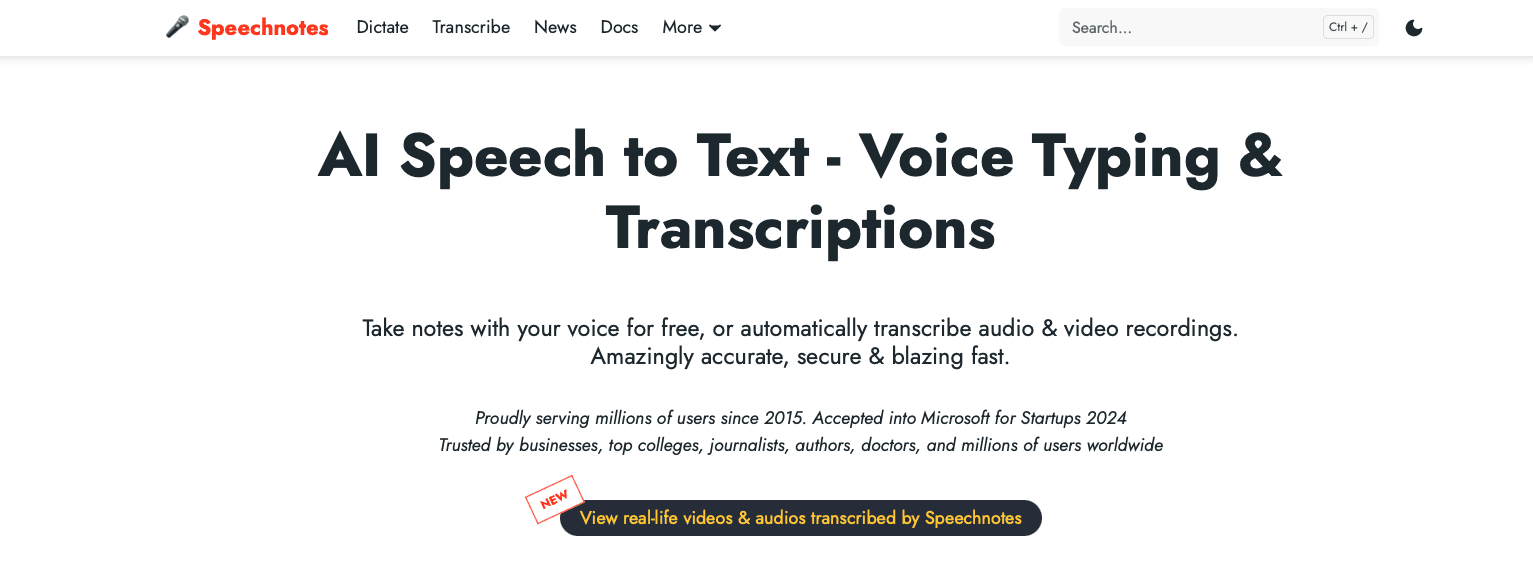
Free web-based dictation tool. Simple interface for quick notes. No offline mode or advanced AI features.
Voice In
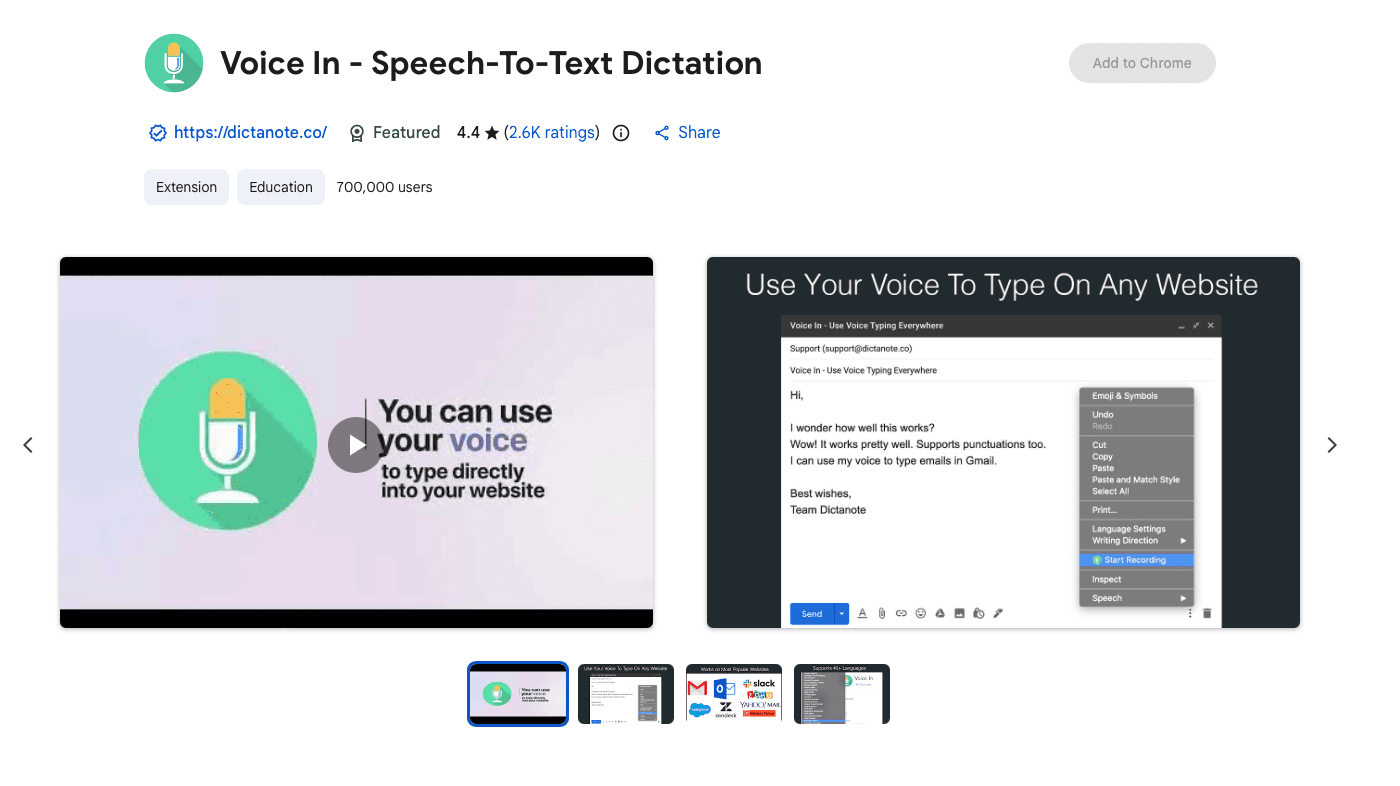
Browser extension for Chrome and Edge. Affordable lifetime deals. Limited to browser-based apps, which restricts universal compatibility.
Voice Recognition Software for Specific Use Cases
Different workflows need different voice recognition features. Healthcare providers and consultants need HIPAA compliance and medical terminology accuracy. Willow delivers both with zero data retention and context-aware spelling for patient names and diagnoses. Students writing essays benefit from filler word removal and smart formatting that create clean first drafts without endless editing. Developers and founders using AI tools need 200ms latency that keeps them in flow state while speaking multi-paragraph AI prompts. Mobile users on iOS can switch between voice and typing with Willow's voice keyboard that works in any app. Multilingual teams should verify support for regional variations. Willow handles UK English versus US English dialect differences automatically.
Accuracy: What to Expect From Voice Recognition in March 2026
AI speech recognition systems achieve over 90-95% accuracy in controlled settings, but real-world results vary. Background noise, microphone quality, and speaking pace all affect transcription quality.
Accents add another challenge. Tools trained on North American English often struggle with regional variations or non-native speakers. The best software adapts to individual speech patterns, improving accuracy with continued use.
Technical terminology poses problems for standard dictation tools like Apple Dictation and Wispr Flow. Medical terms, software frameworks, and industry jargon get misrecognized without context awareness. Willow analyzes your active work to identify specialized vocabulary and remember corrections automatically, becoming the most accurate dictation tool for you over time.
How Willow Delivers Faster, More Accurate Voice Dictation for Teams
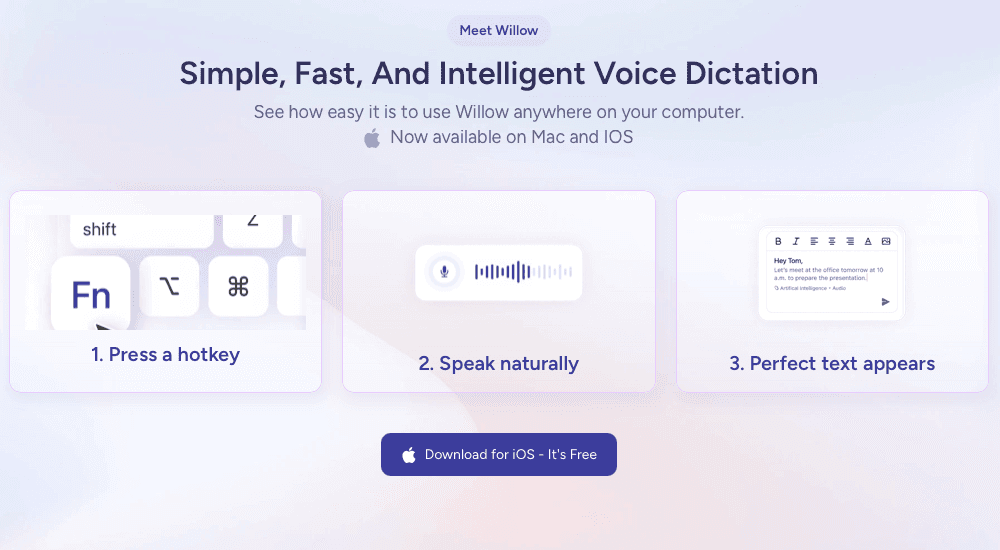
Standard dictation tools like Apple's built-in voice dictation and Wispr Flow capture your words but miss what makes your writing yours. They treat every user the same, creating generic output that needs heavy editing.
Willow takes a different approach. The AI learns how you write over time, remembering corrections automatically and adapting to your tone and style. This personalization makes Willow the most accurate dictation tool for you, reducing the time you spend fixing errors.
At 200ms latency, we're the fastest dictation tool available. That speed keeps you in flow state instead of waiting for text to catch up while many built-in or general dictation tools operate closer to 600-700ms or slower.
For teams, we combine that speed and personalization with SOC 2 and HIPAA compliance. Shared dictionaries and shortcuts across your organization mean everyone benefits from the same accuracy improvements, making collaboration faster and more secure.
FAQs
How does voice recognition software understand technical terms and specialized vocabulary?
AI-powered tools like Willow analyze your active work to recognize technical terms and names based on context, then remember your corrections automatically. Basic tools like Apple's built-in voice dictation and Wispr Flow treat every word the same, which leads to frequent errors with industry jargon, medical terminology, or company names.
Can I use voice recognition software if I have a non-American accent?
Yes, but accuracy varies by tool. Standard dictation tools struggle with regional variations and non-native speakers because they're trained primarily on North American English. Look for software that adapts to individual speech patterns and supports 100+ languages with dialect accuracy, like distinguishing between UK and US English.
Do I need to pay for voice recognition software or are free options good enough?
Free tools like Apple Dictation and Windows Speech Recognition work for occasional use but lack context awareness and personalization, requiring frequent manual cleanup. Paid solutions make sense when dictation becomes central to your workflow. The time saved on emails, documentation, and AI prompting covers the cost, especially for teams needing SOC 2 and HIPAA compliance.
Final Thoughts on Dictation Software for Your Workflow
Switching to voice recognition software becomes valuable when typing slows down how quickly you can communicate ideas, write documentation, or prompt AI tools. Speaking at around 150 words per minute compared to typing near 40 creates a clear speed advantage across emails, notes, and daily workflows. Willow builds on that advantage with about 200ms transcription, personalization that learns your vocabulary and writing patterns, and collaboration features designed for teams working with shared terminology. As the system adapts to your style, dictation requires fewer edits and fits naturally into your existing apps. If you want to see how modern voice recognition software can speed up your workflow, start using Willow to speak directly into the tools you use every day.
You speak a thought and then wait for the text to appear. That pause is enough to interrupt your focus, especially when you're dictating AI prompts, emails, or long messages. Many tools labeled voice recognition software still introduce noticeable delay or fail to learn from corrections, leaving users to fix errors manually after every session. The tools that stand out today reduce latency, work across all applications, and adapt to your vocabulary over time so transcription improves with use. We've tested the top 10 tools to show you which ones deliver speed and personalization versus which ones just transcribe words and leave you editing.
TLDR:
Voice recognition converts speech to text at 150 words per minute vs. 40 words per minute when typing, saving hours daily.
Look for 200ms latency, context awareness, and auto-learning to minimize editing time.
Free tools like Apple Dictation work for basic tasks but lack personalization and accuracy.
Students with dyslexia or ADHD benefit from speaking instead of typing for homework and essays.
Some modern tools learn your writing style over time with 200ms latency and team collaboration features.
What Is Voice Recognition Software and How It Works
Voice recognition software converts spoken words into written text in real time. You speak into your device's microphone, and AI processes your voice to generate accurate text that appears on your screen.
The tech works by capturing audio signals, breaking them into phonetic components, and matching those sounds to words and phrases. Tools use AI models trained on speech data to understand context, accents, and technical terminology. The better the AI, the fewer errors you'll see.
This is different from voice biometrics, which identifies who is speaking. Voice recognition focuses on what you're saying, turning speech into text for emails, documents, messages, and coding.
Why Voice Recognition Software Matters in 2026
Voice recognition has moved from a nice-to-have feature to a necessity for anyone handling high volumes of communication. The voice recognition market is projected to reach USD 30.0 billion in 2026, driven by demand for faster workflows and better accessibility.
The reason is simple: typing creates bottlenecks. Email backlogs pile up. Documentation takes hours. AI prompts require paragraphs of context. Voice recognition removes that friction by letting you speak at 150 words per minute instead of typing at 40.
For teams, the benefits multiply. Executives and sales teams clear communication faster. Engineers prompt AI coding tools without breaking flow. Healthcare professionals document patient notes in seconds. Students with dyslexia or ADHD access learning without typing barriers.
Speed Comparison: Voice Recognition vs. Typing
The math is straightforward. The average person types at 40 words per minute. When you speak, you hit 120 to 150 words per minute. That's a 3-4× speed advantage for the same output.
For a 500-word email, typing takes 12 minutes. Speaking takes 3 to 4 minutes. Over a workday with dozens of emails, messages, and documentation tasks, those minutes add up to hours saved.
The gap widens when you factor in editing. Typing forces you to stop, backspace, and correct mid-flow. Voice recognition lets you speak continuously while AI handles formatting and grammar in real time.
Key Features to Look For in Voice Recognition Software
Not all voice recognition software works the same. Basic dictation tools capture your words. Advanced AI-powered solutions understand context, adapt to your writing style, and deliver text that rarely needs editing.
Here's what separates the two:
Accuracy with context: Look for tools that recognize technical terms, names, and industry jargon based on what you're working on instead of generic word matching.
Personalization over time: The software should learn how you write, remember corrections automatically, and let you add company names or specialized vocabulary so you spend less time making edits.
Voice commands: Support for formatting instructions like "new line," "bullet point," or "dash" saves you from manual cleanup.
Multi-language fluency: If you work across languages, verify the tool handles 100+ languages with dialect accuracy.
Speed: Tools with 200ms latency keep you in flow state. Anything over 700ms creates lag that disrupts your thinking.
Security certifications: For healthcare or enterprise use, SOC 2 and HIPAA compliance protects sensitive data.
Team collaboration: Shared shortcuts and dictionary terms across your organization speed up productivity for everyone.
Offline mode and cross-device sync are nice additions if your work requires local processing or switching between machines.
Tool | Latency | Key Strength | Best For |
|---|---|---|---|
Willow | 200ms | Learns your writing style over time with SOC 2 and HIPAA compliance | Teams needing speed, personalization, and enterprise security |
Wispr Flow | 700ms+ | Context awareness and universal app compatibility | Individual users wanting accuracy improvements over built-in tools |
Apple Dictation | 700ms+ | Free and pre-installed on all Apple devices | Casual dictation without technical terms or long passages |
Dragon by Nuance | 500ms+ | High accuracy with strong vocabulary customization | Medical and legal professionals needing specialized terminology |
Google Docs Voice Typing | 600ms+ | Free and straightforward for document drafting | Basic document creation inside Google Docs only |
The 10 Best Voice Recognition Software Tools in March 2026
Willow
Willow combines speed, personalization, and team collaboration in one dictation tool. At 200ms latency, it's the fastest dictation option available, keeping you in flow state while you work. The AI learns your writing style over time, remembering corrections automatically and adapting to technical terms based on your active work. This personalization reduces the time you spend editing. SOC 2 and HIPAA compliance make it suitable for healthcare and enterprise teams. Shared shortcuts and dictionary terms across organizations speed up team productivity. Works universally in any app on Mac, Windows, and iOS. Free trial includes 2,000 words weekly. Paid plans start at $12/month.
Wispr Flow
AI-powered dictation with solid accuracy and universal app compatibility. Focuses on context awareness and natural speech processing. Good option for individual users who want accuracy improvements over built-in tools like Apple Dictation but not as powerful as Willow.
Apple Dictation
Free and available on Apple devices through built-in dictation features. Basic accuracy works for casual dictation but struggles with context, technical terms, and longer passages. Frequent errors require manual cleanup.
Dragon by Nuance
Legacy speech recognition with high accuracy for medical and legal professionals. Expensive licensing and dated interface. Strong vocabulary customization but lacks speed compared to AI-first tools.
Windows Voice Access
Built into Windows 10 and 11. Free option for basic dictation and voice navigation. Limited context awareness and slower processing than dedicated tools.
Google Docs Voice Typing
Works only inside Google Docs. Free and straightforward for document drafting. No system-wide functionality or advanced formatting.
Gboard
Google's mobile keyboard with voice input. Free on Android and iOS. Basic dictation without learning capabilities or team features.
Otter.ai
Focused on meeting transcription. Real-time collaboration features for teams. Better suited for recording conversations than real-time dictation workflows.
Speechnotes
Free web-based dictation tool. Simple interface for quick notes. No offline mode or advanced AI features.
Voice In
Browser extension for Chrome and Edge. Affordable lifetime deals. Limited to browser-based apps, which restricts universal compatibility.
Voice Recognition Software for Specific Use Cases
Different workflows need different voice recognition features. Healthcare providers and consultants need HIPAA compliance and medical terminology accuracy. Willow delivers both with zero data retention and context-aware spelling for patient names and diagnoses. Students writing essays benefit from filler word removal and smart formatting that create clean first drafts without endless editing. Developers and founders using AI tools need 200ms latency that keeps them in flow state while speaking multi-paragraph AI prompts. Mobile users on iOS can switch between voice and typing with Willow's voice keyboard that works in any app. Multilingual teams should verify support for regional variations. Willow handles UK English versus US English dialect differences automatically.
Accuracy: What to Expect From Voice Recognition in March 2026
AI speech recognition systems achieve over 90-95% accuracy in controlled settings, but real-world results vary. Background noise, microphone quality, and speaking pace all affect transcription quality.
Accents add another challenge. Tools trained on North American English often struggle with regional variations or non-native speakers. The best software adapts to individual speech patterns, improving accuracy with continued use.
Technical terminology poses problems for standard dictation tools like Apple Dictation and Wispr Flow. Medical terms, software frameworks, and industry jargon get misrecognized without context awareness. Willow analyzes your active work to identify specialized vocabulary and remember corrections automatically, becoming the most accurate dictation tool for you over time.
How Willow Delivers Faster, More Accurate Voice Dictation for Teams
Standard dictation tools like Apple's built-in voice dictation and Wispr Flow capture your words but miss what makes your writing yours. They treat every user the same, creating generic output that needs heavy editing.
Willow takes a different approach. The AI learns how you write over time, remembering corrections automatically and adapting to your tone and style. This personalization makes Willow the most accurate dictation tool for you, reducing the time you spend fixing errors.
At 200ms latency, we're the fastest dictation tool available. That speed keeps you in flow state instead of waiting for text to catch up while many built-in or general dictation tools operate closer to 600-700ms or slower.
For teams, we combine that speed and personalization with SOC 2 and HIPAA compliance. Shared dictionaries and shortcuts across your organization mean everyone benefits from the same accuracy improvements, making collaboration faster and more secure.
FAQs
How does voice recognition software understand technical terms and specialized vocabulary?
AI-powered tools like Willow analyze your active work to recognize technical terms and names based on context, then remember your corrections automatically. Basic tools like Apple's built-in voice dictation and Wispr Flow treat every word the same, which leads to frequent errors with industry jargon, medical terminology, or company names.
Can I use voice recognition software if I have a non-American accent?
Yes, but accuracy varies by tool. Standard dictation tools struggle with regional variations and non-native speakers because they're trained primarily on North American English. Look for software that adapts to individual speech patterns and supports 100+ languages with dialect accuracy, like distinguishing between UK and US English.
Do I need to pay for voice recognition software or are free options good enough?
Free tools like Apple Dictation and Windows Speech Recognition work for occasional use but lack context awareness and personalization, requiring frequent manual cleanup. Paid solutions make sense when dictation becomes central to your workflow. The time saved on emails, documentation, and AI prompting covers the cost, especially for teams needing SOC 2 and HIPAA compliance.
Final Thoughts on Dictation Software for Your Workflow
Switching to voice recognition software becomes valuable when typing slows down how quickly you can communicate ideas, write documentation, or prompt AI tools. Speaking at around 150 words per minute compared to typing near 40 creates a clear speed advantage across emails, notes, and daily workflows. Willow builds on that advantage with about 200ms transcription, personalization that learns your vocabulary and writing patterns, and collaboration features designed for teams working with shared terminology. As the system adapts to your style, dictation requires fewer edits and fits naturally into your existing apps. If you want to see how modern voice recognition software can speed up your workflow, start using Willow to speak directly into the tools you use every day.

Try Willow for free
Instant, accurate voice dictation. No card required.
Try Willow for free
Instant, accurate voice dictation. No card required.
Other stories you’ll love
Other stories you’ll love


Your keyboard is optional now
" transform="translate(5 5)" width="9.791000051498413px"/></svg>)

The voice-first interface for modern work.
© Willow Care, Inc. 2026. All rights reserved
Your keyboard is optional now
The voice-first interface for modern work.
© Willow Care, Inc. 2026. All rights reserved
Your keyboard is optional now
The voice-first interface for modern work.
© Willow Care, Inc. 2026. All rights reserved