" transform="translate(5 2)" width="10px"/></svg>)

•
5 min read
7 Best Speech to Text Tools for Students in April 2026
•
5 min read
7 Best Speech to Text Tools for Students in April 2026
You know that feeling when your brain is three sentences ahead but your fingers are still stuck on the first one? That gap between thinking and typing is where good ideas go to die, especially during late-night study sessions or timed assignments. Speech to text for students should close that gap by letting you speak naturally and watch the words appear instantly, but most tools introduce new problems like terrible lag or accuracy so bad you're retyping half of it anyway. We compared seven tools to find which ones actually save time instead of creating new headaches.
TLDR:
Speech to text lets you speak at 150 words per minute versus typing at 40 words per minute.
Accuracy varies wildly: some modern tools can hit 98% while Apple's built-in dictation sits at 85%.
Response speed matters for flow: 200ms keeps you focused, 700ms breaks concentration.
The top-ranked tool learns your writing style and works across Mac, Windows, and iOS with SOC 2 compliance.
Free trials let you test before buying, with options from $0 to $12/month for students.
What Is Speech to Text for Students?
Speech to text converts spoken words into written digital text in real time. For students, that means speaking essays, taking notes, completing assignments, and drafting study materials without touching a keyboard.
You speak, and the words appear. And because most people talk far faster than they type, getting ideas down becomes a lot less painful.
For students with dyslexia, ADHD, or dysgraphia, the benefit goes beyond speed. Speaking feels natural where typing creates friction, so the cognitive load of writing drops considerably. Dictation technology helps students with learning disabilities write more effectively by removing physical and cognitive barriers. Any student who wants to write more and struggle less can get real value from a good speech to text tool.
How We Ranked Speech to Text Tools for Students
Each tool on this list was tested against a set of criteria that reflects how students actually write, study, and get work done.
Accuracy: how cleanly it transcribes natural, conversational speech, including run-on thoughts and discipline-specific vocabulary
Speed: how fast text appears after you speak, since lag breaks concentration
Ease of use: setup should take minutes, not a tutorial
Language support: especially relevant for multilingual students writing in a second language
Price: student budgets are real, and free tiers matter
Accessibility: support for dyslexia, ADHD, and similar needs
Rankings are based on publicly available information including documented features, pricing pages, and user reviews, not proprietary testing.
Tool | Price | Platforms | Latency | Offline Mode Availablility |
|---|---|---|---|---|
Willow | Free trial (2,000 words/week), $12/mo unlimited | Mac, Windows, iOS | 200ms | Yes |
Typeless | Free (4,000 words/week), $12/mo Pro | Mac, Windows, iOS, Android | 500ms-1s | No |
Superwhisper | Free tier (15 min), $8.49/mo Pro | macOS 13+, iOS | Varies by model | Yes (fully offline) |
Dragon NaturallySpeaking | $200-$500 one-time | Windows only | Not specified | Yes |
VoiceInk | $39.99 one-time (or free from source) | macOS 14+ only | Not specified | Yes (fully offline) |
Apple Dictation | Free | Mac, iOS | ~700ms+ | Partial |
Wispr Flow | Not specified | Mac, Windows, iOS, Android | Slower than 200ms | No (cloud required) |
Best Overall Speech to Text for Students: Willow

Willow is an AI-powered voice dictation tool built for speed, accuracy, and simplicity across Mac, Windows, and iOS. Press the function key and start talking. Your words appear in any app, fully formatted, almost instantly.
For students writing essays or grinding through homework at 11pm, that kind of frictionless workflow actually matters.
What Willow Offers
Learns your writing style over time, reducing edits the more you use it and becoming the most accurate dictation tool for you
200ms latency, making it 5x faster than competing tools, so your words keep pace with your thoughts
SOC 2 and HIPAA compliant with zero data retention, so your work stays private
Works in Google Docs, Microsoft Word, Notion, ChatGPT, and every other text field you already use
100+ languages with dialect accuracy, useful for multilingual students writing in a second language
Offline mode available when internet connection is unavailable
Free trial with 2,000 words per week, no credit card required
At $12/month for unlimited use, Willow gives you the speed, personalization, and clean accuracy that generic tools like Apple's built-in dictation or Wispr Flow can't match. And because it keeps getting better the more you write with it, the value compounds over time.
Typeless
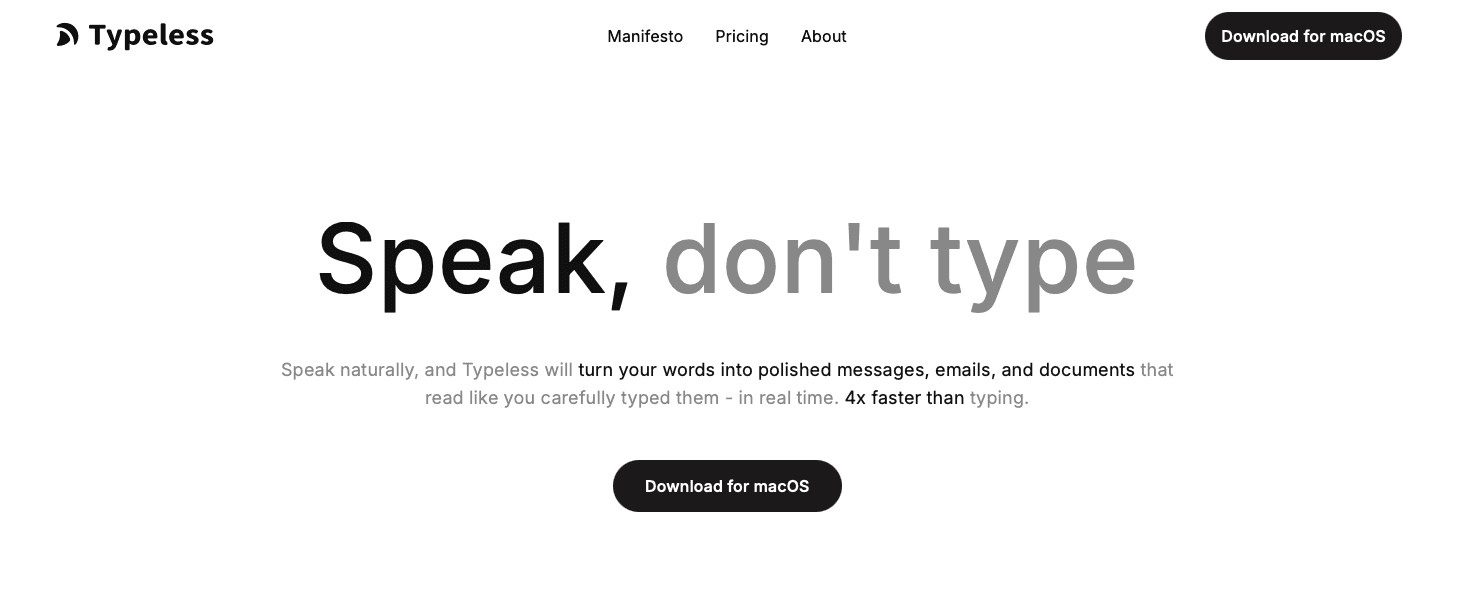
Typeless is an AI voice dictation tool available on Mac, Windows, iOS, and Android. It removes filler words, fixes grammar, and outputs cleaner text than most basic tools.
What They Offer
100+ languages with auto-language detection, so you can switch between languages without manually adjusting settings
A free plan capped at 4,000 words per week, which works for light note-taking but can run out quickly during heavy study periods
A Pro plan at $12/month billed yearly for students who need more headroom
Dictation speeds up to 220 words per minute
Good for students on a tight budget who need occasional note-taking help and can stay within the weekly word limit.
Where it falls short: a November 2025 independent analysis flagged voice data being routed to AWS servers despite on-device marketing claims. Latency also runs between 500ms and 1 second, noticeably disruptive during longer writing sessions. For context, Willow runs at 200ms, making it up to 5x faster. If privacy and speed matter to your workflow, Willow is the stronger choice.
Superwhisper
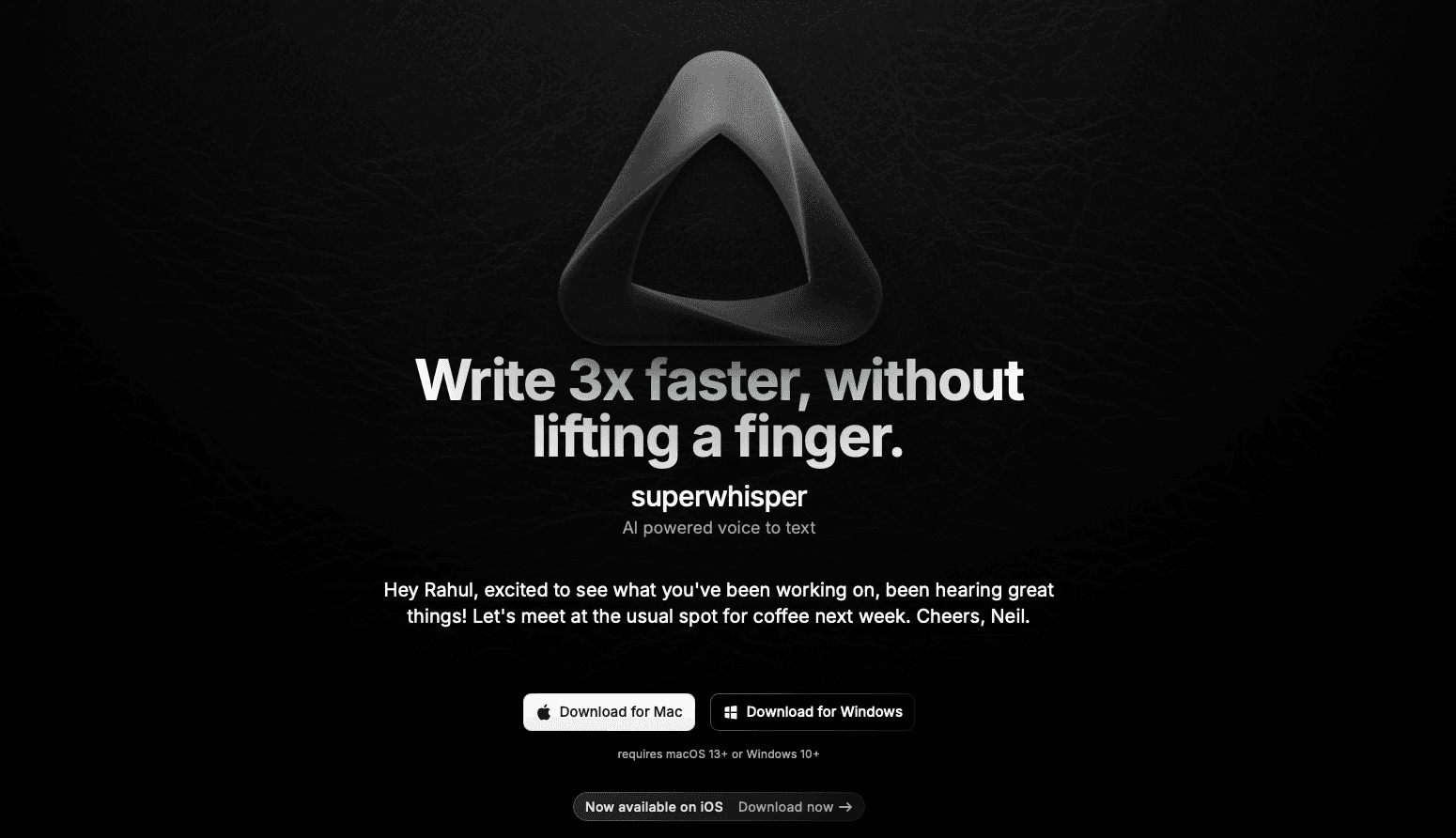
Superwhisper is a macOS app that runs entirely offline using the whisper.cpp framework, transcribing speech locally without sending anything to the cloud.
What They Offer
Full offline dictation with no internet required and no cloud data transmission
A free tier with 15 minutes of recording and access to smaller AI models
A Pro plan at $8.49/month or $84.99/year for unlimited use and larger models
Custom modes and prompt layers for flexible dictation setups
It works well for Mac-only students who need strict offline privacy or study in areas with spotty internet.
Where it falls short: Superwhisper only runs on macOS 13+ and iOS, leaving Windows users with no option. The multi-mode configuration can get complicated fast for students who just want to start typing. Willow covers Mac, Windows, and iOS out of the box, requires no setup, and includes offline mode as a feature instead of the entire product.
Dragon NaturallySpeaking
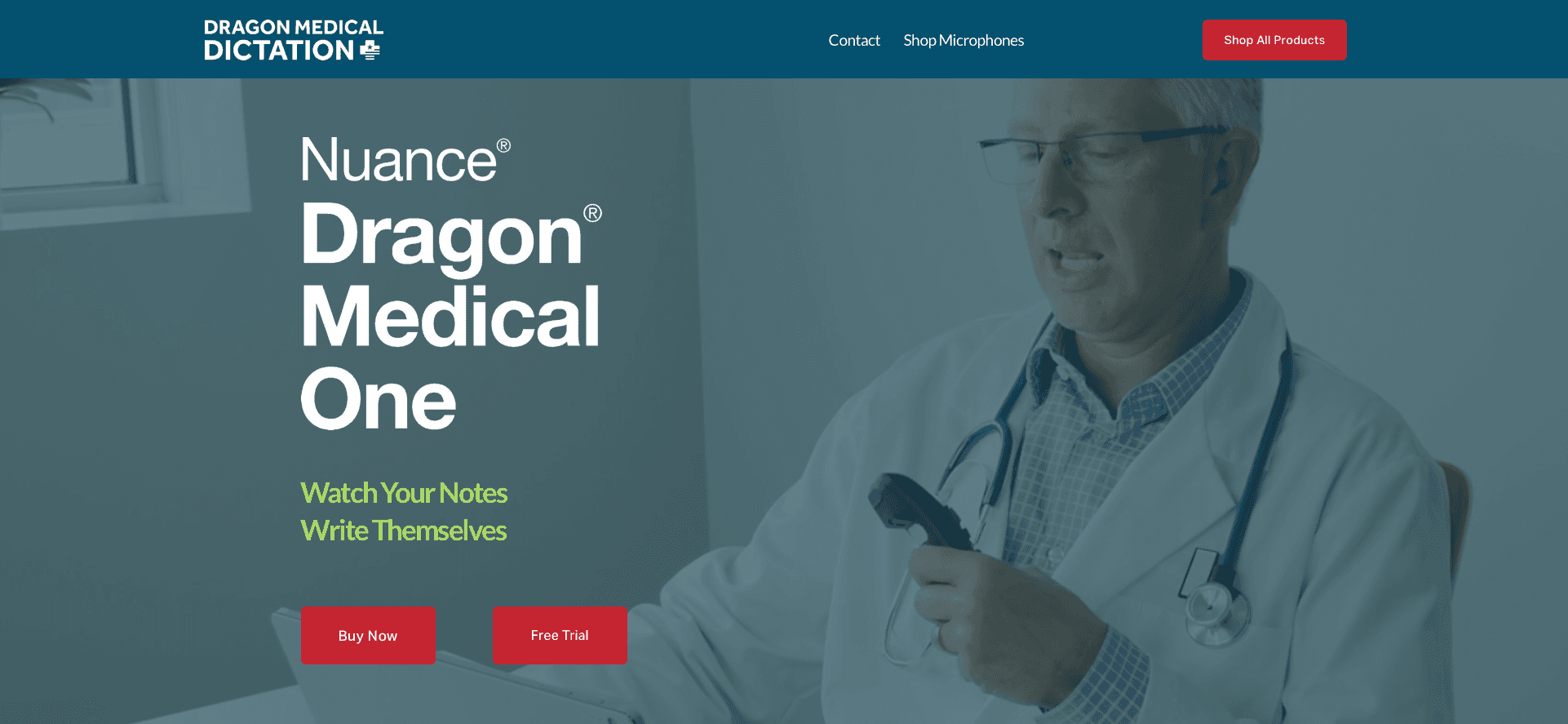
Dragon NaturallySpeaking is one of the oldest names in voice recognition, developed by Nuance Communications. It has built a real reputation over the years, especially in medical and legal fields.
What They Offer
Dictation accuracy up to 99% with proper training at 120-160 words per minute
Custom vocabularies for specialized academic terminology
Windows-only desktop software (Mac version discontinued)
One-time purchase between $200-500 depending on version
Good for Windows-based students in technical or medical programs who need deep custom vocabulary support and have time to invest in setup.
Where it falls short: Dragon may require ongoing training and corrections to reach peak accuracy, costs up to $500 upfront, and has seen fewer visible updates since Microsoft acquired Nuance in 2022. For most students, that price tag alone is disqualifying.
VoiceInk
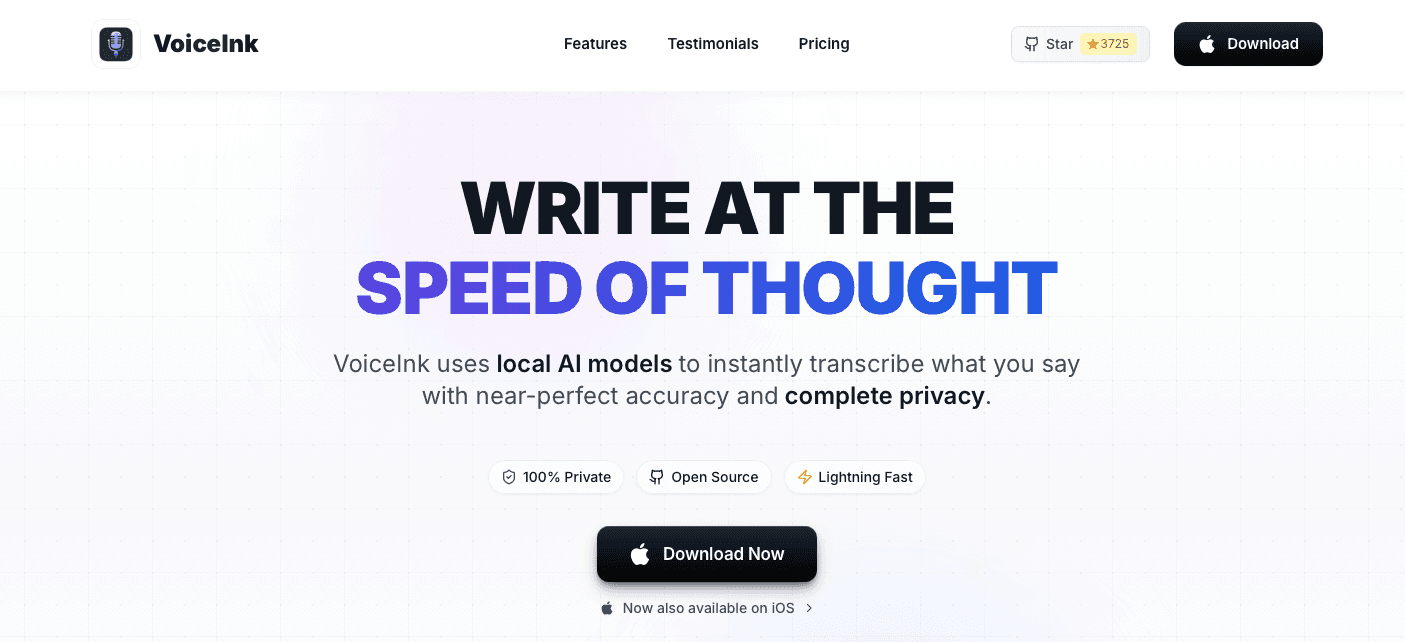
VoiceInk is an open-source macOS app that transcribes speech locally using Whisper models, with 100% offline processing and no data leaving your device.
What They Offer
One-time price of $39.99 for lifetime access
100+ language support through local Whisper models
Free if you build from source yourself
Good for budget-conscious Mac students who want a one-time payment and strict privacy.
Where it falls short: requires macOS 14+, has no Windows support, and AI features depend on external API keys you set up yourself. Willow covers all platforms with built-in AI and no extra configuration.
Apple Built-in Voice Dictation
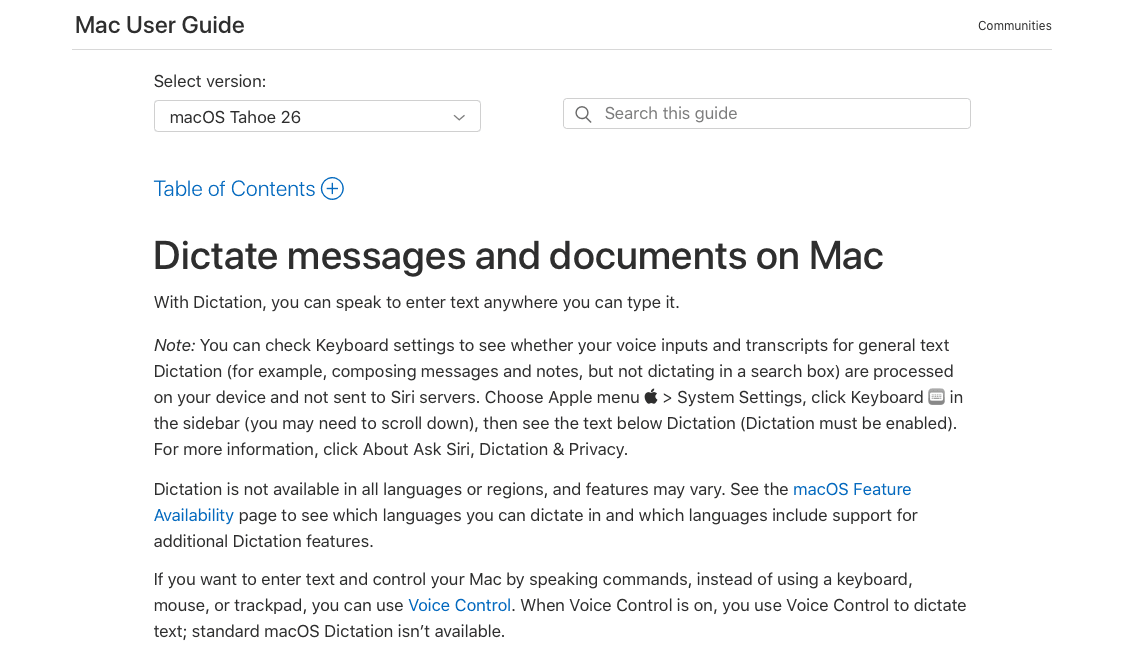
Apple's built-in dictation comes pre-installed on every Mac and iOS device, making it the most accessible starting point for any student already in the Apple ecosystem.
What They Offer
Completely free with no subscription or purchase required
Built into Mac and iOS with simple keyboard shortcut activation
Works in Notes, Pages, Messages, Mail, and most native apps
No setup needed whatsoever
Good for students who need occasional, low-stakes dictation for short texts and want zero cost without downloading anything.
Where it falls short: accuracy drops fast with natural speech. It has no context awareness, won't learn your writing style, and misses words often enough that the correction loop eats up the time you saved. For longer essays or detailed notes, that gets old quickly.
Wispr Flow
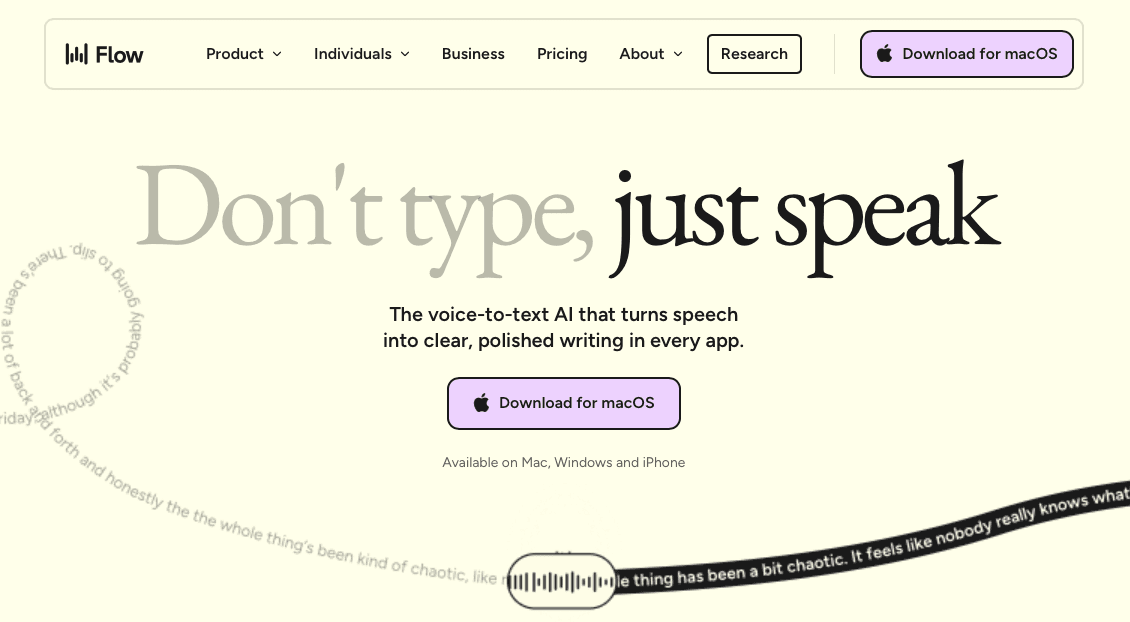
Wispr Flow is a cross-system AI dictation app backed by major venture funding, available on Mac, Windows, iOS, and Android.
What They Offer
Cloud-synced dictation across all major operating systems
Context-aware screenshot capture for formatting suggestions
Shared team dictionaries for consistent terminology
100+ languages with GPT-powered filler word removal
Good for students who need dictation across multiple devices and are less concerned about where their data goes.
Where it falls short: every dictation requires an internet connection, and audio and related data may be processed via cloud servers. For academic work with sensitive research or personal material, that's worth thinking through. Willow offers SOC 2 and HIPAA compliance with zero data retention, runs at 200ms versus Wispr Flow's slower processing, and learns your writing style in a way Wispr Flow doesn't.
Why Willow Is the Best Speech to Text Tool for Students
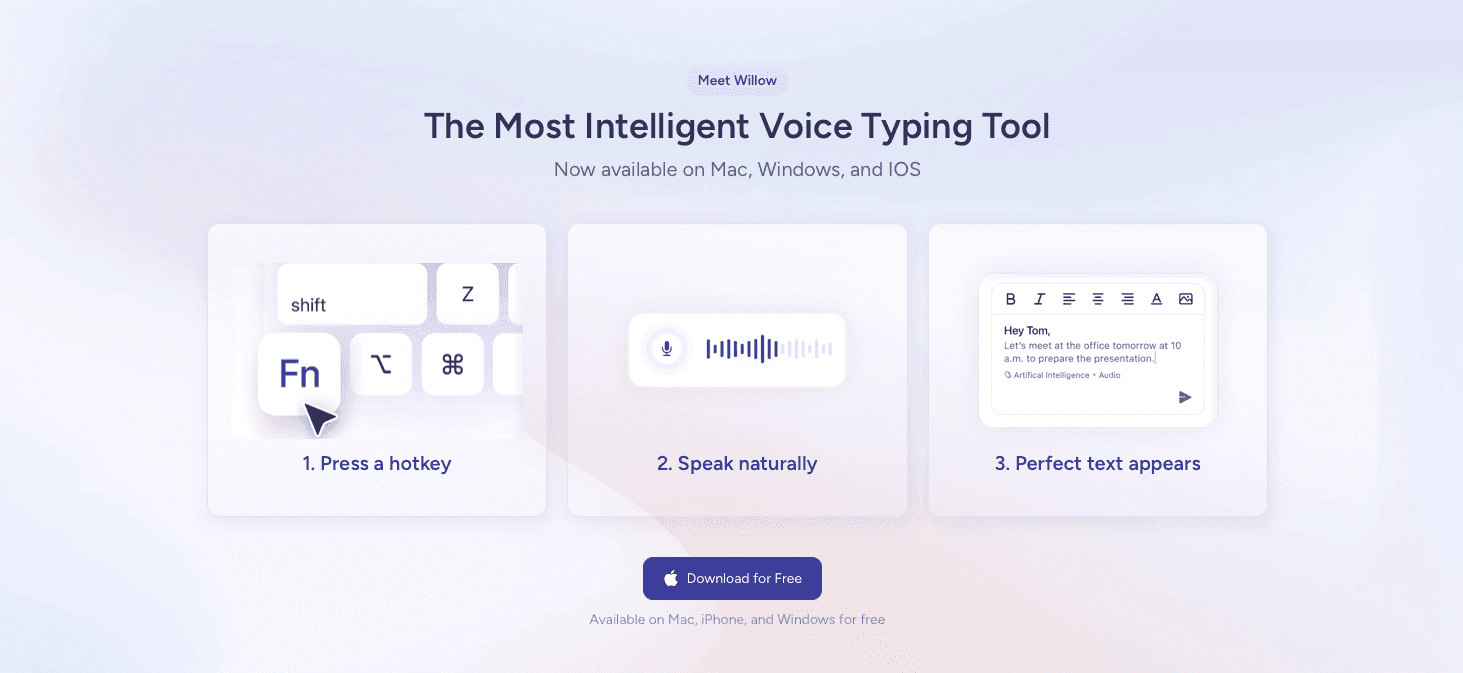
Most dictation tools make you pick a tradeoff: speed or privacy, accuracy or simplicity. Willow skips that entirely.
At 200ms latency, your words appear almost as fast as you speak them. That's compared to 700ms or more from tools like Wispr Flow or Apple's built-in voice dictation, where the lag breaks your focus mid-sentence. At 98% accuracy that improves the more you write, the correction loop that makes free tools so frustrating shrinks to almost nothing. And with SOC 2 and HIPAA compliance plus zero data retention, your essays and research stay yours.
The free trial gives you 2,000 words per week with no credit card required. For students, that's enough to know whether it fits within a few days of real use.
FAQs
Which speech to text tool works best for students on a budget?
Apple's built-in dictation is free but requires constant corrections. VoiceInk offers a $39.99 lifetime license for Mac users. Willow's free trial gives you 2,000 words weekly to test whether the accuracy and speed make $12/month worth it before committing.
How do I choose the right speech to text tool for my writing workload?
Pick based on volume and stakes. For occasional note-taking, a free tool might work. For daily essay writing or research papers where accuracy saves hours of editing, choose a tool that learns your style like Willow, which gets more accurate the more you write.
Does dictation speed actually matter for student writing?
Yes. At 200ms, Willow keeps pace with your thoughts during long writing sessions. Tools running at 700ms or slower create noticeable lag that breaks concentration mid-paragraph. That difference compounds over hours of essay writing or thesis work.
Final Thoughts on Dictation Tools That Work for Students
Most students don't need every feature under the sun, just a dictation tool that's fast enough to keep pace with their thoughts and accurate enough to skip the correction loop. Speech to text for students should feel like an extension of how you already work, not another thing to configure. Willow does that at 200ms latency with privacy that actually protects your academic work. Try the free version and see if talking through your next essay beats typing it out.
You know that feeling when your brain is three sentences ahead but your fingers are still stuck on the first one? That gap between thinking and typing is where good ideas go to die, especially during late-night study sessions or timed assignments. Speech to text for students should close that gap by letting you speak naturally and watch the words appear instantly, but most tools introduce new problems like terrible lag or accuracy so bad you're retyping half of it anyway. We compared seven tools to find which ones actually save time instead of creating new headaches.
TLDR:
Speech to text lets you speak at 150 words per minute versus typing at 40 words per minute.
Accuracy varies wildly: some modern tools can hit 98% while Apple's built-in dictation sits at 85%.
Response speed matters for flow: 200ms keeps you focused, 700ms breaks concentration.
The top-ranked tool learns your writing style and works across Mac, Windows, and iOS with SOC 2 compliance.
Free trials let you test before buying, with options from $0 to $12/month for students.
What Is Speech to Text for Students?
Speech to text converts spoken words into written digital text in real time. For students, that means speaking essays, taking notes, completing assignments, and drafting study materials without touching a keyboard.
You speak, and the words appear. And because most people talk far faster than they type, getting ideas down becomes a lot less painful.
For students with dyslexia, ADHD, or dysgraphia, the benefit goes beyond speed. Speaking feels natural where typing creates friction, so the cognitive load of writing drops considerably. Dictation technology helps students with learning disabilities write more effectively by removing physical and cognitive barriers. Any student who wants to write more and struggle less can get real value from a good speech to text tool.
How We Ranked Speech to Text Tools for Students
Each tool on this list was tested against a set of criteria that reflects how students actually write, study, and get work done.
Accuracy: how cleanly it transcribes natural, conversational speech, including run-on thoughts and discipline-specific vocabulary
Speed: how fast text appears after you speak, since lag breaks concentration
Ease of use: setup should take minutes, not a tutorial
Language support: especially relevant for multilingual students writing in a second language
Price: student budgets are real, and free tiers matter
Accessibility: support for dyslexia, ADHD, and similar needs
Rankings are based on publicly available information including documented features, pricing pages, and user reviews, not proprietary testing.
Tool | Price | Platforms | Latency | Offline Mode Availablility |
|---|---|---|---|---|
Willow | Free trial (2,000 words/week), $12/mo unlimited | Mac, Windows, iOS | 200ms | Yes |
Typeless | Free (4,000 words/week), $12/mo Pro | Mac, Windows, iOS, Android | 500ms-1s | No |
Superwhisper | Free tier (15 min), $8.49/mo Pro | macOS 13+, iOS | Varies by model | Yes (fully offline) |
Dragon NaturallySpeaking | $200-$500 one-time | Windows only | Not specified | Yes |
VoiceInk | $39.99 one-time (or free from source) | macOS 14+ only | Not specified | Yes (fully offline) |
Apple Dictation | Free | Mac, iOS | ~700ms+ | Partial |
Wispr Flow | Not specified | Mac, Windows, iOS, Android | Slower than 200ms | No (cloud required) |
Best Overall Speech to Text for Students: Willow
Willow is an AI-powered voice dictation tool built for speed, accuracy, and simplicity across Mac, Windows, and iOS. Press the function key and start talking. Your words appear in any app, fully formatted, almost instantly.
For students writing essays or grinding through homework at 11pm, that kind of frictionless workflow actually matters.
What Willow Offers
Learns your writing style over time, reducing edits the more you use it and becoming the most accurate dictation tool for you
200ms latency, making it 5x faster than competing tools, so your words keep pace with your thoughts
SOC 2 and HIPAA compliant with zero data retention, so your work stays private
Works in Google Docs, Microsoft Word, Notion, ChatGPT, and every other text field you already use
100+ languages with dialect accuracy, useful for multilingual students writing in a second language
Offline mode available when internet connection is unavailable
Free trial with 2,000 words per week, no credit card required
At $12/month for unlimited use, Willow gives you the speed, personalization, and clean accuracy that generic tools like Apple's built-in dictation or Wispr Flow can't match. And because it keeps getting better the more you write with it, the value compounds over time.
Typeless
Typeless is an AI voice dictation tool available on Mac, Windows, iOS, and Android. It removes filler words, fixes grammar, and outputs cleaner text than most basic tools.
What They Offer
100+ languages with auto-language detection, so you can switch between languages without manually adjusting settings
A free plan capped at 4,000 words per week, which works for light note-taking but can run out quickly during heavy study periods
A Pro plan at $12/month billed yearly for students who need more headroom
Dictation speeds up to 220 words per minute
Good for students on a tight budget who need occasional note-taking help and can stay within the weekly word limit.
Where it falls short: a November 2025 independent analysis flagged voice data being routed to AWS servers despite on-device marketing claims. Latency also runs between 500ms and 1 second, noticeably disruptive during longer writing sessions. For context, Willow runs at 200ms, making it up to 5x faster. If privacy and speed matter to your workflow, Willow is the stronger choice.
Superwhisper
Superwhisper is a macOS app that runs entirely offline using the whisper.cpp framework, transcribing speech locally without sending anything to the cloud.
What They Offer
Full offline dictation with no internet required and no cloud data transmission
A free tier with 15 minutes of recording and access to smaller AI models
A Pro plan at $8.49/month or $84.99/year for unlimited use and larger models
Custom modes and prompt layers for flexible dictation setups
It works well for Mac-only students who need strict offline privacy or study in areas with spotty internet.
Where it falls short: Superwhisper only runs on macOS 13+ and iOS, leaving Windows users with no option. The multi-mode configuration can get complicated fast for students who just want to start typing. Willow covers Mac, Windows, and iOS out of the box, requires no setup, and includes offline mode as a feature instead of the entire product.
Dragon NaturallySpeaking
Dragon NaturallySpeaking is one of the oldest names in voice recognition, developed by Nuance Communications. It has built a real reputation over the years, especially in medical and legal fields.
What They Offer
Dictation accuracy up to 99% with proper training at 120-160 words per minute
Custom vocabularies for specialized academic terminology
Windows-only desktop software (Mac version discontinued)
One-time purchase between $200-500 depending on version
Good for Windows-based students in technical or medical programs who need deep custom vocabulary support and have time to invest in setup.
Where it falls short: Dragon may require ongoing training and corrections to reach peak accuracy, costs up to $500 upfront, and has seen fewer visible updates since Microsoft acquired Nuance in 2022. For most students, that price tag alone is disqualifying.
VoiceInk
VoiceInk is an open-source macOS app that transcribes speech locally using Whisper models, with 100% offline processing and no data leaving your device.
What They Offer
One-time price of $39.99 for lifetime access
100+ language support through local Whisper models
Free if you build from source yourself
Good for budget-conscious Mac students who want a one-time payment and strict privacy.
Where it falls short: requires macOS 14+, has no Windows support, and AI features depend on external API keys you set up yourself. Willow covers all platforms with built-in AI and no extra configuration.
Apple Built-in Voice Dictation
Apple's built-in dictation comes pre-installed on every Mac and iOS device, making it the most accessible starting point for any student already in the Apple ecosystem.
What They Offer
Completely free with no subscription or purchase required
Built into Mac and iOS with simple keyboard shortcut activation
Works in Notes, Pages, Messages, Mail, and most native apps
No setup needed whatsoever
Good for students who need occasional, low-stakes dictation for short texts and want zero cost without downloading anything.
Where it falls short: accuracy drops fast with natural speech. It has no context awareness, won't learn your writing style, and misses words often enough that the correction loop eats up the time you saved. For longer essays or detailed notes, that gets old quickly.
Wispr Flow
Wispr Flow is a cross-system AI dictation app backed by major venture funding, available on Mac, Windows, iOS, and Android.
What They Offer
Cloud-synced dictation across all major operating systems
Context-aware screenshot capture for formatting suggestions
Shared team dictionaries for consistent terminology
100+ languages with GPT-powered filler word removal
Good for students who need dictation across multiple devices and are less concerned about where their data goes.
Where it falls short: every dictation requires an internet connection, and audio and related data may be processed via cloud servers. For academic work with sensitive research or personal material, that's worth thinking through. Willow offers SOC 2 and HIPAA compliance with zero data retention, runs at 200ms versus Wispr Flow's slower processing, and learns your writing style in a way Wispr Flow doesn't.
Why Willow Is the Best Speech to Text Tool for Students
Most dictation tools make you pick a tradeoff: speed or privacy, accuracy or simplicity. Willow skips that entirely.
At 200ms latency, your words appear almost as fast as you speak them. That's compared to 700ms or more from tools like Wispr Flow or Apple's built-in voice dictation, where the lag breaks your focus mid-sentence. At 98% accuracy that improves the more you write, the correction loop that makes free tools so frustrating shrinks to almost nothing. And with SOC 2 and HIPAA compliance plus zero data retention, your essays and research stay yours.
The free trial gives you 2,000 words per week with no credit card required. For students, that's enough to know whether it fits within a few days of real use.
FAQs
Which speech to text tool works best for students on a budget?
Apple's built-in dictation is free but requires constant corrections. VoiceInk offers a $39.99 lifetime license for Mac users. Willow's free trial gives you 2,000 words weekly to test whether the accuracy and speed make $12/month worth it before committing.
How do I choose the right speech to text tool for my writing workload?
Pick based on volume and stakes. For occasional note-taking, a free tool might work. For daily essay writing or research papers where accuracy saves hours of editing, choose a tool that learns your style like Willow, which gets more accurate the more you write.
Does dictation speed actually matter for student writing?
Yes. At 200ms, Willow keeps pace with your thoughts during long writing sessions. Tools running at 700ms or slower create noticeable lag that breaks concentration mid-paragraph. That difference compounds over hours of essay writing or thesis work.
Final Thoughts on Dictation Tools That Work for Students
Most students don't need every feature under the sun, just a dictation tool that's fast enough to keep pace with their thoughts and accurate enough to skip the correction loop. Speech to text for students should feel like an extension of how you already work, not another thing to configure. Willow does that at 200ms latency with privacy that actually protects your academic work. Try the free version and see if talking through your next essay beats typing it out.

Try Willow for free
Instant, accurate voice dictation. No card required.
Try Willow for free
Instant, accurate voice dictation. No card required.
Other stories you’ll love
Other stories you’ll love


Your keyboard is optional now
" transform="translate(5 5)" width="9.791000051498413px"/></svg>)

The voice-first interface for modern work.
© Willow Care, Inc. 2026. All rights reserved
Your keyboard is optional now
The voice-first interface for modern work.
© Willow Care, Inc. 2026. All rights reserved
Your keyboard is optional now
The voice-first interface for modern work.
© Willow Care, Inc. 2026. All rights reserved