" transform="translate(5 2)" width="10px"/></svg>)

•
5 min read
Best Otter AI Alternatives for Voice Typing in August 2026

•
5 min read
Best Otter AI Alternatives for Voice Typing in August 2026
You use Otter AI to capture meetings. It handles that job well. But when the meeting ends, you still have to manually type the follow-up emails, update the project in Jira, and summarize the outcomes in Slack. Finding the right voice typing tools for active, daily work requires looking beyond passive transcription tools built for conference rooms, especially when your day moves between a Windows workstation, a Mac laptop, and a phone. In this guide, we break down the alternatives built for professional workflows, offering universal dictation, cross-platform support, and the enterprise readiness required for team adoption.
TLDR:
Otter AI excels at meeting transcription but lacks universal app compatibility to cover broader dictation needs.
Some modern solutions offer the fastest, most accurate universal voice dictation with a major typing speed improvement.
Dragon remains expensive and outdated despite its enterprise legacy.
Built-in tools like Apple Dictation are free but frustratingly inaccurate.
Most alternatives focus on meetings instead of complete voice typing across all Windows, Mac, and iOS applications.
What Is Otter AI and How Does It Work?
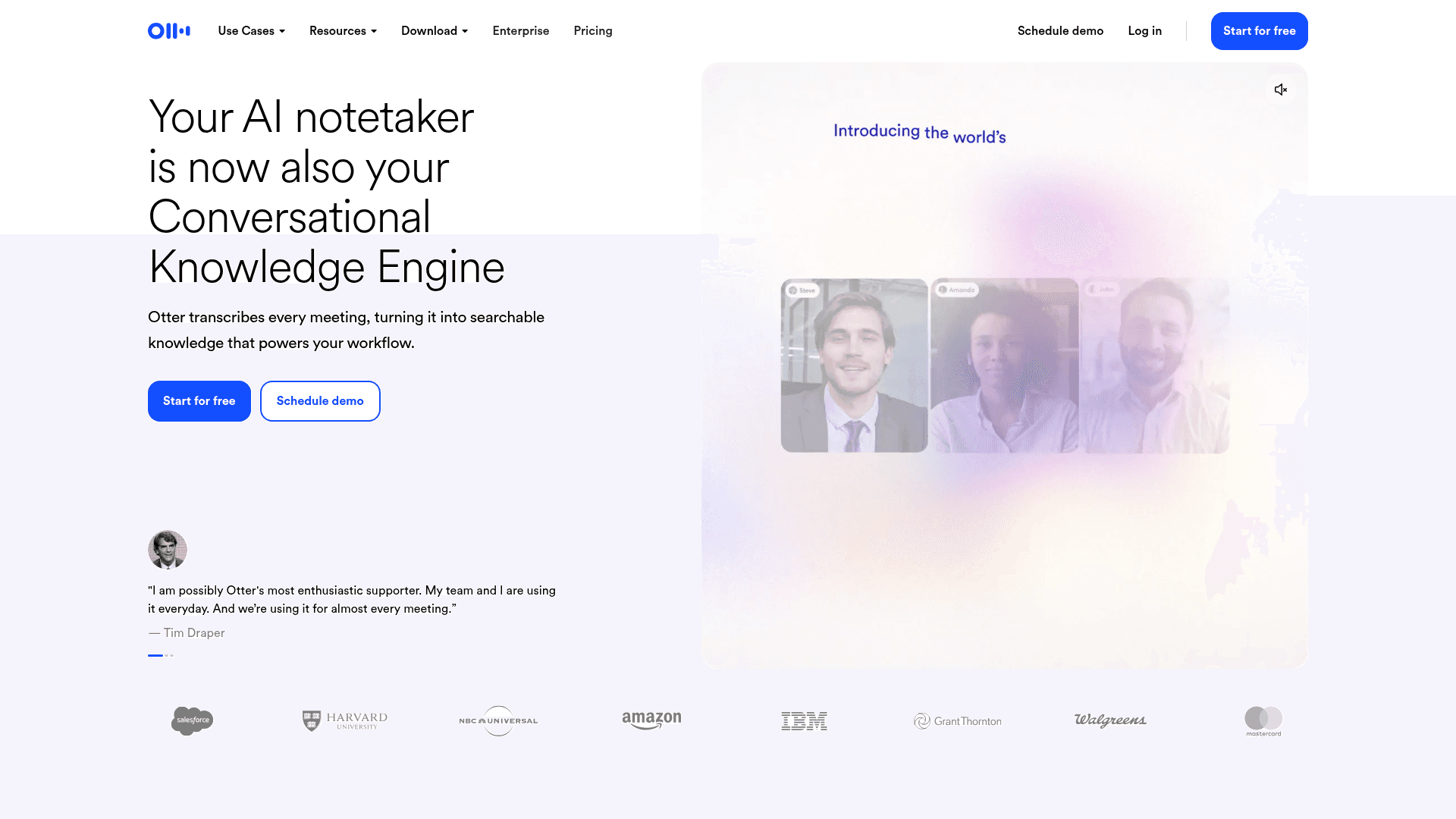
Otter AI has become a major player in the AI meeting assistant space, focusing primarily on real-time voice capture with instant on-screen transcription. The service works well with meeting transcription, offering features like action item generation plus meeting summaries that help groups stay organized after calls end.
The service integrates directly with video conferencing tools like Zoom, Google Meet, and Microsoft Teams. When you join a meeting, Otter AI can automatically record, then transcribe the conversation, creating searchable notes that participants can access later.
However, Otter AI's strength in meeting transcription also reveals its limitation. Unlike universal dictation tools that work across any application, Otter AI focuses on meeting scenarios instead of broader voice typing needs.
Otter AI Features, Limitations
Otter AI provides several core features designed around meeting productivity. Their real-time transcription engine processes spoken words in real time, displaying text on screen during live conversations. It generates action items automatically, identifying tasks and follow-ups mentioned during meetings. Meeting summaries condense lengthy discussions into digestible overviews, while the AI Chat feature lets users retrieve information from past discussions to generate follow-up content.
Users can invite Otter AI to meetings, where it joins as a participant to record and transcribe conversations.
However, Otter AI is a passive transcription tool, meaning it lacks general-purpose voice-to-text dictation across applications. It cannot be used for live, active typing in tools like Gmail, Slack, Jira, or ChatGPT. Because it works only within its own interface or integrated meeting environments, it cannot accelerate the rest of your professional workflow.
As we move through 2026, we're seeing an inflection point where traditional speech-to-text is being rapidly replaced by AI-native, universal voice tools. While earlier iterations of dictation software suffered from lag and poor handling of technical vocabulary, the latest voice AI trends show a shift toward context-aware systems. Today's alternatives don't just transcribe; they understand your active application, learn your professional jargon, and operate with sub-second latency across any platform.
Which brings us to the list of alternative speech-to-text tools that build on these advancements.
Evaluation Methodology
We assessed alternatives based on criteria most relevant to voice typing and dictation tools: accuracy rates, speed and latency, universal app compatibility, language support, privacy features, ease of use, and pricing models. We also considered language support, privacy protections, and setup complexity.
Top Otter AI Alternatives at a Glance
Alternative Tool | Type | Best For | Key Features | Key Limitations | Pricing |
|---|---|---|---|---|---|
Willow Voice | Universal Dictation | Mixed-device teams | Context-aware AI, Mac, Windows, iOS | Requires installation | Pro from $12/month; Enterprise custom; unlimited Free plan |
superwhisper | Offline App | Technical users | Offline functionality | Complex setup | Free; Pro from $8.49/mo |
Wispr Flow | Cross-Device App | Universal compatibility | Auto-editing features | High RAM usage | Free (2,000 words/week), Pro $15/month |
Dragon Professional | Legacy Software | Legacy enterprise | Historical accuracy | Expensive, slow setup | $699 perpetual |
Built-in Tools | OS Native | Basic usage | Already installed | Poor accuracy | Free |
1. Best Overall: Willow Voice
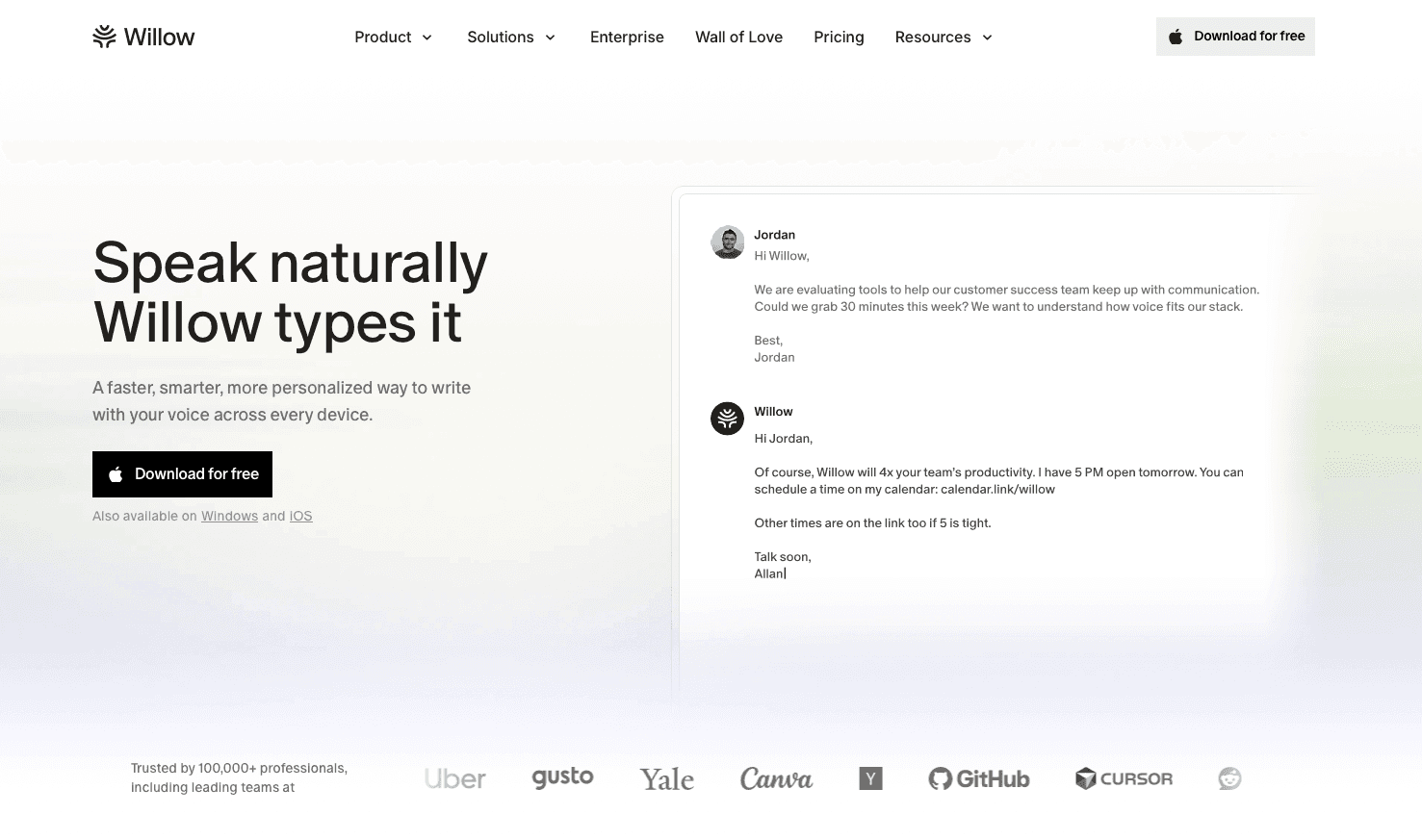
Willow Voice stands out as the top choice for universal voice dictation, delivering 3x faster communication. Speaking is roughly 3x faster than typing: 150 words per minute speaking versus 40 words per minute typing.
The hotkey activation makes Willow consistent to use across mixed-device environments, treating Windows as a first-class system alongside Mac. Just hold down the fn key on Mac or Alt+Space on Windows, speak your message, release the key, and your words appear in ~200ms. For mobile contexts, Willow also offers a custom iOS voice keyboard, keeping your workflows fast on the go. This universal input works directly across Gmail, Slack, Notion, ChatGPT, and any other text field.
Context-aware AI sets Willow apart from basic transcription tools. Powered by advanced enterprise infrastructure built for professional workflows, it reads your active application to get technical terms, names, and phrases right on the first pass. As a result, a developer speaking a complex PR description in Cursor or a clinician charting a patient encounter gets 98%+ accuracy right away. For mixed-device teams running across Windows, Mac, and iOS, Willow's vocabulary and settings carry over without per-device setup. Administrators can push company names, industry jargon, and client terminology to the entire organization, keeping accuracy uniform from day one across every operating system. Team leaderboards surface usage and time-saved data across the group, giving leads visibility into where voice adoption is taking hold.
Willow processes speech with ~200ms latency while delivering 98%+ accuracy and 3x fewer errors than built-in dictation tools.
Unlike consumer-only dictation tools, Willow is purpose-built for compliance-driven environments. It operates with a zero-data-retention architecture and is SOC 2 Type II and HIPAA compliant out of the box, meaning an org-wide rollout fits within existing enterprise security requirements without a separate procurement cycle.
Teams weighing voice dictation scale directly onto the Pro plan (starting at $12 per user per month), which includes faster, more accurate dictation, and unlimited Willow Scribe. Other plans are available to fit different needs, and the Free plan provides unlimited free AI dictation.
2. Developer-Centric Tool: superwhisper
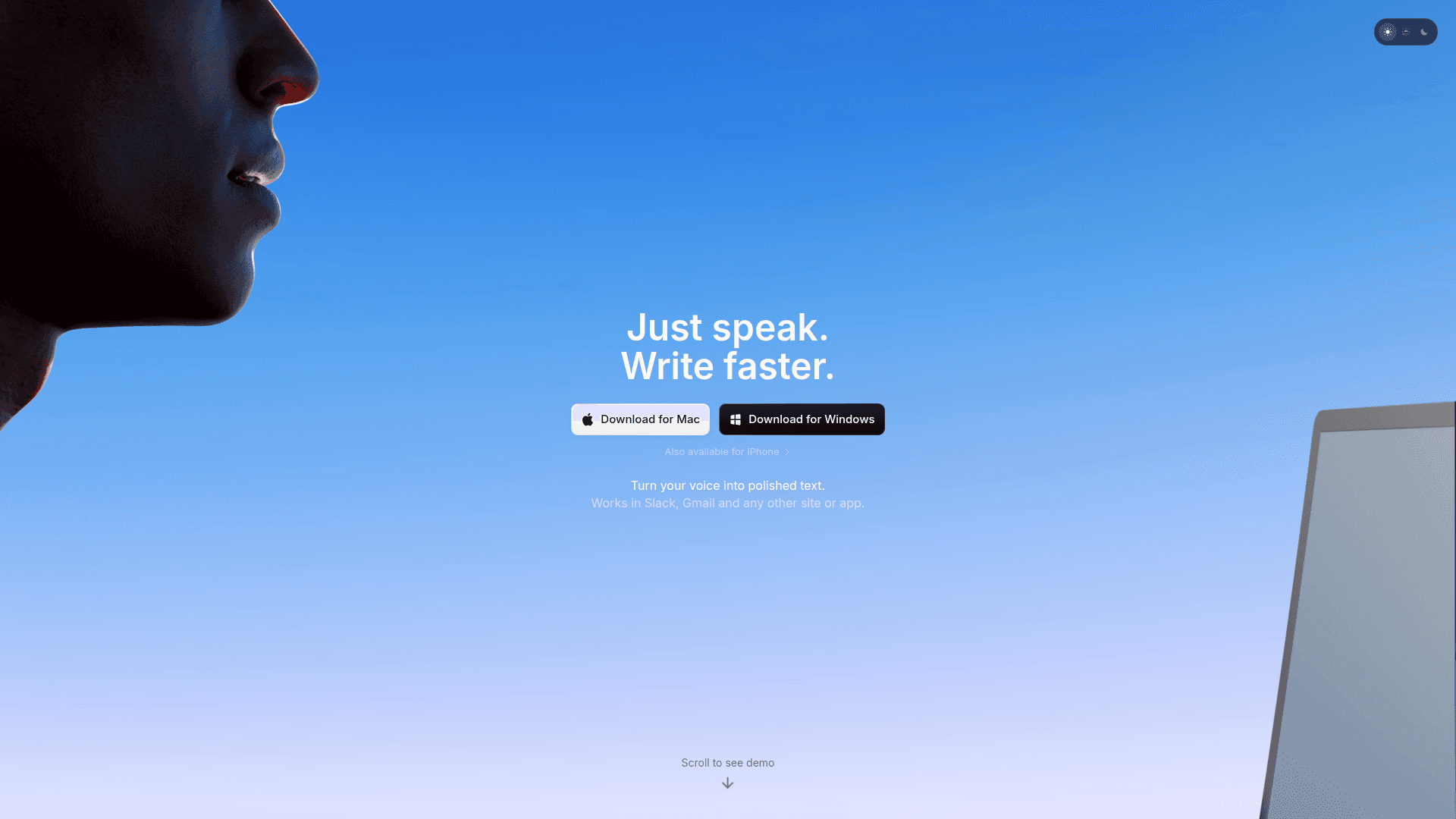
superwhisper appeals primarily to technical users who focus on offline functionality and privacy. The Mac, Windows, and iOS app offers 100+ language support and custom vocabulary features for specialized terminology.
The tool provides offline transcription features, meaning your voice data never leaves your device. This helps with privacy concerns that some users have with cloud-based solutions. However, superwhisper requires a more involved local configuration and features a steeper learning curve compared to simpler cloud-based alternatives.
The Pro version includes additional transcription features, but the overall experience feels designed for developers and technical users instead of mainstream productivity needs. While offline functionality benefits privacy-focused users, it comes with trade-offs in speed, whereas alternatives put a delightful user experience first, as shown in these customer stories.
3. Cross-Device Dictation: Wispr Flow
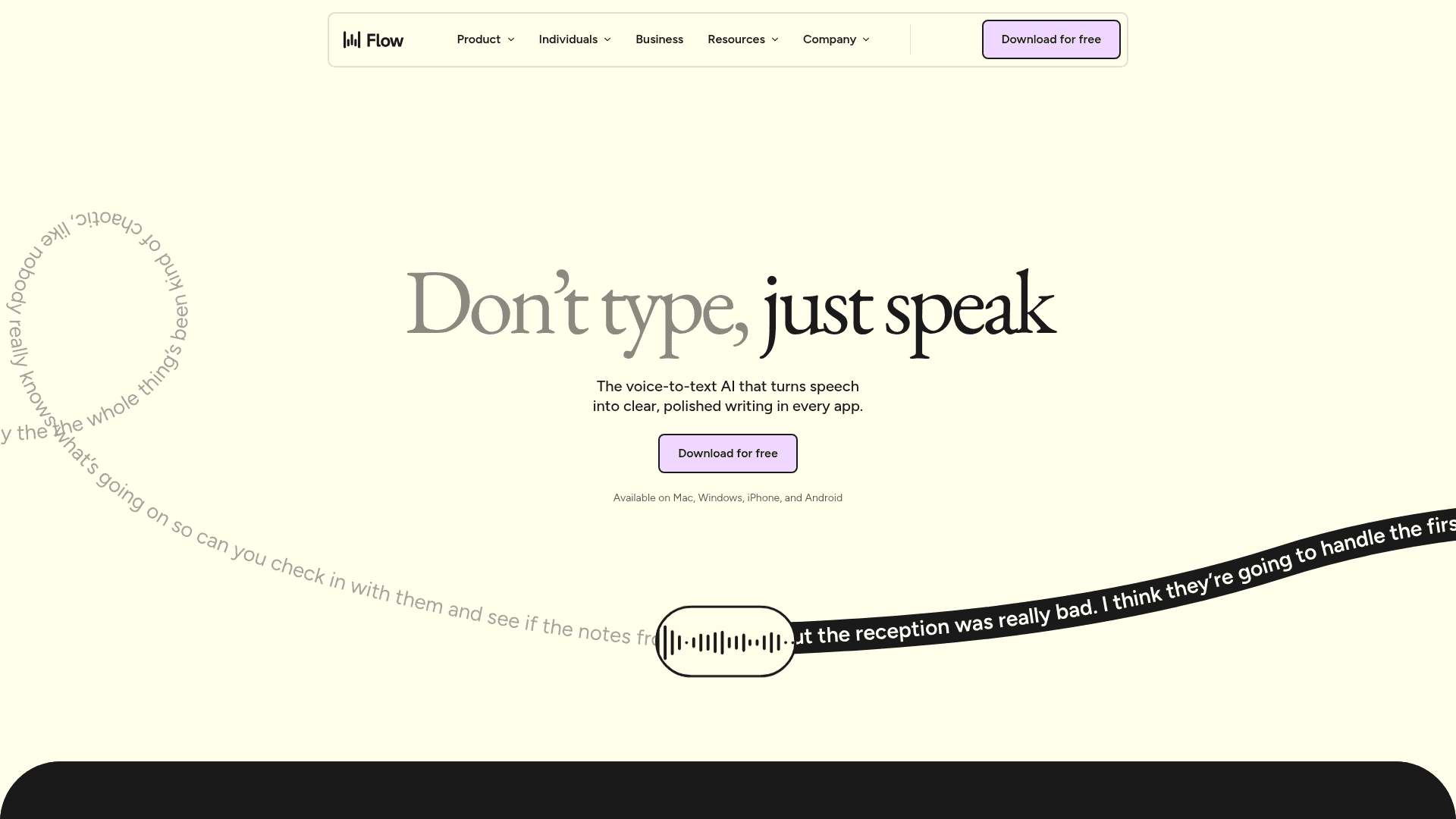
Wispr Flow offers voice dictation across applications with AI commands and auto-editing features. The tool attempts to provide universal compatibility similar to more complete solutions.
However, users should weigh its resource requirements. High CPU usage makes the product slow and difficult to use on low-memory computers, which can disrupt workflow when you need quick voice input.
Wispr Flow now holds SOC 2 Type II, ISO 27001, and HIPAA certifications, so formal compliance is covered, but the reliance on third-party AI providers for processing can still raise questions for organizations with strict data residency or on-device privacy requirements.
The functionality exists for basic dictation needs, but the system resource requirements and cloud dependencies present trade-offs for users seeking local processing. Users who place strict data control first often consider truly offline tools or platforms with explicit security and privacy practices instead.
4. Hardware-Dependent Option: Dragon Professional
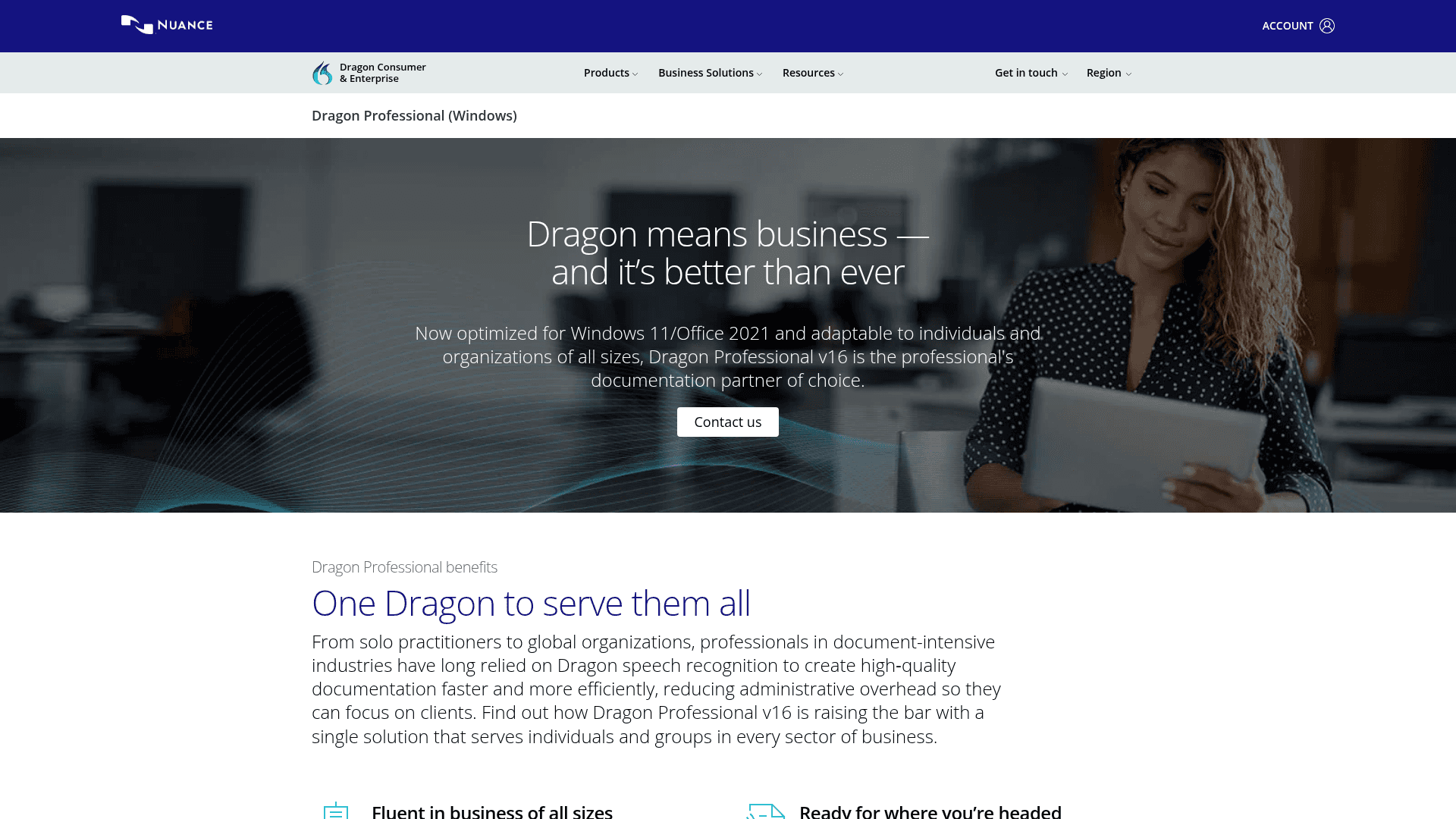
Dragon evolved from the 1990s into today's cloud-based Dragon Professional. It maintains a strong reputation for historical accuracy and enterprise administration, but its legacy software architecture and strict commercial licensing make it an expensive choice. Because there is typically no free version for individual users (verify current options at nuance.com), small teams pay more while getting fewer intelligent features than newer tools provide.
The biggest hurdle is the time investment. Setup takes 20 to 30 minutes, followed by one to two weeks of manual corrections to train the system.
Users must also retrain the software when switching hardware. While the final accuracy is good after extensive vocabulary customization, that heavy time tax makes Dragon impractical for many. Large organizations might still require its specific compliance tools, but individual users and small teams generally find better value with modern AI-powered alternatives.
5. Basic Built-in Tools: Apple Dictation and Google Docs Voice Typing
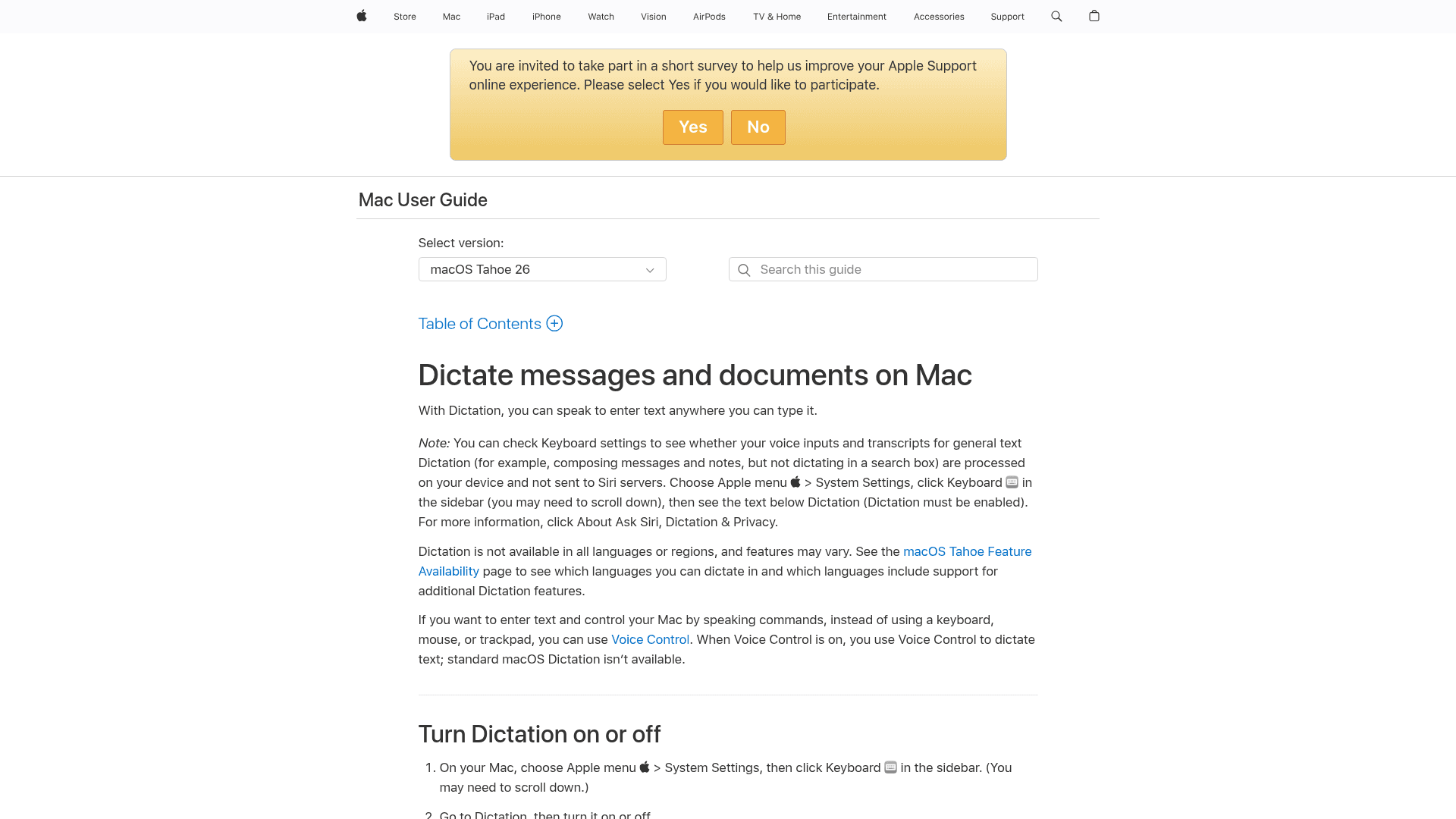
Apple Dictation and Windows Voice Access provide free, built-in options for their respective platforms.
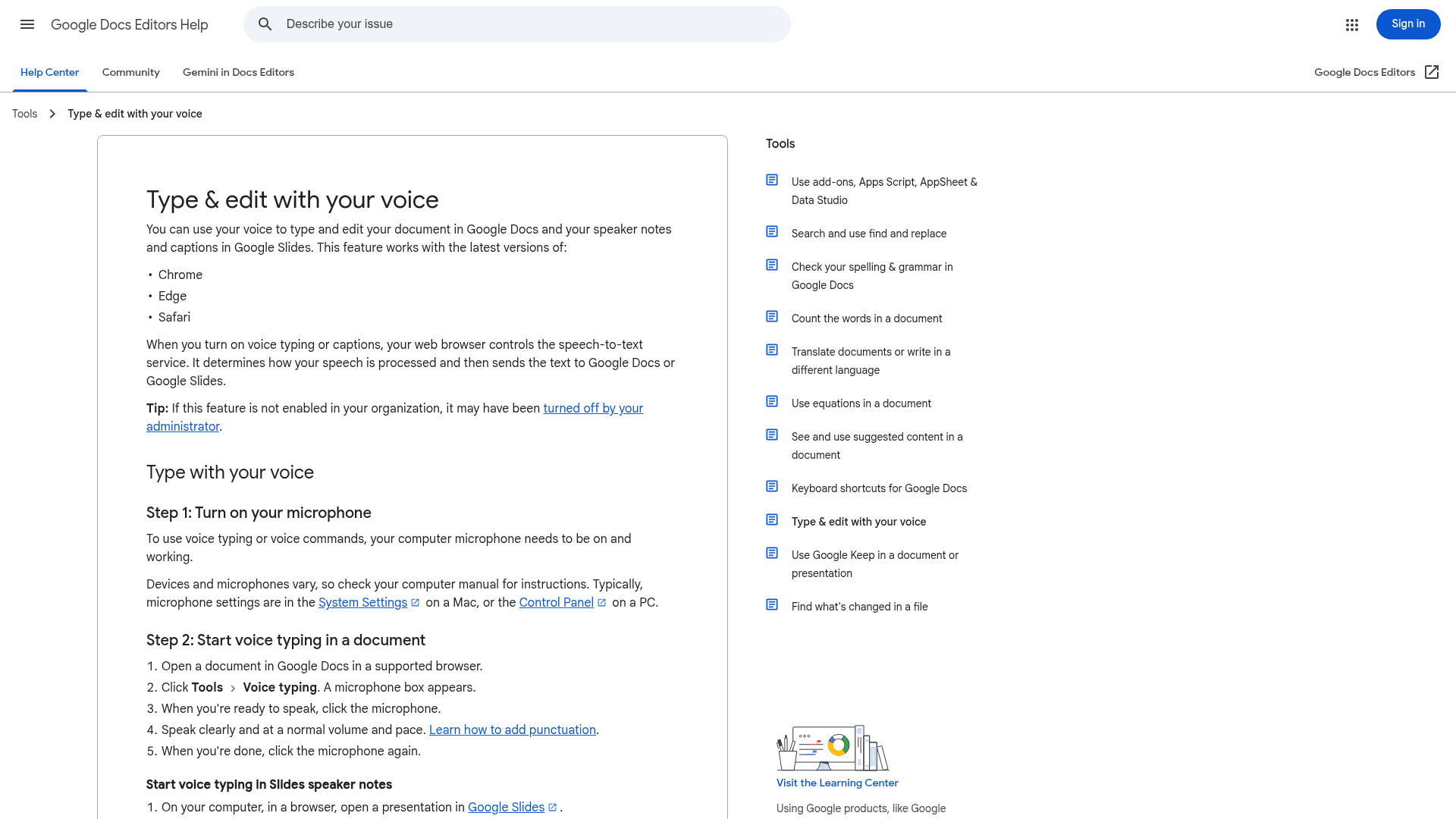
Google Docs Voice Typing works similarly within its own word processor. It integrates smoothly and delivers reasonable accuracy for simple, casual use, giving users a basic speech-to-text tool without advanced features.
However, anyone who types regularly will quickly hit the ceiling of these native options.
Built-in tools suffer from poor accuracy, 700ms+ latency delays, and a complete lack of contextual understanding. Because they do not learn your speaking patterns or offer formatting intelligence, they struggle heavily with proper nouns and technical terms. The constant need to manually fix errors creates frustrating rework that quickly offsets the initial convenience of having a free tool built into your system.
With free access to modern AI dictation available elsewhere, relying on native OS tools makes less sense for daily professional work.
Enterprise Readiness: Scaling Voice Dictation for Teams
While consumer-grade transcription tools work for individual use, modern businesses require secure, scalable tools. Team deployment brings completely different requirements, from admin controls to data security. Unlike basic alternatives, enterprise-ready software like Willow offers SOC 2 Type II and HIPAA compliance, supported by a signed Business Associate Agreement (BAA) to protect sensitive corporate data. Team deployment features allow administrators to manage licenses, control access, and enforce security policies across the company. IT teams can provision and remove access through existing identity providers via SSO. Organizations can also integrate Willow Voice dictation programmatically into internal tools via a usage-based API for custom technical setups.
Expanding from an individual user to a company-wide rollout requires shared resources across platforms. For engineering or customer-facing organizations running a mix of Windows workstations, Mac laptops, and mobile devices in the field, Willow Voice delivers cross-device continuity. Shared terminology and personalization are available on every device from day one. Teams can create shared custom dictionaries and voice shortcuts in Willow, so technical jargon, product names, and internal acronyms are spelled correctly by everyone, regardless of which hardware they use. With teams at Uber, Reddit, and companies across 20% of the Fortune 500 already adopting Willow, enterprise voice typing is moving beyond basic dictation to become a central part of daily work.
How to Choose the Best Voice Typing Solution for Your Needs
Your choice depends on specific use cases and requirements:
Consider whether you need universal dictation across all applications or meeting-specific transcription. Most productivity workflows benefit from universal compatibility instead of specialized tools.
Privacy requirements matter if you handle sensitive information. Truly offline solutions like superwhisper provide maximum privacy, while cloud-based tools offer better speed and intelligence. Check your privacy needs.
Technical expertise influences which tools you'll use consistently. Complex setup procedures create barriers that reduce long-term adoption. Simple, reliable tools typically provide better value than feature-rich but complicated alternatives.
Budget considerations include both upfront costs and time investment. Expensive tools that require extensive training may cost more than their subscription price suggests.
The best speech-to-text tools improve productivity and simplify workflows for individuals and businesses. For most users, universal dictation tools like Willow provide the greatest impact on daily productivity.
FAQs
What's the difference between Otter AI and a universal voice typing tool like Willow Voice?
Otter AI records and transcribes meetings, but it stops there. It has no dictation layer for email, Slack, Jira, or any other app outside its meeting environment. Willow Voice works system-wide across every text field on Mac, Windows, and iOS, so the same hotkey that drafts a PR description in Cursor also works in Gmail, Notion, or ChatGPT.
What are the best Otter AI alternatives for professional and cross-platform dictation?
For individuals needing strict on-device privacy, superwhisper offers offline processing but requires more complex setup. Wispr Flow provides cloud-based cross-app dictation, though it lacks deep enterprise controls. For teams running a mix of Mac, Windows, and iOS, Willow Voice is the best all-around alternative. It provides system-wide dictation (activated easily via Alt+Space on Windows or the fn key on Mac) and syncs custom vocabulary, shared dictionaries, and admin controls across every device.
How accurate are modern voice typing tools, and can they learn custom vocabulary?
Modern AI-powered dictation tools like Willow Voice deliver 98%+ accuracy and make 3x fewer errors than built-in OS options, effectively making dictation faster than manual typing. Willow also uses context-aware AI and custom dictionaries to learn your specific terminology, professional jargon, and speaking patterns, avoiding the generic transcription errors common in basic tools.
Do I need a special microphone for voice typing to work well?
Microphone quality affects dictation accuracy by 10 to 15 percent. Built-in laptop microphones pick up background noise and keyboard sounds, which reduces accuracy. A quality USB headset with a close-talk microphone, wireless earbuds with built-in mics, or a desktop USB condenser microphone is recommended for the best results, allowing tools like Willow Voice to achieve 98%+ accuracy without extra configuration.
Can voice typing tools like Willow Voice work offline for sensitive or compliance-bound workflows?
Yes, though with platform-specific scope. Willow Voice offers an Offline Mode on Mac and iOS that processes audio locally without sending data to the cloud, making it suitable for workflows governed by HIPAA, FERPA, or IRB data handling requirements. Windows users operate on cloud processing only, so teams with strict data residency requirements across a mixed Windows fleet should factor that into their evaluation alongside Willow's SOC 2 Type II certification and zero-data-retention architecture.
Get Started With Willow Voice
You've seen the options that go beyond basic meeting transcription to handle your daily typing needs across emails, documents, and messaging platforms. The right solution gives you universal dictation that works everywhere you type, in conference rooms and beyond. For teams rolling out voice input across mixed-device environments, Willow gives you the speed, shared vocabulary, and SOC 2 Type II compliance required for professional adoption on Windows, Mac, and iOS. Try Willow Voice across your normal work to see where voice speeds you up. You can download Willow Voice here and try it today.
You use Otter AI to capture meetings. It handles that job well. But when the meeting ends, you still have to manually type the follow-up emails, update the project in Jira, and summarize the outcomes in Slack. Finding the right voice typing tools for active, daily work requires looking beyond passive transcription tools built for conference rooms, especially when your day moves between a Windows workstation, a Mac laptop, and a phone. In this guide, we break down the alternatives built for professional workflows, offering universal dictation, cross-platform support, and the enterprise readiness required for team adoption.
TLDR:
Otter AI excels at meeting transcription but lacks universal app compatibility to cover broader dictation needs.
Some modern solutions offer the fastest, most accurate universal voice dictation with a major typing speed improvement.
Dragon remains expensive and outdated despite its enterprise legacy.
Built-in tools like Apple Dictation are free but frustratingly inaccurate.
Most alternatives focus on meetings instead of complete voice typing across all Windows, Mac, and iOS applications.
What Is Otter AI and How Does It Work?
Otter AI has become a major player in the AI meeting assistant space, focusing primarily on real-time voice capture with instant on-screen transcription. The service works well with meeting transcription, offering features like action item generation plus meeting summaries that help groups stay organized after calls end.
The service integrates directly with video conferencing tools like Zoom, Google Meet, and Microsoft Teams. When you join a meeting, Otter AI can automatically record, then transcribe the conversation, creating searchable notes that participants can access later.
However, Otter AI's strength in meeting transcription also reveals its limitation. Unlike universal dictation tools that work across any application, Otter AI focuses on meeting scenarios instead of broader voice typing needs.
Otter AI Features, Limitations
Otter AI provides several core features designed around meeting productivity. Their real-time transcription engine processes spoken words in real time, displaying text on screen during live conversations. It generates action items automatically, identifying tasks and follow-ups mentioned during meetings. Meeting summaries condense lengthy discussions into digestible overviews, while the AI Chat feature lets users retrieve information from past discussions to generate follow-up content.
Users can invite Otter AI to meetings, where it joins as a participant to record and transcribe conversations.
However, Otter AI is a passive transcription tool, meaning it lacks general-purpose voice-to-text dictation across applications. It cannot be used for live, active typing in tools like Gmail, Slack, Jira, or ChatGPT. Because it works only within its own interface or integrated meeting environments, it cannot accelerate the rest of your professional workflow.
As we move through 2026, we're seeing an inflection point where traditional speech-to-text is being rapidly replaced by AI-native, universal voice tools. While earlier iterations of dictation software suffered from lag and poor handling of technical vocabulary, the latest voice AI trends show a shift toward context-aware systems. Today's alternatives don't just transcribe; they understand your active application, learn your professional jargon, and operate with sub-second latency across any platform.
Which brings us to the list of alternative speech-to-text tools that build on these advancements.
Evaluation Methodology
We assessed alternatives based on criteria most relevant to voice typing and dictation tools: accuracy rates, speed and latency, universal app compatibility, language support, privacy features, ease of use, and pricing models. We also considered language support, privacy protections, and setup complexity.
Top Otter AI Alternatives at a Glance
Alternative Tool | Type | Best For | Key Features | Key Limitations | Pricing |
|---|---|---|---|---|---|
Willow Voice | Universal Dictation | Mixed-device teams | Context-aware AI, Mac, Windows, iOS | Requires installation | Pro from $12/month; Enterprise custom; unlimited Free plan |
superwhisper | Offline App | Technical users | Offline functionality | Complex setup | Free; Pro from $8.49/mo |
Wispr Flow | Cross-Device App | Universal compatibility | Auto-editing features | High RAM usage | Free (2,000 words/week), Pro $15/month |
Dragon Professional | Legacy Software | Legacy enterprise | Historical accuracy | Expensive, slow setup | $699 perpetual |
Built-in Tools | OS Native | Basic usage | Already installed | Poor accuracy | Free |
1. Best Overall: Willow Voice
Willow Voice stands out as the top choice for universal voice dictation, delivering 3x faster communication. Speaking is roughly 3x faster than typing: 150 words per minute speaking versus 40 words per minute typing.
The hotkey activation makes Willow consistent to use across mixed-device environments, treating Windows as a first-class system alongside Mac. Just hold down the fn key on Mac or Alt+Space on Windows, speak your message, release the key, and your words appear in ~200ms. For mobile contexts, Willow also offers a custom iOS voice keyboard, keeping your workflows fast on the go. This universal input works directly across Gmail, Slack, Notion, ChatGPT, and any other text field.
Context-aware AI sets Willow apart from basic transcription tools. Powered by advanced enterprise infrastructure built for professional workflows, it reads your active application to get technical terms, names, and phrases right on the first pass. As a result, a developer speaking a complex PR description in Cursor or a clinician charting a patient encounter gets 98%+ accuracy right away. For mixed-device teams running across Windows, Mac, and iOS, Willow's vocabulary and settings carry over without per-device setup. Administrators can push company names, industry jargon, and client terminology to the entire organization, keeping accuracy uniform from day one across every operating system. Team leaderboards surface usage and time-saved data across the group, giving leads visibility into where voice adoption is taking hold.
Willow processes speech with ~200ms latency while delivering 98%+ accuracy and 3x fewer errors than built-in dictation tools.
Unlike consumer-only dictation tools, Willow is purpose-built for compliance-driven environments. It operates with a zero-data-retention architecture and is SOC 2 Type II and HIPAA compliant out of the box, meaning an org-wide rollout fits within existing enterprise security requirements without a separate procurement cycle.
Teams weighing voice dictation scale directly onto the Pro plan (starting at $12 per user per month), which includes faster, more accurate dictation, and unlimited Willow Scribe. Other plans are available to fit different needs, and the Free plan provides unlimited free AI dictation.
2. Developer-Centric Tool: superwhisper
superwhisper appeals primarily to technical users who focus on offline functionality and privacy. The Mac, Windows, and iOS app offers 100+ language support and custom vocabulary features for specialized terminology.
The tool provides offline transcription features, meaning your voice data never leaves your device. This helps with privacy concerns that some users have with cloud-based solutions. However, superwhisper requires a more involved local configuration and features a steeper learning curve compared to simpler cloud-based alternatives.
The Pro version includes additional transcription features, but the overall experience feels designed for developers and technical users instead of mainstream productivity needs. While offline functionality benefits privacy-focused users, it comes with trade-offs in speed, whereas alternatives put a delightful user experience first, as shown in these customer stories.
3. Cross-Device Dictation: Wispr Flow
Wispr Flow offers voice dictation across applications with AI commands and auto-editing features. The tool attempts to provide universal compatibility similar to more complete solutions.
However, users should weigh its resource requirements. High CPU usage makes the product slow and difficult to use on low-memory computers, which can disrupt workflow when you need quick voice input.
Wispr Flow now holds SOC 2 Type II, ISO 27001, and HIPAA certifications, so formal compliance is covered, but the reliance on third-party AI providers for processing can still raise questions for organizations with strict data residency or on-device privacy requirements.
The functionality exists for basic dictation needs, but the system resource requirements and cloud dependencies present trade-offs for users seeking local processing. Users who place strict data control first often consider truly offline tools or platforms with explicit security and privacy practices instead.
4. Hardware-Dependent Option: Dragon Professional
Dragon evolved from the 1990s into today's cloud-based Dragon Professional. It maintains a strong reputation for historical accuracy and enterprise administration, but its legacy software architecture and strict commercial licensing make it an expensive choice. Because there is typically no free version for individual users (verify current options at nuance.com), small teams pay more while getting fewer intelligent features than newer tools provide.
The biggest hurdle is the time investment. Setup takes 20 to 30 minutes, followed by one to two weeks of manual corrections to train the system.
Users must also retrain the software when switching hardware. While the final accuracy is good after extensive vocabulary customization, that heavy time tax makes Dragon impractical for many. Large organizations might still require its specific compliance tools, but individual users and small teams generally find better value with modern AI-powered alternatives.
5. Basic Built-in Tools: Apple Dictation and Google Docs Voice Typing
Apple Dictation and Windows Voice Access provide free, built-in options for their respective platforms.
Google Docs Voice Typing works similarly within its own word processor. It integrates smoothly and delivers reasonable accuracy for simple, casual use, giving users a basic speech-to-text tool without advanced features.
However, anyone who types regularly will quickly hit the ceiling of these native options.
Built-in tools suffer from poor accuracy, 700ms+ latency delays, and a complete lack of contextual understanding. Because they do not learn your speaking patterns or offer formatting intelligence, they struggle heavily with proper nouns and technical terms. The constant need to manually fix errors creates frustrating rework that quickly offsets the initial convenience of having a free tool built into your system.
With free access to modern AI dictation available elsewhere, relying on native OS tools makes less sense for daily professional work.
Enterprise Readiness: Scaling Voice Dictation for Teams
While consumer-grade transcription tools work for individual use, modern businesses require secure, scalable tools. Team deployment brings completely different requirements, from admin controls to data security. Unlike basic alternatives, enterprise-ready software like Willow offers SOC 2 Type II and HIPAA compliance, supported by a signed Business Associate Agreement (BAA) to protect sensitive corporate data. Team deployment features allow administrators to manage licenses, control access, and enforce security policies across the company. IT teams can provision and remove access through existing identity providers via SSO. Organizations can also integrate Willow Voice dictation programmatically into internal tools via a usage-based API for custom technical setups.
Expanding from an individual user to a company-wide rollout requires shared resources across platforms. For engineering or customer-facing organizations running a mix of Windows workstations, Mac laptops, and mobile devices in the field, Willow Voice delivers cross-device continuity. Shared terminology and personalization are available on every device from day one. Teams can create shared custom dictionaries and voice shortcuts in Willow, so technical jargon, product names, and internal acronyms are spelled correctly by everyone, regardless of which hardware they use. With teams at Uber, Reddit, and companies across 20% of the Fortune 500 already adopting Willow, enterprise voice typing is moving beyond basic dictation to become a central part of daily work.
How to Choose the Best Voice Typing Solution for Your Needs
Your choice depends on specific use cases and requirements:
Consider whether you need universal dictation across all applications or meeting-specific transcription. Most productivity workflows benefit from universal compatibility instead of specialized tools.
Privacy requirements matter if you handle sensitive information. Truly offline solutions like superwhisper provide maximum privacy, while cloud-based tools offer better speed and intelligence. Check your privacy needs.
Technical expertise influences which tools you'll use consistently. Complex setup procedures create barriers that reduce long-term adoption. Simple, reliable tools typically provide better value than feature-rich but complicated alternatives.
Budget considerations include both upfront costs and time investment. Expensive tools that require extensive training may cost more than their subscription price suggests.
The best speech-to-text tools improve productivity and simplify workflows for individuals and businesses. For most users, universal dictation tools like Willow provide the greatest impact on daily productivity.
FAQs
What's the difference between Otter AI and a universal voice typing tool like Willow Voice?
Otter AI records and transcribes meetings, but it stops there. It has no dictation layer for email, Slack, Jira, or any other app outside its meeting environment. Willow Voice works system-wide across every text field on Mac, Windows, and iOS, so the same hotkey that drafts a PR description in Cursor also works in Gmail, Notion, or ChatGPT.
What are the best Otter AI alternatives for professional and cross-platform dictation?
For individuals needing strict on-device privacy, superwhisper offers offline processing but requires more complex setup. Wispr Flow provides cloud-based cross-app dictation, though it lacks deep enterprise controls. For teams running a mix of Mac, Windows, and iOS, Willow Voice is the best all-around alternative. It provides system-wide dictation (activated easily via Alt+Space on Windows or the fn key on Mac) and syncs custom vocabulary, shared dictionaries, and admin controls across every device.
How accurate are modern voice typing tools, and can they learn custom vocabulary?
Modern AI-powered dictation tools like Willow Voice deliver 98%+ accuracy and make 3x fewer errors than built-in OS options, effectively making dictation faster than manual typing. Willow also uses context-aware AI and custom dictionaries to learn your specific terminology, professional jargon, and speaking patterns, avoiding the generic transcription errors common in basic tools.
Do I need a special microphone for voice typing to work well?
Microphone quality affects dictation accuracy by 10 to 15 percent. Built-in laptop microphones pick up background noise and keyboard sounds, which reduces accuracy. A quality USB headset with a close-talk microphone, wireless earbuds with built-in mics, or a desktop USB condenser microphone is recommended for the best results, allowing tools like Willow Voice to achieve 98%+ accuracy without extra configuration.
Can voice typing tools like Willow Voice work offline for sensitive or compliance-bound workflows?
Yes, though with platform-specific scope. Willow Voice offers an Offline Mode on Mac and iOS that processes audio locally without sending data to the cloud, making it suitable for workflows governed by HIPAA, FERPA, or IRB data handling requirements. Windows users operate on cloud processing only, so teams with strict data residency requirements across a mixed Windows fleet should factor that into their evaluation alongside Willow's SOC 2 Type II certification and zero-data-retention architecture.
Get Started With Willow Voice
You've seen the options that go beyond basic meeting transcription to handle your daily typing needs across emails, documents, and messaging platforms. The right solution gives you universal dictation that works everywhere you type, in conference rooms and beyond. For teams rolling out voice input across mixed-device environments, Willow gives you the speed, shared vocabulary, and SOC 2 Type II compliance required for professional adoption on Windows, Mac, and iOS. Try Willow Voice across your normal work to see where voice speeds you up. You can download Willow Voice here and try it today.

Try Willow for free
Instant, accurate voice dictation. No card required.
Try Willow for free
Instant, accurate voice dictation. No card required.
Other stories you’ll love
Other stories you’ll love



Your keyboard is optional now
" transform="translate(5 5)" width="9.791000051498413px"/></svg>)

The voice-first interface for modern work.
© Willow Care, Inc. 2026. All rights reserved
Your keyboard is optional now
The voice-first interface for modern work.
© Willow Care, Inc. 2026. All rights reserved
Your keyboard is optional now
The voice-first interface for modern work.
© Willow Care, Inc. 2026. All rights reserved