" transform="translate(5 2)" width="10px"/></svg>)

•
5 min read
Voice Dictation for Windsurf IDE: Best Options in April 2026
•
5 min read
Voice Dictation for Windsurf IDE: Best Options in April 2026
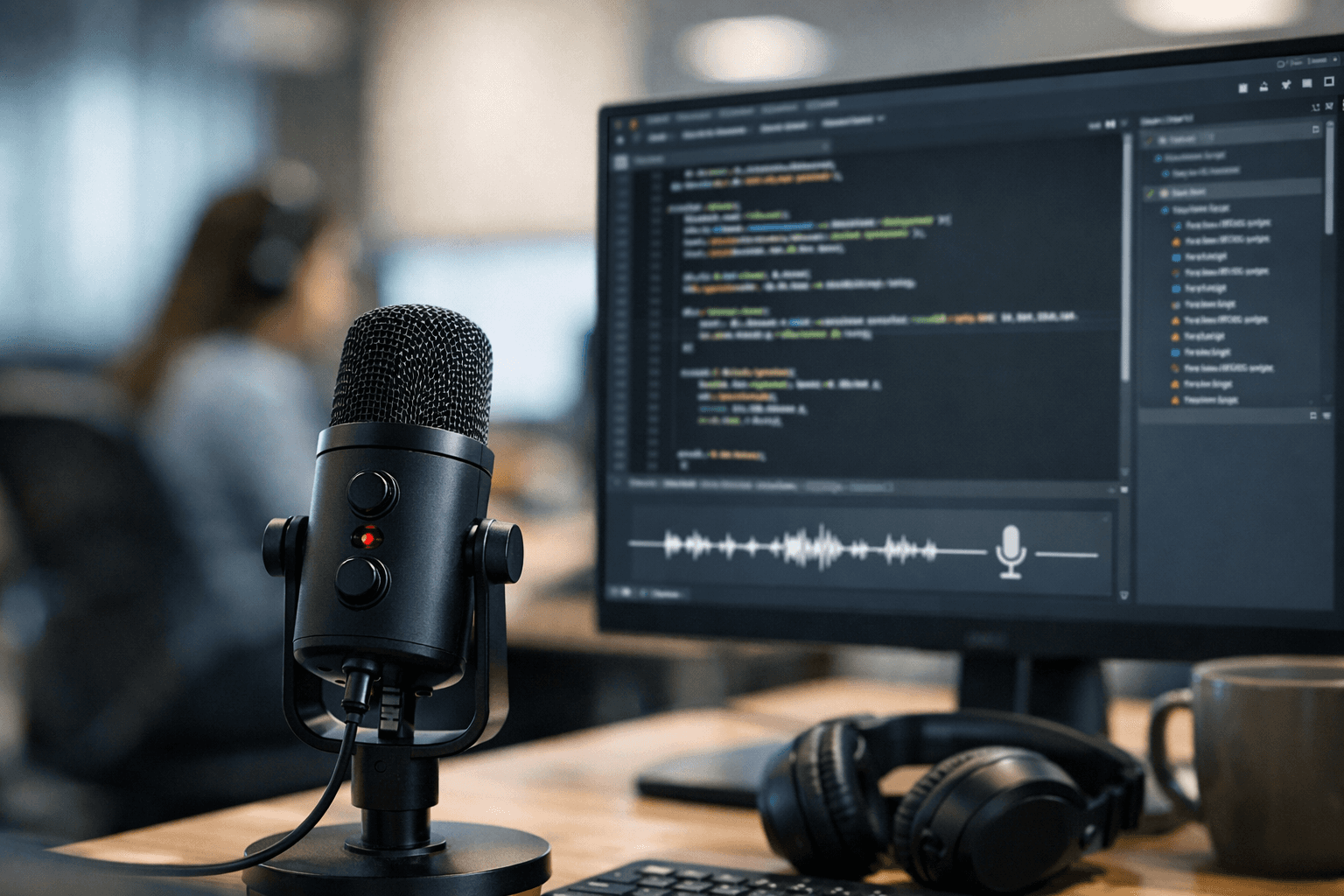
Voice dictation for Windsurf IDE sounds like an obvious upgrade once typing starts slowing down your Cascade prompts, but most tools introduce new friction the moment you rely on them. They miss technical terms, stay locked to a single app, or lag just enough to interrupt your thinking mid-sentence. The result is a workflow that still feels broken, just in a different way. What developers actually need is fast, accurate dictation that keeps up with how they reason through problems, and this guide breaks down which tools deliver that today.
TLDR:
Voice dictation lets you prompt Windsurf's Cascade 3x faster at 150+ WPM vs. 40 WPM typing.
Built-in voice options only work in one app; dedicated tools work system-wide across all your dev tools.
Apple Dictation and Wispr Flow have limited support for custom vocabulary learning for technical terms and variable names.
Some modern voice dictation solutions learn your codebase vocabulary over time, improving accuracy for technical terms and variable names.
Some developer-focused dictation tools include team features like shared vocabularies and compliance support for engineering teams.
Voice Dictation for Windsurf IDE: What It Is and Why Developers Use It
Windsurf is an agentic IDE where you spend a surprising amount of time writing natural language, not code. You describe what you want built, explain the context, flag edge cases, and the AI handles the heavy lifting. The quality of that prompt determines everything.
Here's the problem: typing detailed prompts is slow. Most developers hit 40 words per minute on a good day, so they cut corners. Vague prompts. Missing context. Then three rounds of iteration when one solid prompt would have done the job.
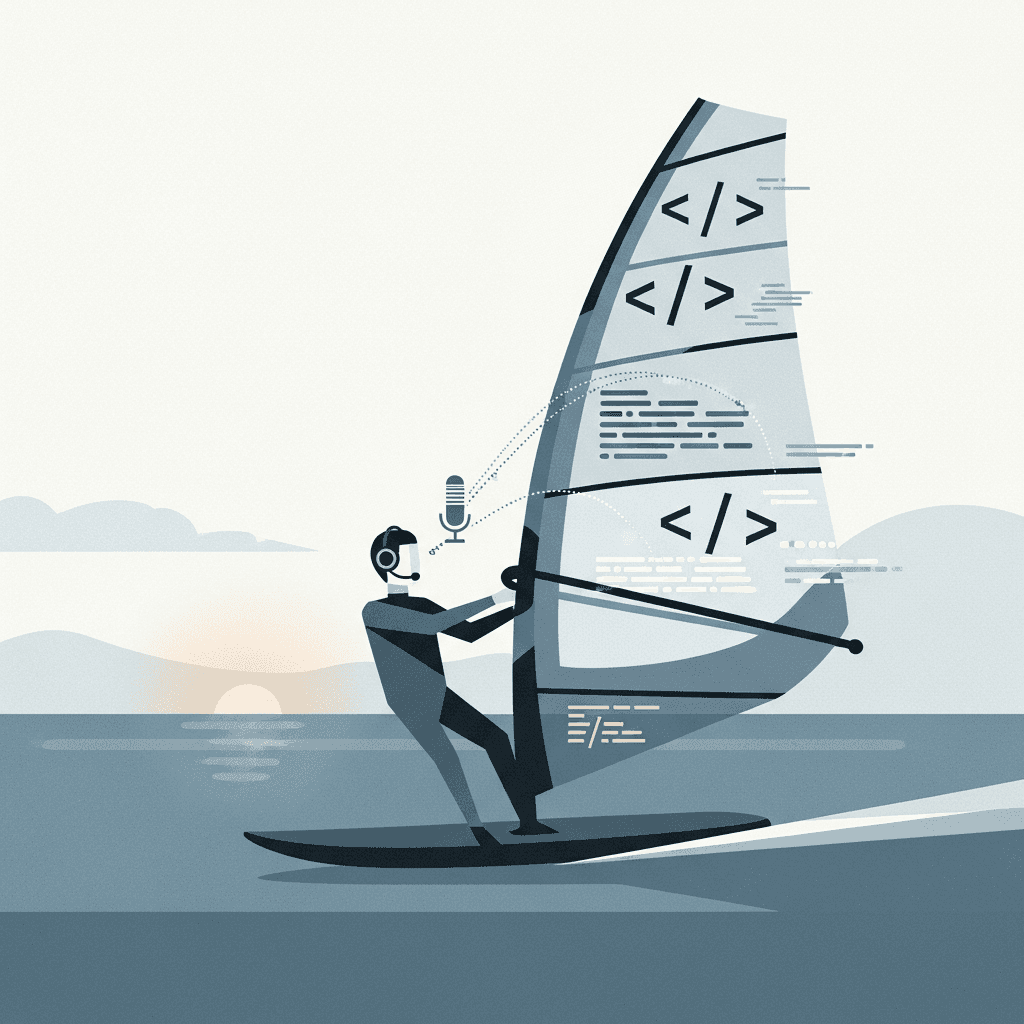
Voice dictation flips that. Speaking runs closer to 150 words per minute, so you get your full thought into Windsurf's prompt field in seconds, not minutes. This speed difference is the foundation of the workflow shift for developers using voice to prompt AI coding tools. More importantly, when you speak, you naturally include more context. You explain the why. You mention the constraints. The AI gets a richer prompt and returns something closer to what you actually wanted.
That's why voice dictation is quickly becoming a standard workflow for developers building with AI coding tools.
How Developers Actually Use Voice Dictation with Windsurf
Voice dictation in Windsurf isn't about reciting syntax out loud. Nobody is saying "open paren, string, colon, close paren" into a microphone. The real value shows up in the natural language parts of the workflow, which is most of it.
Here's where it actually fits:
Prompting Cascade with full context, describing what you want built, why, and what constraints matter, without trimming the prompt down to save keystrokes
Narrating bug reports while you're looking at the problem, before the details fade
Writing PR descriptions and inline comments hands-free
Thinking out loud to rubber-duck a tricky implementation, then dropping that reasoning directly into the prompt
The common thread is anything that benefits from more words, not fewer. Cascade performs better when your prompt is thorough. Typing punishes thoroughness because it takes time. Speaking rewards it.
Why Verbosity Wins with Cascade
AI coding assistants like Cascade are trained to produce better output when given richer context. A vague prompt gets a vague result. A detailed prompt that explains the goal, the constraints, and the edge cases gets code that actually fits. Voice makes writing that kind of prompt feel natural instead of tedious.
Developers who switch to voice coding in Windsurf usually start with Cascade prompts and then realize the same logic applies to documentation, tickets, and code review notes.
The Speed Advantage: Why Speaking Beats Typing for AI Prompts
Most developers type at around 40 words per minute, and that's fine for writing code. Code is dense and deliberate. But prompting AI is different. You're writing natural language, and typing speed becomes a real bottleneck when the quality of your output depends on how much context you can get into that prompt field.
Speaking sits at around 150 words per minute. That gap changes what you actually say, which is why AI voice dictation multiplies coding speed. When typing is the bottleneck, you abbreviate. You drop the edge cases. You skip the "why." When speaking, none of that friction exists, so you give the AI the full picture.
With Cascade, better input means fewer iterations. A prompt that took 90 seconds to type takes 20 seconds to say, and it's usually more thorough.
That's the real arithmetic here. Faster input with richer content means fewer back-and-forth cycles with the AI and cleaner output on the first pass.
Built-In Voice Options vs. Dedicated Dictation Tools
By early 2026, several AI coding tools shipped with some form of built-in voice input. Windsurf has begun introducing built-in voice input within Cascade. Cursor followed with voice dictation as well. The appeal is obvious: no extra software, no setup, just press a button and talk.
But built-in voice has real tradeoffs.
Coverage is limited to that one app. You can't write a PR description in GitHub, a Slack message to your team, or a ticket in Linear.
Accuracy leans on generic speech models, with no adaptation to your vocabulary, variable names, or project-specific terms. This is why choosing the best speech to text for Cursor matters for developers who prompt frequently.
There's limited or no filler word removal, custom dictionary, or tone-matching. What you say is exactly what you get.
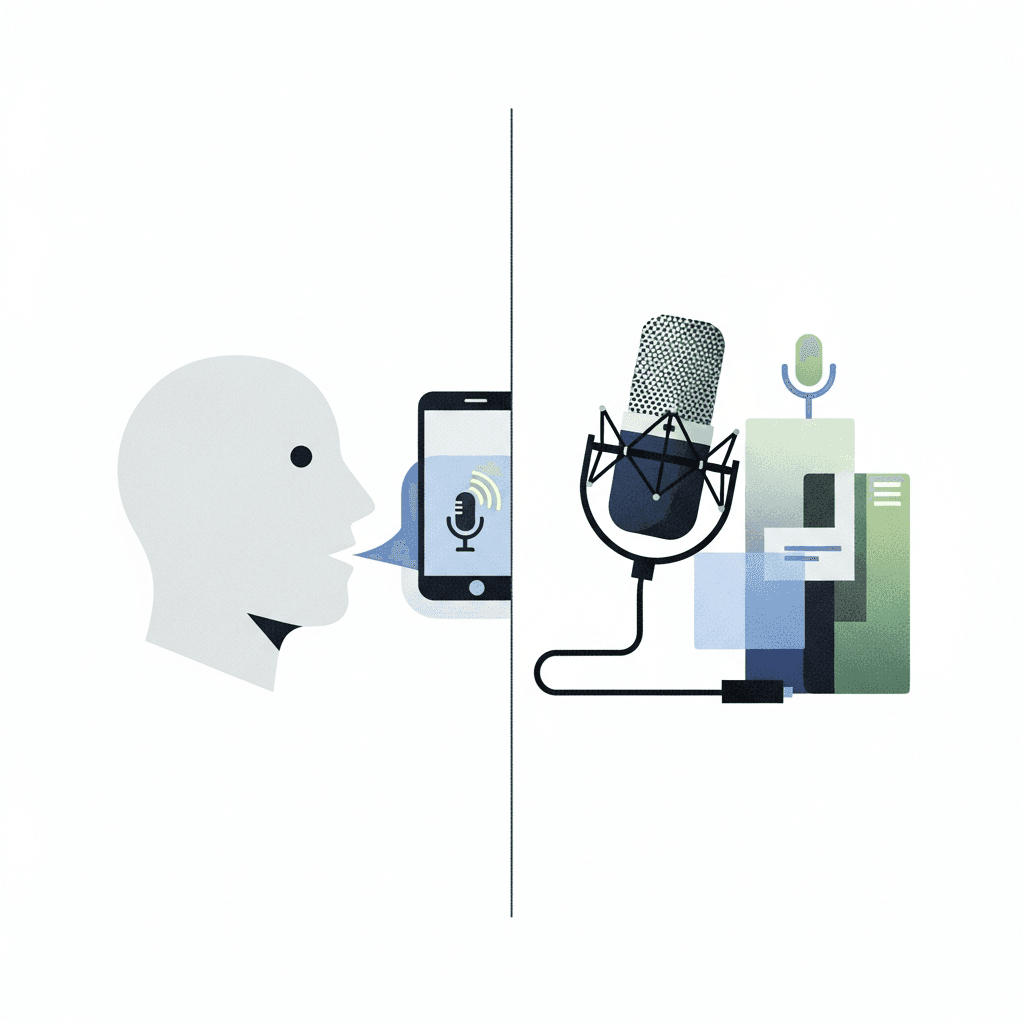
Dedicated dictation tools like Willow, Wispr Flow, and Apple's built-in voice dictation work system-wide. One hotkey from anywhere on your machine, any text field, any app, including VS Code, GitHub, and Slack.
That said, not all dedicated tools are equal. Apple's built-in dictation covers system-wide input but offers no learning or personalization. Wispr Flow lacks team features compared to Willow. Willow learns your vocabulary over time, recognizes technical terms and variable names consistently, and runs at 200ms latency so your text appears before your train of thought moves on. For teams, shared shortcuts and SOC 2 and HIPAA compliance add structure that individual tools skip entirely.
For light, occasional prompting, built-in voice is fine. For developers prompting heavily across multiple tools, a dedicated layer handles what built-in voice simply can't.
Tool | Coverage | Latency | Vocabulary Learning | Team Features | Security |
|---|---|---|---|---|---|
Willow Voice | System-wide, one hotkey in any app or IDE | 200ms | Learns variable names, library names, and project-specific terms over time | Shared dictionaries, shared shortcuts | SOC 2 certified, HIPAA compliant |
Wispr Flow | System-wide | 700ms+ | Limited adaptation to codebase vocabulary | No shared dictionaries or shortcuts | No SOC 2 or HIPAA compliance |
Apple Dictation | System-wide on macOS | 700ms+ | No learning or custom vocabulary support | None | No compliance certifications |
Windsurf Built-in Voice | Windsurf Cascade only | Varies | Generic speech model, no codebase adaptation | None | Dependent on Windsurf's own policies |
Apple Dictation and Wispr Flow for Windsurf Workflows
Both Apple Dictation and Wispr Flow are worth understanding before you commit to a voice workflow in Windsurf.
Apple Dictation: Free and built into macOS, Apple Dictation works system-wide with no setup required. For casual use, it covers the basics. Problems surface quickly in a developer context: no reliable custom vocabulary support means technical terms, variable names, and framework-specific language get mangled consistently. Accuracy can become inconsistent in longer sessions, there is limited or no filler word removal, no learning over time, and no team features whatsoever.
Wispr Flow: Wispr Flow is a proper AI dictation tool with system-wide coverage and reasonable accuracy. It is a legitimate step up from Apple's built-in option. Where it falls short for heavier Windsurf workflows is team infrastructure. There are no shared dictionaries, no SOC 2 or HIPAA compliance, and limited adaptation to your specific codebase vocabulary. For a solo developer doing light prompting, it works. For engineering teams with real security requirements, it leaves gaps.
Neither is a poor choice for occasional use. But for developers spending serious time in Windsurf, both have ceilings that become apparent quickly once your prompting volume and team size grow.
Willow Voice: Speed, Accuracy, and Team Features for Windsurf Users

Willow is built for exactly this workflow. System-wide coverage means one keyboard shortcut works in Windsurf's Cascade, in your terminal, in GitHub, in Slack, and anywhere else you type. No context switching, no hunting for a mic button.
Three things separate Willow from tools like Wispr Flow and Apple's built-in voice dictation:
Personalization: Willow learns your variable names, library names, and project-specific vocabulary over time. The more you use it, the more accurate it gets for your specific codebase.
Speed: At 200ms latency, text appears before your train of thought moves on, keeping you in flow state. Wispr Flow, Apple dictation, and most alternatives sit at 700ms or higher.
Team infrastructure: Shared custom dictionaries, shared shortcuts, SOC 2 certification, and HIPAA compliance mean your engineering team can deploy it at scale without a security review becoming a blocker.
That last point matters more than it sounds. Individual dictation tools work fine for solo developers. Teams need shared vocabulary, consistent output, and security standards that hold up to scrutiny. Willow covers all three.
You can try it free with 2,000 words per week, no credit card required.
FAQs
How does voice dictation improve Cascade prompts in Windsurf?
Speaking lets you deliver richer context at 150+ words per minute versus 40 typing, so your prompts include the edge cases, constraints, and reasoning that help Cascade generate better code on the first try instead of requiring multiple iterations.
Can I use voice dictation outside of Windsurf for documentation and code reviews?
Yes, dedicated tools like Willow work system-wide with one hotkey, so you can speak into GitHub PR descriptions, Linear tickets, Slack messages, and any other text field without switching apps or hunting for voice buttons.
Why is Willow faster than built-in voice options for Windsurf workflows?
Willow runs at 200ms latency compared to 700ms+ for Apple dictation and other tools, which keeps you in flow state as text appears instantly while your thought is still forming. That matters when prompting AI where speed and context both count.
Does Willow learn technical terms and variable names from my codebase?
Yes, Willow's personalization engine learns your project-specific vocabulary, library names, and variable naming patterns over time, getting more accurate for your exact workflow instead of treating every technical term like a generic word.
What team features does Willow offer that other voice tools skip?
Willow includes shared custom dictionaries and shortcuts across your engineering team, plus SOC 2 and HIPAA compliance for security reviews, making it deployable at scale where individual tools like Wispr Flow or Apple dictation fall short.
Final Thoughts on Voice Workflows for Windsurf IDE
Voice dictation for Windsurf IDE changes how you interact with Cascade when it actually keeps pace with your thinking. Willow fits directly into that loop, turning spoken context into accurate prompts at 150 words per minute with 200ms latency, so you spend less time rewriting and more time building. The difference shows up in fewer iterations and stronger first outputs from the agent. With Willow, you can see how much faster your prompts become when you stop compressing them into what typing allows.
Voice dictation for Windsurf IDE sounds like an obvious upgrade once typing starts slowing down your Cascade prompts, but most tools introduce new friction the moment you rely on them. They miss technical terms, stay locked to a single app, or lag just enough to interrupt your thinking mid-sentence. The result is a workflow that still feels broken, just in a different way. What developers actually need is fast, accurate dictation that keeps up with how they reason through problems, and this guide breaks down which tools deliver that today.
TLDR:
Voice dictation lets you prompt Windsurf's Cascade 3x faster at 150+ WPM vs. 40 WPM typing.
Built-in voice options only work in one app; dedicated tools work system-wide across all your dev tools.
Apple Dictation and Wispr Flow have limited support for custom vocabulary learning for technical terms and variable names.
Some modern voice dictation solutions learn your codebase vocabulary over time, improving accuracy for technical terms and variable names.
Some developer-focused dictation tools include team features like shared vocabularies and compliance support for engineering teams.
Voice Dictation for Windsurf IDE: What It Is and Why Developers Use It
Windsurf is an agentic IDE where you spend a surprising amount of time writing natural language, not code. You describe what you want built, explain the context, flag edge cases, and the AI handles the heavy lifting. The quality of that prompt determines everything.
Here's the problem: typing detailed prompts is slow. Most developers hit 40 words per minute on a good day, so they cut corners. Vague prompts. Missing context. Then three rounds of iteration when one solid prompt would have done the job.
Voice dictation flips that. Speaking runs closer to 150 words per minute, so you get your full thought into Windsurf's prompt field in seconds, not minutes. This speed difference is the foundation of the workflow shift for developers using voice to prompt AI coding tools. More importantly, when you speak, you naturally include more context. You explain the why. You mention the constraints. The AI gets a richer prompt and returns something closer to what you actually wanted.
That's why voice dictation is quickly becoming a standard workflow for developers building with AI coding tools.
How Developers Actually Use Voice Dictation with Windsurf
Voice dictation in Windsurf isn't about reciting syntax out loud. Nobody is saying "open paren, string, colon, close paren" into a microphone. The real value shows up in the natural language parts of the workflow, which is most of it.
Here's where it actually fits:
Prompting Cascade with full context, describing what you want built, why, and what constraints matter, without trimming the prompt down to save keystrokes
Narrating bug reports while you're looking at the problem, before the details fade
Writing PR descriptions and inline comments hands-free
Thinking out loud to rubber-duck a tricky implementation, then dropping that reasoning directly into the prompt
The common thread is anything that benefits from more words, not fewer. Cascade performs better when your prompt is thorough. Typing punishes thoroughness because it takes time. Speaking rewards it.
Why Verbosity Wins with Cascade
AI coding assistants like Cascade are trained to produce better output when given richer context. A vague prompt gets a vague result. A detailed prompt that explains the goal, the constraints, and the edge cases gets code that actually fits. Voice makes writing that kind of prompt feel natural instead of tedious.
Developers who switch to voice coding in Windsurf usually start with Cascade prompts and then realize the same logic applies to documentation, tickets, and code review notes.
The Speed Advantage: Why Speaking Beats Typing for AI Prompts
Most developers type at around 40 words per minute, and that's fine for writing code. Code is dense and deliberate. But prompting AI is different. You're writing natural language, and typing speed becomes a real bottleneck when the quality of your output depends on how much context you can get into that prompt field.
Speaking sits at around 150 words per minute. That gap changes what you actually say, which is why AI voice dictation multiplies coding speed. When typing is the bottleneck, you abbreviate. You drop the edge cases. You skip the "why." When speaking, none of that friction exists, so you give the AI the full picture.
With Cascade, better input means fewer iterations. A prompt that took 90 seconds to type takes 20 seconds to say, and it's usually more thorough.
That's the real arithmetic here. Faster input with richer content means fewer back-and-forth cycles with the AI and cleaner output on the first pass.
Built-In Voice Options vs. Dedicated Dictation Tools
By early 2026, several AI coding tools shipped with some form of built-in voice input. Windsurf has begun introducing built-in voice input within Cascade. Cursor followed with voice dictation as well. The appeal is obvious: no extra software, no setup, just press a button and talk.
But built-in voice has real tradeoffs.
Coverage is limited to that one app. You can't write a PR description in GitHub, a Slack message to your team, or a ticket in Linear.
Accuracy leans on generic speech models, with no adaptation to your vocabulary, variable names, or project-specific terms. This is why choosing the best speech to text for Cursor matters for developers who prompt frequently.
There's limited or no filler word removal, custom dictionary, or tone-matching. What you say is exactly what you get.
Dedicated dictation tools like Willow, Wispr Flow, and Apple's built-in voice dictation work system-wide. One hotkey from anywhere on your machine, any text field, any app, including VS Code, GitHub, and Slack.
That said, not all dedicated tools are equal. Apple's built-in dictation covers system-wide input but offers no learning or personalization. Wispr Flow lacks team features compared to Willow. Willow learns your vocabulary over time, recognizes technical terms and variable names consistently, and runs at 200ms latency so your text appears before your train of thought moves on. For teams, shared shortcuts and SOC 2 and HIPAA compliance add structure that individual tools skip entirely.
For light, occasional prompting, built-in voice is fine. For developers prompting heavily across multiple tools, a dedicated layer handles what built-in voice simply can't.
Tool | Coverage | Latency | Vocabulary Learning | Team Features | Security |
|---|---|---|---|---|---|
Willow Voice | System-wide, one hotkey in any app or IDE | 200ms | Learns variable names, library names, and project-specific terms over time | Shared dictionaries, shared shortcuts | SOC 2 certified, HIPAA compliant |
Wispr Flow | System-wide | 700ms+ | Limited adaptation to codebase vocabulary | No shared dictionaries or shortcuts | No SOC 2 or HIPAA compliance |
Apple Dictation | System-wide on macOS | 700ms+ | No learning or custom vocabulary support | None | No compliance certifications |
Windsurf Built-in Voice | Windsurf Cascade only | Varies | Generic speech model, no codebase adaptation | None | Dependent on Windsurf's own policies |
Apple Dictation and Wispr Flow for Windsurf Workflows
Both Apple Dictation and Wispr Flow are worth understanding before you commit to a voice workflow in Windsurf.
Apple Dictation: Free and built into macOS, Apple Dictation works system-wide with no setup required. For casual use, it covers the basics. Problems surface quickly in a developer context: no reliable custom vocabulary support means technical terms, variable names, and framework-specific language get mangled consistently. Accuracy can become inconsistent in longer sessions, there is limited or no filler word removal, no learning over time, and no team features whatsoever.
Wispr Flow: Wispr Flow is a proper AI dictation tool with system-wide coverage and reasonable accuracy. It is a legitimate step up from Apple's built-in option. Where it falls short for heavier Windsurf workflows is team infrastructure. There are no shared dictionaries, no SOC 2 or HIPAA compliance, and limited adaptation to your specific codebase vocabulary. For a solo developer doing light prompting, it works. For engineering teams with real security requirements, it leaves gaps.
Neither is a poor choice for occasional use. But for developers spending serious time in Windsurf, both have ceilings that become apparent quickly once your prompting volume and team size grow.
Willow Voice: Speed, Accuracy, and Team Features for Windsurf Users
Willow is built for exactly this workflow. System-wide coverage means one keyboard shortcut works in Windsurf's Cascade, in your terminal, in GitHub, in Slack, and anywhere else you type. No context switching, no hunting for a mic button.
Three things separate Willow from tools like Wispr Flow and Apple's built-in voice dictation:
Personalization: Willow learns your variable names, library names, and project-specific vocabulary over time. The more you use it, the more accurate it gets for your specific codebase.
Speed: At 200ms latency, text appears before your train of thought moves on, keeping you in flow state. Wispr Flow, Apple dictation, and most alternatives sit at 700ms or higher.
Team infrastructure: Shared custom dictionaries, shared shortcuts, SOC 2 certification, and HIPAA compliance mean your engineering team can deploy it at scale without a security review becoming a blocker.
That last point matters more than it sounds. Individual dictation tools work fine for solo developers. Teams need shared vocabulary, consistent output, and security standards that hold up to scrutiny. Willow covers all three.
You can try it free with 2,000 words per week, no credit card required.
FAQs
How does voice dictation improve Cascade prompts in Windsurf?
Speaking lets you deliver richer context at 150+ words per minute versus 40 typing, so your prompts include the edge cases, constraints, and reasoning that help Cascade generate better code on the first try instead of requiring multiple iterations.
Can I use voice dictation outside of Windsurf for documentation and code reviews?
Yes, dedicated tools like Willow work system-wide with one hotkey, so you can speak into GitHub PR descriptions, Linear tickets, Slack messages, and any other text field without switching apps or hunting for voice buttons.
Why is Willow faster than built-in voice options for Windsurf workflows?
Willow runs at 200ms latency compared to 700ms+ for Apple dictation and other tools, which keeps you in flow state as text appears instantly while your thought is still forming. That matters when prompting AI where speed and context both count.
Does Willow learn technical terms and variable names from my codebase?
Yes, Willow's personalization engine learns your project-specific vocabulary, library names, and variable naming patterns over time, getting more accurate for your exact workflow instead of treating every technical term like a generic word.
What team features does Willow offer that other voice tools skip?
Willow includes shared custom dictionaries and shortcuts across your engineering team, plus SOC 2 and HIPAA compliance for security reviews, making it deployable at scale where individual tools like Wispr Flow or Apple dictation fall short.
Final Thoughts on Voice Workflows for Windsurf IDE
Voice dictation for Windsurf IDE changes how you interact with Cascade when it actually keeps pace with your thinking. Willow fits directly into that loop, turning spoken context into accurate prompts at 150 words per minute with 200ms latency, so you spend less time rewriting and more time building. The difference shows up in fewer iterations and stronger first outputs from the agent. With Willow, you can see how much faster your prompts become when you stop compressing them into what typing allows.

Try Willow for free
Instant, accurate voice dictation. No card required.
Try Willow for free
Instant, accurate voice dictation. No card required.
Other stories you’ll love
Other stories you’ll love



Your keyboard is optional now
" transform="translate(5 5)" width="9.791000051498413px"/></svg>)

The voice-first interface for modern work.
© Willow Care, Inc. 2026. All rights reserved
Your keyboard is optional now
The voice-first interface for modern work.
© Willow Care, Inc. 2026. All rights reserved
Your keyboard is optional now
The voice-first interface for modern work.
© Willow Care, Inc. 2026. All rights reserved