" transform="translate(5 2)" width="10px"/></svg>)

•
5 min read
Vibe Coding Best Practices to Master AI-Powered Development in March 2026

•
5 min read
Vibe Coding Best Practices to Master AI-Powered Development in March 2026
Everyone working with AI already knows the core vibe coding best practices: clear prompts, tight feedback loops, and frequent commits. The friction shows up somewhere else. Typing slows down how quickly you can express ideas, which limits how much context you give the AI in each pass. When you switch to speaking, you move faster, stay in flow longer, and iterate through features without breaking momentum, especially with modern tools that turn natural input into clean, usable prompts.
TLDR:
Vibe coding lets you describe features in plain language while AI writes the code.
Start with clear project planning before prompting to prevent disconnected AI output.
Test AI-generated code immediately and commit to Git after each working change.
Voice prompting with Willow accelerates vibe coding by 3x vs. typing detailed prompts.
Some modern AI voice tools deliver prompts in 200ms and learn technical terms for cleaner AI context.
What Vibe Coding Is and Why It Matters in March 2026
Vibe coding is a development approach where you describe what you want in natural language and AI generates working code. The term, popularized by Andrej Karpathy, reflects a shift from writing every line yourself to collaborating with tools like Cursor and Windsurf through conversation.
The workflow is simple: you explain the intent, the AI produces the code, and you refine from there. Instead of focusing on syntax, you spend more time on structure, requirements, and outcomes.
This shift is already showing up in how teams build. Around 25% of Y Combinator’s Winter 2025 batch had codebases that were 95% AI-generated. For early-stage teams moving quickly, vibe coding is becoming a default way to ship.
Start with Clear Project Planning and Structure
Vibe coding works best when you define the shape of your project before writing prompts. Outline your data models, user roles, and core workflows in plain text, then sketch simple wireframes to map screens and interactions.
Without that context, AI tools generate fragmented code because they only see what’s in the current prompt. A login form built in isolation will break once you introduce sessions or permissions.
Document your database schema, API endpoints, and component relationships early. Spending 30 minutes here can save hours of rework and gives the AI enough context to produce usable code from the start.
Master Effective Prompt Engineering Techniques
Strong prompts follow a clear structure. A framework like Role, Task, Format, and Constraints helps guide the AI toward the right output.
Specificity matters. Instead of “create a login page,” describe the exact behavior: inputs, validation, error states, and submission logic. The more detail you provide, the fewer revisions you’ll need.
It also helps to ask the AI to outline its approach before writing code. This surfaces gaps early, so you can adjust direction before moving into implementation.
Break Tasks into Small, Manageable Pieces
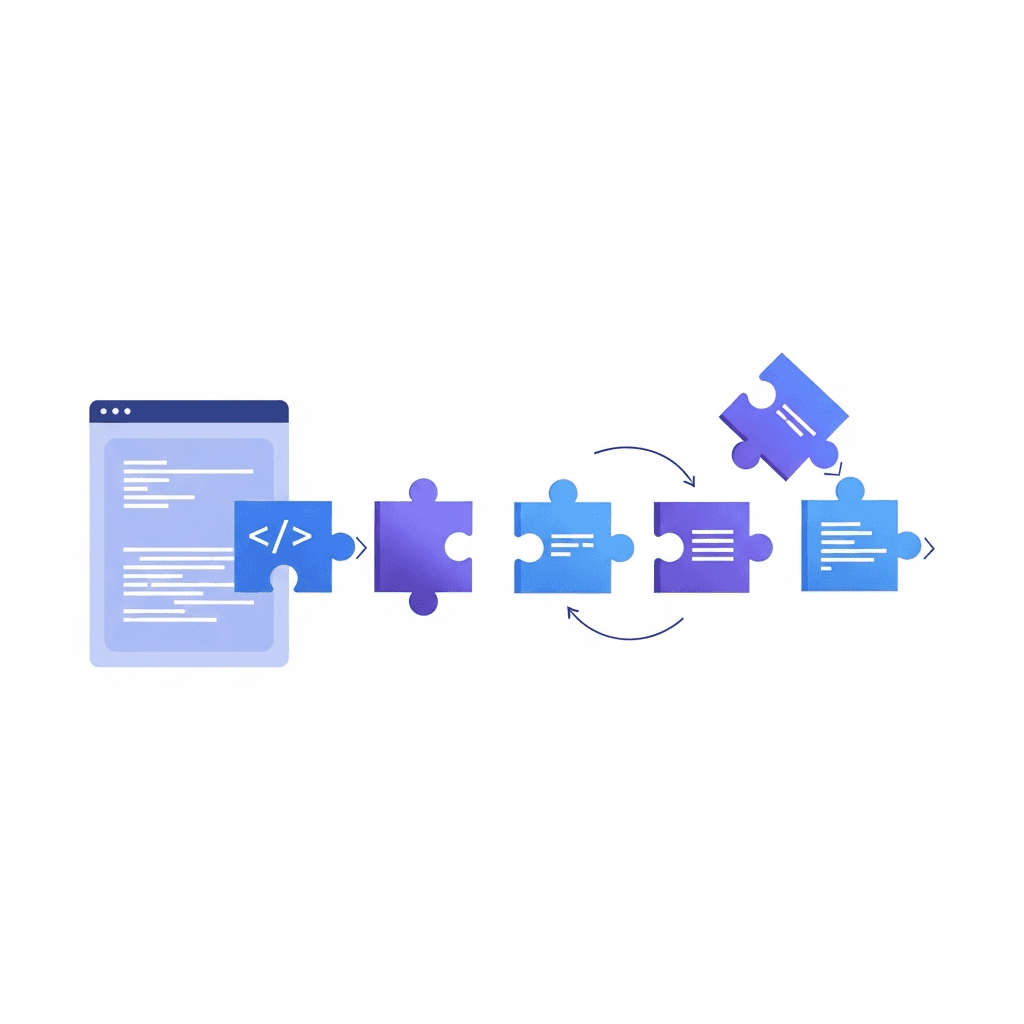
Large, all-in-one prompts often lead to messy results. Breaking features into smaller steps keeps things controlled and easier to validate.
Build systems incrementally. Start with a database table, then move to authentication, then session handling. Each step stays within context limits and gives you a chance to verify output before continuing.
Keep prompts connected. Reference previous steps so the AI builds on your existing structure instead of introducing new patterns each time. Using voice dictation in Cursor accelerates this iterative workflow.
Implement Rigorous Version Control and Testing
Version control is fundamental when working with AI. Commit every working state before asking the AI to make changes.
AI can introduce breaking issues quickly, and without clean checkpoints, fixing them becomes harder than necessary. Commit when something works, not at the end of the day.
Test output immediately. Run the feature, check related functionality, and confirm nothing else broke. If something fails, revert and adjust your prompt with clearer constraints. Vibe coding practitioners report that testing after each AI change catches regressions before they compound into system-wide failures.
Review and Understand All AI-Generated Code
AI can generate code faster than you can read it, but you still need to understand what it’s doing. Treat the output like a pull request.
Check for missing error handling, incorrect assumptions, and edge cases. AI can produce code that looks correct but fails in real scenarios. Studies show 63% of developers have spent more time debugging AI-generated code than writing it themselves.
A quick review upfront usually saves time later.
Provide Context-Aware Documentation and Rules
AI IDEs like Cursor and Windsurf read custom rules files you place in your project root. Create a .cursorrules or .windsurfrules file that lists your tech stack, file structure, naming conventions, and architectural patterns. When AI has this context loaded, it generates code that matches your existing codebase instead of inventing new patterns.
Include your database schema, API structure, and component organization in these rules. Specify whether you use TypeScript or JavaScript, your preferred state management library, and how you handle errors. Keep your README current with setup instructions, environment variables, and deployment steps so AI references this when suggesting changes that affect configuration or dependencies.
Handle Security and Code Quality Systematically
AI-generated code can lack proper error handling, including missing checks for null values, edge cases, and authentication failures. Run automated security scans on every commit using tools like Snyk, SonarQube, or GitHub Advanced Security to catch SQL injection risks, exposed API keys, and weak authentication patterns before they reach production.
Set up manual review gates for authentication, payment processing, and data access layers. Speech-to-text tools help document these critical review findings quickly. AI can miss authorization checks that create data exposure risks.
Configure linting rules with ESLint or Prettier to reject unused variables, inconsistent formatting, and complexity violations, forcing AI to meet your team's code quality standards automatically.
Optimize Your Vibe Coding Workflow and Setup
Choose AI coding tools based on your task type. Use Cursor or Windsurf for full-stack development, Claude Code for complex refactoring, and GitHub Copilot for autocomplete. Effective vibe coding setups combine multiple tools instead of relying on one.
AI Coding Tool | Best Use Case | Key Strengths | Voice Prompting Benefit with Willow |
|---|---|---|---|
Cursor | Full-stack development with multi-file context awareness | Can reference open files, variables, and function names, and adapt to project vocabulary over time. Supports large context windows for codebases. | Speak detailed prompts at 150 wpm referencing specific files and functions. Willow recognizes technical terms and project-specific vocabulary automatically. |
Windsurf | Full-stack development with agentic code generation | Can generate code across multiple files and assist with complex architectural changes based on project context. | Describe complex multi-step features verbally with full context. Voice naturally captures architectural intent better than typed shortcuts. |
Claude Code | Complex refactoring and multi-step code transformations | Superior reasoning for architectural decisions. Handles detailed requirements and edge cases. Strong at explaining code changes. | Articulate refactoring constraints and edge cases in natural language. Speaking delivers 3x more context about what to preserve versus change. |
GitHub Copilot | Inline autocomplete and boilerplate generation | Fast single-line and function-level suggestions. Trained on massive public codebases. Works directly in your editor. | Dictate inline comments and docstrings as you write. Willow at 200ms latency keeps you in flow without breaking to type. |
Replit | Rapid prototyping and collaborative coding in browser | Minimal setup environment in the browser. Built-in deployment. Real-time collaboration features. | Describe prototype features directly into chat. Voice prompting accelerates iteration when building quick proof-of-concepts. |
Lovable | Visual web app development with AI generation | Generates full-stack web apps from descriptions. Visual editing interface. Fast deployment pipeline. | Explain UI behavior and interactions naturally. Speaking captures user flow details that get lost in brief typed prompts. |
Keep your iteration loop tight: prompt, review output, test immediately, then commit or revert. Fast feedback prevents compounding errors. Apply the same speed principles to documentation by using voice-to-text tools like Willow that learn your writing style and deliver text in 200ms, letting you document code changes without breaking flow state.
Understand When to Use Vibe Coding vs. Traditional Coding
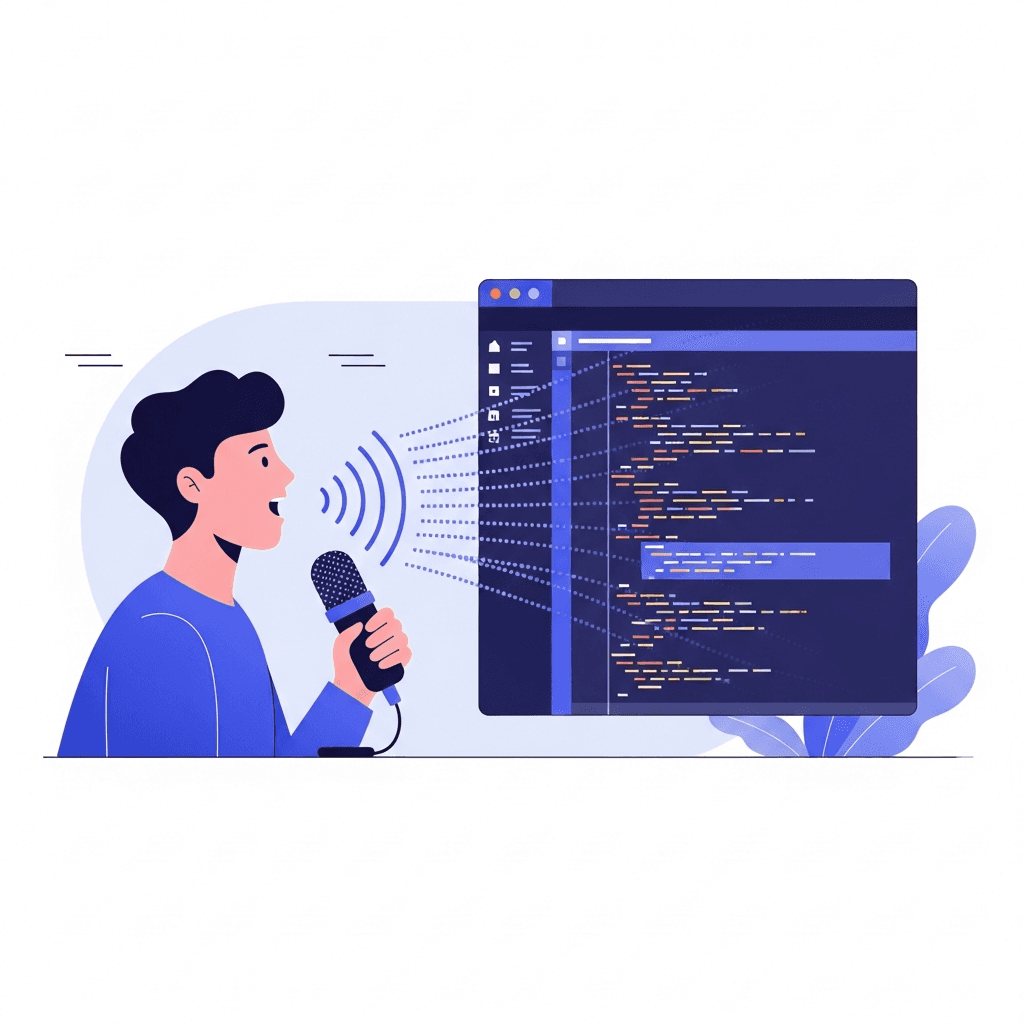
Vibe coding works best for prototypes, boilerplate code, and well-documented patterns. Use it to generate CRUD endpoints, standard forms, API integrations with popular libraries, and database migrations. AI tends to work well when patterns are well-documented and you need speed over novelty.
Traditional coding wins for custom algorithms, performance-critical code, and security implementations. Write authentication logic, payment processing, and data encryption by hand. AI tools lack the precision needed for complex state management, race condition handling, and mathematical operations where correctness matters more than velocity.
The deciding factor is risk. If incorrect code creates security vulnerabilities or data loss, write it yourself. If the worst outcome is wasted time, let AI draft it and review carefully.
Accelerate Vibe Coding with Voice-Powered Prompting

Typing detailed prompts into Cursor, Windsurf, and Claude Code slows you down. You know what to build, but articulating requirements and edge cases burns minutes that should take seconds.
Willow lets you speak prompts at 150 words per minute versus typing at 40. That's 3x faster prompt delivery during rapid iteration.
Developer-specific features make vibe coding smoother. Willow automatically tags file names, recognizes camelCase and snake_case variables, and transcribes technical terms like Supabase, API, and JWT. Your AI IDE gets cleaner context without manual formatting.
At 200ms latency, Willow is the fastest dictation tool available. You stay in flow instead of waiting for text. Willow learns your project vocabulary over time, so file names and custom terms get spelled right immediately.
FAQs
How do I start vibe coding if I've never used AI code generation before?
Begin by planning your project structure and data models in plain text, then install an AI coding tool like Cursor or Windsurf. Start with small, specific prompts following the Role-Task-Format-Constraints framework, and commit to Git after each working change so you can safely revert mistakes.
What's the difference between vibe coding and traditional coding?
Vibe coding means describing what you want in natural language and letting AI generate the code, while traditional coding requires you to manually write each line. Use vibe coding for prototypes and standard patterns where speed matters, but write authentication, payment processing, and performance-critical code yourself where correctness is non-negotiable.
Can I use voice dictation to speed up my vibe coding prompts?
Yes, speaking prompts is 3x faster than typing them. Willow learns your project vocabulary over time and delivers text at 200ms latency (the fastest available), so file names and technical terms like Supabase or JWT get transcribed correctly without breaking your flow state.
When should I review AI-generated code instead of accepting it immediately?
Review every line before accepting it. AI tools hallucinate APIs that don't exist and miss edge cases, with 63% of developers spending more time debugging AI code than writing it themselves. Test the output immediately after generation, and revert to your last Git commit if bugs appear.
How do I prevent AI from generating code that doesn't match my project structure?
Create a .cursorrules or .windsurfrules file in your project root listing your tech stack, naming conventions, database schema, and architectural patterns. This gives AI the context it needs to generate code that fits your existing codebase instead of inventing new patterns.
Final Thoughts on Vibe Coding Success
Vibe coding best practices come down to how well you guide and manage the system. The strongest setups combine clear planning, context-aware rules, and tight iteration loops where you prompt, test, and commit working states. Tools like Willow help you move through those loops faster by turning spoken requirements into clean prompts that match your coding style. When you pair that speed with careful review and a clear sense of where AI should and shouldn’t be used, vibe coding becomes a reliable way to build and ship without losing quality.
Everyone working with AI already knows the core vibe coding best practices: clear prompts, tight feedback loops, and frequent commits. The friction shows up somewhere else. Typing slows down how quickly you can express ideas, which limits how much context you give the AI in each pass. When you switch to speaking, you move faster, stay in flow longer, and iterate through features without breaking momentum, especially with modern tools that turn natural input into clean, usable prompts.
TLDR:
Vibe coding lets you describe features in plain language while AI writes the code.
Start with clear project planning before prompting to prevent disconnected AI output.
Test AI-generated code immediately and commit to Git after each working change.
Voice prompting with Willow accelerates vibe coding by 3x vs. typing detailed prompts.
Some modern AI voice tools deliver prompts in 200ms and learn technical terms for cleaner AI context.
What Vibe Coding Is and Why It Matters in March 2026
Vibe coding is a development approach where you describe what you want in natural language and AI generates working code. The term, popularized by Andrej Karpathy, reflects a shift from writing every line yourself to collaborating with tools like Cursor and Windsurf through conversation.
The workflow is simple: you explain the intent, the AI produces the code, and you refine from there. Instead of focusing on syntax, you spend more time on structure, requirements, and outcomes.
This shift is already showing up in how teams build. Around 25% of Y Combinator’s Winter 2025 batch had codebases that were 95% AI-generated. For early-stage teams moving quickly, vibe coding is becoming a default way to ship.
Start with Clear Project Planning and Structure
Vibe coding works best when you define the shape of your project before writing prompts. Outline your data models, user roles, and core workflows in plain text, then sketch simple wireframes to map screens and interactions.
Without that context, AI tools generate fragmented code because they only see what’s in the current prompt. A login form built in isolation will break once you introduce sessions or permissions.
Document your database schema, API endpoints, and component relationships early. Spending 30 minutes here can save hours of rework and gives the AI enough context to produce usable code from the start.
Master Effective Prompt Engineering Techniques
Strong prompts follow a clear structure. A framework like Role, Task, Format, and Constraints helps guide the AI toward the right output.
Specificity matters. Instead of “create a login page,” describe the exact behavior: inputs, validation, error states, and submission logic. The more detail you provide, the fewer revisions you’ll need.
It also helps to ask the AI to outline its approach before writing code. This surfaces gaps early, so you can adjust direction before moving into implementation.
Break Tasks into Small, Manageable Pieces
Large, all-in-one prompts often lead to messy results. Breaking features into smaller steps keeps things controlled and easier to validate.
Build systems incrementally. Start with a database table, then move to authentication, then session handling. Each step stays within context limits and gives you a chance to verify output before continuing.
Keep prompts connected. Reference previous steps so the AI builds on your existing structure instead of introducing new patterns each time. Using voice dictation in Cursor accelerates this iterative workflow.
Implement Rigorous Version Control and Testing
Version control is fundamental when working with AI. Commit every working state before asking the AI to make changes.
AI can introduce breaking issues quickly, and without clean checkpoints, fixing them becomes harder than necessary. Commit when something works, not at the end of the day.
Test output immediately. Run the feature, check related functionality, and confirm nothing else broke. If something fails, revert and adjust your prompt with clearer constraints. Vibe coding practitioners report that testing after each AI change catches regressions before they compound into system-wide failures.
Review and Understand All AI-Generated Code
AI can generate code faster than you can read it, but you still need to understand what it’s doing. Treat the output like a pull request.
Check for missing error handling, incorrect assumptions, and edge cases. AI can produce code that looks correct but fails in real scenarios. Studies show 63% of developers have spent more time debugging AI-generated code than writing it themselves.
A quick review upfront usually saves time later.
Provide Context-Aware Documentation and Rules
AI IDEs like Cursor and Windsurf read custom rules files you place in your project root. Create a .cursorrules or .windsurfrules file that lists your tech stack, file structure, naming conventions, and architectural patterns. When AI has this context loaded, it generates code that matches your existing codebase instead of inventing new patterns.
Include your database schema, API structure, and component organization in these rules. Specify whether you use TypeScript or JavaScript, your preferred state management library, and how you handle errors. Keep your README current with setup instructions, environment variables, and deployment steps so AI references this when suggesting changes that affect configuration or dependencies.
Handle Security and Code Quality Systematically
AI-generated code can lack proper error handling, including missing checks for null values, edge cases, and authentication failures. Run automated security scans on every commit using tools like Snyk, SonarQube, or GitHub Advanced Security to catch SQL injection risks, exposed API keys, and weak authentication patterns before they reach production.
Set up manual review gates for authentication, payment processing, and data access layers. Speech-to-text tools help document these critical review findings quickly. AI can miss authorization checks that create data exposure risks.
Configure linting rules with ESLint or Prettier to reject unused variables, inconsistent formatting, and complexity violations, forcing AI to meet your team's code quality standards automatically.
Optimize Your Vibe Coding Workflow and Setup
Choose AI coding tools based on your task type. Use Cursor or Windsurf for full-stack development, Claude Code for complex refactoring, and GitHub Copilot for autocomplete. Effective vibe coding setups combine multiple tools instead of relying on one.
AI Coding Tool | Best Use Case | Key Strengths | Voice Prompting Benefit with Willow |
|---|---|---|---|
Cursor | Full-stack development with multi-file context awareness | Can reference open files, variables, and function names, and adapt to project vocabulary over time. Supports large context windows for codebases. | Speak detailed prompts at 150 wpm referencing specific files and functions. Willow recognizes technical terms and project-specific vocabulary automatically. |
Windsurf | Full-stack development with agentic code generation | Can generate code across multiple files and assist with complex architectural changes based on project context. | Describe complex multi-step features verbally with full context. Voice naturally captures architectural intent better than typed shortcuts. |
Claude Code | Complex refactoring and multi-step code transformations | Superior reasoning for architectural decisions. Handles detailed requirements and edge cases. Strong at explaining code changes. | Articulate refactoring constraints and edge cases in natural language. Speaking delivers 3x more context about what to preserve versus change. |
GitHub Copilot | Inline autocomplete and boilerplate generation | Fast single-line and function-level suggestions. Trained on massive public codebases. Works directly in your editor. | Dictate inline comments and docstrings as you write. Willow at 200ms latency keeps you in flow without breaking to type. |
Replit | Rapid prototyping and collaborative coding in browser | Minimal setup environment in the browser. Built-in deployment. Real-time collaboration features. | Describe prototype features directly into chat. Voice prompting accelerates iteration when building quick proof-of-concepts. |
Lovable | Visual web app development with AI generation | Generates full-stack web apps from descriptions. Visual editing interface. Fast deployment pipeline. | Explain UI behavior and interactions naturally. Speaking captures user flow details that get lost in brief typed prompts. |
Keep your iteration loop tight: prompt, review output, test immediately, then commit or revert. Fast feedback prevents compounding errors. Apply the same speed principles to documentation by using voice-to-text tools like Willow that learn your writing style and deliver text in 200ms, letting you document code changes without breaking flow state.
Understand When to Use Vibe Coding vs. Traditional Coding
Vibe coding works best for prototypes, boilerplate code, and well-documented patterns. Use it to generate CRUD endpoints, standard forms, API integrations with popular libraries, and database migrations. AI tends to work well when patterns are well-documented and you need speed over novelty.
Traditional coding wins for custom algorithms, performance-critical code, and security implementations. Write authentication logic, payment processing, and data encryption by hand. AI tools lack the precision needed for complex state management, race condition handling, and mathematical operations where correctness matters more than velocity.
The deciding factor is risk. If incorrect code creates security vulnerabilities or data loss, write it yourself. If the worst outcome is wasted time, let AI draft it and review carefully.
Accelerate Vibe Coding with Voice-Powered Prompting
Typing detailed prompts into Cursor, Windsurf, and Claude Code slows you down. You know what to build, but articulating requirements and edge cases burns minutes that should take seconds.
Willow lets you speak prompts at 150 words per minute versus typing at 40. That's 3x faster prompt delivery during rapid iteration.
Developer-specific features make vibe coding smoother. Willow automatically tags file names, recognizes camelCase and snake_case variables, and transcribes technical terms like Supabase, API, and JWT. Your AI IDE gets cleaner context without manual formatting.
At 200ms latency, Willow is the fastest dictation tool available. You stay in flow instead of waiting for text. Willow learns your project vocabulary over time, so file names and custom terms get spelled right immediately.
FAQs
How do I start vibe coding if I've never used AI code generation before?
Begin by planning your project structure and data models in plain text, then install an AI coding tool like Cursor or Windsurf. Start with small, specific prompts following the Role-Task-Format-Constraints framework, and commit to Git after each working change so you can safely revert mistakes.
What's the difference between vibe coding and traditional coding?
Vibe coding means describing what you want in natural language and letting AI generate the code, while traditional coding requires you to manually write each line. Use vibe coding for prototypes and standard patterns where speed matters, but write authentication, payment processing, and performance-critical code yourself where correctness is non-negotiable.
Can I use voice dictation to speed up my vibe coding prompts?
Yes, speaking prompts is 3x faster than typing them. Willow learns your project vocabulary over time and delivers text at 200ms latency (the fastest available), so file names and technical terms like Supabase or JWT get transcribed correctly without breaking your flow state.
When should I review AI-generated code instead of accepting it immediately?
Review every line before accepting it. AI tools hallucinate APIs that don't exist and miss edge cases, with 63% of developers spending more time debugging AI code than writing it themselves. Test the output immediately after generation, and revert to your last Git commit if bugs appear.
How do I prevent AI from generating code that doesn't match my project structure?
Create a .cursorrules or .windsurfrules file in your project root listing your tech stack, naming conventions, database schema, and architectural patterns. This gives AI the context it needs to generate code that fits your existing codebase instead of inventing new patterns.
Final Thoughts on Vibe Coding Success
Vibe coding best practices come down to how well you guide and manage the system. The strongest setups combine clear planning, context-aware rules, and tight iteration loops where you prompt, test, and commit working states. Tools like Willow help you move through those loops faster by turning spoken requirements into clean prompts that match your coding style. When you pair that speed with careful review and a clear sense of where AI should and shouldn’t be used, vibe coding becomes a reliable way to build and ship without losing quality.

Try Willow for free
Instant, accurate voice dictation. No card required.
Try Willow for free
Instant, accurate voice dictation. No card required.
Other stories you’ll love
Other stories you’ll love


Your keyboard is optional now
" transform="translate(5 5)" width="9.791000051498413px"/></svg>)

The voice-first interface for modern work.
© Willow Care, Inc. 2026. All rights reserved
Your keyboard is optional now
The voice-first interface for modern work.
© Willow Care, Inc. 2026. All rights reserved
Your keyboard is optional now
The voice-first interface for modern work.
© Willow Care, Inc. 2026. All rights reserved