" transform="translate(5 2)" width="10px"/></svg>)

•
5 min read
Best Voice Recognition Software for Sales Teams and CRM Management (December 2025)

•
5 min read
Best Voice Recognition Software for Sales Teams and CRM Management (December 2025)
Sales teams no longer have to choose between capturing detailed CRM notes and racing to the next call. Today’s voice recognition software work smoothly inside your CRM, email, and messaging platforms, letting you speak updates that appear instantly and accurately right where they belong. With dramatically improved transcription performance, reps can skip the tedious cleanup and simply tap a key, talk, and move on. It’s a lot faster than typing, cuts down admin fatigue, and keeps the focus on conversations that actually drive revenue. Learn how a leading AI assistant is changing this workflow.
TLDR:
Voice dictation lets sales reps update CRMs and draft emails 3-4x faster than typing.
Some AI assistants deliver 3x+ better accuracy than built-in tools across Salesforce, HubSpot, and Gmail.
Context-aware AI recognizes prospect names and sales terms with far fewer corrections.
Sub-500 millisecond processing means text appears instantly as you speak in most apps.
Some modern AI assistants work universally across your sales stack with zero setup required.
What Voice Recognition Software for Sales Teams Is
Voice recognition software for sales teams converts speech into text in real-time across CRMs, email clients, and other sales tools. Instead of typing CRM updates, prospecting emails, or call notes, sales reps speak and their words appear instantly in Salesforce, HubSpot, Gmail, or across the apps they use most.
Common use cases include:
Updating deal records immediately after prospect calls without switching between tabs or typing into small form fields
Drafting personalized outreach emails by speaking naturally instead of typing out repetitive messaging
Logging detailed meeting notes while context is fresh, capturing action items and buyer objections in seconds instead of minutes
Responding to time-sensitive prospect questions from mobile devices where typing is slow and error-prone
Speaking is typically 3-4x faster than manual typing, which directly reduces administrative work between selling activities.
Unlike general transcription tools, voice recognition for sales needs to work inside the specific apps where sales teams spend their day. It must recognize industry terminology, company names, and product details accurately. Speed matters too, since reps often dictate quick updates between back-to-back calls without disrupting their workflow.
How We Ranked Voice Recognition Software for Sales Teams
We tested each tool based on what impacts daily sales work, not feature checklists. Our evaluation criteria include:
Accuracy with sales terminology: How well the software handles company names, product features, industry terms, and prospect names without requiring constant corrections.
Speed and latency: Whether text appears in real time during speaking or creates delays that disrupt rapid CRM updates.
Universal compatibility: Whether the tool works inside your CRM, email client, and messaging apps or only functions in limited environments.
Context awareness: How well it adapts tone and formatting between casual team messages and formal prospect emails.
Setup simplicity: Whether sales reps can begin using it immediately or need IT support and training.
We tested each tool across real sales workflows: updating Salesforce records, drafting cold emails, and logging call notes under time constraints.
Willow
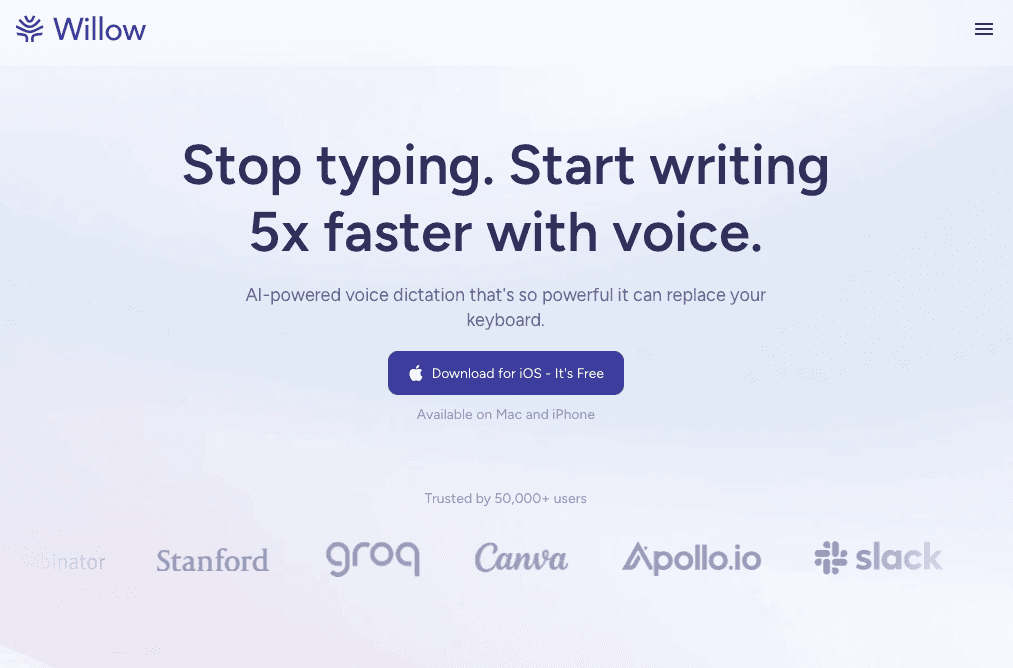
Willow works across Salesforce, HubSpot, Gmail, Slack, and most applications you use without switching tools. Press the Function key to start dictating. Your words appear in under half a second with 3x+ better accuracy than built-in dictation.
The context-aware AI recognizes prospect names, company names, and sales terminology with far fewer corrections. Add client names or product terms to custom dictionaries once for consistent spelling.
Speed That Matches How Sales Teams Work
Sales reps speak at 150 words per minute compared to typing at 40, letting you update deal records, draft emails, and log call notes about 3-4x faster. Willow removes filler words, adjusts tone based on where you're typing, and formats speech into readable paragraphs.
Download the Mac app and start dictating immediately with no setup or training required.
Dragon
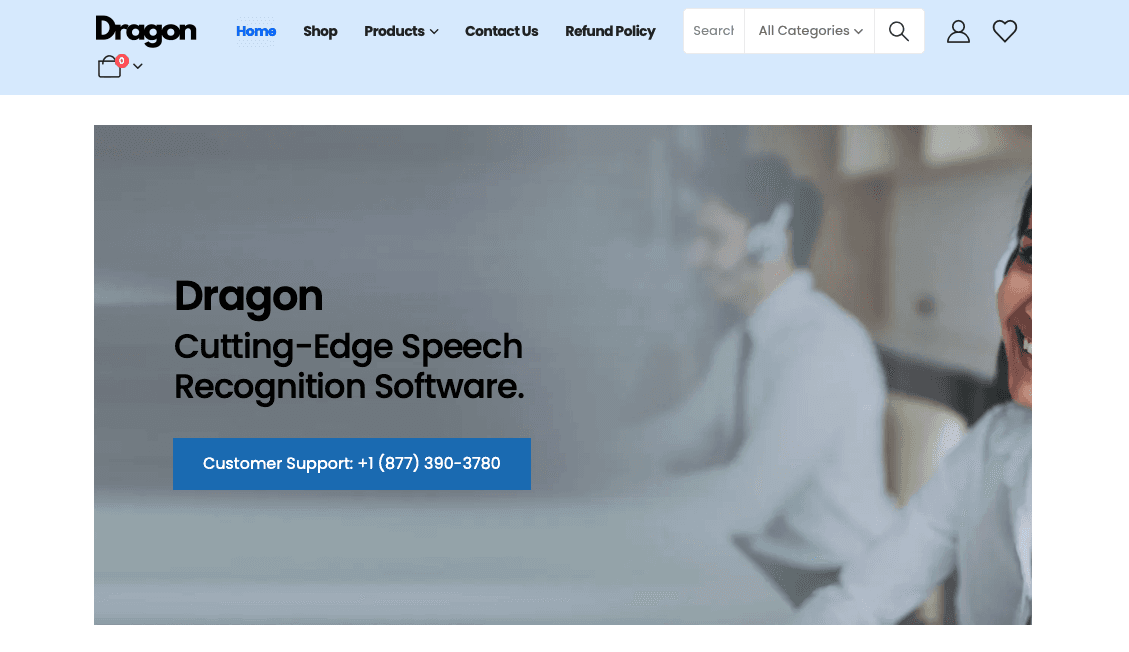
Dragon is a Windows-based speech recognition tool developed by Nuance and acquired by Microsoft in 2022.
What They Offer
Desktop dictation for Windows computers with custom voice commands and macros
Custom vocabulary support for adding industry terms and proper names
Voice recorder transcription from digital recorders and smartphones
Command creation for multi-step workflows and business process automation
Dragon Professional works only on Windows without Mac support. It requires upfront training and profile setup before reaching reliable accuracy. Native integration with web-based CRMs requires third-party extensions, and it doesn't work universally across applications, requiring users to switch between dictation mode and typing mode.
Otter.ai
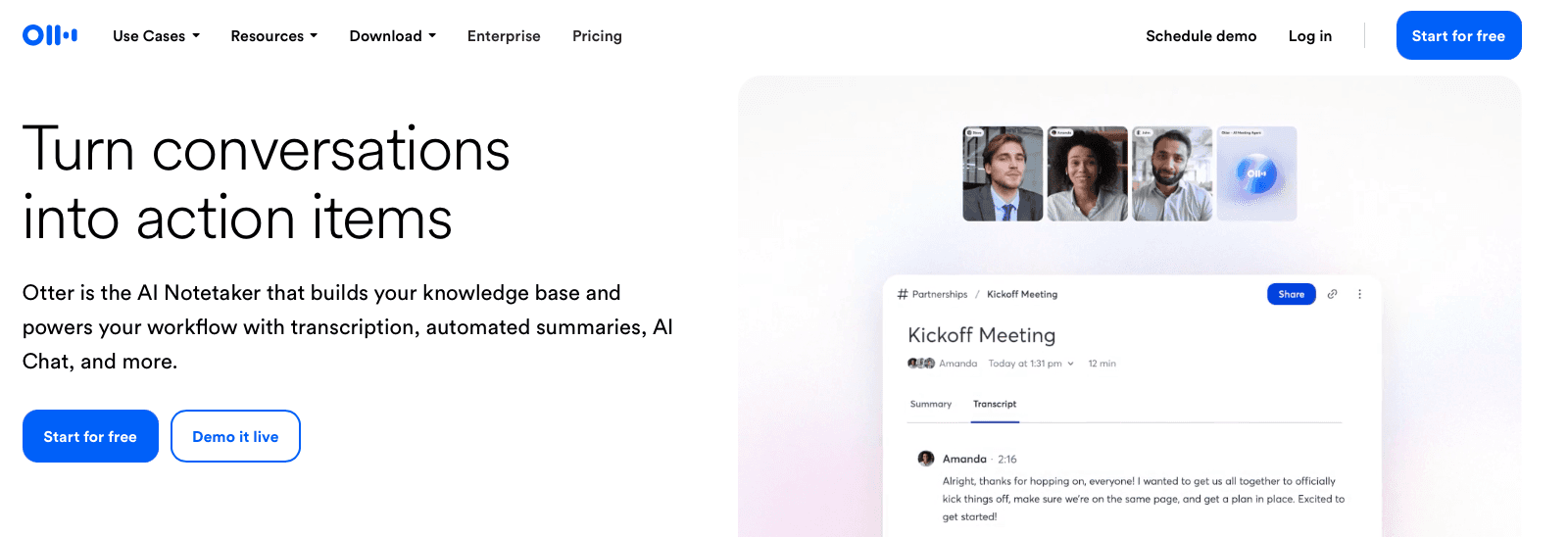
Otter.ai records and summarizes sales calls and virtual meetings.
What They Offer
Automated meeting transcription with speaker identification for virtual calls
CRM integration to sync meeting notes to Salesforce and HubSpot opportunities
AI-generated sales insights extraction including BANT (Budget, Authority, Need, Timeline)
Follow-up email generation based on call transcripts
Good for sales teams who need automated meeting notes and call summaries synced to their CRM for review after the call ends.
Otter focuses on meeting transcription, not real-time dictation for writing emails or updating CRM fields during work. It requires joining meetings as a bot and is not built for dictating into arbitrary text fields across applications like Slack messages, email composition, or CRM data entry outside of meeting contexts.
Google Docs Voice Typing
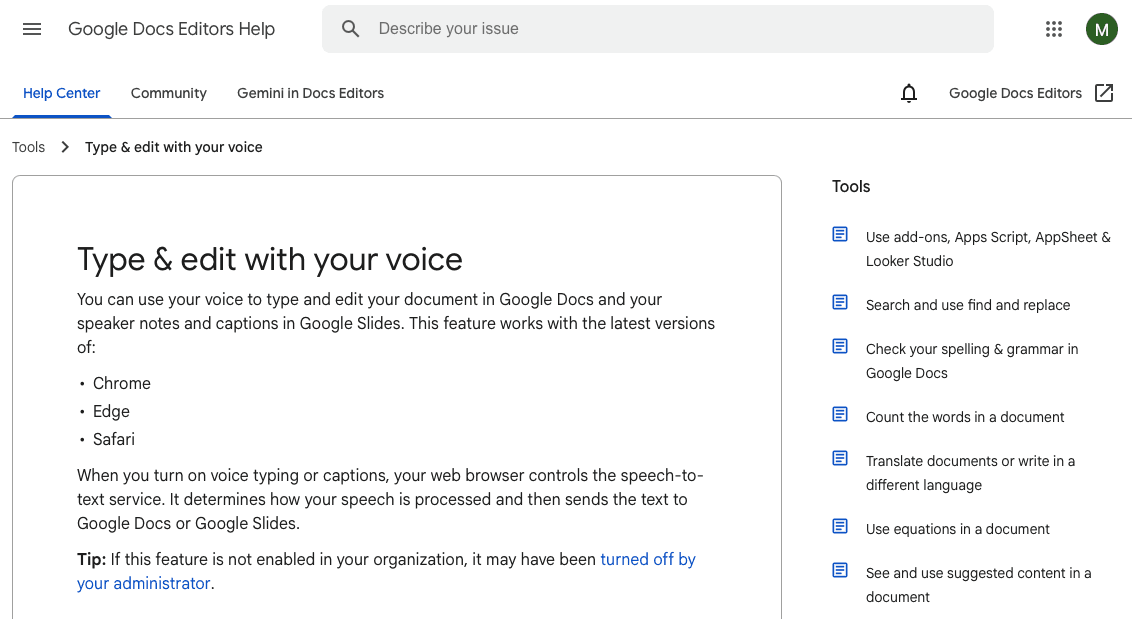
Google Docs Voice Typing is a free built-in speech-to-text feature available within Google Docs and Google Workspace applications.
What They Offer
Free voice dictation within Google Docs documents with basic punctuation commands like "comma," "period," and "new line"
Multi-language support for dictation across dozens of languages
No additional software installation required for existing Google Workspace users
Google Docs Voice Typing only works within Google Docs and select Google applications. It does not natively function in CRMs like Salesforce or HubSpot, email clients, Slack, or other sales tools. The tool lacks context-aware accuracy, custom dictionary functionality for client or product names, and cannot be used for universal text entry across your sales tech stack.
Good for sales teams already using Google Workspace who need basic dictation for drafting documents and are comfortable with limited accuracy and no CRM integration.
Apple Dictation
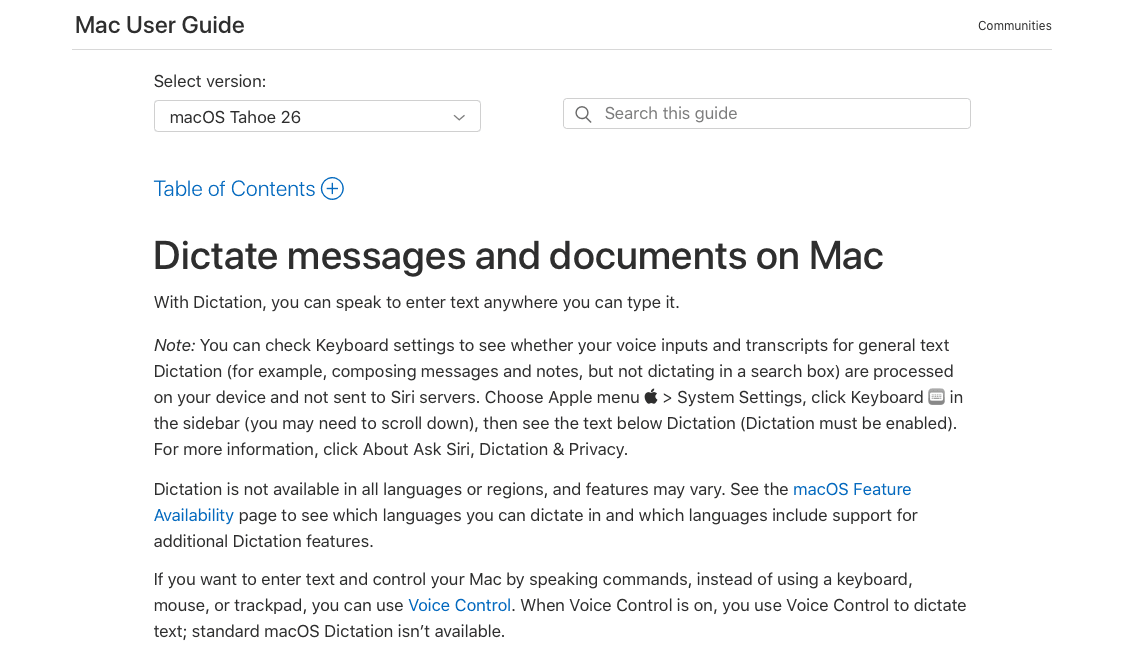
Apple Dictation is the built-in voice input feature available on Mac computers, iPhones, and iPads using the microphone key on the keyboard.
What They Offer
Native integration with macOS and iOS devices at no additional cost, with on-device processing option for privacy-focused dictation
Basic voice commands for punctuation and formatting that work across most Mac and iOS applications
Good for Mac and iPhone users who want basic dictation without installing additional software and have low accuracy requirements for casual use.
Apple Dictation lacks context-awareness for sales terminology and client names, provides no custom dictionaries or formatting intelligence, and may struggle with technical terms, company names, and industry jargon that sales professionals use daily.
Voice In
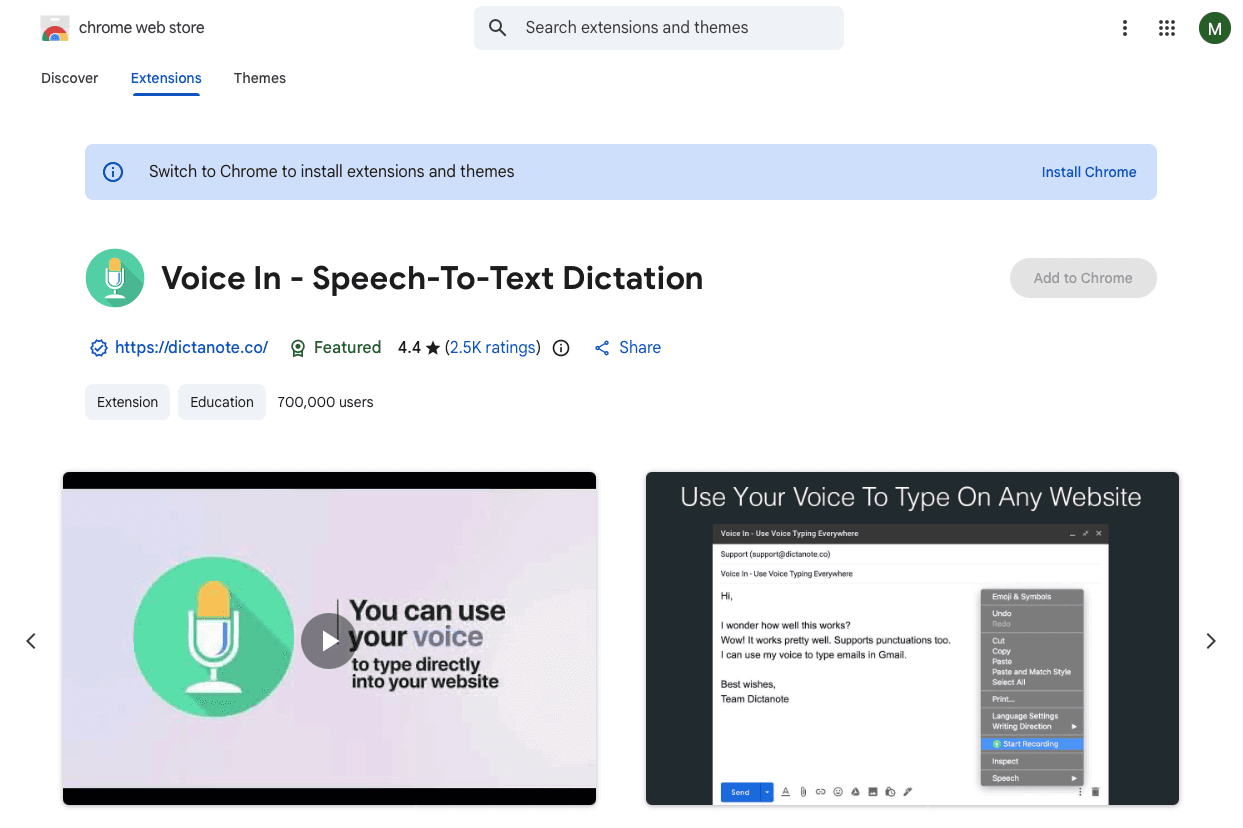
Voice In is a browser extension for voice typing in Chrome, Edge, and Chromium browsers.
What They Offer
Browser-based voice dictation for web forms and text fields
Custom voice commands for inserting pre-written text snippets
Multi-language support with language switching
Auto-punctuation and basic formatting options
Voice In only works within web browsers and requires manual activation for each text field. It doesn't work in desktop applications like native email clients or Slack desktop app.
Why Willow Is the Best Voice Recognition Software for Sales Teams
Sales professionals lose hours to typing CRM updates, emails, call notes, and prospect messages. Voice dictation reduces errors by 20.4% and runs about three times faster at 125–150 words per minute versus 40 words per minute for typing.
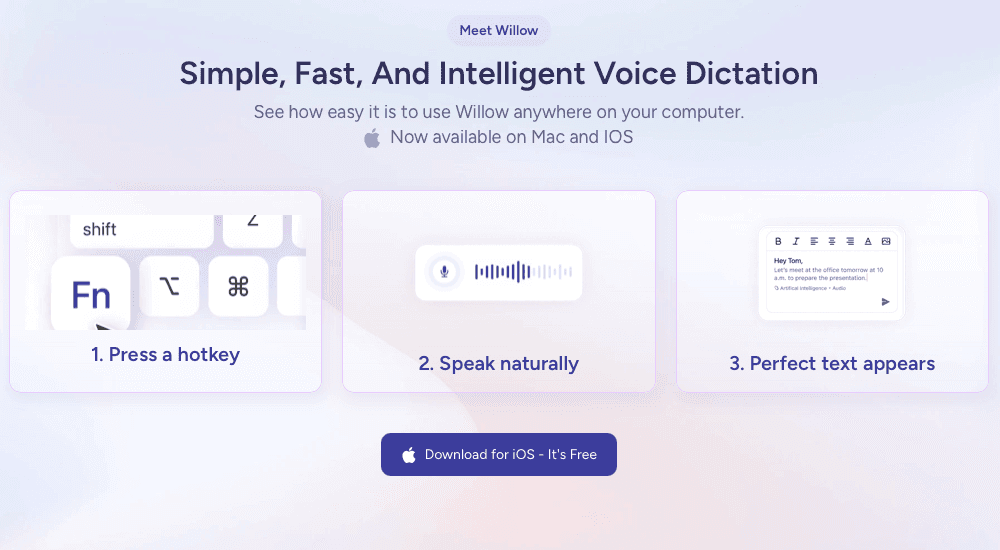
Willow delivers 3x+ better accuracy than built-in dictation across Salesforce, HubSpot, Gmail, Slack, and most applications. Press Function, speak, and text appears in under a second. No setup, training, or mode switching required. Willow also adapts quickly to names, product terms, and industry language, helping reps capture details that often get missed. With faster input and fewer corrections, teams can keep pace with busy schedules and maintain clear, timely records without added effort.
FAQs
How does voice recognition software improve sales productivity?
Voice recognition converts speech to text at 150 words per minute compared to typing at 40 WPM, letting sales reps update CRM records, draft emails, and log call notes about 3-4x faster while reducing data entry errors by around 20%.
Can voice recognition software work directly inside my CRM?
Yes, universal voice recognition tools like Willow work across Salesforce, HubSpot, and most applications without switching modes or installing CRM-specific integrations. Just press a hotkey and speak wherever you're typing.
What's the difference between meeting transcription tools and real-time voice dictation?
Meeting transcription tools like Otter.ai record and summarize calls after they end, while real-time voice dictation lets you speak directly into CRM fields, emails, and messages as you work throughout your day.
How accurate is voice recognition with sales terminology and client names?
Modern context-aware voice recognition achieves 3x+ better accuracy than built-in dictation by recognizing industry terms, company names, and prospect names. Custom dictionaries let you add specific terms for consistent spelling across all your sales communications.
Do I need to train voice recognition software before using it?
Legacy tools like Dragon Professional require upfront training and profile setup, but modern solutions work immediately with no training. You can start dictating into your CRM and email client right after installation.
Final thoughts on voice recognition software for sales
In the end, the best voice recognition software for sales are the ones that help teams work faster without adding extra steps, and Willow stands out by giving reps accurate, instant dictation inside the apps they already use, from Salesforce to Slack. Speaking instead of typing cuts down on admin work and keeps attention on conversations and deals that move the pipeline forward. With faster updates and fewer interruptions, reps can stay in motion throughout the day, keeping notes fresh and actions clear. Willow gives teams a dependable way to capture details on the spot, even during busy stretches when typing would slow everything down.
Sales teams no longer have to choose between capturing detailed CRM notes and racing to the next call. Today’s voice recognition software work smoothly inside your CRM, email, and messaging platforms, letting you speak updates that appear instantly and accurately right where they belong. With dramatically improved transcription performance, reps can skip the tedious cleanup and simply tap a key, talk, and move on. It’s a lot faster than typing, cuts down admin fatigue, and keeps the focus on conversations that actually drive revenue. Learn how a leading AI assistant is changing this workflow.
TLDR:
Voice dictation lets sales reps update CRMs and draft emails 3-4x faster than typing.
Some AI assistants deliver 3x+ better accuracy than built-in tools across Salesforce, HubSpot, and Gmail.
Context-aware AI recognizes prospect names and sales terms with far fewer corrections.
Sub-500 millisecond processing means text appears instantly as you speak in most apps.
Some modern AI assistants work universally across your sales stack with zero setup required.
What Voice Recognition Software for Sales Teams Is
Voice recognition software for sales teams converts speech into text in real-time across CRMs, email clients, and other sales tools. Instead of typing CRM updates, prospecting emails, or call notes, sales reps speak and their words appear instantly in Salesforce, HubSpot, Gmail, or across the apps they use most.
Common use cases include:
Updating deal records immediately after prospect calls without switching between tabs or typing into small form fields
Drafting personalized outreach emails by speaking naturally instead of typing out repetitive messaging
Logging detailed meeting notes while context is fresh, capturing action items and buyer objections in seconds instead of minutes
Responding to time-sensitive prospect questions from mobile devices where typing is slow and error-prone
Speaking is typically 3-4x faster than manual typing, which directly reduces administrative work between selling activities.
Unlike general transcription tools, voice recognition for sales needs to work inside the specific apps where sales teams spend their day. It must recognize industry terminology, company names, and product details accurately. Speed matters too, since reps often dictate quick updates between back-to-back calls without disrupting their workflow.
How We Ranked Voice Recognition Software for Sales Teams
We tested each tool based on what impacts daily sales work, not feature checklists. Our evaluation criteria include:
Accuracy with sales terminology: How well the software handles company names, product features, industry terms, and prospect names without requiring constant corrections.
Speed and latency: Whether text appears in real time during speaking or creates delays that disrupt rapid CRM updates.
Universal compatibility: Whether the tool works inside your CRM, email client, and messaging apps or only functions in limited environments.
Context awareness: How well it adapts tone and formatting between casual team messages and formal prospect emails.
Setup simplicity: Whether sales reps can begin using it immediately or need IT support and training.
We tested each tool across real sales workflows: updating Salesforce records, drafting cold emails, and logging call notes under time constraints.
Willow
Willow works across Salesforce, HubSpot, Gmail, Slack, and most applications you use without switching tools. Press the Function key to start dictating. Your words appear in under half a second with 3x+ better accuracy than built-in dictation.
The context-aware AI recognizes prospect names, company names, and sales terminology with far fewer corrections. Add client names or product terms to custom dictionaries once for consistent spelling.
Speed That Matches How Sales Teams Work
Sales reps speak at 150 words per minute compared to typing at 40, letting you update deal records, draft emails, and log call notes about 3-4x faster. Willow removes filler words, adjusts tone based on where you're typing, and formats speech into readable paragraphs.
Download the Mac app and start dictating immediately with no setup or training required.
Dragon
Dragon is a Windows-based speech recognition tool developed by Nuance and acquired by Microsoft in 2022.
What They Offer
Desktop dictation for Windows computers with custom voice commands and macros
Custom vocabulary support for adding industry terms and proper names
Voice recorder transcription from digital recorders and smartphones
Command creation for multi-step workflows and business process automation
Dragon Professional works only on Windows without Mac support. It requires upfront training and profile setup before reaching reliable accuracy. Native integration with web-based CRMs requires third-party extensions, and it doesn't work universally across applications, requiring users to switch between dictation mode and typing mode.
Otter.ai
Otter.ai records and summarizes sales calls and virtual meetings.
What They Offer
Automated meeting transcription with speaker identification for virtual calls
CRM integration to sync meeting notes to Salesforce and HubSpot opportunities
AI-generated sales insights extraction including BANT (Budget, Authority, Need, Timeline)
Follow-up email generation based on call transcripts
Good for sales teams who need automated meeting notes and call summaries synced to their CRM for review after the call ends.
Otter focuses on meeting transcription, not real-time dictation for writing emails or updating CRM fields during work. It requires joining meetings as a bot and is not built for dictating into arbitrary text fields across applications like Slack messages, email composition, or CRM data entry outside of meeting contexts.
Google Docs Voice Typing
Google Docs Voice Typing is a free built-in speech-to-text feature available within Google Docs and Google Workspace applications.
What They Offer
Free voice dictation within Google Docs documents with basic punctuation commands like "comma," "period," and "new line"
Multi-language support for dictation across dozens of languages
No additional software installation required for existing Google Workspace users
Google Docs Voice Typing only works within Google Docs and select Google applications. It does not natively function in CRMs like Salesforce or HubSpot, email clients, Slack, or other sales tools. The tool lacks context-aware accuracy, custom dictionary functionality for client or product names, and cannot be used for universal text entry across your sales tech stack.
Good for sales teams already using Google Workspace who need basic dictation for drafting documents and are comfortable with limited accuracy and no CRM integration.
Apple Dictation
Apple Dictation is the built-in voice input feature available on Mac computers, iPhones, and iPads using the microphone key on the keyboard.
What They Offer
Native integration with macOS and iOS devices at no additional cost, with on-device processing option for privacy-focused dictation
Basic voice commands for punctuation and formatting that work across most Mac and iOS applications
Good for Mac and iPhone users who want basic dictation without installing additional software and have low accuracy requirements for casual use.
Apple Dictation lacks context-awareness for sales terminology and client names, provides no custom dictionaries or formatting intelligence, and may struggle with technical terms, company names, and industry jargon that sales professionals use daily.
Voice In
Voice In is a browser extension for voice typing in Chrome, Edge, and Chromium browsers.
What They Offer
Browser-based voice dictation for web forms and text fields
Custom voice commands for inserting pre-written text snippets
Multi-language support with language switching
Auto-punctuation and basic formatting options
Voice In only works within web browsers and requires manual activation for each text field. It doesn't work in desktop applications like native email clients or Slack desktop app.
Why Willow Is the Best Voice Recognition Software for Sales Teams
Sales professionals lose hours to typing CRM updates, emails, call notes, and prospect messages. Voice dictation reduces errors by 20.4% and runs about three times faster at 125–150 words per minute versus 40 words per minute for typing.
Willow delivers 3x+ better accuracy than built-in dictation across Salesforce, HubSpot, Gmail, Slack, and most applications. Press Function, speak, and text appears in under a second. No setup, training, or mode switching required. Willow also adapts quickly to names, product terms, and industry language, helping reps capture details that often get missed. With faster input and fewer corrections, teams can keep pace with busy schedules and maintain clear, timely records without added effort.
FAQs
How does voice recognition software improve sales productivity?
Voice recognition converts speech to text at 150 words per minute compared to typing at 40 WPM, letting sales reps update CRM records, draft emails, and log call notes about 3-4x faster while reducing data entry errors by around 20%.
Can voice recognition software work directly inside my CRM?
Yes, universal voice recognition tools like Willow work across Salesforce, HubSpot, and most applications without switching modes or installing CRM-specific integrations. Just press a hotkey and speak wherever you're typing.
What's the difference between meeting transcription tools and real-time voice dictation?
Meeting transcription tools like Otter.ai record and summarize calls after they end, while real-time voice dictation lets you speak directly into CRM fields, emails, and messages as you work throughout your day.
How accurate is voice recognition with sales terminology and client names?
Modern context-aware voice recognition achieves 3x+ better accuracy than built-in dictation by recognizing industry terms, company names, and prospect names. Custom dictionaries let you add specific terms for consistent spelling across all your sales communications.
Do I need to train voice recognition software before using it?
Legacy tools like Dragon Professional require upfront training and profile setup, but modern solutions work immediately with no training. You can start dictating into your CRM and email client right after installation.
Final thoughts on voice recognition software for sales
In the end, the best voice recognition software for sales are the ones that help teams work faster without adding extra steps, and Willow stands out by giving reps accurate, instant dictation inside the apps they already use, from Salesforce to Slack. Speaking instead of typing cuts down on admin work and keeps attention on conversations and deals that move the pipeline forward. With faster updates and fewer interruptions, reps can stay in motion throughout the day, keeping notes fresh and actions clear. Willow gives teams a dependable way to capture details on the spot, even during busy stretches when typing would slow everything down.

Try Willow for free
Instant, accurate voice dictation. No card required.
Try Willow for free
Instant, accurate voice dictation. No card required.
Other stories you’ll love
Other stories you’ll love


Your keyboard is optional now
" transform="translate(5 5)" width="9.791000051498413px"/></svg>)

The voice-first interface for modern work.
© Willow Care, Inc. 2026. All rights reserved
Your keyboard is optional now
The voice-first interface for modern work.
© Willow Care, Inc. 2026. All rights reserved
Your keyboard is optional now
The voice-first interface for modern work.
© Willow Care, Inc. 2026. All rights reserved