" transform="translate(5 2)" width="10px"/></svg>)

•
5 min read
Best Voice Recognition Software for Startup Founders and Executives (December 2025)

•
5 min read
Best Voice Recognition Software for Startup Founders and Executives (December 2025)
Startup founders spend an outsized portion of their day writing emails, documents, and messages, even though CEO voice-to-text can replace much of that typing with faster spoken input. Speaking runs close to four times faster than typing, but most dictation tools fall short by locking you into specific apps, demanding lengthy setup, or producing transcripts full of mistakes that erase any time saved. The best voice recognition software works anywhere you write, understands technical language, and adapts to how executives communicate across email, internal chat, documents, and AI tools. To separate what actually saves time from what creates more cleanup, we tested the leading voice recognition options, including a system-wide dictation solution built for founders who need accurate, instant transcription across their workflow.
TLDR:
Voice recognition lets you speak at 150 WPM vs. typing at 40 WPM, saving hours weekly on emails and docs.
Modern AI-powered tools handle technical terms and context, unlike Apple's built-in dictation, which often struggles with accuracy for longer or technical dictation.
Most options work only in browsers or specific apps, limiting real-world founder workflows.
Certain system-wide voice dictation software works across most Mac apps with sub-1-second response time and far higher accuracy than built-in tools.
Minimal setup and no voice training make adoption practical for busy executives.
What Is Voice Recognition Software for Founders?
Voice recognition software converts spoken words into text across any app you're working in. Startup founders can dictate emails in Gmail, draft strategic docs in Notion, message teams in Slack, or prompt AI tools like ChatGPT without touching a keyboard.
Early dictation tools simply transcribed what you said, often with frustrating errors and zero understanding of context. Today's AI-powered voice recognition adapts to how you communicate, automatically corrects technical terminology, removes filler words, and formats text based on where you're typing.
Most founders spend hours daily on written communication. Voice recognition software lets you speak at 150 words per minute instead of typing at 40.
The best tools understand that an email to your board should sound different than a Slack message to your engineering team. They learn company-specific terms, recognize names of products or competitors, and maintain your personal writing style while cleaning up the natural messiness of speech.
How We Ranked Voice Recognition Software for Executives
We tested each option based on what matters when running a company and needing to move quickly without quality tradeoffs.
Transcription accuracy ranked highest. One misspelled client name or mangled technical term in an investor email creates more work than it saves. We focused on tools that handle industry jargon, company names, and proper nouns without constant manual corrections.
Processing speed determines whether dictation feels natural or disruptive. Sub-second latency lets you think and speak fluidly. Slower response times break concentration and create awkward pauses.
Universal compatibility across Gmail, Slack, Notion, Google Docs, and AI tools like ChatGPT matters because founders switch contexts constantly. Tools limited to specific apps or browsers force workarounds that eliminate productivity gains.
Setup time was a dealbreaker. We focused on solutions you can start using within minutes, not tools requiring hours of voice training or configuration.
Privacy factored in because executives dictate sensitive information about revenue, strategy, and personnel decisions. We assessed how each tool handles, stores, and processes spoken content.
Willow
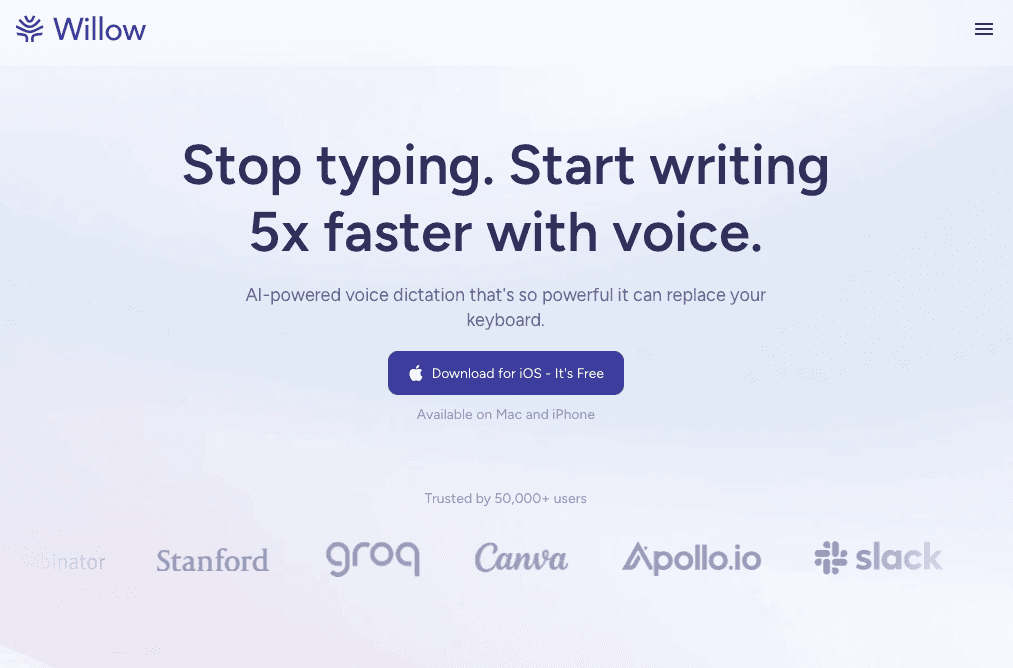
Press the function key anywhere on your Mac and speak. Your words appear instantly in Gmail, Slack, Notion, ChatGPT, Cursor, or anywhere you'd normally type. We built Willow for founders who spend hours daily on written communication but can't compromise on accuracy.
Why Founders Choose Willow
Willow handles technical terminology, company names, and proper nouns that trip up Apple's built-in dictation. Custom dictionaries let you add industry terms or competitor names once, and they're always spelled correctly. Context-aware AI adjusts tone and formality while removing filler words and stutters, whether you're drafting a board update or messaging your engineering team.
Sub-200 millisecond processing creates zero lag between speaking and seeing text appear. Quiet mode works for open offices where you need to speak softly. Background noise filtering maintains accuracy during coffee shop or coworking sessions. Voice commands like "new line" or "bullet point" handle formatting without breaking your flow.
Built for International Teams
Willow supports 100+ languages and works across all Mac and Windows without browser limitations. We never store voice data, and setup takes seconds. The Hey Willow assistant can draft contextual replies when needed, and the tool learns your personal writing style over time.
Most founders using Willow replace nearly all their typing, saving hours each week on email, documents, and AI prompting workflows.
Otter.ai
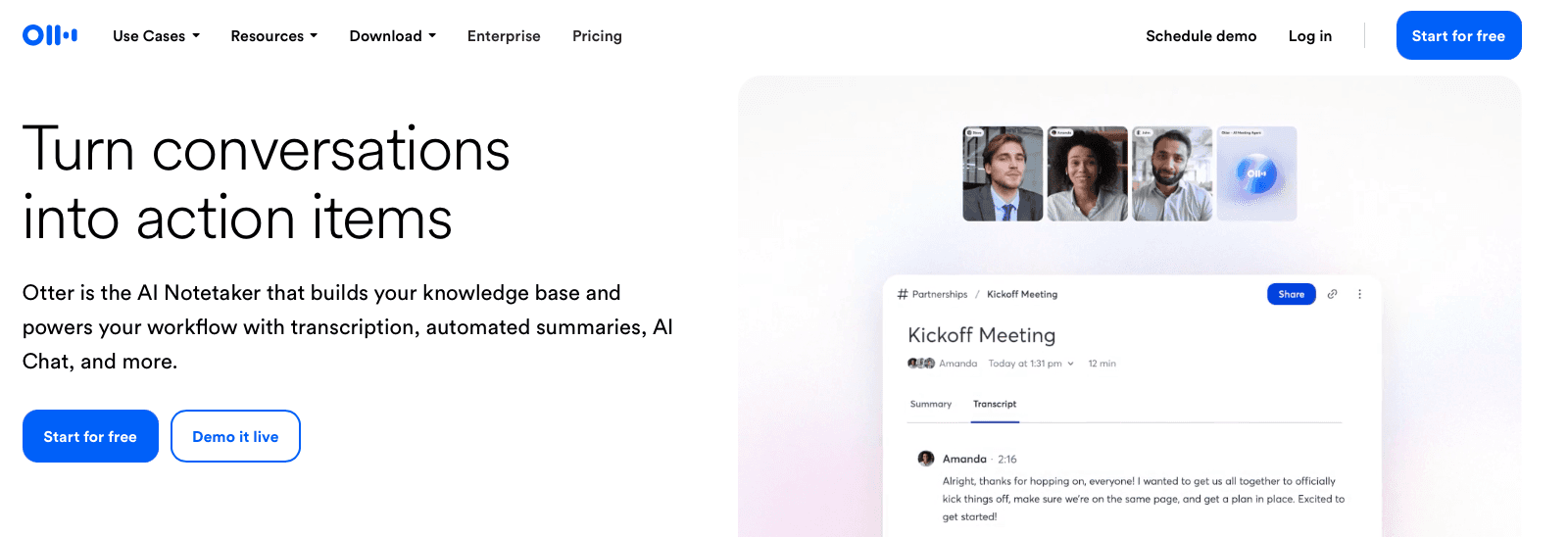
Otter.ai records and transcribes video meetings with automated summaries and action items. It captures what happened on calls, not real-time dictation across your workflow.
What They Offer
Automatic meeting transcription connects to Zoom, Google Meet, and Microsoft Teams to record conversations. AI-generated summaries pull out key points and action items after calls end. Speaker identification tags who said what, creating searchable transcripts you can share with teammates who missed the meeting.
Good for: Recording scheduled video meetings where you need shareable notes and summaries for team members who couldn't attend.
Limitations: Otter.ai handles meeting transcription, not universal voice dictation. You cannot use it to dictate emails in Gmail, compose Slack messages, write documents in Notion, or craft prompts in ChatGPT.
Dragon

Dragon is speech recognition software from Nuance, which has changed ownership and product packaging over time. Originally developed in the 1990s for Windows PCs, it offers professional-grade accuracy in controlled environments.
What They Offer
Custom vocabulary management handles specialized terminology and company names. Voice commands format documents within compatible applications. Profile-based voice training adapts to individual speech patterns. Professional accuracy can be very high after extensive training.
Good for: Windows users in healthcare or legal professions who work primarily within Microsoft Office and can invest hours in setup and voice profile training.
Limitations: Dragon runs exclusively on Windows, excluding Mac users entirely. Unsupported applications require a dictation box where you speak, then manually copy text to your target app. This workflow breaks down when switching between Gmail, Slack, Notion, and ChatGPT throughout the day.
Superwhisper
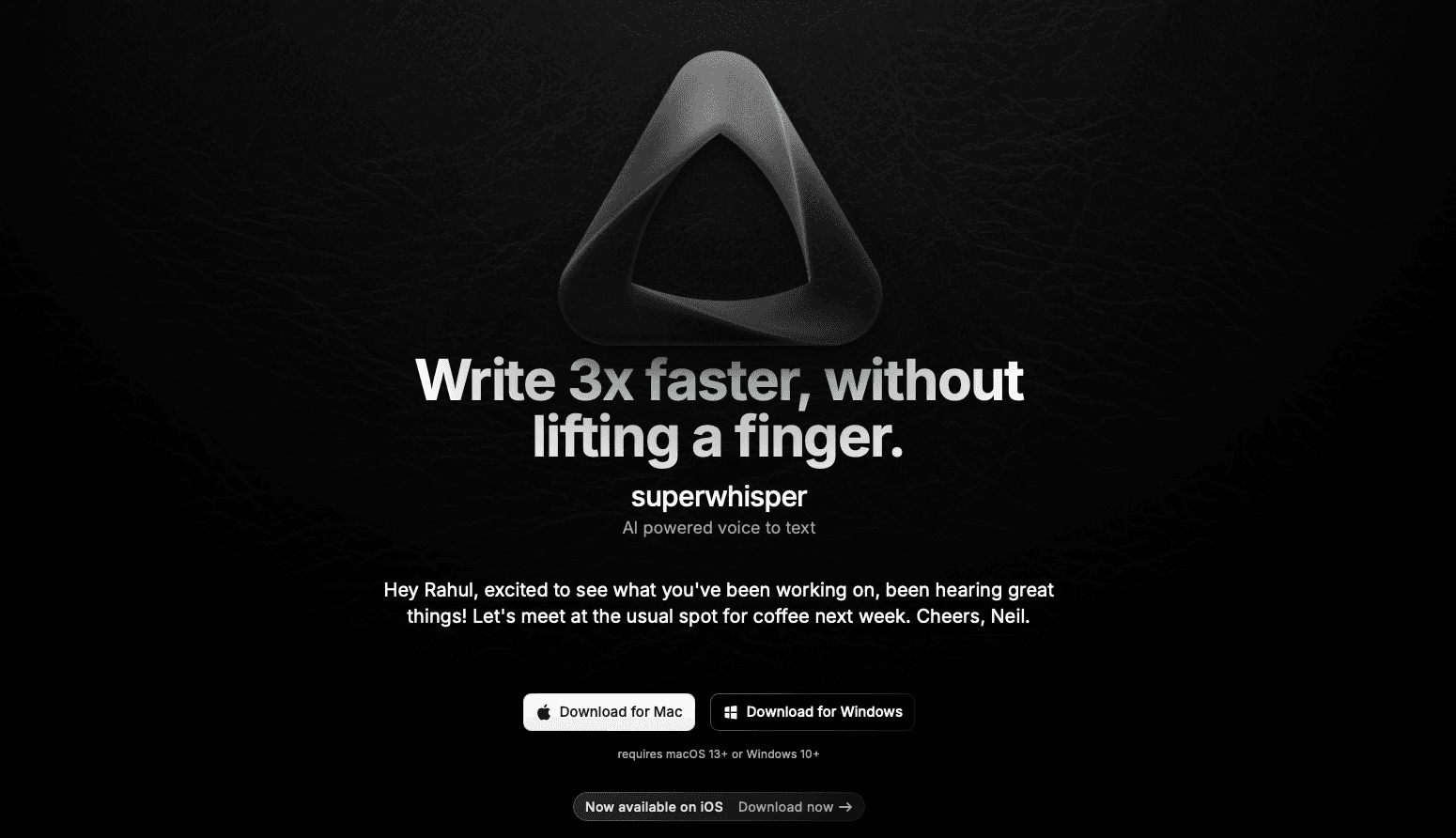
Superwhisper is a Mac voice dictation app that processes all transcription locally on your device instead of through cloud servers.
What They Offer
Local speech processing keeps audio data on your Mac without sending it to external servers. This creates faster response times and removes internet dependency for basic transcription.
Good for: Privacy-focused users working with sensitive information who need basic dictation without external data transmission.
Limitations: Superwhisper often requires additional configuration to reach optimal performance. Users report considerable time spent tweaking settings and training the system.
Google Docs Voice Typing
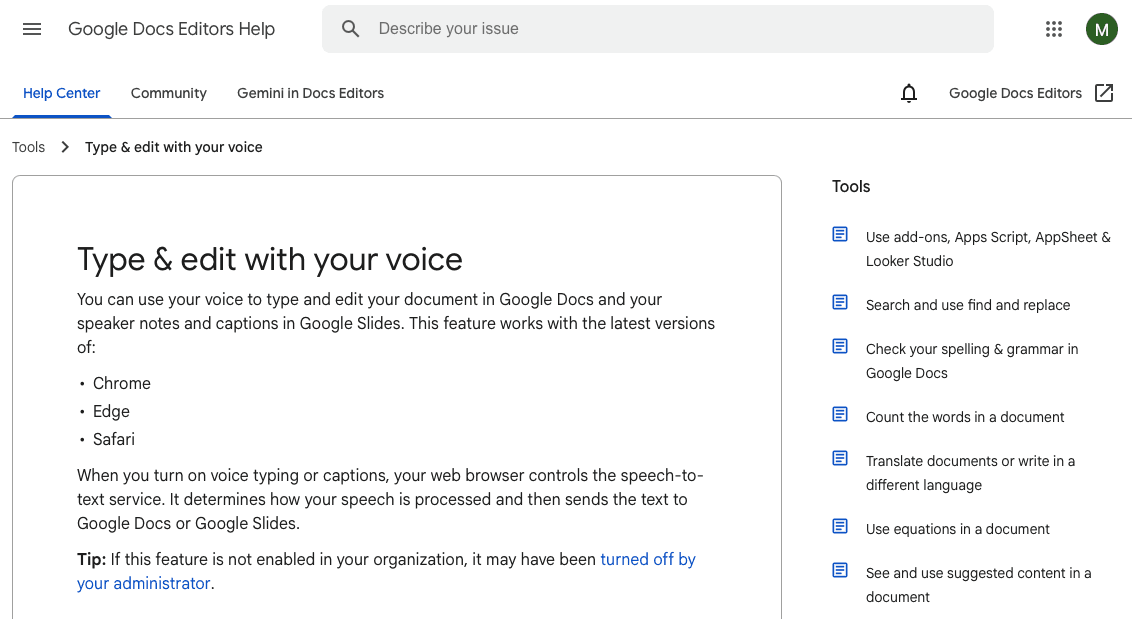
Google Docs Voice Typing is a free speech-to-text feature built into the Google Docs editor. Voice commands handle formatting and punctuation, and the tool supports many languages at zero cost.
What They Offer
Basic dictation creates and edits documents with voice commands for formatting. The feature requires no setup or additional software installation.
Good for: Occasional document dictation when already working in Google Docs and needing a free option for simple transcription tasks.
Limitations: Google Docs Voice Typing only works inside the Google Docs web application. You cannot use it for Gmail, Slack, Notion, iMessage, ChatGPT, Cursor, or any other application. Founders must copy and paste text from Google Docs into actual workflow tools.
Apple Dictation
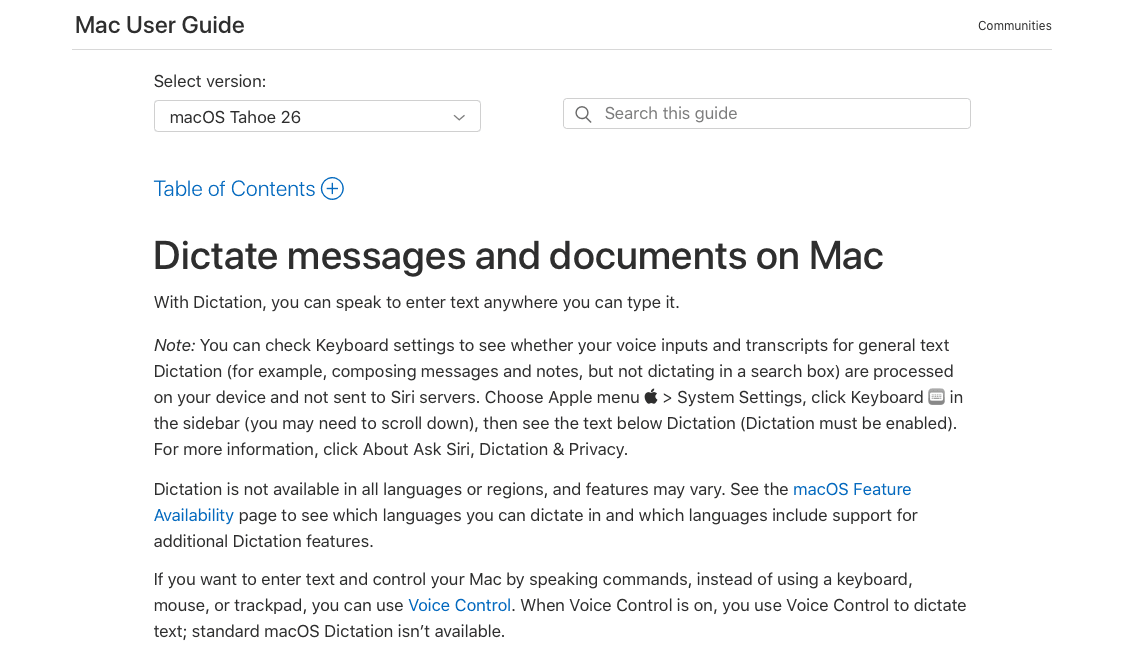
Apple Dictation is the system-wide voice input feature built into every Mac and iOS device at no additional cost.
What They Offer
Native integration across all Mac and iOS applications with keyboard shortcut activation wherever you're typing.
Good for: Quick, occasional voice input when you need to dictate a sentence or two without requiring high accuracy or advanced features.
Limitations: Apple’s built-in dictation often struggles with accuracy for longer or technical dictation. It offers no custom vocabulary support, frequently mangles names and technical jargon, and lacks smart formatting capabilities. Founders dictating longer emails or detailed documents can run into practical limits that interrupt longer sessions, while low accuracy creates more correction work than typing from scratch.
Voice In
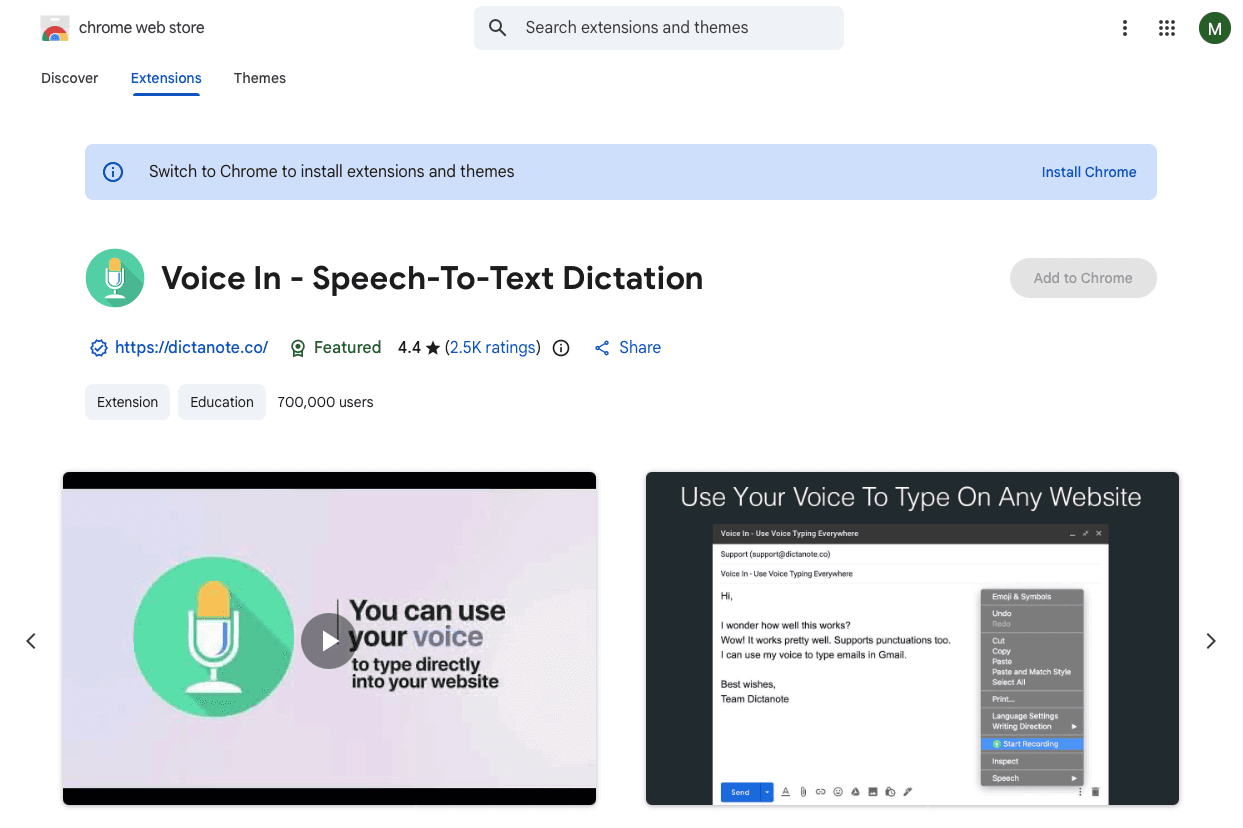
Voice In is a Chrome extension that adds voice input to websites from browser tabs instead of system-wide.
What They Offer
Browser-based dictation across most websites with support for 50+ languages and automatic punctuation. Custom voice commands handle text editing and automation. A free tier provides basic functionality, with premium features through paid subscriptions.
Good for: Users who work primarily in web browsers and need voice input for web forms and text fields without installing desktop software.
Limitations: Voice In only functions within Chrome browser tabs. The moment you switch to native Mac applications like Mail, Messages, Slack desktop, Notion desktop, or iMessage, voice dictation stops working. Founders who constantly move between browser windows and desktop apps face gaps where Voice In becomes unavailable.
Why Willow Is the Best Voice Recognition Software for Founders
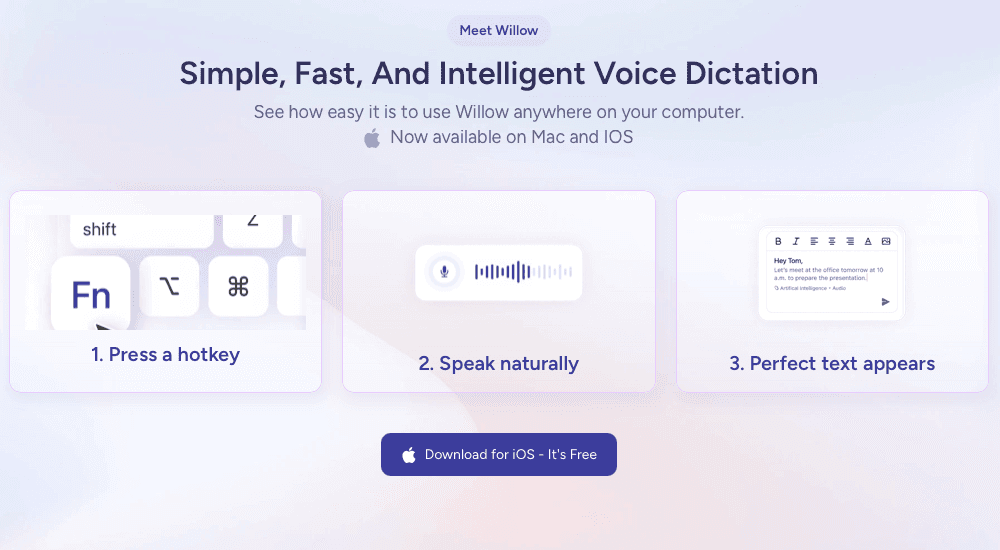
The speech recognition market continues growing as executives find communication shortcuts that actually work.
Willow works everywhere you communicate on Mac, Windows, and iPhone, unlike Dragon (Windows-only with extensive setup) or Voice In (Chrome-limited). Switch between investor emails, team messages, and AI prompting without changing tools.
Voice dictation delivers major AI-driven productivity gains most people overlook. Mac and Windows app comparisons show Willow offers zero learning curve, true cross-app functionality, and accuracy that removes correction time.
FAQs
Which voice recognition software works best for founders who switch between multiple apps all day?
Willow and Superwhisper work across all Mac applications, while Voice In only functions in Chrome browser tabs and Google Docs Voice Typing stays locked to Google Docs. Dragon requires Windows and works best within specific supported applications.
Can voice recognition software handle technical terms and company-specific jargon?
Tools with custom vocabulary support like Willow, Dragon, and Superwhisper let you add industry terms, competitor names, and technical jargon that get spelled correctly every time. Apple Dictation and Google Docs Voice Typing lack this capability and frequently misspell specialized terminology.
What's the difference between meeting transcription tools and real-time dictation software?
Meeting transcription tools like Otter.ai record and summarize video calls after they happen, creating shareable notes. Real-time dictation software like Willow converts your speech to text instantly as you compose emails, messages, documents, and AI prompts across any application.
Final thoughts on voice dictation for executives
Voice recognition software for executives reaches a tipping point quickly: it feels unfamiliar for a day, then becomes the fastest way you communicate. Speaking at roughly 150 words per minute versus typing at 40 compounds across investor emails, internal messages, documents, and AI prompts, reclaiming hours each week. As written communication continues to grow instead of shrink, the advantage goes to leaders who adopt tools that fit their real workflow instead of forcing adjustments. Willow represents this shift by letting executives dictate everywhere they work with accuracy they can trust, turning voice into a practical daily input method instead of a novelty.
Startup founders spend an outsized portion of their day writing emails, documents, and messages, even though CEO voice-to-text can replace much of that typing with faster spoken input. Speaking runs close to four times faster than typing, but most dictation tools fall short by locking you into specific apps, demanding lengthy setup, or producing transcripts full of mistakes that erase any time saved. The best voice recognition software works anywhere you write, understands technical language, and adapts to how executives communicate across email, internal chat, documents, and AI tools. To separate what actually saves time from what creates more cleanup, we tested the leading voice recognition options, including a system-wide dictation solution built for founders who need accurate, instant transcription across their workflow.
TLDR:
Voice recognition lets you speak at 150 WPM vs. typing at 40 WPM, saving hours weekly on emails and docs.
Modern AI-powered tools handle technical terms and context, unlike Apple's built-in dictation, which often struggles with accuracy for longer or technical dictation.
Most options work only in browsers or specific apps, limiting real-world founder workflows.
Certain system-wide voice dictation software works across most Mac apps with sub-1-second response time and far higher accuracy than built-in tools.
Minimal setup and no voice training make adoption practical for busy executives.
What Is Voice Recognition Software for Founders?
Voice recognition software converts spoken words into text across any app you're working in. Startup founders can dictate emails in Gmail, draft strategic docs in Notion, message teams in Slack, or prompt AI tools like ChatGPT without touching a keyboard.
Early dictation tools simply transcribed what you said, often with frustrating errors and zero understanding of context. Today's AI-powered voice recognition adapts to how you communicate, automatically corrects technical terminology, removes filler words, and formats text based on where you're typing.
Most founders spend hours daily on written communication. Voice recognition software lets you speak at 150 words per minute instead of typing at 40.
The best tools understand that an email to your board should sound different than a Slack message to your engineering team. They learn company-specific terms, recognize names of products or competitors, and maintain your personal writing style while cleaning up the natural messiness of speech.
How We Ranked Voice Recognition Software for Executives
We tested each option based on what matters when running a company and needing to move quickly without quality tradeoffs.
Transcription accuracy ranked highest. One misspelled client name or mangled technical term in an investor email creates more work than it saves. We focused on tools that handle industry jargon, company names, and proper nouns without constant manual corrections.
Processing speed determines whether dictation feels natural or disruptive. Sub-second latency lets you think and speak fluidly. Slower response times break concentration and create awkward pauses.
Universal compatibility across Gmail, Slack, Notion, Google Docs, and AI tools like ChatGPT matters because founders switch contexts constantly. Tools limited to specific apps or browsers force workarounds that eliminate productivity gains.
Setup time was a dealbreaker. We focused on solutions you can start using within minutes, not tools requiring hours of voice training or configuration.
Privacy factored in because executives dictate sensitive information about revenue, strategy, and personnel decisions. We assessed how each tool handles, stores, and processes spoken content.
Willow
Press the function key anywhere on your Mac and speak. Your words appear instantly in Gmail, Slack, Notion, ChatGPT, Cursor, or anywhere you'd normally type. We built Willow for founders who spend hours daily on written communication but can't compromise on accuracy.
Why Founders Choose Willow
Willow handles technical terminology, company names, and proper nouns that trip up Apple's built-in dictation. Custom dictionaries let you add industry terms or competitor names once, and they're always spelled correctly. Context-aware AI adjusts tone and formality while removing filler words and stutters, whether you're drafting a board update or messaging your engineering team.
Sub-200 millisecond processing creates zero lag between speaking and seeing text appear. Quiet mode works for open offices where you need to speak softly. Background noise filtering maintains accuracy during coffee shop or coworking sessions. Voice commands like "new line" or "bullet point" handle formatting without breaking your flow.
Built for International Teams
Willow supports 100+ languages and works across all Mac and Windows without browser limitations. We never store voice data, and setup takes seconds. The Hey Willow assistant can draft contextual replies when needed, and the tool learns your personal writing style over time.
Most founders using Willow replace nearly all their typing, saving hours each week on email, documents, and AI prompting workflows.
Otter.ai
Otter.ai records and transcribes video meetings with automated summaries and action items. It captures what happened on calls, not real-time dictation across your workflow.
What They Offer
Automatic meeting transcription connects to Zoom, Google Meet, and Microsoft Teams to record conversations. AI-generated summaries pull out key points and action items after calls end. Speaker identification tags who said what, creating searchable transcripts you can share with teammates who missed the meeting.
Good for: Recording scheduled video meetings where you need shareable notes and summaries for team members who couldn't attend.
Limitations: Otter.ai handles meeting transcription, not universal voice dictation. You cannot use it to dictate emails in Gmail, compose Slack messages, write documents in Notion, or craft prompts in ChatGPT.
Dragon
Dragon is speech recognition software from Nuance, which has changed ownership and product packaging over time. Originally developed in the 1990s for Windows PCs, it offers professional-grade accuracy in controlled environments.
What They Offer
Custom vocabulary management handles specialized terminology and company names. Voice commands format documents within compatible applications. Profile-based voice training adapts to individual speech patterns. Professional accuracy can be very high after extensive training.
Good for: Windows users in healthcare or legal professions who work primarily within Microsoft Office and can invest hours in setup and voice profile training.
Limitations: Dragon runs exclusively on Windows, excluding Mac users entirely. Unsupported applications require a dictation box where you speak, then manually copy text to your target app. This workflow breaks down when switching between Gmail, Slack, Notion, and ChatGPT throughout the day.
Superwhisper
Superwhisper is a Mac voice dictation app that processes all transcription locally on your device instead of through cloud servers.
What They Offer
Local speech processing keeps audio data on your Mac without sending it to external servers. This creates faster response times and removes internet dependency for basic transcription.
Good for: Privacy-focused users working with sensitive information who need basic dictation without external data transmission.
Limitations: Superwhisper often requires additional configuration to reach optimal performance. Users report considerable time spent tweaking settings and training the system.
Google Docs Voice Typing
Google Docs Voice Typing is a free speech-to-text feature built into the Google Docs editor. Voice commands handle formatting and punctuation, and the tool supports many languages at zero cost.
What They Offer
Basic dictation creates and edits documents with voice commands for formatting. The feature requires no setup or additional software installation.
Good for: Occasional document dictation when already working in Google Docs and needing a free option for simple transcription tasks.
Limitations: Google Docs Voice Typing only works inside the Google Docs web application. You cannot use it for Gmail, Slack, Notion, iMessage, ChatGPT, Cursor, or any other application. Founders must copy and paste text from Google Docs into actual workflow tools.
Apple Dictation
Apple Dictation is the system-wide voice input feature built into every Mac and iOS device at no additional cost.
What They Offer
Native integration across all Mac and iOS applications with keyboard shortcut activation wherever you're typing.
Good for: Quick, occasional voice input when you need to dictate a sentence or two without requiring high accuracy or advanced features.
Limitations: Apple’s built-in dictation often struggles with accuracy for longer or technical dictation. It offers no custom vocabulary support, frequently mangles names and technical jargon, and lacks smart formatting capabilities. Founders dictating longer emails or detailed documents can run into practical limits that interrupt longer sessions, while low accuracy creates more correction work than typing from scratch.
Voice In
Voice In is a Chrome extension that adds voice input to websites from browser tabs instead of system-wide.
What They Offer
Browser-based dictation across most websites with support for 50+ languages and automatic punctuation. Custom voice commands handle text editing and automation. A free tier provides basic functionality, with premium features through paid subscriptions.
Good for: Users who work primarily in web browsers and need voice input for web forms and text fields without installing desktop software.
Limitations: Voice In only functions within Chrome browser tabs. The moment you switch to native Mac applications like Mail, Messages, Slack desktop, Notion desktop, or iMessage, voice dictation stops working. Founders who constantly move between browser windows and desktop apps face gaps where Voice In becomes unavailable.
Why Willow Is the Best Voice Recognition Software for Founders
The speech recognition market continues growing as executives find communication shortcuts that actually work.
Willow works everywhere you communicate on Mac, Windows, and iPhone, unlike Dragon (Windows-only with extensive setup) or Voice In (Chrome-limited). Switch between investor emails, team messages, and AI prompting without changing tools.
Voice dictation delivers major AI-driven productivity gains most people overlook. Mac and Windows app comparisons show Willow offers zero learning curve, true cross-app functionality, and accuracy that removes correction time.
FAQs
Which voice recognition software works best for founders who switch between multiple apps all day?
Willow and Superwhisper work across all Mac applications, while Voice In only functions in Chrome browser tabs and Google Docs Voice Typing stays locked to Google Docs. Dragon requires Windows and works best within specific supported applications.
Can voice recognition software handle technical terms and company-specific jargon?
Tools with custom vocabulary support like Willow, Dragon, and Superwhisper let you add industry terms, competitor names, and technical jargon that get spelled correctly every time. Apple Dictation and Google Docs Voice Typing lack this capability and frequently misspell specialized terminology.
What's the difference between meeting transcription tools and real-time dictation software?
Meeting transcription tools like Otter.ai record and summarize video calls after they happen, creating shareable notes. Real-time dictation software like Willow converts your speech to text instantly as you compose emails, messages, documents, and AI prompts across any application.
Final thoughts on voice dictation for executives
Voice recognition software for executives reaches a tipping point quickly: it feels unfamiliar for a day, then becomes the fastest way you communicate. Speaking at roughly 150 words per minute versus typing at 40 compounds across investor emails, internal messages, documents, and AI prompts, reclaiming hours each week. As written communication continues to grow instead of shrink, the advantage goes to leaders who adopt tools that fit their real workflow instead of forcing adjustments. Willow represents this shift by letting executives dictate everywhere they work with accuracy they can trust, turning voice into a practical daily input method instead of a novelty.

Try Willow for free
Instant, accurate voice dictation. No card required.
Try Willow for free
Instant, accurate voice dictation. No card required.
Other stories you’ll love
Other stories you’ll love


Your keyboard is optional now
" transform="translate(5 5)" width="9.791000051498413px"/></svg>)

The voice-first interface for modern work.
© Willow Care, Inc. 2026. All rights reserved
Your keyboard is optional now
The voice-first interface for modern work.
© Willow Care, Inc. 2026. All rights reserved
Your keyboard is optional now
The voice-first interface for modern work.
© Willow Care, Inc. 2026. All rights reserved