" transform="translate(5 2)" width="10px"/></svg>)

•
5 min read
Voice Dictation for Product Managers June 2026

•
5 min read
Voice Dictation for Product Managers June 2026
Everyone knows typing is slow, but most product managers haven't switched to voice dictation because the tools seemed clunky or inaccurate. That's changed. Modern voice dictation software now handles technical terms, product names, and company jargon without constant manual fixes, and works system-wide on Windows, Mac, and iOS without per-app configuration. Adoption has moved from early-adopter curiosity to standard practice across product, engineering, and customer-facing teams at companies from early-stage startups through Fortune 500 organizations. We went through the leading options to see which ones actually save time for PMs who write specs, document decisions, and communicate across multiple tools every day.
TLDR:
Voice dictation is 3x faster than typing for PMs writing specs, emails, and docs daily.
Our top pick uses context-aware AI that handles technical terms and adjusts tone automatically.
Built-in tools lack custom vocabulary; offline options need 16GB+ RAM and complex setup.
Our top pick delivers 200ms latency (fastest in the market) and learns your writing style for personalized accuracy.
Enterprise-grade security with SOC 2 and HIPAA compliance protects sensitive product information across teams.
What Is Voice Dictation Software for Product Managers?
Voice dictation software converts spoken words into written text using AI speech recognition. You speak, and your words appear on screen in any application where you write.
Product managers switch contexts constantly: drafting product requirements documents in Notion, crafting detailed prompts in Cursor or Claude Code, reviewing sprint tickets in Linear, answering engineering questions in Slack, and writing stakeholder emails in Gmail. Voice dictation works across all of these on Windows, Mac, or iOS without per-app setup, so the same hotkey that works on a Windows workstation in the morning works on a Mac or iPhone between meetings.
Speaking is roughly 3x faster than typing. For PMs who spend hours daily writing specs, creating roadmaps, documenting decisions, and communicating with cross-functional teams, this speed difference creates measurable time savings. Atlassian's State of Product report found that nearly half of product teams don't have enough time for strategic planning, time lost to writing overhead that voice input directly recovers.
How We Ranked Voice Dictation Software
We tested these tools against the specific demands of product management work, where incorrect terminology or slow transcription breaks your workflow.
Our evaluation focused on six factors:
Accuracy with technical terminology. How well each tool handles product specs, feature names, API references, and industry jargon without requiring constant manual fixes.
Speed and latency. Real-time transcription matters when you're capturing decisions in live meetings or responding quickly in Slack threads.
Universal compatibility. Whether the tool works across your entire stack on Windows, Mac, and iOS: Jira, Confluence, Linear, Cursor, Figma comments, and email clients.
Context awareness. The ability to understand different writing situations and adjust tone for stakeholder updates versus engineering tickets.
Custom vocabulary. Support for adding company names, product terms, competitor references, and team-specific language.
Pricing structure. Transparent costs for individual PMs and team pricing for product organizations.
Voice Dictation for PMs in Mid-2026: What's Changed
By mid-2026, voice dictation has moved from early-adopter curiosity to standard practice in high-output professional environments. OpenAI reports that GPT-4o Transcribe delivers lower word error rates than Whisper across multiple speech-recognition benchmarks, though results vary depending on the benchmark and audio quality. That accuracy ceiling has raised expectations across the board: PMs now expect context-aware formatting and technical vocabulary recognition, not raw transcription that needs cleanup.
Tool | Platform | Latency | Custom Vocabulary | Security | Best For |
|---|---|---|---|---|---|
Willow | Mac, Windows, iOS | 200ms (fastest) | Yes - team-shared dictionaries | SOC 2, HIPAA | PMs needing speed, accuracy, and team features |
Superwhisper | Mac, Windows, iOS | Variable (offline) | Yes | On-device processing | Privacy-first users with 16GB+ RAM |
Wispr Flow | Mac, Windows | 700ms+ | Auto-learns over time | Cloud only | Cloud-comfortable teams, 100+ languages |
Dragon | Windows only | Fast | Yes (medical/legal) | Local processing | Healthcare or legal pros on Windows |
Apple Dictation | Mac, iOS | Fast | No | On-device | First-time users wanting a free option |
Google Docs Voice Typing | Browser (Chrome/Safari) | Fast | No | Cloud | Google Workspace-only workflows |
Best Overall Voice Dictation Software for Product Managers: Willow

Willow Voice is an AI-powered voice dictation tool built for Mac, Windows, and iOS users who need fast, accurate speech-to-text across any application. Press the Function key and speak in Gmail, Slack, Notion, ChatGPT, Cursor, Claude Code, Google Docs, or any text field on your device.
Core strengths for product managers:
Personalized accuracy that learns your terminology (product names, codebase vocab, team member names) so edits are rare
~200ms latency keeps you in flow state; competitors run at 700ms+
SOC 2 Type II and HIPAA compliance, with admin controls, shared shortcuts, and leaderboards so product leads can track adoption across the org
Context-aware transcription reads your active app (Notion, Cursor, Linear) and handles technical vocabulary and codebase references without manual correction
Shared custom dictionaries keep product names and codebase terms consistent across every team member on Windows, Mac, and iOS
Automatic tone matching adjusts output for PRDs, Slack messages, or meeting notes without manual switching
Quiet Mode lets you speak softly in open offices or during active meetings
Superwhisper
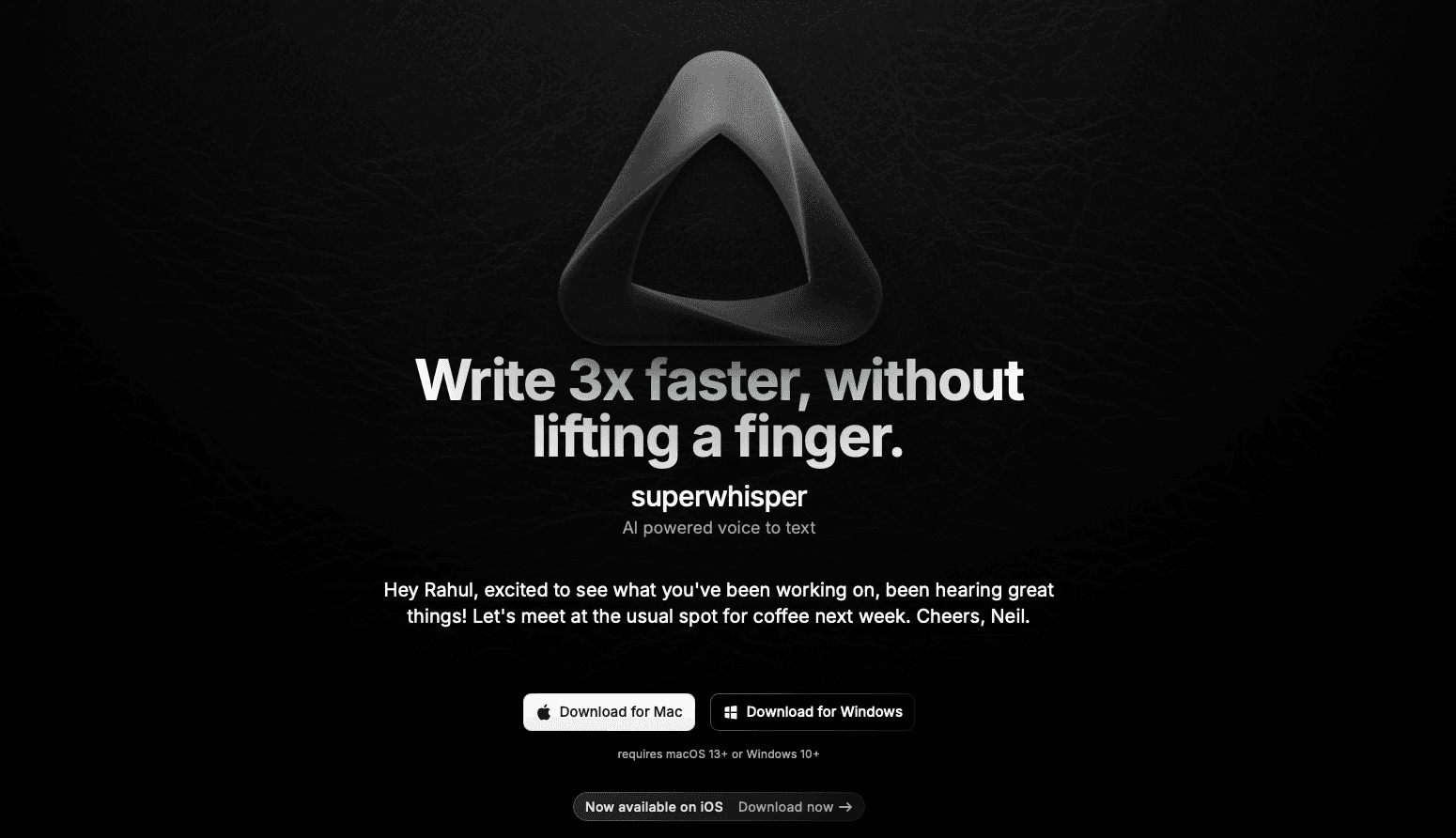
Superwhisper is an offline voice dictation app available on Mac, Windows, and iOS that processes audio locally without cloud connectivity.
What They Offer
Offline dictation with local AI processing
Multiple language support with automatic detection
Custom vocabulary and text replacement
Pre-recorded audio transcription
Good for: Users who need offline dictation for sensitive product information or environments without internet access.
Limitation: Local processing requires downloading large AI models that need 16GB+ RAM. Configuration complexity creates a learning curve that delays productivity. Offline models typically deliver lower accuracy for technical terminology compared to cloud-based alternatives.
Bottom line: Superwhisper works for technical users willing to invest setup time, but resource requirements and complexity make it less practical for PMs who need immediate dictation capability.
Wispr Flow
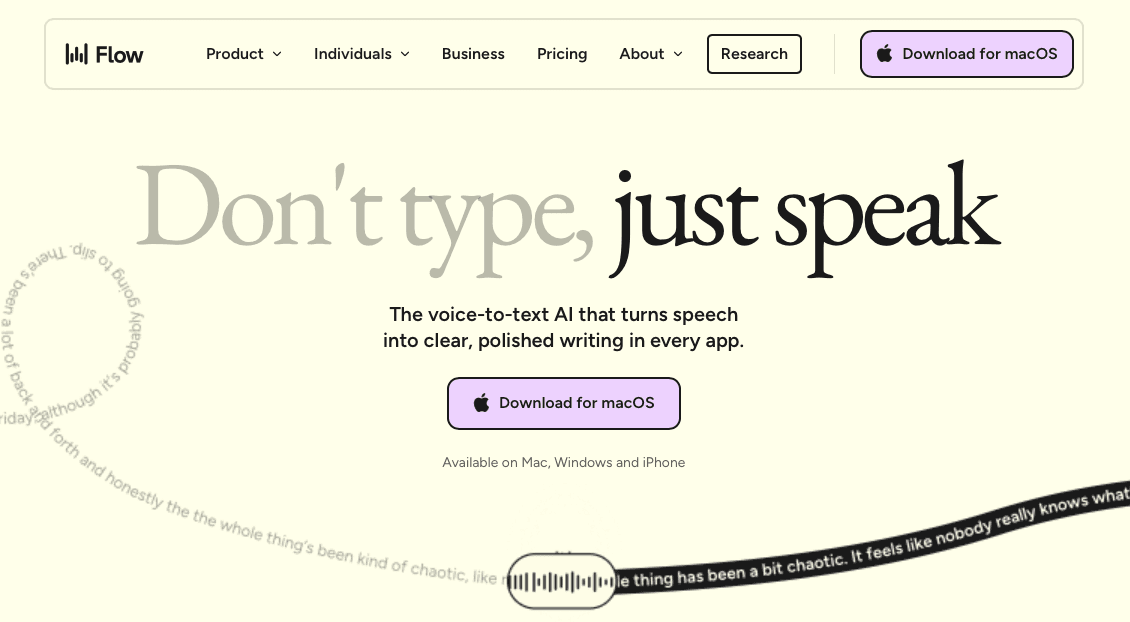
Wispr Flow processes speech through cloud servers for real-time transcription across 100+ languages.
What They Offer
Real-time cloud transcription across 100+ languages
Automatic formatting and command mode for voice-based text editing
Auto-dictionary that learns terminology over time
Compatible with Mac and Windows
Good for: Teams comfortable with cloud processing who need speed and language variety.
Limitation: Cloud-only processing creates privacy concerns when dictating confidential roadmaps or competitive analysis. The price exceeds most alternatives. Requires constant internet connectivity, making it unusable during flights or in low-connectivity environments. Users report occasional CPU spikes that slow down other applications due to a clunky Electron build and lack of customer support.
Bottom line: Fast transcription for cloud-comfortable teams, but privacy requirements and connectivity dependence limit usefulness for PMs handling sensitive information. High CPU usage makes the product slow and difficult to use on low memory computers.
Dragon

Dragon is a legacy Windows speech recognition software originally built for medical and legal professionals.
What They Offer
Industry-specific vocabulary for medical and legal fields
Custom voice commands for application control
Integration with Windows applications
Advanced dictation features for specialized workflows
Good for: Windows users in healthcare or legal fields who need specialized terminology built into the dictation engine.
Limitation: Dragon discontinued its Mac version in 2018. Mac users must run Windows virtualization software like Parallels to access Dragon, adding complexity and performance issues. The software was designed for document creation in specific industries, not the rapid context-switching across Slack, Notion, Figma, and development tools that defines PM work.
Bottom line: Discontinued Mac support makes Dragon unsuitable for product managers who need easy dictation across collaboration tools.
Apple Built-in Dictation
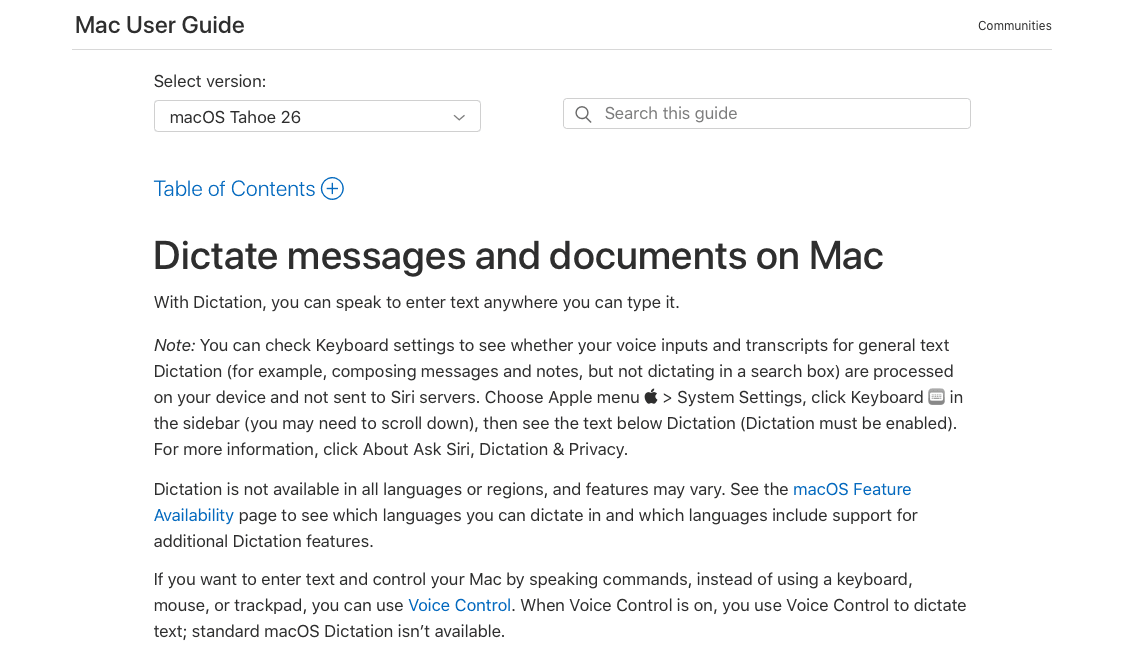
Apple's native dictation feature comes pre-installed on macOS and integrates with the system accessibility framework.
What They Offer
Free with macOS installation
On-device processing for privacy
Basic voice commands for punctuation
System-wide availability across Mac applications
Good for: Mac users wanting to test voice dictation for the first time without installing additional software or paying subscription fees.
Limitation: Apple's dictation cannot learn from mistakes or adapt to product management vocabulary, struggling with work jargon, product names, technical terminology, and team member names without any mechanism to add custom words or phrases. The 60-second timeout forces users to repeatedly reactivate dictation when writing longer product requirements, user stories, or documentation. Accuracy falls below specialized dictation tools, requiring manual cleanup that eliminates most productivity benefits.
Bottom line: Apple's built-in dictation serves as an adequate starting point for basic needs, but its inability to adapt to product management workflows makes it frustrating for professionals who rely on precise documentation.
Google Docs Voice Typing
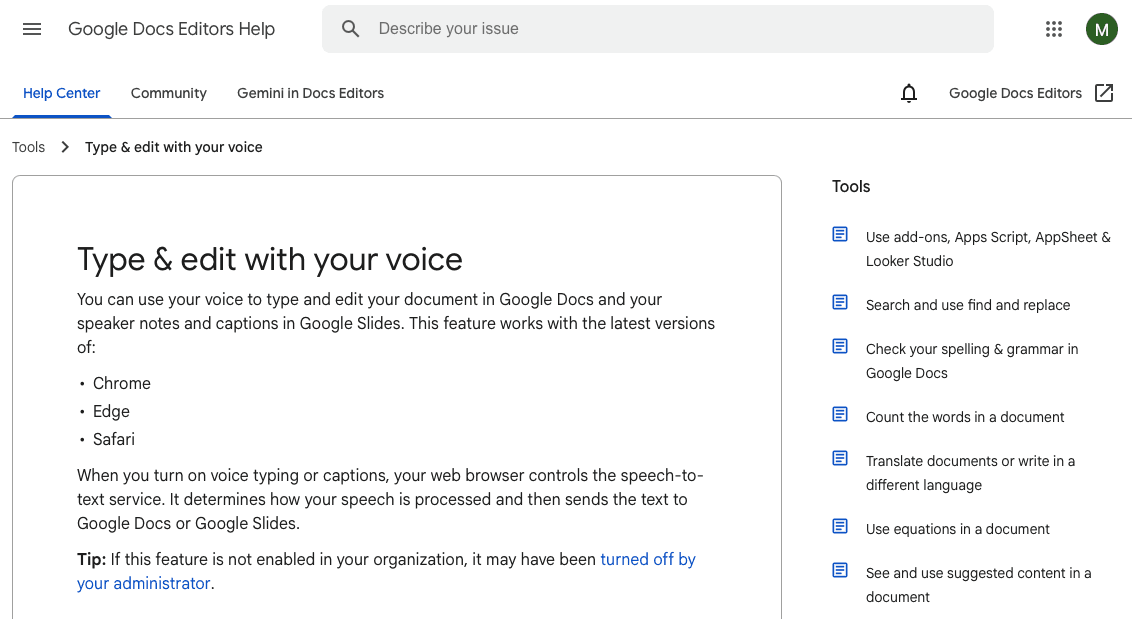
Google's browser-based voice typing works within Google Workspace applications through Chrome or Safari browsers.
What They Offer
Voice input within Google Docs and Google Workspace with basic formatting commands
Multi-language support for over 100 languages
Cloud synchronization across Google accounts
Good for: Teams already using Google Workspace who want free voice input for documents created within Google Docs and Google Sheets.
Limitation: Only functions inside Google's ecosystem. Cannot dictate in Slack, Notion, Linear, Jira, Figma comments, email clients, or native Mac applications. Lacks context awareness for technical terminology or product-specific vocabulary.
Bottom line: The single-application limitation makes this impractical for product managers whose work spans multiple tools throughout the day.
Why Willow Is the Best Voice Dictation Software for Product Managers
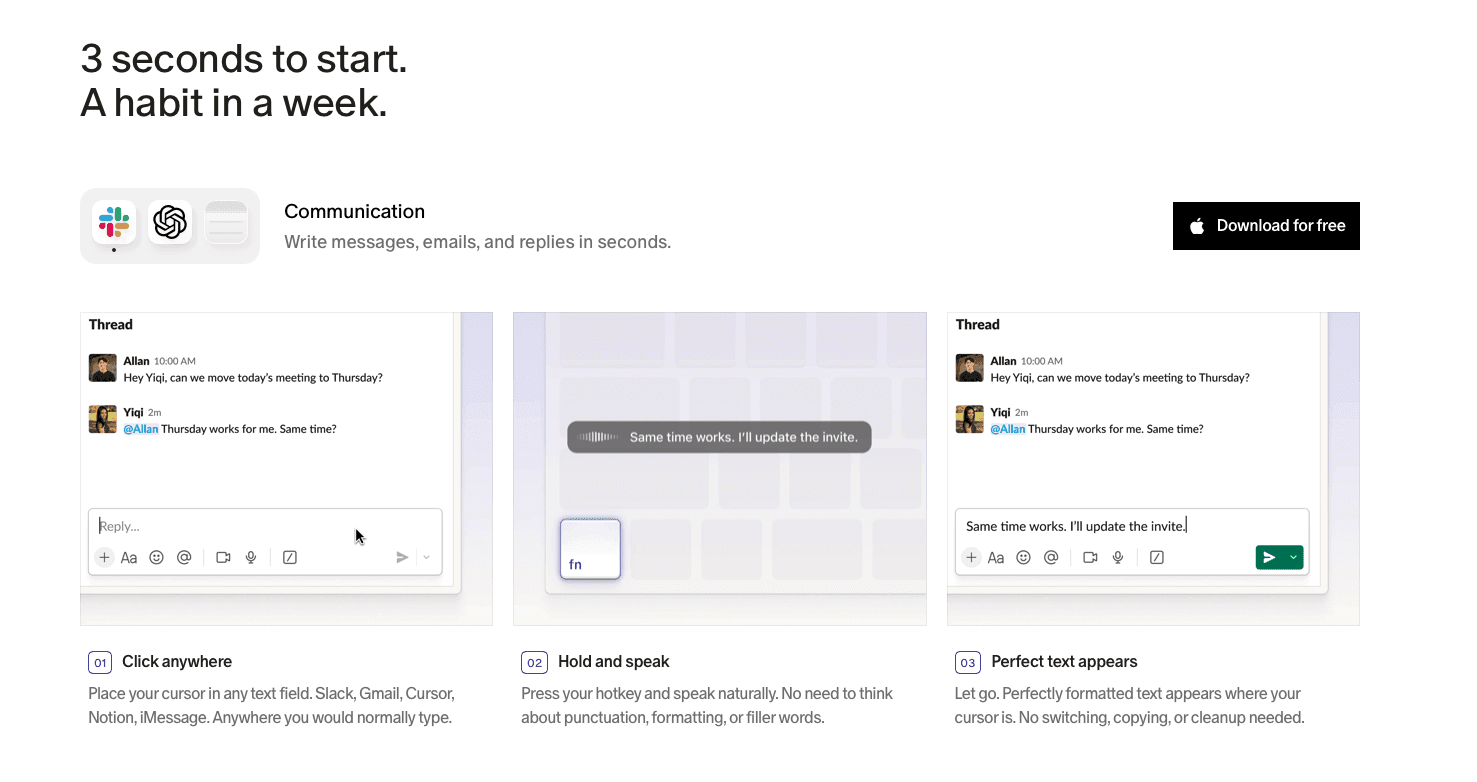
Product managers create up to 50 different document types across the product lifecycle. Errors in feature names or technical terms cascade into stakeholder confusion and engineering mistakes, whether you are writing a PRD in Notion, filing a sprint ticket in Linear, or speaking a Cursor prompt while a code review is still open. Modern voice dictation for technical documentation eliminates these errors by accurately capturing specialized terminology on the first pass.
Willow Voice AI learns how you write over time, adapting to your vocabulary across Windows, Mac, and iOS so the same accuracy follows you between devices. At ~200ms latency, text keeps pace with your thinking; competitors run at 700ms or higher.
Willow's context-aware AI distinguishes between formal documentation and casual team communication, automatically adjusting output without manual switching.
Research shows voice input consistently outperforms typing for speed and cognitive load. Willow focuses on getting technical terms right the first time instead of requiring cleanup afterward. The future speaks through voice-first interfaces that match how humans naturally communicate.
FAQs
Voice dictation for product managers vs traditional typing?
Speaking runs about 150 words per minute versus 40 when typing, a 3x speed increase. For PMs writing specs, user stories, and updates daily, that saves hours each week. Tools like Willow get technical terms and product vocabulary right on the first pass, so there's no constant cleanup.
Can voice dictation software handle technical product terminology without manual corrections?
Yes. Context-aware tools recognize technical terms, API references, and feature names based on your active app. Custom dictionaries let you add company and team-specific words, and learning engines remember corrections so accuracy improves over time.
How do I get voice dictation working in all my PM tools without per-app setup?
System-wide tools like Willow run on a hotkey that works across every app. Press the Function key and speak in any text field, no per-tool plugins or setup. You get the same experience in GitHub, Cursor, Linear, Slack, Gmail, Notion, or any browser.
Final thoughts on selecting voice dictation software
Speaking your documentation instead of typing it changes how quickly you can capture ideas and ship specs. Voice dictation software that understands technical vocabulary and works system-wide across Windows, Mac, and iOS delivers the biggest time savings. For individual contributors and teams alike, tools that handle enterprise deployment, shared vocabulary, and compliance from the start tend to stick. Willow Voice fits that profile, with ~200ms latency, shared custom dictionaries, and SOC 2 Type II and HIPAA compliance built in. Pick software that matches your security requirements and application stack. Your workflow will adapt faster than you expect.
Everyone knows typing is slow, but most product managers haven't switched to voice dictation because the tools seemed clunky or inaccurate. That's changed. Modern voice dictation software now handles technical terms, product names, and company jargon without constant manual fixes, and works system-wide on Windows, Mac, and iOS without per-app configuration. Adoption has moved from early-adopter curiosity to standard practice across product, engineering, and customer-facing teams at companies from early-stage startups through Fortune 500 organizations. We went through the leading options to see which ones actually save time for PMs who write specs, document decisions, and communicate across multiple tools every day.
TLDR:
Voice dictation is 3x faster than typing for PMs writing specs, emails, and docs daily.
Our top pick uses context-aware AI that handles technical terms and adjusts tone automatically.
Built-in tools lack custom vocabulary; offline options need 16GB+ RAM and complex setup.
Our top pick delivers 200ms latency (fastest in the market) and learns your writing style for personalized accuracy.
Enterprise-grade security with SOC 2 and HIPAA compliance protects sensitive product information across teams.
What Is Voice Dictation Software for Product Managers?
Voice dictation software converts spoken words into written text using AI speech recognition. You speak, and your words appear on screen in any application where you write.
Product managers switch contexts constantly: drafting product requirements documents in Notion, crafting detailed prompts in Cursor or Claude Code, reviewing sprint tickets in Linear, answering engineering questions in Slack, and writing stakeholder emails in Gmail. Voice dictation works across all of these on Windows, Mac, or iOS without per-app setup, so the same hotkey that works on a Windows workstation in the morning works on a Mac or iPhone between meetings.
Speaking is roughly 3x faster than typing. For PMs who spend hours daily writing specs, creating roadmaps, documenting decisions, and communicating with cross-functional teams, this speed difference creates measurable time savings. Atlassian's State of Product report found that nearly half of product teams don't have enough time for strategic planning, time lost to writing overhead that voice input directly recovers.
How We Ranked Voice Dictation Software
We tested these tools against the specific demands of product management work, where incorrect terminology or slow transcription breaks your workflow.
Our evaluation focused on six factors:
Accuracy with technical terminology. How well each tool handles product specs, feature names, API references, and industry jargon without requiring constant manual fixes.
Speed and latency. Real-time transcription matters when you're capturing decisions in live meetings or responding quickly in Slack threads.
Universal compatibility. Whether the tool works across your entire stack on Windows, Mac, and iOS: Jira, Confluence, Linear, Cursor, Figma comments, and email clients.
Context awareness. The ability to understand different writing situations and adjust tone for stakeholder updates versus engineering tickets.
Custom vocabulary. Support for adding company names, product terms, competitor references, and team-specific language.
Pricing structure. Transparent costs for individual PMs and team pricing for product organizations.
Voice Dictation for PMs in Mid-2026: What's Changed
By mid-2026, voice dictation has moved from early-adopter curiosity to standard practice in high-output professional environments. OpenAI reports that GPT-4o Transcribe delivers lower word error rates than Whisper across multiple speech-recognition benchmarks, though results vary depending on the benchmark and audio quality. That accuracy ceiling has raised expectations across the board: PMs now expect context-aware formatting and technical vocabulary recognition, not raw transcription that needs cleanup.
Tool | Platform | Latency | Custom Vocabulary | Security | Best For |
|---|---|---|---|---|---|
Willow | Mac, Windows, iOS | 200ms (fastest) | Yes - team-shared dictionaries | SOC 2, HIPAA | PMs needing speed, accuracy, and team features |
Superwhisper | Mac, Windows, iOS | Variable (offline) | Yes | On-device processing | Privacy-first users with 16GB+ RAM |
Wispr Flow | Mac, Windows | 700ms+ | Auto-learns over time | Cloud only | Cloud-comfortable teams, 100+ languages |
Dragon | Windows only | Fast | Yes (medical/legal) | Local processing | Healthcare or legal pros on Windows |
Apple Dictation | Mac, iOS | Fast | No | On-device | First-time users wanting a free option |
Google Docs Voice Typing | Browser (Chrome/Safari) | Fast | No | Cloud | Google Workspace-only workflows |
Best Overall Voice Dictation Software for Product Managers: Willow
Willow Voice is an AI-powered voice dictation tool built for Mac, Windows, and iOS users who need fast, accurate speech-to-text across any application. Press the Function key and speak in Gmail, Slack, Notion, ChatGPT, Cursor, Claude Code, Google Docs, or any text field on your device.
Core strengths for product managers:
Personalized accuracy that learns your terminology (product names, codebase vocab, team member names) so edits are rare
~200ms latency keeps you in flow state; competitors run at 700ms+
SOC 2 Type II and HIPAA compliance, with admin controls, shared shortcuts, and leaderboards so product leads can track adoption across the org
Context-aware transcription reads your active app (Notion, Cursor, Linear) and handles technical vocabulary and codebase references without manual correction
Shared custom dictionaries keep product names and codebase terms consistent across every team member on Windows, Mac, and iOS
Automatic tone matching adjusts output for PRDs, Slack messages, or meeting notes without manual switching
Quiet Mode lets you speak softly in open offices or during active meetings
Superwhisper
Superwhisper is an offline voice dictation app available on Mac, Windows, and iOS that processes audio locally without cloud connectivity.
What They Offer
Offline dictation with local AI processing
Multiple language support with automatic detection
Custom vocabulary and text replacement
Pre-recorded audio transcription
Good for: Users who need offline dictation for sensitive product information or environments without internet access.
Limitation: Local processing requires downloading large AI models that need 16GB+ RAM. Configuration complexity creates a learning curve that delays productivity. Offline models typically deliver lower accuracy for technical terminology compared to cloud-based alternatives.
Bottom line: Superwhisper works for technical users willing to invest setup time, but resource requirements and complexity make it less practical for PMs who need immediate dictation capability.
Wispr Flow
Wispr Flow processes speech through cloud servers for real-time transcription across 100+ languages.
What They Offer
Real-time cloud transcription across 100+ languages
Automatic formatting and command mode for voice-based text editing
Auto-dictionary that learns terminology over time
Compatible with Mac and Windows
Good for: Teams comfortable with cloud processing who need speed and language variety.
Limitation: Cloud-only processing creates privacy concerns when dictating confidential roadmaps or competitive analysis. The price exceeds most alternatives. Requires constant internet connectivity, making it unusable during flights or in low-connectivity environments. Users report occasional CPU spikes that slow down other applications due to a clunky Electron build and lack of customer support.
Bottom line: Fast transcription for cloud-comfortable teams, but privacy requirements and connectivity dependence limit usefulness for PMs handling sensitive information. High CPU usage makes the product slow and difficult to use on low memory computers.
Dragon
Dragon is a legacy Windows speech recognition software originally built for medical and legal professionals.
What They Offer
Industry-specific vocabulary for medical and legal fields
Custom voice commands for application control
Integration with Windows applications
Advanced dictation features for specialized workflows
Good for: Windows users in healthcare or legal fields who need specialized terminology built into the dictation engine.
Limitation: Dragon discontinued its Mac version in 2018. Mac users must run Windows virtualization software like Parallels to access Dragon, adding complexity and performance issues. The software was designed for document creation in specific industries, not the rapid context-switching across Slack, Notion, Figma, and development tools that defines PM work.
Bottom line: Discontinued Mac support makes Dragon unsuitable for product managers who need easy dictation across collaboration tools.
Apple Built-in Dictation
Apple's native dictation feature comes pre-installed on macOS and integrates with the system accessibility framework.
What They Offer
Free with macOS installation
On-device processing for privacy
Basic voice commands for punctuation
System-wide availability across Mac applications
Good for: Mac users wanting to test voice dictation for the first time without installing additional software or paying subscription fees.
Limitation: Apple's dictation cannot learn from mistakes or adapt to product management vocabulary, struggling with work jargon, product names, technical terminology, and team member names without any mechanism to add custom words or phrases. The 60-second timeout forces users to repeatedly reactivate dictation when writing longer product requirements, user stories, or documentation. Accuracy falls below specialized dictation tools, requiring manual cleanup that eliminates most productivity benefits.
Bottom line: Apple's built-in dictation serves as an adequate starting point for basic needs, but its inability to adapt to product management workflows makes it frustrating for professionals who rely on precise documentation.
Google Docs Voice Typing
Google's browser-based voice typing works within Google Workspace applications through Chrome or Safari browsers.
What They Offer
Voice input within Google Docs and Google Workspace with basic formatting commands
Multi-language support for over 100 languages
Cloud synchronization across Google accounts
Good for: Teams already using Google Workspace who want free voice input for documents created within Google Docs and Google Sheets.
Limitation: Only functions inside Google's ecosystem. Cannot dictate in Slack, Notion, Linear, Jira, Figma comments, email clients, or native Mac applications. Lacks context awareness for technical terminology or product-specific vocabulary.
Bottom line: The single-application limitation makes this impractical for product managers whose work spans multiple tools throughout the day.
Why Willow Is the Best Voice Dictation Software for Product Managers
Product managers create up to 50 different document types across the product lifecycle. Errors in feature names or technical terms cascade into stakeholder confusion and engineering mistakes, whether you are writing a PRD in Notion, filing a sprint ticket in Linear, or speaking a Cursor prompt while a code review is still open. Modern voice dictation for technical documentation eliminates these errors by accurately capturing specialized terminology on the first pass.
Willow Voice AI learns how you write over time, adapting to your vocabulary across Windows, Mac, and iOS so the same accuracy follows you between devices. At ~200ms latency, text keeps pace with your thinking; competitors run at 700ms or higher.
Willow's context-aware AI distinguishes between formal documentation and casual team communication, automatically adjusting output without manual switching.
Research shows voice input consistently outperforms typing for speed and cognitive load. Willow focuses on getting technical terms right the first time instead of requiring cleanup afterward. The future speaks through voice-first interfaces that match how humans naturally communicate.
FAQs
Voice dictation for product managers vs traditional typing?
Speaking runs about 150 words per minute versus 40 when typing, a 3x speed increase. For PMs writing specs, user stories, and updates daily, that saves hours each week. Tools like Willow get technical terms and product vocabulary right on the first pass, so there's no constant cleanup.
Can voice dictation software handle technical product terminology without manual corrections?
Yes. Context-aware tools recognize technical terms, API references, and feature names based on your active app. Custom dictionaries let you add company and team-specific words, and learning engines remember corrections so accuracy improves over time.
How do I get voice dictation working in all my PM tools without per-app setup?
System-wide tools like Willow run on a hotkey that works across every app. Press the Function key and speak in any text field, no per-tool plugins or setup. You get the same experience in GitHub, Cursor, Linear, Slack, Gmail, Notion, or any browser.
Final thoughts on selecting voice dictation software
Speaking your documentation instead of typing it changes how quickly you can capture ideas and ship specs. Voice dictation software that understands technical vocabulary and works system-wide across Windows, Mac, and iOS delivers the biggest time savings. For individual contributors and teams alike, tools that handle enterprise deployment, shared vocabulary, and compliance from the start tend to stick. Willow Voice fits that profile, with ~200ms latency, shared custom dictionaries, and SOC 2 Type II and HIPAA compliance built in. Pick software that matches your security requirements and application stack. Your workflow will adapt faster than you expect.

Try Willow for free
Instant, accurate voice dictation. No card required.
Try Willow for free
Instant, accurate voice dictation. No card required.
Other stories you’ll love
Other stories you’ll love


Your keyboard is optional now
" transform="translate(5 5)" width="9.791000051498413px"/></svg>)

The voice-first interface for modern work.
© Willow Care, Inc. 2026. All rights reserved
Your keyboard is optional now
The voice-first interface for modern work.
© Willow Care, Inc. 2026. All rights reserved
Your keyboard is optional now
The voice-first interface for modern work.
© Willow Care, Inc. 2026. All rights reserved