" transform="translate(5 2)" width="10px"/></svg>)

•
5 min read
Automatic Punctuation for Dictation: Stop Saying "Comma" and "Period" (June 2026)

•
5 min read
Automatic Punctuation for Dictation: Stop Saying "Comma" and "Period" (June 2026)
Most people abandon speech-to-text not because it fails, but because dictation forces them to talk like a markup language. Saying “comma” and “period” every few seconds breaks your rhythm and turns a simple email into a narrated script. New automatic punctuation systems remove that friction by listening for pauses, cadence, and sentence structure while you speak, adding commas and periods on your behalf. You talk normally, they will punctuate when dictating, the text comes out readable, and tools like Willow quietly handle the formatting in the background.
TLDR:
Automatic punctuation lets you speak at 150 WPM without saying "comma" or "period."
Manual punctuation commands cut dictation speed nearly in half and break your flow.
AI models now add punctuation by analyzing your pauses, tone, and grammar in real time.
Mac's built-in dictation has limited auto punctuation, which is inconsistent and not available across all apps; tools like Willow extend reliable auto punctuation system-wide.
Some modern solutions are 40%+ more accurate than built-in tools with ~200ms latency.
Why Traditional Dictation Forces You to Say Every Punctuation Mark
Traditional dictation tools treat punctuation as explicit commands instead of natural pauses in speech. In many traditional dictation setups, especially when automatic punctuation is disabled or unreliable, users still interrupt their train of thought to say "comma," "period," or "question mark."
The problem breaks how we communicate. When you talk to another person, you don't announce punctuation. Your pauses, tone, and cadence naturally signal where sentences end and ideas separate. But legacy speech-to-text software can't interpret these cues, so it dumps the cognitive work back on you.
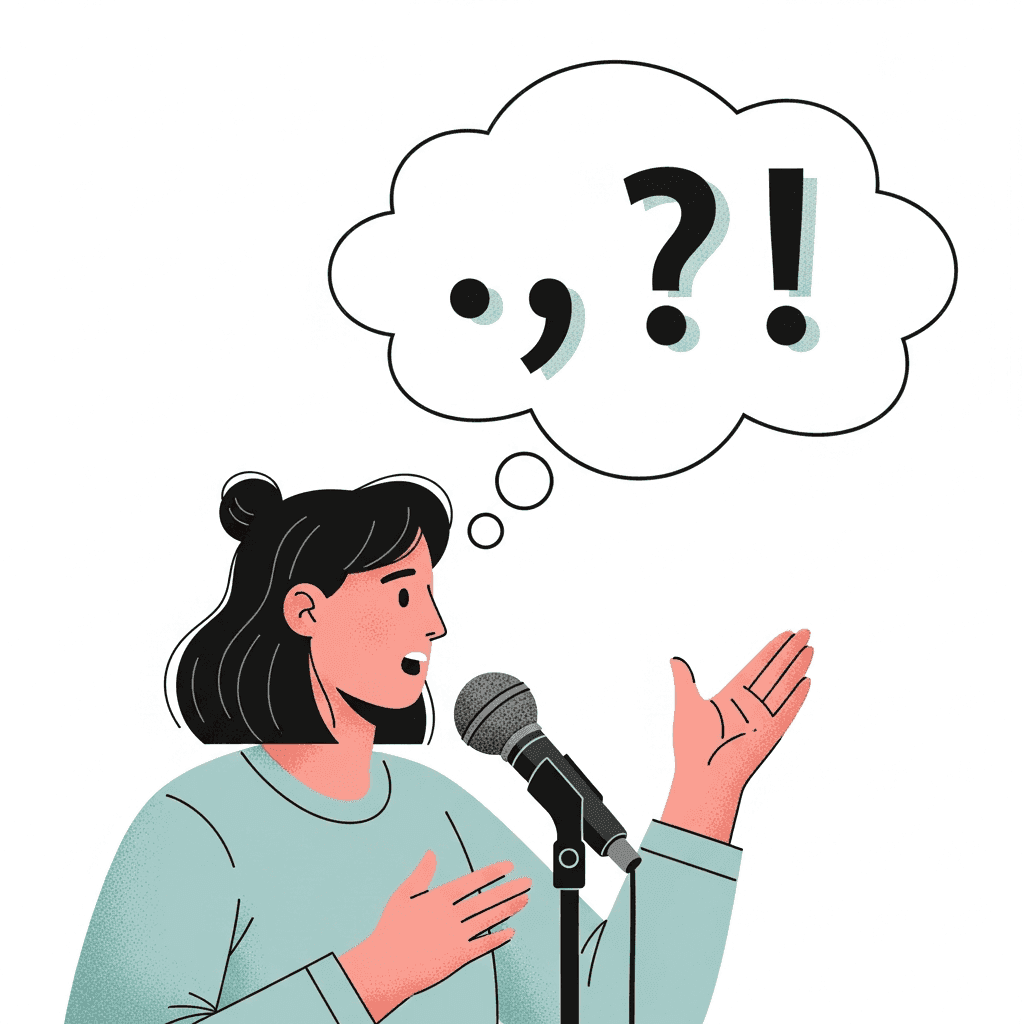
This creates a mental juggling act. You're simultaneously thinking about what you want to say, remembering to verbalize punctuation, and trying to maintain your original thought. Research shows that punctuation commands impact the dictation experience, especially for longer documents or complex writing.
Most people abandon dictation entirely. They'd rather type at 40 words per minute than fight with clunky voice commands that slow them down.
The Cognitive Load of Speaking Punctuation Commands
Your brain isn't designed to narrate formatting instructions while creating content. When you dictate with manual punctuation commands, you're running two separate mental processes at once: composing your message and directing a transcription machine.
This dual-task demand creates what researchers call cognitive load. Every time you pause to say "comma" or "new paragraph," you pull focus away from your actual ideas.
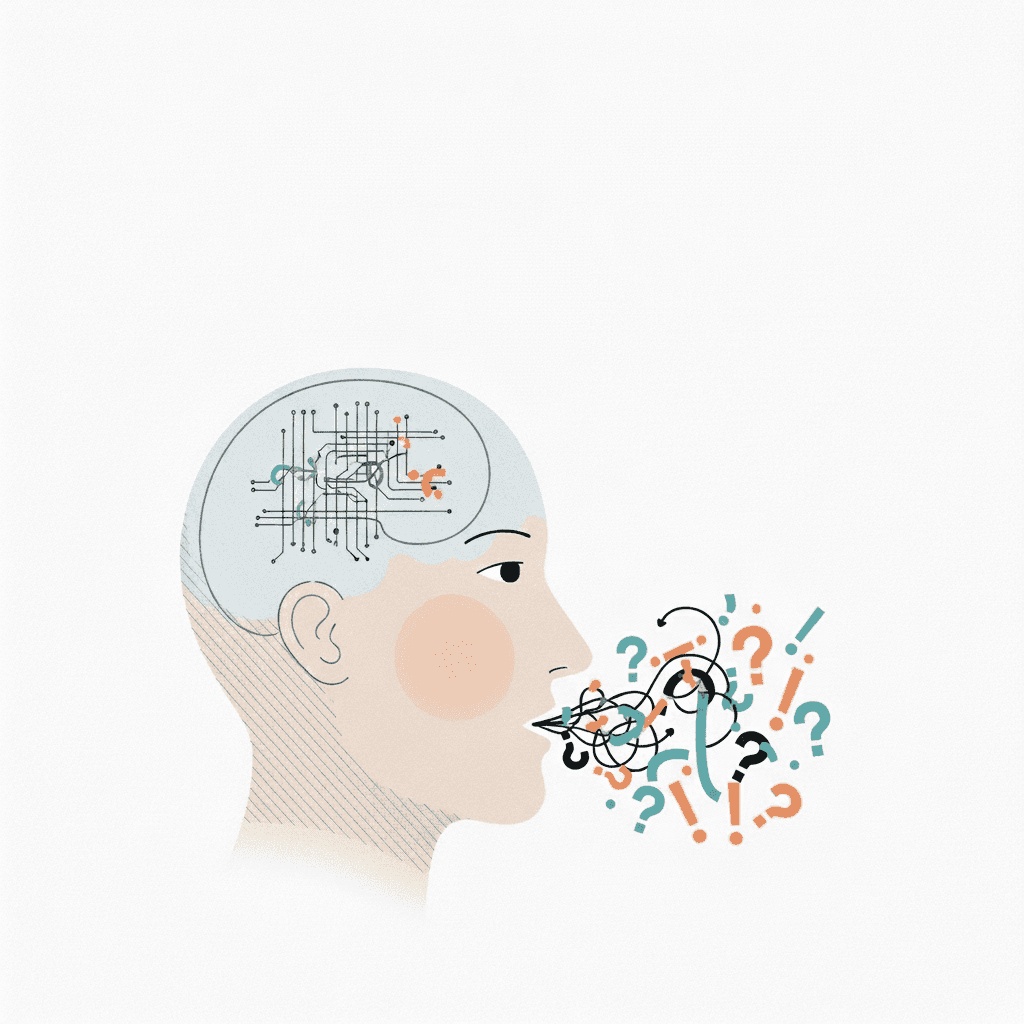
The real cost shows up in your writing quality. When part of your attention is stuck on mechanical commands, you lose the flow state that makes speaking faster than typing in the first place. You start choosing simpler sentences because they require fewer punctuation breaks.
Research on multitasking shows that switching between tasks reduces performance on both. More than just dictating slower, you're also thinking less clearly about what you want to say.
How AI Changed Automatic Punctuation in 2026
Transformer neural networks dramatically improved automatic punctuation over the past several years. These AI models analyze entire sentences at once instead of processing words individually, allowing them to understand context.
The breakthrough came from combining two advances: better speech-to-text models that capture prosodic cues like pauses and tone changes, and language models trained on large text corpora that predict punctuation based on grammatical context. When you speak, the system hears both what you're saying and how you're saying it.
Earlier dictation tools used rule-based systems that struggled with ambiguity. A pause could mean a comma, a period, or nothing depending on context. Transformer models solve this by weighing multiple signals at once: your speech rhythm, the grammatical structure building up, and patterns from similar sentences.
Automatic Punctuation vs. Manual Commands: A Speed Comparison
Automatic Punctuation | Manual Commands | |
|---|---|---|
Dictation speed | ~150 WPM (full speaking rate) | 90-120 WPM (commands slow you down) |
Interruptions per 300 words | 0 | 15-20 spoken commands |
Extra time per 300-word email | None | 30-60 seconds |
Cognitive load | Low (speak in thoughts) | High (track formatting while composing) |
Latency | ~200ms | Instant (but you pay with flow) |
Best for | Everyday writing, email, Slack, docs | Legal, technical, or exact-format content |
A 300-word email requires roughly 15-20 punctuation commands. Those interruptions add 30-60 seconds to your dictation time, dropping your effective speed to 90-120 words per minute. You're still faster than typing at 40 WPM, but you've lost nearly half the speed advantage.
Auto punctuation software eliminates this entirely. You speak continuously while the AI adds periods, commas, and paragraph breaks in real time, maintaining the full 4x speed boost.
The difference compounds quickly. Writing 20 emails and a few documents daily means automatic punctuation can save you up to 15-20 minutes compared to manual commands, nearly two hours per week.
What Makes Smart Formatting Different from Basic Transcription
Basic transcription converts speech to text with punctuation but produces unstructured walls of text without paragraph breaks, greetings, or context-appropriate formatting.
Smart formatting adds context awareness. When you're composing an email, it can adapt punctuation and paragraph structure to match email conventions. Writing in Notion or Google Docs, it detects sequential points and converts them to bullet lists. In Slack, it keeps tone casual and drops formal closings.
The system analyzes three inputs: which application you're using, existing on-screen content, and structural patterns typical to that writing type. Different contexts require different structures. Slack messages need short paragraphs. Emails need greetings and closings. Documents need section breaks. Smart formatting applies these conventions while you dictate.
The Accuracy Challenge: Where Automatic Punctuation Still Struggles
Automatic punctuation performs well under controlled conditions but faces considerable challenges in everyday use. Earlier pause-based models perform well for sentence endings but struggle considerably with comma placement.
Multi-speaker environments present the largest obstacles. When multiple people talk over each other or interrupt, accuracy drops. The AI cannot easily distinguish between speakers or identify where one person's statement ends and another begins.
Background noise worsens these issues. Coffee shop conversations, keyboard typing, or office sounds interfere with the prosodic cues automatic punctuation depends on. The system may interpret a loud noise as a pause and insert incorrect periods or miss actual sentence breaks.
Run-on sentences and rapid speech without natural pauses also cause problems, as current models struggle to place punctuation based on grammar alone.
Why Voice Commands for Punctuation Still Matter for Some Users
Legal transcription demands exact punctuation placement where a misplaced comma or period can change contractual meaning. Court reporters and legal professionals cannot risk AI misinterpreting sentence boundaries in depositions or briefs.
Technical writing with specific formatting also benefits from explicit commands. When documenting code, writing medical records, or creating regulatory compliance documents, you need control over every semicolon, colon, and dash. Auto punctuation might misinterpret technical syntax or specialized notation.
Some writers prefer predictability over speed. Those who dictate poetry, screenplays, or academic papers with complex citation formatting often choose manual commands to guarantee exact output.
How Automatic Punctuation Works across Different Applications
Some modern dictation tools detect which application you're using to apply different punctuation and formatting rules based on where you're working.
In Gmail or Outlook, these systems use email conventions: formal greetings, proper paragraph spacing, and sign-off structure with professional sentence punctuation.
Switch to Slack or iMessage, and the tool changes to conversational patterns with shorter sentences and minimal commas that match quick, scannable messaging.
Code editors and documentation tools trigger conservative punctuation rules that avoid interfering with syntax or specialized notation.
Willow applies these principles by...
Willow extends context-aware dictation system-wide across Mac, Windows, and iOS. The same formatting intelligence follows you from email to Slack to documentation tools, adapting punctuation and structure based on where you're working without requiring manual mode switches.
Context-aware dictation tools detect which application you're using to apply different punctuation and formatting rules based on where you're working.
In Gmail or Outlook, the system uses email conventions: formal greetings, proper paragraph spacing, and sign-off structure with professional sentence punctuation.
Switch to Slack or iMessage, and the tool changes to conversational patterns with shorter sentences and minimal commas that match quick, scannable messaging.
Code editors and documentation tools trigger conservative punctuation rules that avoid interfering with syntax or specialized notation.
The Readability Problem with Missing Punctuation
Unpunctuated transcription turns clear speech into unreadable text. Without periods and commas marking sentence boundaries, readers scan walls of words unable to identify where thoughts begin or end.
Studies and readability test2s consistently show that missing punctuation severely harms comprehension, often more than moderate word errors. You can mentally correct misspelled words, but you cannot easily reconstruct sentence structure from continuous unpunctuated streams.
The problem extends beyond human readers. When you copy unpunctuated dictation into ChatGPT or Claude for editing, the LLM struggles to identify sentence boundaries and clause relationships. It produces reformatted output that may split ideas incorrectly or merge separate thoughts.
Email recipients faced with unpunctuated blocks of text often skim or skip messages entirely. Document collaborators cannot easily comment on specific statements when sentence breaks remain ambiguous.
Switching from Voice Commands to Automatic Punctuation with Willow

Traditional dictation trains you to speak in commands: “comma, period, new line.” That habit (not accuracy) is what slows people down.
Willow Voice is designed to eliminate that friction. You speak in complete thoughts, naturally, and Willow handles punctuation, formatting, and structure automatically, across email, Slack, docs, and AI tools. Willow works across Mac, Windows, and iOS, so the same context-aware dictation follows you everywhere.
The first day or two feels odd. You’ll catch yourself about to say “comma.” Don’t. Just keep talking. Willow’s context-aware AI infers punctuation and tone in real time, with sub-second latency and far higher accuracy than built-in dictation tools.
What changes quickly:
Your flow improves, no mental interruptions
Punctuation “just works”
Writing becomes ~4× faster (150 WPM speaking vs 40 WPM typing)
This isn’t basic speech-to-text. Willow removes filler words, matches tone to context, and learns how you write over time. The result is dictation that sounds like you and works everywhere, so most users replace nearly all typing within days.
FAQs
How long does it take to stop saying punctuation commands after switching to automatic punctuation?
Most users break the habit of saying "comma" and "period" within a week of consistent use. The first few days feel awkward as your brain unlearns the interruption pattern, but you'll quickly adapt to speaking complete thoughts naturally without mentally tracking punctuation marks.
What's the speed difference between automatic punctuation and manual voice commands?
Automatic punctuation keeps you at your full speaking rate of 150 words per minute, while manual commands drop your speed to 90-120 WPM. Modern tools process this with ~200ms latency, so text appears almost instantly without breaking your flow. For a typical 300-word email requiring 15-20 punctuation commands, you save 30-60 seconds per message, adding up to nearly two hours per week for heavy email users.
Does automatic punctuation work the same way in Gmail as it does in Slack?
No, context-aware tools apply different punctuation rules based on which application you're using. In Gmail, the system adds formal greetings and proper paragraph spacing, while in Slack it changes to conversational patterns with shorter sentences and minimal commas that match quick messaging style.
Final thoughts on making dictation actually work
Dictation only works when it lets you think in ideas instead of instructions. The moment you stop narrating commas and periods, your speaking speed finally pulls ahead of typing, and writing starts to feel conversational again. Automatic punctuation when dictating removes the constant self-interruption, allowing your thoughts to land as readable text without micromanaging formatting. It takes a few days to unlearn the habit of announcing punctuation, but once that friction disappears, voice typing becomes a practical daily tool, especially with systems like Willow built into a cross-app voice dictation tool that handles punctuation quietly while you focus on what you want to say.
Most people abandon speech-to-text not because it fails, but because dictation forces them to talk like a markup language. Saying “comma” and “period” every few seconds breaks your rhythm and turns a simple email into a narrated script. New automatic punctuation systems remove that friction by listening for pauses, cadence, and sentence structure while you speak, adding commas and periods on your behalf. You talk normally, they will punctuate when dictating, the text comes out readable, and tools like Willow quietly handle the formatting in the background.
TLDR:
Automatic punctuation lets you speak at 150 WPM without saying "comma" or "period."
Manual punctuation commands cut dictation speed nearly in half and break your flow.
AI models now add punctuation by analyzing your pauses, tone, and grammar in real time.
Mac's built-in dictation has limited auto punctuation, which is inconsistent and not available across all apps; tools like Willow extend reliable auto punctuation system-wide.
Some modern solutions are 40%+ more accurate than built-in tools with ~200ms latency.
Why Traditional Dictation Forces You to Say Every Punctuation Mark
Traditional dictation tools treat punctuation as explicit commands instead of natural pauses in speech. In many traditional dictation setups, especially when automatic punctuation is disabled or unreliable, users still interrupt their train of thought to say "comma," "period," or "question mark."
The problem breaks how we communicate. When you talk to another person, you don't announce punctuation. Your pauses, tone, and cadence naturally signal where sentences end and ideas separate. But legacy speech-to-text software can't interpret these cues, so it dumps the cognitive work back on you.
This creates a mental juggling act. You're simultaneously thinking about what you want to say, remembering to verbalize punctuation, and trying to maintain your original thought. Research shows that punctuation commands impact the dictation experience, especially for longer documents or complex writing.
Most people abandon dictation entirely. They'd rather type at 40 words per minute than fight with clunky voice commands that slow them down.
The Cognitive Load of Speaking Punctuation Commands
Your brain isn't designed to narrate formatting instructions while creating content. When you dictate with manual punctuation commands, you're running two separate mental processes at once: composing your message and directing a transcription machine.
This dual-task demand creates what researchers call cognitive load. Every time you pause to say "comma" or "new paragraph," you pull focus away from your actual ideas.
The real cost shows up in your writing quality. When part of your attention is stuck on mechanical commands, you lose the flow state that makes speaking faster than typing in the first place. You start choosing simpler sentences because they require fewer punctuation breaks.
Research on multitasking shows that switching between tasks reduces performance on both. More than just dictating slower, you're also thinking less clearly about what you want to say.
How AI Changed Automatic Punctuation in 2026
Transformer neural networks dramatically improved automatic punctuation over the past several years. These AI models analyze entire sentences at once instead of processing words individually, allowing them to understand context.
The breakthrough came from combining two advances: better speech-to-text models that capture prosodic cues like pauses and tone changes, and language models trained on large text corpora that predict punctuation based on grammatical context. When you speak, the system hears both what you're saying and how you're saying it.
Earlier dictation tools used rule-based systems that struggled with ambiguity. A pause could mean a comma, a period, or nothing depending on context. Transformer models solve this by weighing multiple signals at once: your speech rhythm, the grammatical structure building up, and patterns from similar sentences.
Automatic Punctuation vs. Manual Commands: A Speed Comparison
Automatic Punctuation | Manual Commands | |
|---|---|---|
Dictation speed | ~150 WPM (full speaking rate) | 90-120 WPM (commands slow you down) |
Interruptions per 300 words | 0 | 15-20 spoken commands |
Extra time per 300-word email | None | 30-60 seconds |
Cognitive load | Low (speak in thoughts) | High (track formatting while composing) |
Latency | ~200ms | Instant (but you pay with flow) |
Best for | Everyday writing, email, Slack, docs | Legal, technical, or exact-format content |
A 300-word email requires roughly 15-20 punctuation commands. Those interruptions add 30-60 seconds to your dictation time, dropping your effective speed to 90-120 words per minute. You're still faster than typing at 40 WPM, but you've lost nearly half the speed advantage.
Auto punctuation software eliminates this entirely. You speak continuously while the AI adds periods, commas, and paragraph breaks in real time, maintaining the full 4x speed boost.
The difference compounds quickly. Writing 20 emails and a few documents daily means automatic punctuation can save you up to 15-20 minutes compared to manual commands, nearly two hours per week.
What Makes Smart Formatting Different from Basic Transcription
Basic transcription converts speech to text with punctuation but produces unstructured walls of text without paragraph breaks, greetings, or context-appropriate formatting.
Smart formatting adds context awareness. When you're composing an email, it can adapt punctuation and paragraph structure to match email conventions. Writing in Notion or Google Docs, it detects sequential points and converts them to bullet lists. In Slack, it keeps tone casual and drops formal closings.
The system analyzes three inputs: which application you're using, existing on-screen content, and structural patterns typical to that writing type. Different contexts require different structures. Slack messages need short paragraphs. Emails need greetings and closings. Documents need section breaks. Smart formatting applies these conventions while you dictate.
The Accuracy Challenge: Where Automatic Punctuation Still Struggles
Automatic punctuation performs well under controlled conditions but faces considerable challenges in everyday use. Earlier pause-based models perform well for sentence endings but struggle considerably with comma placement.
Multi-speaker environments present the largest obstacles. When multiple people talk over each other or interrupt, accuracy drops. The AI cannot easily distinguish between speakers or identify where one person's statement ends and another begins.
Background noise worsens these issues. Coffee shop conversations, keyboard typing, or office sounds interfere with the prosodic cues automatic punctuation depends on. The system may interpret a loud noise as a pause and insert incorrect periods or miss actual sentence breaks.
Run-on sentences and rapid speech without natural pauses also cause problems, as current models struggle to place punctuation based on grammar alone.
Why Voice Commands for Punctuation Still Matter for Some Users
Legal transcription demands exact punctuation placement where a misplaced comma or period can change contractual meaning. Court reporters and legal professionals cannot risk AI misinterpreting sentence boundaries in depositions or briefs.
Technical writing with specific formatting also benefits from explicit commands. When documenting code, writing medical records, or creating regulatory compliance documents, you need control over every semicolon, colon, and dash. Auto punctuation might misinterpret technical syntax or specialized notation.
Some writers prefer predictability over speed. Those who dictate poetry, screenplays, or academic papers with complex citation formatting often choose manual commands to guarantee exact output.
How Automatic Punctuation Works across Different Applications
Some modern dictation tools detect which application you're using to apply different punctuation and formatting rules based on where you're working.
In Gmail or Outlook, these systems use email conventions: formal greetings, proper paragraph spacing, and sign-off structure with professional sentence punctuation.
Switch to Slack or iMessage, and the tool changes to conversational patterns with shorter sentences and minimal commas that match quick, scannable messaging.
Code editors and documentation tools trigger conservative punctuation rules that avoid interfering with syntax or specialized notation.
Willow applies these principles by...
Willow extends context-aware dictation system-wide across Mac, Windows, and iOS. The same formatting intelligence follows you from email to Slack to documentation tools, adapting punctuation and structure based on where you're working without requiring manual mode switches.
Context-aware dictation tools detect which application you're using to apply different punctuation and formatting rules based on where you're working.
In Gmail or Outlook, the system uses email conventions: formal greetings, proper paragraph spacing, and sign-off structure with professional sentence punctuation.
Switch to Slack or iMessage, and the tool changes to conversational patterns with shorter sentences and minimal commas that match quick, scannable messaging.
Code editors and documentation tools trigger conservative punctuation rules that avoid interfering with syntax or specialized notation.
The Readability Problem with Missing Punctuation
Unpunctuated transcription turns clear speech into unreadable text. Without periods and commas marking sentence boundaries, readers scan walls of words unable to identify where thoughts begin or end.
Studies and readability test2s consistently show that missing punctuation severely harms comprehension, often more than moderate word errors. You can mentally correct misspelled words, but you cannot easily reconstruct sentence structure from continuous unpunctuated streams.
The problem extends beyond human readers. When you copy unpunctuated dictation into ChatGPT or Claude for editing, the LLM struggles to identify sentence boundaries and clause relationships. It produces reformatted output that may split ideas incorrectly or merge separate thoughts.
Email recipients faced with unpunctuated blocks of text often skim or skip messages entirely. Document collaborators cannot easily comment on specific statements when sentence breaks remain ambiguous.
Switching from Voice Commands to Automatic Punctuation with Willow
Traditional dictation trains you to speak in commands: “comma, period, new line.” That habit (not accuracy) is what slows people down.
Willow Voice is designed to eliminate that friction. You speak in complete thoughts, naturally, and Willow handles punctuation, formatting, and structure automatically, across email, Slack, docs, and AI tools. Willow works across Mac, Windows, and iOS, so the same context-aware dictation follows you everywhere.
The first day or two feels odd. You’ll catch yourself about to say “comma.” Don’t. Just keep talking. Willow’s context-aware AI infers punctuation and tone in real time, with sub-second latency and far higher accuracy than built-in dictation tools.
What changes quickly:
Your flow improves, no mental interruptions
Punctuation “just works”
Writing becomes ~4× faster (150 WPM speaking vs 40 WPM typing)
This isn’t basic speech-to-text. Willow removes filler words, matches tone to context, and learns how you write over time. The result is dictation that sounds like you and works everywhere, so most users replace nearly all typing within days.
FAQs
How long does it take to stop saying punctuation commands after switching to automatic punctuation?
Most users break the habit of saying "comma" and "period" within a week of consistent use. The first few days feel awkward as your brain unlearns the interruption pattern, but you'll quickly adapt to speaking complete thoughts naturally without mentally tracking punctuation marks.
What's the speed difference between automatic punctuation and manual voice commands?
Automatic punctuation keeps you at your full speaking rate of 150 words per minute, while manual commands drop your speed to 90-120 WPM. Modern tools process this with ~200ms latency, so text appears almost instantly without breaking your flow. For a typical 300-word email requiring 15-20 punctuation commands, you save 30-60 seconds per message, adding up to nearly two hours per week for heavy email users.
Does automatic punctuation work the same way in Gmail as it does in Slack?
No, context-aware tools apply different punctuation rules based on which application you're using. In Gmail, the system adds formal greetings and proper paragraph spacing, while in Slack it changes to conversational patterns with shorter sentences and minimal commas that match quick messaging style.
Final thoughts on making dictation actually work
Dictation only works when it lets you think in ideas instead of instructions. The moment you stop narrating commas and periods, your speaking speed finally pulls ahead of typing, and writing starts to feel conversational again. Automatic punctuation when dictating removes the constant self-interruption, allowing your thoughts to land as readable text without micromanaging formatting. It takes a few days to unlearn the habit of announcing punctuation, but once that friction disappears, voice typing becomes a practical daily tool, especially with systems like Willow built into a cross-app voice dictation tool that handles punctuation quietly while you focus on what you want to say.

Try Willow for free
Instant, accurate voice dictation. No card required.
Try Willow for free
Instant, accurate voice dictation. No card required.
Other stories you’ll love
Other stories you’ll love


Your keyboard is optional now
" transform="translate(5 5)" width="9.791000051498413px"/></svg>)

The voice-first interface for modern work.
© Willow Care, Inc. 2026. All rights reserved
Your keyboard is optional now
The voice-first interface for modern work.
© Willow Care, Inc. 2026. All rights reserved
Your keyboard is optional now
The voice-first interface for modern work.
© Willow Care, Inc. 2026. All rights reserved