Oct 14, 2025
If you've been using SpeechTexter for casual voice notes, it probably does what you need. But it runs on Google's older browser-based speech engine, which means no learning, no tone awareness, and no real speed improvements. Our complete SpeechTexter review tests it against Willow, Wispr Flow, Dragon, and three other alternatives to show you what changes when you move to a tool built for volume, personalization, and faster processing.
TLDR:
SpeechTexter runs on outdated Google speech recognition with no AI learning or personalization.
The top AI dictation alternative delivers 200ms latency (5-10x faster than alternatives) with auto-learning that improves accuracy over time.
Modern tools like Wispr Flow lack Windows support while Dragon costs $500+ with lengthy setup.
The best option for teams includes SOC 2 and HIPAA compliance with shared team dictionaries at $12/month across all platforms.
AI dictation that learns from corrections compounds accuracy gains over time, cutting editing time for daily users.
What Is SpeechTexter?
SpeechTexter is a free, browser-based voice typing tool with a loyal following among budget-conscious users. No download required, no account needed. Open the site, click record, and start talking. It supports over 70 languages and runs entirely on Google's speech recognition engine, which means its accuracy ceiling is set by whatever Google provides.
That setup works if you need something quick and free. But the reliance on browser-based Google speech recognition puts it firmly in an older generation of dictation tools. There's no AI processing, no tone awareness, no learning that benefits you the more you use it. Just raw transcription passed through a web interface.
For casual note-taking or the occasional voice typing session, it can do the job. For anyone handling real communication volume day to day, the limitations surface fast.
How We Ranked Speech-to-Text Tools
Not every speech-to-text tool is built for the same person. To compare them fairly, we focused on factors that actually affect your day-to-day experience.
Accuracy: how often the output is correct without manual fixes
Latency: how fast speech becomes text on screen
Workflow integration: whether it works system-wide or only inside specific apps
Personalization: whether the tool learns your vocabulary and style over time
Offline functionality: whether you can use it without an internet connection
Security and compliance: SOC 2, HIPAA, and data handling practices
These criteria reflect real-world use, not spec sheet comparisons.
Tool | Price | Platform | Latency | Personalization | Offline Mode | Security |
|---|---|---|---|---|---|---|
Willow | $12/month | Mac, Windows, iOS | 200ms | Auto-learns from corrections | Online and offline mode available | SOC 2 + HIPAA |
VoiceInk | $25 one-time | Mac only | Local (varies) | Context-aware per app | Yes | Local only |
Monologue | $10/month | Mac only | 500ms to 1s | Learns vocabulary and style | No | None listed |
Dragon | $500+ one-time | Windows only | 300ms to 800ms | Yes, after training | Yes | None listed |
Superwhisper | $8.49/month or $249.99 lifetime | Mac, Windows, iOS | 1s to 2s | Manual mode setup | Yes | Local only |
Wispr Flow | Free / $120/year | Mac, iPhone | Not published | Context handling | No | None listed |
SpeechTexter | Free | Browser only | Not published | None | No | None listed |
Best Overall Speech-to-Text Tool: Willow

Willow works system-wide across Mac, Windows, and iOS at 200ms latency, which is 5-10x faster than legacy tools. Text appears almost the moment you stop speaking, so you stay in flow instead of watching a spinner.
Three things separate Willow from everything else in this list:
Personalization that compounds: The auto-dictionary learns from every correction you make. Use it long enough and you barely edit anything.
Speed that holds up: at 200ms, Willow is the fastest dictation tool available. Wispr Flow and Apple's built-in dictation both clock in well above that mark.
Built for teams: shared shortcuts and team dictionary terms accelerate collaboration, backed by enterprise-grade security (SOC 2 and HIPAA compliance) that keeps sensitive work protected.
Beyond those three, Willow includes a fine-tuned email model for automatic formatting, shared team dictionaries for consistent terminology across organizations, quiet mode for open offices, and offline mode when full privacy is needed.
At $12/month, it's the clearest upgrade from free browser-based dictation.
VoiceInk
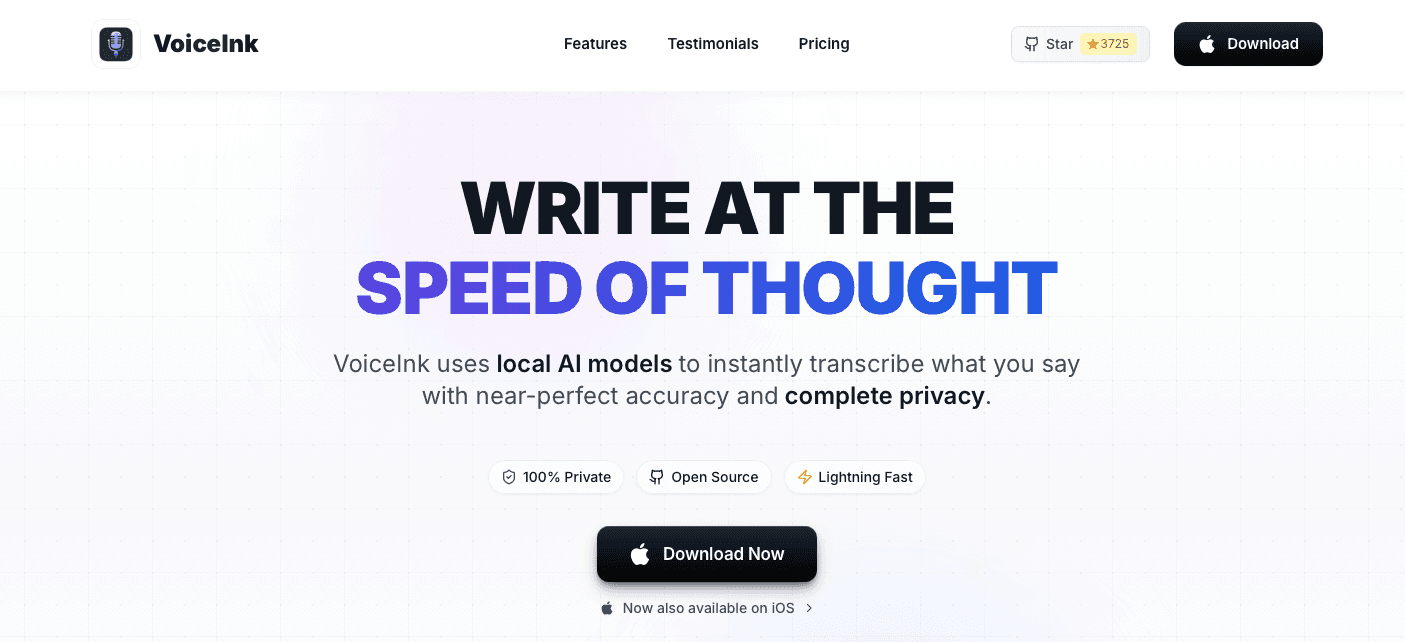
VoiceInk is a Mac-only, open-source voice typing app built around local AI models. A $25 one-time payment gets you lifetime updates, offline transcription, 100+ language support, and context awareness for app-specific settings. No subscription, no data leaving your device.
What They Offer
$25 one-time payment (single Mac license) with a 14-day money-back guarantee
Local AI transcription with offline capability across 100+ languages
Context awareness and per-app settings via power mode
Good for: Mac users who want local processing and prefer avoiding subscriptions.
Limitation: Windows users are excluded entirely. The iOS companion app has reported bugs and lacks feature parity with the desktop version, so cross-device workflows break down quickly.
Bottom line: VoiceInk works well for single-Mac users who focus on privacy above everything else. But Willow's 200ms latency, cross-platform support, and SOC 2 and HIPAA compliance make it the stronger choice for professionals working across devices or inside organizations with real security requirements.
Monologue
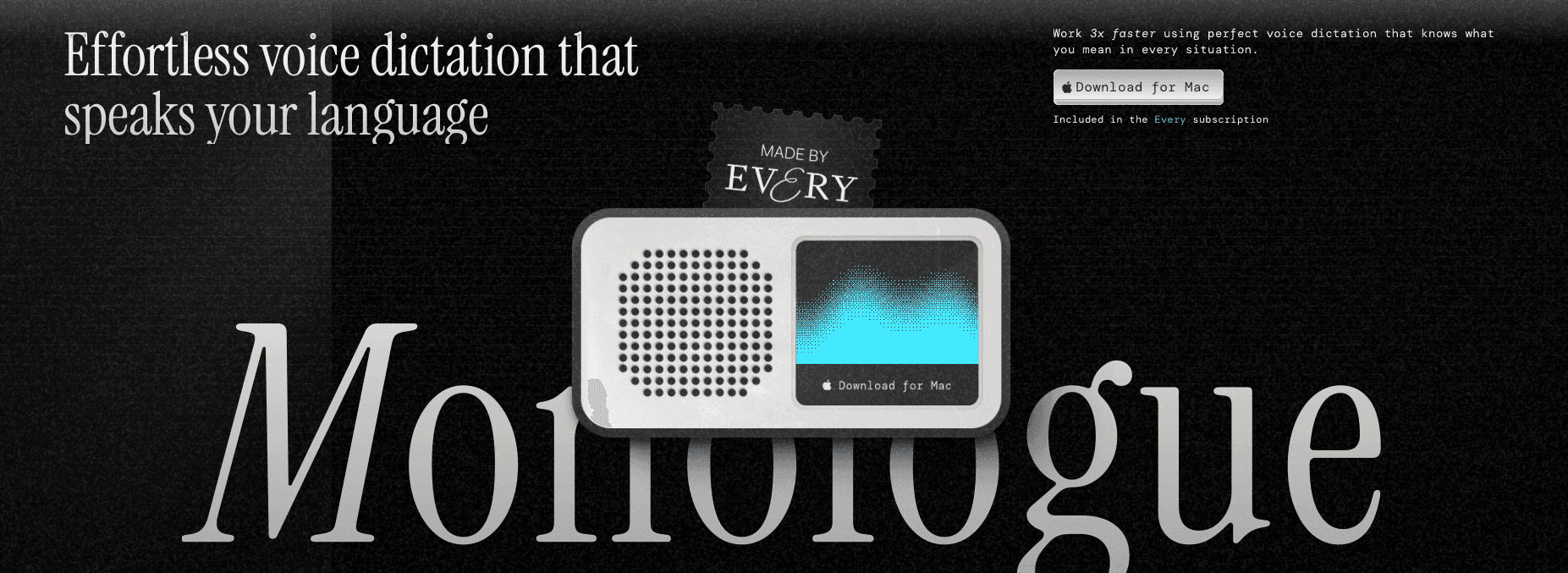
Monologue is a Mac-only AI dictation app that adapts to your vocabulary and writing style across apps, producing clean output without constant manual cleanup.
What They Offer
$10/month standalone or $30/month as part of Every's subscription bundle
Smart formatting with a personal dictionary that learns proper nouns automatically
100+ languages with easy switching
Prebuilt workflows for email, docs, notes, and code
Good for: Writers and creators inside the Every ecosystem who want context-aware formatting and are already subscribing to Every's content bundle.
Limitation: Latency runs 500ms to 1 second, which is a noticeable gap during rapid dictation and disrupts thought-to-text flow that professionals rely on.
Bottom line: Monologue is solid for casual writing. Willow's 200ms latency and personalization that compounds with every correction make it the stronger pick for anyone speaking at real volume.
Dragon NaturallySpeaking
Dragon NaturallySpeaking (now sold as Dragon Professional) has long been the go-to name in speech recognition software. Early workplace productivity research documented speech recognition's potential to change work procedures and outputs, but for many users today, Dragon's reputation outpaces the reality.
What They Offer
$500+ one-time license (no subscription option or free tier)
High accuracy after an extensive voice training period
Windows-only desktop application with deep OS integration
Good for: Individual Windows users with a high-volume dictation need and the patience to go through a lengthy setup and training process.
Limitation: No Mac support, no real-time collaboration, and no team-sharing functionality. The $500+ upfront cost and lengthy training period make it hard to support for most users.
Bottom line: Dragon's reputation is built on years in the market, but Willow's 200ms latency, automatic learning, and cross-platform support across Windows, Mac, and iOS make it the faster, more practical choice at a fraction of the cost.
Superwhisper
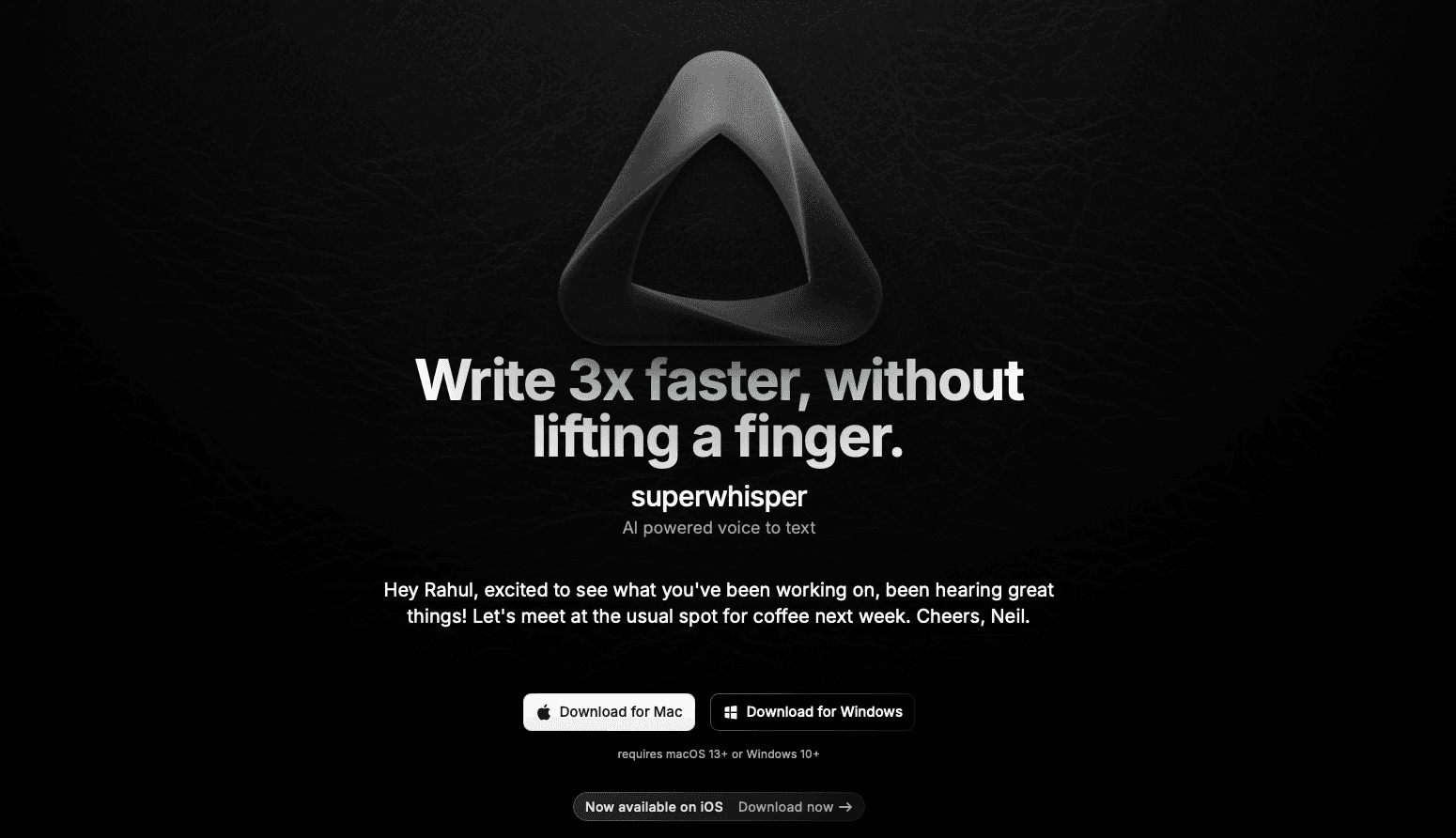
Superwhisper brings local AI dictation to Mac, Windows, and iOS with strong privacy defaults.
What They Offer
Pricing runs $8.49/month, $84.99/year, or a $249.99 lifetime license across all devices
Recordings and transcripts stay on device, with a bring-your-own-key mode for added control
Custom formatting modes let you configure output style per writing context
Good for: Privacy-conscious users who want offline processing and manual model control.
Limitation: iOS lags noticeably behind the desktop experience in maturity, yet carries the same $249.99 lifetime price regardless of which device you use.
Bottom line: Willow's 200ms latency, automatic context learning without manual mode setup, and SOC 2/HIPAA compliance make privacy enterprise-ready instead of simply local.
Wispr Flow
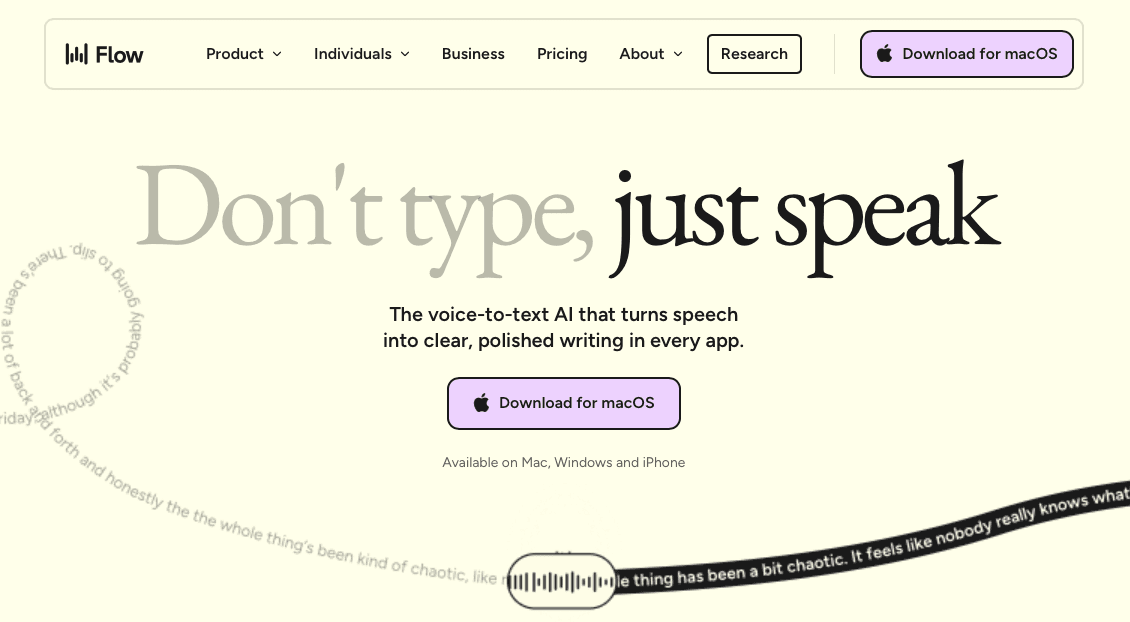
Wispr Flow is a Mac and iPhone dictation tool with a polished AI-powered experience that works across apps and handles context well.
What They Offer
Free tier available; paid plan runs $120/year
Mac and iPhone support with a polished, AI-powered dictation experience
Works across apps with strong context handling
Noticeably more refined than browser-based dictation tools
Good for: Mac and iPhone users who want a polished individual dictation experience and don't need Windows or enterprise compliance.
Limitation: Accuracy degrades in noisy environments, and there are privacy concerns. Speed and accuracy are also lower than other tools like Willow.
Bottom line: Wispr Flow is a strong SpeechTexter alternative for individuals on Mac. For teams or Windows users, the limitations start to stack up. Willow's cross-platform support, 200ms latency, and SOC 2 and HIPAA compliance make it the stronger pick.
Why Willow Is the Best Speech-to-Text Tool
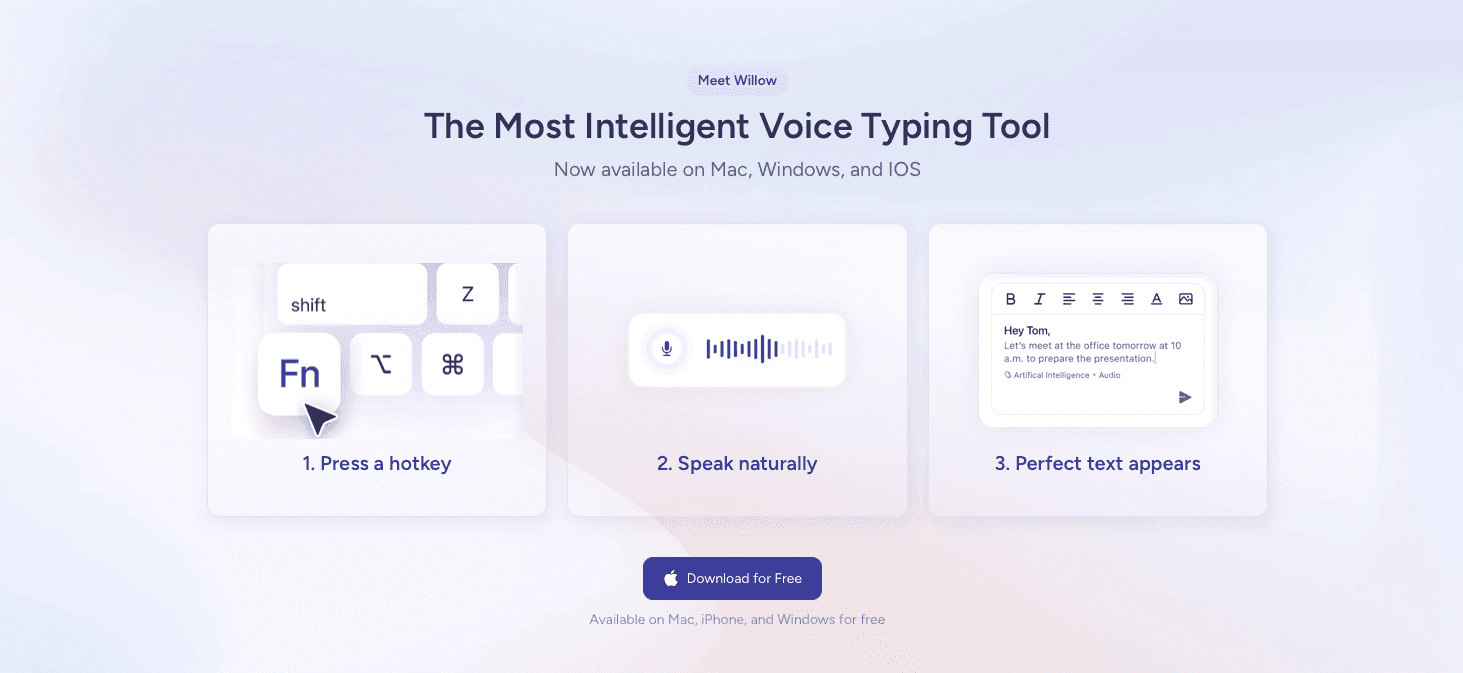
Willow stands apart from tools like SpeechTexter, Wispr Flow, and Apple's built-in voice dictation in three ways that actually matter.
First, personalization. Willow learns how you write over time, adapting to your vocabulary, tone, and style. The longer you use it, the fewer edits you make. Modern speech recognition accuracy research shows that production environments face 2.8-5.7x accuracy degradation without personalization and context awareness.
Second, speed. Stanford HCI research found that speech input is 3x faster than typing. Willow runs at 200ms latency, making it the fastest dictation tool available. Wispr Flow, Apple dictation, and others sit at 700ms or higher, which breaks your focus while you wait.
Third, it's built for teams. SOC 2 and HIPAA compliance, shared shortcuts, and team dictionary terms make Willow the only dictation tool serious about both security and collaboration.
FAQs
Which speech-to-text tool is best for teams?
Willow is the only option with SOC 2 and HIPAA compliance, shared team dictionaries, and collaboration features. VoiceInk, Superwhisper, and Monologue lack team functionality entirely, while Dragon offers limited sharing capabilities at a much higher price point.
How do I choose between a one-time payment tool and a subscription?
If you're a single Mac user dictating occasionally, VoiceInk's $25 lifetime license works fine. But if you work across multiple devices, need fast latency (under 500ms), or handle sensitive information requiring compliance certifications, a subscription like Willow ($12/month) delivers better accuracy and security.
Can I use these tools without an internet connection?
Yes. Willow, VoiceInk, Dragon, and Superwhisper all offer offline modes. SpeechTexter and Wispr Flow require internet connectivity. Offline capability matters most for privacy-sensitive work or unreliable network environments.
Which dictation tool works best for Windows users?
Willow and Dragon are your primary options. Dragon costs $500+ upfront and requires extensive training. Willow runs $12/month with 200ms latency, learns automatically, and works across Windows, Mac, and iOS without platform limitations.
What latency should I expect from different speech-to-text tools?
Willow runs at 200ms, making it 5-10x faster than alternatives. Monologue clocks 500ms to 1 second, Dragon ranges 300-800ms, and Superwhisper sits at 1-2 seconds. Anything over 500ms disrupts flow during rapid dictation.
Final Thoughts on Speech Recognition Tools
This SpeechTexter review makes one thing clear: modern dictation tools have moved well past what browser-based engines can offer. Willow delivers 200ms latency, learns your vocabulary with every correction, and meets SOC 2 and HIPAA standards without slowing you down. Download it free, switch between apps, and speak at full speed from day one.