How to use voice dictation in Slack

How to use voice dictation in Slack

How to use voice dictation in Slack

Dictate Slack messages and replies hands-free to collaborate faster and reduce typing time.

Dictate Slack messages and replies hands-free to collaborate faster and reduce typing time.

Simple, fast, and intelligent voice dictation

Simple, fast, and intelligent voice dictation

01

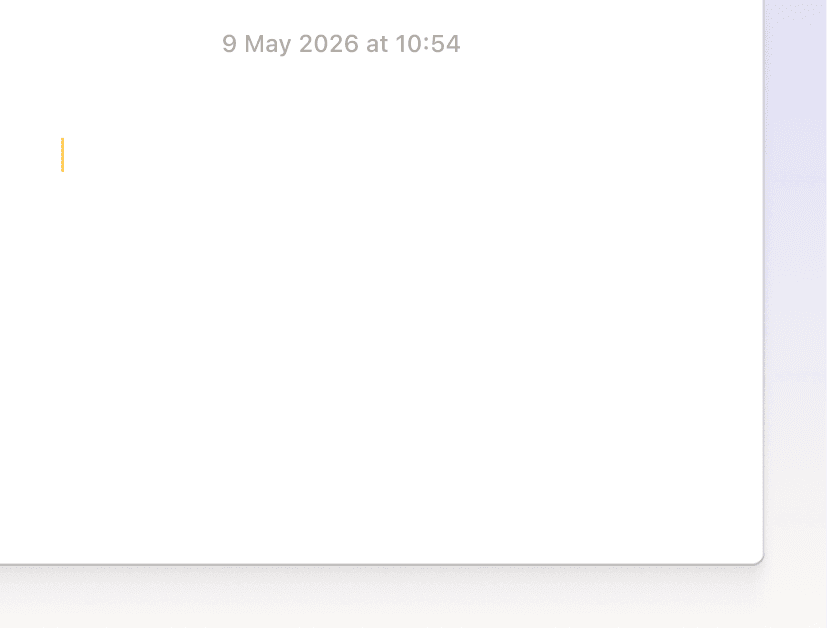
Click anywhere

Place your cursor in any text field. Slack, Gmail, Cursor, Notion, iMessage. Anywhere you would normally type.
02

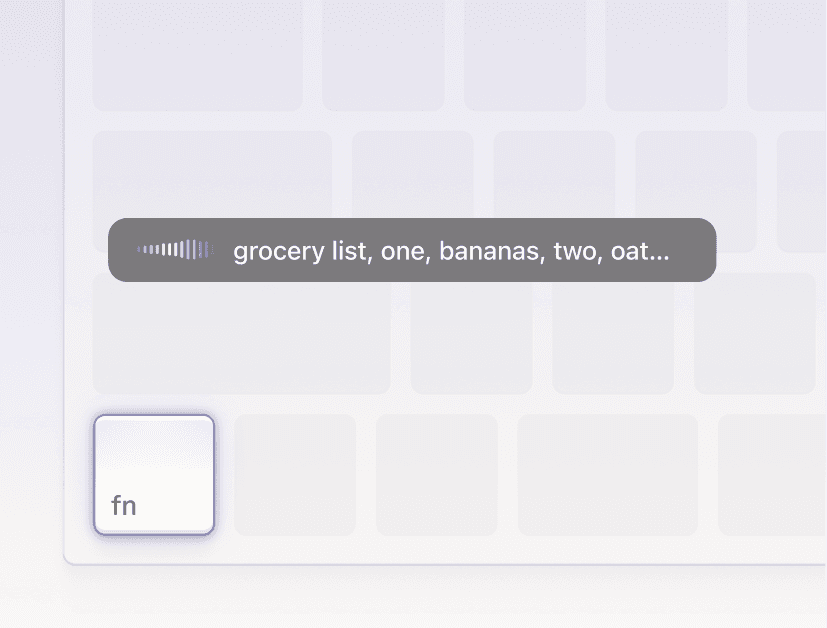
Hold and speak

Press your hotkey and speak naturally. No need to think about punctuation, formatting, or filler words.
03

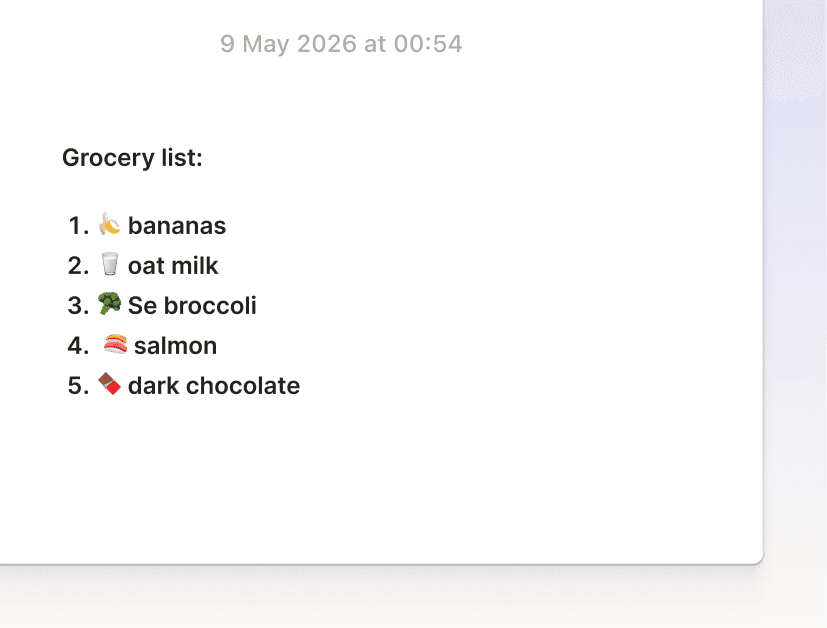
Perfect text appears

Let go. Perfectly formatted text appears where your cursor is. No switching, copying, or cleanup needed.

Why Willow
Why Use Willow in Slack?

Why Use Willow in Slack?

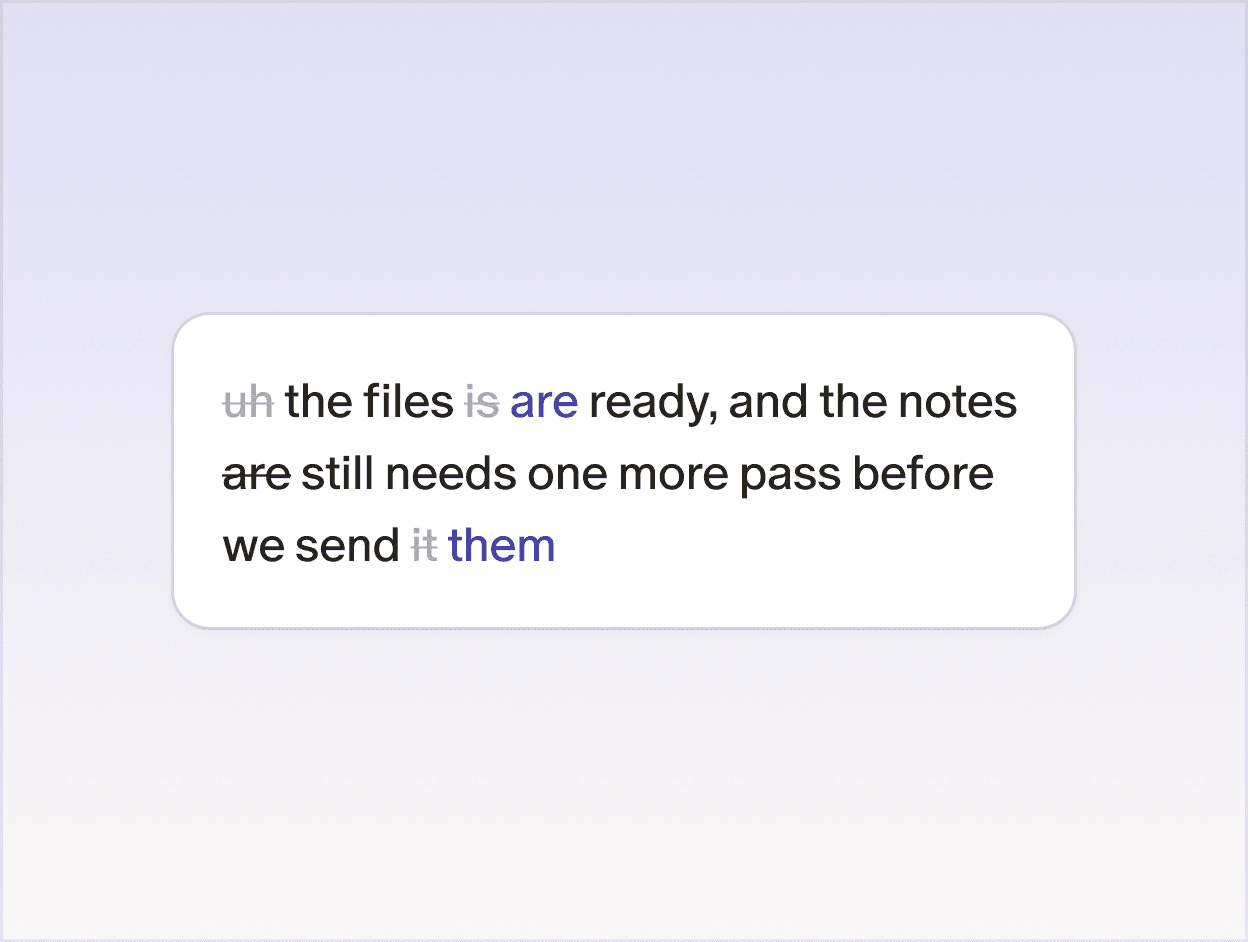
Smart formatting

Removes filler words, fixes punctuation, and formats your writing automatically.
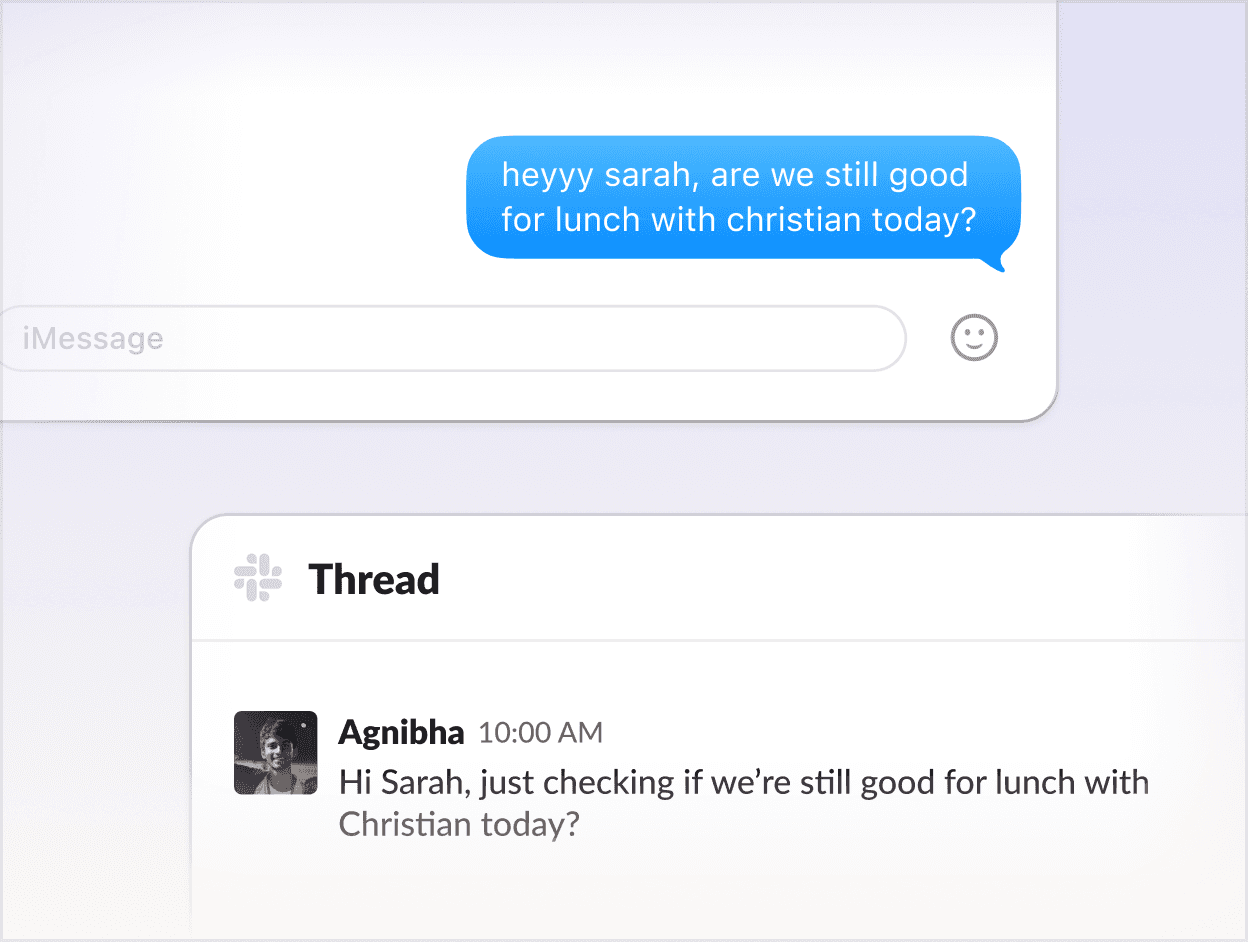
Style-matching

Learns how you write over time and adapts to your tone across email, Slack, docs, and technical tools.
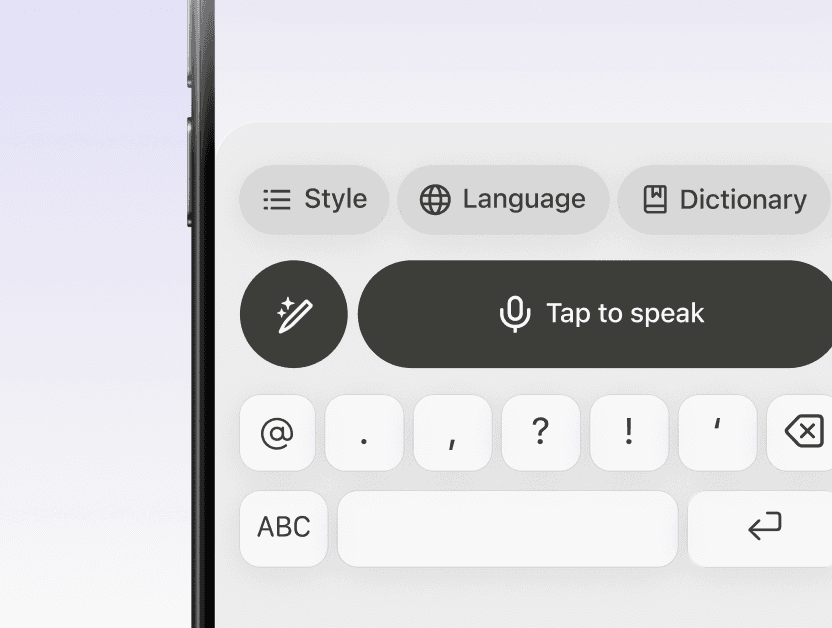
Works anywhere

Voice type in any app or device where you can place your cursor. No switching tools, no interruptions.
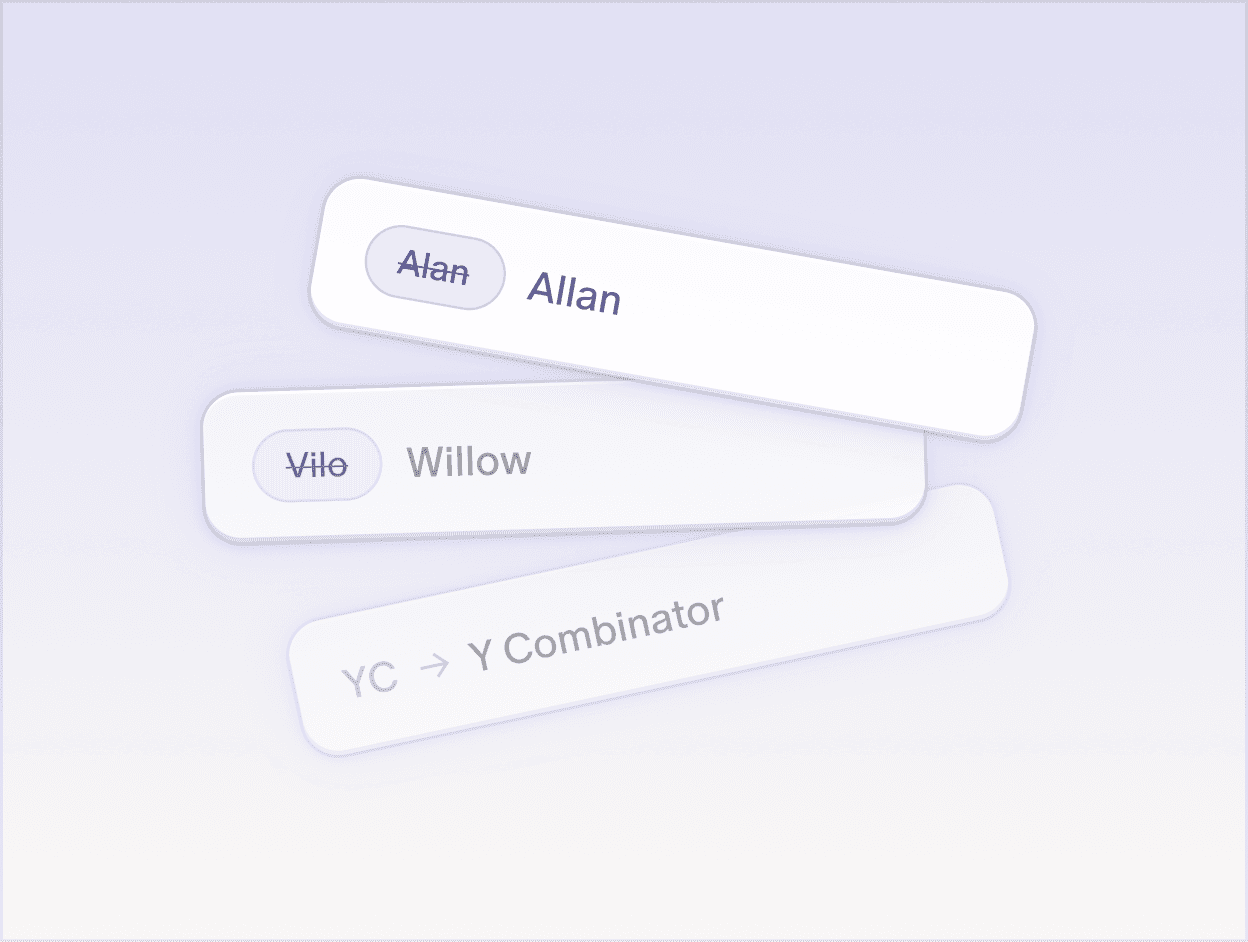
Auto-learning dictionary

Remembers names, product terms, and abbreviations so your words stay accurate.
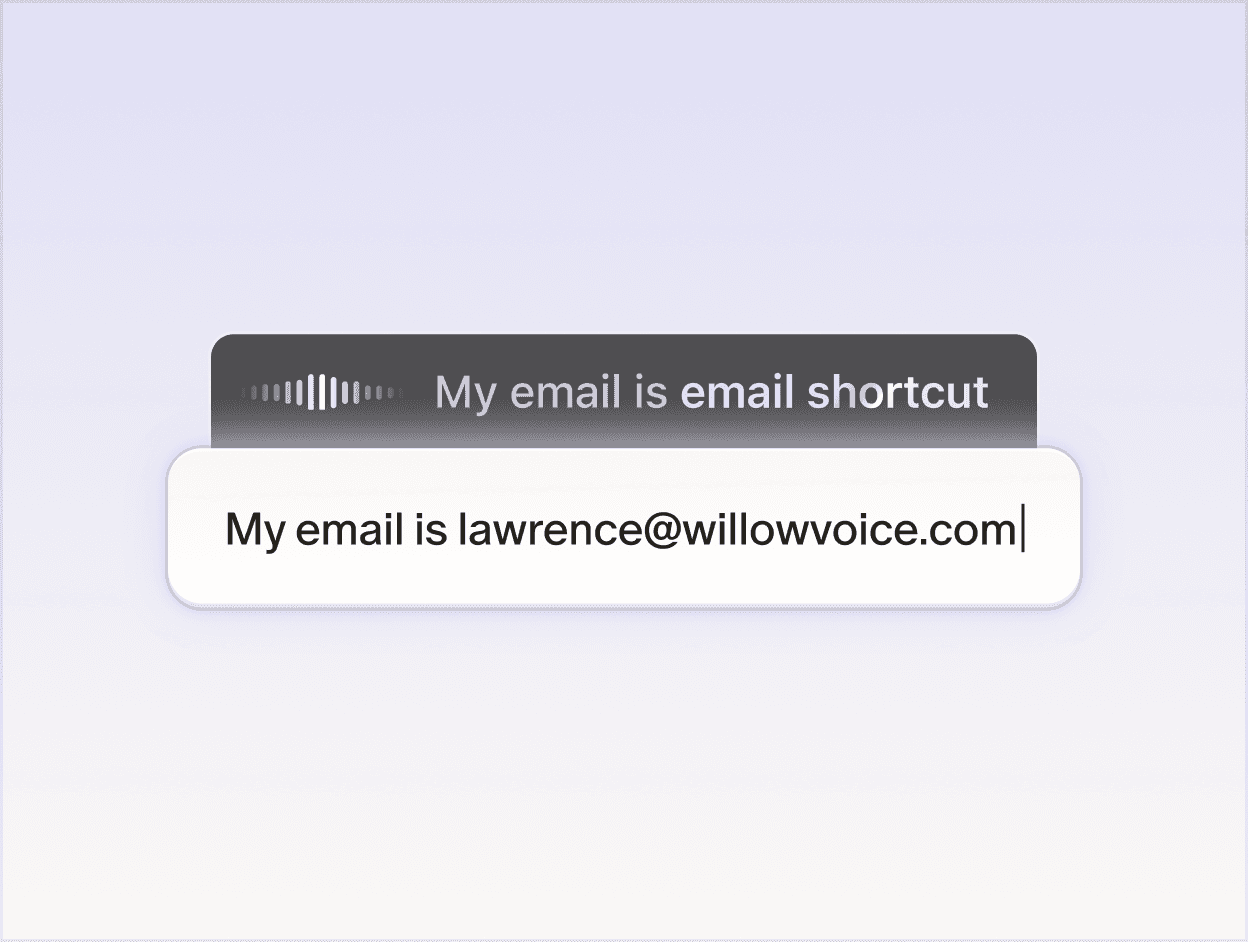
Shortcuts

Lets you save phrases you use often and insert them instantly with a simple command.
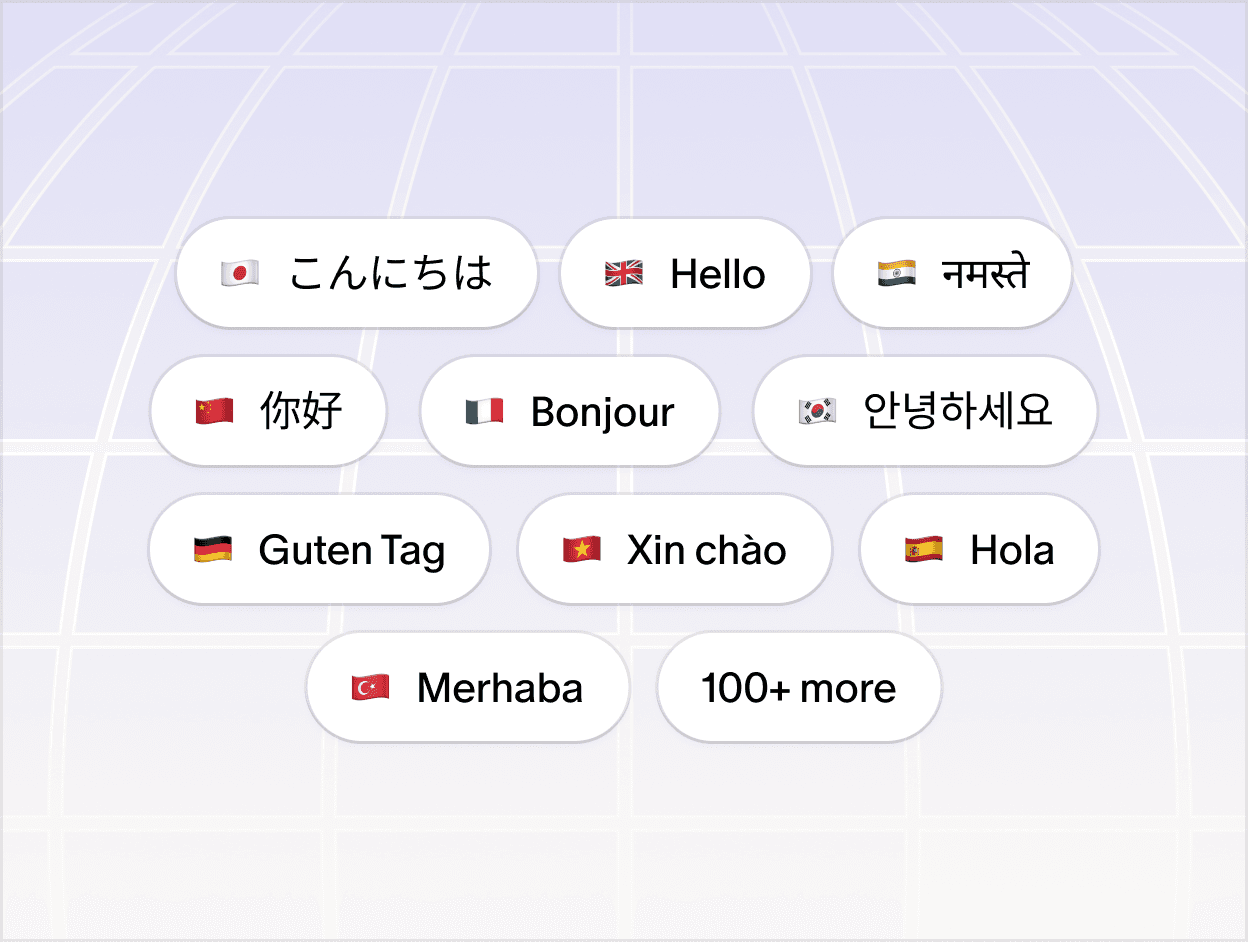
100+ languages

Dictate in over 100 languages and switch between them without missing a beat.

Context awareness

Willow spells unique terms and names correctly using contextual clues.

Whisper mode

Handles background noise, whispering, and fast speakers without slowing you down.

Built for security

SOC 2 Type II certified and HIPAA compliant, with zero data retention and end-to-end encryption.

Handles mid-sentence changes

Understands names & context

Writing style

Formatting & punctuation

Tone awareness

Adapts in real time

Gets names & context correctly

Sounds like you

Automatically formats as you speak

Understands tone

Not intelligent

Misses context, misspells names

Robotic and generic

No formatting or structure

Misses tone and intent

Handles mid-sentence changes

Understands names & context

Writing style

Formatting & punctuation

Tone awareness

Adapts in real time

Gets names & context correctly

Sounds like you

Automatically formats as you speak

Understands tone

Not intelligent

Misses context, misspells names

Robotic and generic

No formatting or structure

Misses tone and intent

Handles mid-sentence changes

Understands names & context

Writing style

Formatting & punctuation

Tone awareness

Adapts in real time

Gets names & context correctly

Sounds like you

Automatically formats as you speak

Understands tone

Wall of love

The most productive people already put down the keyboard.

The most productive people already put down the keyboard.
  • “Willow is the first dictation tool that really works and has changed my life.”

    Noel Whittaker

    Bestselling Finance Author

  • “I use Willow to dictate all my emails, docs, and Whatsapps, such a game changer and 5x faster.”

    Harry Stebbings

    Founder/Podcaster, 20VC

  • “Holy crap I feel I've just gotten superpowers. I used Willow to reply to Slack messages, draft emails, write long documents.” 

    Yaniv Bernstein

    Host, The Startup Podcast

  • "The two tools I use most in my everyday work now are ChatGPT and Willow. "

    Max Mullen

    Founder of Instacart

  • "For decades I've wanted to just talk to my computer and have it work. Willow is the first time it actually did and it's delightful."

    Alexis Ohanian

    Founder of Reddit

  • “Willow Voice saves me so much time each day. Complete game changer.”

    Kipp Bodnar

    CMO at Hubspot

  • “Willow is the one productivity tool that I've stuck with because it's saved me hours of time.”

    Geoff Donaker

    Former COO, Yelp

“Willow is the first dictation tool that really works and has changed my life.”

Noel Whittaker

Bestselling Finance Author

“I use Willow to dictate all my emails, docs, and Whatsapps, such a game changer and 5x faster.”

Harry Stebbings

Founder/Podcaster, 20VC

“Holy crap I feel I've just gotten superpowers. I used Willow to reply to Slack messages, draft emails, write long documents.” 

Yaniv Bernstein

Host, The Startup Podcast

"The two tools I use most in my everyday work now are ChatGPT and Willow. "

Max Mullen

Founder of Instacart

Questions? Answered.

Questions? Answered.

Does in every app?

Yes. Willow works anywhere you can place your cursor on your computer. Slack, Gmail, Cursor, Notion, Google Docs, iMessage, any browser, any native app. No copy-paste and no app switching required.

Is my voice data stored or used for training?

Yes. Willow works anywhere you can place your cursor on your computer. Slack, Gmail, Cursor, Notion, Google Docs, iMessage, any browser, any native app. No copy-paste and no app switching required.

What is the difference between Dictation and Scribe?

Yes. Willow works anywhere you can place your cursor on your computer. Slack, Gmail, Cursor, Notion, Google Docs, iMessage, any browser, any native app. No copy-paste and no app switching required.

How is Willow different from other AI dictation tools? 

Yes. Willow works anywhere you can place your cursor on your computer. Slack, Gmail, Cursor, Notion, Google Docs, iMessage, any browser, any native app. No copy-paste and no app switching required.

Your keyboard is optional now

Neque aliquam et duis felis nisi sit porttitor morbi ac. Purus non sapien placerat nibh.

© Willow Care, Inc. 2025. All rights reserved

Your keyboard is optional now

Neque aliquam et duis felis nisi sit porttitor morbi ac. Purus non sapien placerat nibh.

© Willow Care, Inc. 2025. All rights reserved

Your keyboard is optional now

Neque aliquam et duis felis nisi sit porttitor morbi ac. Purus non sapien placerat nibh.

© Willow Care, Inc. 2025. All rights reserved