" height="16.000000366210937px" id="eFSNQfbE7" transform="translate(2 2)" width="16.000000366210937px"/></svg>)
Product
Dictation
Speak anywhere you type
Willow Scribe
AI writing from your intent
Willow for iPhone
Voice typing on the go
Enterprise
Wall of Love
Pricing
Product
Dictation
Speak anywhere you type
Willow Scribe
AI writing from your intent
Willow for iPhone
Voice typing on the go
Enterprise
Wall of Love
Pricing

Dictation
Speak with ease
Willow keeps up
Capture ideas at the speed of thought. Stay in your flow state without ever touching a keyboard.
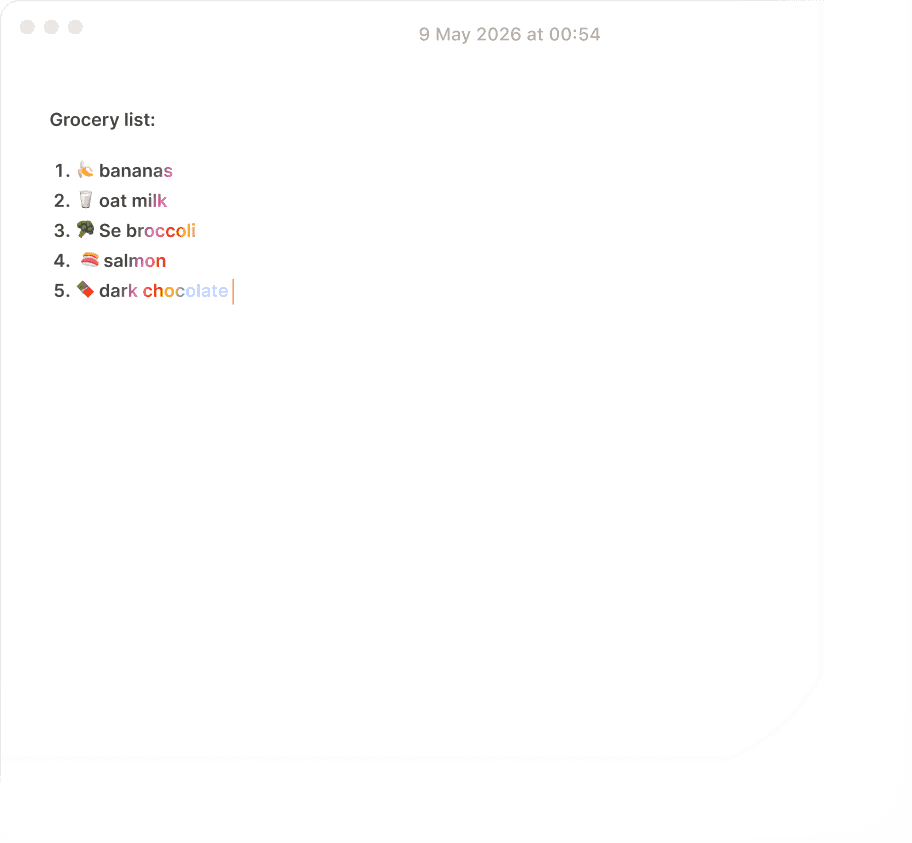
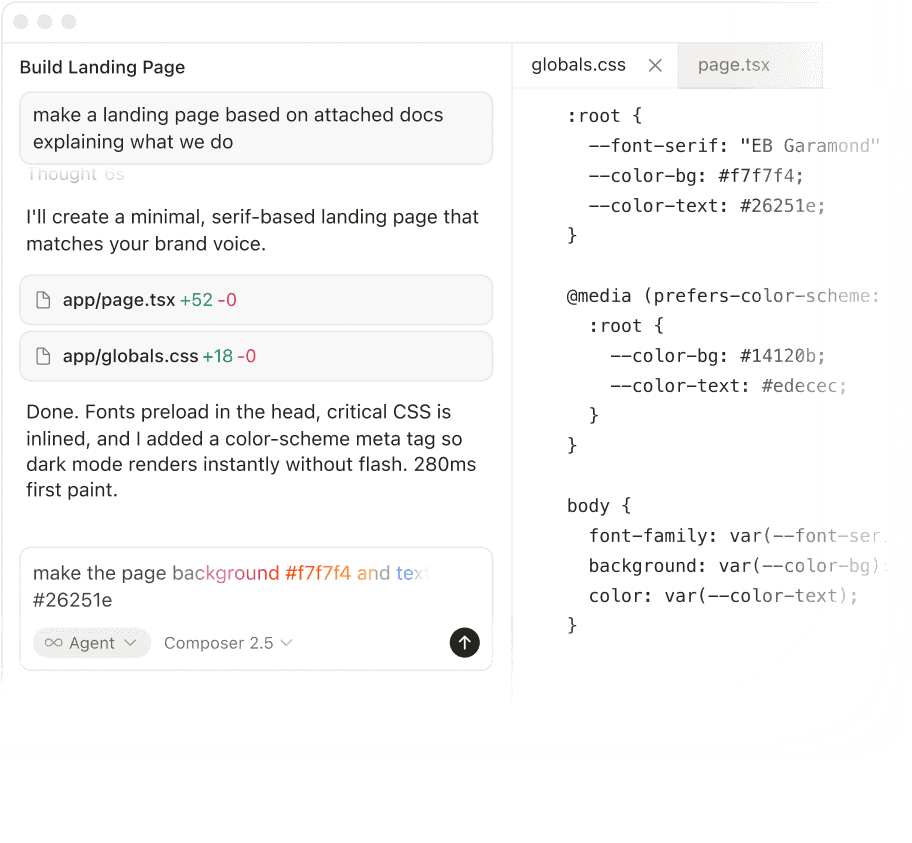
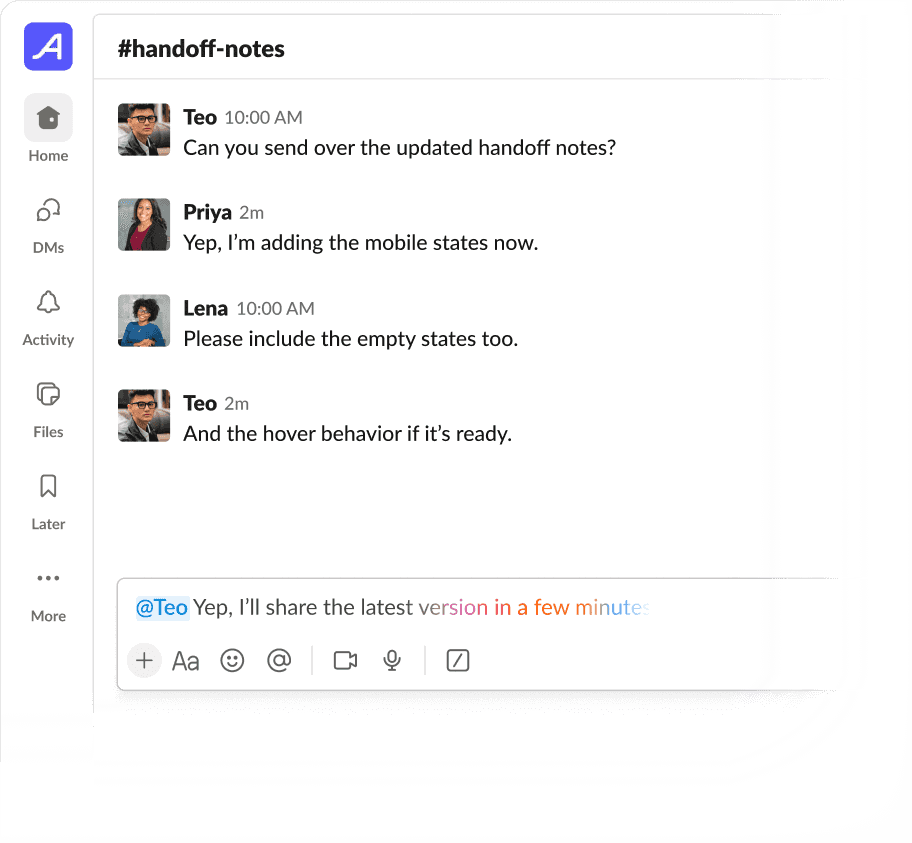
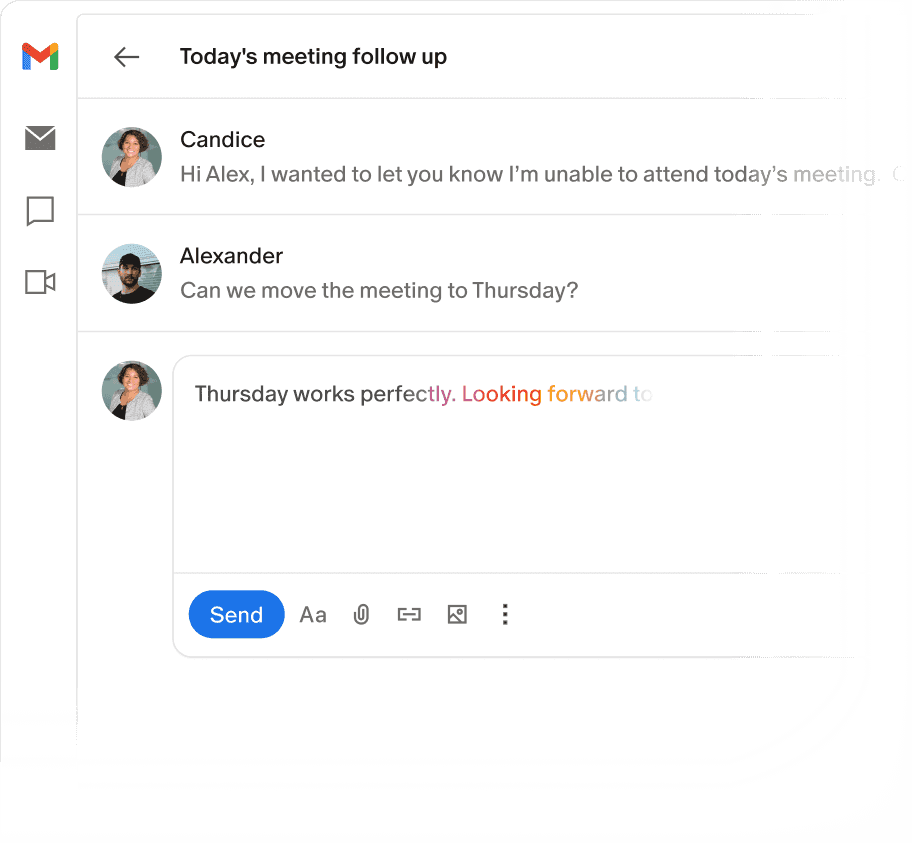
Works anywhere you type

and every text field

Dictation
Speak with ease
Willow keeps up
Capture ideas at the speed of thought. Stay in your flow state without ever touching a keyboard.
" transform="translate(5 2)" width="10px"/></svg>)
Works anywhere you type
and every text field
Dictation
Speak with ease
Willow keeps up
Capture ideas at the speed of thought. Stay in your flow state without ever touching a keyboard.
Works anywhere you type
and every text field
Trusted by 100,000+ professionals,
including leading teams at
Trusted by professionals, including leading teams at
Dictation with built-in intelligence
Dictation with built-in intelligence
Willow uses context to get names, terms, tone, and formatting right. It removes filler words, adds punctuation, and keeps up with near-instant 200ms performance.
Willow uses context to get names, terms, tone, and formatting right. It removes filler words, adds punctuation, and keeps up with near-instant 200ms performance.
200ms
near-instant response as you speak
3x
more accurate than built-in dictation
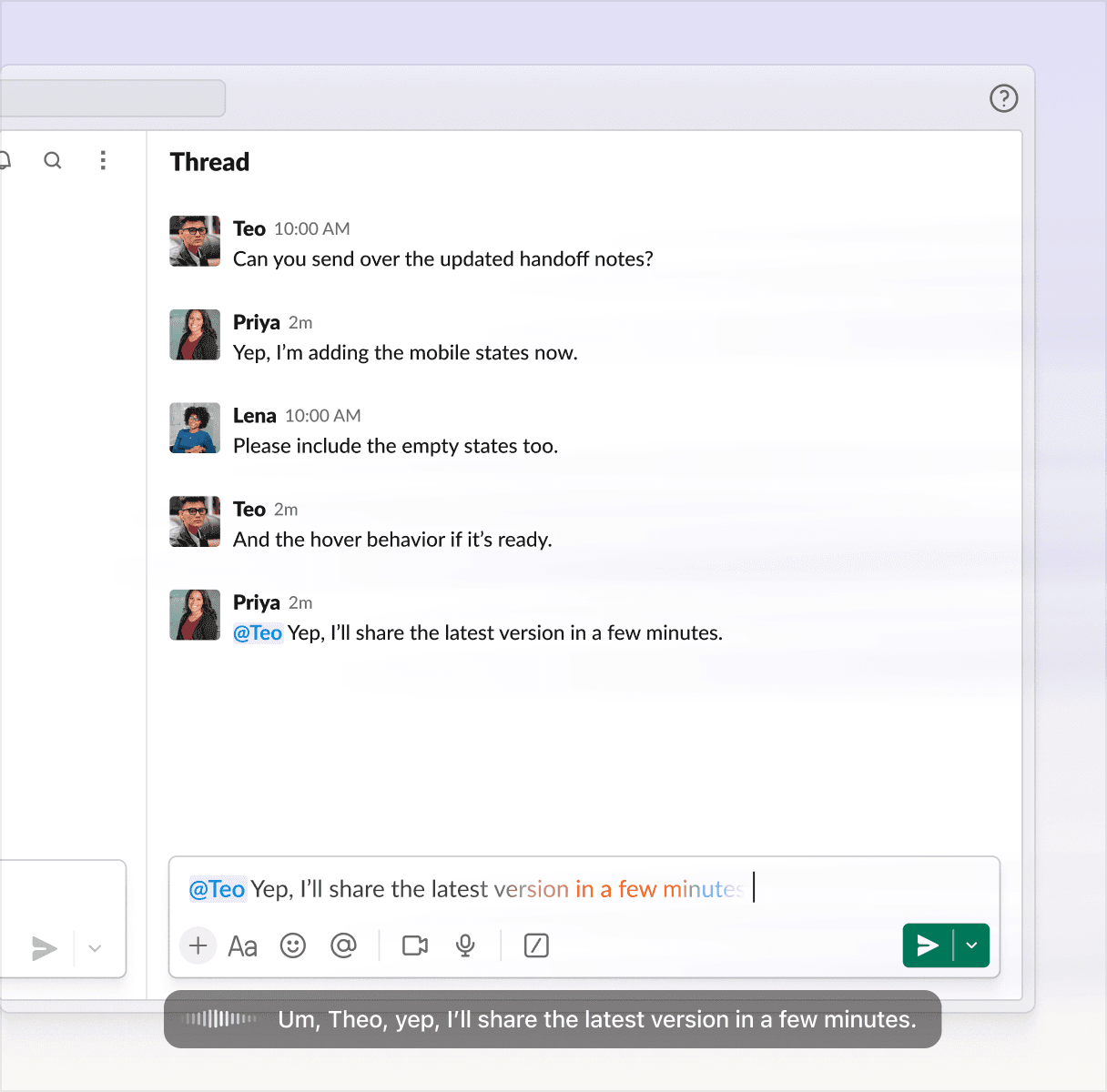
Features
It learns how you write
It learns how you write
Your vocabulary. Your tone per app. Your shortcuts. The more you use Willow, the less you think about it.
Your vocabulary. Your tone per app. Your shortcuts. The more you use Willow, the less you think about it.
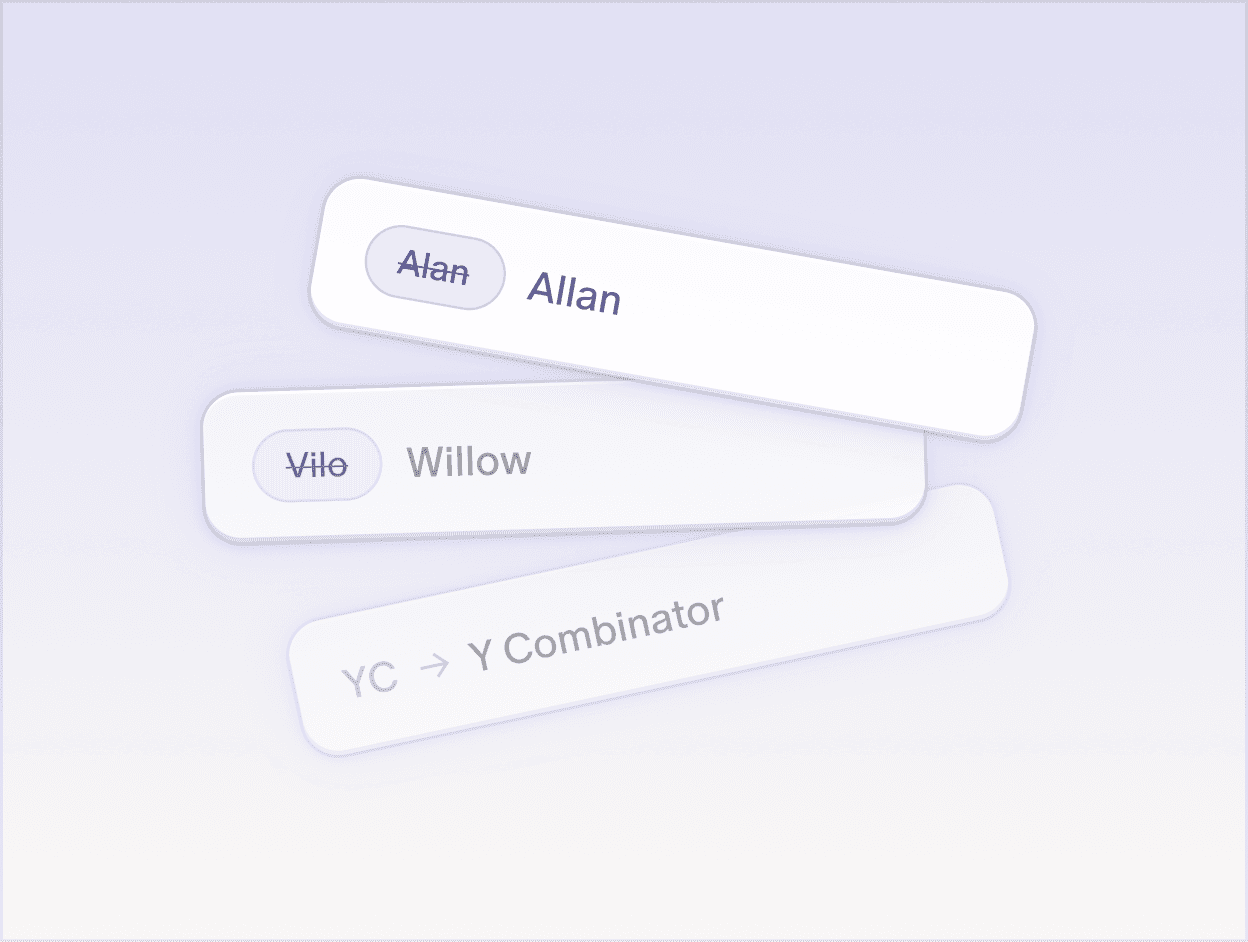
Auto-learning dictionary
Remembers names, product terms, and abbreviations so your words stay accurate.
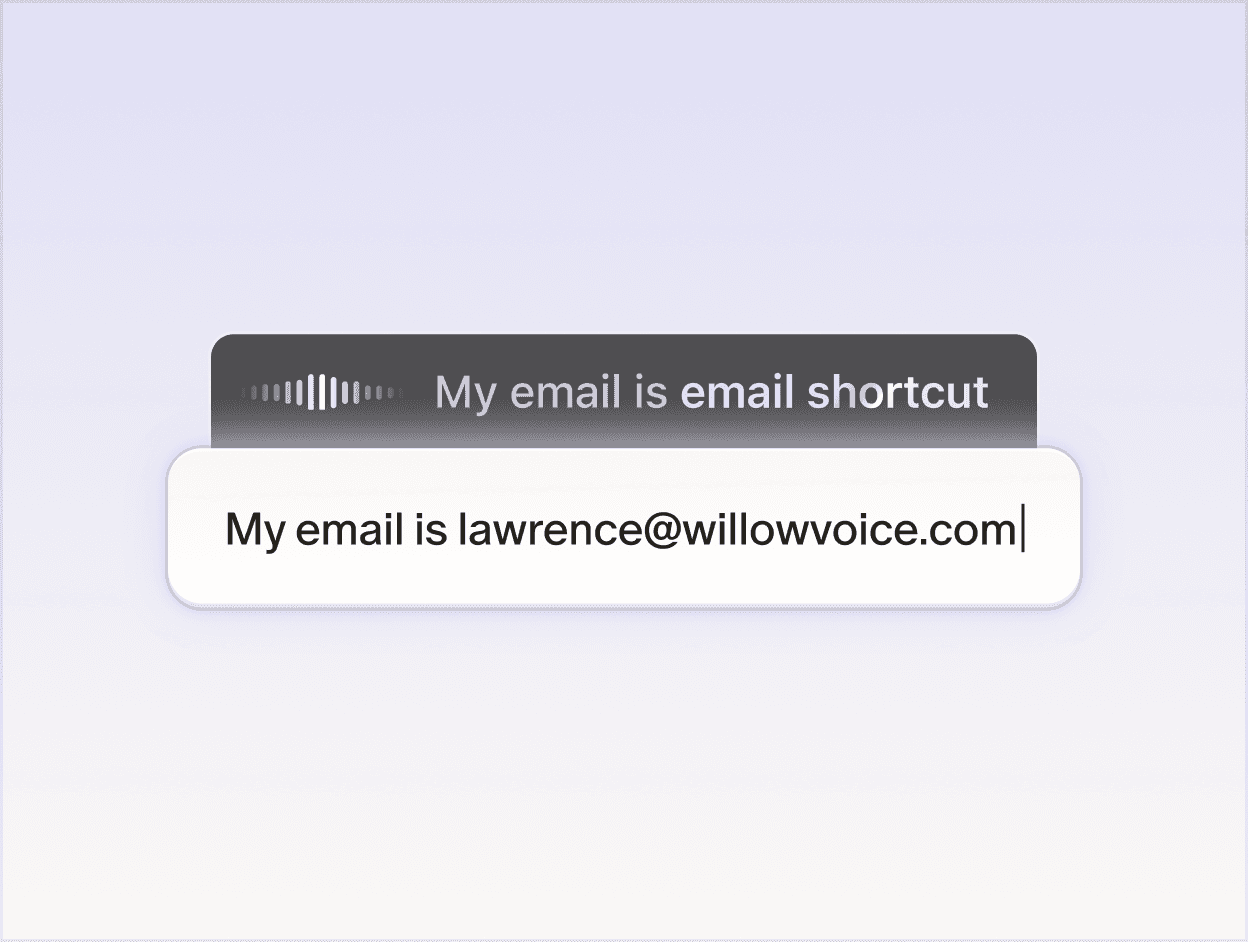
Shortcuts
Lets you save phrases you use often and insert them instantly with a simple command.
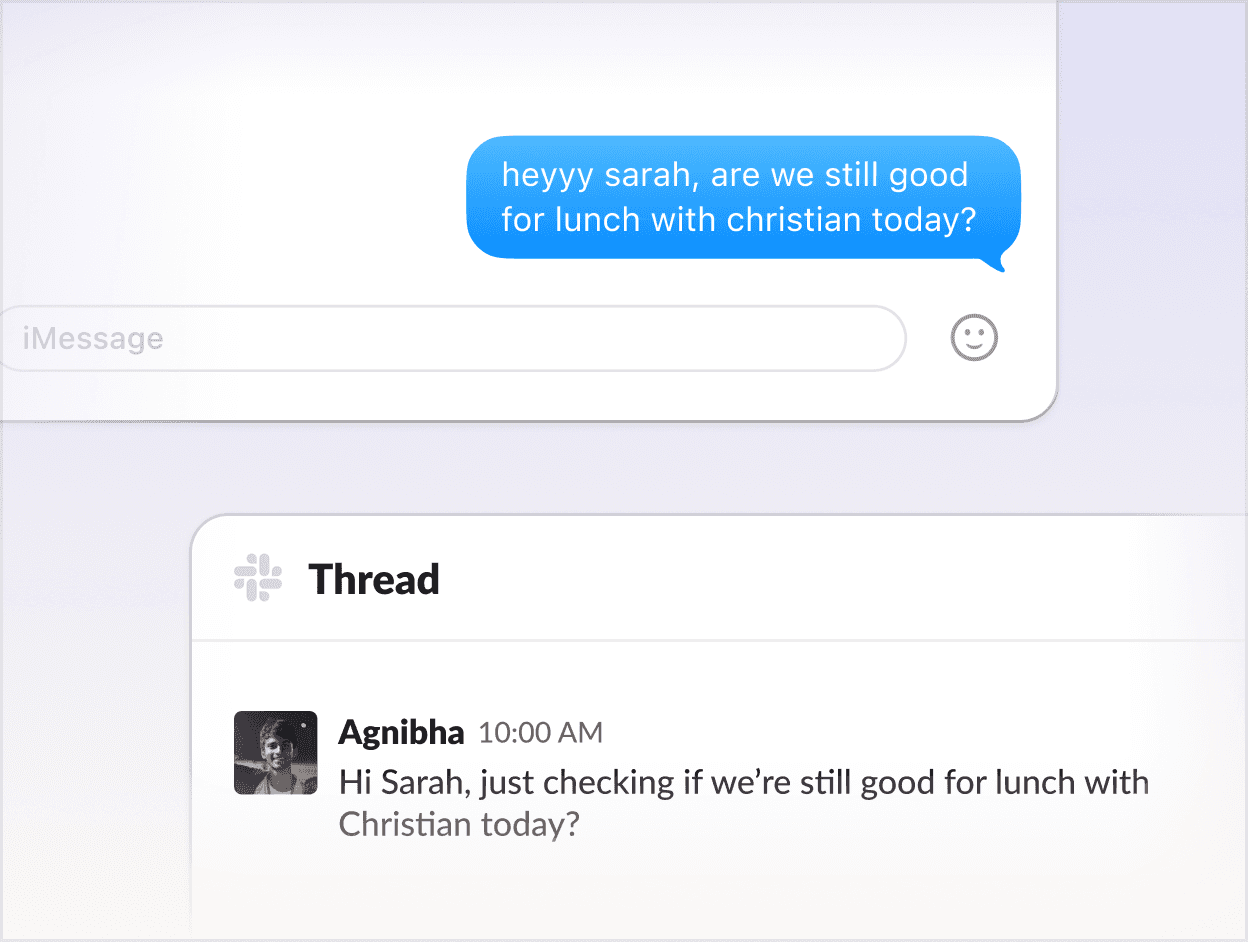
Your personal style
Dictate just the way you talk. The final result sounds exactly like you, not a robot.
Works however you do
Works however you do
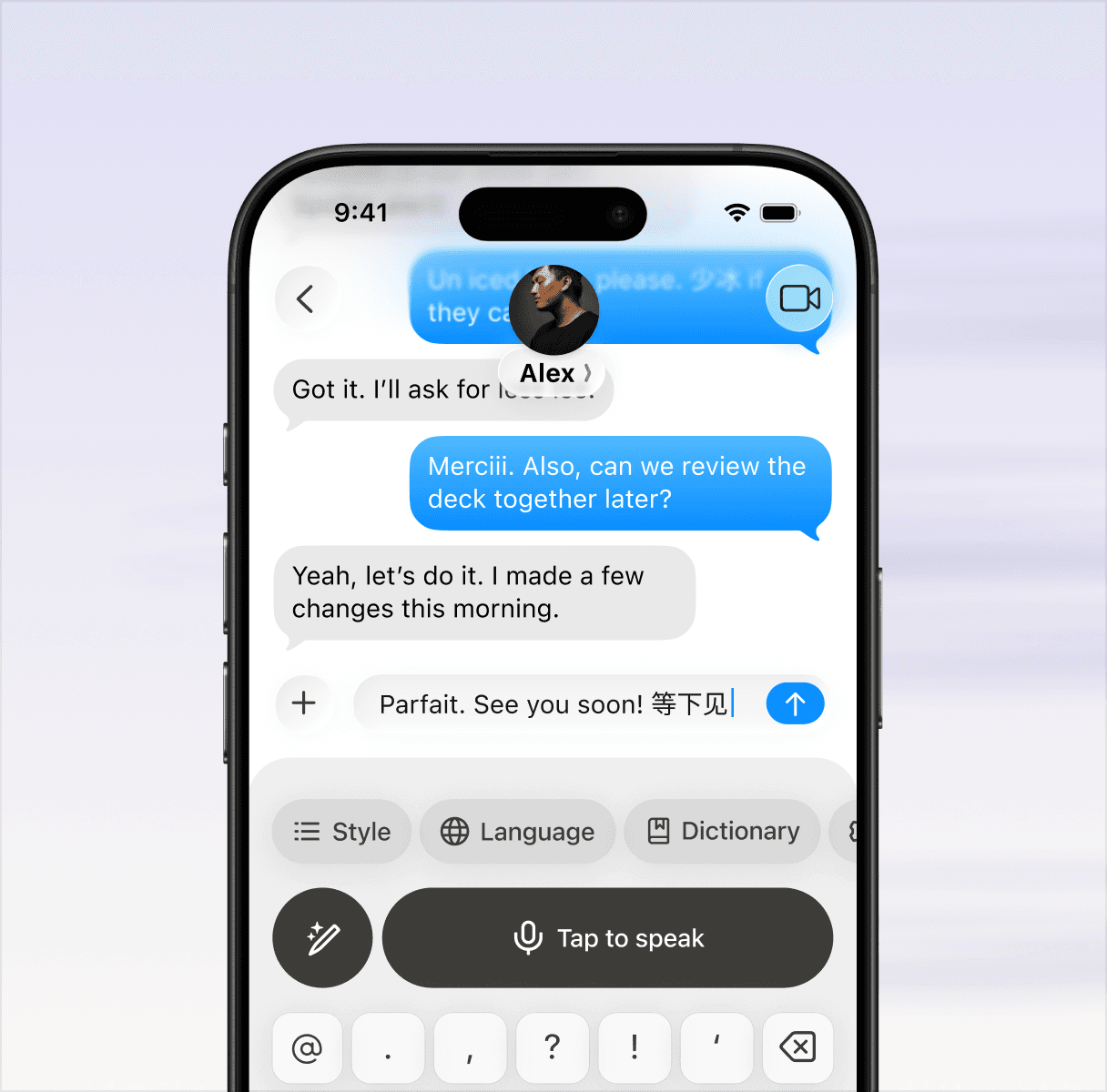
100+ languages. Any device. Online or off. Willow fits the way you already work.
100+ languages
Dictate in over 100 languages and switch anytime easily.
Offline mode
Dictate without internet, powered entirely by your device.
On any device
Works seamlessly across your Mac, PC, and mobile devices.
Smart formatting
Removes filler words, fixes punctuation, and formats your writing automatically.
Under 200ms
Under 200ms latency keeps up as you speak, making writing feel faster than typing.
3x accuracy
More accurate than built-in dictation, especially for names, terms, and everyday phrasing.
SOC 2 · HIPAA
Secure by default with SOC 2 Type II, HIPAA, zero retention, and encryption.
Any environment
Works whether you’re speaking normally, whispering, or dictating through background noise.
Developer integration
Reads code context so file names, variables, and functions come through correctly.
Wall of love
The busiest people found more time.
The busiest people found more time.
“Willow is the first dictation tool that really works and has changed my life.”
Noel Whittaker
Bestselling Finance Author

“I use Willow to dictate all my emails, docs, and Whatsapps, such a game changer and 5x faster.”
Harry Stebbings
Founder/Podcaster, 20VC

“Holy crap I feel I've just gotten superpowers. I used Willow to reply to Slack messages, draft emails, write long documents.”
Yaniv Bernstein
Host, The Startup Podcast

"The two tools I use most in my everyday work now are ChatGPT and Willow. "
Max Mullen
Founder of Instacart

"For decades I've wanted to just talk to my computer and have it work. Willow is the first time it actually did and it's delightful."
Alexis Ohanian
Founder of Reddit

“Willow Voice saves me so much time each day. Complete game changer.”
Kipp Bodnar
CMO at Hubspot

“Willow is the one productivity tool that I've stuck with because it's saved me hours of time.”
Geoff Donaker
Former COO, Yelp

“Willow is the first dictation tool that really works and has changed my life.”
Noel Whittaker
Bestselling Finance Author
“I use Willow to dictate all my emails, docs, and Whatsapps, such a game changer and 5x faster.”
Harry Stebbings
Founder/Podcaster, 20VC
“Holy crap I feel I've just gotten superpowers. I used Willow to reply to Slack messages, draft emails, write long documents.”
Yaniv Bernstein
Host, The Startup Podcast
"The two tools I use most in my everyday work now are ChatGPT and Willow. "
Max Mullen
Founder of Instacart
Questions? Answered.
Does Willow work in every app?
Yes. Willow works anywhere you can place your cursor on your computer. Slack, Gmail, Cursor, Notion, Google Docs, iMessage, any browser, any native app. No copy-paste and no app switching required.
Is my voice data stored or used for training?
Yes. Willow works anywhere you can place your cursor on your computer. Slack, Gmail, Cursor, Notion, Google Docs, iMessage, any browser, any native app. No copy-paste and no app switching required.
What is the difference between Dictation and Scribe?
Yes. Willow works anywhere you can place your cursor on your computer. Slack, Gmail, Cursor, Notion, Google Docs, iMessage, any browser, any native app. No copy-paste and no app switching required.
How is Willow different from other AI dictation tools?
Yes. Willow works anywhere you can place your cursor on your computer. Slack, Gmail, Cursor, Notion, Google Docs, iMessage, any browser, any native app. No copy-paste and no app switching required.
Questions? Answered.
Does Willow work in every app?
Yes. Willow works anywhere you can place your cursor on your computer. Slack, Gmail, Cursor, Notion, Google Docs, iMessage, any browser, any native app. No copy-paste and no app switching required.
Is my voice data stored or used for training?
Yes. Willow works anywhere you can place your cursor on your computer. Slack, Gmail, Cursor, Notion, Google Docs, iMessage, any browser, any native app. No copy-paste and no app switching required.
What is the difference between Dictation and Scribe?
Yes. Willow works anywhere you can place your cursor on your computer. Slack, Gmail, Cursor, Notion, Google Docs, iMessage, any browser, any native app. No copy-paste and no app switching required.
How is Willow different from other AI dictation tools?
Yes. Willow works anywhere you can place your cursor on your computer. Slack, Gmail, Cursor, Notion, Google Docs, iMessage, any browser, any native app. No copy-paste and no app switching required.
Questions? Answered.
Does Willow work in every app?
Yes. Willow works anywhere you can place your cursor on your computer. Slack, Gmail, Cursor, Notion, Google Docs, iMessage, any browser, any native app. No copy-paste and no app switching required.
Is my voice data stored or used for training?
Yes. Willow works anywhere you can place your cursor on your computer. Slack, Gmail, Cursor, Notion, Google Docs, iMessage, any browser, any native app. No copy-paste and no app switching required.
What is the difference between Dictation and Scribe?
Yes. Willow works anywhere you can place your cursor on your computer. Slack, Gmail, Cursor, Notion, Google Docs, iMessage, any browser, any native app. No copy-paste and no app switching required.
How is Willow different from other AI dictation tools?
Yes. Willow works anywhere you can place your cursor on your computer. Slack, Gmail, Cursor, Notion, Google Docs, iMessage, any browser, any native app. No copy-paste and no app switching required.
Your keyboard is optional now

Neque aliquam et duis felis nisi sit porttitor morbi ac. Purus non sapien placerat nibh.
Product
© Willow Care, Inc. 2025. All rights reserved
Your keyboard is optional now
Neque aliquam et duis felis nisi sit porttitor morbi ac. Purus non sapien placerat nibh.
Product
© Willow Care, Inc. 2025. All rights reserved
Your keyboard is optional now
Neque aliquam et duis felis nisi sit porttitor morbi ac. Purus non sapien placerat nibh.
Product
© Willow Care, Inc. 2025. All rights reserved